

MARVO Wireless Keyboard and Mouse Combo ergonomic silent
Product description
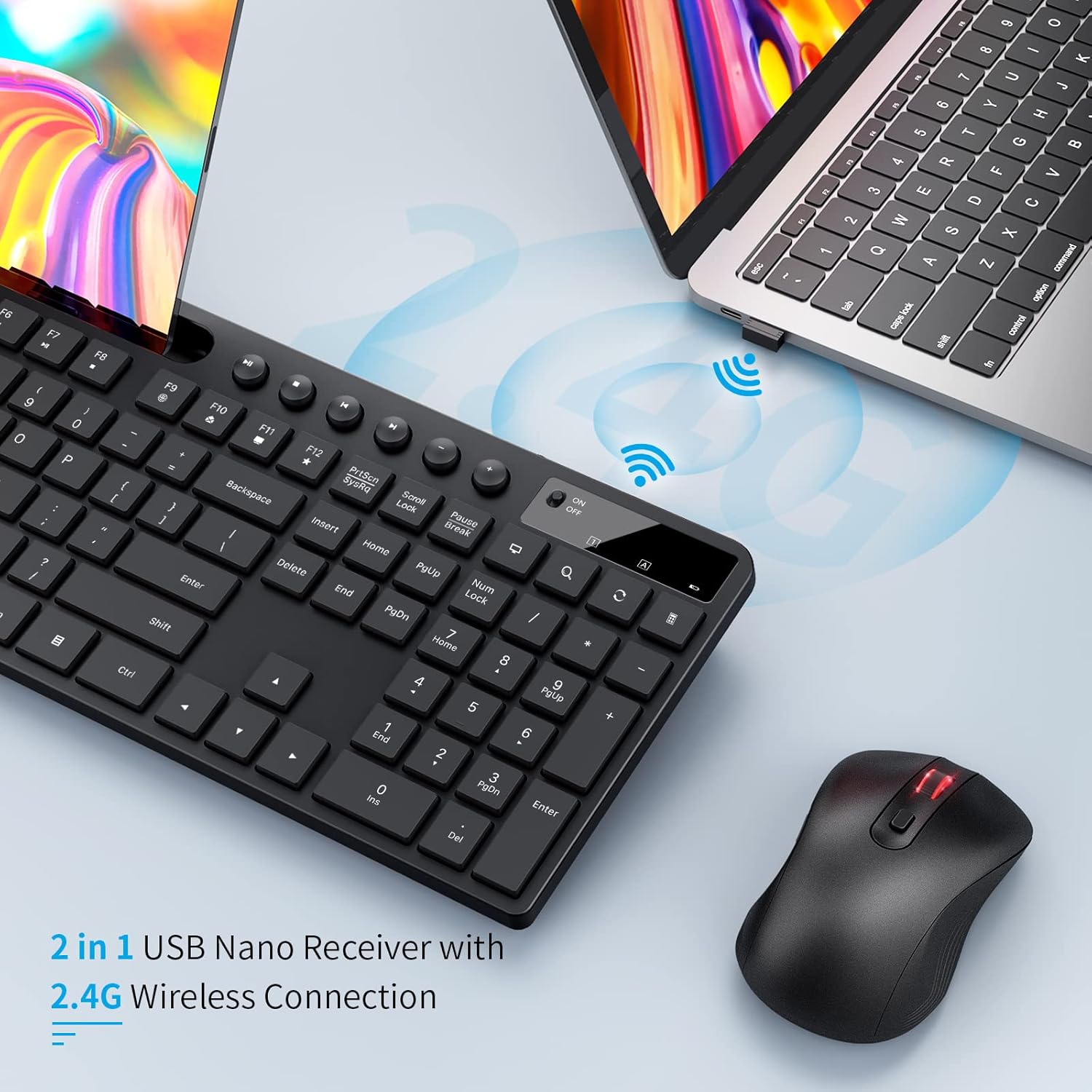
This compact wireless keyboard and mouse combo from MARVO brings quiet operation and ergonomic comfort to everyday computing, with a built-in phone and tablet stand that helps keep a 9.8-inch device visible while you type. It is designed for basic office work, browsing and remote meetings, offering a 2.4 GHz connection that pairs with laptops and desktops running Windows or macOS.
Key Points
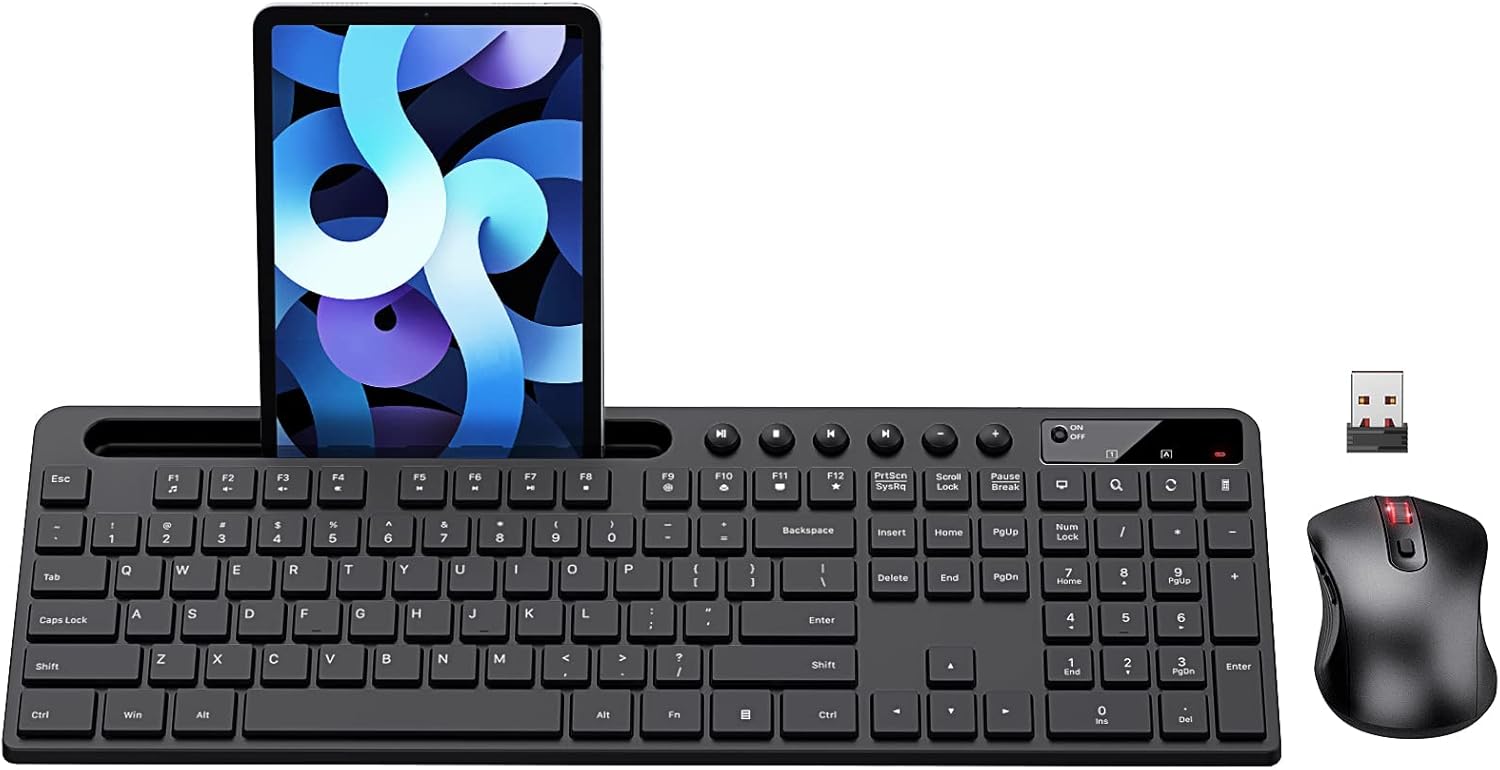
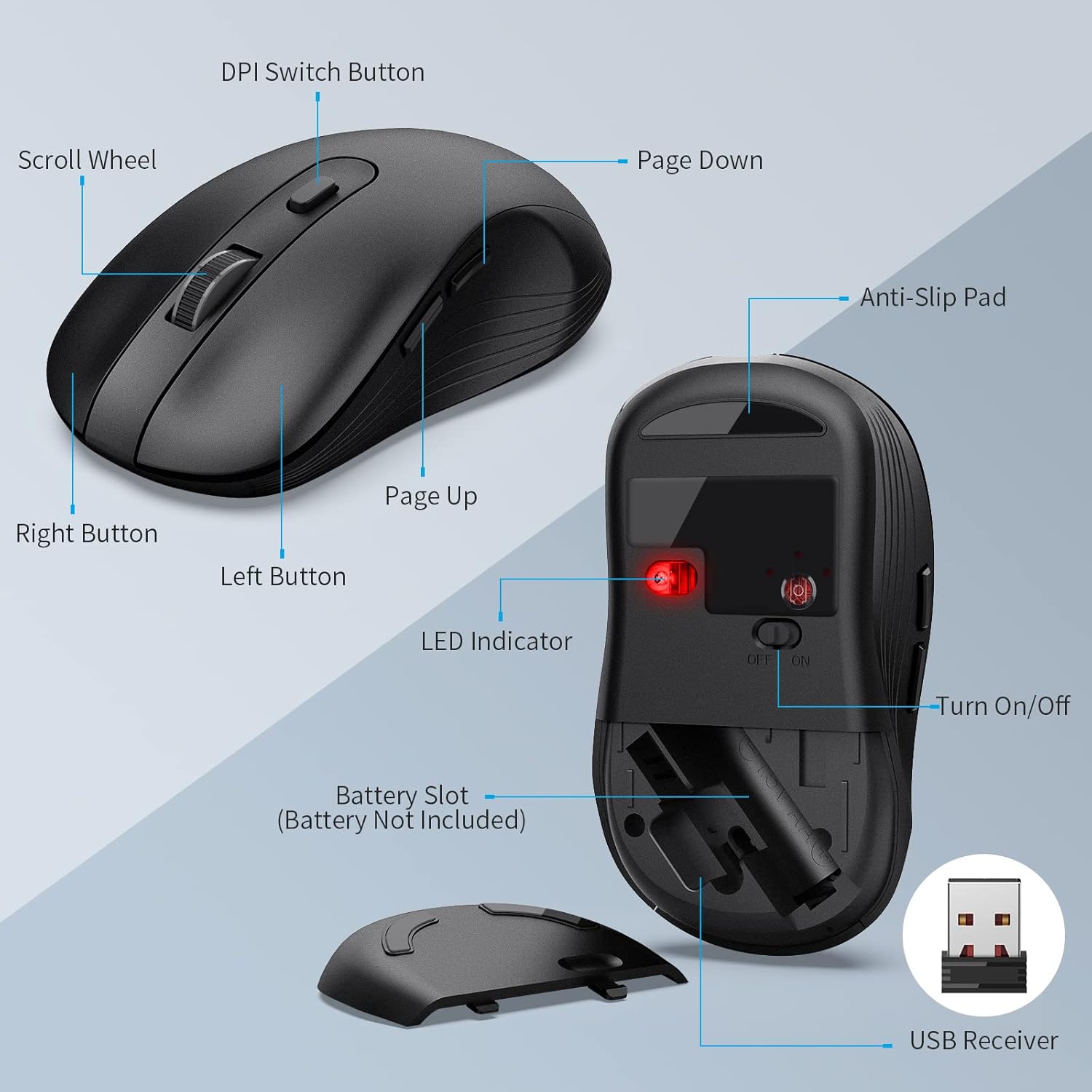
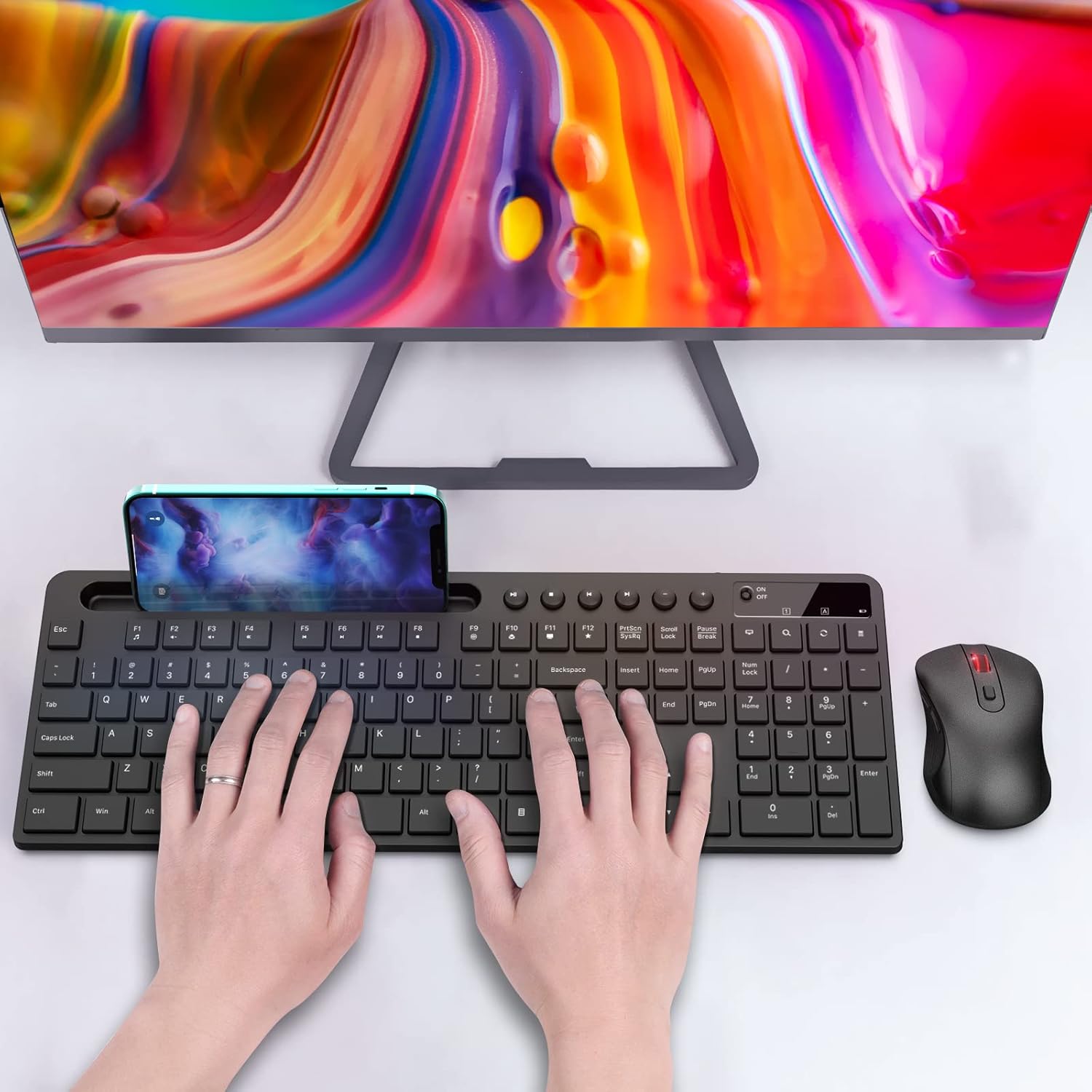
The keyboard uses a low-profile ergonomic layout that aims to reduce wrist strain during prolonged typing sessions. The included mouse is labeled silent and has six buttons with adjustable DPI, which makes it useful for both precise pointer movements and faster navigation. According to the manufacturer, the combo operates over a 2.4 GHz wireless link and is compatible with MacBook, Windows PCs and most laptops. The keyboard also features an integrated stand for phones and tablets up to about 9.8 inches, keeping a secondary screen at an easy glance without additional accessories. Batteries are not included, so plan to supply them separately.
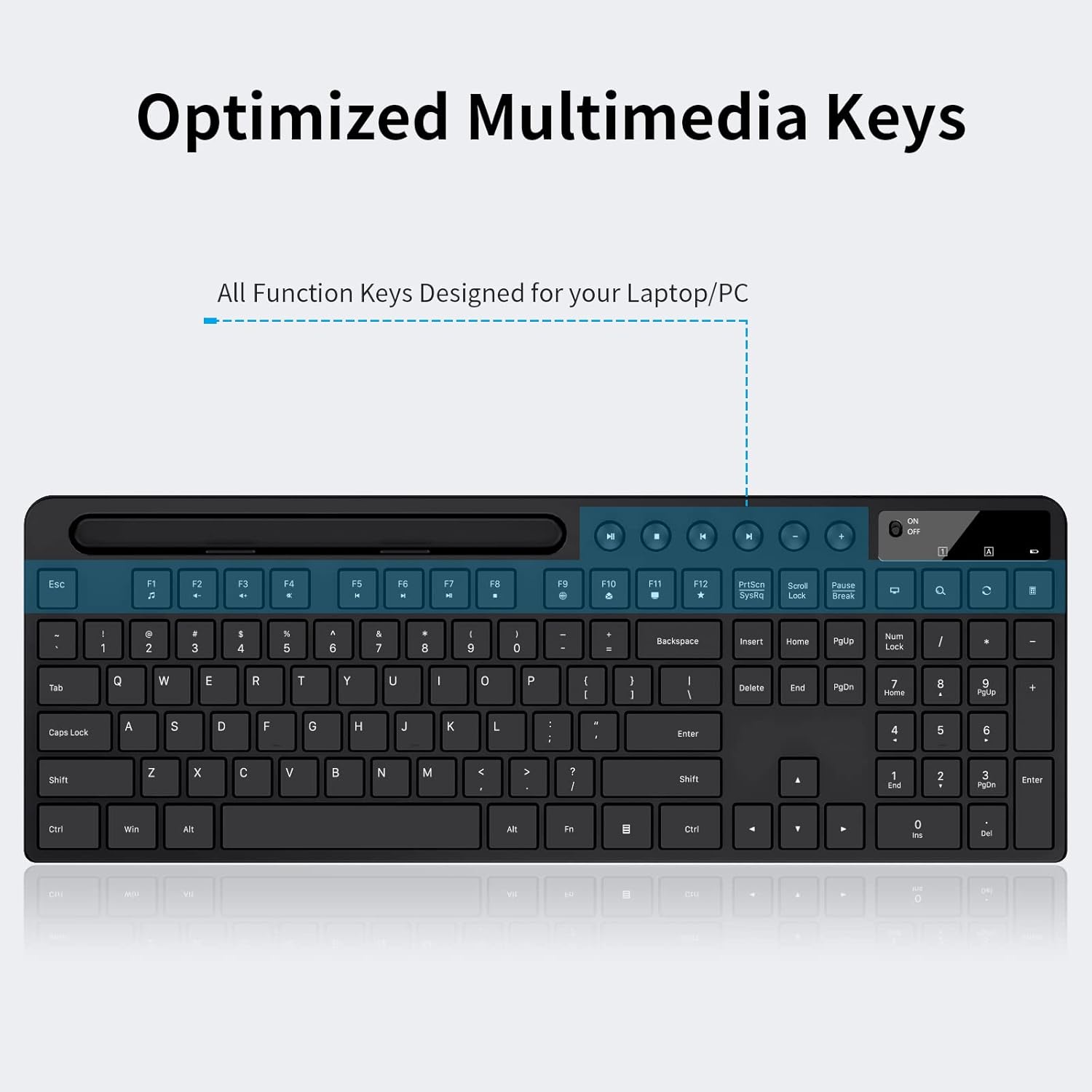
Technical Specifications
- Name: MARVO Wireless Keyboard and Mouse Combo
- Connection: 2.4 GHz wireless
- Mouse buttons: - 6-button silent mouse with adjustable DPI
- Device support: - Compatible with MacBook, Windows and laptop
- Stand capacity: - Phone/tablet holder up to 9.8 inches
Benefits

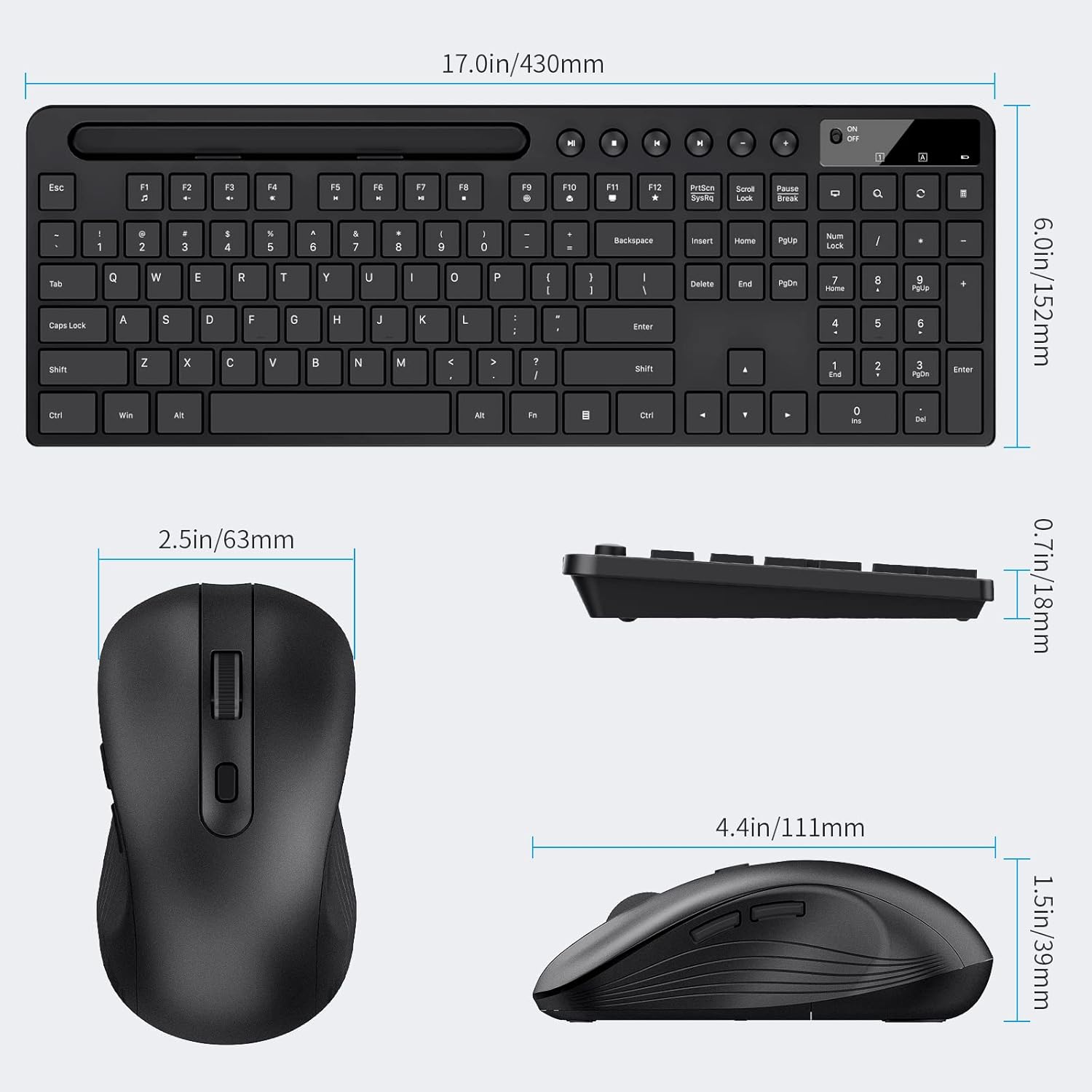
Using a quiet mouse helps reduce noise during concentrated tasks and in shared spaces. The adjustable DPI on the mouse allows you to switch between higher sensitivity for swift cursor movement and lower sensitivity for detail work. The keyboard’s ergonomic shape and low-profile keys make data entry and messaging more comfortable compared to standard flat designs. The integrated phone and tablet holder keeps a secondary screen upright for notifications or reference content, which can improve workflow when consulting documents or participating in calls.
Usage Recommendations
Place the receiver in a laptop or desktop USB port where it has a clear line of sight to avoid interference, and pair both devices as described in the product leaflet. For longer sessions, use a separate wrist rest if you need more support even though the keyboard is ergonomically shaped. Adjust the mouse DPI to match the task: lower DPI for editing and design work, higher DPI for navigating large screens or multi-monitor setups. Consider that batteries are required but not included, so have fresh AA or AAA batteries on hand according to the device battery compartments. According to the manufacturer, the product includes a one-year warranty which covers defects under normal use.