


Lovaky Wireless Keyboard Mouse Combo 🖱
Reviews
Price
Product description
This Lovaky Wireless Keyboard Mouse Combo offers a seamless plug-and-play experience for users seeking reliable, cord-free control over their devices. Designed for everyday computing tasks such as typing, browsing, and gaming, the combo delivers responsive performance without relying on extra drivers or complex setups. With a stable 2.4 GHz connection, it maintains consistent performance up to 10 meters from the receiver—ideal for users who value freedom of movement.
Key Points
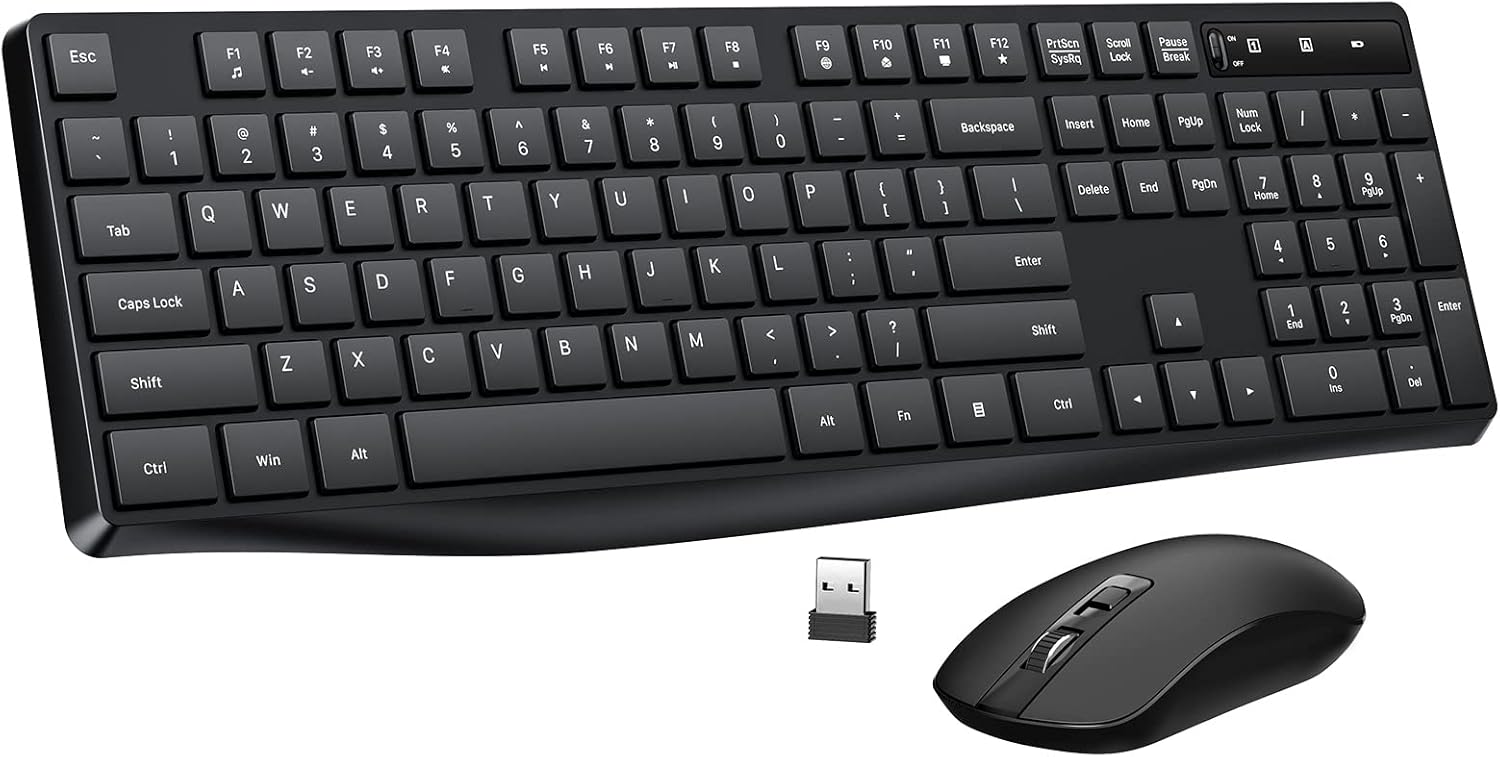
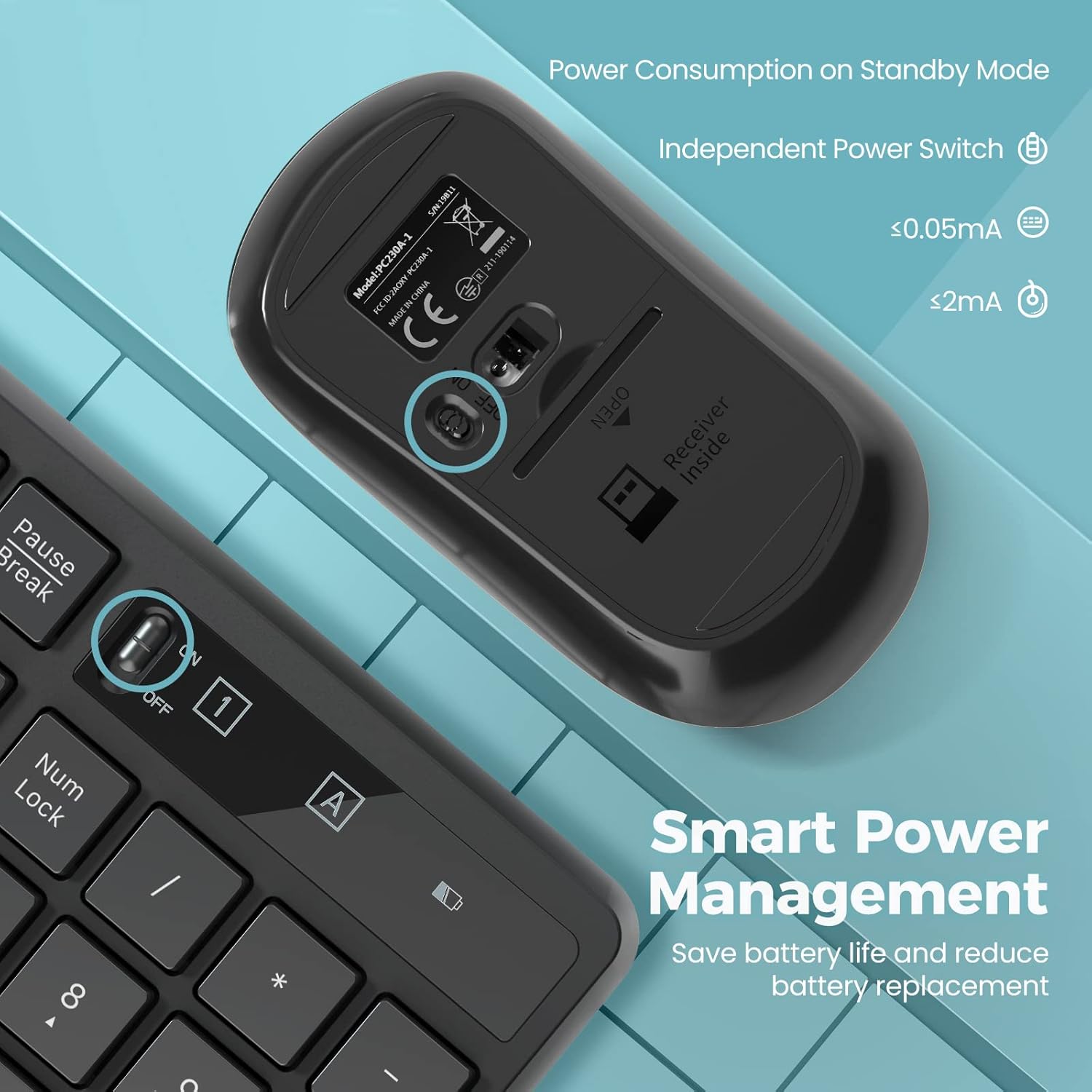
The Lovaky Wireless Keyboard Mouse Combo includes a full-size 104-key keyboard with a standard U.S. QWERTY layout, ensuring familiarity for most users. Each numeric key is spaced intentionally to reduce accidental presses and improve accuracy. A foldable wrist rest behind the keyboard supports a natural typing angle, enhancing comfort during extended use. Both devices feature energy-saving modes: the keyboard and mouse automatically enter sleep mode after 10 minutes of inactivity, helping preserve battery life.
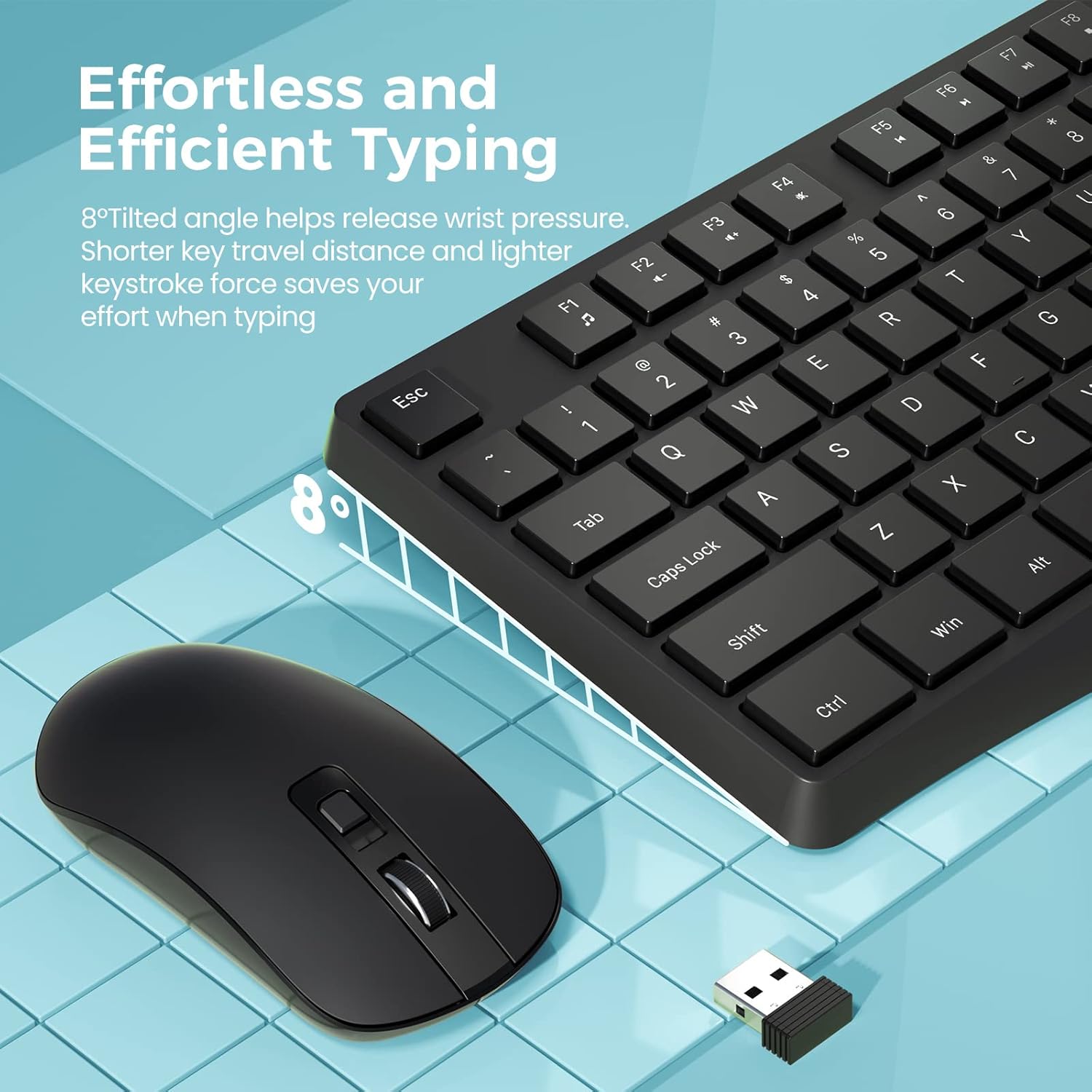
The mouse delivers a quiet, silent click that avoids disturbances during focused work or quiet hours. It supports three adjustable DPI levels—800, 1200, and 1600—allowing users to tailor sensitivity to different activities like document editing or gaming. Power is managed through dedicated switches; the keyboard uses one AAA battery, while the mouse requires two.
Technical Specifications
- Brand + Model: Lovaky Wireless Keyboard Mouse Combo
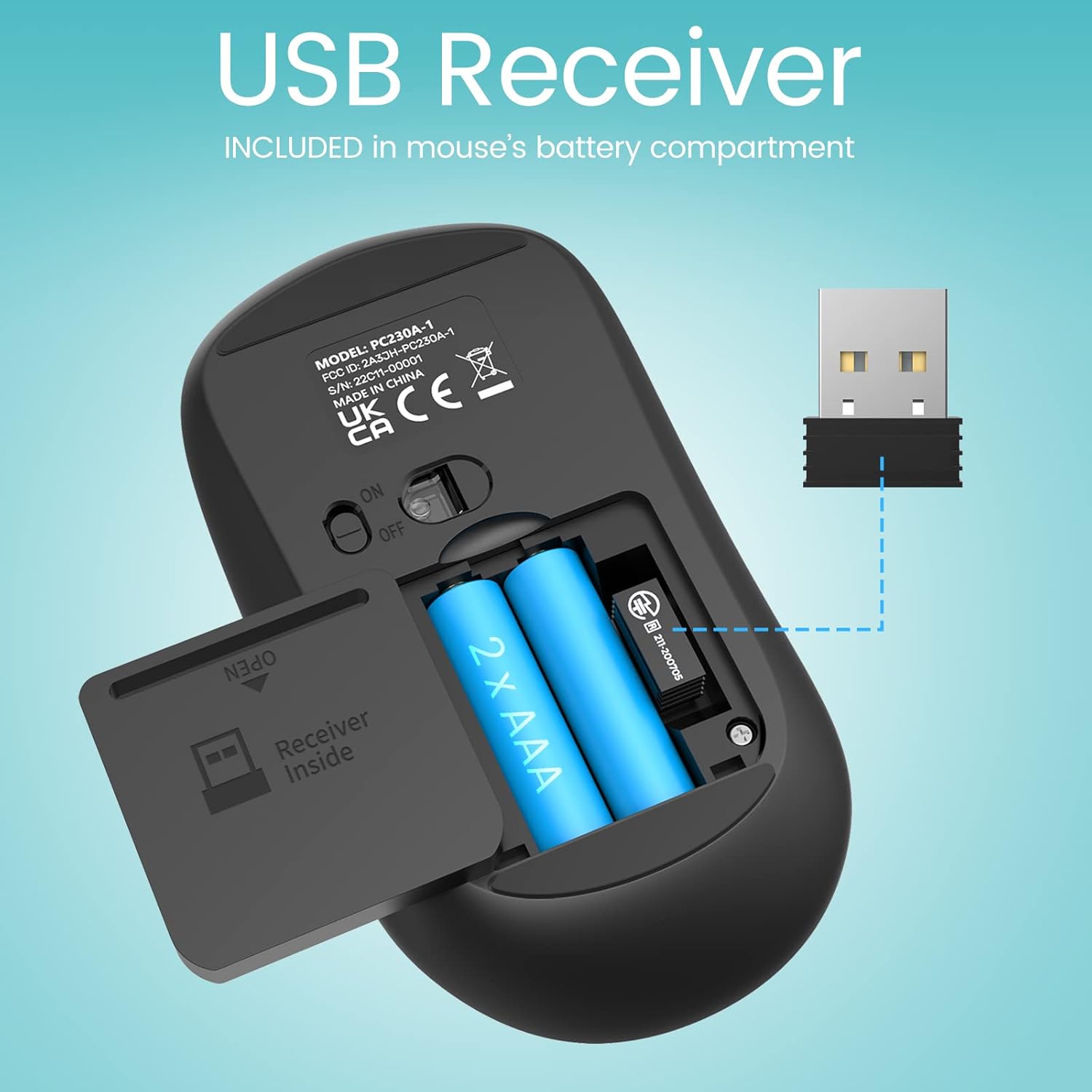
- Connection Type: 2.4 GHz wireless with USB receiver (included)
- Keyboard Keys: 104 keys, full-size QWERTY layout
- Mouse DPI Levels: 800, 1200, 1600
- Battery Life: Keyboard (AAA), Mouse (2 x AAA)
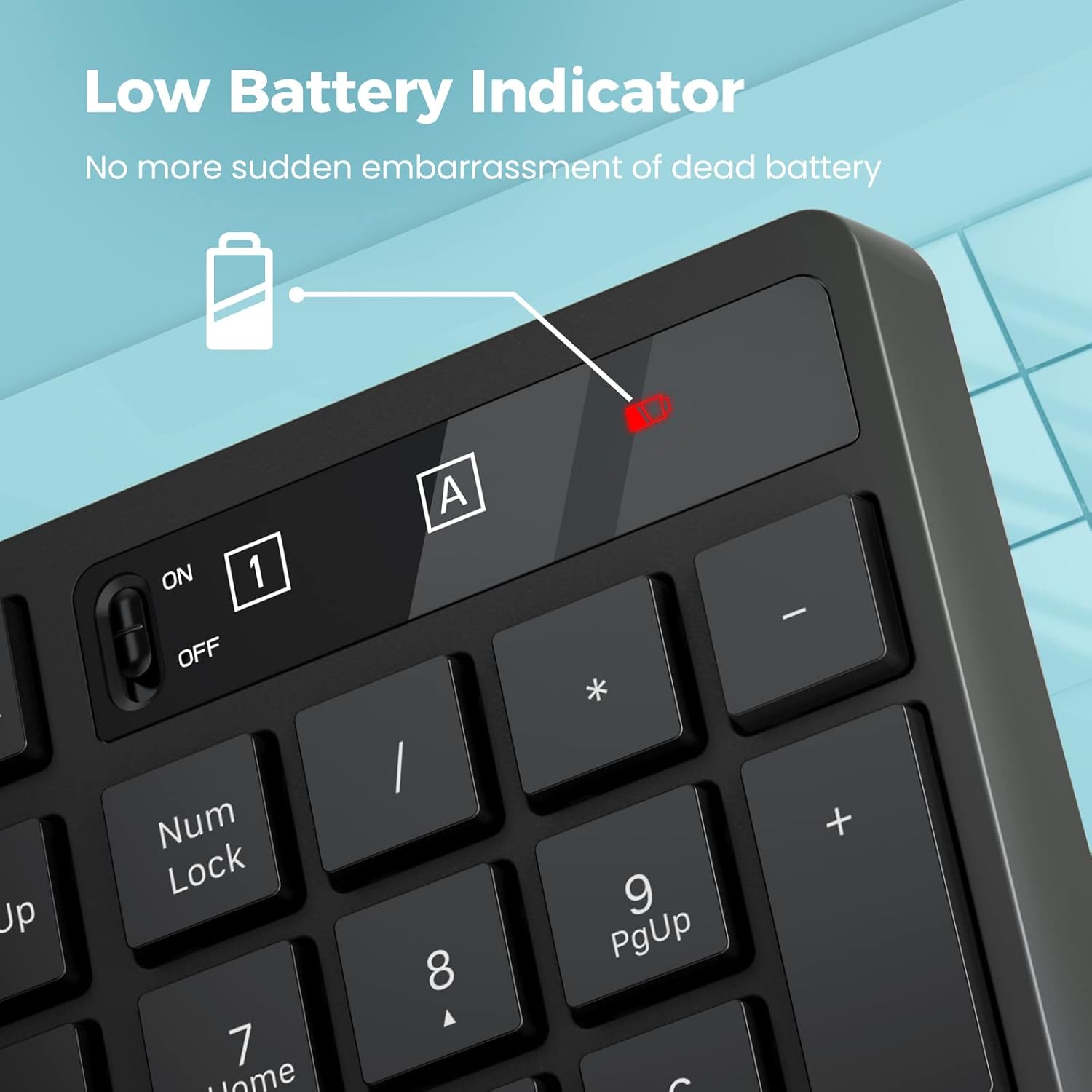
- Power Indicator: LED light blinks 5–8 seconds when disconnected or low battery is detected
- Compatibility: Windows XP, Vista, 7, 8, 10

Usage Recommendations
For daily use on desktops, laptops, or portable devices, this combo performs well with minimal setup. It’s especially helpful for users who prefer to avoid cluttered USB ports or wired peripherals. The silent click on the mouse makes it suitable for shared workspaces or late-night sessions. Adjust DPI settings based on your activity—use 800 for general typing, 1600 for fast navigation or gaming.
Keep the devices charged regularly, as the sleep mode helps conserve power but does not extend battery life indefinitely. The keyboard’s foldable support is best used during prolonged writing sessions to reduce strain. If you frequently move between locations, consider carrying the receiver in a pocket or bag to maintain consistent connectivity.
A small limitation is that the combo does not support macOS or Linux systems. Performance may vary slightly under high-traffic multitasking scenarios.