

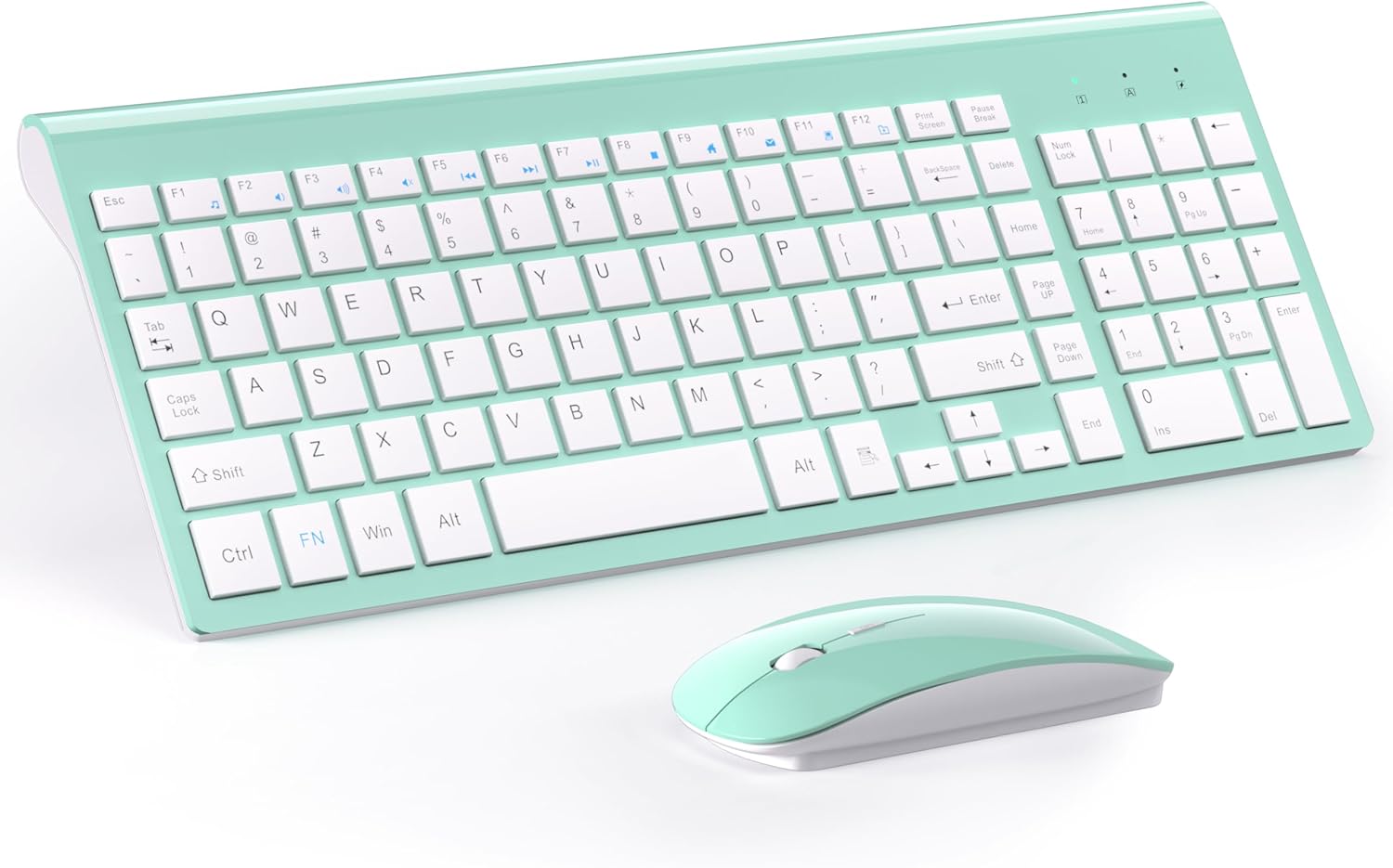
TopMate Wireless Keyboard and Mouse Ultra Slim Combo (2.4G, USB Nano Receiver, Silent Compact Set) – White
Reviews
Price
Product description
The essentials
If you want a clean desk and a simple setup, the TopMate Wireless Keyboard and Mouse Ultra Slim Combo is built for that exact vibe. It pairs a compact, ultrathin keyboard with a matching wireless mouse, then connects through a 2.4G USB nano receiver for a “plug it in and go” experience.
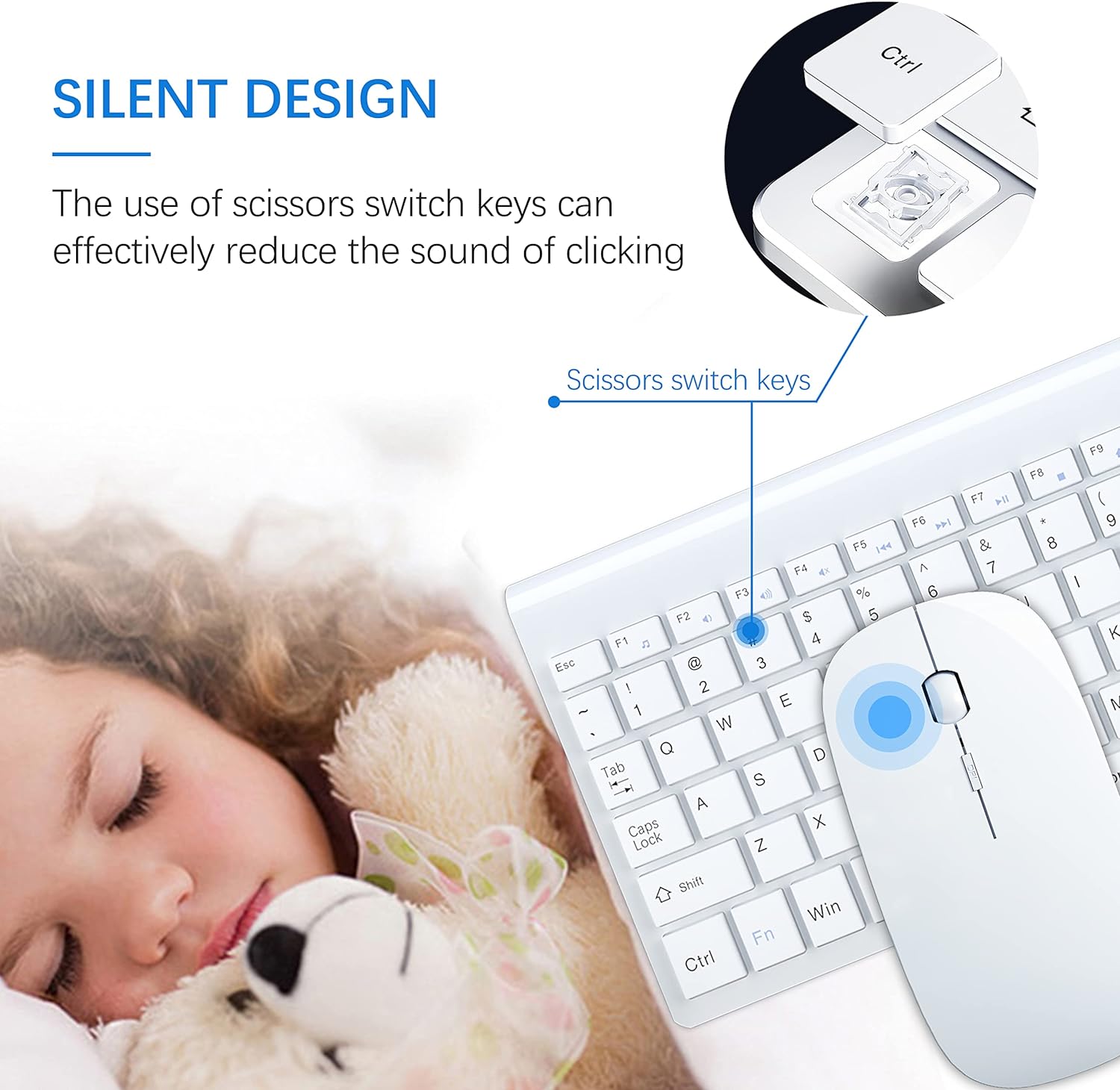
On paper, it’s a practical choice for everyday tasks—email, web browsing, and office work—especially if portability matters. The keyboard body is described as ultrathin (4.9 mm) and the mouse uses a silent approach (“silent compact” is how it’s positioned), which can help if you share a workspace or just prefer less clicky input. Still, this combo isn’t trying to be a gaming-grade powerhouse, it’s more about convenience and reducing desk clutter.
One more thing to keep in mind: it’s not Bluetooth. The listing calls out that it’s designed for Windows (with specific versions mentioned) and that it uses a 2.4G nano receiver, not Bluetooth wireless.
Key features that actually matter day to day
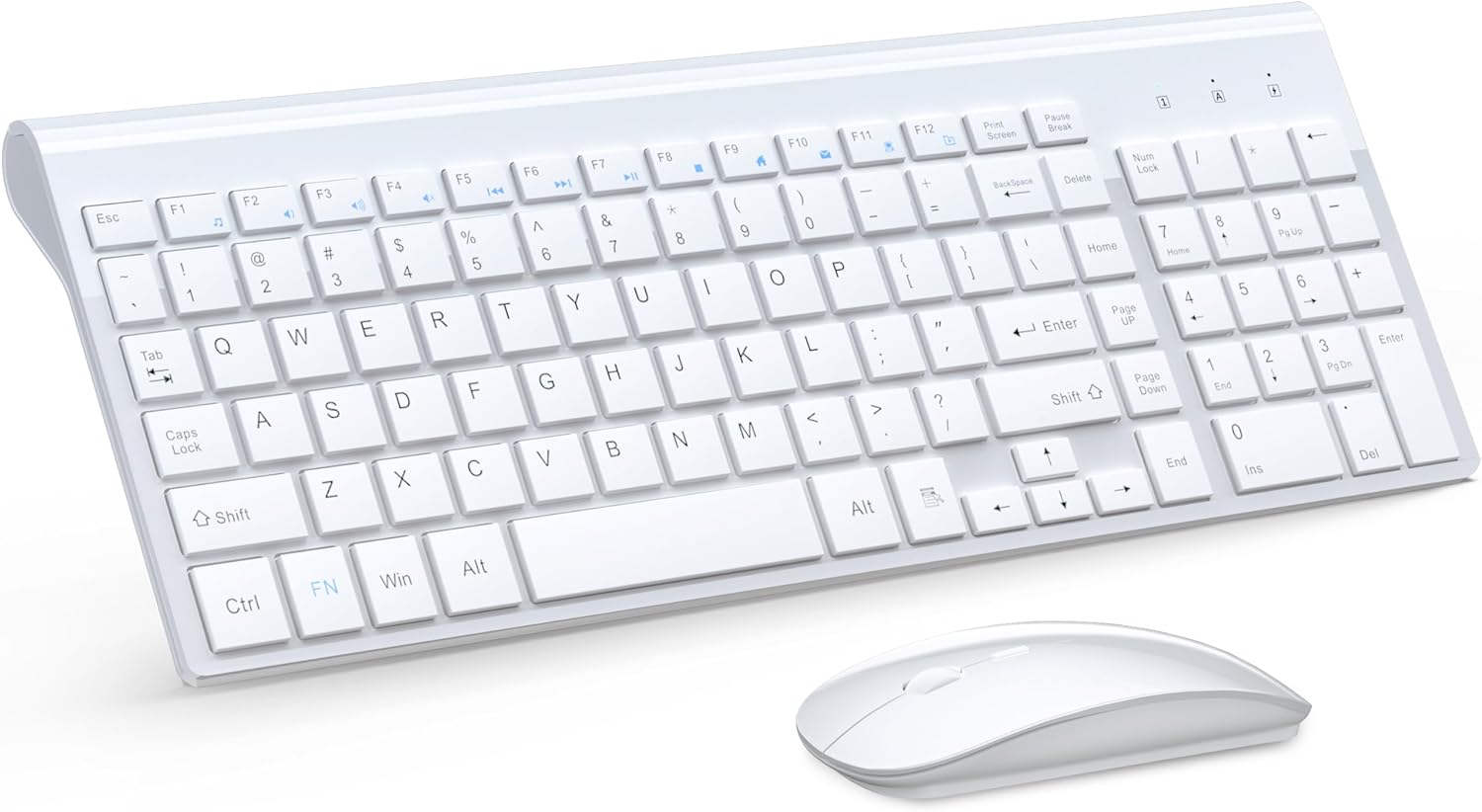
The combo is centered on two ideas: slim form factor and straightforward wireless.
First, the wireless connection is via a “new Nano receiver” at 2.4G, with an advertised wireless operating distance of up to 10 meters. That’s useful if you’re sitting a bit farther from your laptop or you like some cable-free flexibility in your setup.
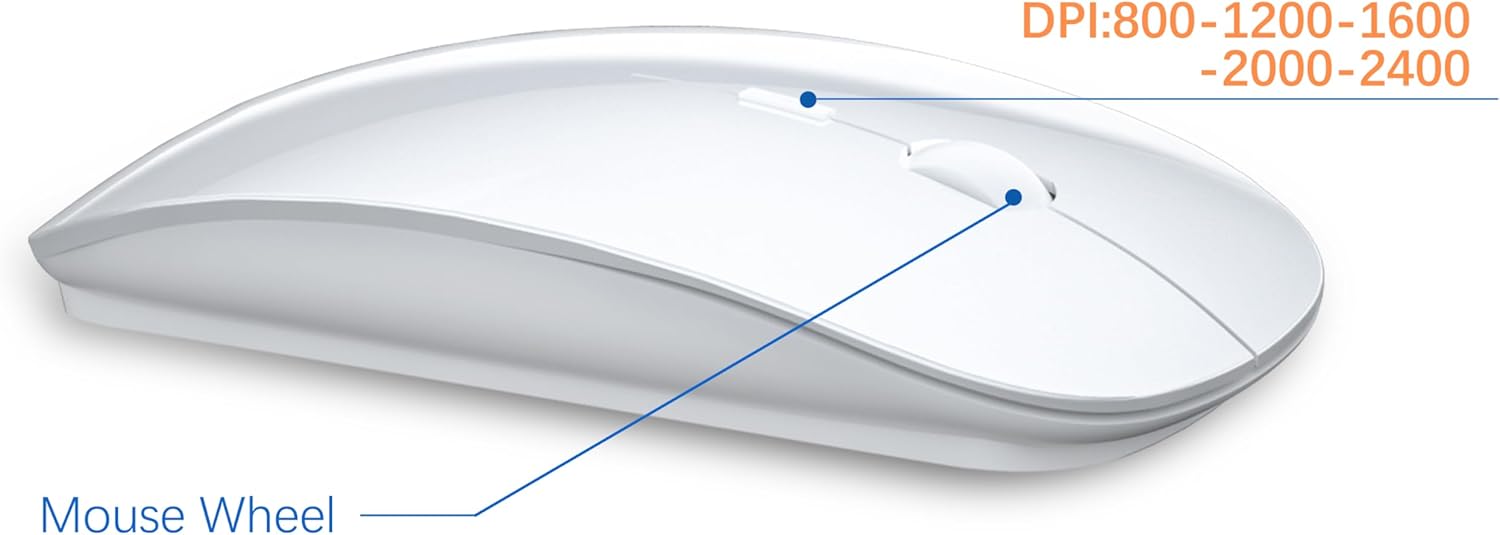
Second, the mouse includes DPI adjustment. The input described includes setting choices of 1000/1600 DPI, plus a note about “adjustment” for tuning responsiveness. If you’re switching between text-heavy work and quick page navigation, having DPI options can be handy—though it’s still a compact, everyday sensor approach rather than something you’d buy specifically for precision esports.
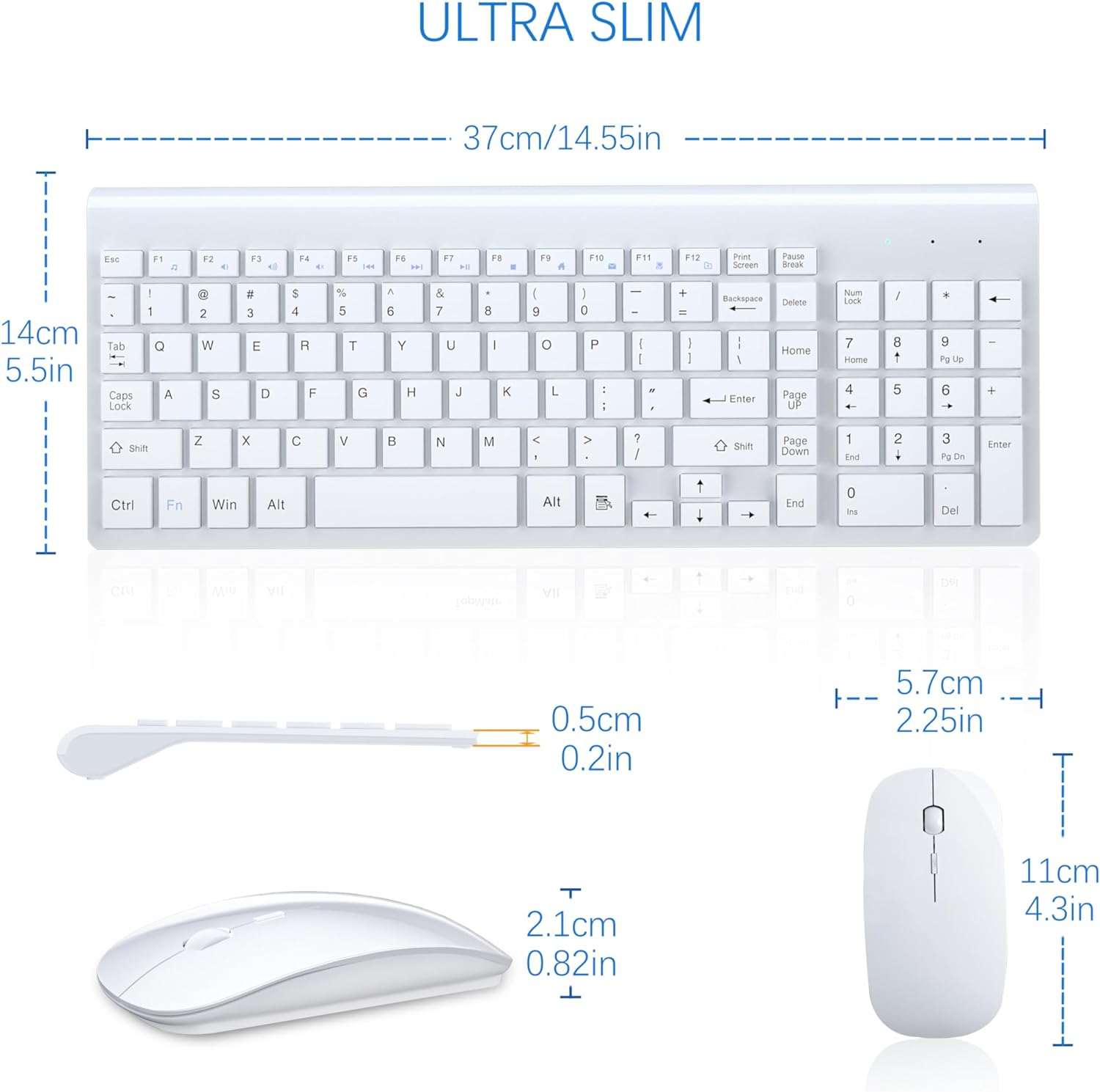
The keyboard is described as ultrathin with a plastic ABS body and “chocolate button” style keys, and the overall set is said to be relatively small for smaller hands. If your hands run small to medium, you may find it feels comfortable without being bulky.
Specs you should review before buying
Here are the details from the listing that affect compatibility and use.
Tech specs
- Name: Wireless Keyboard and Mouse Ultra Slim Combo
- Brand: TopMate
- Wireless type: 2.4G (USB Nano receiver)
- Bluetooth: Not compatible (Bluetooth not supported)
- Wireless range: Up to 10 meters (as stated in the listing)
- Mouse DPI options: 1000/1600 DPI (as stated in the listing)
- Keyboard thickness: 4.9 mm ultrathin body (as stated in the listing)
- Intended use: For PC/Laptop, for Windows/Mac (Bluetooth not mentioned, receiver-based connection implied)
- Compatibility notes: “Plug and Play for Windows 10 or later, Windows 8/7/Vista/XP/Cromo” (exact wording from listing)
- Battery note: Batteries included
What stands out (and where it may feel limited)
What you’ll likely notice first is the form factor. An ultrathin keyboard plus a compact mouse can make a real difference on small desks or in a travel setup. For example, if you’re working from a laptop on a couch or in a small home office, using a slim keyboard with a dedicated mouse often feels more comfortable than trying to type and track using only a laptop.
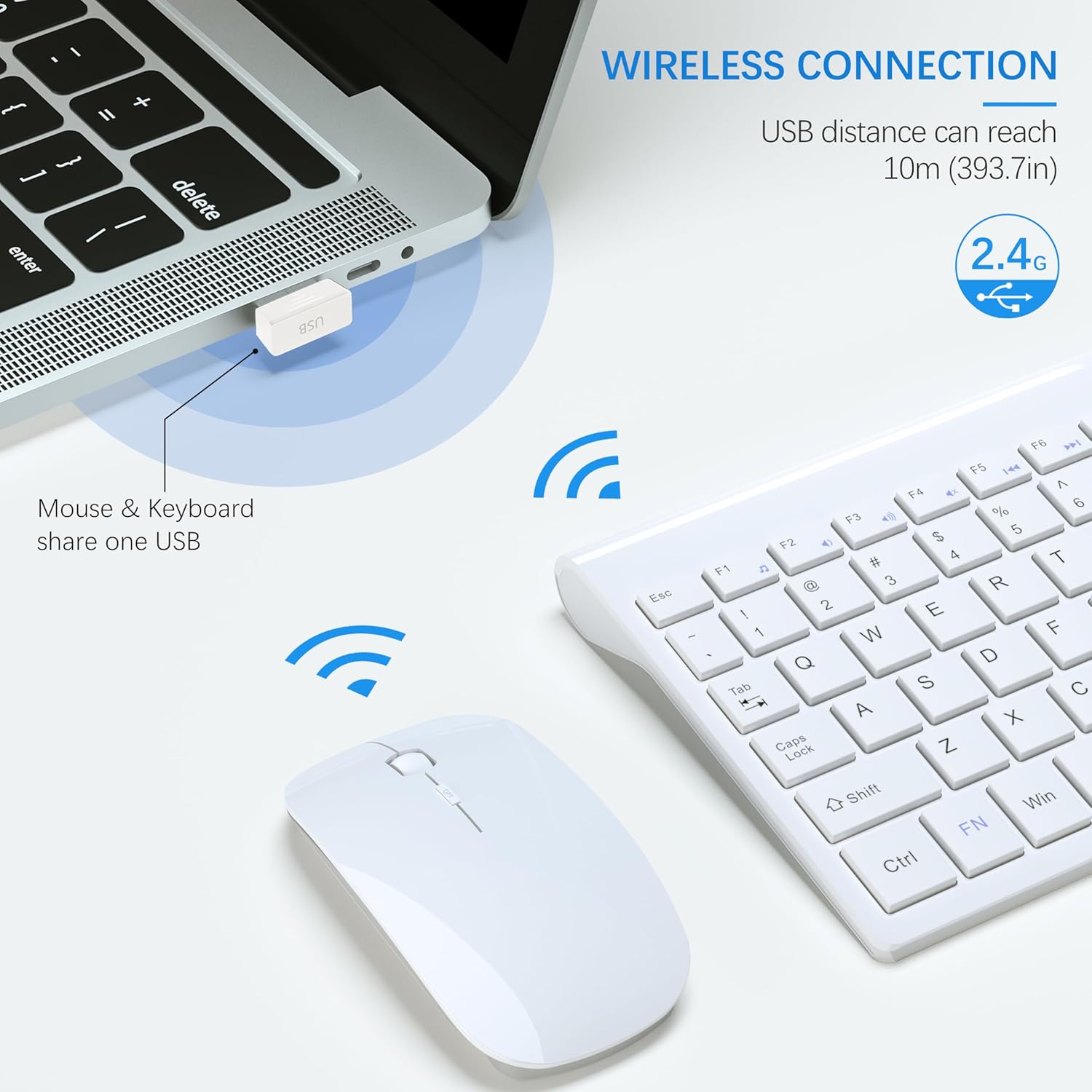
The second real win is the setup method. “Plug and Play” is called out for Windows versions listed, and it relies on a nano USB receiver rather than pairing menus. That matters if you just want peripherals to work without fuss.
Now, the limitation side: it may not suit people who need Bluetooth flexibility or who want advanced customization. Since it’s not Bluetooth, you’re relying on the USB nano receiver. Also, it’s positioned as “silent compact,” but the listing doesn’t provide measurable noise reduction details—so if you’re extremely sensitive to sound, you may want to consider whether “silent” matches your expectations.
Everyday use and best use cases
This combo fits well when your priority is simple, everyday input.
A realistic scenario: you plug the nano receiver into your Windows laptop, set the mouse DPI to 1000 for smoother text work, and keep the keyboard positioned comfortably while you write emails and browse. The ultrathin keyboard profile can make it feel less intrusive, and the smaller overall design could be a better match if you don’t want a wide, full-size layout.
It’s also the kind of set you might keep as a backup in a home office—especially because the listing says batteries are included.
Careful buyer notes (so you don’t get stuck)
Before you commit, double-check these purchase basics:
- Connection method: It uses a 2.4G USB nano receiver and is not compatible with Bluetooth.
- Compatibility: The listing specifically mentions “Plug and Play” for Windows 10 or later and older Windows versions listed. If your setup relies on Bluetooth peripherals, this may not match.
- Size comfort: The set is described as relatively small and suited for smaller hands. If you prefer a larger keyboard or wider mouse shape for long sessions, it might feel cramped.
Should you buy it?
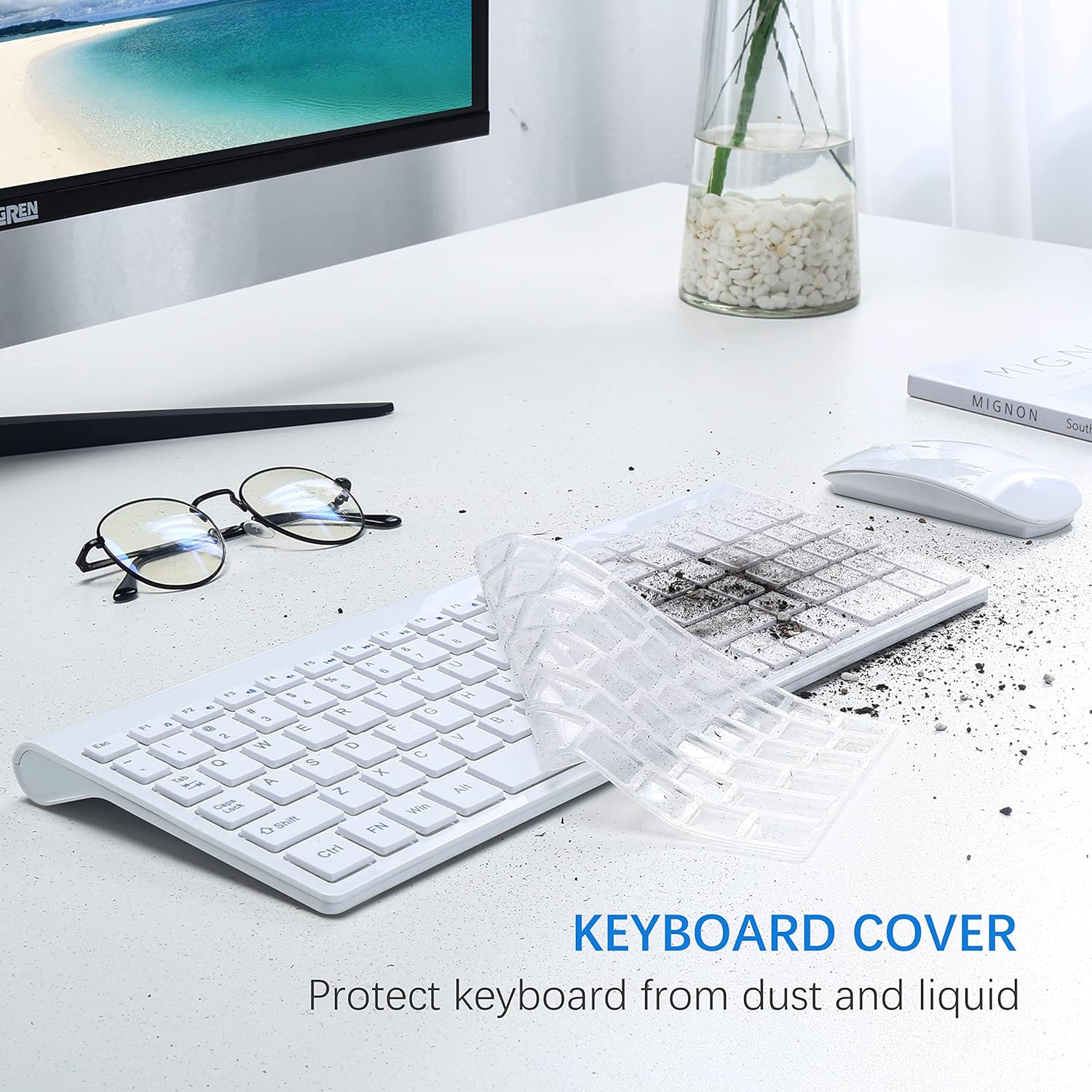
This is a solid pick if you want a slim wireless keyboard and mouse combo that connects through a 2.4G nano receiver and you’re using a Windows setup that matches the listing’s plug-and-play notes. If you value a tidy desk, compact gear for travel, and basic mouse DPI tuning (1000/1600), it makes sense.
You may want to skip it if you specifically need Bluetooth support, if you’re expecting a premium, feature-heavy keyboard layout, or if you strongly prefer full-size peripherals. It’s more of a practical everyday bundle than a high-end performance tool.
Quick FAQ
1) Does this keyboard and mouse support Bluetooth?
No. The listing states it is not compatible with Bluetooth, and it uses a 2.4G USB nano receiver.
2) What Windows versions does it work with?
The listing calls out plug-and-play support for Windows 10 or later and Windows 8/7/Vista/XP (and “Cromo,” as written).
3) How far does the wireless connection reach?
It’s listed as working up to 10 meters (as stated in the product info).
4) Can you adjust mouse sensitivity?
Yes, the mouse DPI is described with settings of 1000/1600 DPI.
5) Are batteries included?
Yes, batteries are included according to the listing.