

LitONES Video Conference Lights 2-pack for Desktop
Reviews
Price
Product description
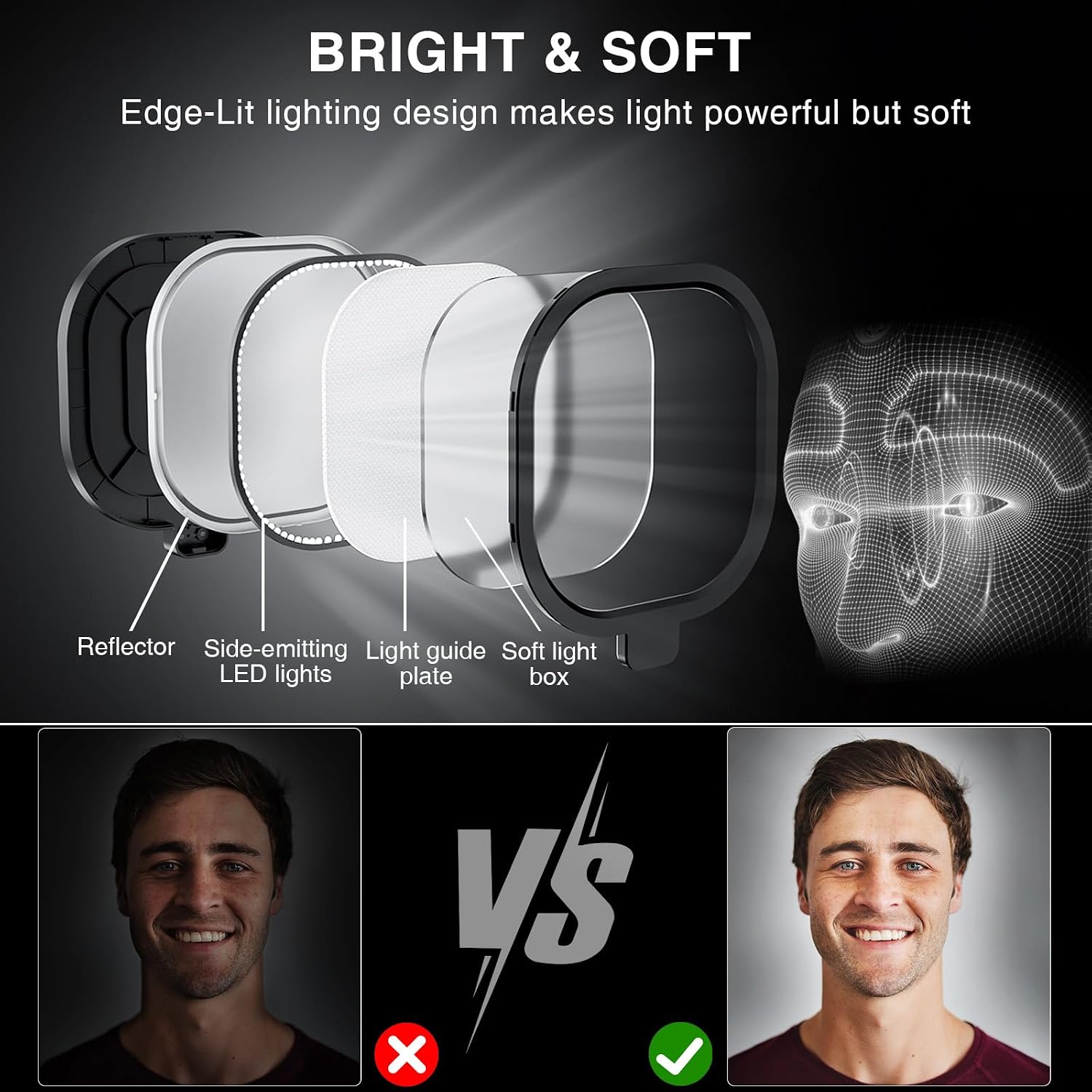
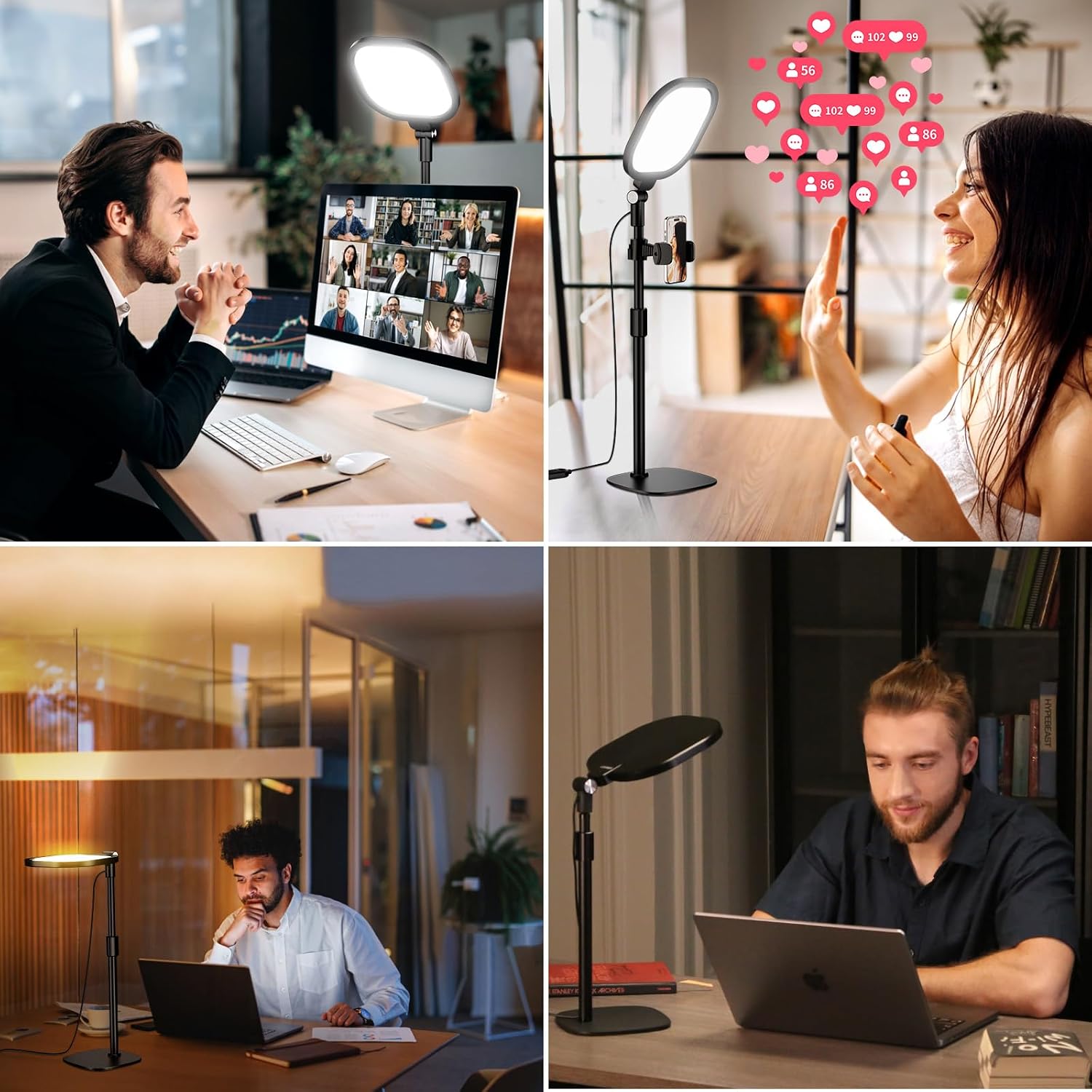
This desktop lighting kit from LitONES is a two-pack of edge-lit video conference lights designed to soften facial shadows and balance color for meetings, livestreams, and remote teaching. It offers adjustable color temperature and stepped brightness so you can match ambient light and present a natural look on camera.
Key Points
The lights use side-emission LED technology to produce a non-flickering, even panel that reduces eye strain during long calls. With three color temperature presets and ten brightness levels, the set adapts quickly from warm indoor lighting to cool daylight tones, helping the skin tone appear more natural on video. The kit includes two lights, each with a metal stand that extends to different heights and a universal phone holder to position your smartphone for streaming or camera reference. 😊
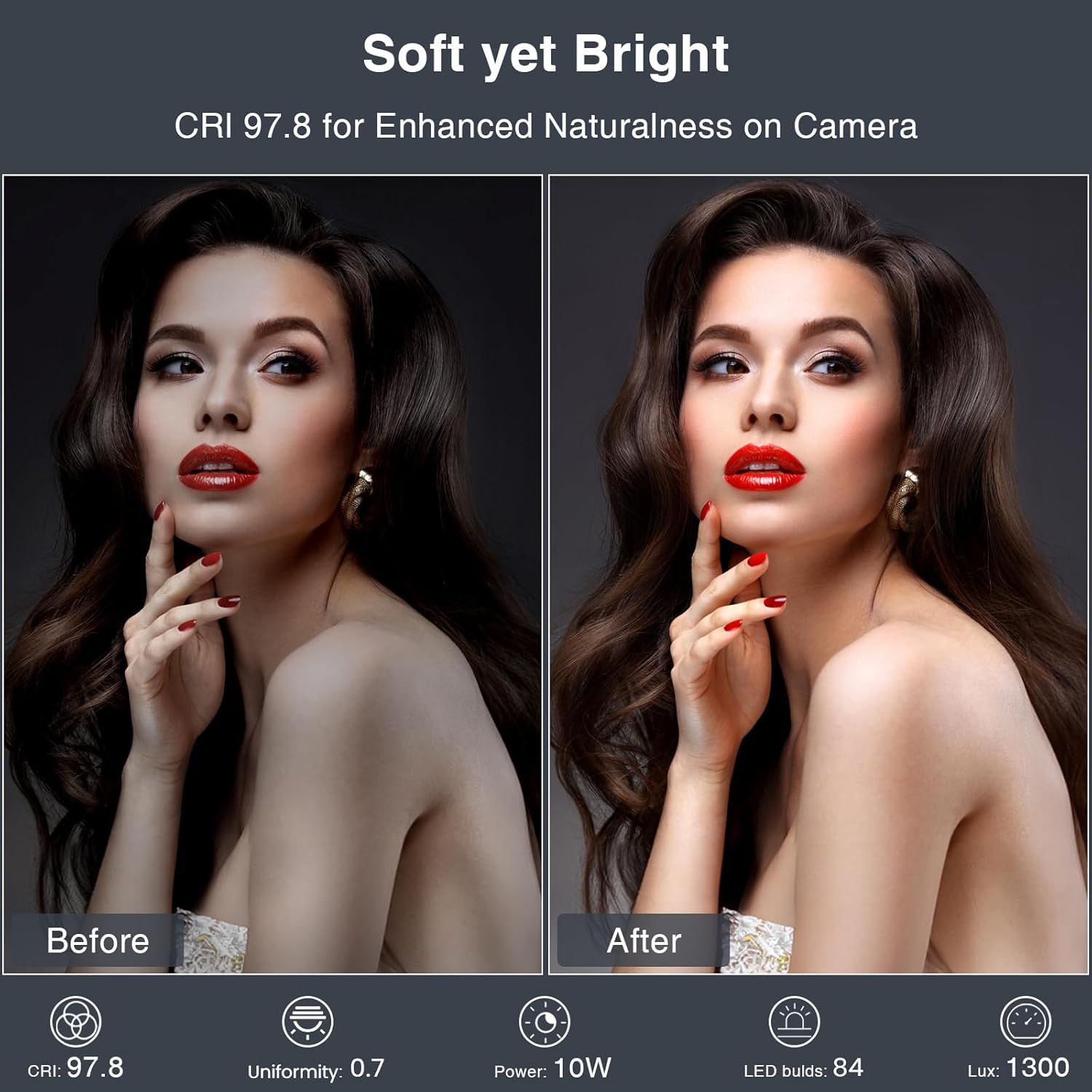
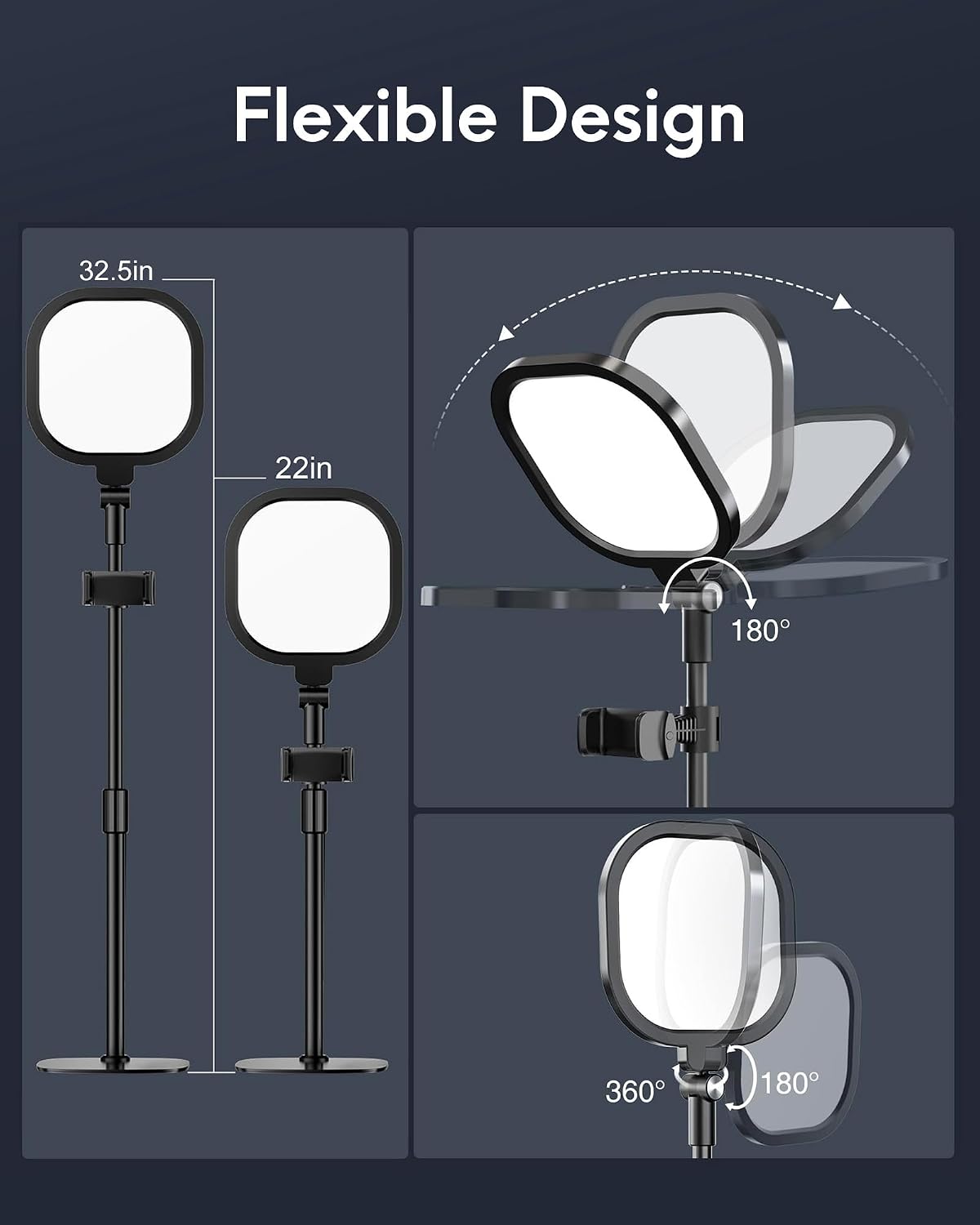
A sturdy metal base with foam padding keeps the fixtures stable on a desktop while protecting surfaces from scratches. The lamp head tilts forward and back and rotates left and right for broad directional control, allowing 360-degree positioning in practice. Note that color temperature range and CRI are given by the manufacturer and may vary slightly between units.
Technical Specifications
- Name: LitONES Video Conference Lights (2-Pack)
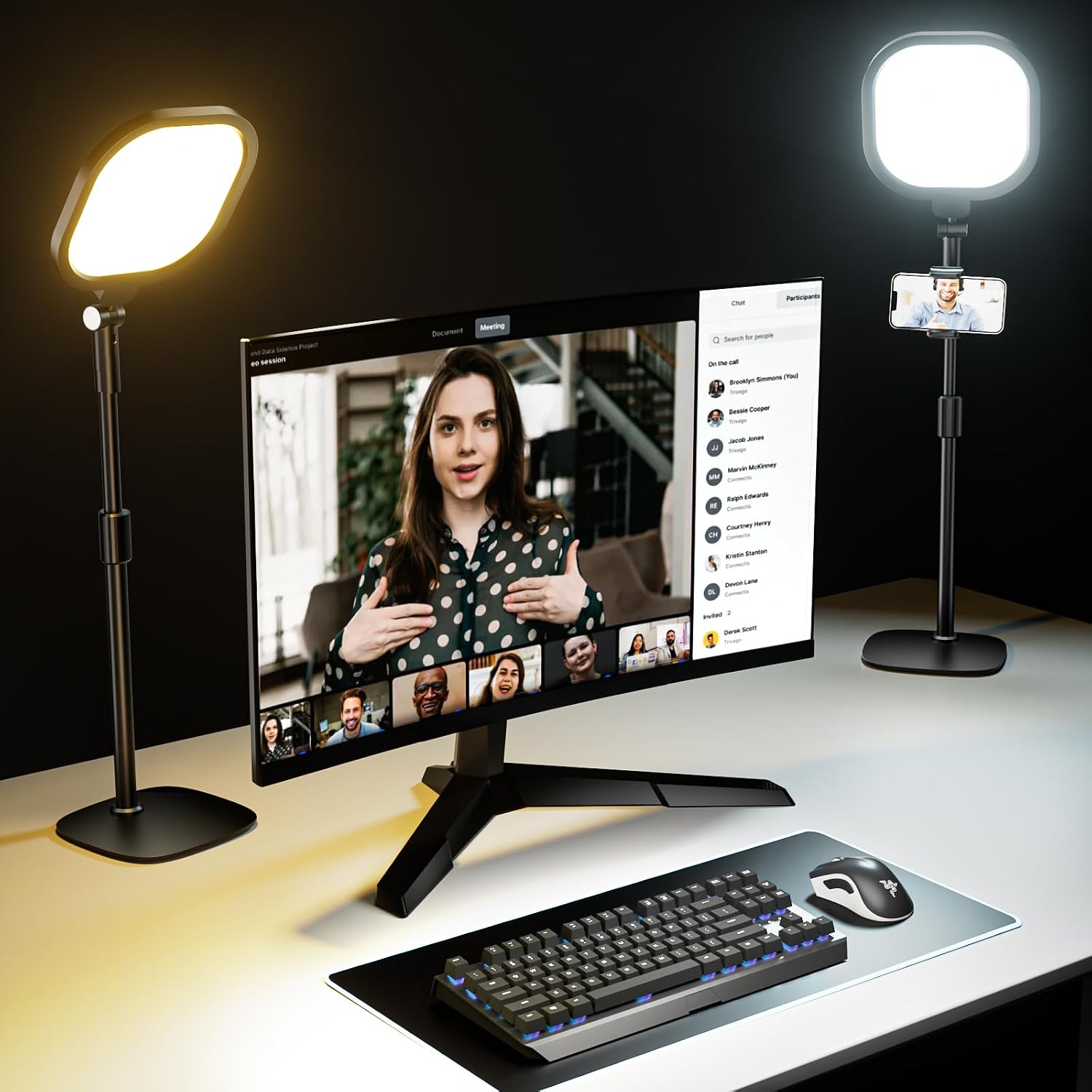
- Color temperature range: 3000 to 6500 K
- Brightness levels: 10-step adjustable with 3 presets
- CRI: 97.8 (manufacturer specification)
- Stand height range: 20.5 to 28.5 inches
- Phone holder compatibility: up to 3.35 inches wide
- Warranty: 3 years after-sale support
Usage Recommendations
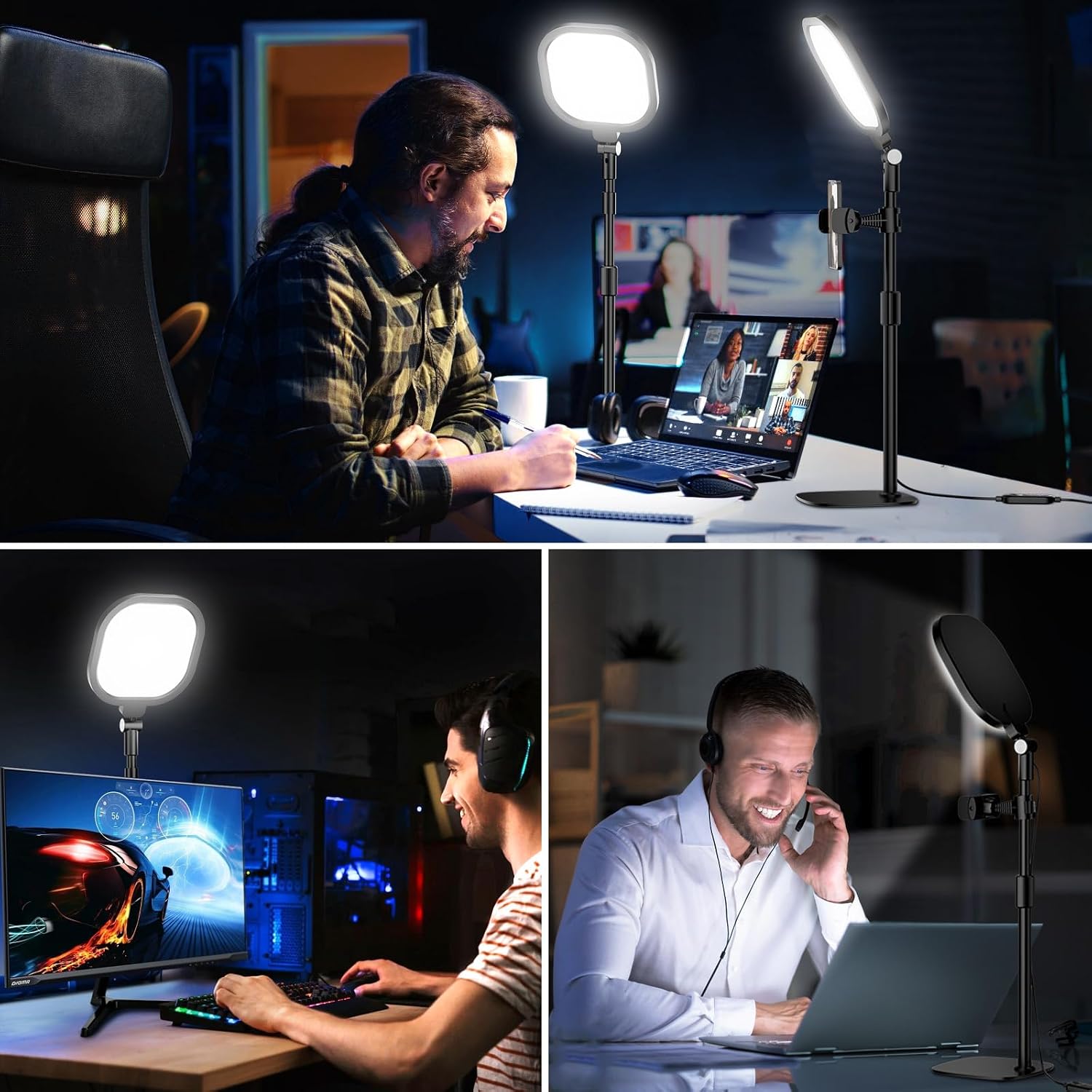
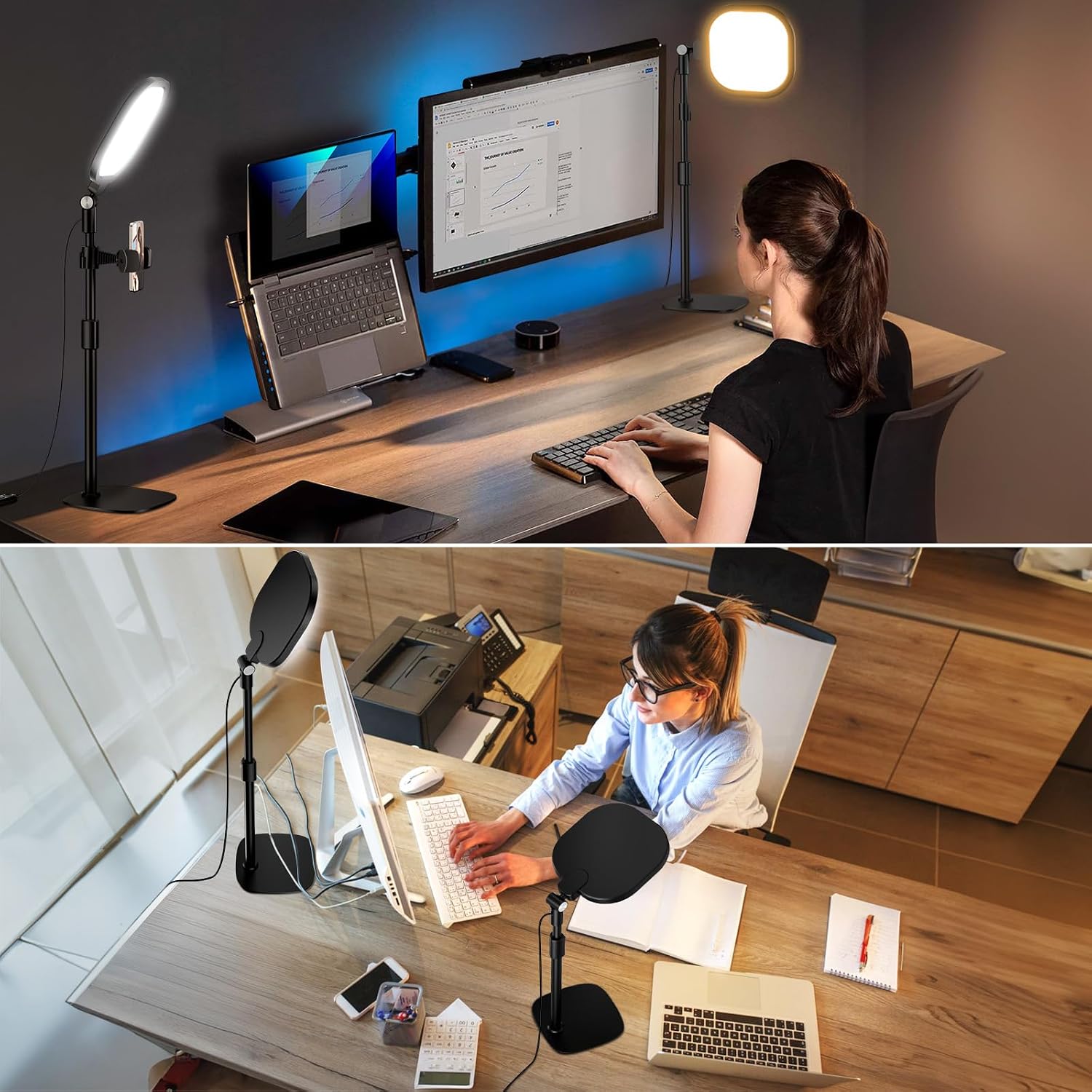
Place one light behind your monitor and the second to the side for balanced, three-dimensional illumination that reduces harsh shadows and improves contrast on camera. For close-up talking head shots start with a neutral temperature near 4500 K and then adjust warmer or cooler depending on ambient lamps or window light. When using smartphones, clamp the phone in the included holder and align the light panel slightly above eye level to mimic natural overhead lighting. 🎥
Consider that very bright settings can wash out pale backgrounds on lower-end webcams, and that distant placement reduces intensity. If you frequently alternate between daylight and evening sessions, switching color presets is a fast way to keep skin tones consistent. 💡