

Razer Basilisk V3 35K Wired Ergonomic Gaming Mouse with HyperScroll Tilt Wheel
Product description
What it is and who it’s for
The Razer Basilisk V3 35K is a wired, ergonomic gaming mouse built around one big idea: give you faster, more controllable movement without making you think about your mouse mid-match. It pairs an optical sensor (rated up to 35K DPI) with Razer’s configurable HyperScroll Tilt Wheel, so you can cycle between tactile scrolling and smooth, free-spin scrolling—or let it auto-switch based on how fast you’re scrolling.
This is the kind of mouse you buy when you care about precision and repeatable control. You’ll likely be the most satisfied if you play games where aim consistency and quick input timing matter, and you want to map actions to multiple accessible controls rather than relying only on left/right click and the wheel.
That said, it’s not perfect for every setup. Since it’s a wired mouse and the feature set is designed around Razer Synapse functionality, it can be less ideal if you strongly prefer wireless freedom or you don’t want to bother with software-based customization.
The essentials that change your day-to-day
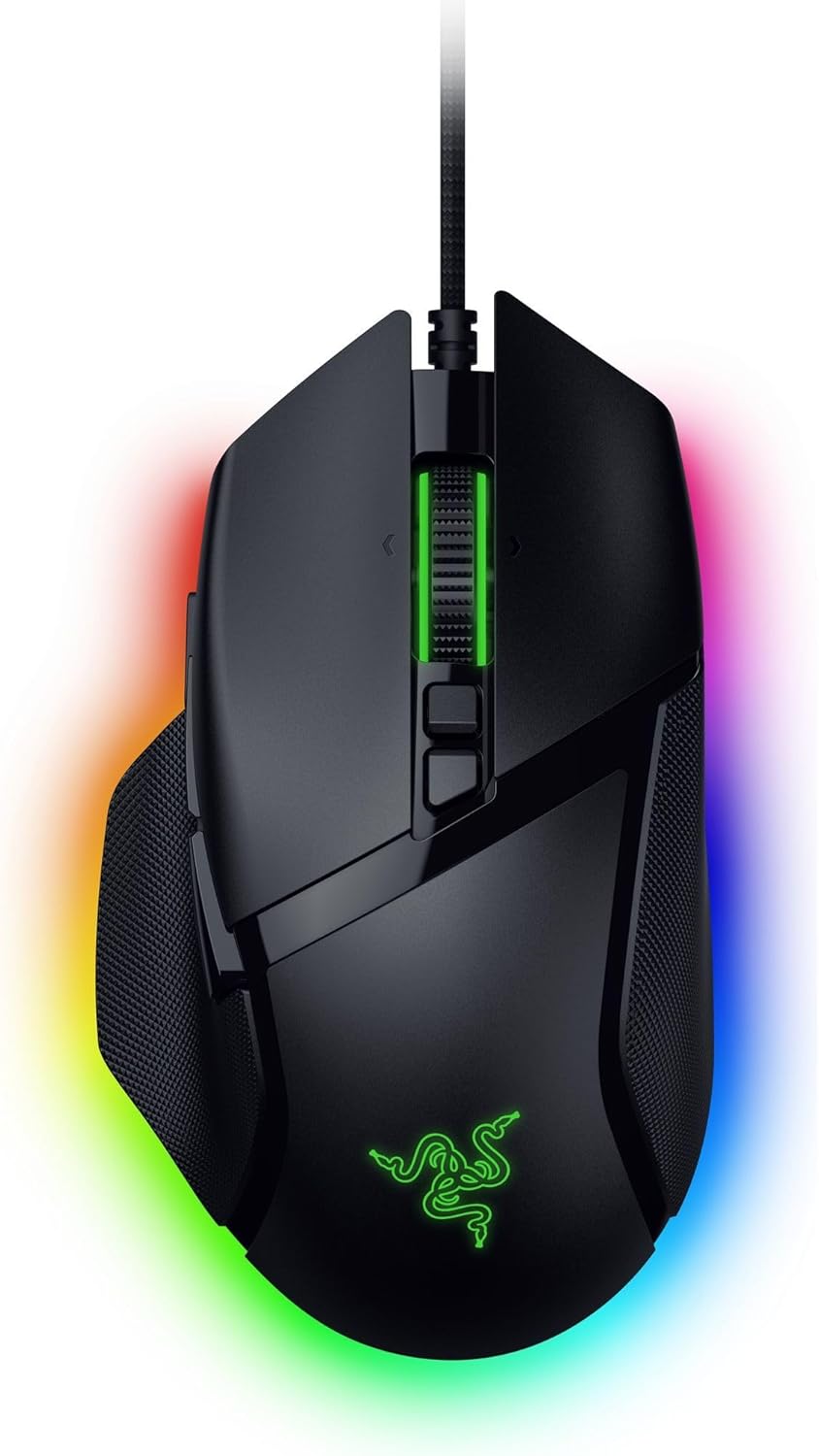
On paper, the Basilisk V3 35K’s core strengths stack up in the right places:
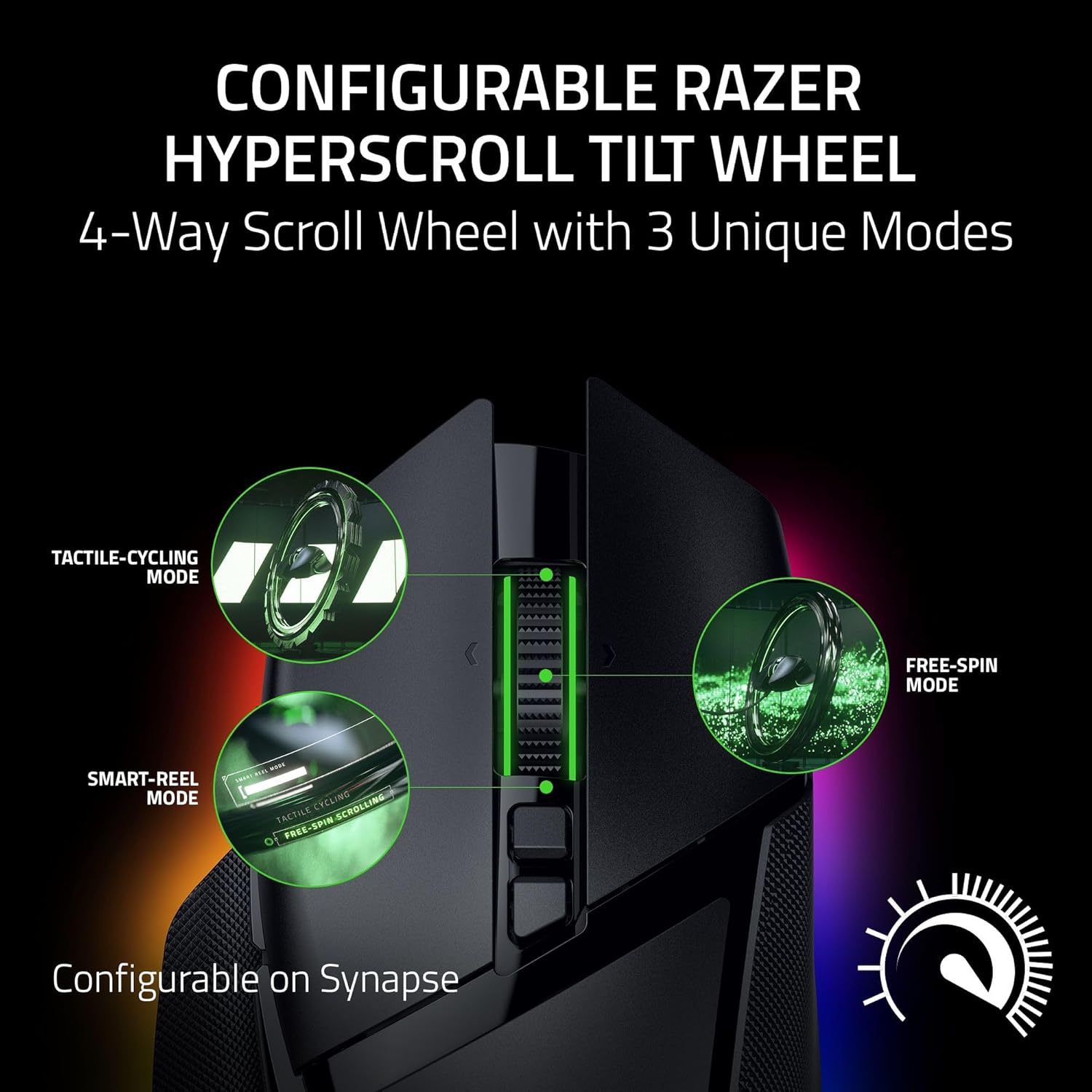
- HyperScroll Tilt Wheel can be used in a tactile way for “step-by-step” cycling, or in smooth free-spin mode for fast navigation. There’s also a Smart-Reel auto-switch approach depending on scroll speed, which can feel more natural when you’re flicking through menus.
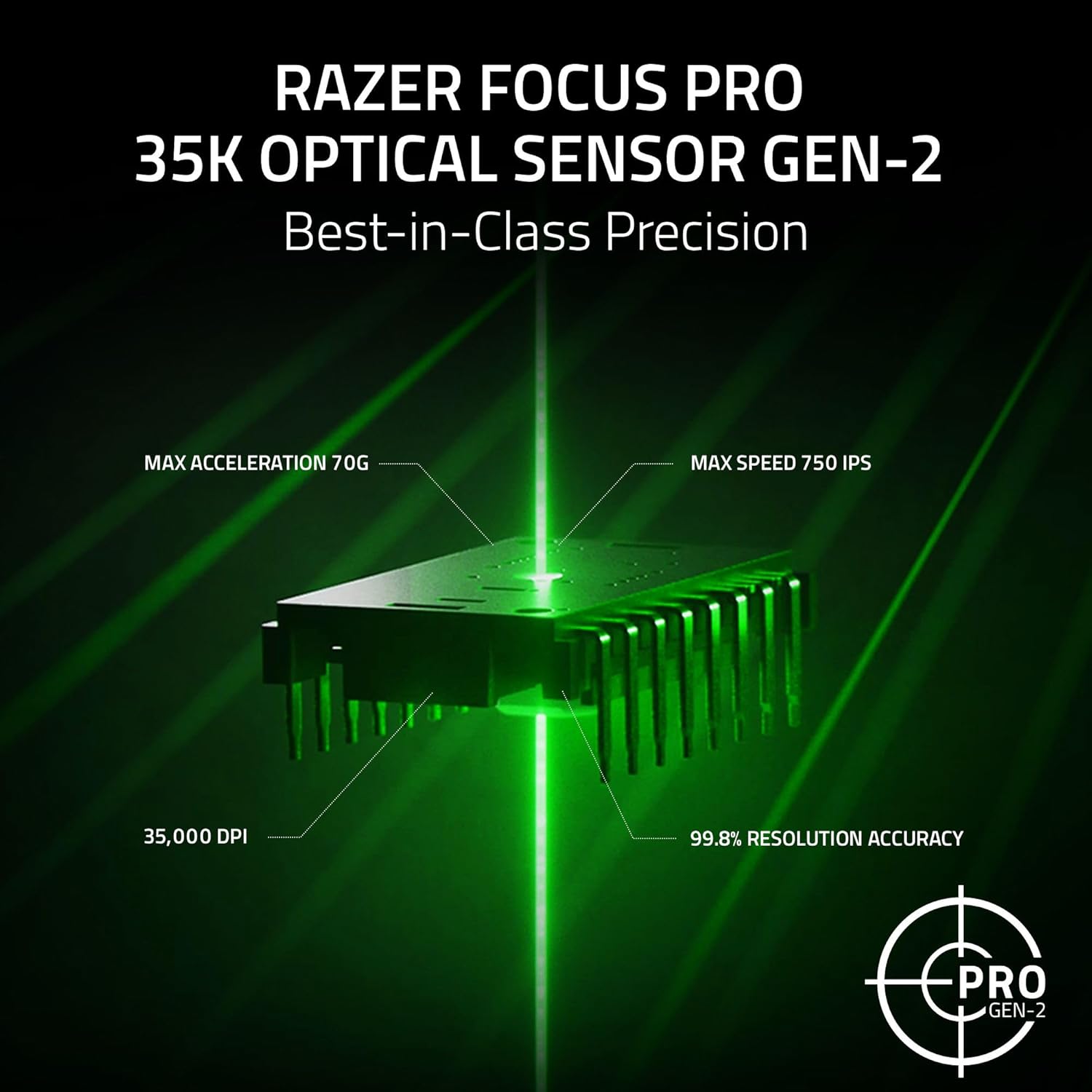
- An optical sensor (35K DPI Optical Sensor Gen 2-13) is paired with intelligent functions and 1-DPI step adjustments for finer-grain aim and control. In plain terms: you get more tuning granularity than mice that lock you into wider DPI jumps.
- 13 customizable controls let you assign an endless combination of commands and macros, including a multi-function trigger aimed at actions like push-to-talk and pings.
There’s also 11-zone Chroma RGB lighting with a full underglow. If you like your desk to look like it belongs to your setup, you can tune each zone across 16.8 million colors and various effects. It’s especially relevant if you play supported Chroma-integrated games where lighting reacts dynamically.
Key takeaways on switches, feel, and reliability
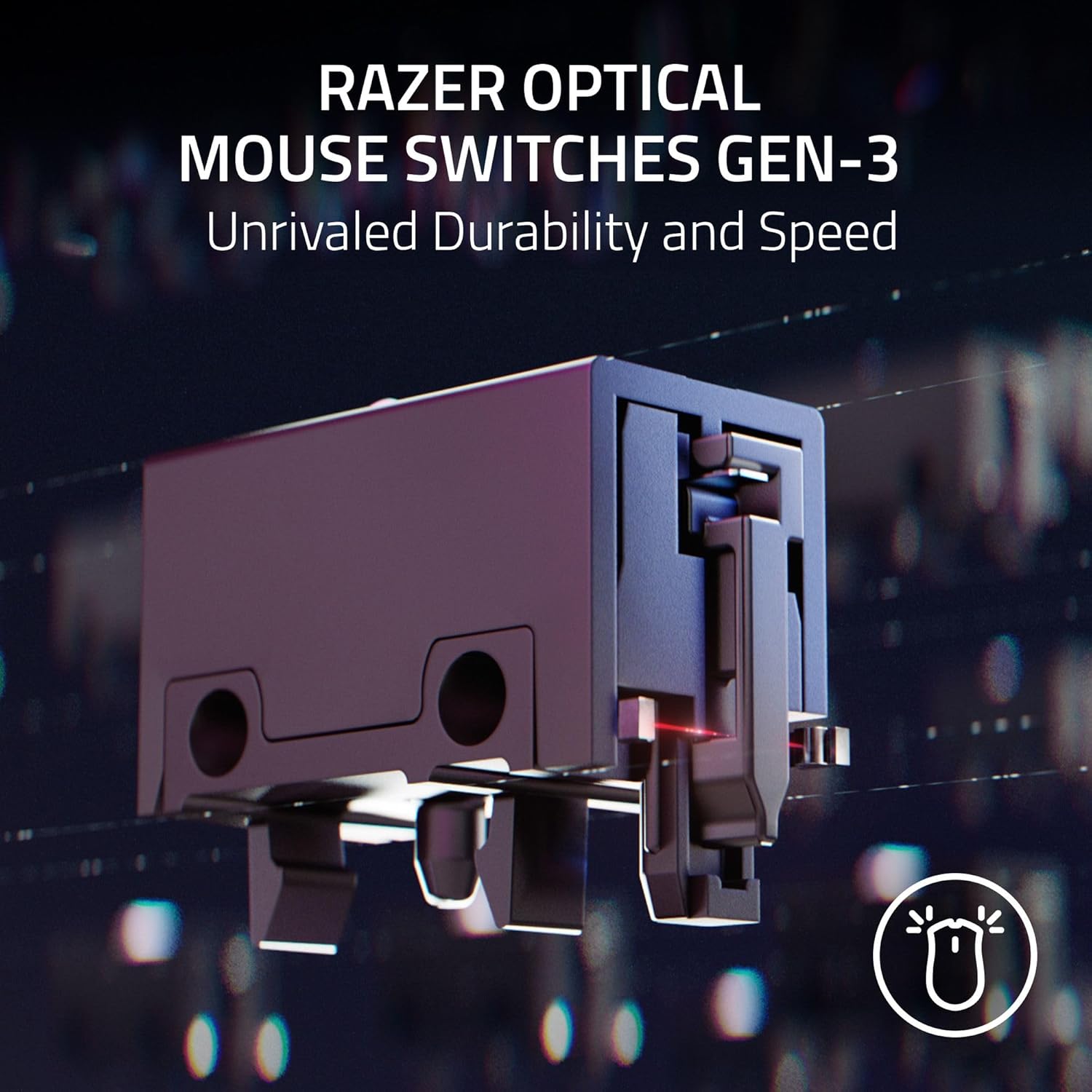
The mouse uses Razer Optical Mouse Switches Gen-3. The listed promise here is reliability and speed: improved 90-million click lifecycle with zero double-clicking issues, plus a 0.2 ms actuation and no debounce delay. That’s a lot of language aimed at one thing—making your clicks feel consistent when you’re clicking fast and often.
The actuation timing and lifecycle claims matter most if you do heavy clicking routines (ranked sessions, high-APM shooters, or repeated ability usage in MOBAs). If you’re mostly doing light daily use and occasional gaming, you may not fully “feel” every spec—but you’ll still benefit from the general reliability angle.
Cable and movement control: the Speedflex angle
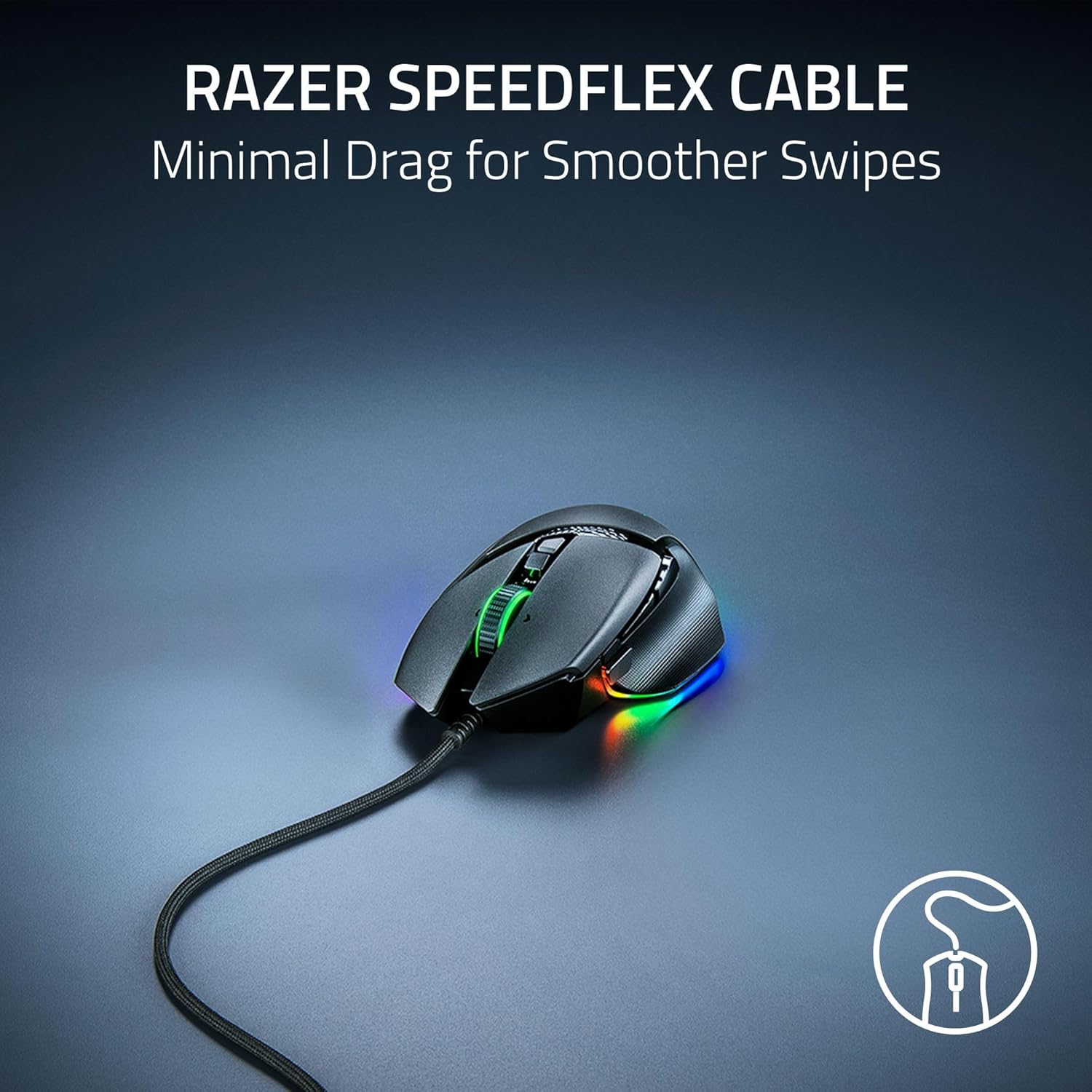
Razer Speedflex Cable is woven for flexibility and is designed to produce minimal drag. The practical result you should look for is smoother swipes and fewer moments where the cable tugs at your mouse hand.
This is one of those “you notice it when you move a lot” features. If your play style involves wide desk sweeps or quick transitions, a cable that doesn’t feel like it’s fighting you can help your control stay clean.
Where it shines vs. what might not
What matters most when you’re deciding
Razer also positions this mouse for accuracy tuning. The product notes include guidance to optimize performance by disabling the “Enhance pointer precision” option in Windows mouse settings, and then optimizing further using the Razer Synapse app.
That means the Basilisk V3 35K is at its best when you’re willing to do a bit of setup. If you want a mouse that just works with minimal tweaking, you may find the software-driven customization route a little extra.

Also, because it’s wired, it’s not the move if you’re chasing maximum cable-free freedom.
Tech specs
- Type: Wired
- Name: Basilisk V3 35K
- Sensor: 35K DPI Optical Sensor Gen 2-13
- Controls: 13 customizable controls
- Chroma lighting: 11-zone Chroma lighting with full underglow
- Mouse switches: Razer Optical Mouse Switches Gen-3
- Rated click lifecycle: 90-million click lifecycle
- Actuation timing: 0.2 ms actuation
- Scrolling: Configurable HyperScroll Tilt Wheel (tactile cycling and smooth free-spin, with Smart-Reel mode auto-switch)
- Cable: Razer Speedflex cable (woven design for flexibility and minimal drag)
Getting the most out of it
A realistic example: imagine you’re playing a shooter and you need push-to-talk quickly. With the included multi-function trigger mapped to push-to-talk, you can trigger comms without taking your hand off the mouse during a firefight. Meanwhile, the tilt wheel mode can help you scroll through loadout menus efficiently—tactile steps when you want precision, smooth scrolling when you want to fly through longer lists.
To get the accuracy-focused benefits, the product guidance suggests adjusting Windows settings by disabling “Enhance pointer precision,” then using Razer Synapse for further optimization. Depending on your current setup, that small change can affect how “tight” the mouse feels.
Final verdict

It makes sense if you want a wired ergonomic gaming mouse with a configurable HyperScroll Tilt Wheel, 35K optical sensor performance, and a control-heavy layout (13 customizable controls) that’s meant for practical in-game actions like pings and push-to-talk. You’ll probably be happiest if you’re already comfortable using software for tuning, and you care about click consistency and fast actuation.
You may want to skip it if you hate setup and software customization, or if wired control and cable management are a dealbreaker for your desk/play style.
Quick FAQ
Is the HyperScroll Tilt Wheel adjustable?
Yes. You can choose tactile cycling, smooth free-spin scrolling, or use Smart-Reel mode to auto-switch based on scroll speed.
How many customizable controls does it have?
It includes 13 customizable controls that you can assign commands and macros to.
Does it use Razer Synapse?
The product notes mention optimizing performance using the Razer Synapse app, including accuracy guidance tied to Windows mouse settings.
Is this mouse wireless?
No—this model is wired.