


Corsair Scimitar Elite Wireless SE 33,000 DPI
Product description
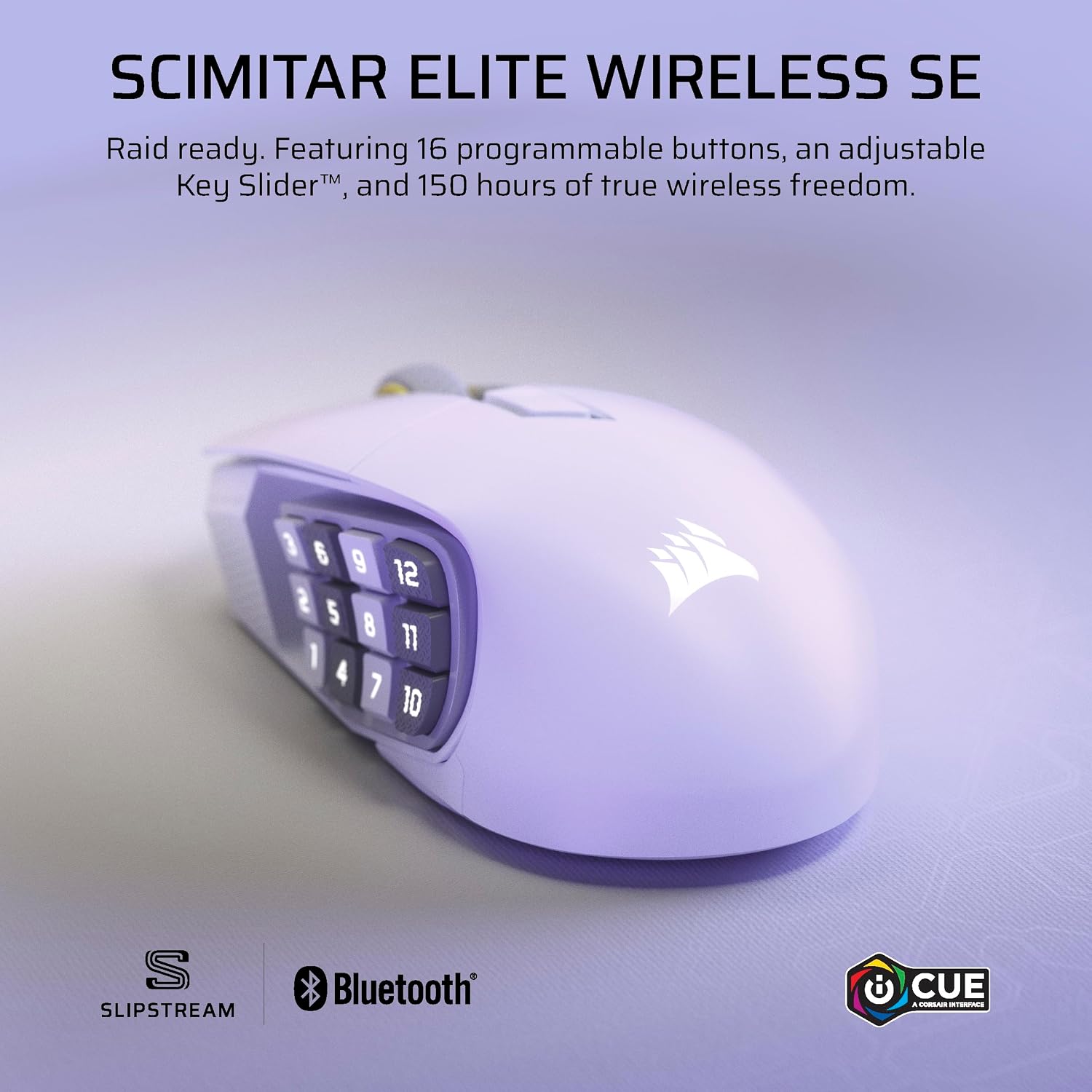
This wireless MMO gaming mouse brings programmable control and high precision to PC setups, aimed at players who switch between intense raids and streaming sessions. It combines a high‑resolution sensor with multiple connectivity options to reduce latency and expand customization.
Key features
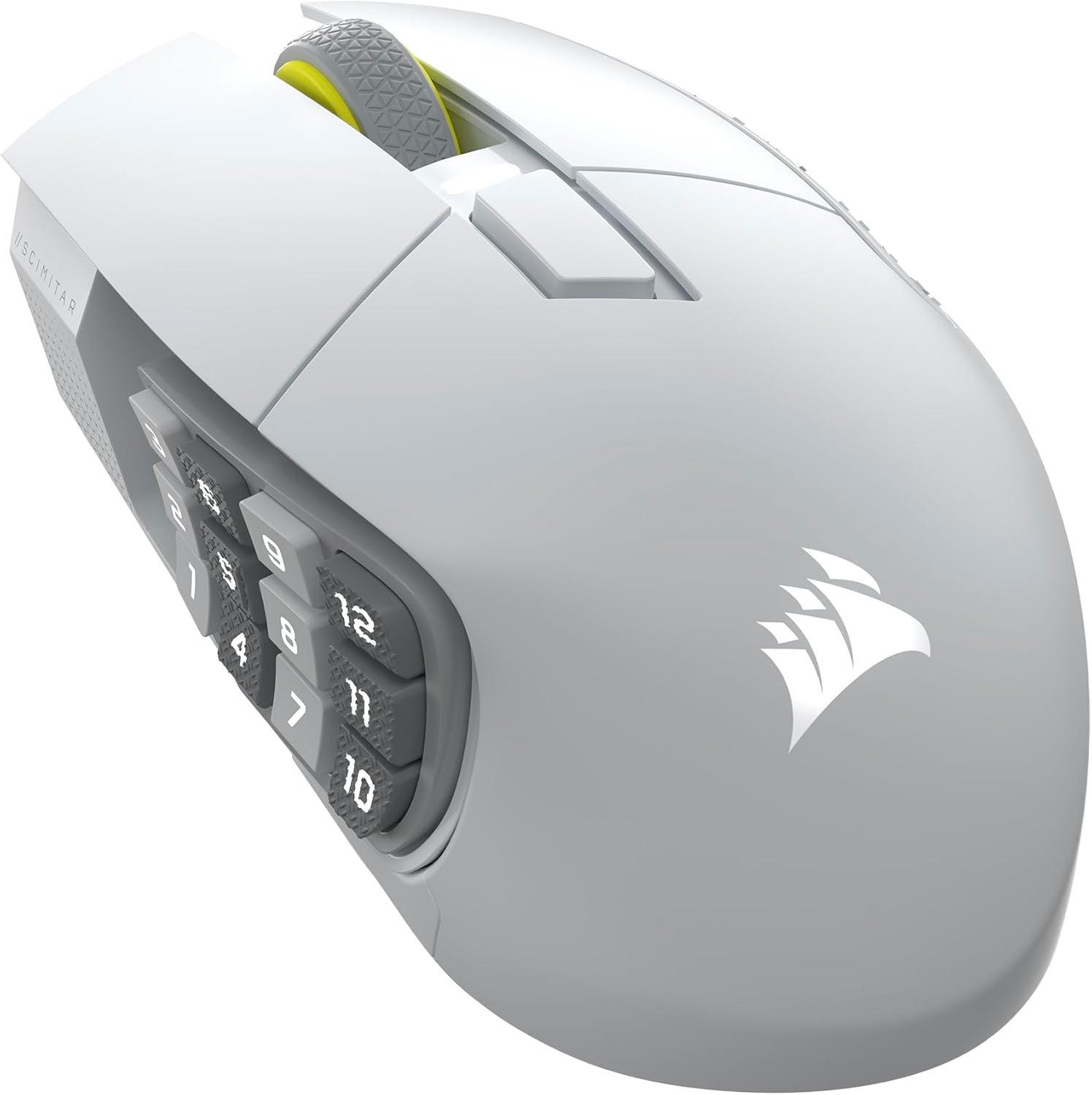
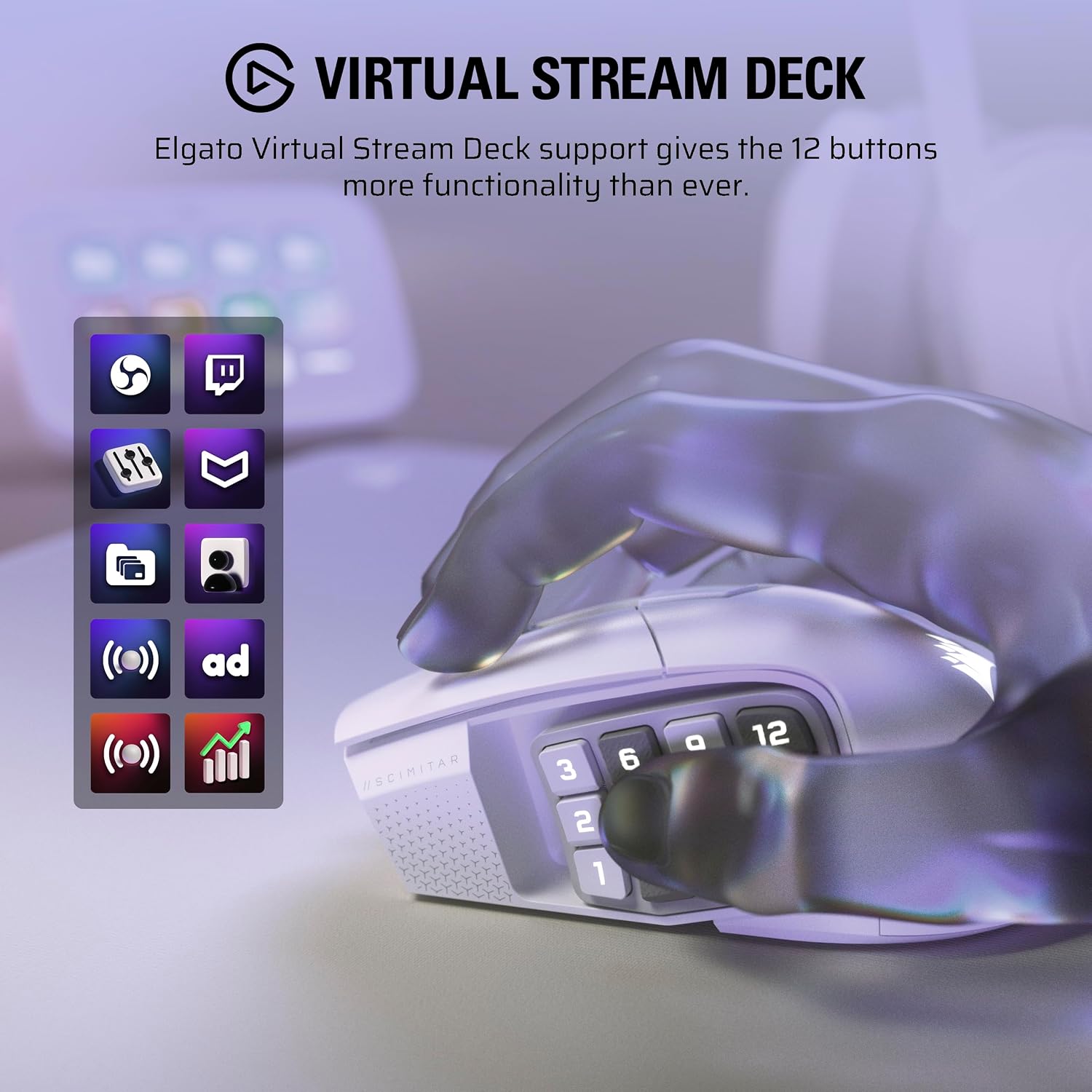
The Scimitar Elite Wireless SE centers on a 33,000 DPI optical sensor that promises fine cursor control according to Corsair. You get 16 programmable buttons that let you assign macros, abilities, or shortcuts for fast execution during play. Integration with Elgato Stream Deck and Virtual Stream Deck extends those buttons into streaming and productivity workflows, so switching profiles is straightforward. ⚙️
Tech specs
- Name: Corsair Scimitar Elite Wireless SE
- DPI: 33,000
- Buttons: 16 programmable buttons
- Polling rate: 1,000Hz
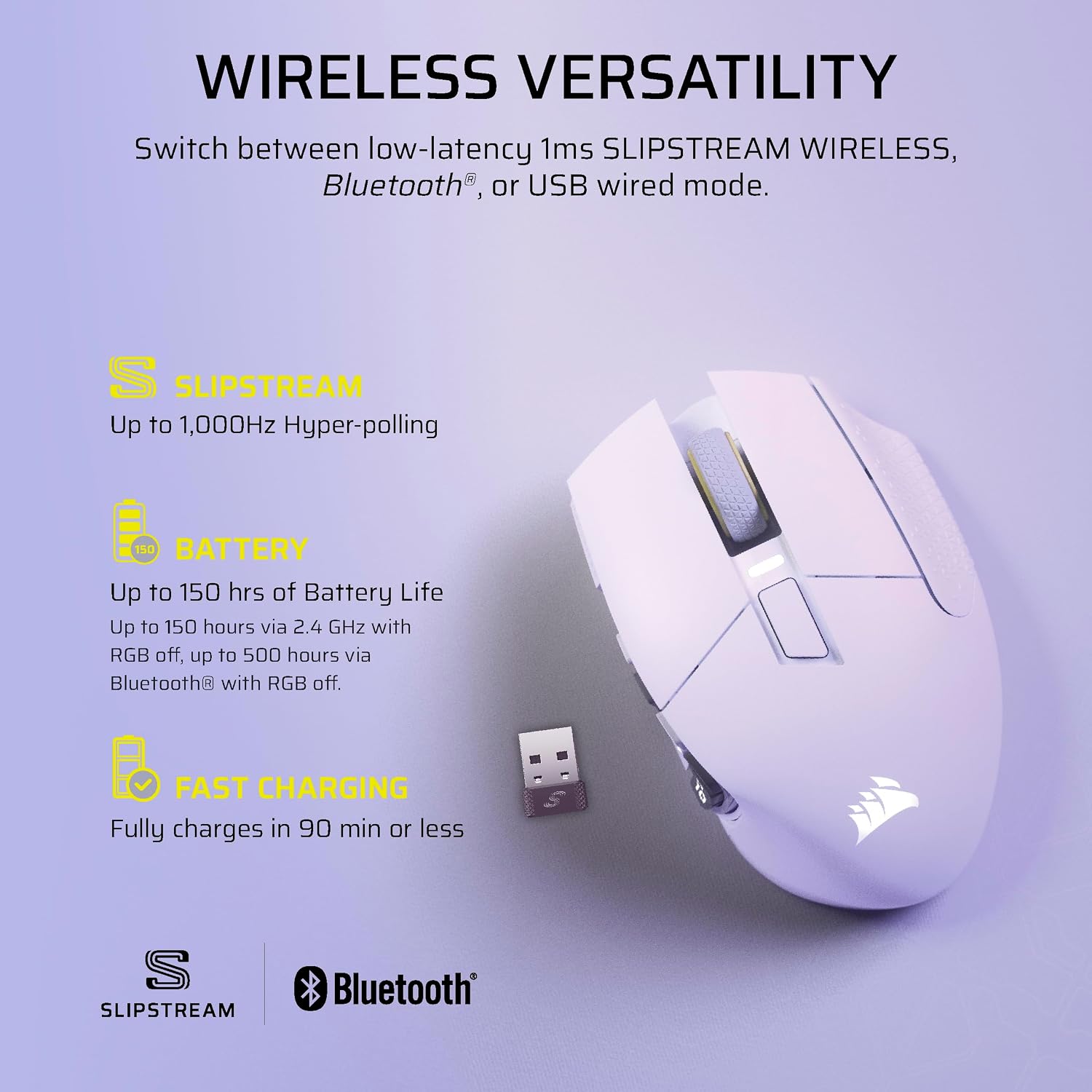
- Battery: Up to 150-Hour Battery
- Color: White
What stands out

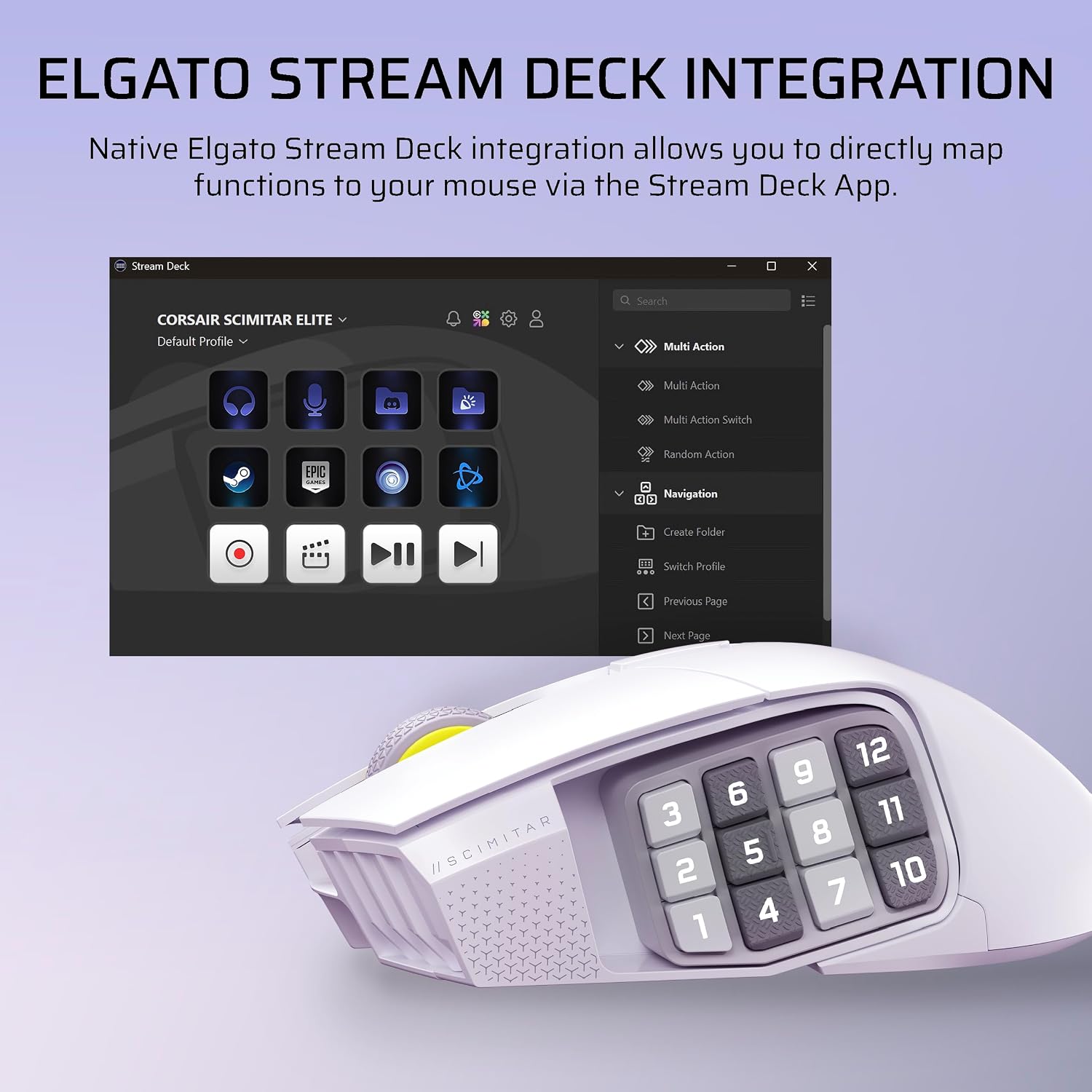
The native Elgato Stream Deck support is a notable bridge between gaming and content creation, enabling direct mapping of Stream Deck functions to the mouse. Wireless options include Slipstream low‑latency, plus Bluetooth and wired USB for charging while playing. This mix helps reduce cable clutter and maintain responsiveness during competitive play. 🎯
Everyday use
You’ll find the key slider and side button array useful when swapping abilities on the fly. Setup is mainly about mapping buttons in the Corsair software and the Stream Deck app, which makes profile management predictable. Do you need all 16 buttons for casual play? Maybe not, but they offer room to grow into more complex setups. 🖱️
Compatibility & requirements
The mouse works with Windows and Mac when connected via Slipstream, Bluetooth, or USB, and integrates with Elgato software for expanded streaming controls. Note that full feature access depends on the Corsair and Elgato apps being installed and updated.