

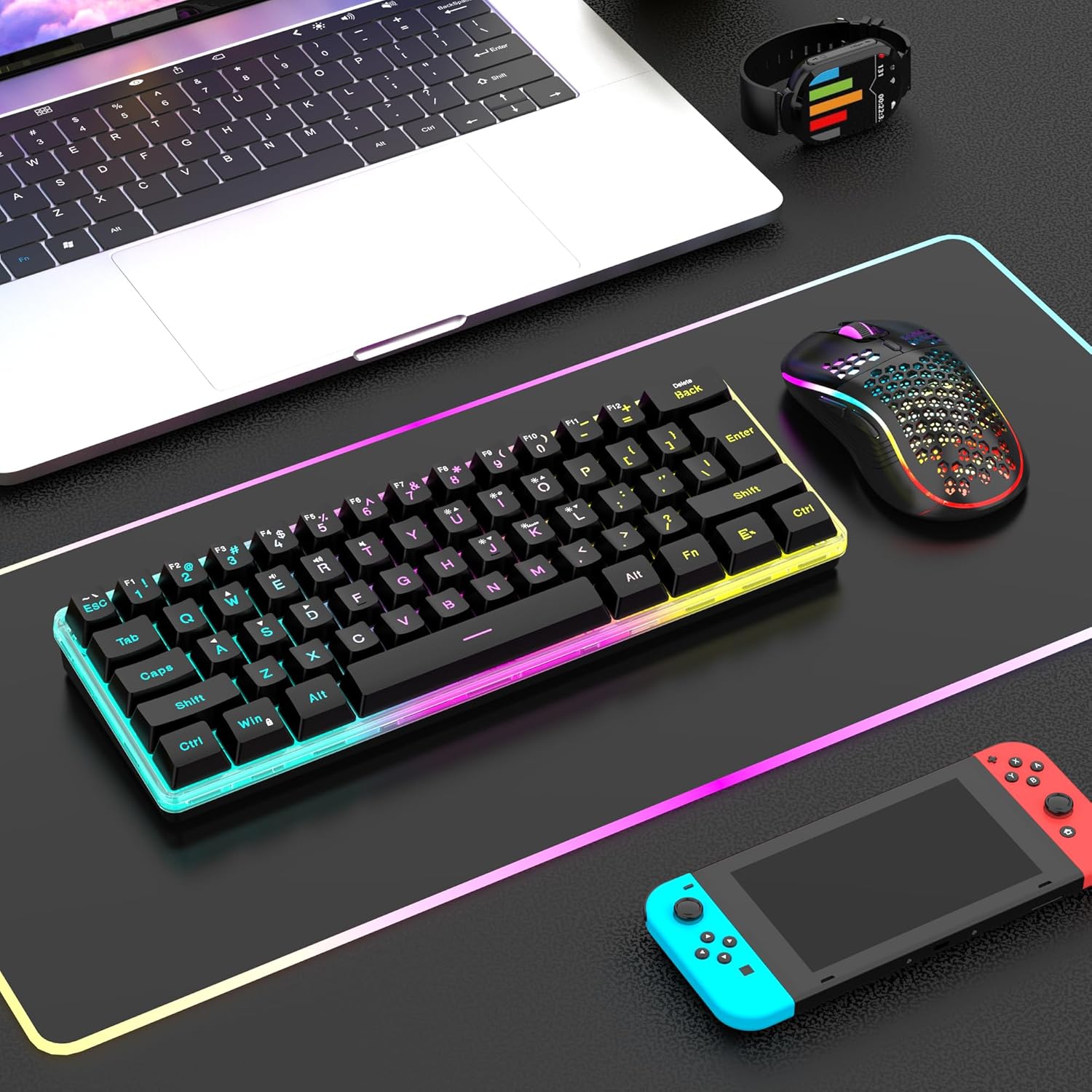
RedThunder K62 60% Wireless Gaming Keyboard & Honeycomb Optical Mouse Combo (2.4G, Rechargeable)
Product description
If you want a compact desk setup that still feels responsive for gaming and manageable for work, the RedThunder K62 combo is built for that exact middle ground. It pairs a 60% wireless mechanical-feel keyboard with an ultra-light honeycomb optical mouse, using a shared 2.4G USB receiver for a simpler setup.
Key takeaways (what stands out)
The biggest draw here is the form factor. The keyboard stays small so you keep more space for mouse movement and desk clutter, while the mouse is designed to be light in the hand (about 65 grams, give or take). On paper, that combination suits people who bounce between gaming sessions and everyday computer use without wanting a full-size keyboard.
Another noticeable angle is wireless stability and convenience. The kit uses 2.4G for a fast, steady connection, and it’s a shared USB receiver setup (plug once, use both). There’s also rechargeable battery support—so you’re not constantly swapping batteries.
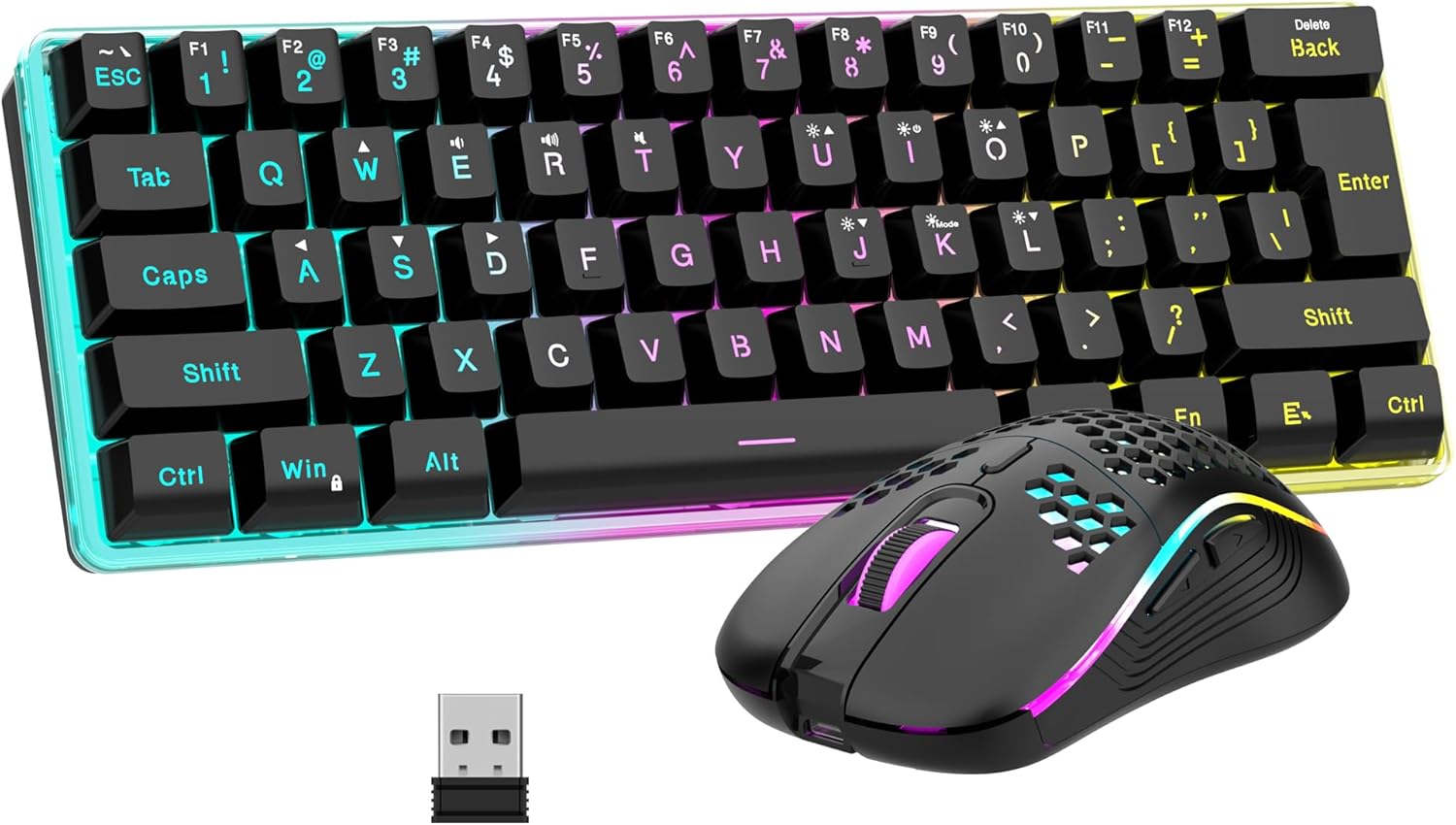
The RGB approach is also more “play-friendly” than subtle. You get multiple RGB lighting modes and brightness adjustments on the keyboard, plus a built-in multi-color lighting effect on the mouse.
The essentials (how it’s designed to work)
This is a 60% wireless keyboard plus a wireless mouse combo. Both connect through one USB receiver, which the product notes are paired and ready by default.
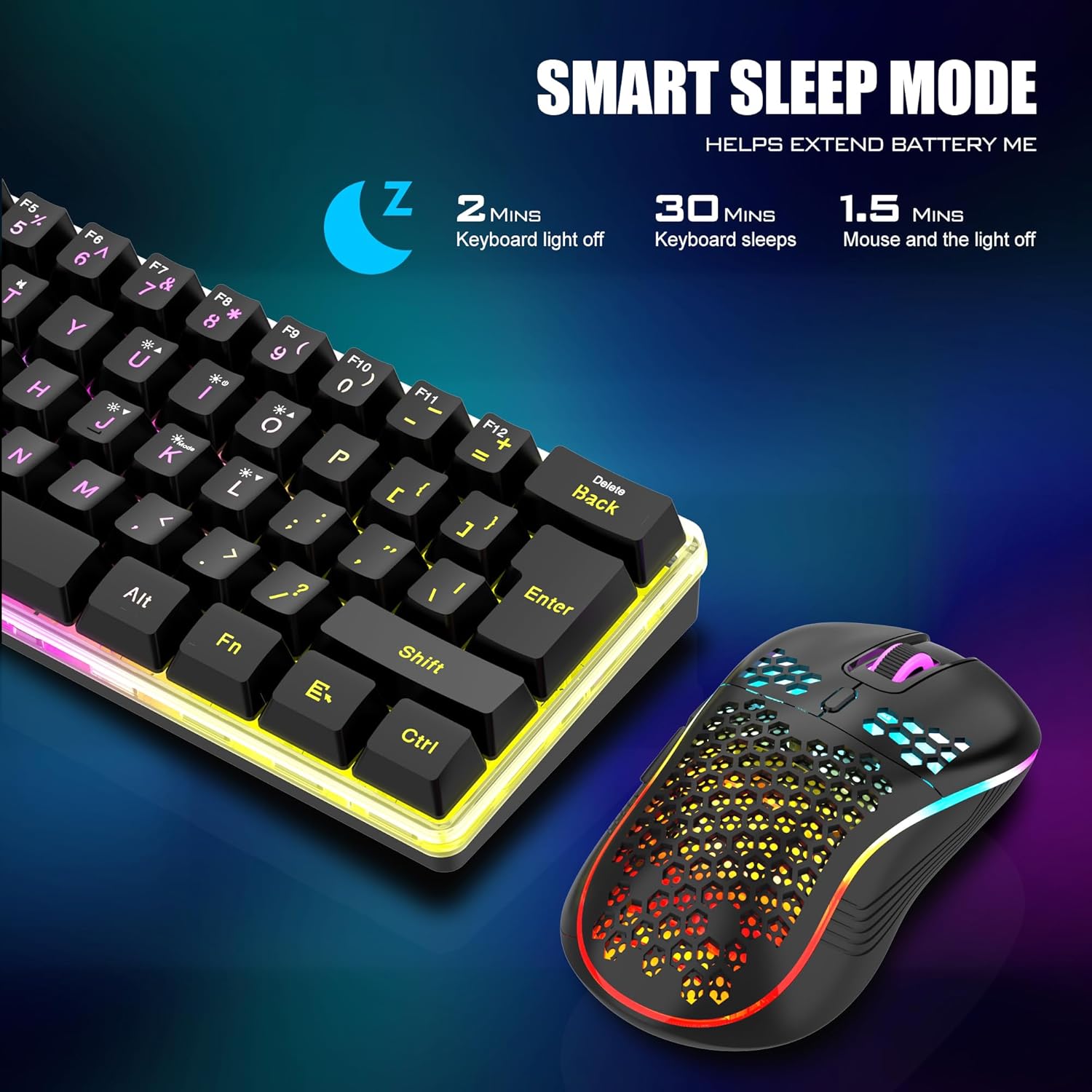
There’s also a power-saving routine: if there’s no operation for 2 minutes, the devices automatically sleep, and you can wake them by pressing any key. It’s a practical detail because compact setups often get left idle while you step away.
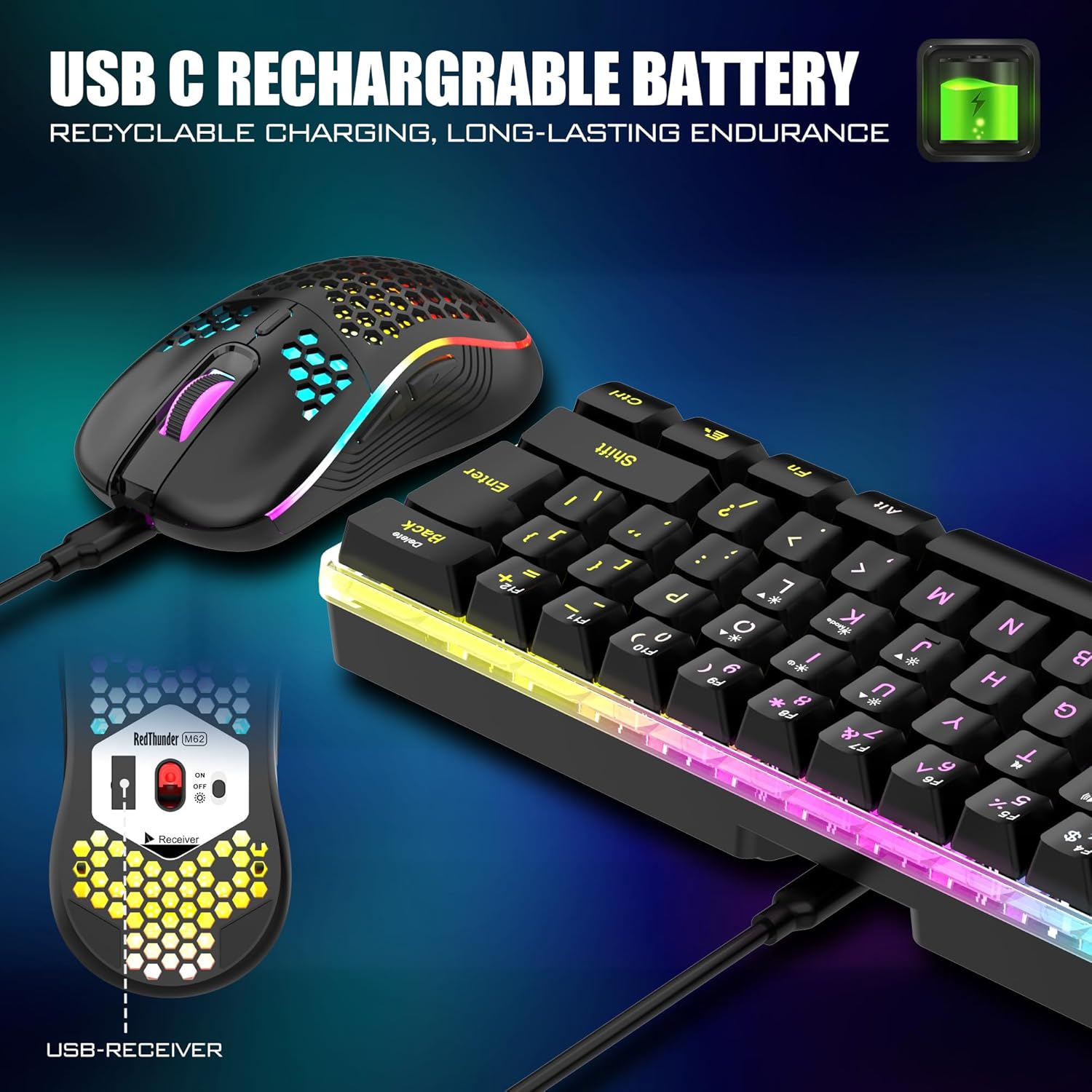
A small but important note: the USB receiver is located on the bottom of the mouse. So if you’re traveling or frequently swapping devices on your desk, you’ll want to keep that location in mind.
What you’ll notice day to day (comfort, build, and feel)
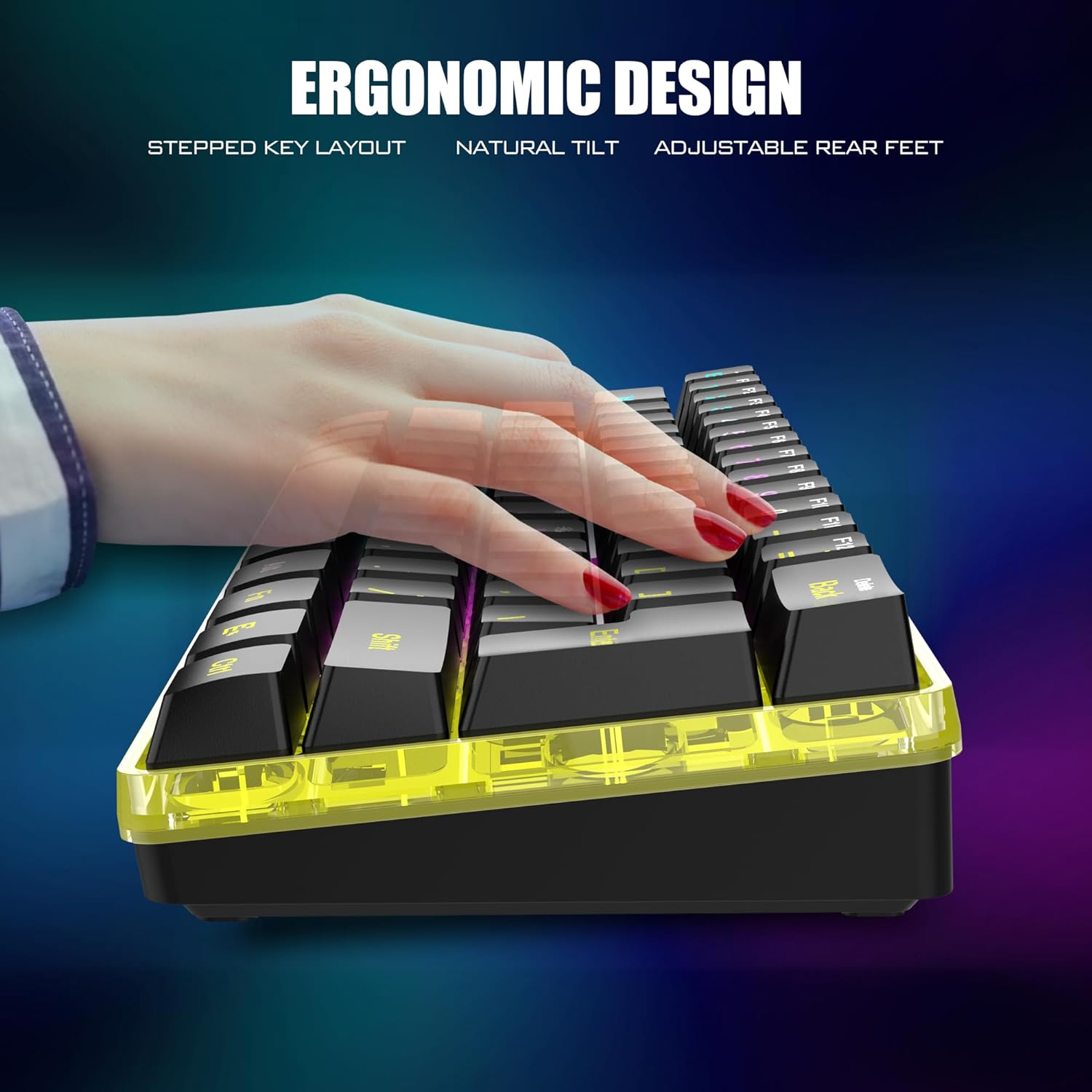
The keyboard is aimed at “mechanical feel” without going full-size. The appeal of 60% is simple: less keyboard taking up real estate, more room for your mouse arm.
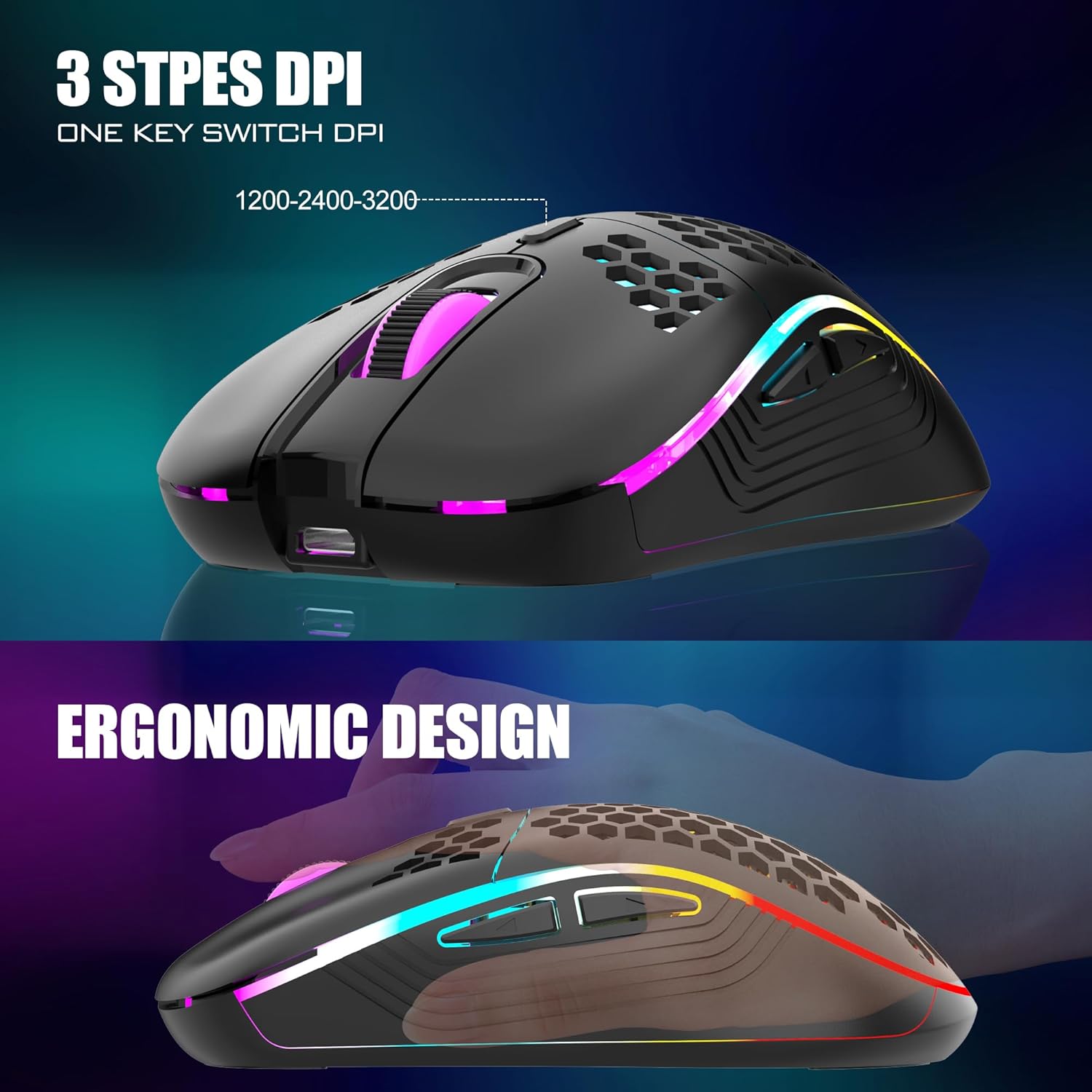
On the mouse side, the honeycomb-style ergonomic lightweight design is the headline. It’s described as anti-sweat and anti-slip, and built to fit the palm with less fatigue for longer sessions. If you’ve used heavier mice before, this kind of weight drop can feel like a real quality-of-life upgrade—especially for quick movements.
For durability, the keyboard keys are rated for 10,000,000 keypresses, and the keycaps use a two-color injection molding approach so the characters don’t fade over time (as described).
That said, there’s a limitation worth considering: because this is a compact 60% layout, it may not suit everyone who relies on a lot of dedicated function keys or a full set of navigation controls.
Battery and recharge practicality (real-world expectations)
The keyboard includes a rechargeable 1850 mAh battery, and the mouse uses a 500 mAh battery.
The time claim is tied to lighting: the combo can be used continuously for about 8 hours with light, and the instructions also say to charge 8 hours before using. If your priority is long unplugged sessions, you’ll likely want to manage brightness and lighting modes rather than running everything at full brightness all the time.
Charging and runtime are always the part that separates “cool on day one” from “still fine after a week,” so it’s good to know the battery numbers and that power-saving sleep mode exists.
Lighting and controls (RGB without the headache)
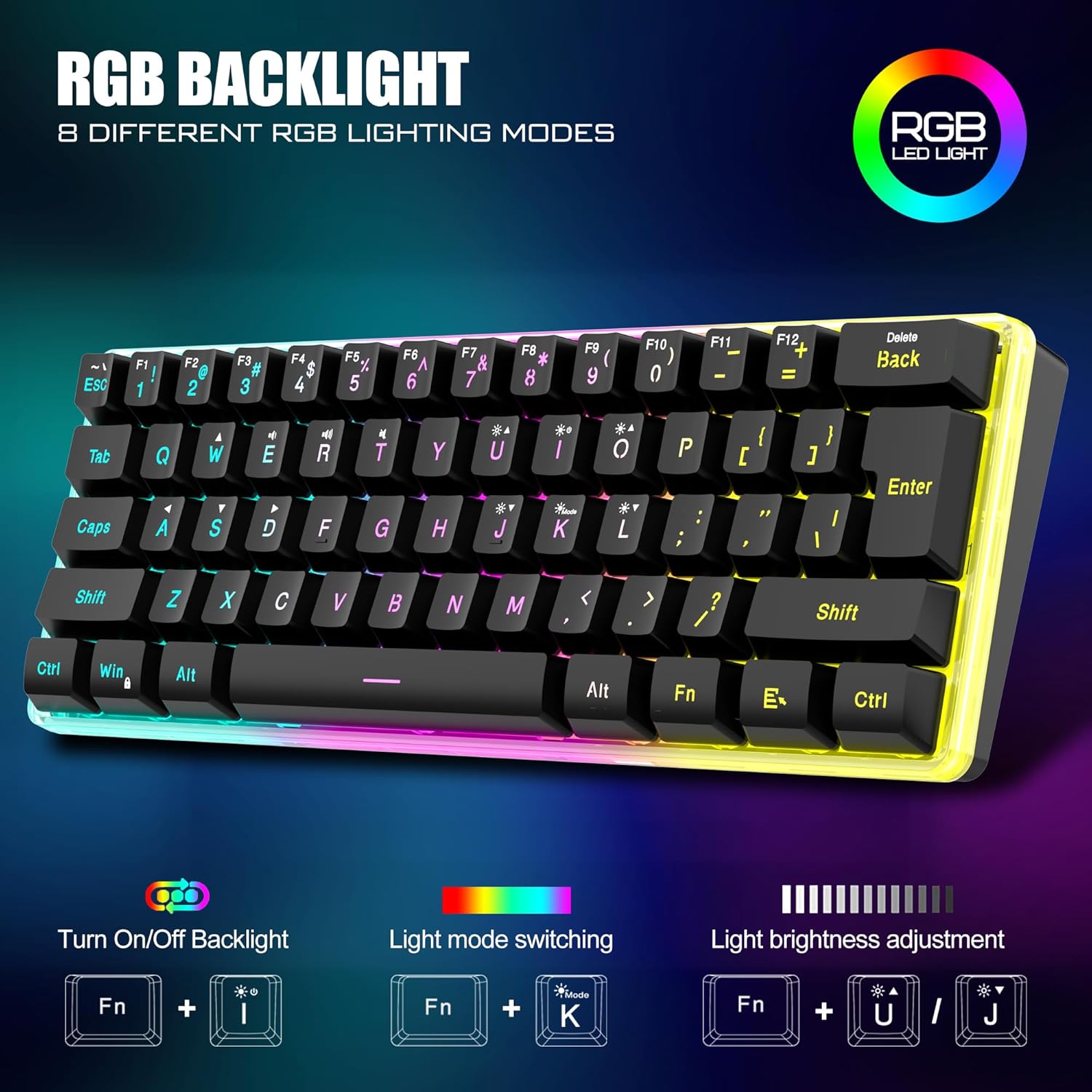
The keyboard supports 4 RGB backlight modes and 4 brightness levels. It also includes 7 monochromatic backlight modes and 1 full rainbow lighting option. The lettering and cutouts are designed to show the glow.
The mouse has a built-in gradual cycling lighting effect with 7 colors.
This is a decent fit if you like visible customization. But if you want a purely work-focused look, you may still find yourself adjusting modes—because the whole kit leans “gaming setup friendly,” not stealthy.
Compatibility & requirements
This combo uses a shared USB receiver (2.4G). The pairing is described as completed by default, so you generally just plug in the receiver and power on the keyboard and mouse.
If the keyboard/mouse ever lose connection, the notes say you can reset the code pairing, otherwise, the guidance is to reach out for help.
One more practical detail: since the receiver is stored on the mouse bottom, it’s worth checking that area first if you ever think the kit isn’t responding.
Is it worth it?
You should consider buying the RedThunder K62 if you want a compact 60% wireless gaming keyboard paired with a lightweight honeycomb mouse, and you care about RGB lighting options plus a shared 2.4G receiver for easy desk use. It’s especially compelling if your goal is balancing work and gaming in one small setup and you appreciate power-saving sleep behavior.
You may want to skip it if you strongly need a full-size keyboard layout or if lighting runtime is a priority and you plan to run bright effects for long stretches without adjusting settings. Also, because it’s a recharge-based setup, make sure you’re comfortable with the “charge before use” guidance.
If you’re shopping for a minimal, desk-friendly combo where the mouse feels light and the keyboard stays compact, this one looks aligned with that intent. If you’re after maximum keyboard real estate or a purely neutral aesthetic, it could feel a bit too gaming-leaning for your taste.