

Logitech MK540 Full Size Advanced Wireless Keyboard and Mouse Combo
Reviews
Price
Product description
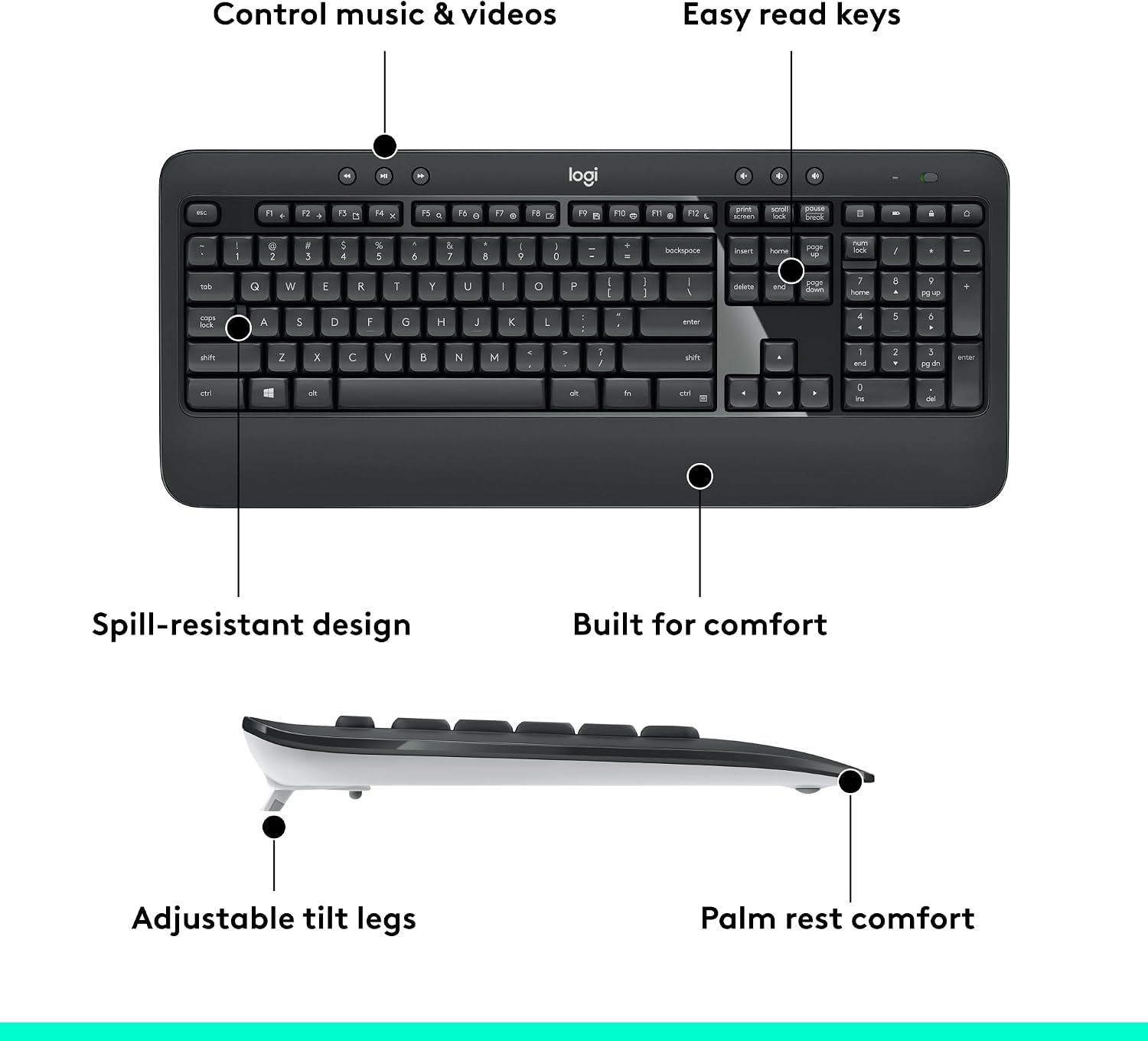
What it is and the core idea\nThe Logitech MK540 is a full-size wireless keyboard and mouse combo designed for everyday productivity at home or the office. It pairs a quiet, spill-resistant keyboard with a comfortable palm rest and adjustable tilt, plus an ambidextrous mouse with soft rubber grips for steady control. On paper, it promises long battery life, reliable wireless connectivity, and convenient hotkeys to speed up day-to-day tasks. If you value a distraction-free typing experience and a comfortable daily navigation tool, this setup aims to deliver.
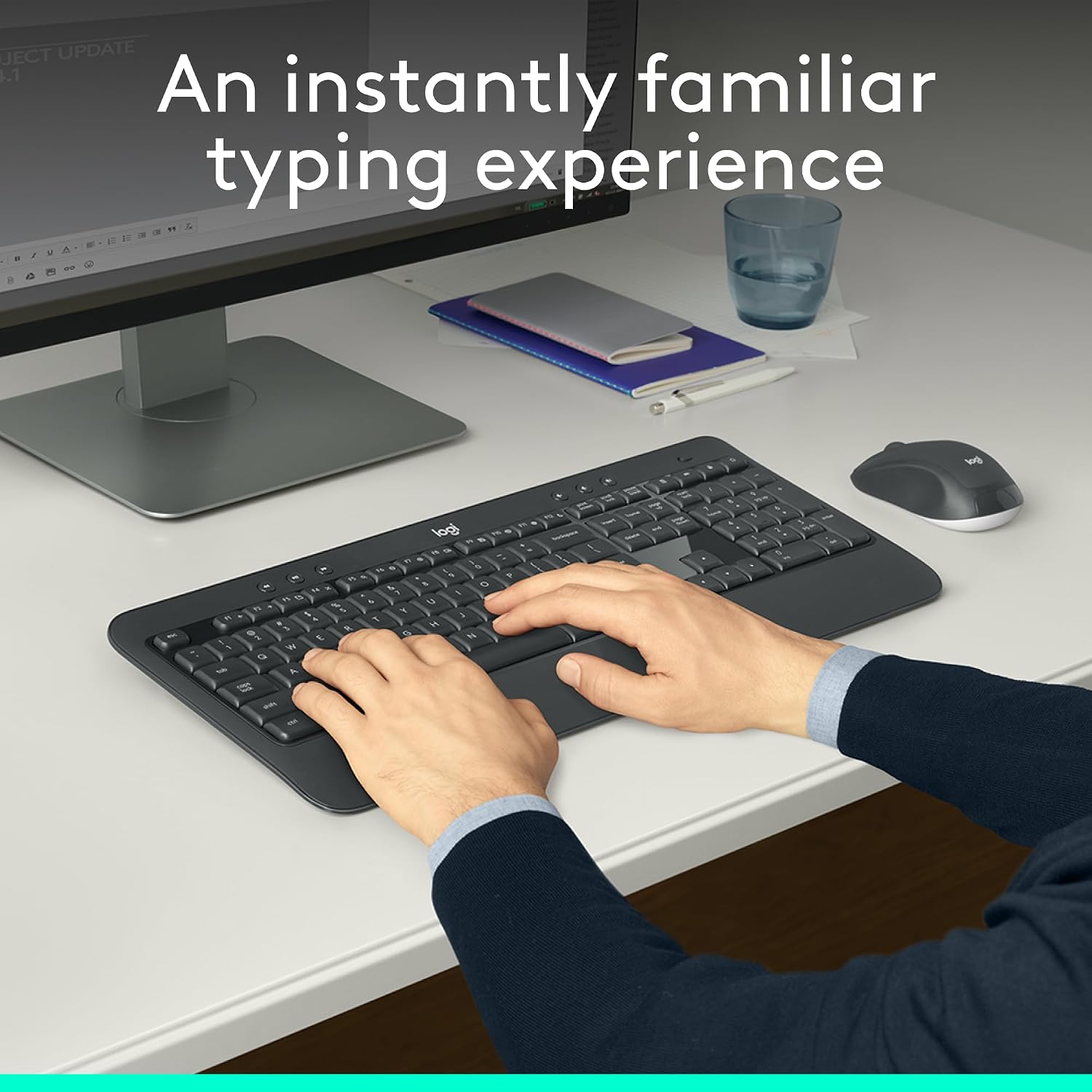
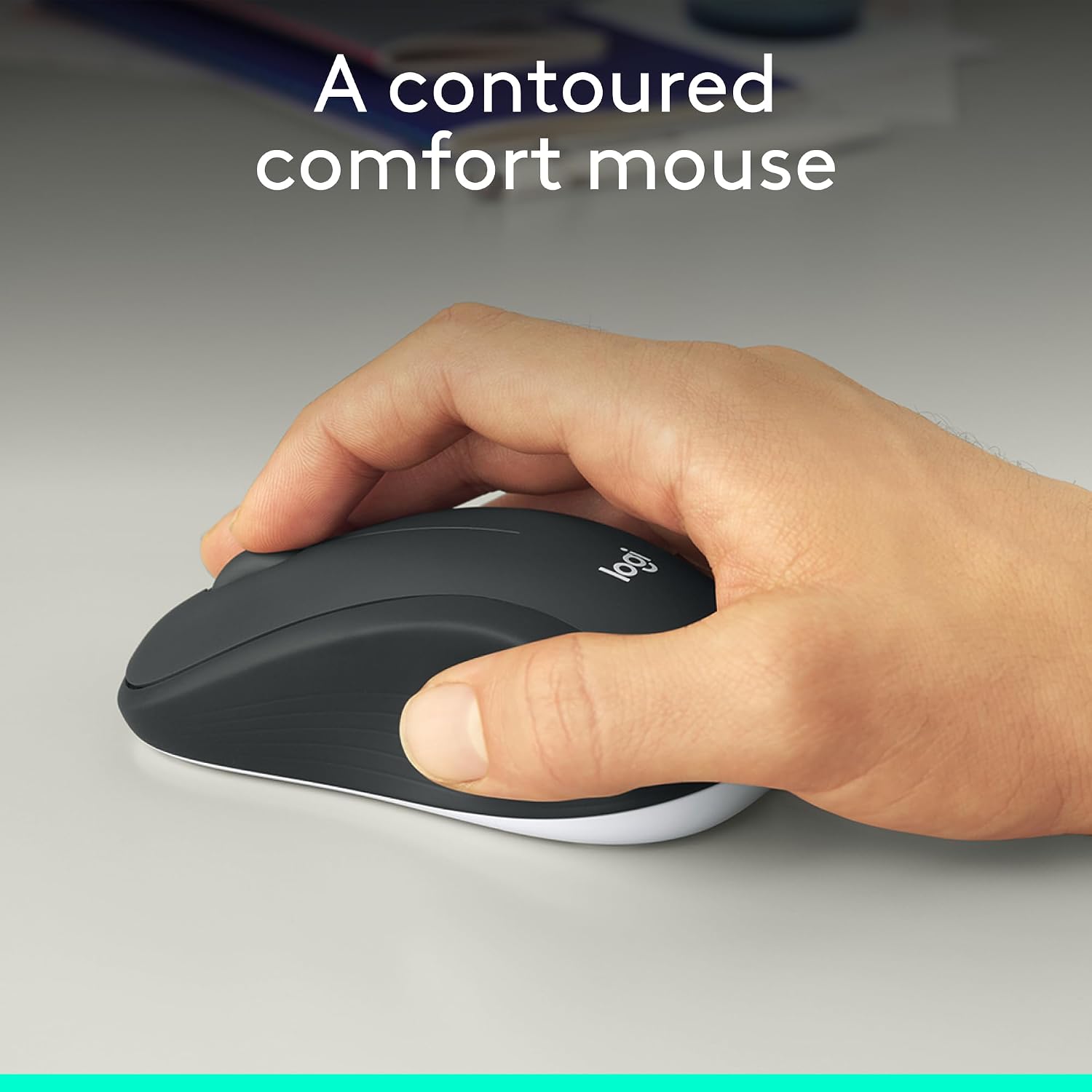
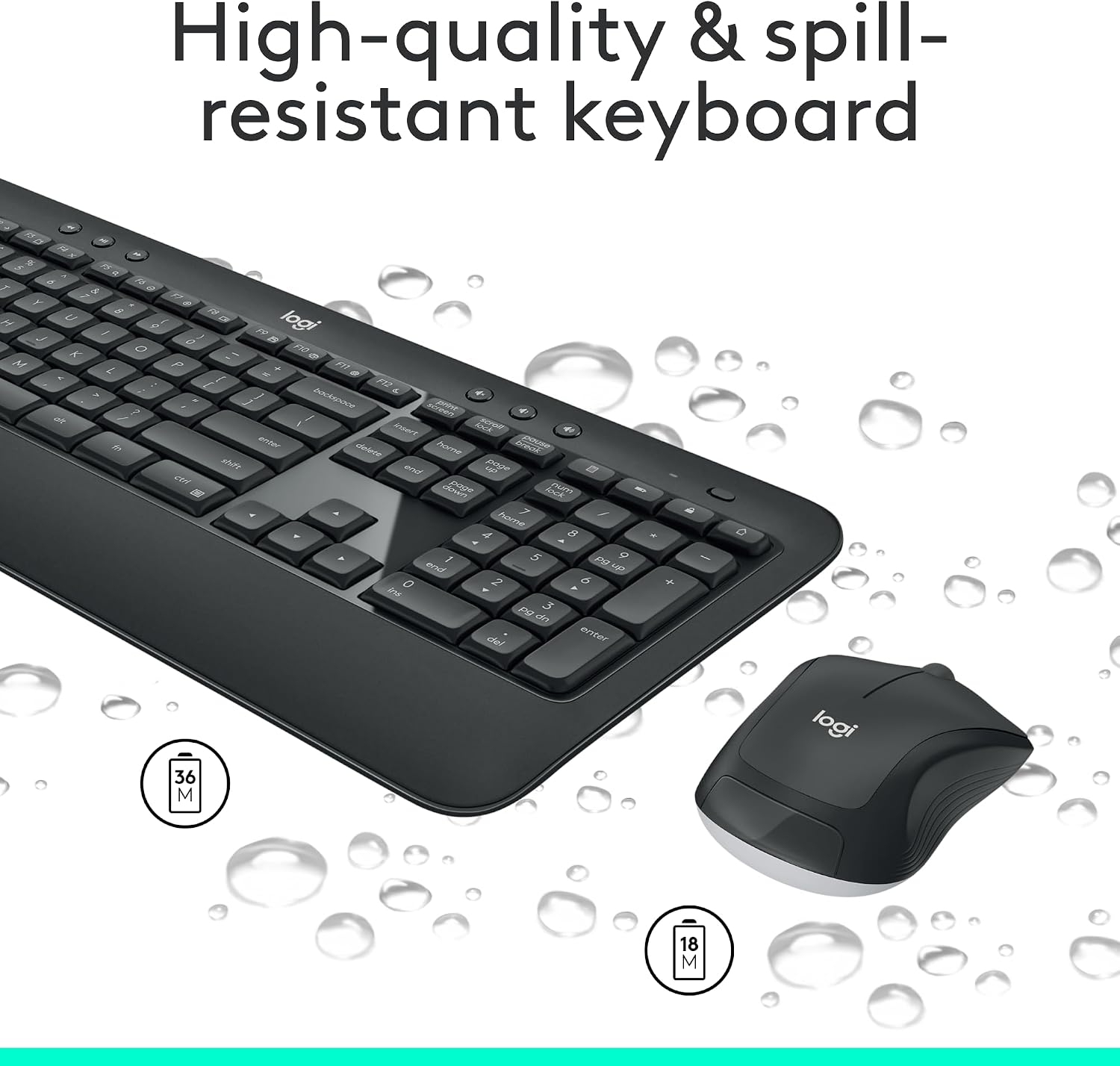
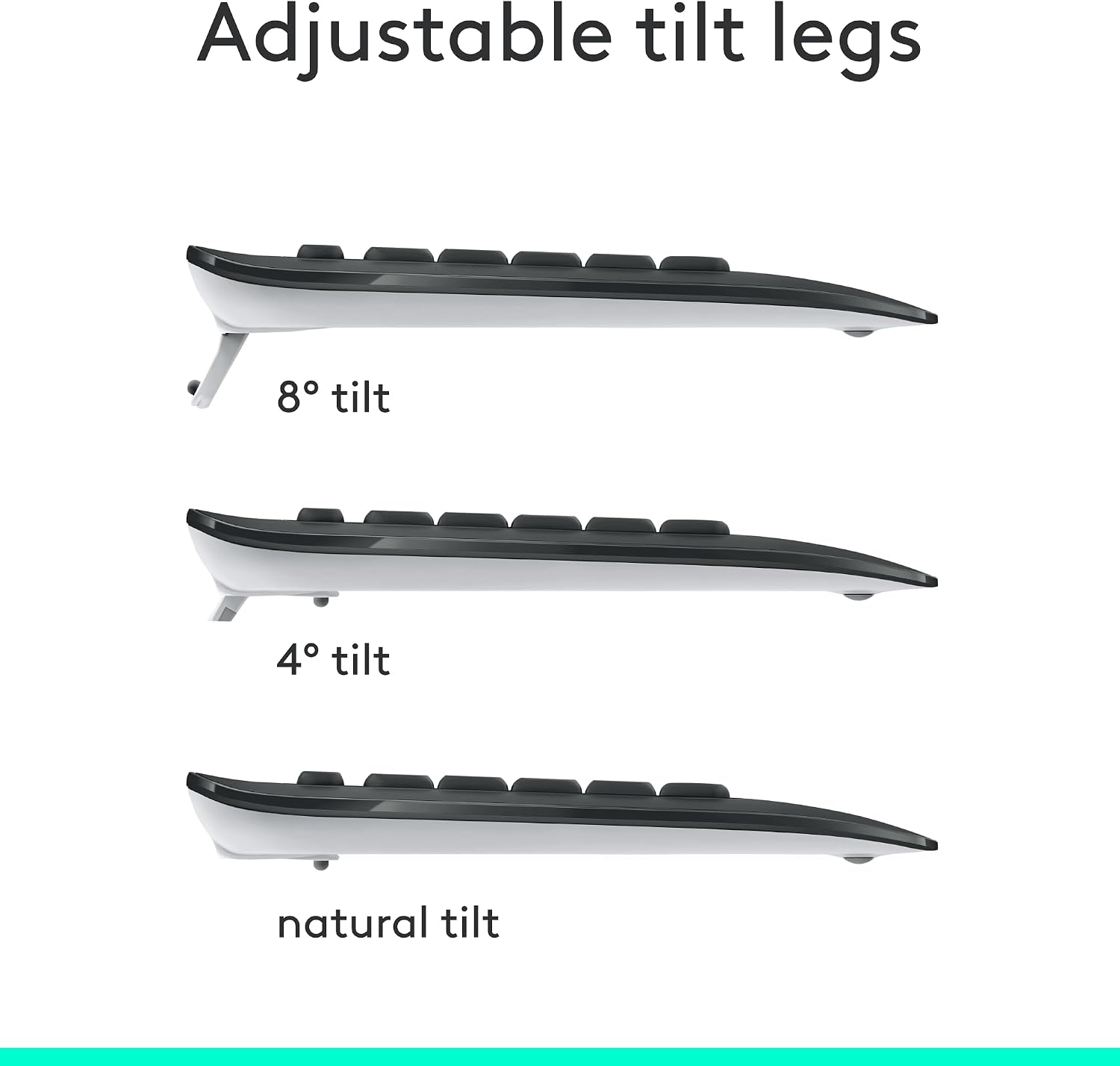
Why it matters for your workflow\nTyping comfort matters when you log long hours. The MK540’s reduced-noise keys and palm rest help minimize fatigue during extended sessions. The keyboard’s tilt legs let you customize posture, which can reduce wrist strain for some users. The mouse’s ambidextrous shape and textured sides are aimed at comfortable daily use, whether you’re left- or right-handed. The kit is designed for plug-and-play setup via the mini Unifying receiver, avoiding clutter while maintaining a solid wireless connection up to 33 ft from the computer.
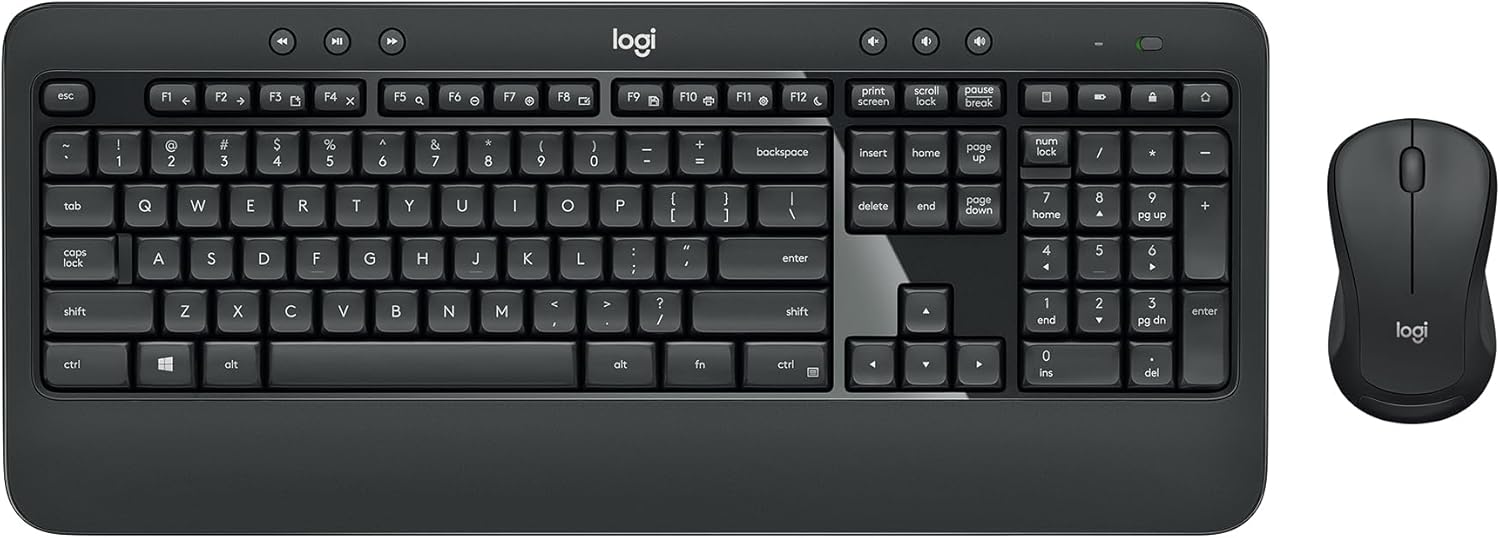
What stands out and what may fall short\nOn the plus side, you get impressive battery longevity: up to 36 months for the keyboard and up to 18 months for the mouse, based on typical usage. The hotkeys provide quick access to media, calculator, and battery checks, which can shave seconds off routine tasks. The spill-resistant design adds a practical safety net in busy desktop environments. If you value a quiet, comfortable typing experience with dependable wireless performance, this combo aligns with those priorities.
However, there are caveats. The package centers on Windows and Chrome OS compatibility, which means macOS users may miss some integration unless they’re flexible with hotkey behavior. The Unifying receiver is a small dongle that some users may prefer to keep plugged in, if you frequently switch devices, the MK850 or a Bluetooth option might offer broader multi-device flexibility. Also, while the keyboard is full-sized, the experience hinges on your typing preference—some users may not love the key feel if they’re after a lighter or more tactile layout.
Who it’s for\nThis kit fits busy professionals, students, and home offices that want a reliable, straightforward wireless setup with long battery life and quiet typing. If you appreciate a unified keyboard-and-mouse experience with practical shortcuts and a comfortable palm rest, the MK540 is worth considering. It’s especially appealing to Windows users who don’t need Bluetooth and want plug-and-play convenience with a familiar layout.
Who it isn’t for\nIf you require macOS-native keyboard shortcuts or frequent multi-device cross-platform switching beyond USB receivers, this might not be the best fit. If you’re chasing a premium, high-end keyboard feel or advanced ergonomic shaping, you may find the MK540’s design more utilitarian than specialty.
When it makes sense to buy\nChoose the MK540 when you want a dependable, no-fuss wireless duo with long battery life, a comfortable typing experience, and simple setup. It’s a solid upgrade if you’re moving from a basic wired setup or looking to declutter your desk with a cohesive wireless pair.
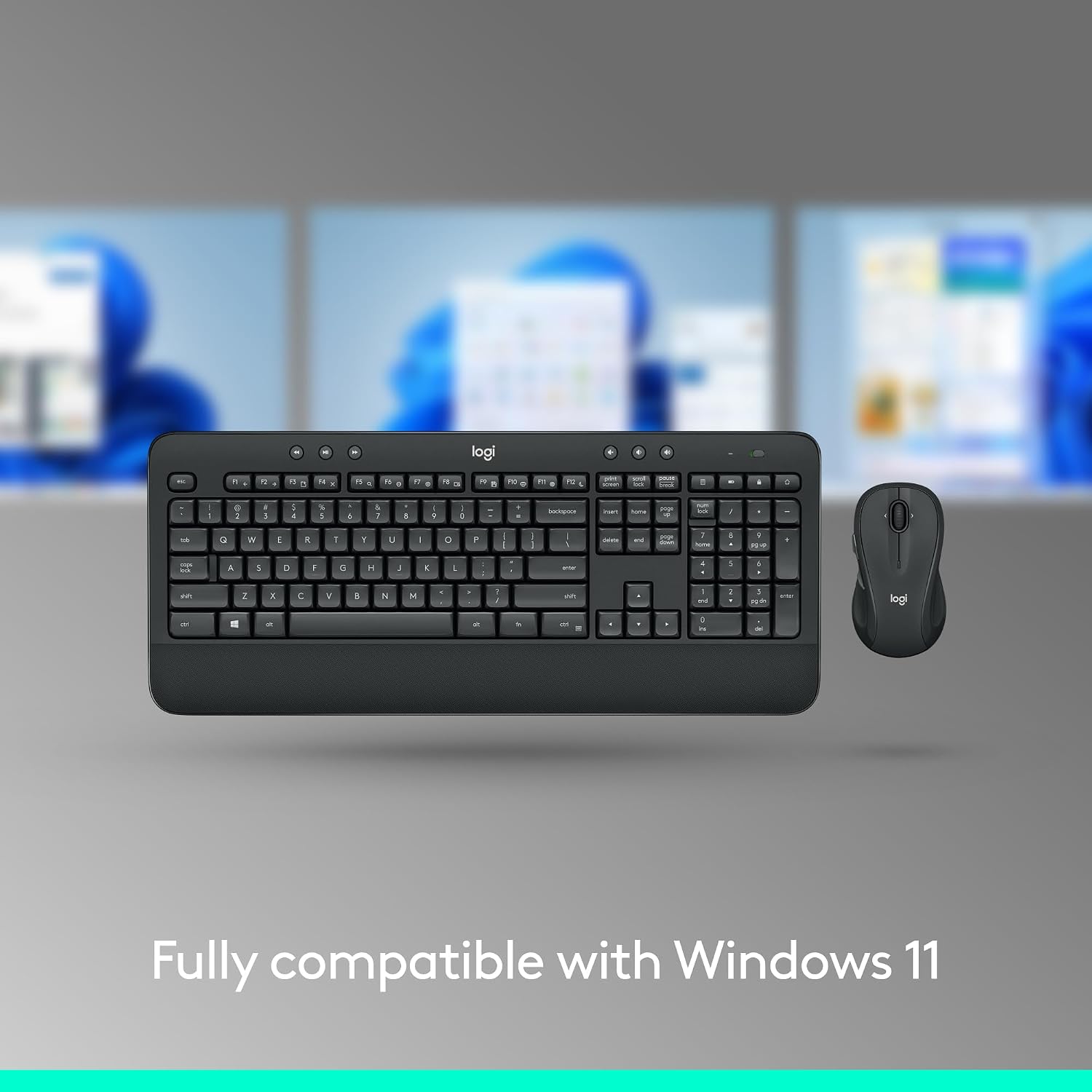
What to check before you buy\nConfirm that your computer supports Windows 10 or later (and Windows 11 compatibility is noted). If you’re not tied to USB Unifying, consider how you typically connect peripherals and whether a Bluetooth option would be more convenient for multiple devices.
Practical usage example\nImagine typing a lengthy report: the keyboard’s quiet keys and palm rest reduce fatigue during a late session, while the mouse glides smoothly with precise cursor control. You can flick the hotkeys to adjust volume or launch a calculator without interrupting your flow, and the wireless link stays steady from across the room.
Quick comparison mindset\nIf you want a compact multi-device setup, a compact Bluetooth or multi-device keyboard/mouse pair might suit you better. If you prioritize a built-in multi-device workflow and extra features like hyper-fast scrolling, you could explore higher-tier bundles. The MK540 excels as a midrange, no-nonsense, long-battery option for everyday work.
Decision moment\n### Is it worth it?
It makes sense if you value long battery life, quiet typing, and a comfortable full-size layout with easy plug-and-play setup for Windows environments. If those factors align with your daily use, the MK540 offers a sensible balance of usability and practicality.