

AULA T102 104-Key Gaming Keyboard and Mouse Combo with RGB Backlit (USB Wired)
Product description
What it is and why you’d want it
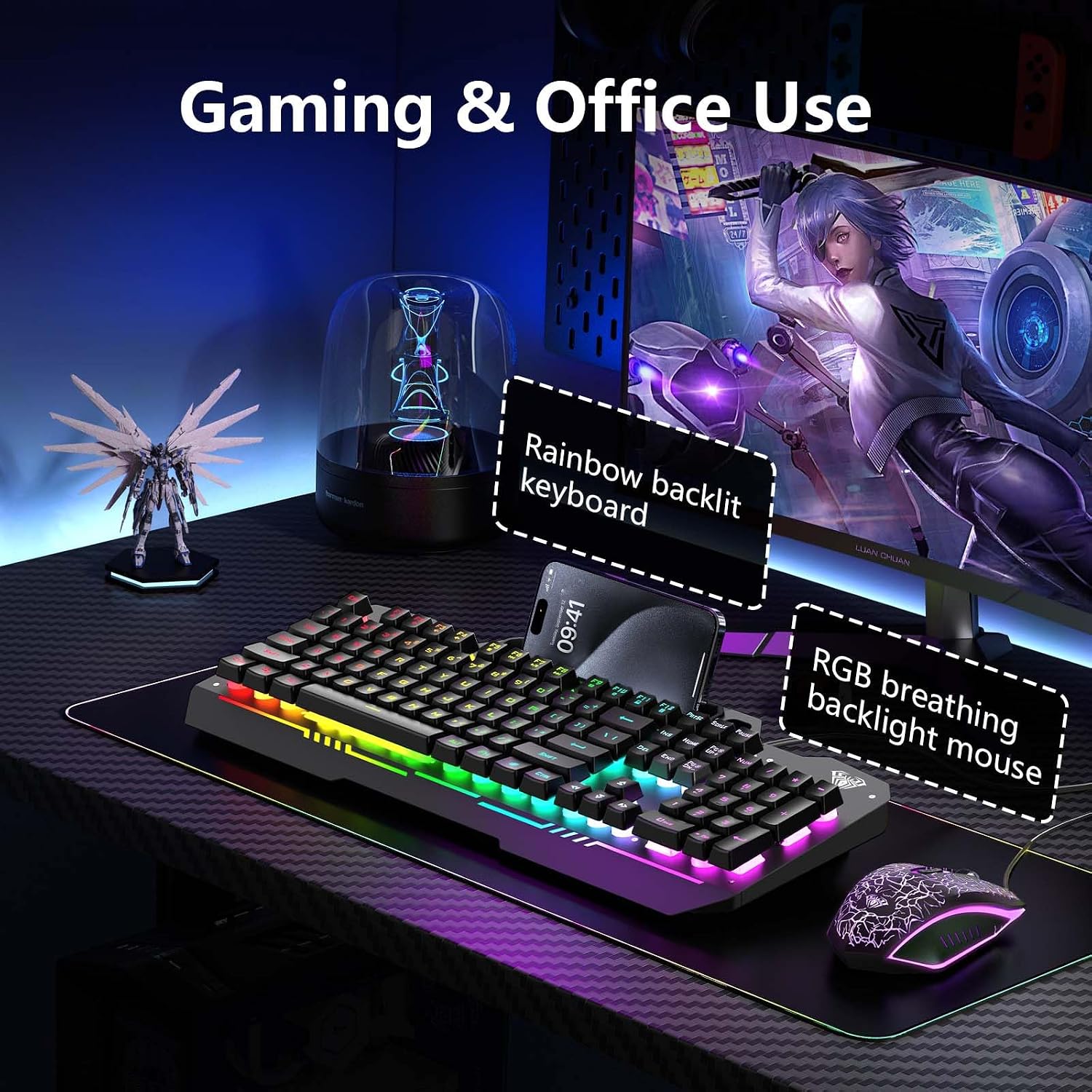
The AULA T102 is a wired 104-key gaming keyboard paired with an RGB-breathable backlit mouse. The idea is pretty straightforward: give you a compact, desk-ready combo for PC gaming (and everyday use) without making things complicated. On paper, it leans into three things people usually care about—lighting you can adjust, quieter-feeling typing, and a combo layout that includes multimedia shortcuts.
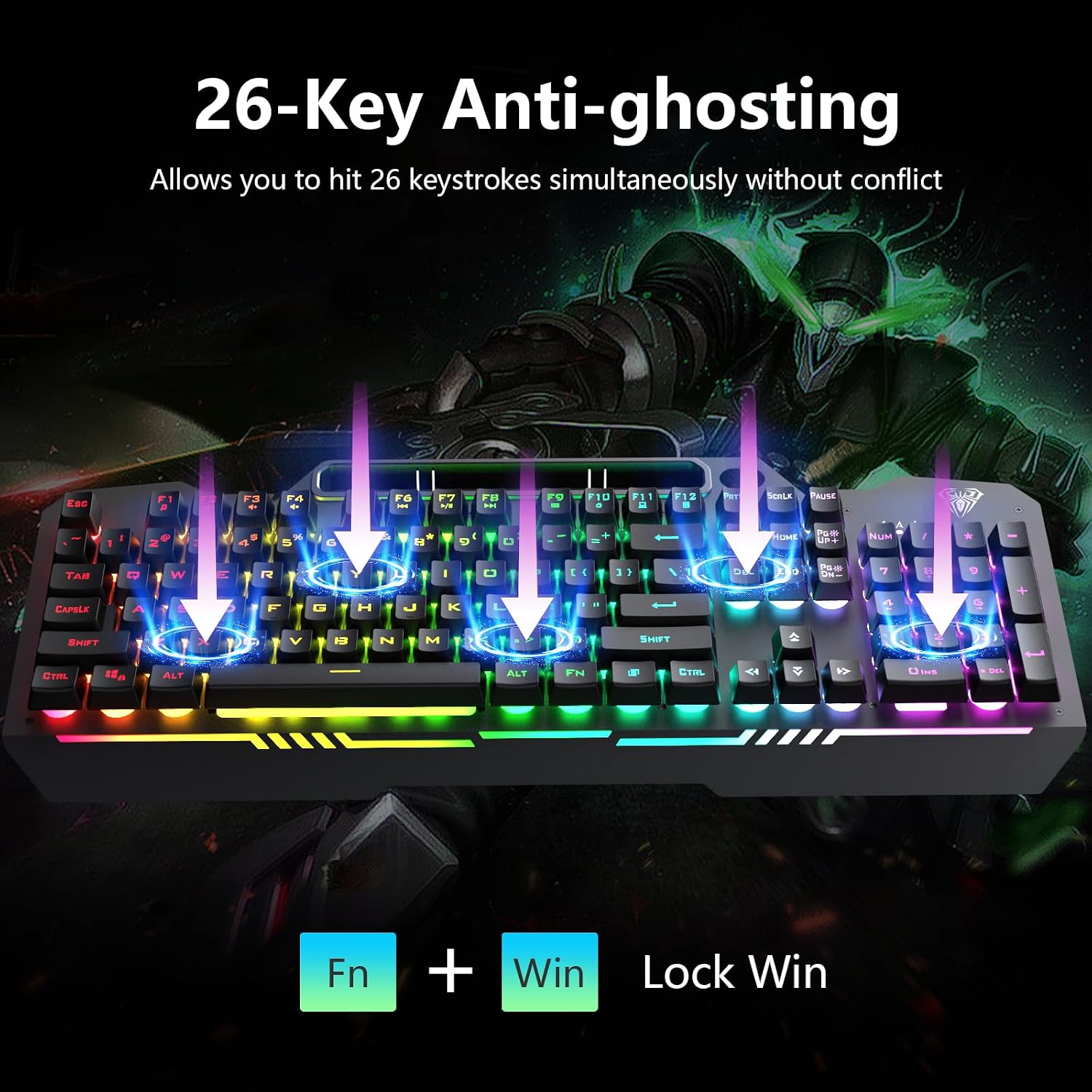
It’s also designed around control while you play. The keyboard offers anti-ghosting with support for 26 keys operating simultaneously, and the backlight can be tuned for brightness and speed using FN shortcuts. There’s even an auto-sleep behavior after inactivity (5 minutes), then it wakes instantly on any keypress. If your goal is “plug in and go,” this kind of combo setup is often easier than piecing together separate devices.
Key features that affect your daily use
## RGB keyboard + adjustable mouse lighting
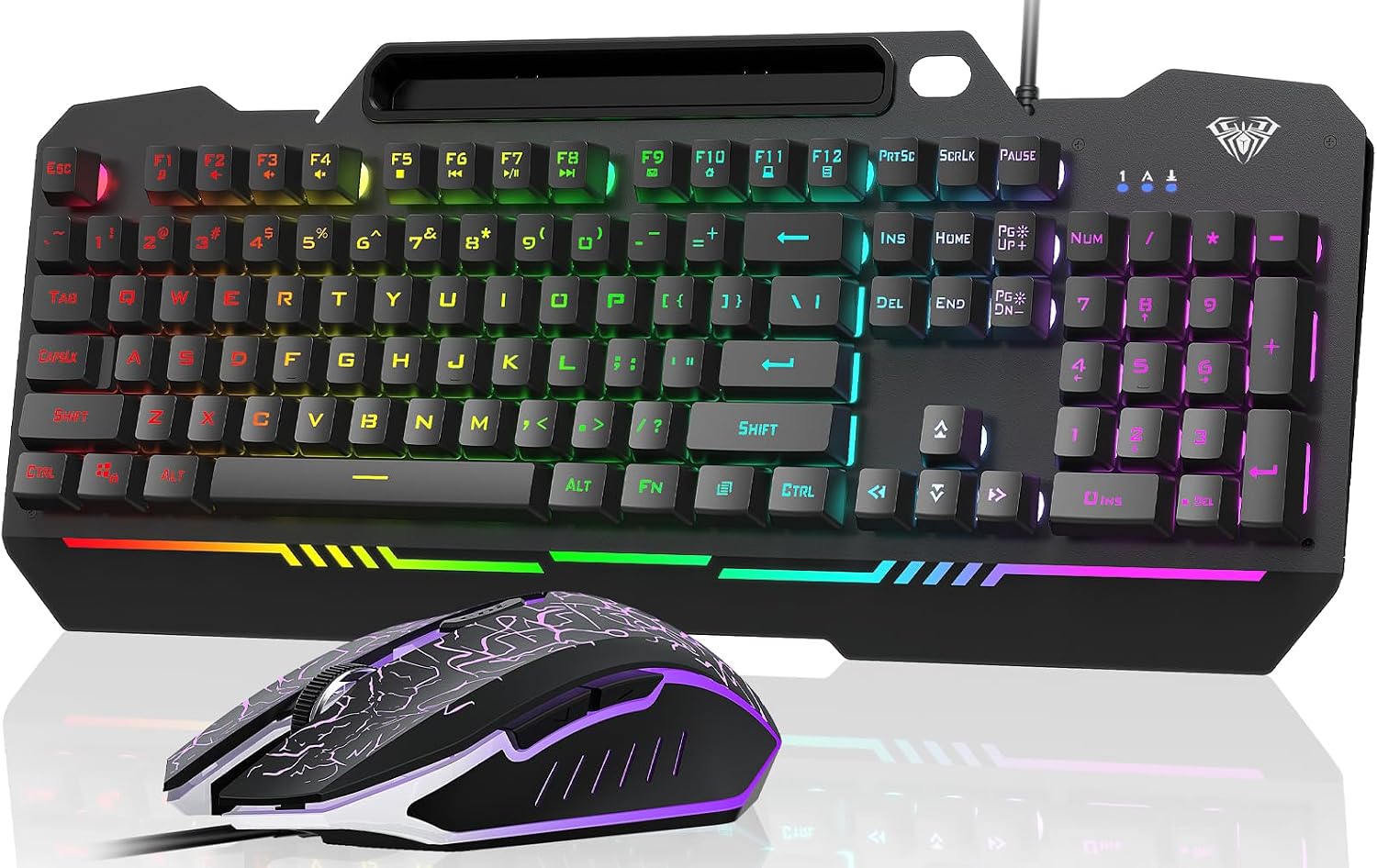
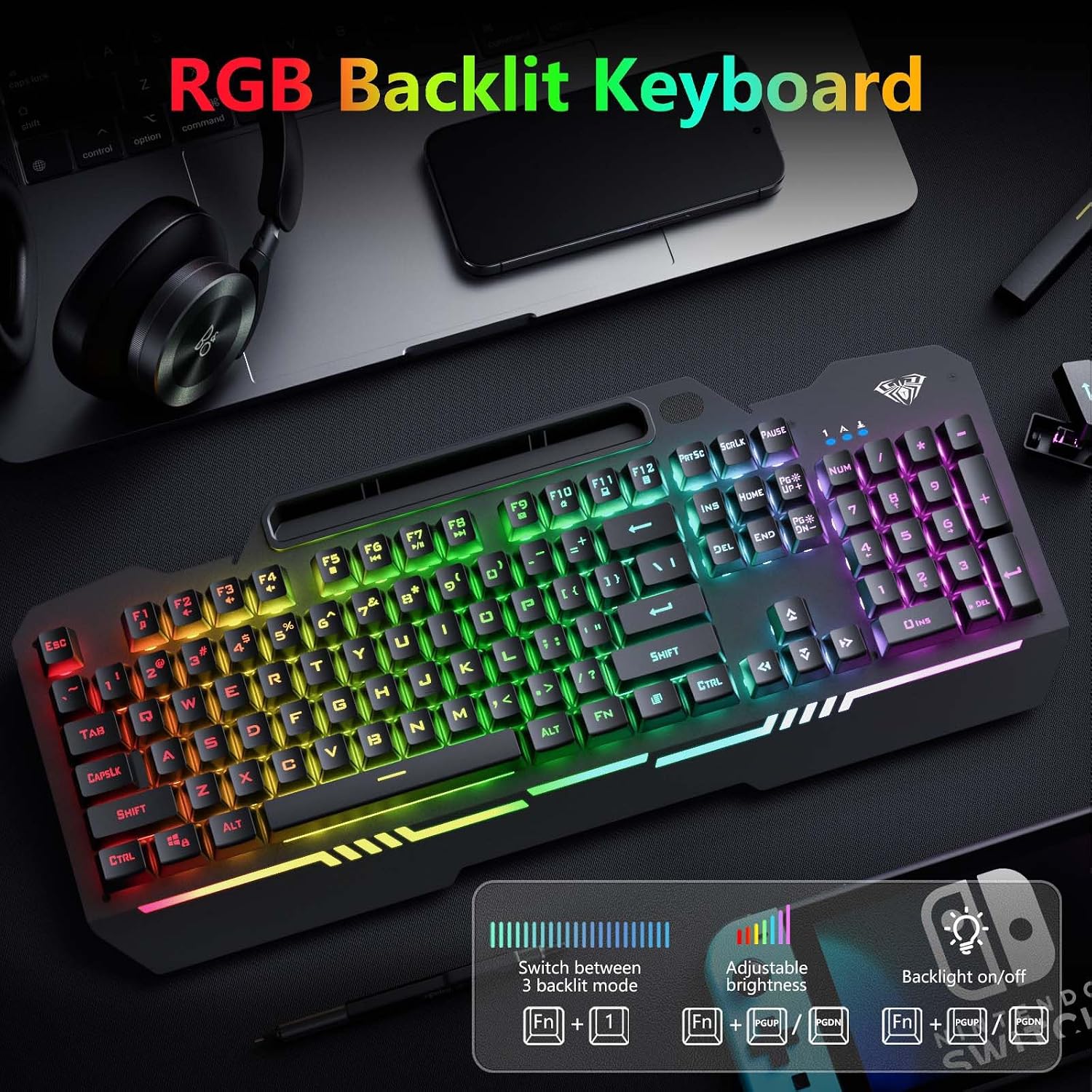
The keyboard uses a rainbow-style backlit effect, and the mouse has matching RGB breathing lighting. You can customize keyboard backlight settings like brightness and speed, and there are 3 illumination modes (constant light, breathing, heartbeat) plus 3 brightness levels. If you’re the type who keeps lighting fairly subtle during focus sessions, the adjustment options are the part you’ll probably touch most.
Quiet, comfortable typing feel
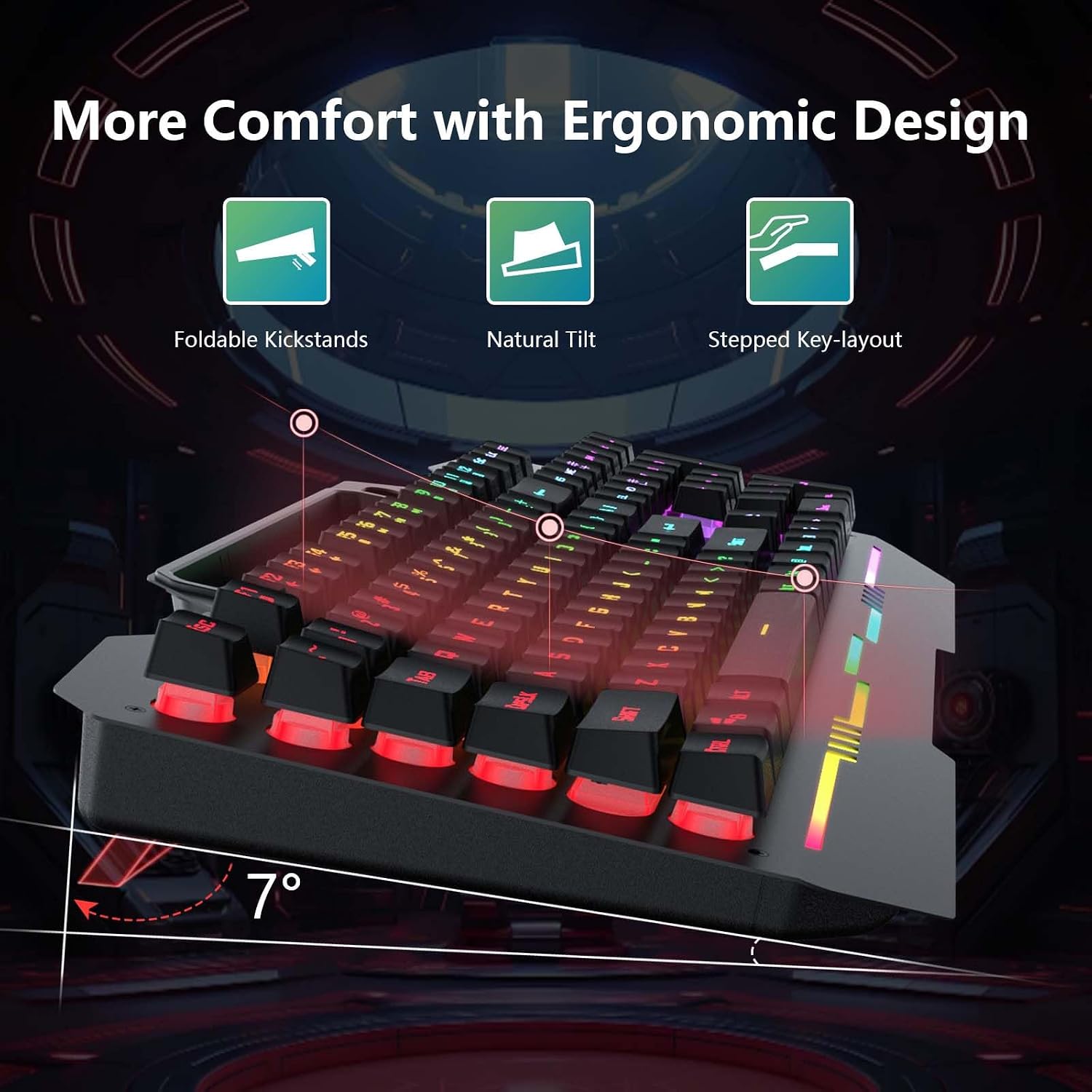
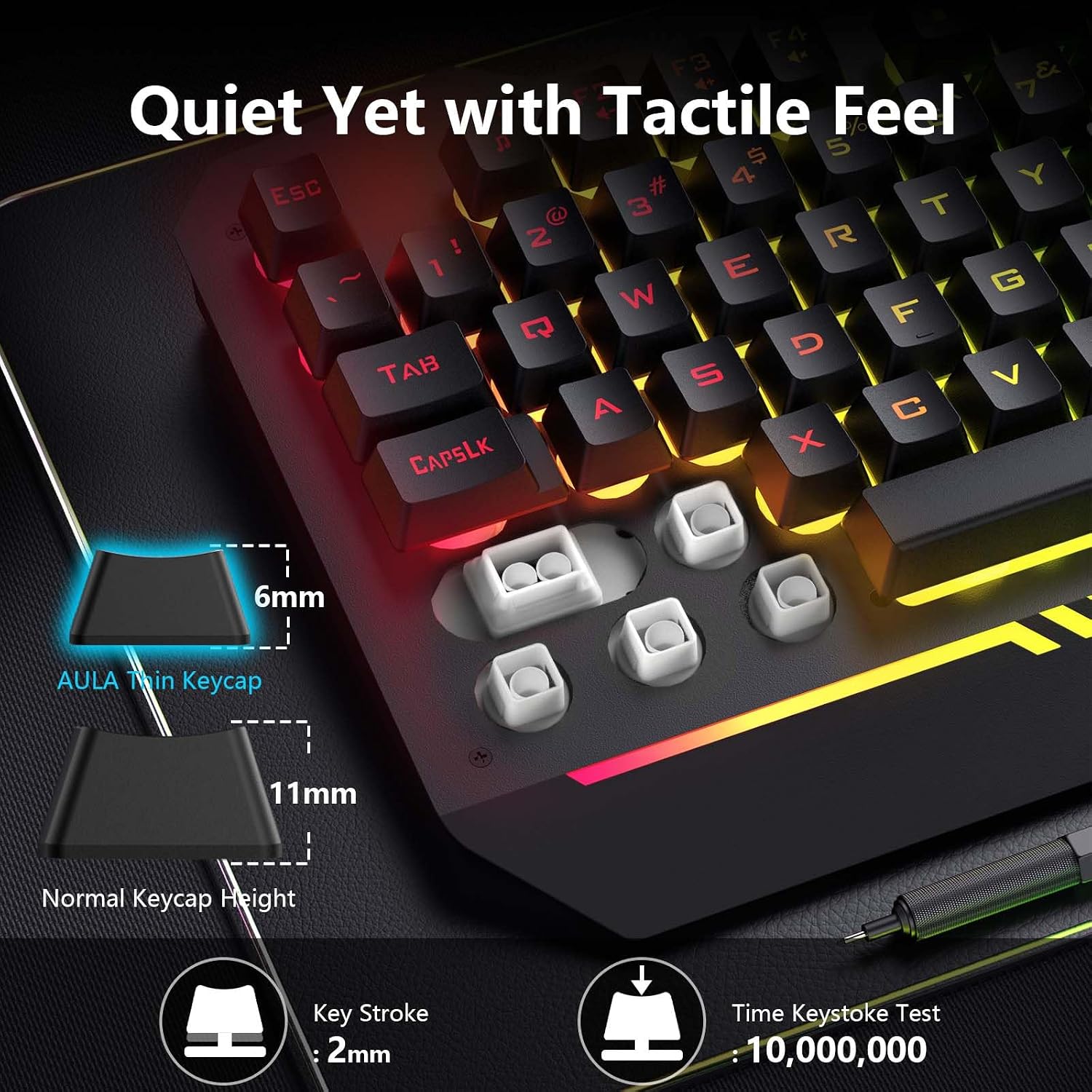
A big part of this combo’s pitch is comfort. The keyboard uses a 2.0mm keystroke design, and it’s described as offering fast trigger efficiency and rebound speed. It’s also positioned as “quiet & comfortable” with an ergonomic design and a soft-touch feel meant to reduce loud clicking noises. That’s not the same as a true mechanical switch experience, but it could be a good fit if you want something more low-disruption for late-night sessions.
Multimedia shortcuts + anti-ghosting
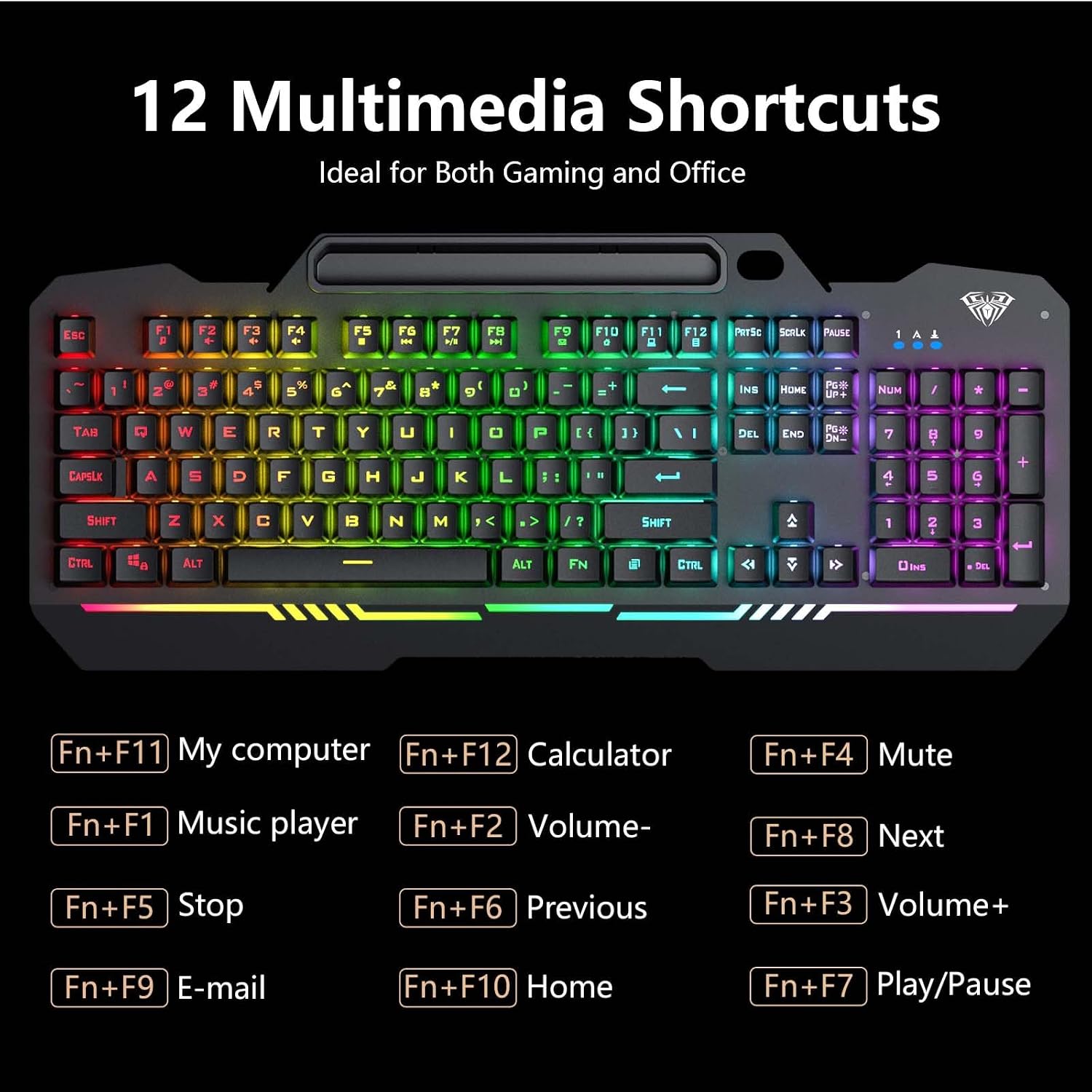
On the keyboard top, there are 12 multimedia combination keys (FN+F1–F12). That’s useful for controlling media without tabbing out of your game or changing audio setup every time. On gaming responsiveness, the anti-ghosting claim is key: 26 keys can be used simultaneously “without conflict.” In real life, whether that fully covers your specific games depends on your play style, but the approach is aimed at reducing missed inputs.
Mouse DPI-style settings (4 levels)
The included mouse includes 4 adjustable settings listed as 1200, 2400, 4800, 7200. Whether those are “right” for you depends on your mouse sensitivity preferences and how wide your desk space is. If you like fine control, having multiple steps is helpful, though you may still want to test if the highest steps feel too fast.
Wide compatibility—though not all setups are identical
The combo is advertised as compatible with a wide range of systems including Windows versions (2000/2003/XP/Vista/Win 7/8/10), and it also mentions Mac/iOS for gaming. It also lists support across PC, laptop, Google TV, and Smart TV, and says it works well for PS4 / Xbox.
That said, “compatible” can mean different things depending on your device and firmware expectations. For example, multimedia key behavior can vary by platform, and some consoles may not respond to every FN function the same way. Worth considering: if you rely heavily on specific media shortcuts, you’ll want to sanity-check how those function on your target device before you settle in.
What stands out—and what may not
When it makes sense
It’s a solid choice if you want a straightforward wired keyboard-and-mouse combo with RGB that you can actually tune, not just static lighting. It also makes sense if you prefer a softer typing sound profile for shared spaces—bedroom setups, late-night sessions, roommates, or anyone who doesn’t want loud clicking.
If your setup is mostly Windows or you’re okay with “good enough” FN lighting and multimedia controls, the combo format is convenient. The auto-sleep/wake behavior also adds a small quality-of-life improvement for desks where you step away and come back.
When you might want to skip it
This combo may feel more like a mid-range desk accessory than a serious competitive tool if your priority is extremely precise, high-end gaming feel. The typing description points to a quieter, comfortable experience, but it doesn’t claim premium mechanical-level performance. Also, since it’s a wired USB combo, you’ll need to work with cable placement, if you’re chasing wireless freedom, this approach won’t match that goal.
Practical tips for getting the most from the RGB and shortcuts
Start by setting your keyboard lighting mode and speed to something you’ll actually tolerate during long sessions. The FN+PgUp/PgDn controls are meant to adjust brightness and speed, and Fn+1 cycles through the three modes. If the “heartbeat” or “breathing” effects distract you, constant light is often the most usable for gaming.
For gaming control, try the mouse at a mid-range setting first (like 2400 or 4800 from the listed options). Then move up or down based on how much you physically move your hand during a typical turn. Finally, use the multimedia FN+F1–F12 keys for volume or playback control so you don’t have to minimize your game to handle audio.
Tech specs
- Name: AULA Gaming Keyboard, T102 104 Keys Gaming Keyboard and Mouse Combo
- Type: Wired gaming keyboard and mouse combo (USB)
- Keys: 104 keys
- Backlight: RGB rainbow backlit keyboard, RGB breathable backlit mouse
- Illumination modes: Constant Light / Breathing / Heartbeat (3 modes)
- Brightness levels: 3 levels
- Backlight controls: FN+PgUp/PgDn for brightness and speed, Fn+1 for mode, backlight can be turned off
- Keystroke depth: 2.0mm
- Anti-ghosting: 26 keys simultaneous operation without conflict
- Multimedia keys: 12 multimedia combination keys (FN+F1–F12)
- Mouse adjustable settings: 4 levels (1200/2400/4800/7200)
- Auto-sleep: After 5 minutes of inactivity, wakes instantly with any keypress
- Compatibility (as listed): Windows 2000/2003/XP/Vista/Win 7/8/10, Mac/iOS, PC/laptop/Google TV/Smart TV, works well for PS4 / Xbox
Is it worth it?
Buy the AULA T102 combo if you want a wired 104-key keyboard plus RGB mouse with adjustable lighting, anti-ghosting meant for simultaneous key presses, and multimedia shortcuts you can access quickly. It’s especially worth it if you care about a quieter, comfortable typing feel for everyday use and late-night sessions.
Skip it if you need wireless freedom, or if you’re chasing ultra-premium competitive gear where every input and switch feel is the whole point. Also, consider that platform behavior (especially FN multimedia functions) can vary, so if your setup depends on specific controls working exactly the way you expect, it’s smart to verify compatibility with your exact device first.
Mini FAQ
Is the keyboard fully RGB, or just the backlight?
The keyboard is described as having rainbow RGB backlighting with adjustable brightness and speed, plus three lighting modes.
Can I turn off the keyboard backlight?
Yes—it's described as able to be turned off if you don’t need the lighting.
How does anti-ghosting work here?
The combo is advertised to support 26 keys in simultaneous operation without conflict.
What mouse settings does it offer?
The mouse includes four adjustable levels listed as 1200, 2400, 4800, and 7200.
Does it work with both PC and consoles?
It’s listed as compatible with Windows and also working well for PS4 and Xbox, plus Mac/iOS and several TV-style devices.