

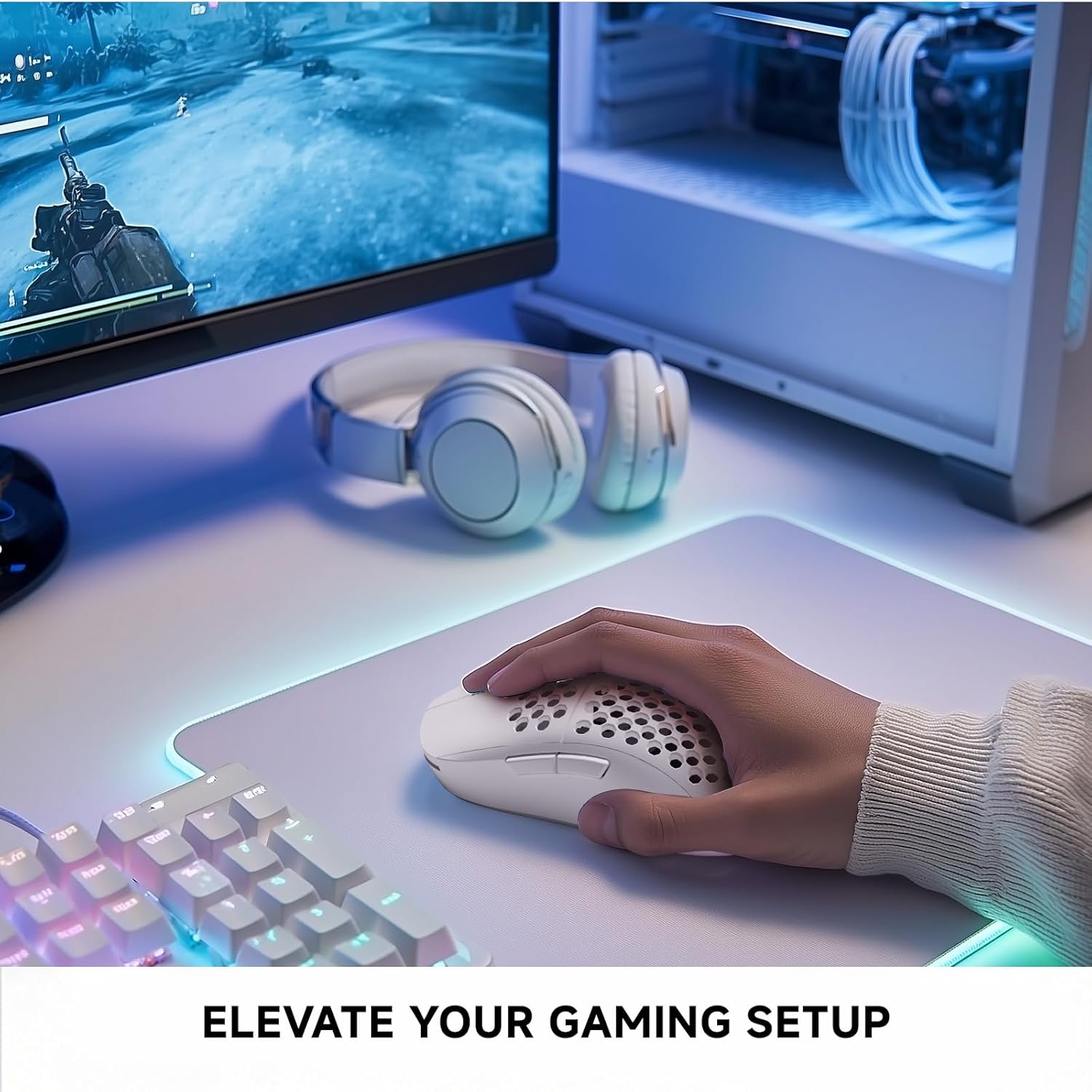
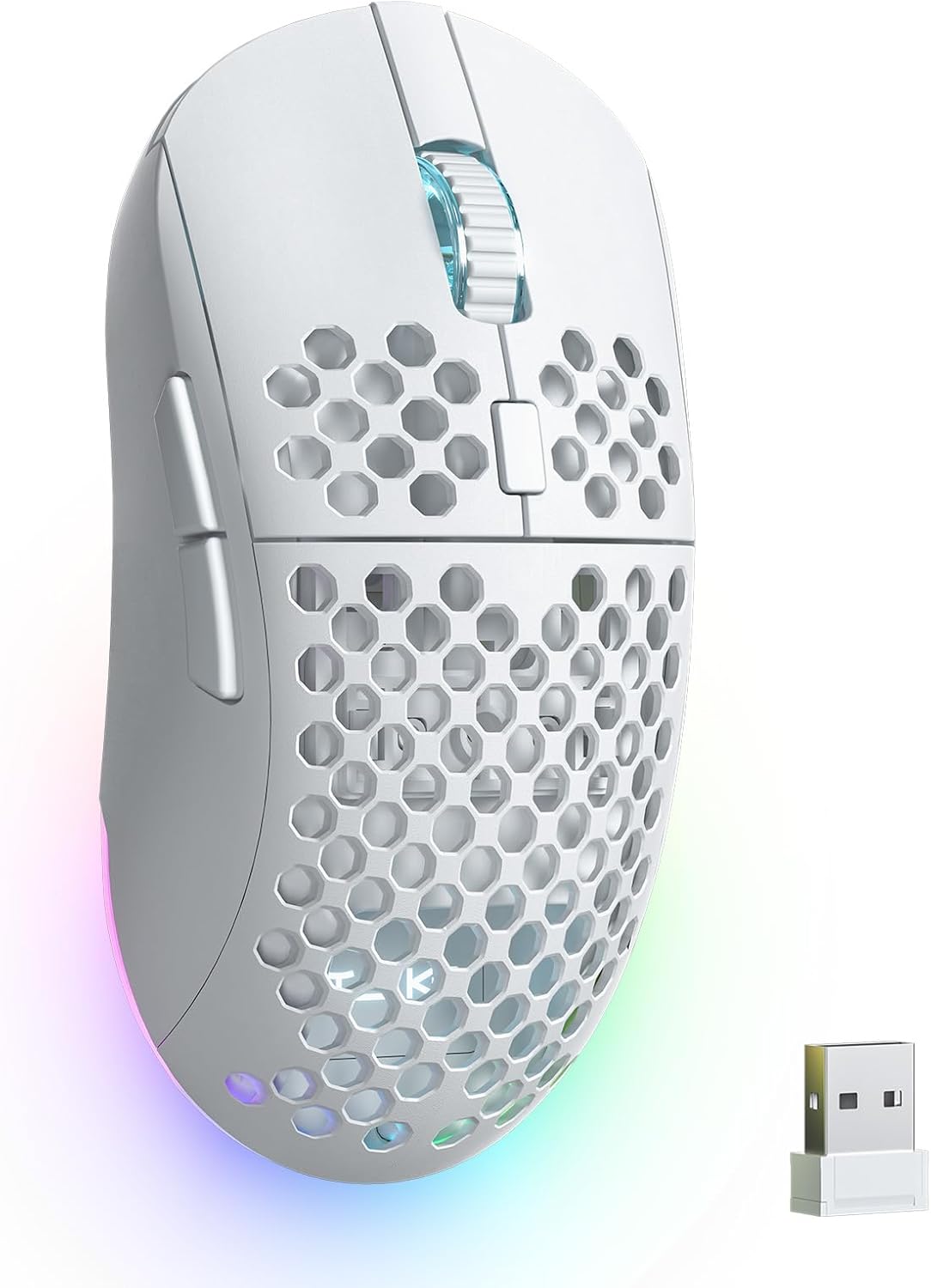
TMKB Wireless Gaming Mouse (24000DPI Optical Sensor, 6 Programmable Buttons) — Matte White
Product description
The essentials
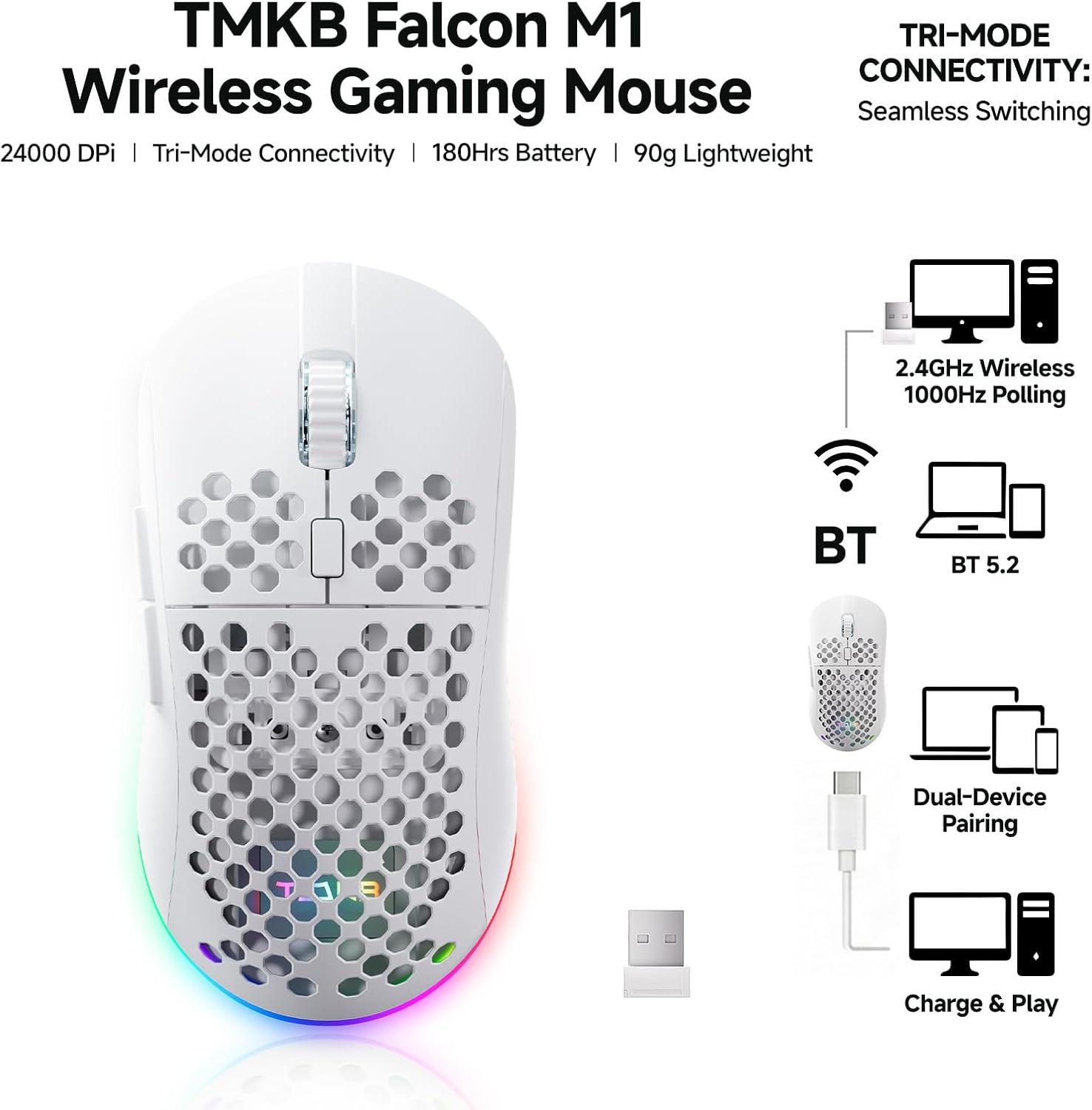
If you want a wireless gaming mouse that feels quick and responsive without turning your desk into a charging station, the TMKB Wireless Gaming Mouse is built around that idea. On paper, it combines a high-end style sensor (up to 24,000 DPI) with tri-mode connectivity, so you can swap between 2.4GHz, Bluetooth (BT5.2 for two devices), and wired USB-C when you need stability.
It’s also surprisingly “day-to-day” for a gaming mouse: the matte, sweat-resistant grip and the light honeycomb ergo design are meant to stay comfortable during longer sessions. That said, the spec sheet also leaves some questions—like whether the control layout and shape will match your hand perfectly—so it’s worth thinking about your preferred grip style before you commit.
Key points
What stands out most is how it tries to cover multiple setups. You can use the fast 2.4GHz mode for gaming, switch to Bluetooth for convenience when you’re bouncing between devices, and fall back to wired USB-C when you want zero battery concerns.
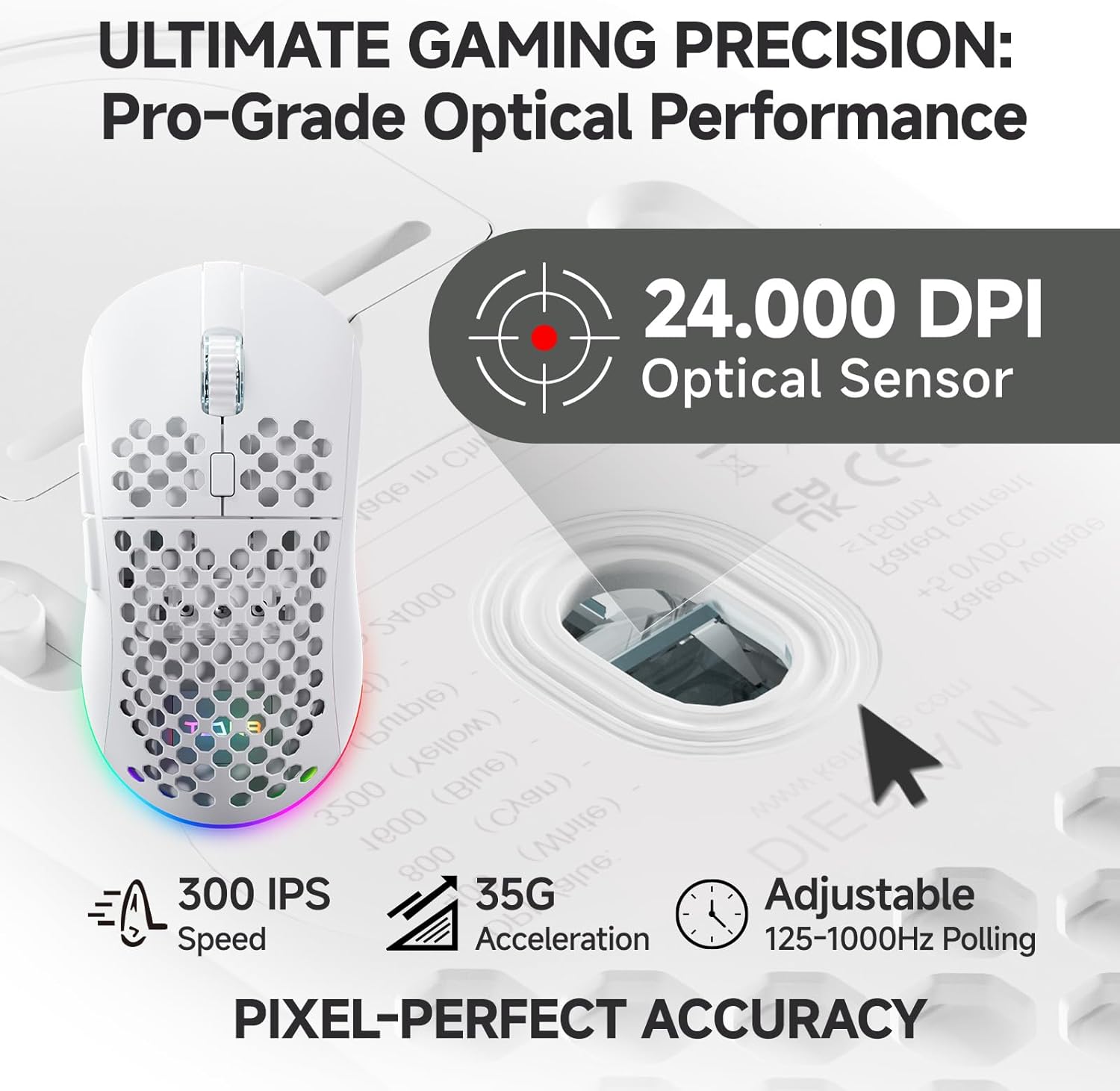
The sensor side is clearly targeted at people who care about responsiveness and fine movement. With adjustable DPI up to 24,000 and instant visual feedback (the wheel LED plus an RGB strip that color-codes the active DPI), you’re not stuck guessing whether you’re in the right sensitivity.
Then there’s the battery claim: up to 180 hours, plus rapid charging via USB-C (described as full recharge in 1 hour) and an auto-sleep feature to help stretch usage. That combination is practical if you don’t want to constantly plan charging.
What you’ll notice day to day
In actual use, DPI changes and feedback matter more than people expect. Being able to see your active DPI color-coded right on the mouse (wheel + RGB strip) helps when you’re switching between different tasks—like high-sensitivity aiming for quick flicks, then dialing down for precision. The dual LED approach is designed specifically to remove that “did I press the DPI button?” uncertainty.
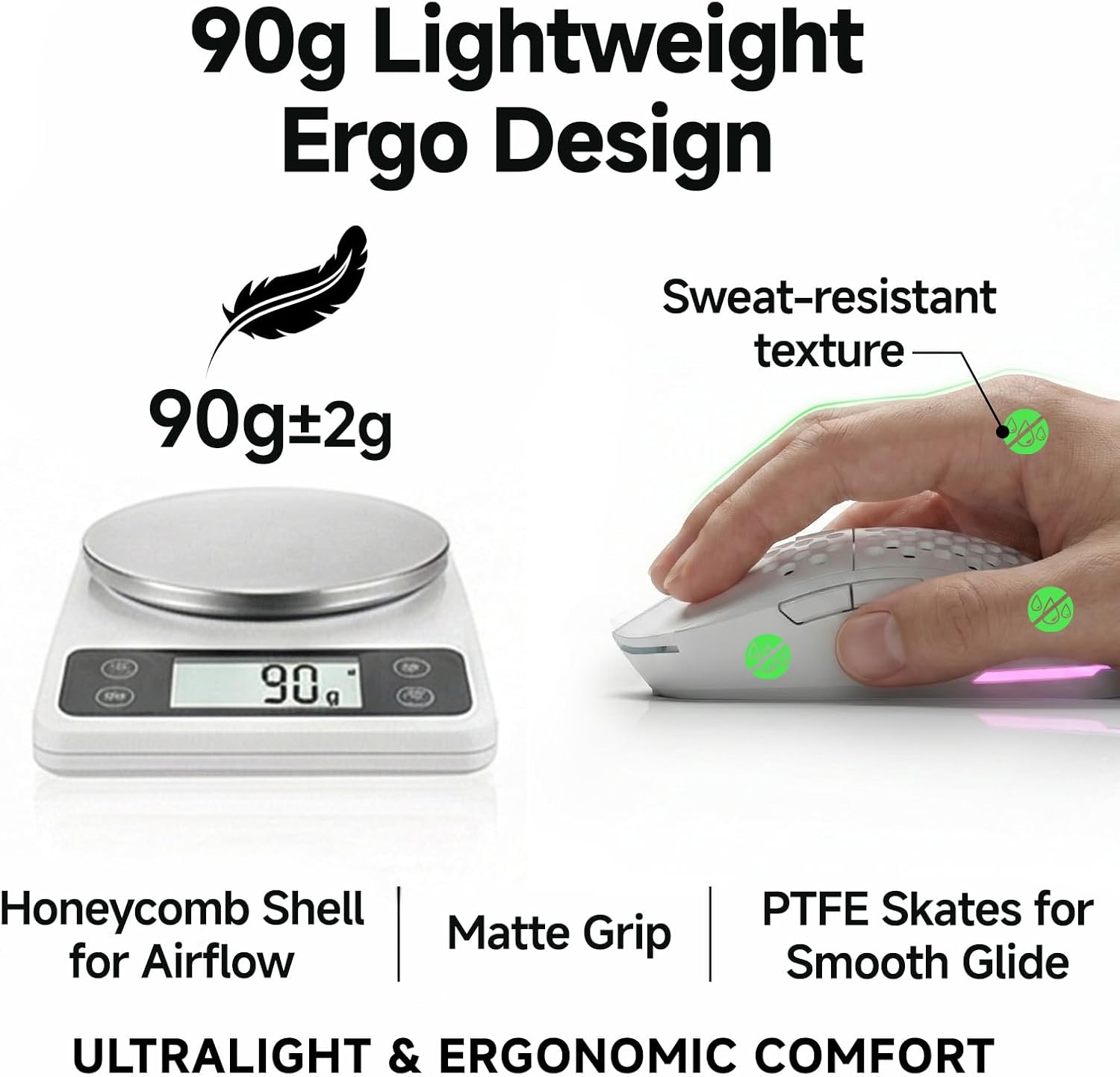
The lightweight honeycomb ergo design (listed at 90g) also aims to reduce fatigue. If you play with a more movement-heavy style—like low- to mid-range swipes or lots of micro-adjustments—it can feel more agile. Not everyone likes honeycomb shapes, though, some users prefer solid shells for a different feel, so it may come down to personal comfort.
Tech specs
- Name: TMKB Wireless Gaming Mouse
- Type: Wireless gaming mouse (tri-mode)
- Resolution: Adjustable DPI up to 24,000
- Speed: 300 IPS
- Acceleration: 35G
- Battery life: Up to 180 hours
- Battery capacity: 1,000mAh
- Charging: USB-C (full charge described as 1 hour)
- Connectivity: 2.4G, BT5.2, and wired USB-C
- Programmable buttons: 6
- Weight: 90g
- Design: Honeycomb ergo design with PTFE skates
- Finish: Matte white (matte, sweat-resistant grip)
Where it shines (and where it may fall short)
Where it shines is versatility and responsiveness. The tri-mode setup is especially useful if your PC gaming setup is not the only thing on your desk—like if you also work on a laptop or bounce between two devices.
It’s also more “complete” than many basic gaming mice in its category thanks to 6 programmable buttons and DPI tuning with visual confirmation. If you want to remap controls or use macro recording/rapid-fire commands (as described), you get the basics you’d expect for customizing your gameplay.
But keep expectations grounded: the provided information is mostly about performance specs and convenience features. It doesn’t spell out things like software depth, polling rate details, sensor behavior on different surfaces, or whether the shape is universally ergonomic. So if you’re picky about mouse feel, glide consistency, or advanced customization, you may want to double-check fit and control placement for your hand.

Care & maintenance
This mouse is described with PTFE skates for a frictionless glide and a matte sweat-resistant grip. Practically, that means you’ll want to keep the feet clean so the glide doesn’t get sluggish over time and wipe down the matte surface if it picks up oils.
No complicated maintenance is described, but routine care is the easiest way to keep the “lightweight + smooth movement” experience consistent.
Is it worth it?
Buy the TMKB Wireless Gaming Mouse if you want a tri-mode gaming mouse that covers 2.4GHz for fast play, Bluetooth for convenience across devices, and wired USB-C for when you’d rather not think about battery. It’s a solid match if you like adjustable DPI up to 24,000 and want clear visual feedback for your current sensitivity.
You may want to skip it if your top priority is ultra-precise, fully documented software control (details aren’t provided here), or if you know you strongly prefer a specific mouse shape that doesn’t match a honeycomb ergo design. Also, if you’re the type who expects every aspect to feel “dialed in” without needing any adjustment period, it’s worth pausing—because comfort and button placement are personal, even when the specs look great.
Mini FAQ
What is tri-mode connectivity on this mouse?

It means you can use 2.4GHz for ultra-fast wireless, BT5.2 (for two devices) for power-saving switching, and wired USB-C mode when you want a direct connection.
How long does the battery last?
The listing states up to 180 hours, with auto-sleep described to help conserve power.
Does it show the active DPI?
Yes. The wheel LED and RGB strip are described as color-coding your active DPI for instant recognition.
How many programmable buttons does it have?
There are 6 fully programmable buttons, with support described for macro recording, key remapping, and rapid-fire commands.
Is it suitable for both PC and Mac?
The description says it’s wired for PC/Mac/laptop setups (via USB-C).