

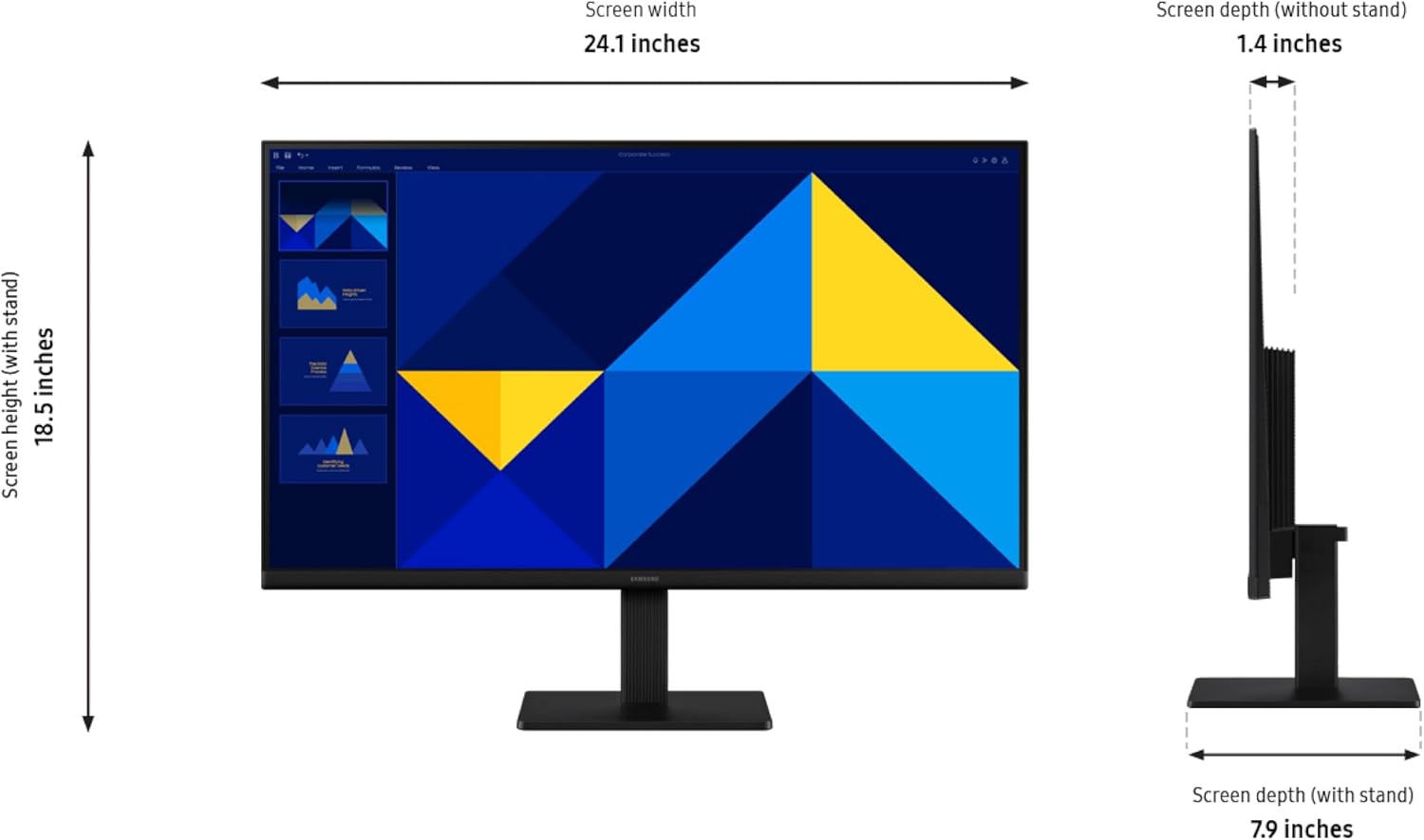
Samsung 27" (S30GD) Essential Monitor (LS27D304GANXZA) with IPS Panel, Tilt-Only Stand, and 100Hz
Product description
What this monitor is for
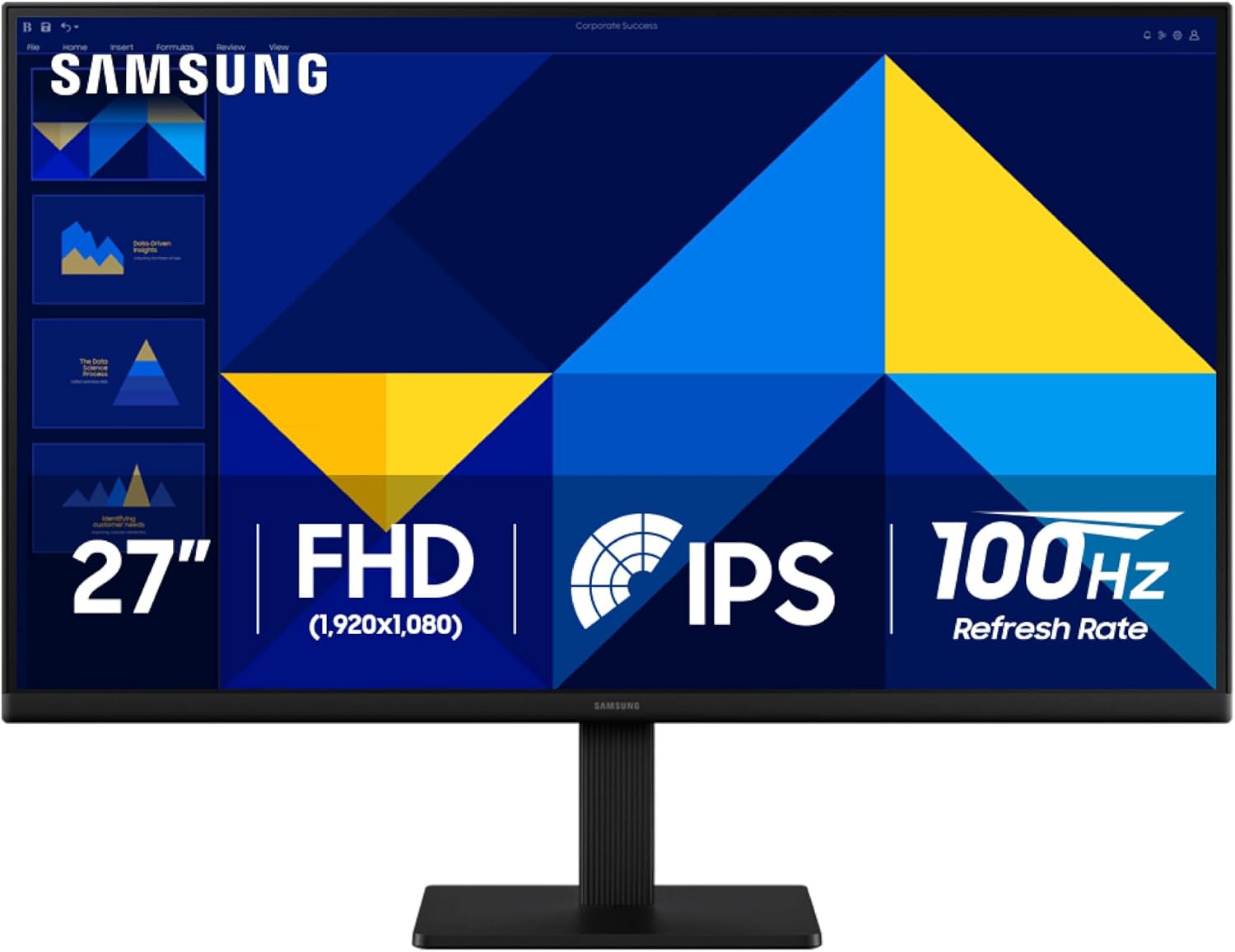
If you want a straightforward 27-inch display that looks clean on a desk and handles both everyday work and entertainment without feeling sluggish, the Samsung 27" (S30GD) Essential Monitor is built for that in-between sweet spot. On paper, it leans on an IPS panel for consistent color across viewing angles, plus a 100Hz refresh rate aimed at smoother motion—useful when you’re bouncing between spreadsheets, creative tasks, and games.
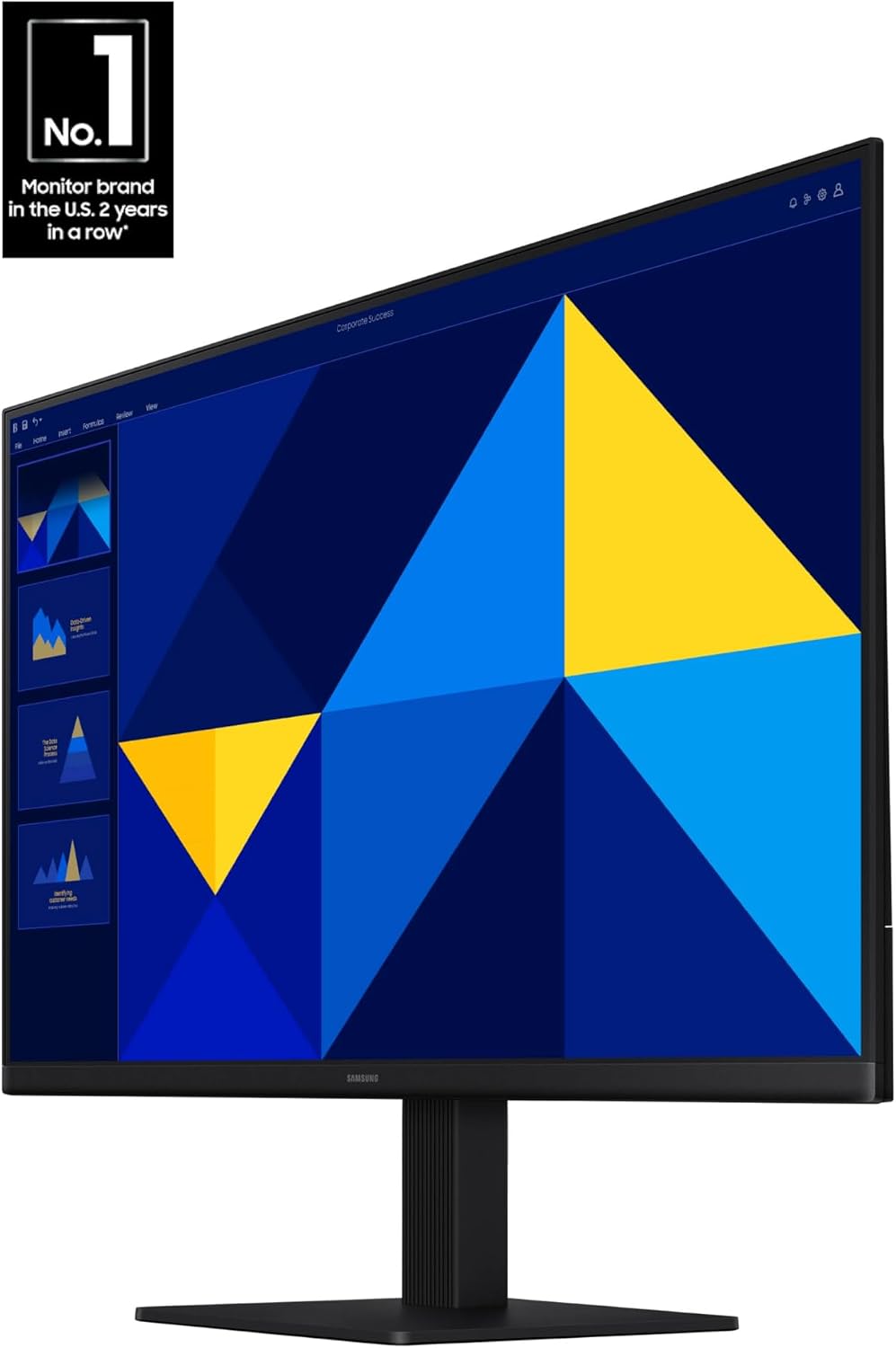
It’s also trying to be easy on your eyes during longer sessions. The package includes “advanced eye care” features like reduced blue light and screen flicker reduction, and that matters if you spend hours in front of a screen. The stand is tilt-only, so it’s not chasing full ergonomic range, but the setup is still designed to look modern with a super-slim profile and thin border bezels.
Key takeaways (the stuff you’ll actually feel)
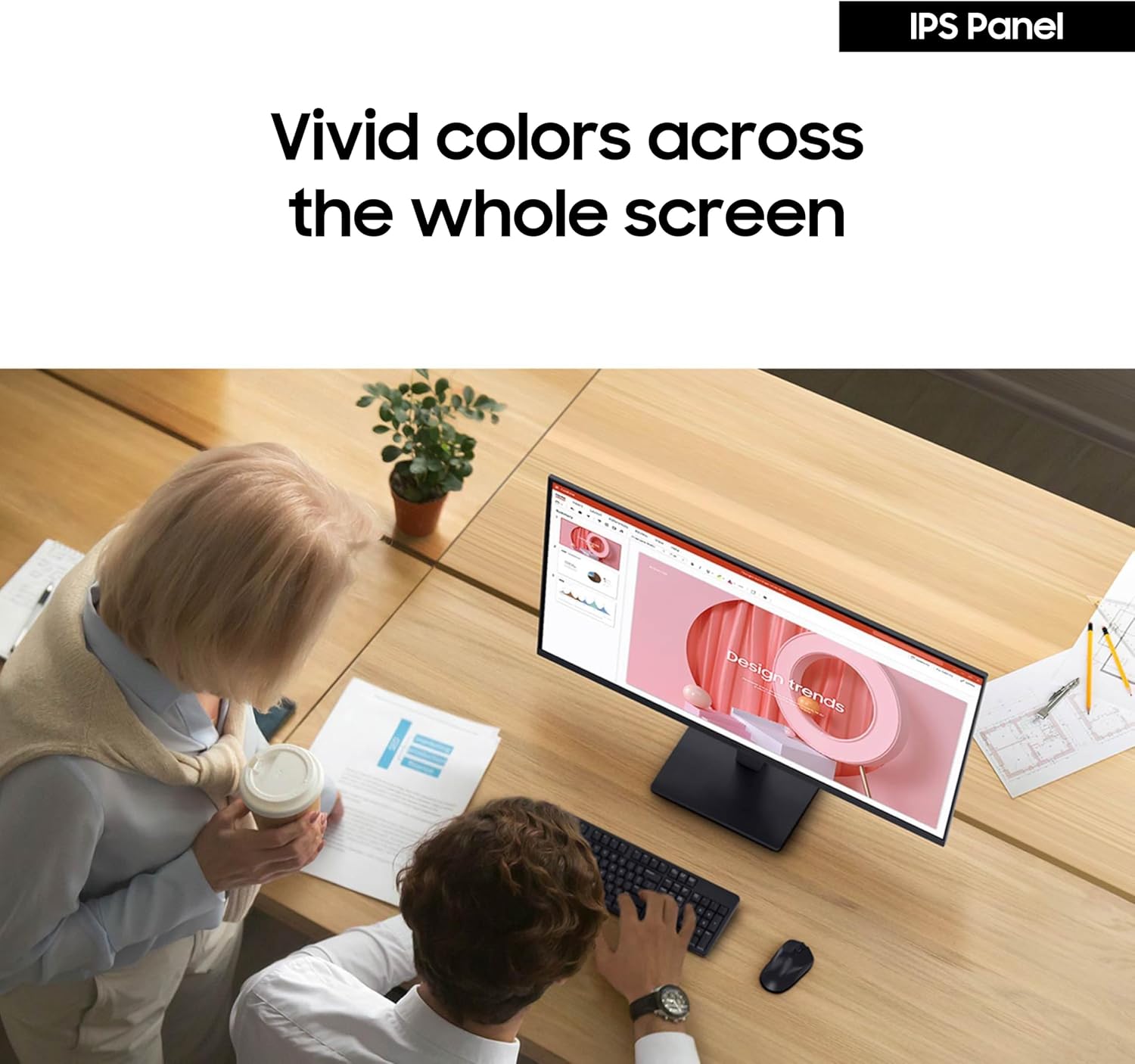
The IPS panel is the headline. The pitch is simple: vivid, bright colors and fewer “color wash” effects when you move around relative to the screen. In normal use, that translates to a display that holds up better for shared viewing (even if it’s just coworkers or family glancing over), and it can make color work feel more consistent.
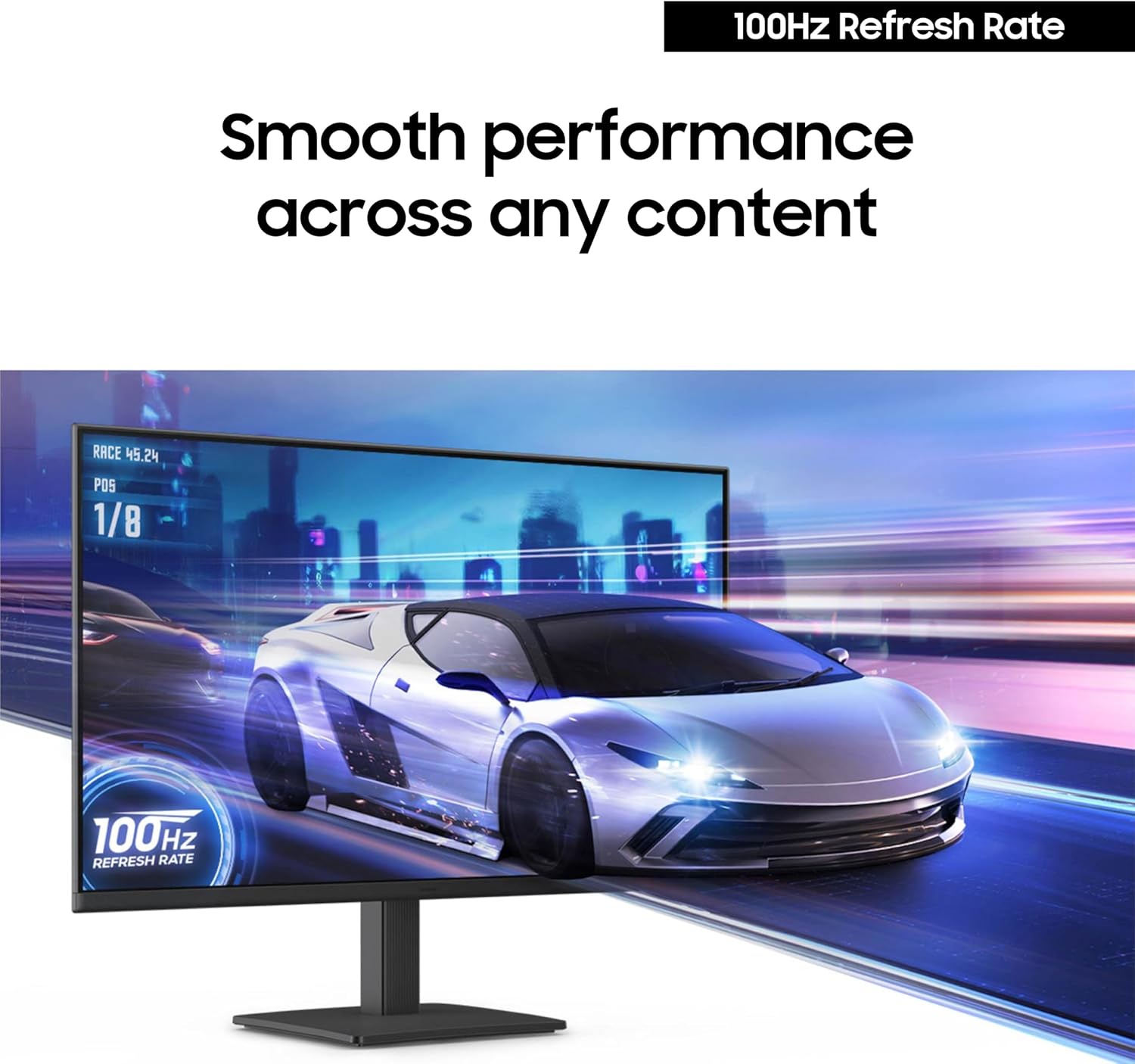
For motion, the 100Hz refresh rate is the other major lever. Samsung positions it as a way to reduce lag and motion blur in fast-paced moments—so for games and watching videos, it’s meant to feel smoother than basic 60Hz style experiences.
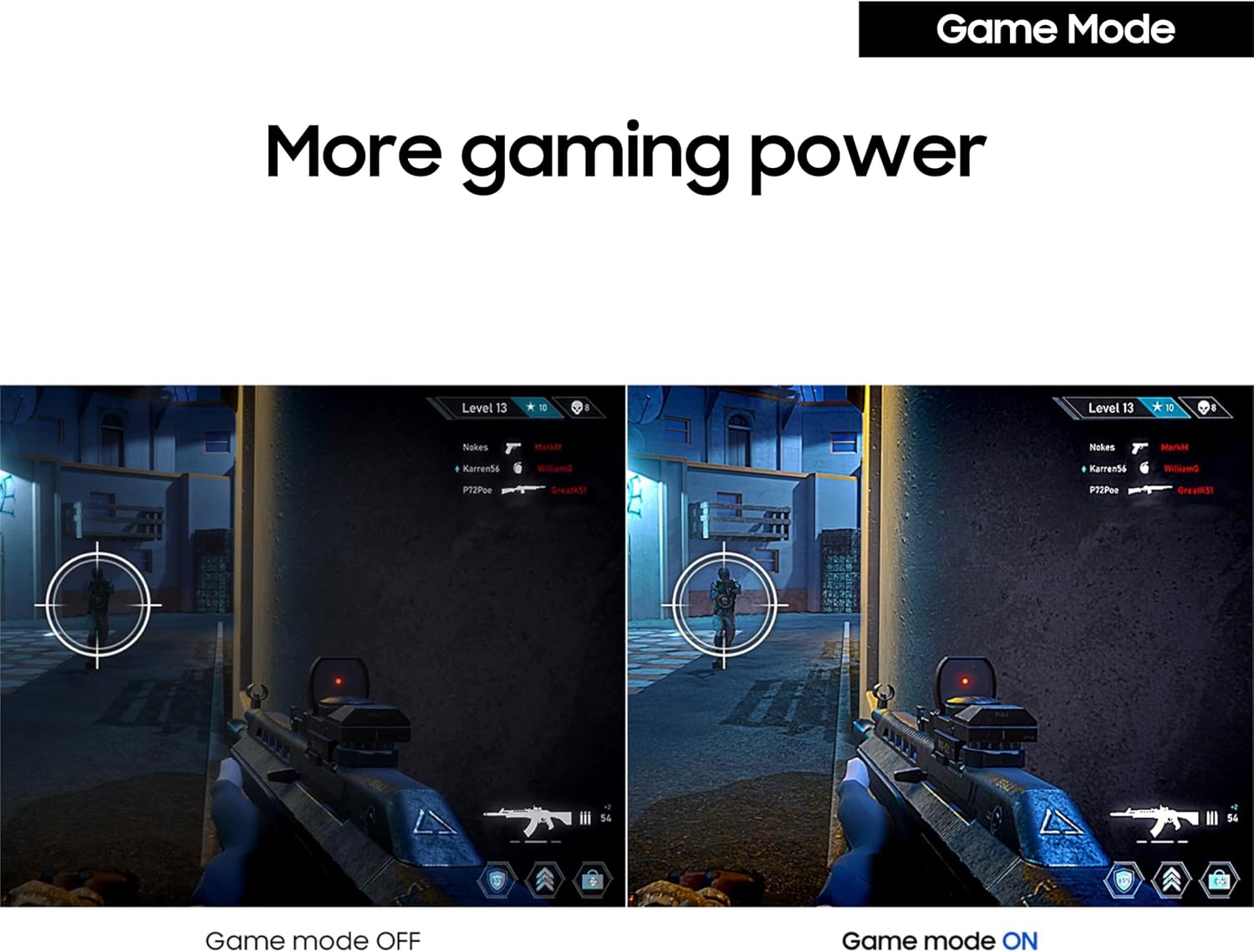
There’s also Game Mode with optimizable game settings and adjustments for color/image contrast, intended to make scenes clearer. The practical upside: if you like tweaking your visuals on the fly, Game Mode is there to help without diving into complicated menus.
One limitation to keep in mind: this is a tilt-only stand. If you need height adjustment or a more flexible ergonomic setup, you may end up planning on a separate monitor arm.
Tech specs
- Name: Samsung 27" (S30GD) Essential Monitor (LS27D304GANXZA)
- Type: Essential Monitor with IPS panel
- Size: 27"
- Refresh rate: 100Hz
- Stand: Tilt-only stand
- Included features (as described): Game Mode, advanced eye care (reduced blue light, screen flicker reduction)
Everyday use and best use cases
Where it tends to make sense is when you want one monitor to cover a lot: office work, streaming, and occasional gaming—without buying something that’s clearly aimed only at esports at the highest tier. For example, imagine setting up a single 27-inch screen for a home office: you do your work during the day, then at night you switch to a game and use Game Mode for clearer scenes, while eye-care features help you stay comfortable through longer sessions.
It also includes an “easy connection” angle: the description highlights plugging devices straight into the monitor for more flexibility. If your setup is tight or you like fewer cable detours, that can be a genuinely convenient design choice.
What stands out vs. what may not be enough
What stands out here is the combination of IPS color consistency, a 100Hz refresh rate, and eye-care features—plus a modern, slim look. It’s not positioned as a specialty monitor with extreme esports features in the info provided, it reads more like a capable mid-range daily driver.
You may want to look elsewhere if you’re specifically chasing maximum ergonomics (because the stand is tilt-only) or if you need a lot more than the described gaming support. Also, if your primary goal is ultra-precision color grading, the provided details focus more on general vivid color and angle consistency than on calibration-grade specs.
Compatibility, setup, and what to verify
Before buying, double-check your space and setup expectations. Since the stand is tilt-only, confirm whether you’re happy with the viewing angle as-is or whether you’ll plan to use a monitor arm.
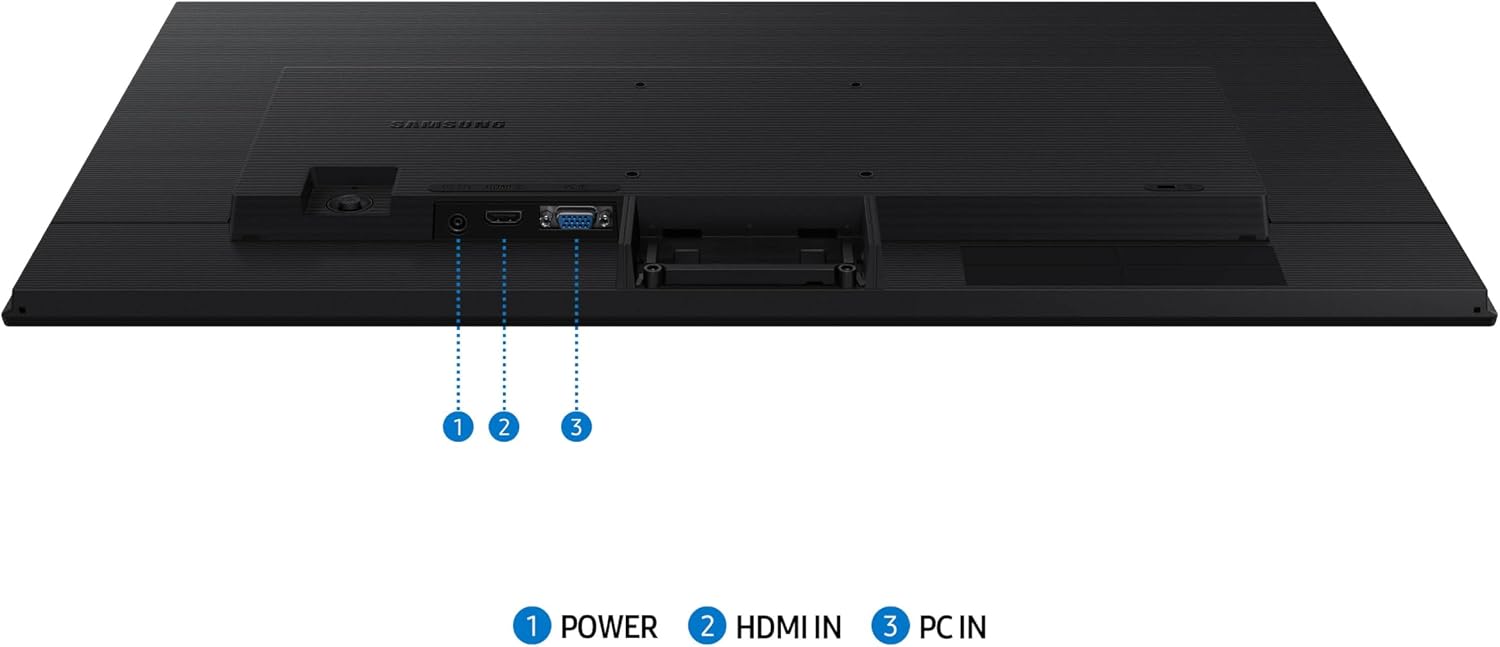
Also, “connect to more” suggests additional convenience, but the entry doesn’t spell out which ports or how many. If you have specific devices (like a laptop plus a console) you want to plug in directly, it’s worth confirming the port lineup during the purchase decision so you don’t get stuck with adapters.
When it makes sense
A solid pick if you want a 27-inch IPS monitor for everyday productivity plus smoother motion for games and videos, while also caring about comfort features like reduced blue light and screen flicker reduction.
It’s also a good match if you like the idea of Game Mode adjusting color and contrast to help scenes look clearer, and you want a clean, modern look with slim bezels.
It might not be the best choice if you need height adjustment, full ergonomic tuning, or if your expectations go beyond what’s described (for example, demanding professional calibration or highly specific gaming specs).
Is it worth it?
Buy it if you want a no-fuss 27-inch IPS monitor that’s designed to feel smoother at 100Hz, keep colors consistent from different angles, and stay easier on your eyes during long sessions. It’s a sensible “one monitor for everything” approach.
Skip it if tilt-only ergonomics would frustrate you, or if you need port details to match a specific desk setup and don’t want to rely on extra adapters. In other words: it looks like a capable daily monitor, but it won’t replace a fully adjustable ergonomic setup.