

ASUS TUF Gaming Monitor VG279Q3A (27-inch) — Full HD 180Hz IPS with ELMB Sync and FreeSync Premium
Product description
The essentials
If you want a 27-inch 1080p gaming monitor that feels fast, responsive, and built for high frame-rate play, the ASUS TUF Gaming Monitor VG279Q3A is clearly aiming at that sweet spot. On paper, it’s the kind of display that focuses less on deep specs for creators and more on motion clarity and tear-free gameplay through a couple of key technologies working together.
It’s not trying to be a premium “everything-perfect” panel. Instead, it leans on a fast IPS approach, a high refresh rate, and motion-control features that target ghosting and tearing when you’re gaming—especially when your frame rate is jumping around.
What it’s for (and why the feature set matters)
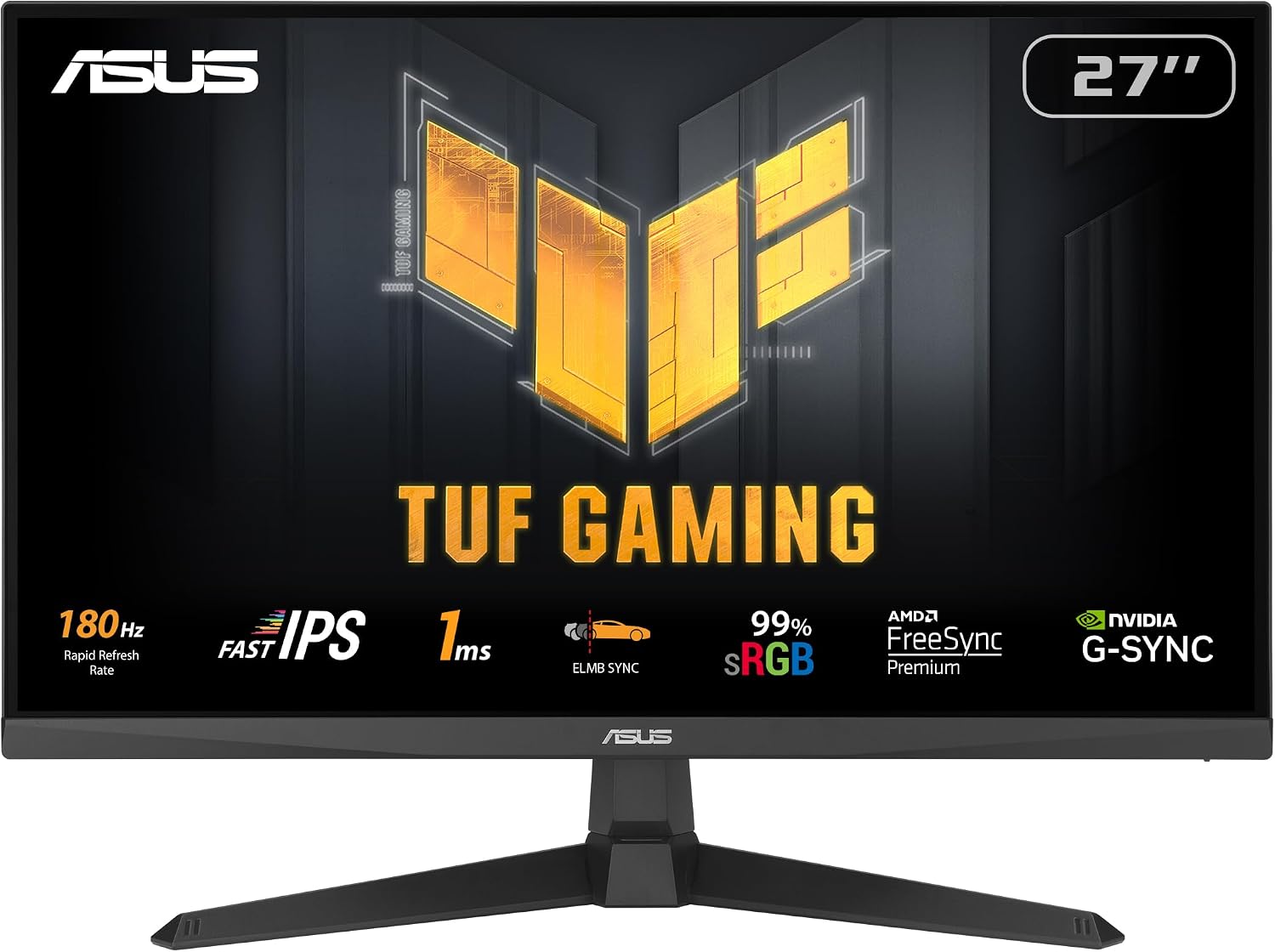
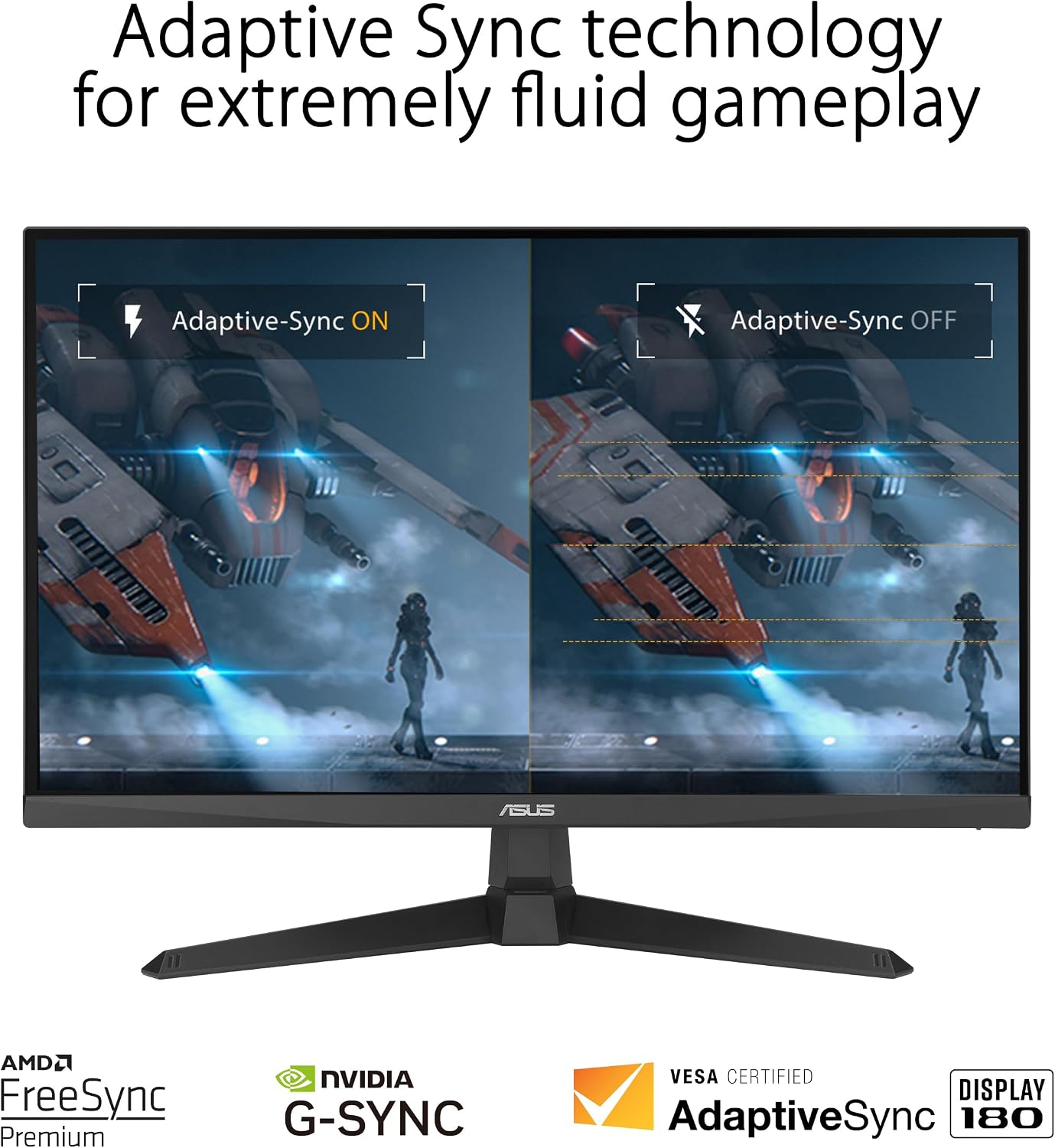
This monitor is designed around smooth gameplay at up to 180Hz with FreeSync Premium support, plus compatibility with G-SYNC. That combination is there for one main reason: variable refresh rate (VRR) is meant to reduce tearing and keep motion steadier when your GPU can’t hold perfectly consistent frames.
Then there’s the motion angle. Extreme Low Motion Blur Sync (ELMB Sync) is positioned to let ELMB and variable-refresh-rate technologies work simultaneously. In real-world terms, that’s aimed at sharper, cleaner-looking fast motion—think strafing in FPS, quick swings in racing, or tracking targets that move erratically.
There’s also Shadow Boost, which brightens darker areas without simply washing out the brightest parts. If you often play in darker scenes, it can help you see movement sooner—useful in competitive matches where reaction time matters.
Where it shines day to day
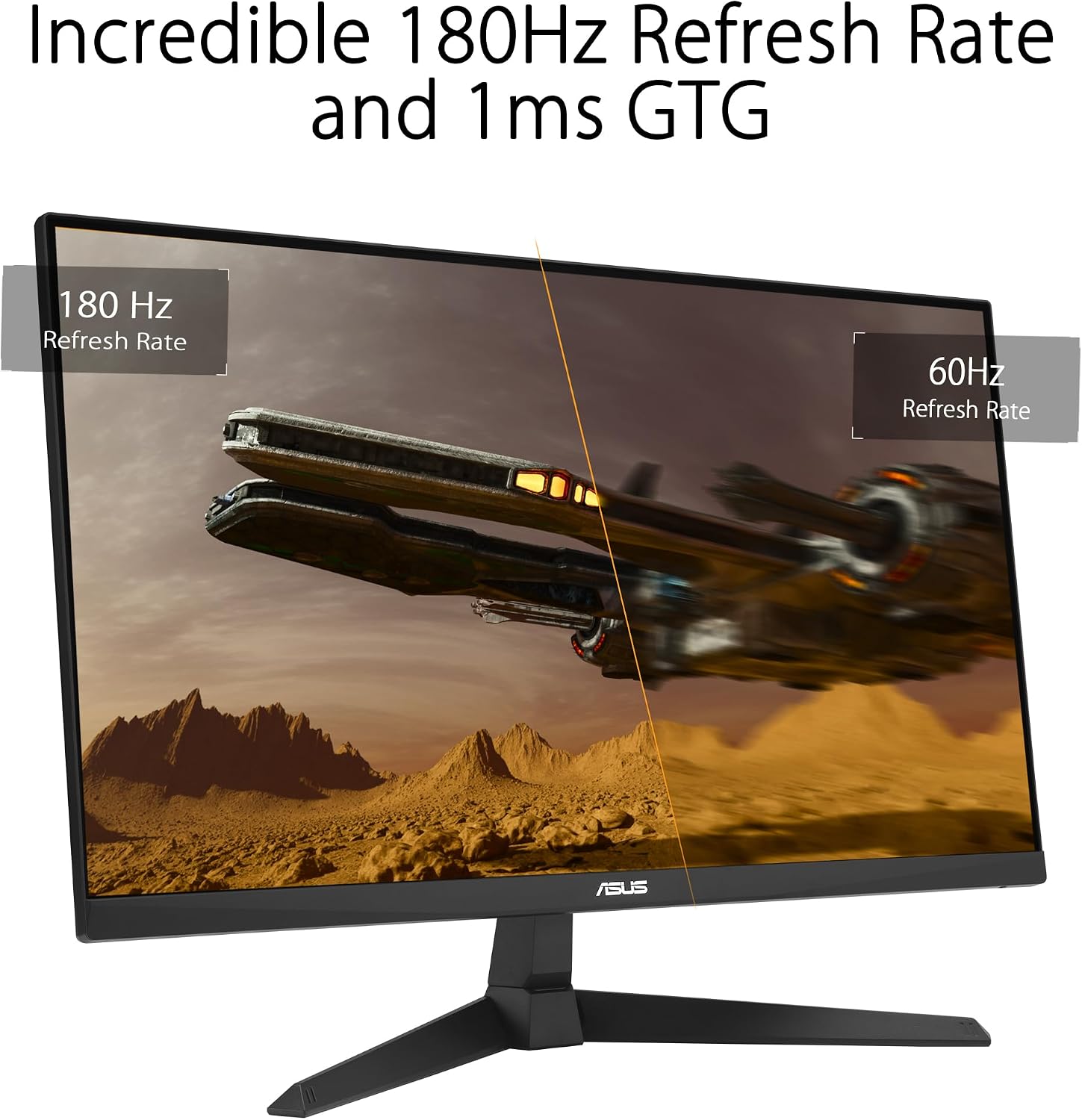
You’ll notice the most value when your games can run at high frame rates and you care about how motion looks. A 180Hz refresh rate can make scrolling menus feel snappier too, but the real payoff is during gameplay: aiming feels more immediate, and fast camera pans tend to look less “sticky.”
ELMB Sync is the other “you can feel it” feature on this display. It’s meant to address ghosting and tearing together, which is exactly the kind of tradeoff that usually shows up on gaming monitors when you enable VRR.
Quick practical example
Say you’re playing an arena shooter where you’re constantly shifting angles. With VRR enabled and motion blur reduction in play, the goal is that your target outlines stay clearer during quick turns and the image won’t tear as your frame rate fluctuates mid-match. It’s the kind of setup that supports consistent competitive viewing rather than just chasing brightness or color punch.
Tech specs at a glance
- Screen size: 27-inch
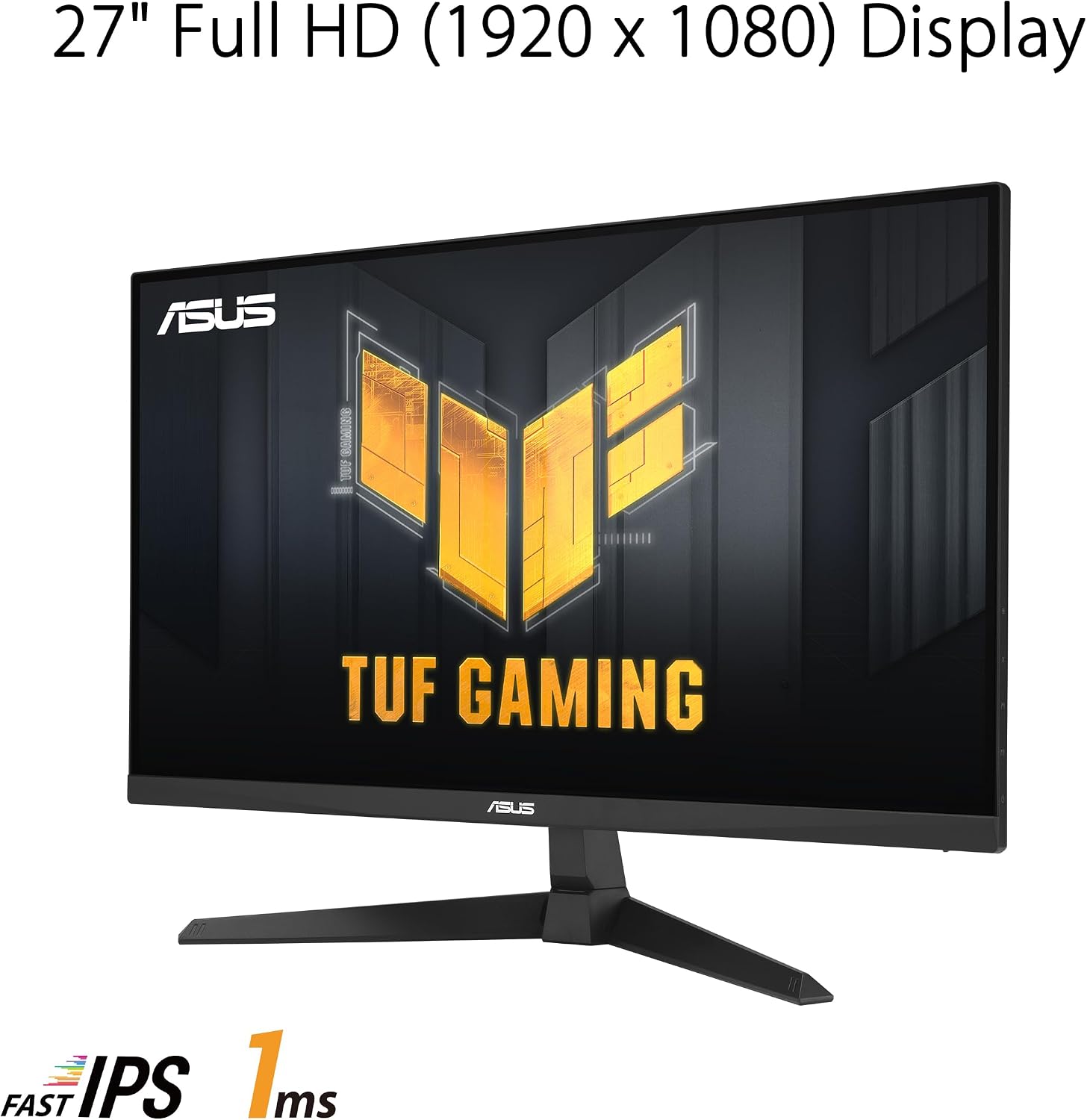
- Native resolution: 1920 x 1080 (Full HD)
- Refresh rate: 180Hz
- Motion clarity: 1ms (as advertised)
- Panel type: IPS (fast IPS approach)
- VRR support: FreeSync Premium, G-SYNC compatible
- Motion sync technology: ASUS Extreme Low Motion Blur Sync (ELMB Sync)
- Variable overdrive: variable overdrive / variable response (as described: “variable overdrive”)
- Color coverage: 99% sRGB
- Image detail help: Shadow Boost
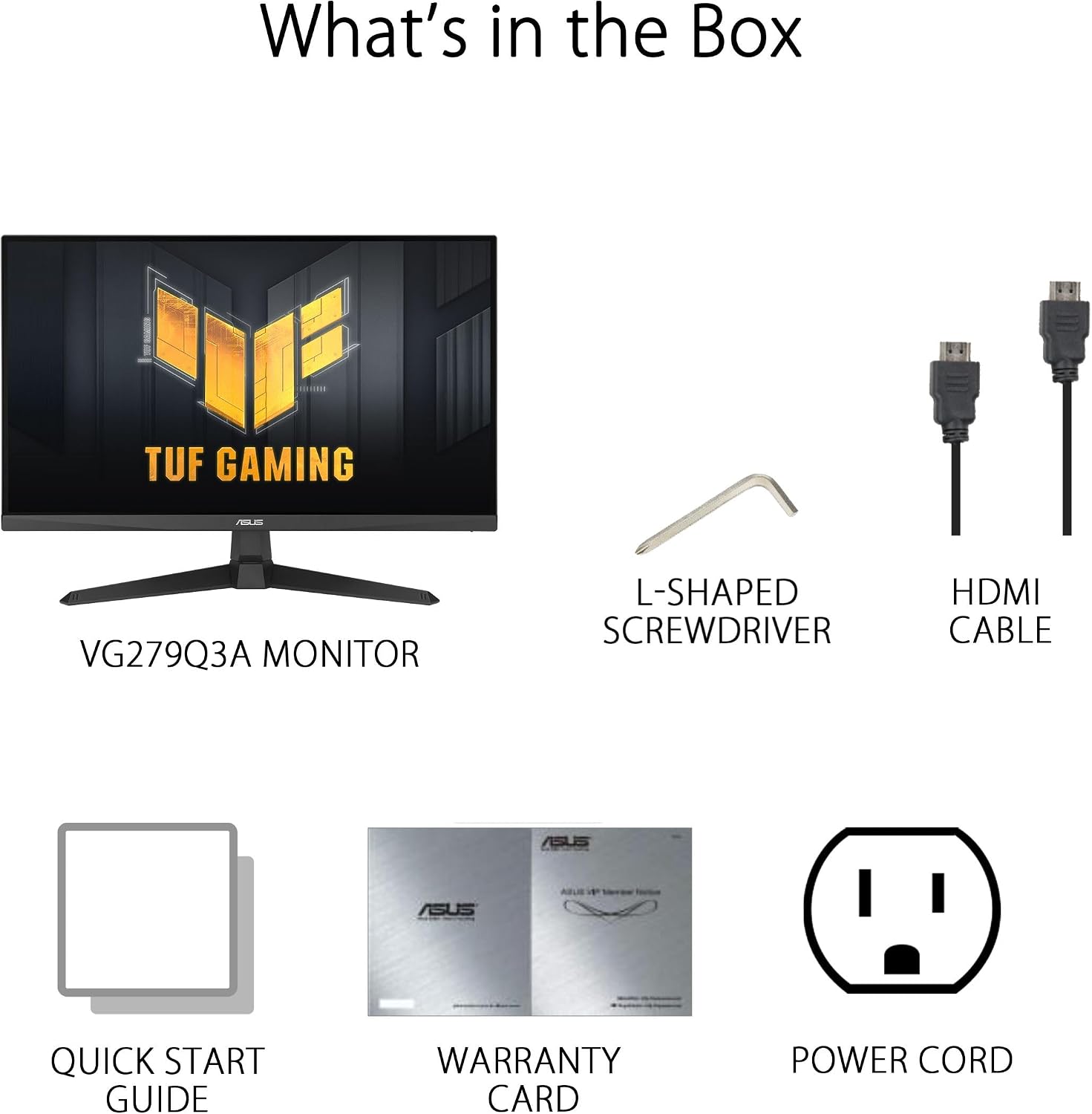
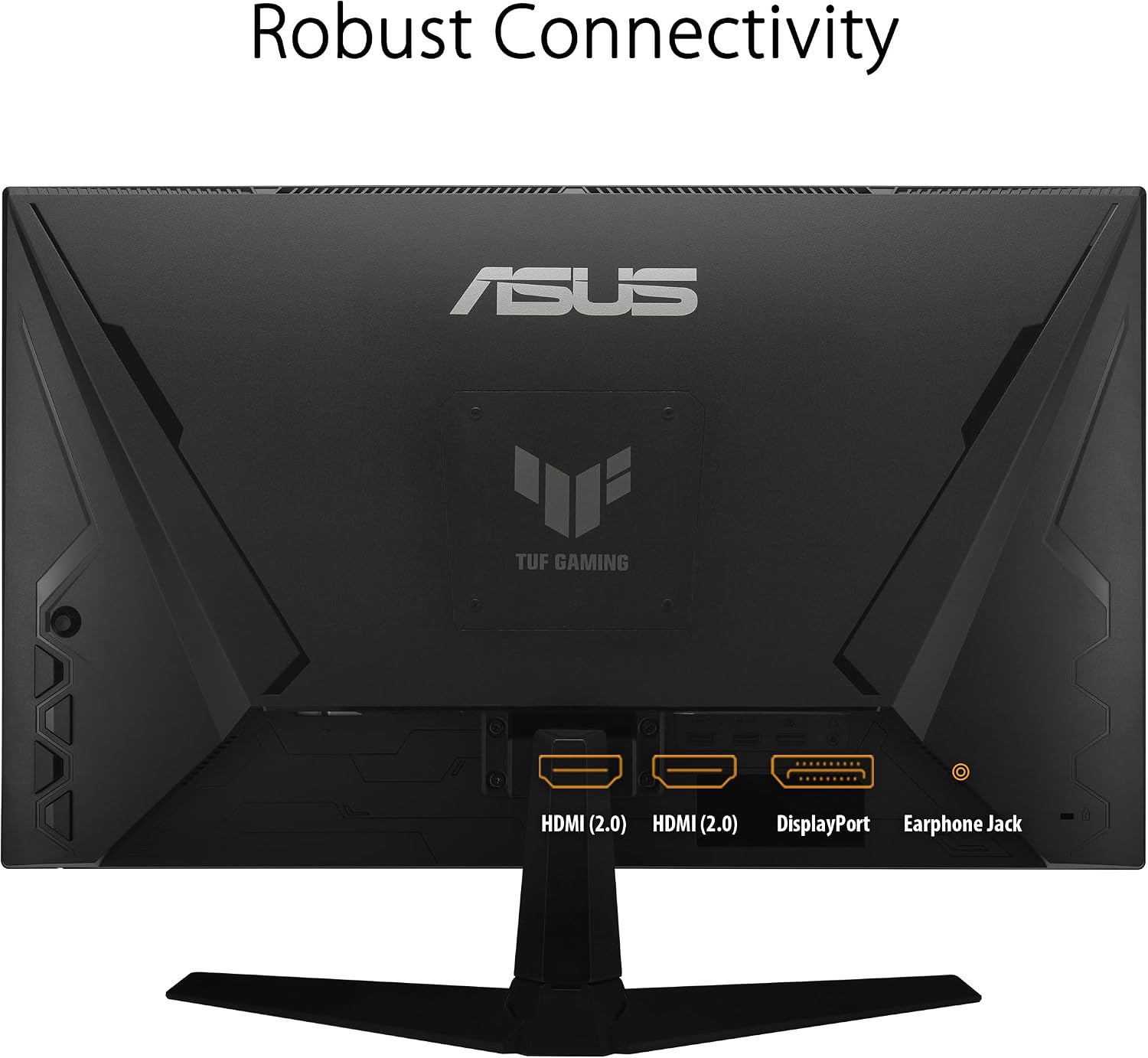
- Connections: DisplayPort and HDMI
The trade-offs to consider
There are two things to keep in mind before you commit. First, since it’s Full HD (1920 x 1080) on a 27-inch panel, it’s best viewed as a competitive gaming choice rather than a high-resolution “sharpness at all costs” option. If you’re picky about fine text clarity or you mostly play single-player games where resolution matters most, this may feel a bit limited.
Second, features like ELMB Sync and variable overdrive are useful, but performance can depend quite a bit on your game settings and your system’s frame rate behavior. If your games often sit far below the refresh target, the “high-refresh” benefits won’t be as dramatic.
Adobe Creative Cloud access (what you should know)
The package includes complimentary access to a 3-month Adobe Creative Cloud plan, valid until 8/31/2026. That’s a nice add-on if you do occasional editing or want to dip into creative tools, but it doesn’t change the monitor’s core identity: this is still a gaming-first display.
Is it worth it?
Buy it if you want a 27-inch Full HD gaming monitor that’s built around high refresh rate (180Hz), VRR (FreeSync Premium and G-SYNC compatibility), and a motion-focused approach with ELMB Sync to help reduce ghosting/tearing during fast play. It also makes sense if Shadow Boost could improve your visibility in darker games.
Skip it if you’re mainly chasing maximum image sharpness and text clarity on a larger screen, or if your typical gaming sessions don’t consistently reach high frame rates—then the 180Hz positioning may not pay off as much. Also, if you prefer a monitor where color performance is the top priority above motion clarity, you may find the feature priorities don’t fully match your goals.
Mini FAQ
Does ELMB Sync and FreeSync Premium work together?
The listing specifically frames ELMB Sync as enabling ELMB and variable-refresh-rate technologies to work simultaneously, aiming to reduce both ghosting and tearing.
Is this monitor compatible with G-SYNC?
Yes, it’s described as G-SYNC compatible, alongside FreeSync Premium support.
What does Shadow Boost do?
Shadow Boost enhances image details in darker areas by brightening dark scenes without over-exposing bright areas, based on the product description.
What ports are included?
The monitor includes DisplayPort and HDMI.
Can the Adobe Creative Cloud access be used after purchase?
It’s provided as complimentary access with the purchase and is valid until 8/31/2026, according to the information given.