

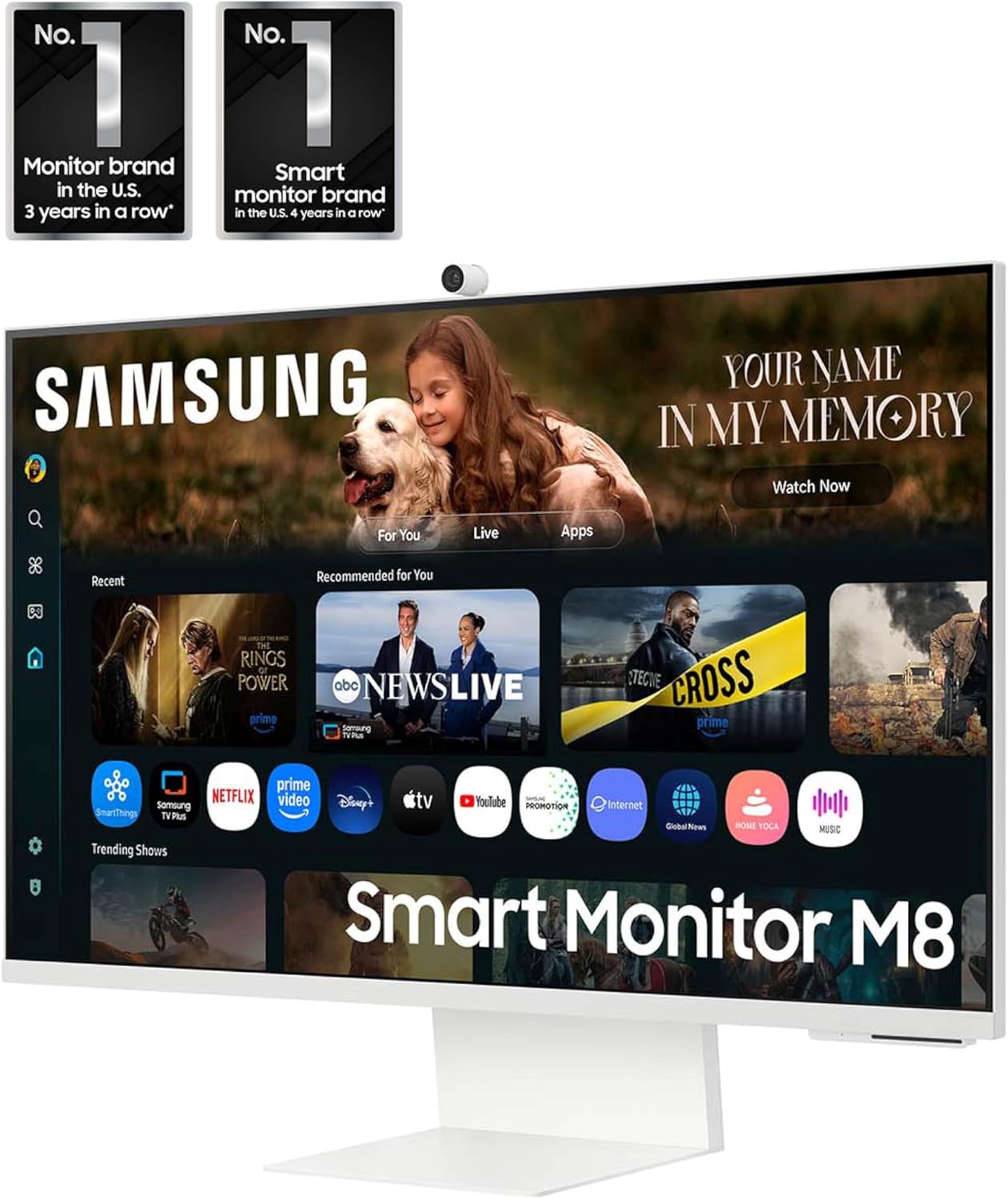
Samsung 32” Smart Monitor M8 (M80F) 4K UHD with Vision AI (LS32FM803UNXZA)
Product description
What this monitor is for
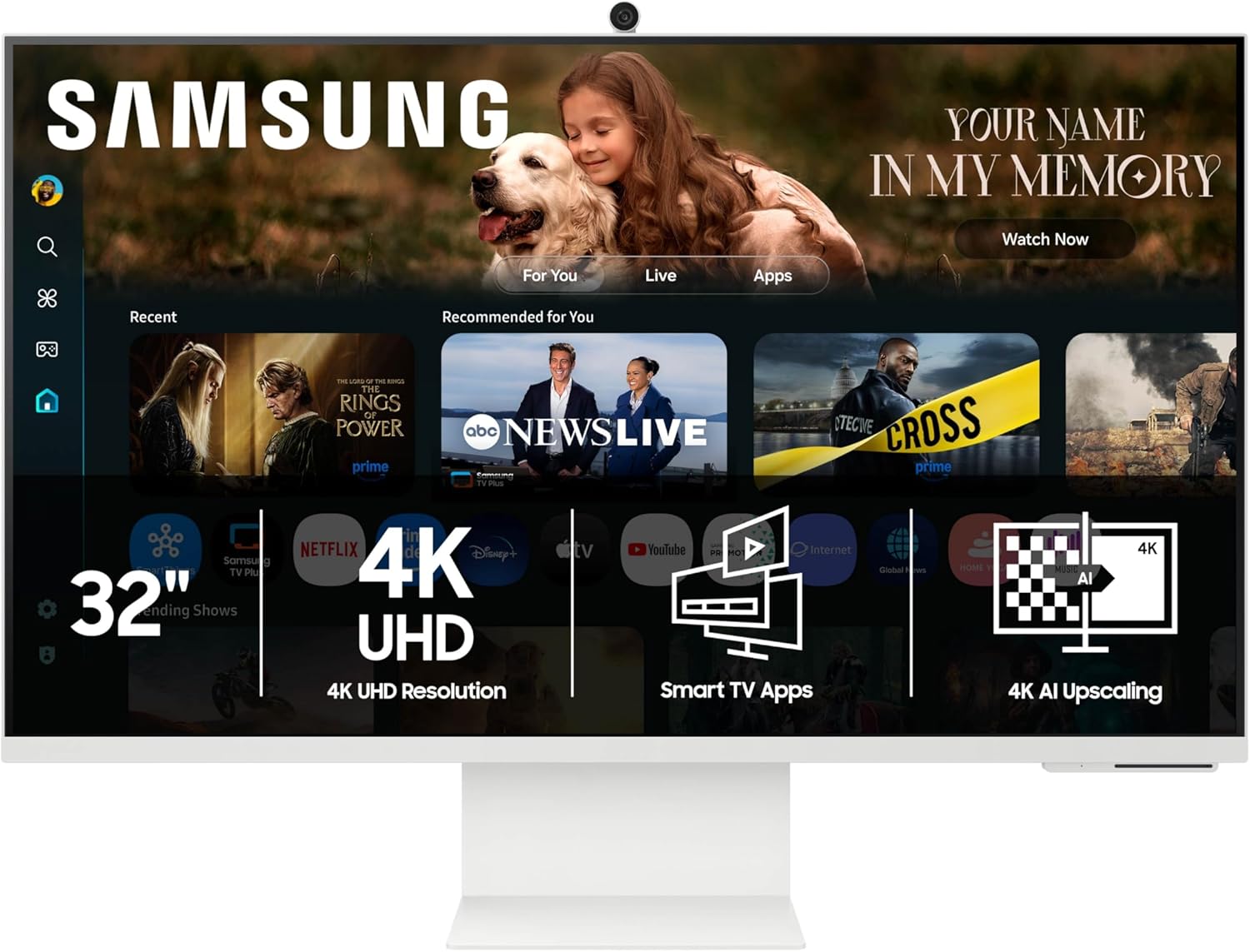
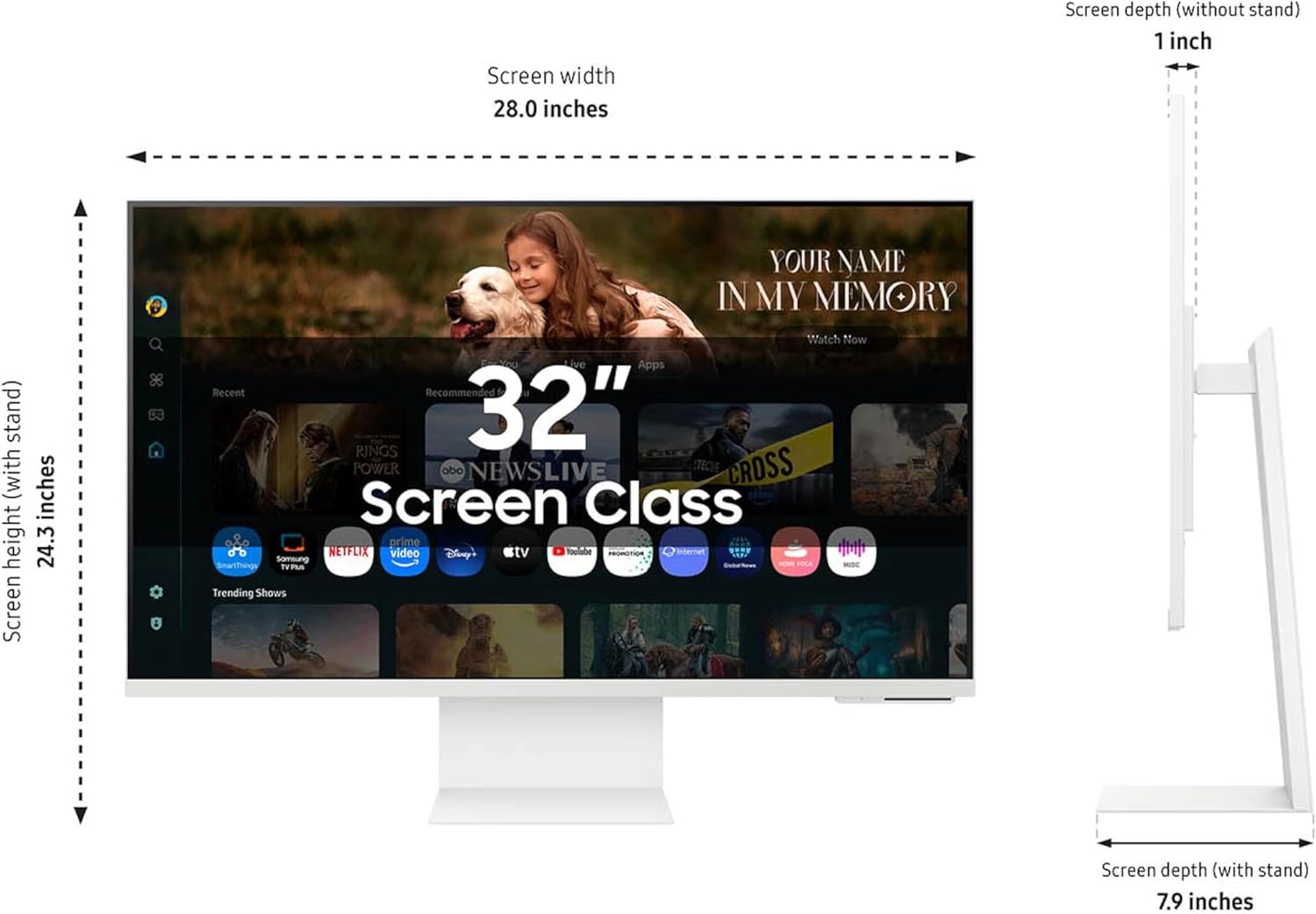
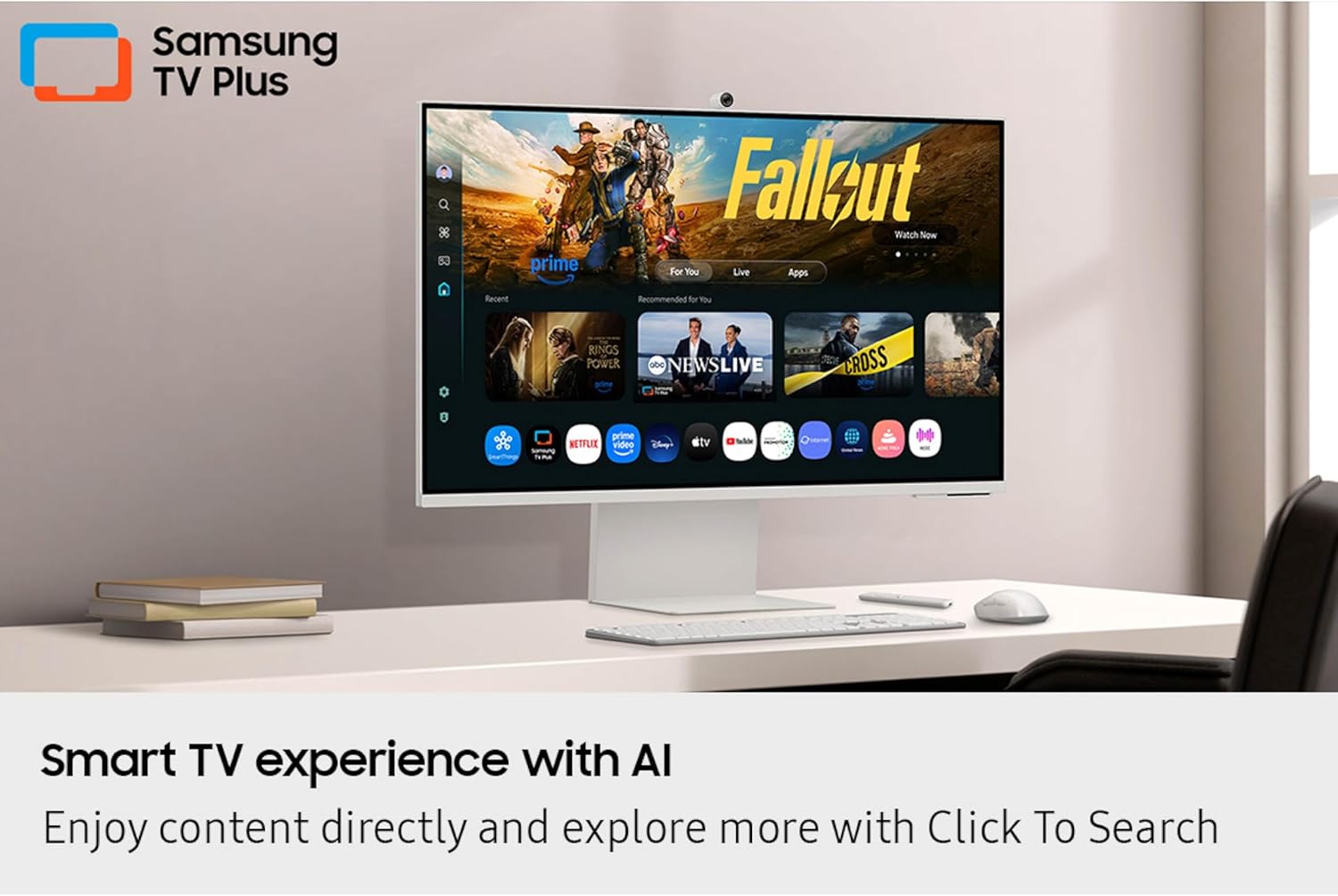
The Samsung 32” Smart Monitor M8 (M80F) is built for people who want one screen to do more than just show a computer desktop. On paper, it leans hard into “living room convenience” without forcing you to add an extra streaming device. You get 4K UHD picture, plus smart TV apps so you can stream directly from the monitor, or tap into Samsung TV Plus for live channels and on-demand content.
It also brings in Samsung Vision AI features that aim to adjust the viewing experience as you work, watch, or game. And if you’re the type who cares about smart-home control, it includes an interface to view and manage your devices with a 3D Map View.
Key takeaways on performance and day-to-day use
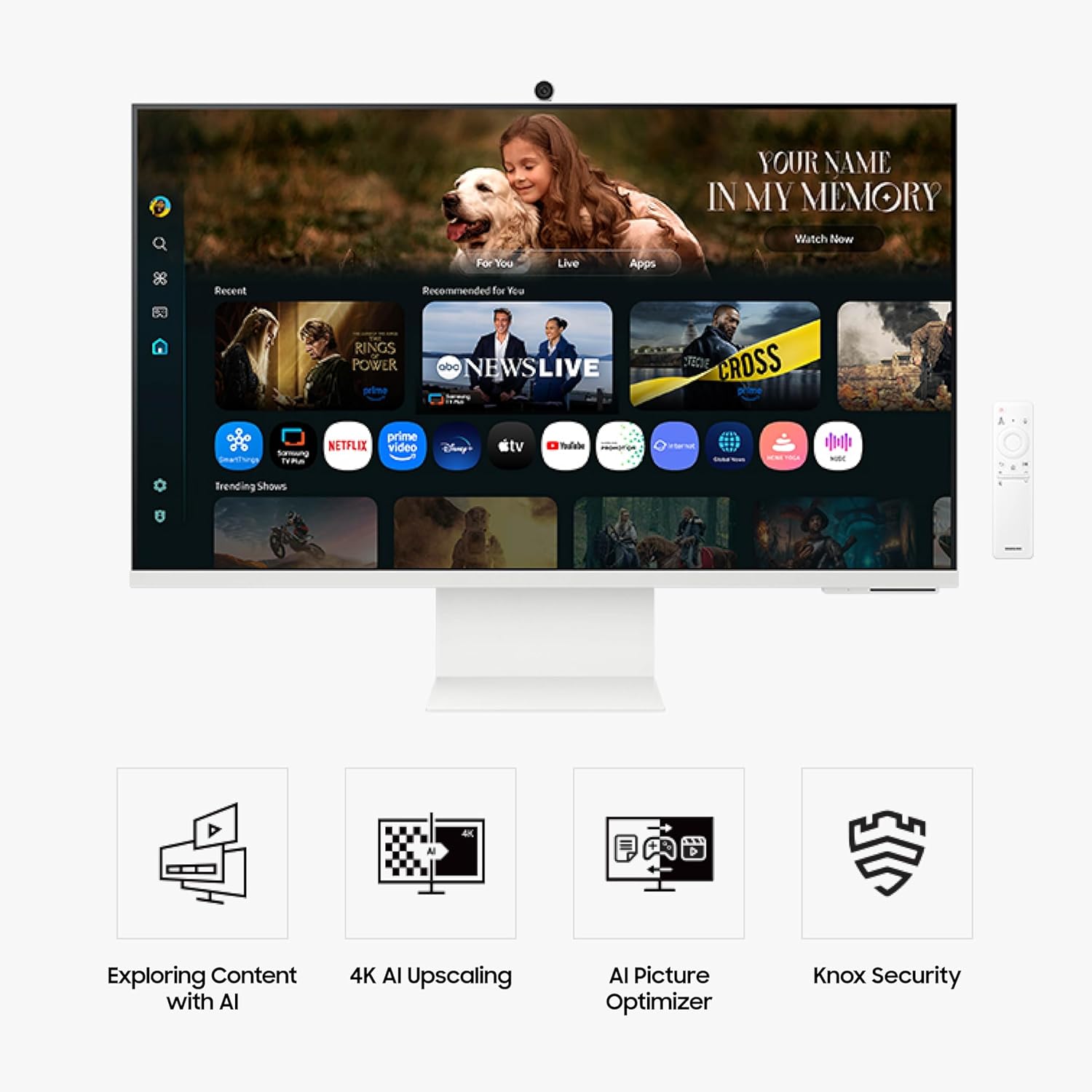
Where this monitor becomes more than a regular display is the mix of content access and “helpful automation.” Instead of treating the monitor as a purely wired, work-only screen, it’s designed for instant access—so you can switch from documents to streaming without changing rooms or hunting for remotes.
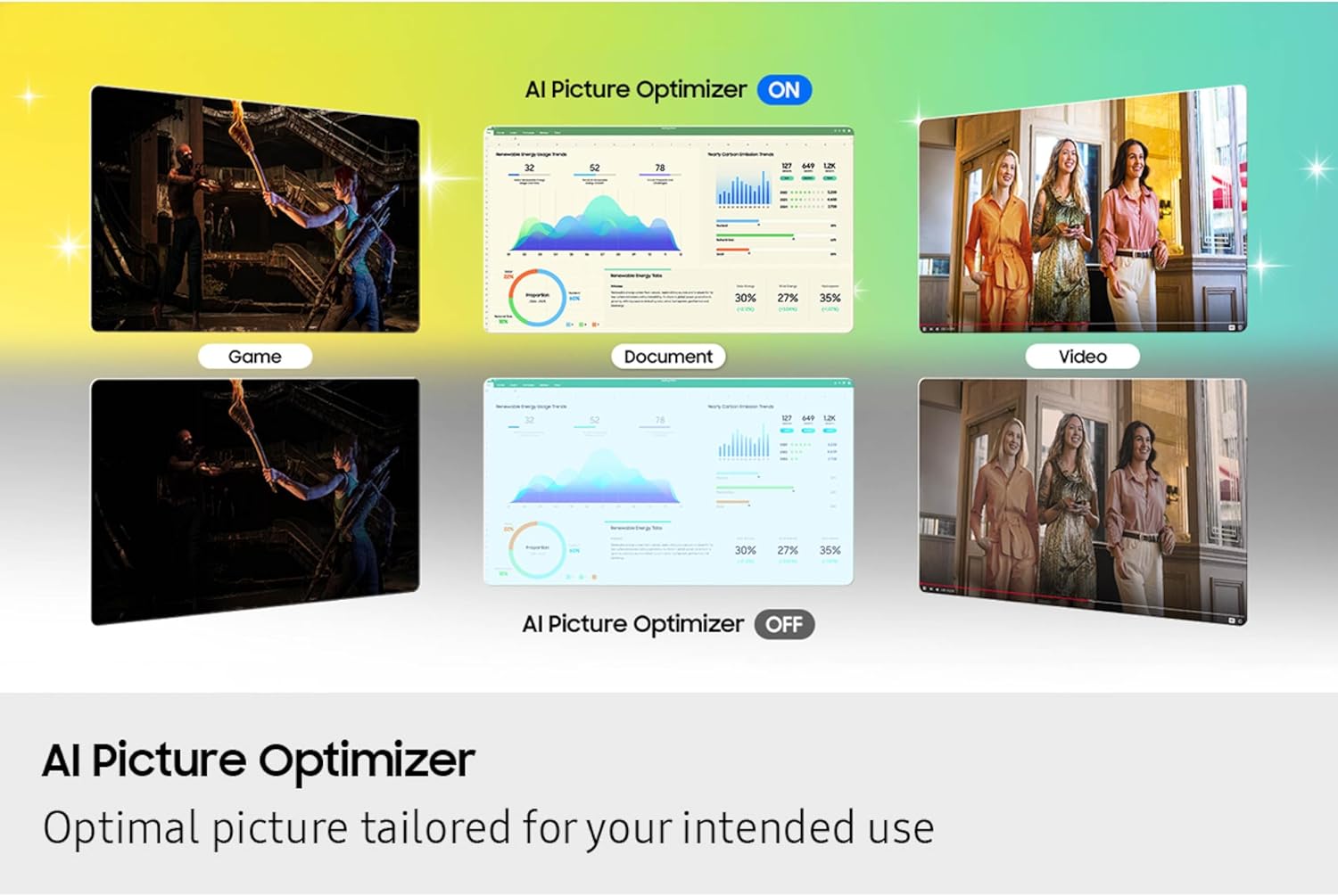
Picture is also where Samsung is trying to justify the AI angle. AI Picture Optimizer is described as adapting visuals to your needs. In practical terms, that means it’s meant to support comfortable document work and deliver a more immersive gaming look, including deep and rich blacks (so darker scenes don’t feel washed out).
There’s also an audio assist: Active Voice Amplifier uses AI to analyze background noise around the monitor and automatically adjusts volume so dialogue comes through more clearly, even in noisier spaces. It’s the kind of feature that can be genuinely useful if you often watch shows while something else is going on in the room.
What stands out (and what might limit expectations)
One of the most compelling “for what it’s worth” points is the content discovery flow. Click to Search lets you click and get recommendations and details about what you’re watching, including things like actor bios and filmographies. If you routinely pause to look up who’s who, this can reduce friction.
It also targets privacy and smart-home security with Samsung Knox. The description emphasizes robust, multi-layered security and controlled access, including security of IoT connections through the Smart Monitor. That’s an important selling point if you plan to use the device as a hub.
Still, it’s worth keeping a balanced expectation. The description doesn’t give details on things like refresh rate, response time, or specific gaming performance numbers. So if you’re the kind of buyer trying to “optimize” competitive gaming, you may want to confirm how it performs for your exact use case before committing.
Smart home control, energy insights, and privacy
For smart-home owners, the 3D Map View is designed to make device management feel simpler. Beyond just controlling devices, there’s also the ability to check energy usage and cost by device and save money by switching devices into energy-saving modes.
And if you’re cautious about data, Samsung positions Knox as the privacy layer. The idea is to keep monitor data safe and confidential, with tightly controlled access that also supports secure IoT connections.
Tech specs at a glance (from the provided info)
- Type: 32” Smart Monitor
- Resolution: 4K UHD
- AI features: Samsung Vision AI (AI Picture Optimizer)
- Built-in smart content: Smart TV apps and Samsung TV Plus (live channels and on-demand)
- Audio feature: Active Voice Amplifier
- Search/discovery: Click to Search
- Smart home management: 3D Map View
- Security: Samsung Knox
- Ports mentioned: USB-C, HDMI, USB-A
- Color: White
- Model code: LS32FM803UNXZA (2025)
Who it’s for (and who may want to skip it)
It’s a solid fit if you want a 32” 4K UHD screen that can handle streaming, smart-home control, and “AI help” for picture and voice clarity—without making your setup feel like a stack of separate gadgets.
It may not be the best match if your purchase is purely about peak gaming performance specs or if you already have a dedicated streaming device and don’t care about built-in TV apps. Also, if you’re very sensitive to audio performance and expect the monitor to replace a real sound system in every situation, you’ll want to double-check what you should expect—Active Voice Amplifier can help with dialogue clarity, but the description doesn’t promise room-filling audio.
Worth considering if you’re setting up a home office that also doubles as a casual media screen: you can work on documents, then keep the same monitor for TV and streaming, with AI adjustments applied where they matter.
Is it worth it?
Buy it if you want one 32” 4K UHD monitor that covers streaming, smart TV apps, and smart-home visibility—with Vision AI features that target picture comfort, gaming immersion (deep blacks), and clearer dialogue in noisy environments. The Click to Search feature is a nice extra if you like learning more about what you’re watching.
Skip it if your priorities are strictly about documented gaming performance metrics or if you already have a setup where streaming and audio handling are solved elsewhere. On paper, the M8 (M80F) feels more like a convenience-first smart monitor in the mid-range category of “smart screen” buyers, not a purely enthusiast-spec gaming display.
Mini FAQ

Does this monitor stream content directly?
Yes. The description says you can stream content directly from the monitor, with access to Samsung TV Plus for live channels and on-demand content.
What does Samsung Vision AI do here?
It’s described as supporting AI Picture Optimizer for optimized visuals based on your needs and helping with dialogue clarity through Active Voice Amplifier.
Is it good for smart home management?
It includes a 3D Map View to see and manage smart home devices, plus energy usage and cost tracking by device, with energy-saving modes mentioned.
How does Click to Search work?
A click on the screen provides recommendations and details about what you’re watching, including bios and filmography-style information.
Is Knox security included?
Samsung positions Samsung Knox as part of the privacy and data security for Samsung monitors, including controlled access for IoT connections made through the Smart Monitor.