

INNOCN ultrawide monitor 49C1R
Product description
What to know
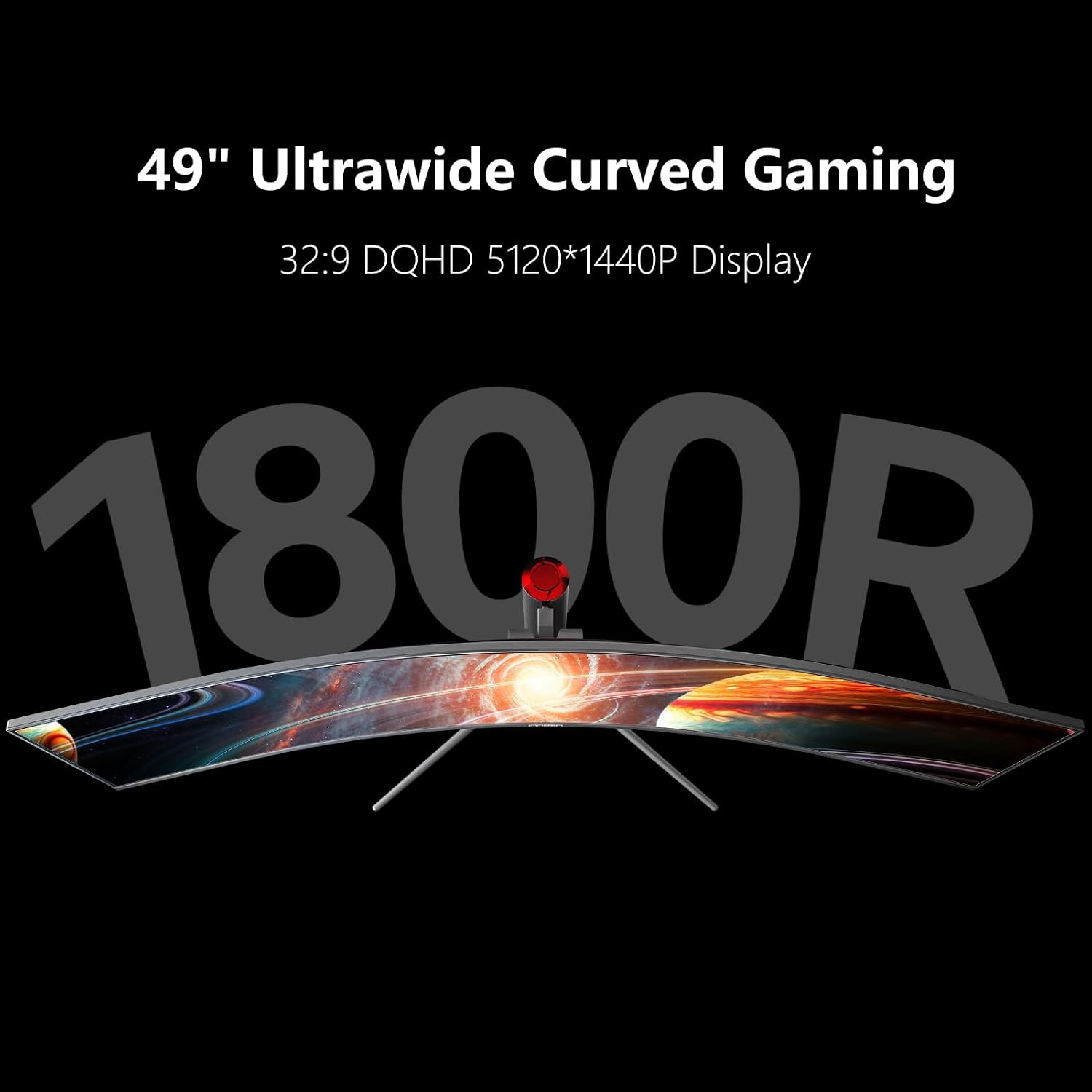
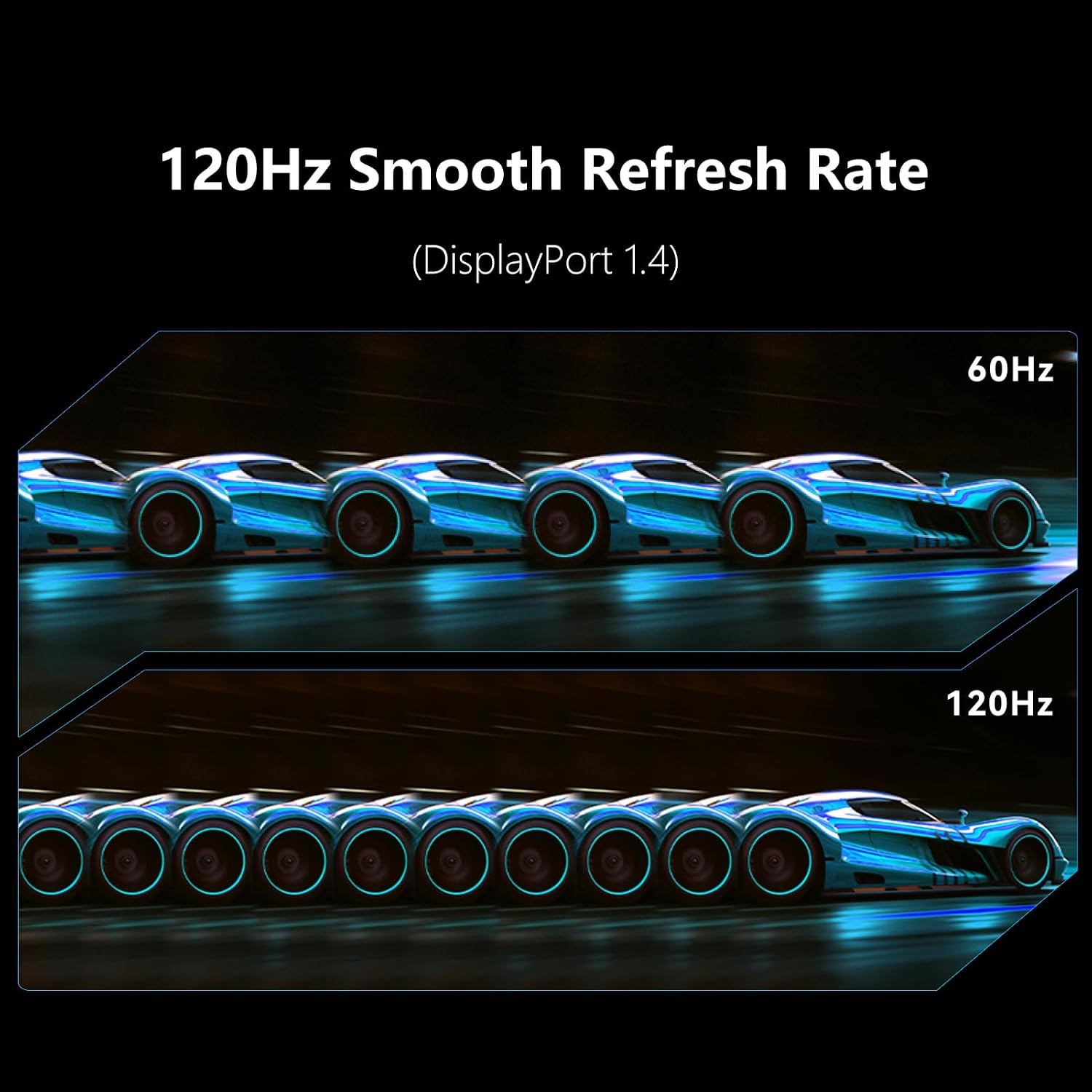
A standard monitor can feel cramped when you want a game, a chat window, and work tools visible at once. The INNOCN 49C1R takes a different approach: its 49-inch, 32:9 curved screen gives you a wide 5120 x 1440 workspace, so you can spread windows across one display rather than arranging a conventional dual-monitor setup. For gaming, the VA panel supports refresh rates up to 120Hz through DisplayPort 1.4, and Adaptive-Sync is included for smoother motion.
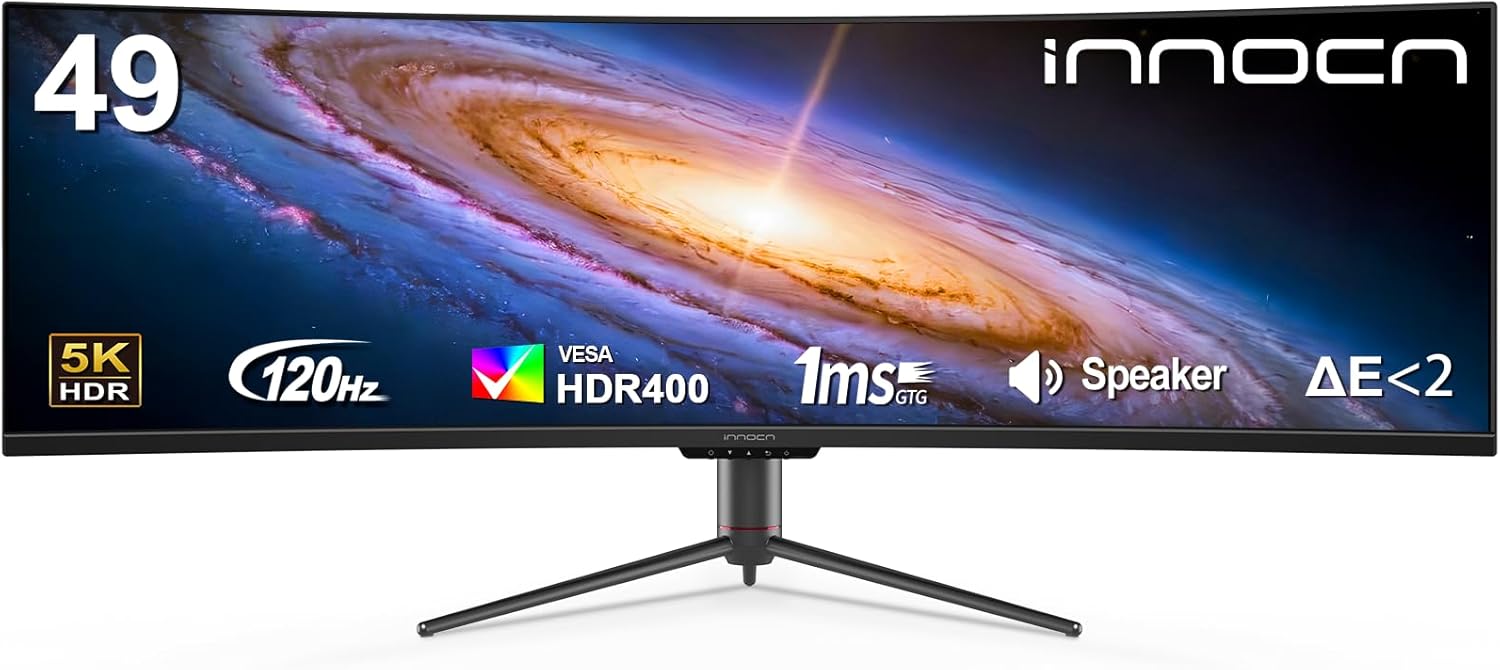
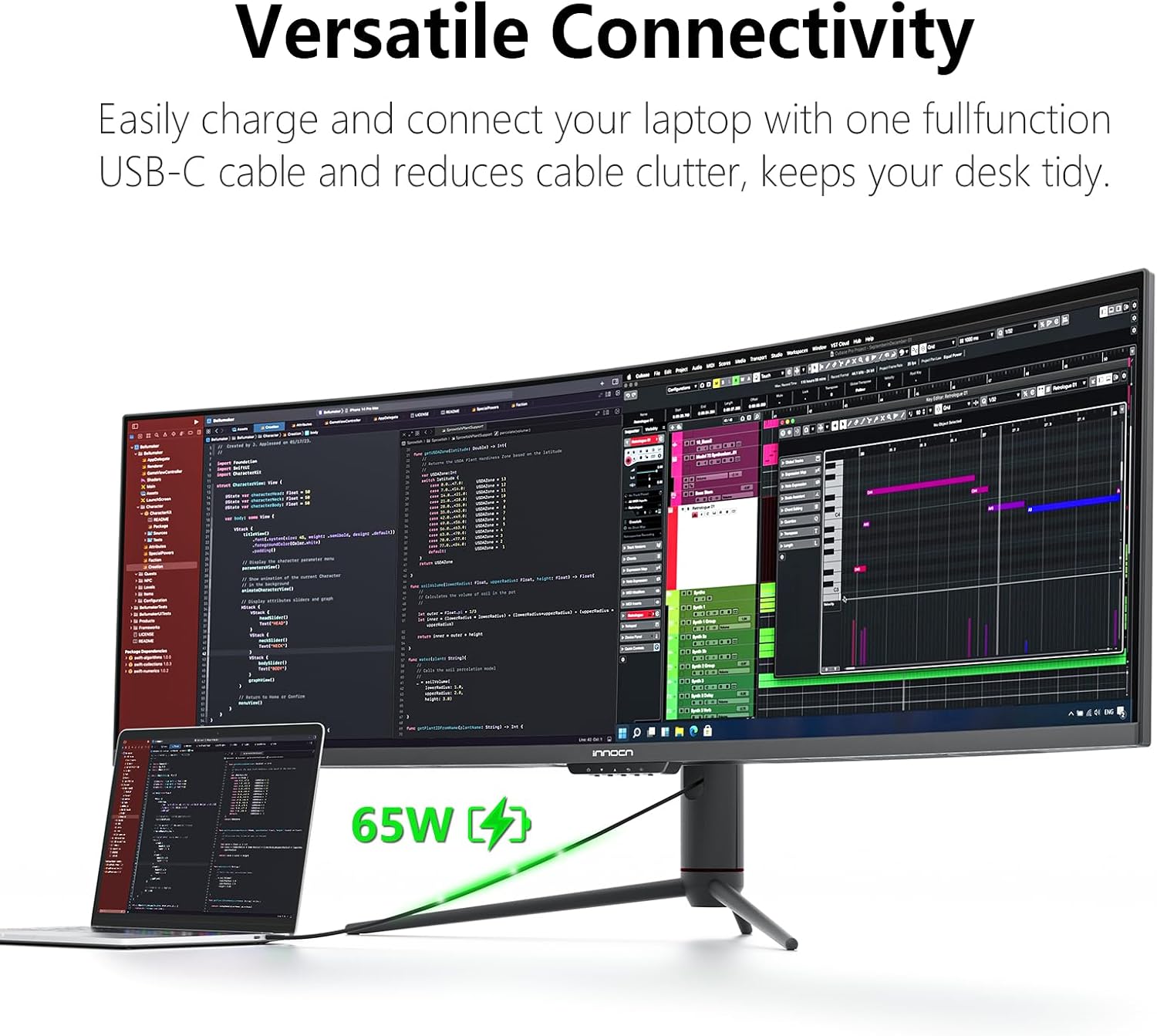
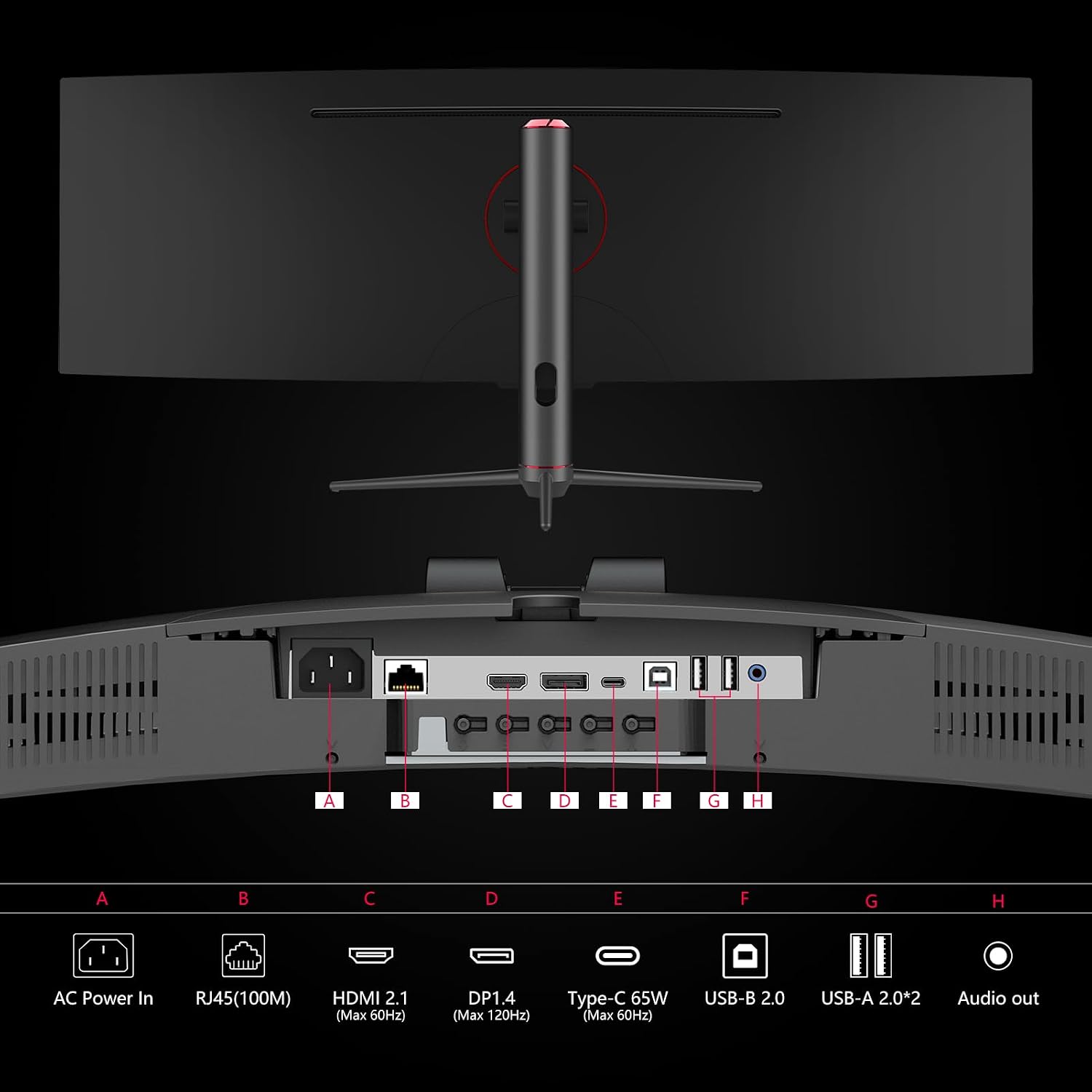
There’s also USB-C with 65W power delivery, plus DisplayPort, HDMI 2.1, USB-A, USB-B, RJ45, and a 3.5mm audio jack. PIP and PBP let you show content from two input sources at the same time. That can be handy when a laptop is handling a video call while another device supplies the main screen. The panel lists 99% sRGB, HDR400, and a 3000:1 contrast ratio, with built-in speakers for basic audio without a separate speaker setup.
Size & fit
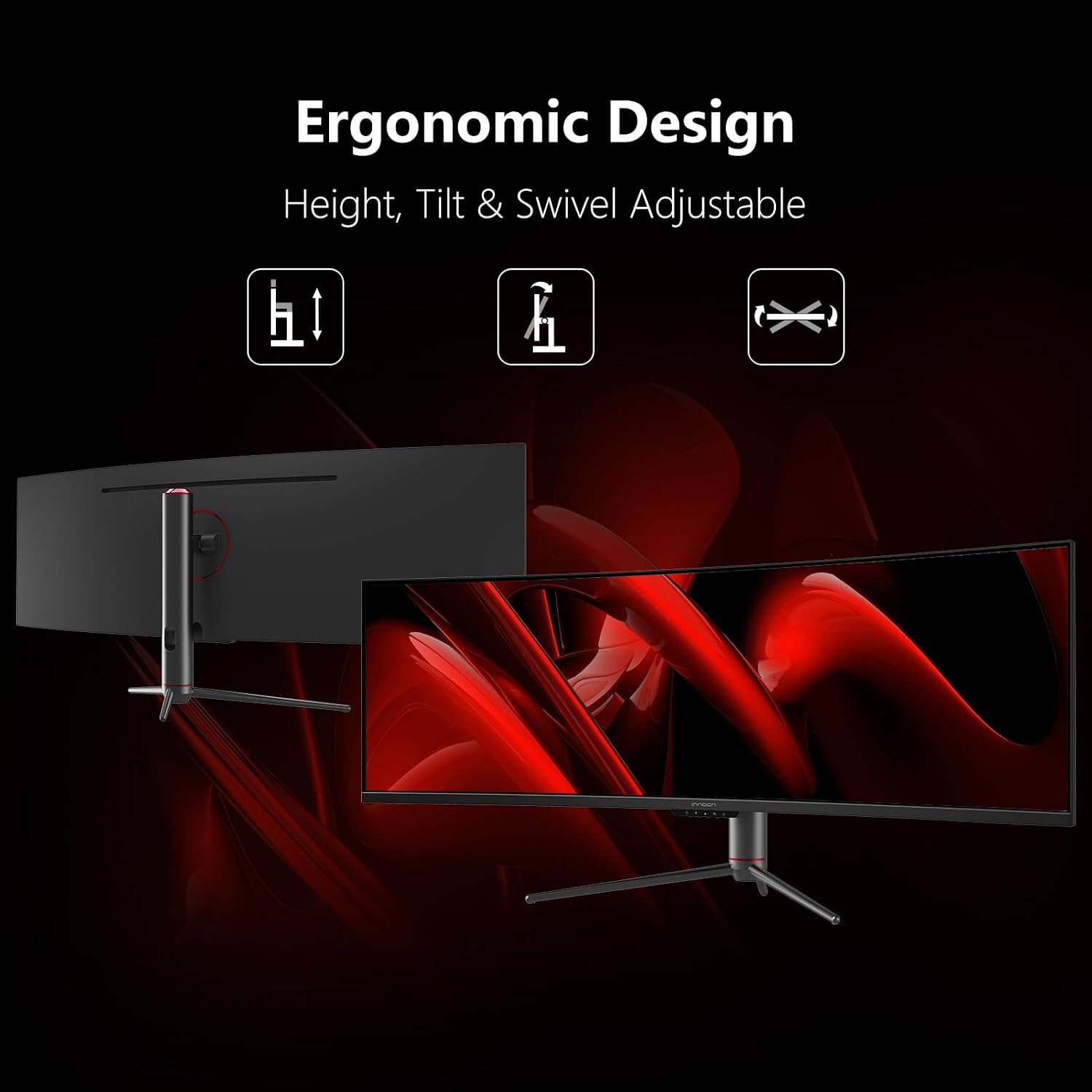
The 32:9 format is the main buying decision here, not a small detail. It can make a timeline, spreadsheet, or several side-by-side windows easier to see without constantly switching tabs. The 1800R curve is intended to bring the edges of the wide display into your field of view, while height and tilt adjustment help you set a more comfortable position.
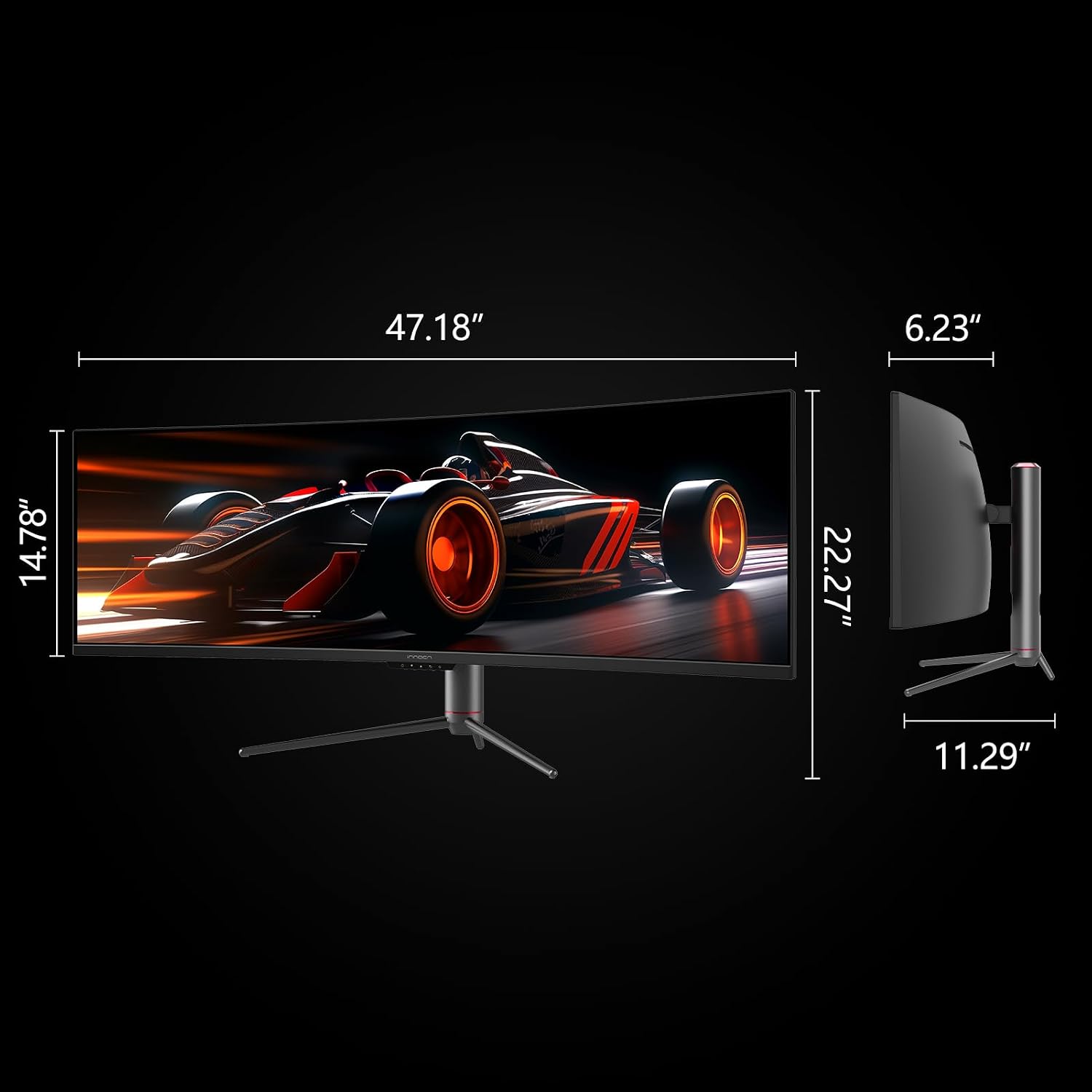
Keep in mind that a 49-inch screen needs substantial desk space, and the product details don’t give its physical width or depth. Measure your available surface before choosing it, especially if you already have speakers or other gear on the desk. A regular widescreen monitor is a simpler fit for a compact setup, this one makes more sense when a broad, continuous workspace is the point.
Tips for day-to-day use
For a gaming PC, use DisplayPort 1.4 if you want to take advantage of the stated 120Hz support. The listed maximum is tied to that connection, so don’t assume every input delivers the same refresh rate. For a laptop, USB-C can reduce cable clutter and provides up to 65W power delivery, whether that suits your laptop depends on its power needs. The extra USB and RJ45 ports may also help keep a desk setup connected through the display.
PIP and PBP are worth considering if you regularly work across two devices. For example, you could keep a laptop’s document visible beside a feed from another connected source instead of swapping inputs. From the way it is set up, this monitor favors an all-in-one desk centerpiece, if you only need a basic screen for email and occasional browsing, its unusually wide format may be more screen than your routine calls for.
Questions before you buy
Can it show two sources at once? Yes. PIP and PBP are listed for viewing content from two separate input sources on the screen.
Does USB-C provide power? The listed USB-C connection supports 65W power delivery. The product details don’t specify whether that meets the needs of every connected laptop.
Is 120Hz listed for every connection? No. The description specifies up to 120Hz through DisplayPort 1.4, it doesn’t give matching refresh-rate details for the other inputs.
When it makes sense
It suits you if you want one curved display for immersive gaming, broad desktop multitasking, or switching between two input sources, and you have room for a 49-inch screen. Not the best choice if your desk is tight, you prefer a conventional aspect ratio, or you need confirmed refresh-rate details for an input other than DisplayPort. The deciding tradeoff is straightforward: choose this format for width and fewer screen boundaries, rather than a more compact monitor that takes less room.