

ASUS TUF Gaming VG27AQM5A 27-inch 1440P QHD Gaming Monitor (300Hz, Fast IPS, ELMB Sync)
Product description
The essentials
If you’re shopping for a 27-inch 1440P gaming monitor, ASUS’s TUF VG27AQM5A is built for one main thing: chasing smoother motion at high frame rates without the usual ghosting/tearing tradeoffs. On paper, it’s aiming at competitive play, where response time and refresh rate matter more than “looks nice on the desk.”
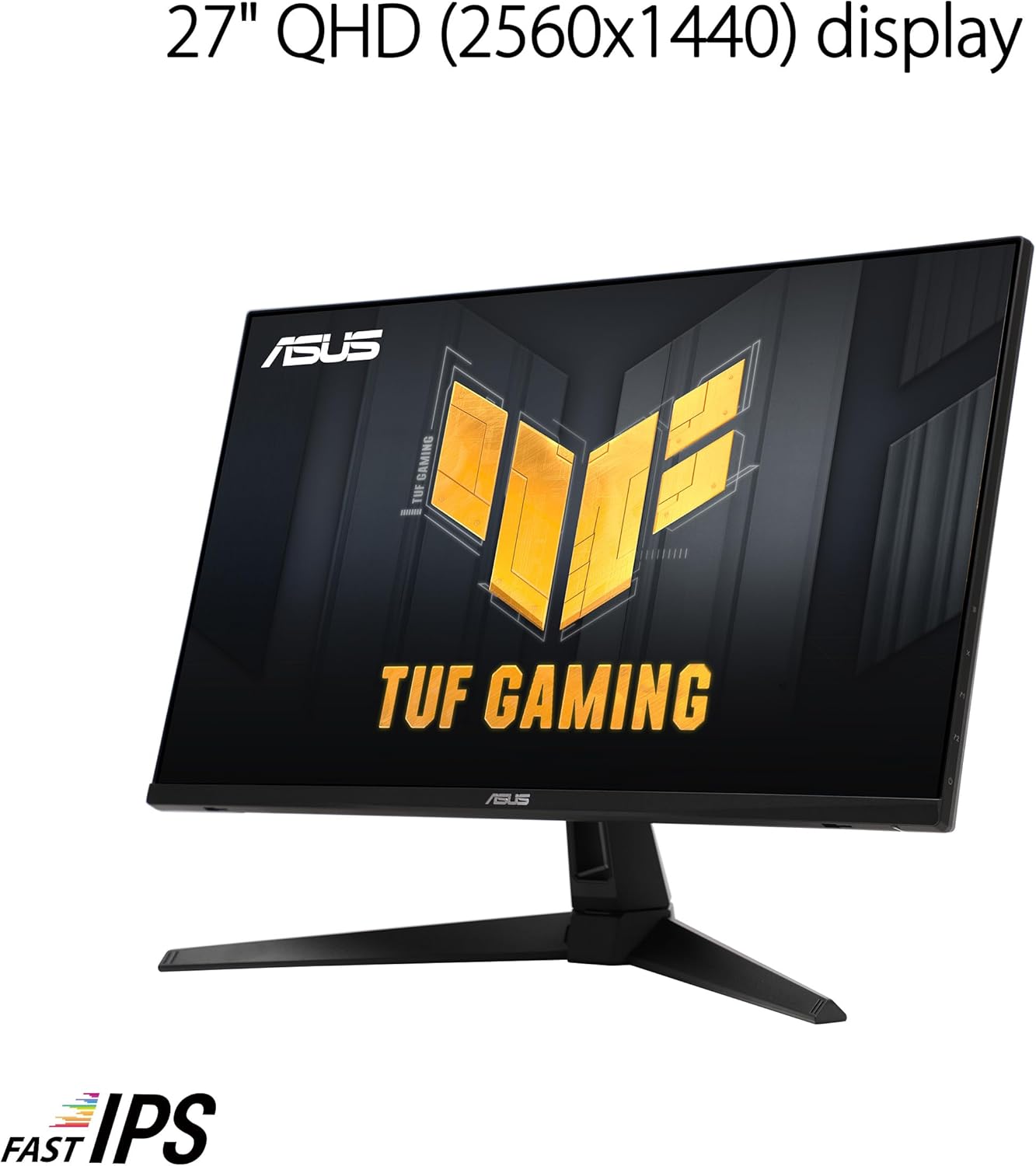
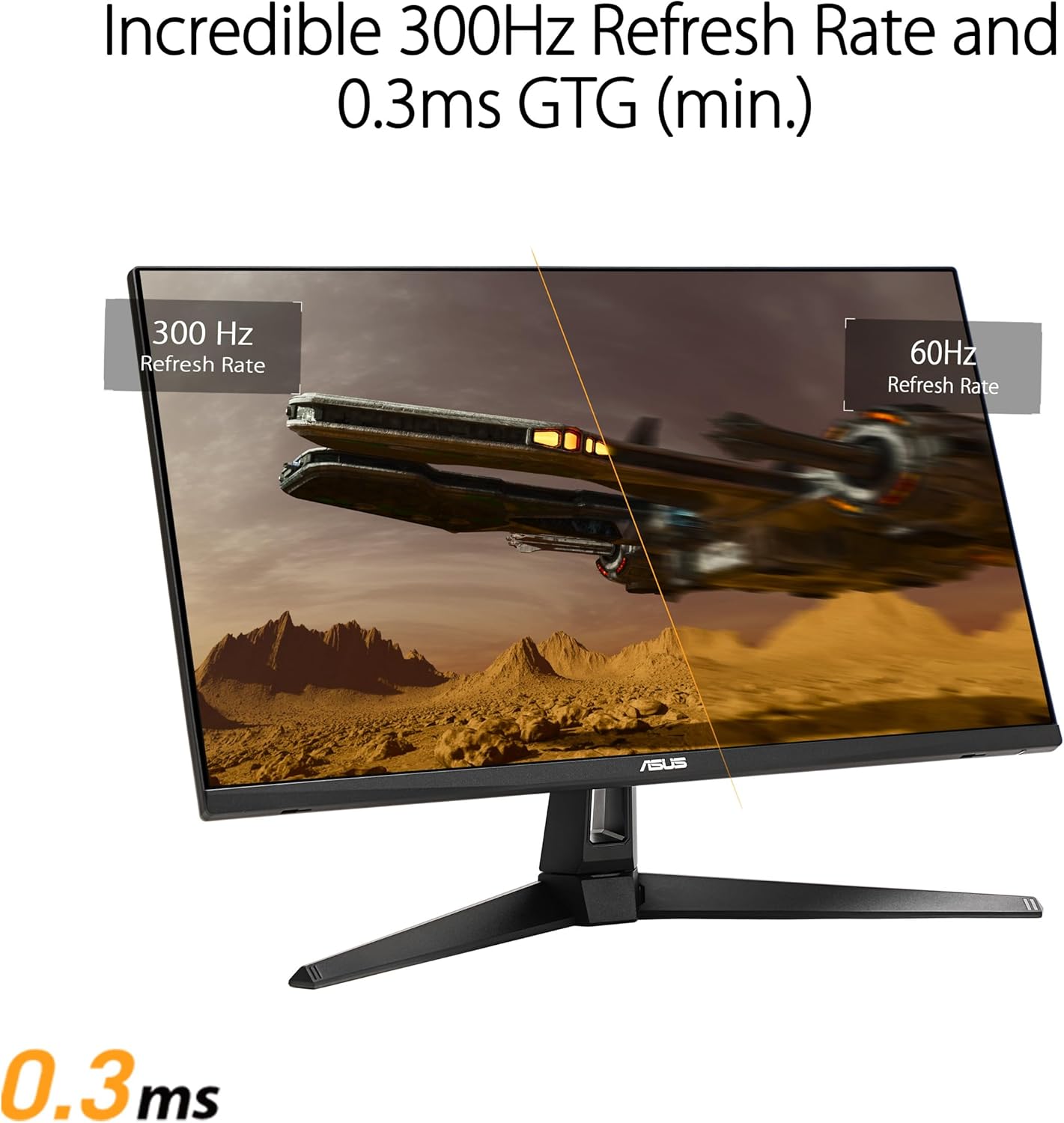
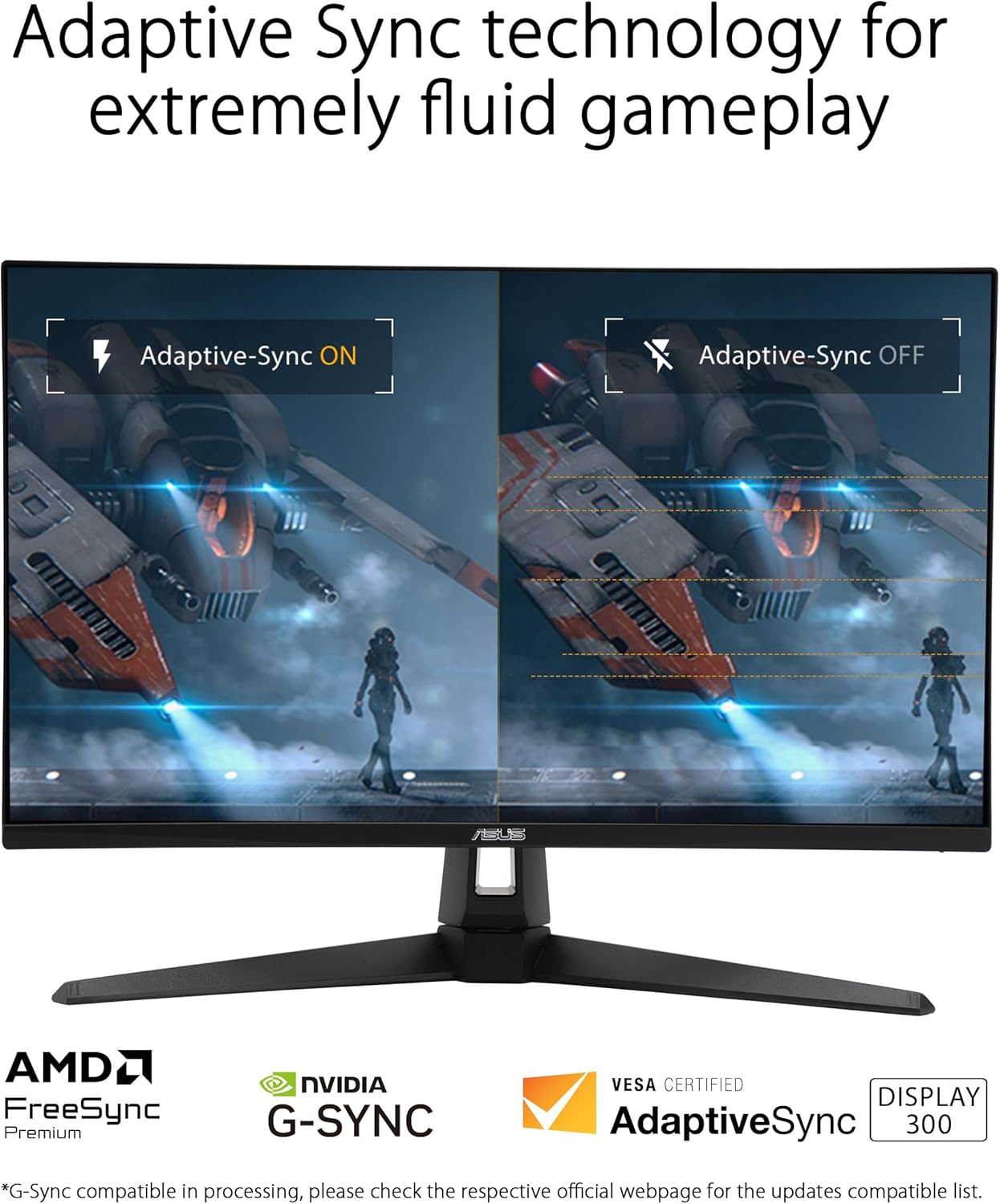
The headline specs here are a QHD (2560x1440) panel, a 300Hz refresh rate, and Fast IPS tech with a listed 0.3ms (GTG) response time. ASUS also includes Extreme Low Motion Blur Sync (ELMB Sync) to run motion blur reduction alongside variable refresh-rate behavior—an approach meant to keep visuals crisp in fast scenes.
What you’ll notice in everyday gaming
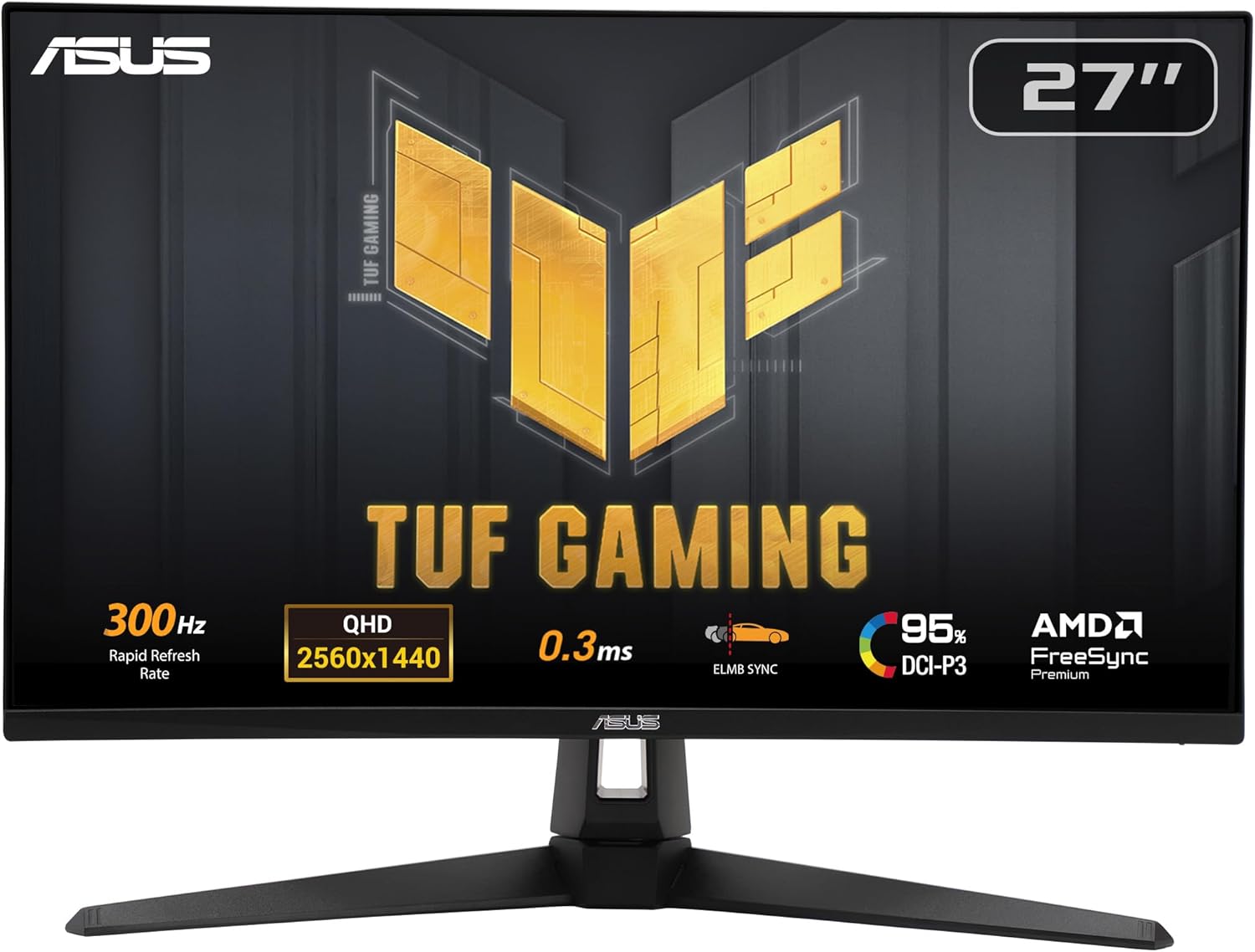
The most practical difference you’ll feel is motion clarity when things get hectic: fast strafes, flick shots, racing games, and anything with lots of camera movement. A high refresh rate helps the image update more frequently, and the ELMB Sync idea is to reduce the blur you can see during transitions. It’s the kind of setup that tends to satisfy players who are sensitive to smearing and “jittery” motion.
There’s also a couple of image-tuning features aimed at gameplay consistency. Shadow Boost is designed to brighten details in darker areas without pushing overall highlights the same way—useful when enemies blend into shadows or when you’re trying to read silhouettes in darker maps.
And yes, there’s a usability layer too: DisplayWidget Center is included to make monitor settings adjustments easier with a mouse. That matters more than people think, because gaming monitors often come with menus you don’t want to fight mid-session.
Key takeaways for buying decisions (and where it can fall short)
This monitor leans “performance-first,” not “set-and-forget for creative work.” The panel support is listed at 95% DCI-P3, which is promising for color on the specs side, but the overall feature set is clearly optimized around competitive gaming motion. If your priority is heavy color-critical editing, you’ll still want to review how it performs in the specific software/workflow you care about—because the spec sheet doesn’t tell the whole story.
Also, keep expectations realistic: even with motion blur reduction and high refresh support, results depend on your PC’s ability to drive high frame rates consistently. If your system can’t reach the kind of performance this monitor is designed for, you may feel like you’re paying for headroom you can’t fully use.
Tech specs
- Name: ASUS TUF Gaming 27” 1440P Monitor (VG27AQM5A)
- Type: Gaming monitor
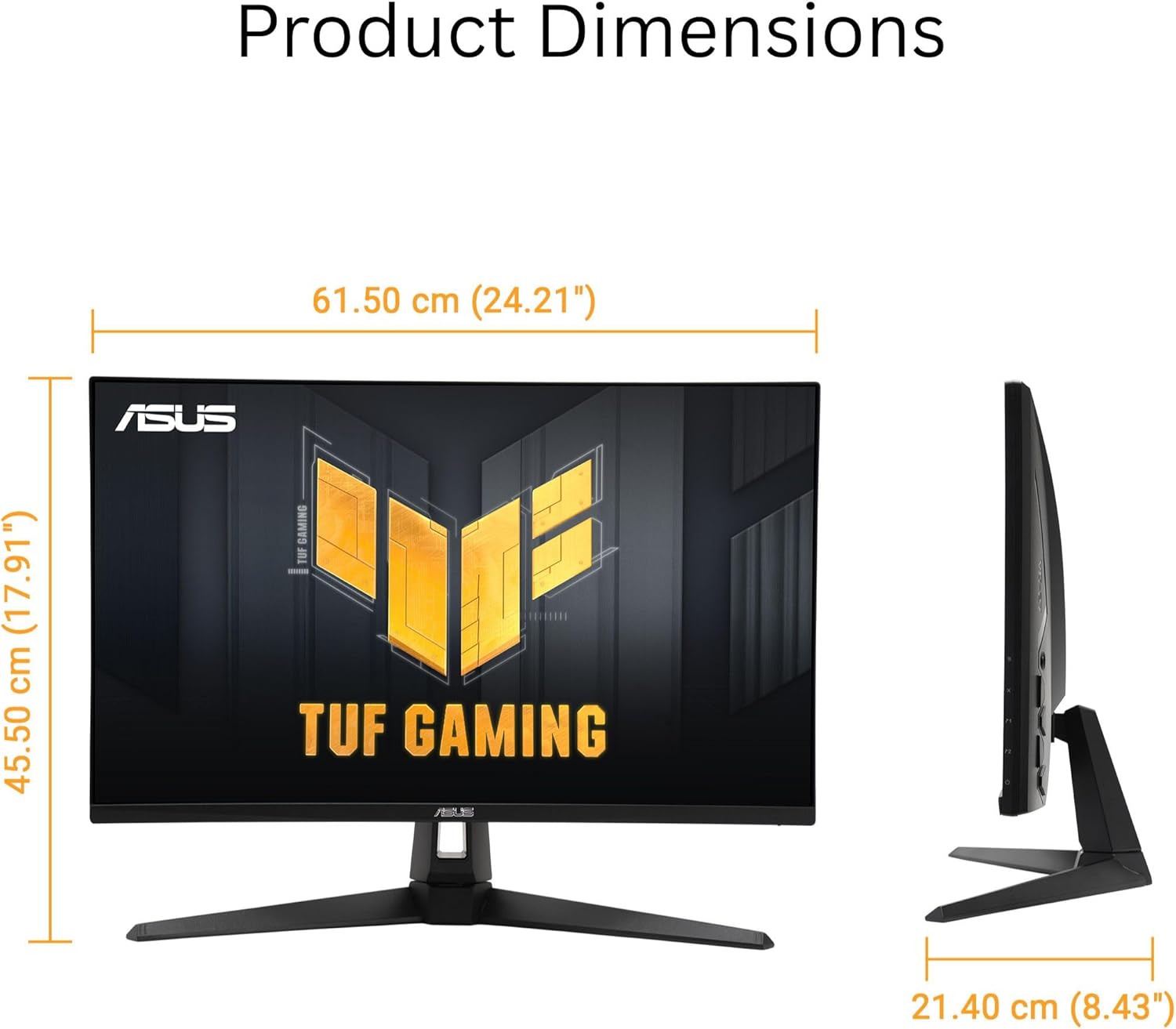
- Format: 27-inch QHD (2560x1440)
- Refresh rate: 300Hz
- Response time: 0.3ms (GTG) (min.)
- Panel tech: Fast IPS
- Motion handling: Extreme Low Motion Blur Sync (ELMB Sync)
- Color coverage: 95% DCI-P3
- Additional features: Shadow Boost, DisplayWidget Center
- Sound: Speaker
- Warranty: 3 yr Warranty
What’s in the box and what to double-check
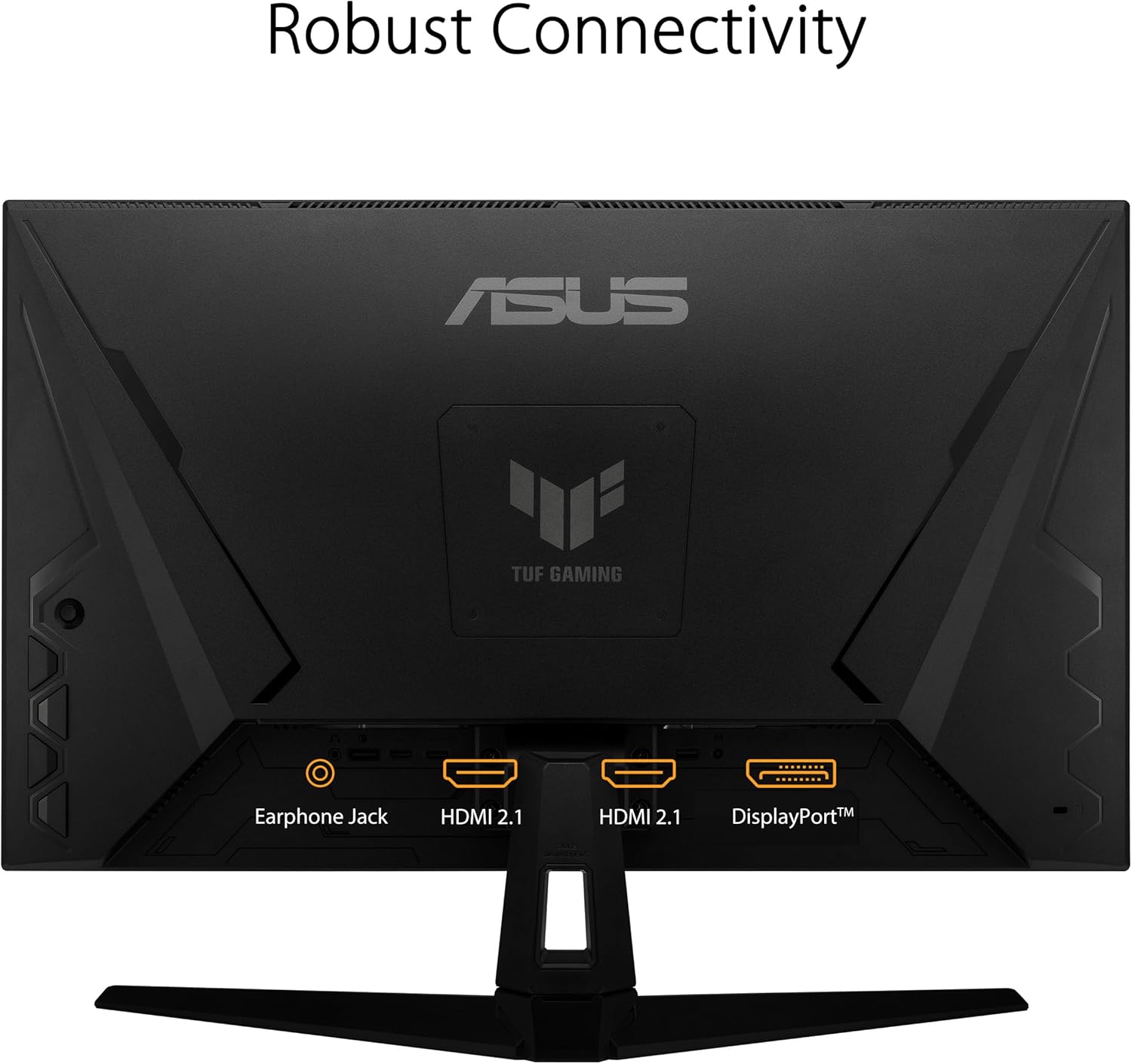
The box contents listed include a DisplayPort cable, a power cord & adapter, a quick start guide, and a warranty card. That’s a solid baseline if you already have the rest of your setup (like your PC with DisplayPort).
Before you buy, it’s worth checking one practical thing: your connection options. This listing specifies a DisplayPort cable in the box, so if your device setup relies on a different port type, you may need to confirm whether your system supports DisplayPort directly.
Who it’s for (and who should think twice)
This is a good match if you: - play fast, competitive titles where motion clarity and high frame rates are priorities - want QHD at 27 inches, with a refresh rate that supports high-performance gameplay - like the idea of ELMB Sync for reducing ghosting/tearing while using variable refresh-rate behavior
It may not be the best choice if you primarily use your monitor for slower, single-player content and casual browsing and you’re not planning to push high frame rates consistently. In that scenario, you might be spending more on performance features than you’ll actually leverage.
Final verdict
Worth considering if your goal is competitive gaming at 1440P with a 300Hz-class refresh rate, and you care about reducing motion blur/tearing through ELMB Sync and fast response. It’s also easier to manage settings thanks to DisplayWidget Center, and Shadow Boost targets one of the most common competitive annoyances—hiding details in dark scenes.
If you mainly want a monitor for general use or you can’t reliably drive high frame rates, it might feel like you’re buying spec power that stays underused. In that case, it may make more sense to prioritize the features that directly match what your system can deliver today.
Mini FAQ
Is this monitor meant for competitive gaming?
Yes—based on its 300Hz refresh rate, Fast IPS, and the ELMB Sync focus, it’s designed to target smoother, sharper motion in fast gameplay.
Does Shadow Boost help in dark scenes?
That’s exactly what it’s for. Shadow Boost is intended to enhance details in darker areas without the same kind of over-exposure on bright parts.
What color coverage is listed?
The listing states 95% DCI-P3, which is a solid spec for color. Still, if you’re doing color-critical work, you’d want to validate results with your own workflow.
What comes in the box?
The listing includes a DisplayPort cable, power cord & adapter, quick start guide, and a warranty card.