

Samsung 34-inch curved monitor
Product description
Best use cases
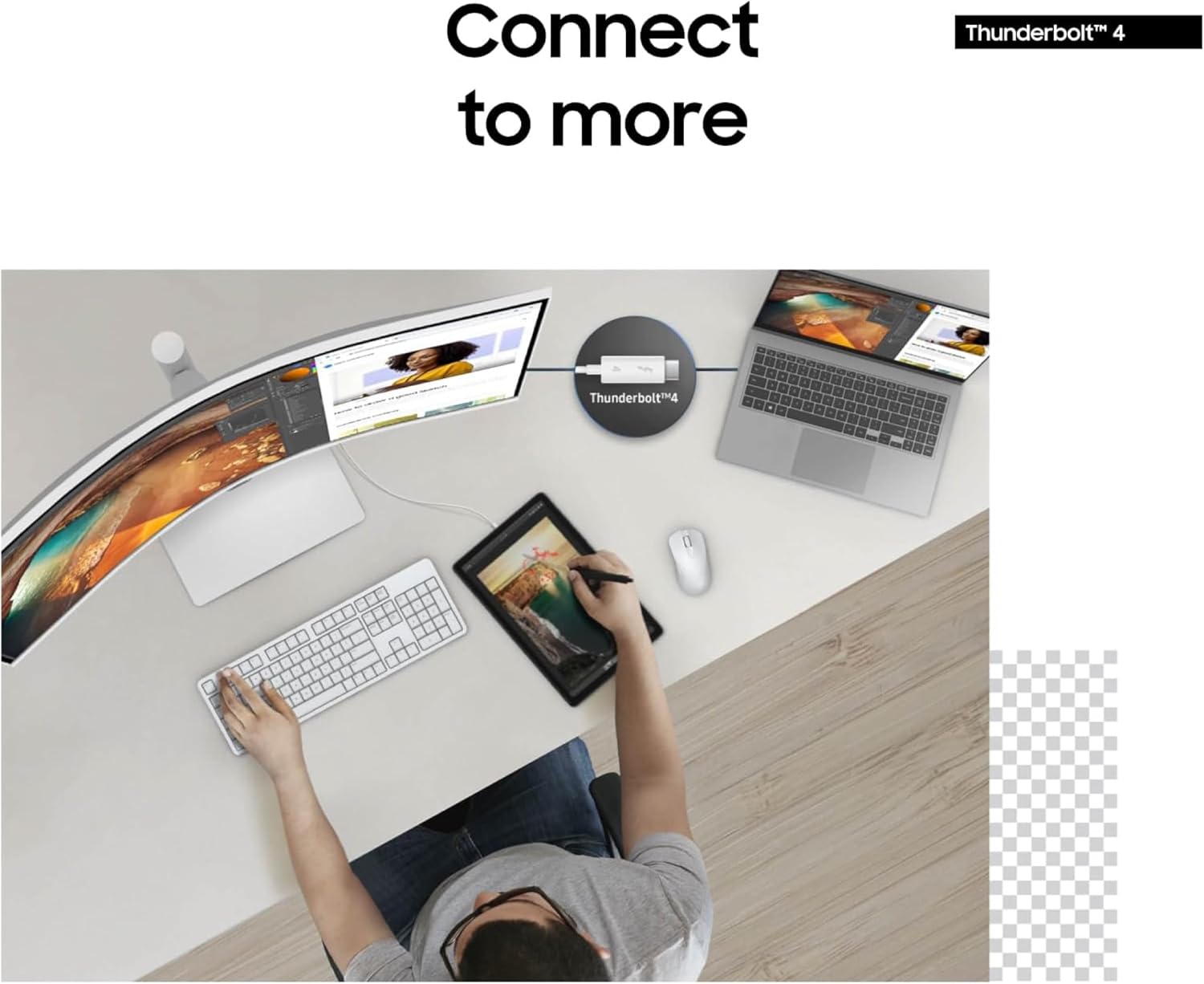
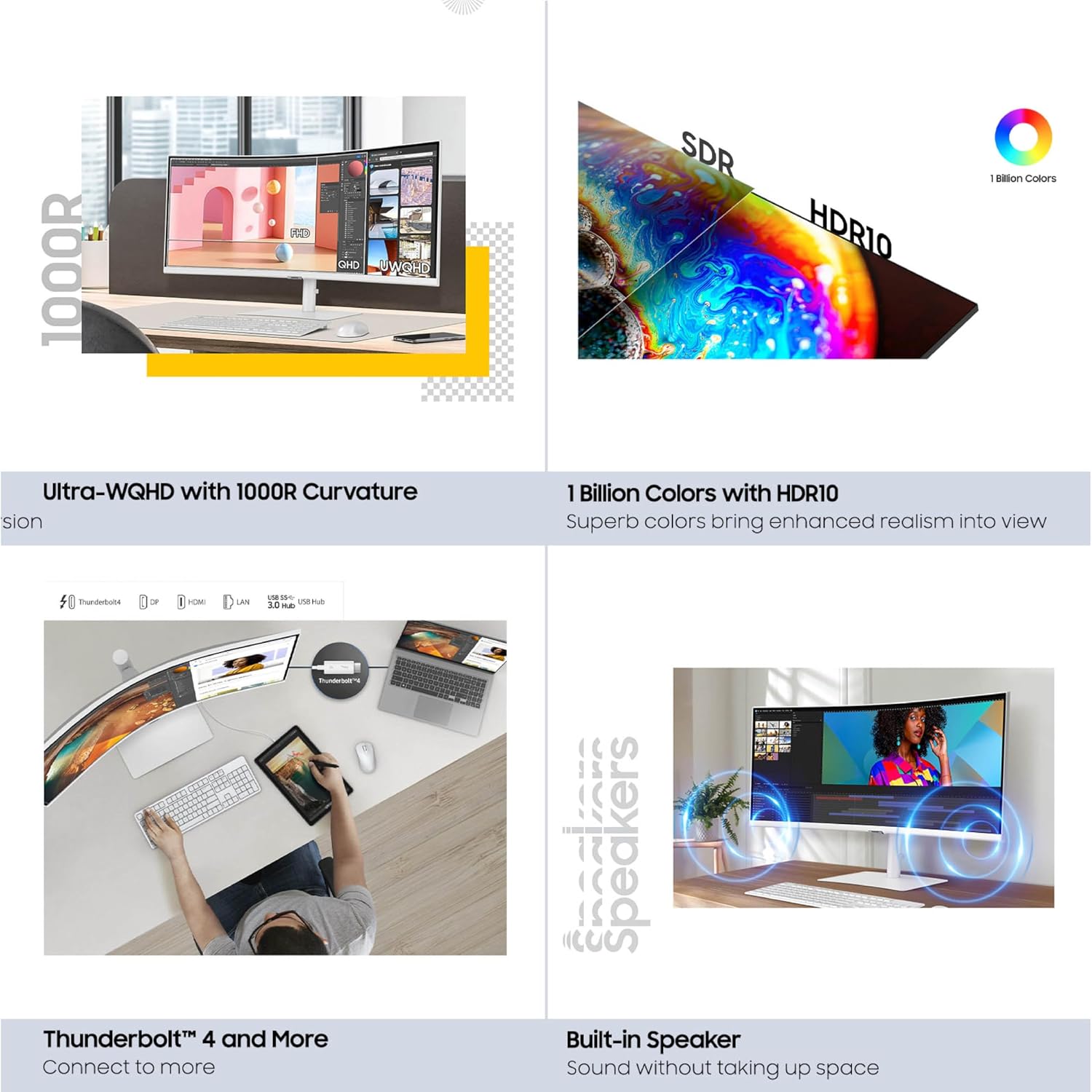
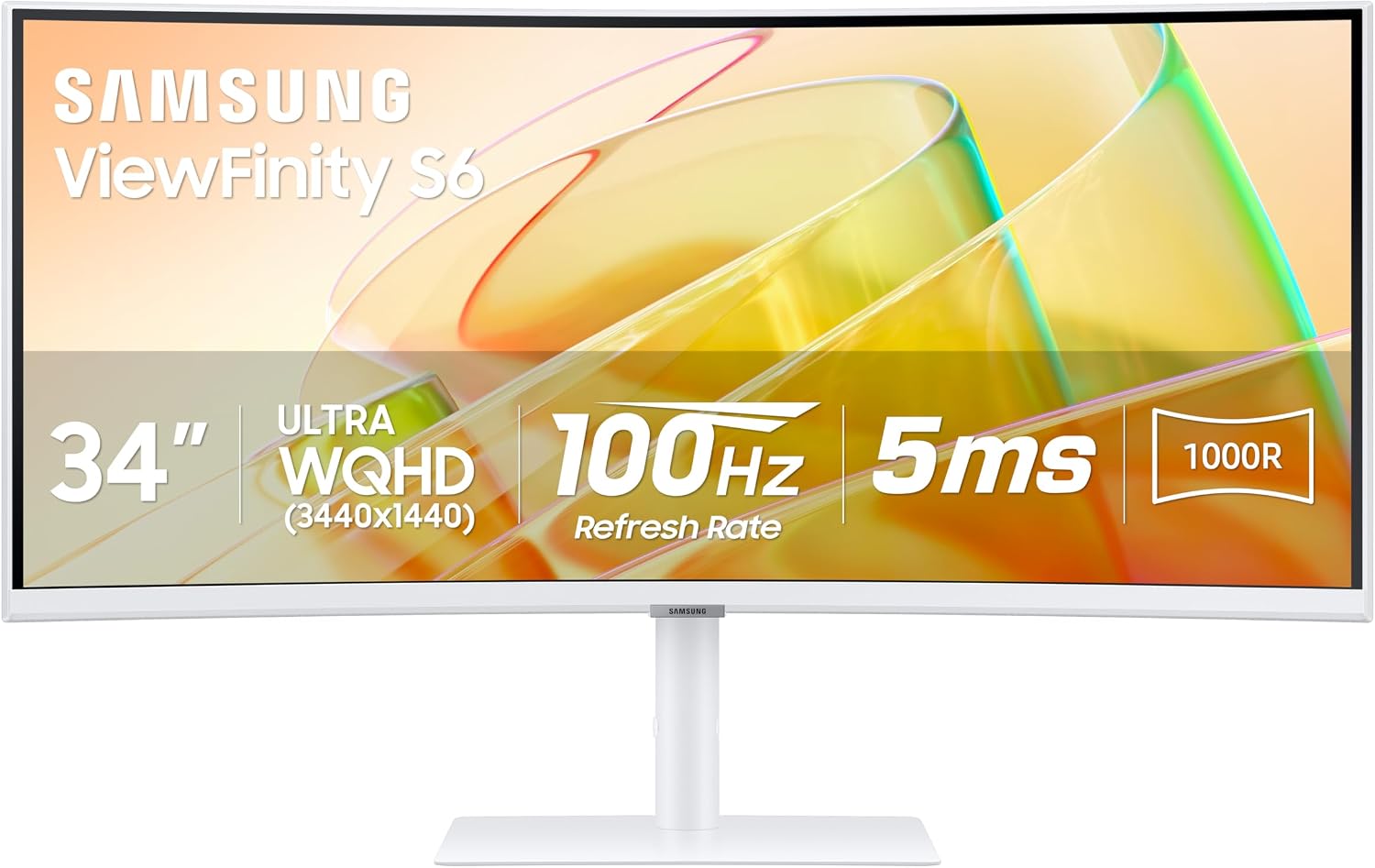
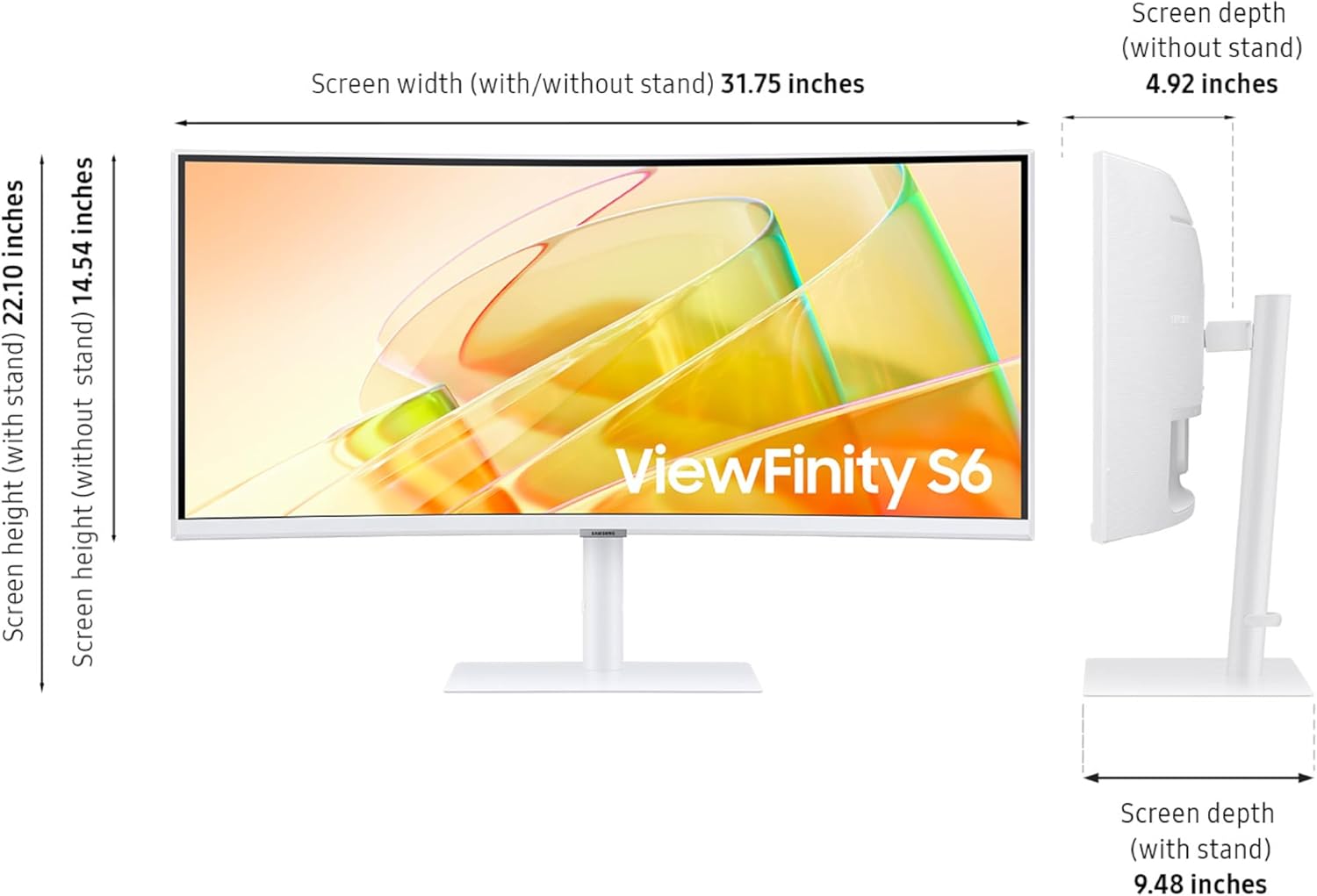
When a laptop screen feels cramped and a basic monitor leaves you juggling windows, a wide curved display can give your work more room without adding another screen. The Samsung ViewFinity S65TC combines a 34-inch Ultra-WQHD display, a 21:9 aspect ratio, and a 1000R curve for a more encompassing desktop view. That setup is suited to keeping a document beside a spreadsheet or a video call beside your notes, while Thunderbolt 4 can connect a laptop and provide up to 90W of charging. It also supports a two-source setup, which is useful if you switch between a work laptop and another computer at the same desk.
Product specs
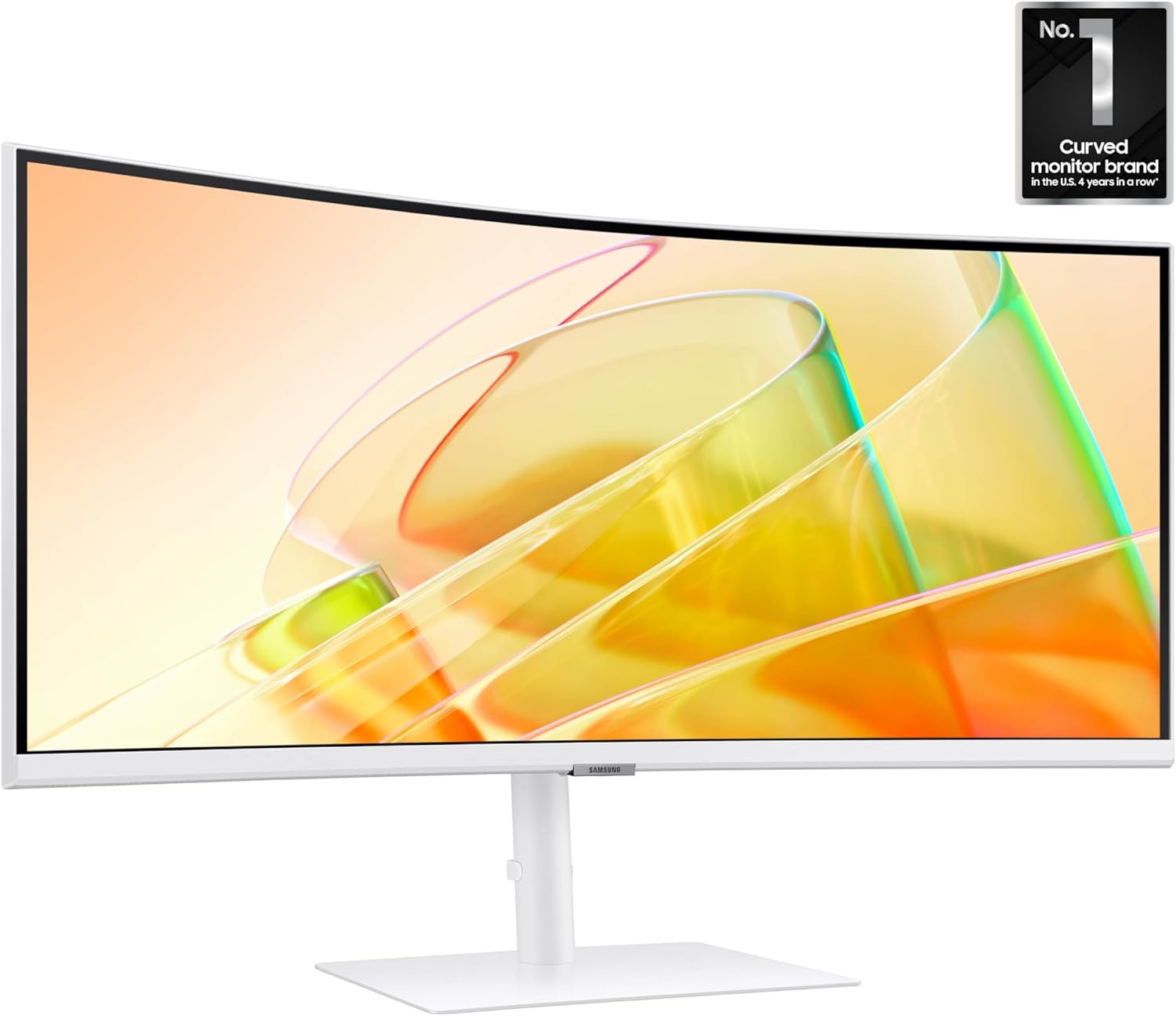
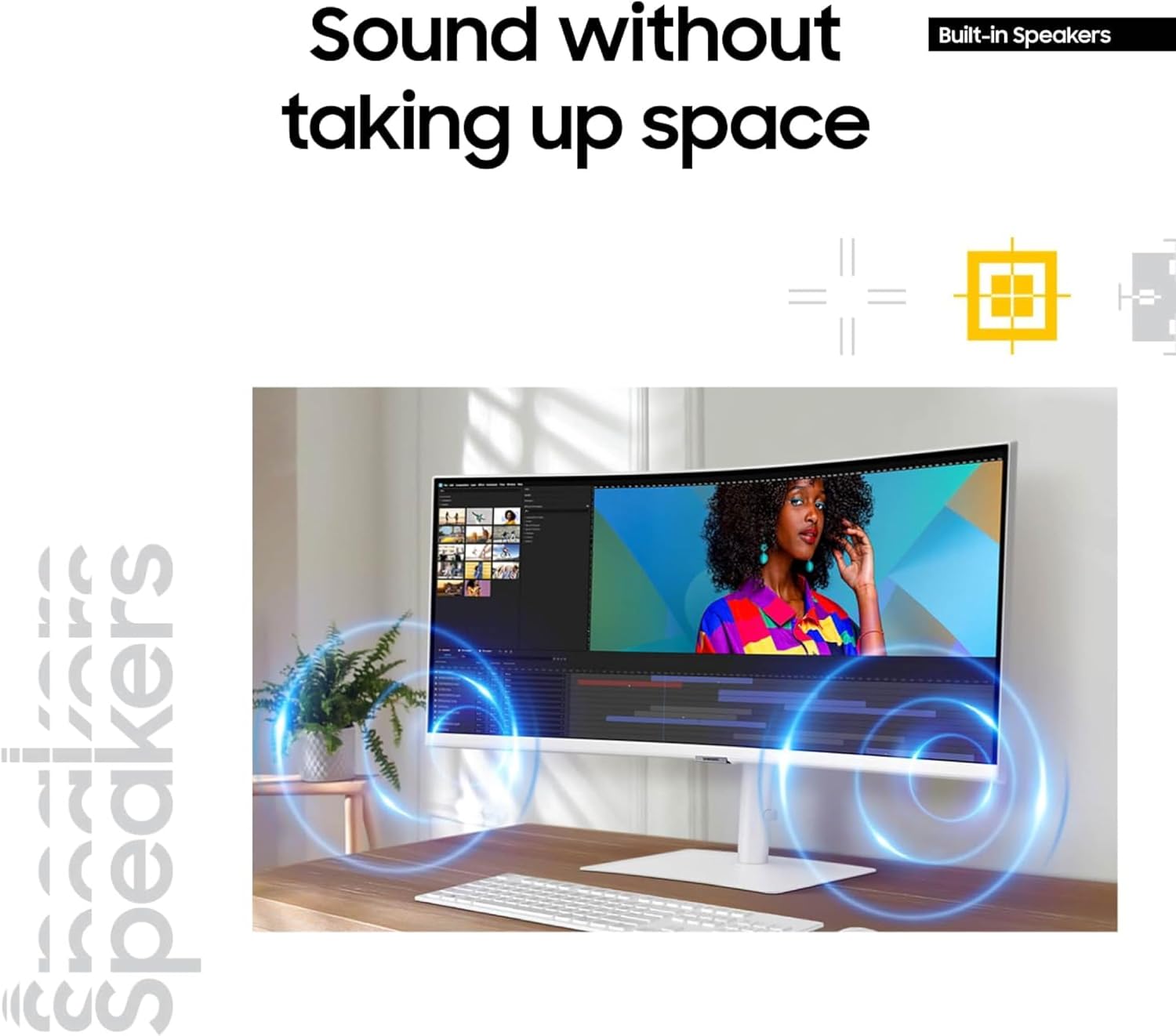
The display pairs HDR10 with a 100Hz refresh rate and AMD FreeSync. For everyday work, the wider format is the main draw, FreeSync and 100Hz also target smoother motion in compatible games, though this is not positioned as a high-refresh-rate gaming display. Connectivity includes Thunderbolt 4, HDMI, DisplayPort, a USB 3 hub, and a LAN port. The monitor’s built-in speakers can save desk space, but the product details don’t specify audio performance, so they’re best treated as a convenient option rather than a substitute for dedicated speakers.
The stand adjusts for height, swivel, and tilt, giving you more ways to set the screen angle at your desk. Samsung also lists automatic brightness and color-temperature adjustments, along with TÜV-certified eye-care features, reduced screen flicker, and an eye-saver mode. Those features may help make long sessions more comfortable, but they don’t remove the need to take breaks or set up your workstation well.
Where it shines
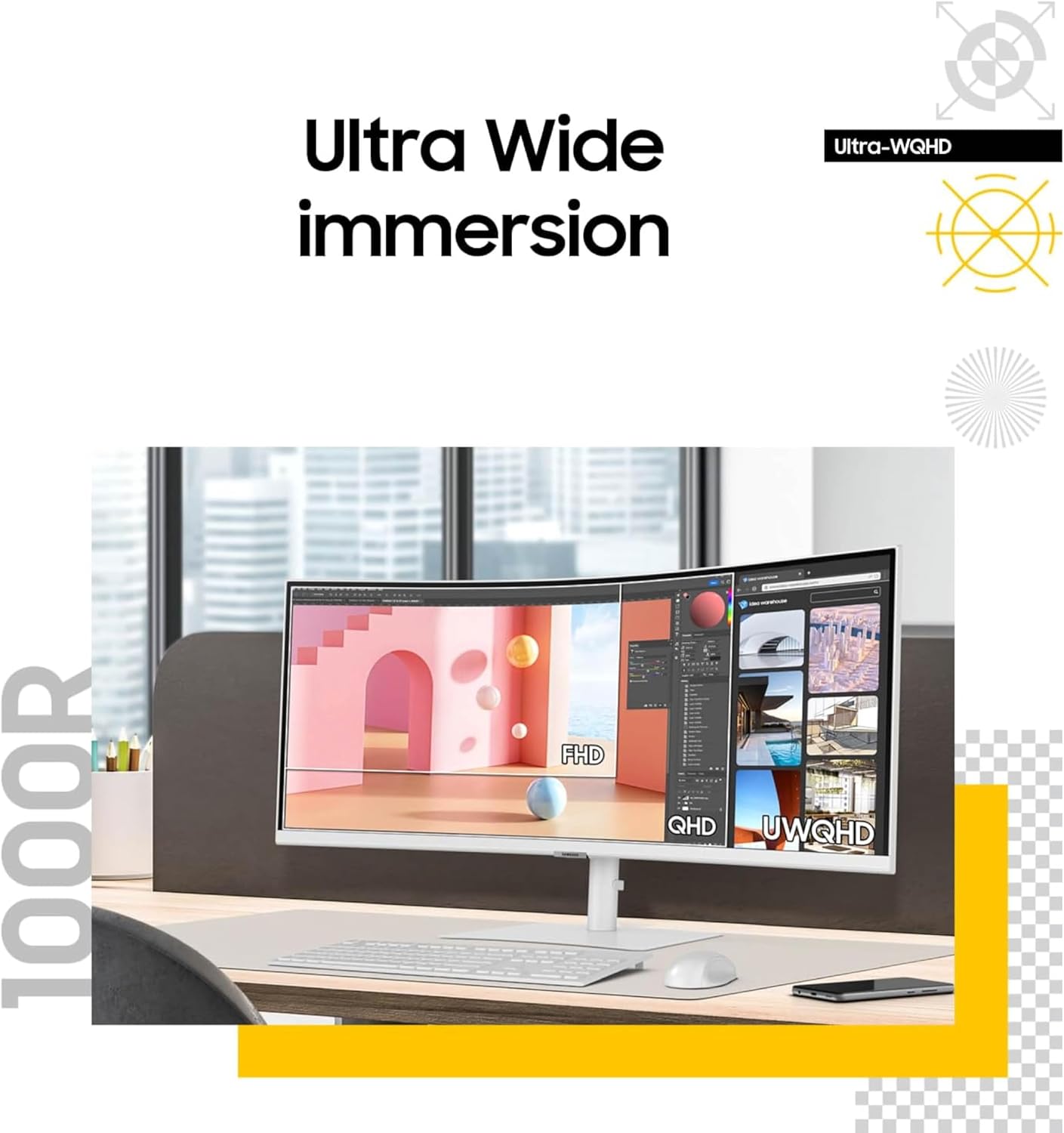
The practical advantage is how several desk tasks come together: connect a laptop over Thunderbolt 4, use the monitor’s LAN port for a wired network connection, and switch between two sources with one keyboard and mouse using the KVM switch. Picture-in-Picture, Picture-by-Picture, split-screen options, and Easy Setting Box software offer different ways to arrange content. If you often move between a laptop and desktop, does one wide screen simplify your routine more than managing two separate displays? That’s the use case this model addresses most directly.
You’ll appreciate it if you want one expansive screen for multitasking, a more adjustable stand, and fewer separate connections on your desk. It’s not for you if your priority is gaming performance beyond the listed 100Hz refresh rate, or if you need confirmed speaker or image-quality details that aren’t provided here. According to the maker, the curved design is intended to match the field of sight, whether that shape feels comfortable is still a personal preference, especially if you’re used to flat screens.
Buying verdict
This Samsung makes the strongest case for a work-focused desk where screen space, laptop connectivity, and switching between two computers matter more than a minimalist setup. Its built-in speakers and USB hub can reduce clutter, while the adjustable stand helps with positioning. A simpler monitor may make more sense if you only need one screen for basic tasks and won’t use the extra connections or multitasking tools. Choose this one when the wide format and Thunderbolt 4 workflow solve a real desk problem, skip it if you mainly want a gaming-first display or don’t need its broad feature set.