

MagicRaven Laptop Screen Extender, 14-Inch
Product description
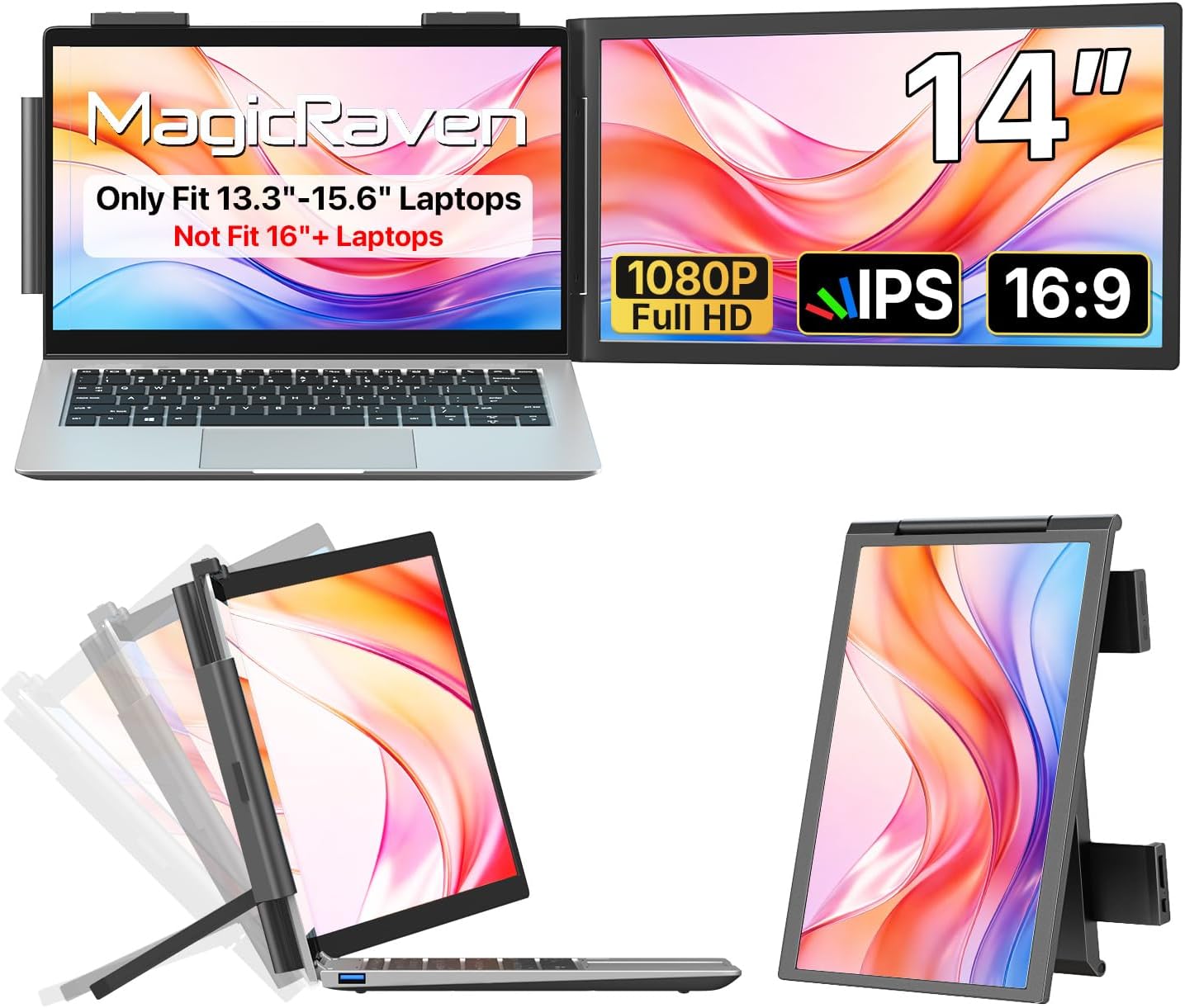
A portable screen extender makes the most sense when switching between windows is slowing you down, but a full desk monitor would be awkward to carry. This 14-inch MagicRaven model attaches to a laptop and adds a second display for documents, code, video, or other open tasks. If you prioritize a more flexible mobile setup, the clip-on format has an advantage, if you prefer a permanent workstation, a separate desktop monitor may be a better fit.
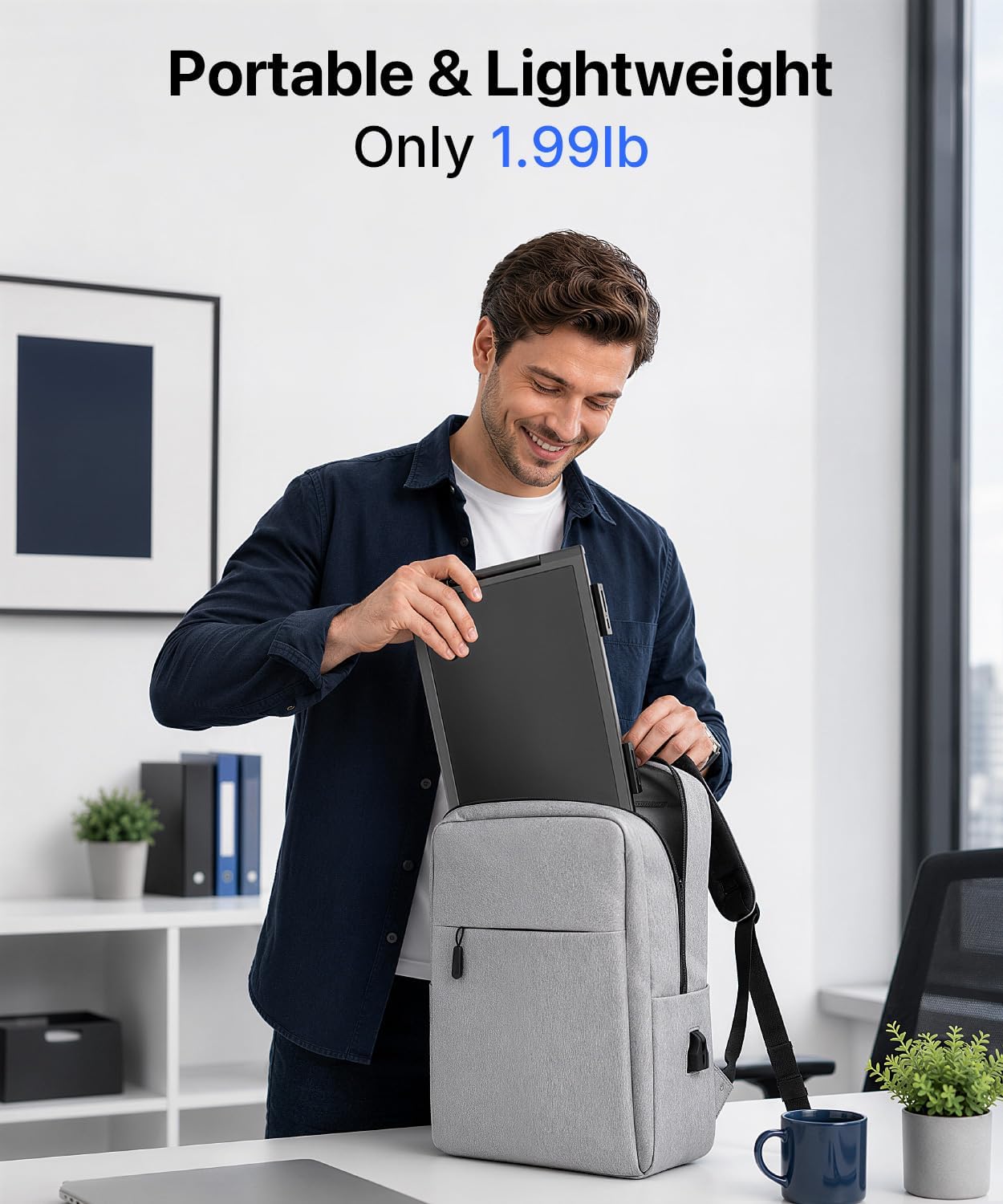
At 1.99 pounds, it still adds weight to a laptop bag, so portability comes with a tradeoff rather than no extra bulk at all.
Where it shines
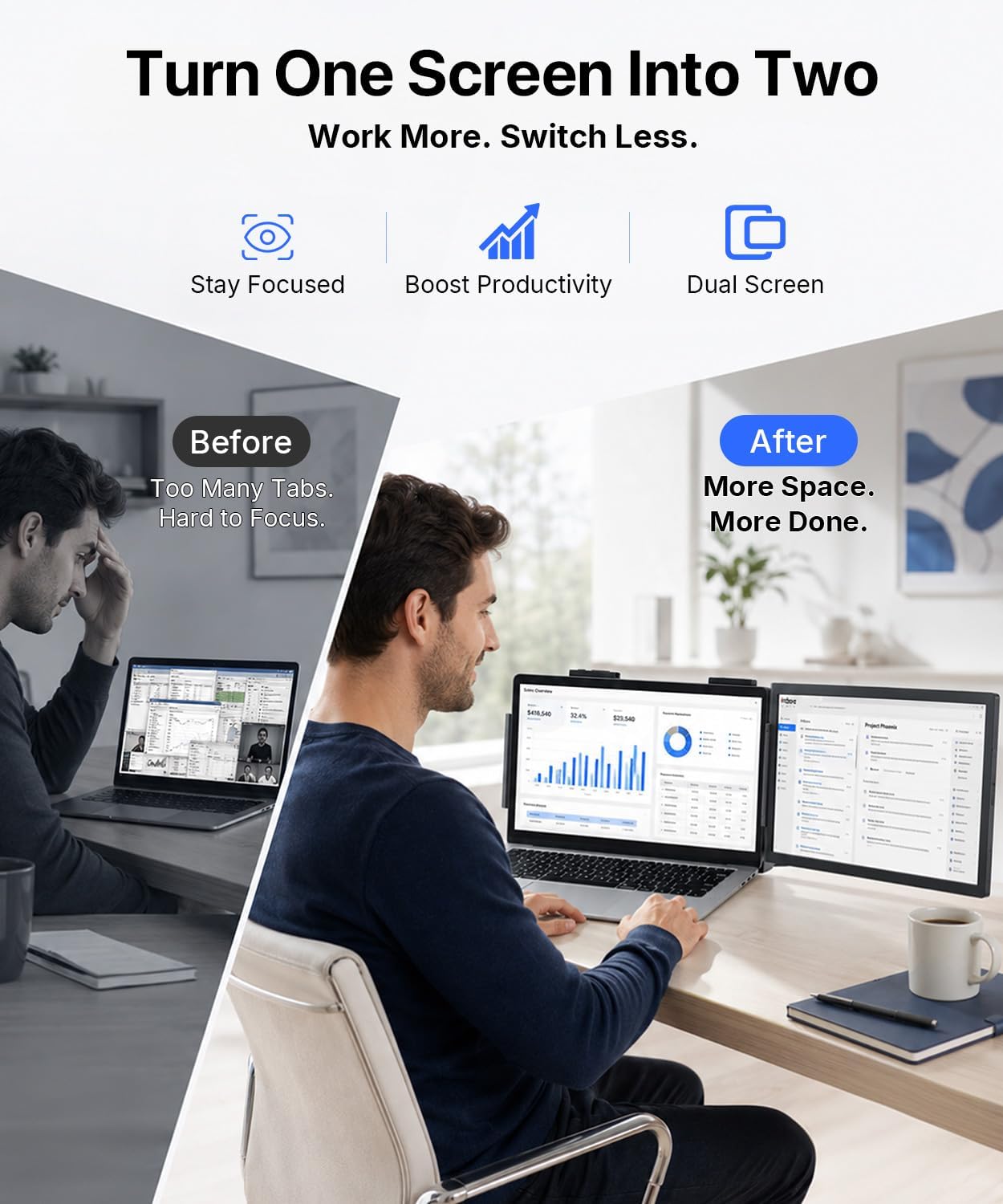
The practical benefit is keeping two things visible at once. For example, you could leave a spreadsheet or reference document on the extender while writing on your laptop screen, instead of repeatedly switching between windows. That can be useful for travel, shared workspaces, or home setups where desk space is limited. The 1080p IPS display is described for viewing documents, video, code, and streaming, giving it a range beyond office tasks.
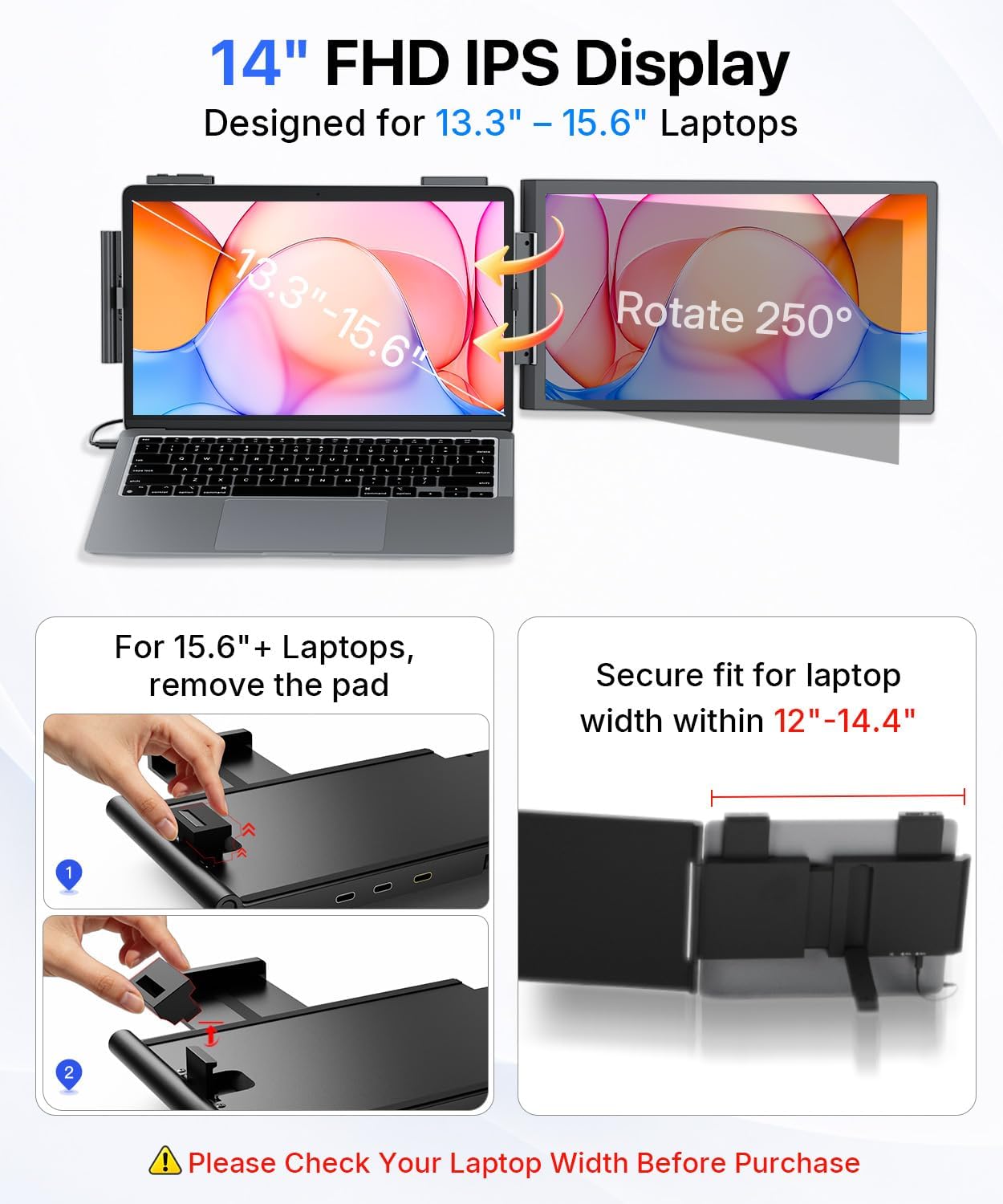
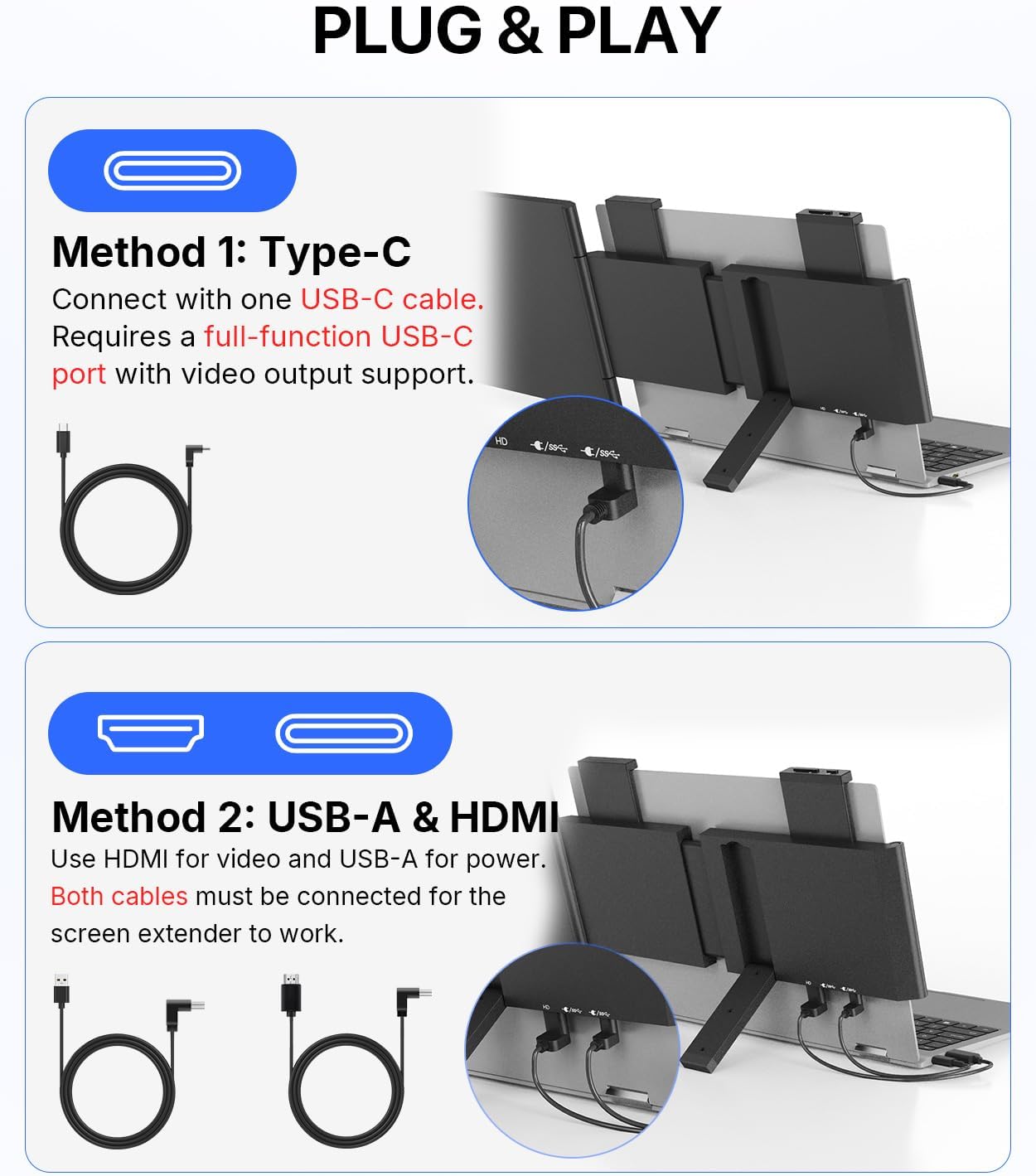
It’s a great fit if you regularly work across multiple windows and want a second screen without setting up a separate desk monitor. The product is advertised for 13.3- to 15.6-inch laptops, with compatibility listed for Windows, Mac, Android, Switch, PS5, and Xbox. Compatibility can depend on the connection, though: USB-C needs full-featured USB-C with DP Alt Mode, while HDMI requires the included power cable.
Highlights
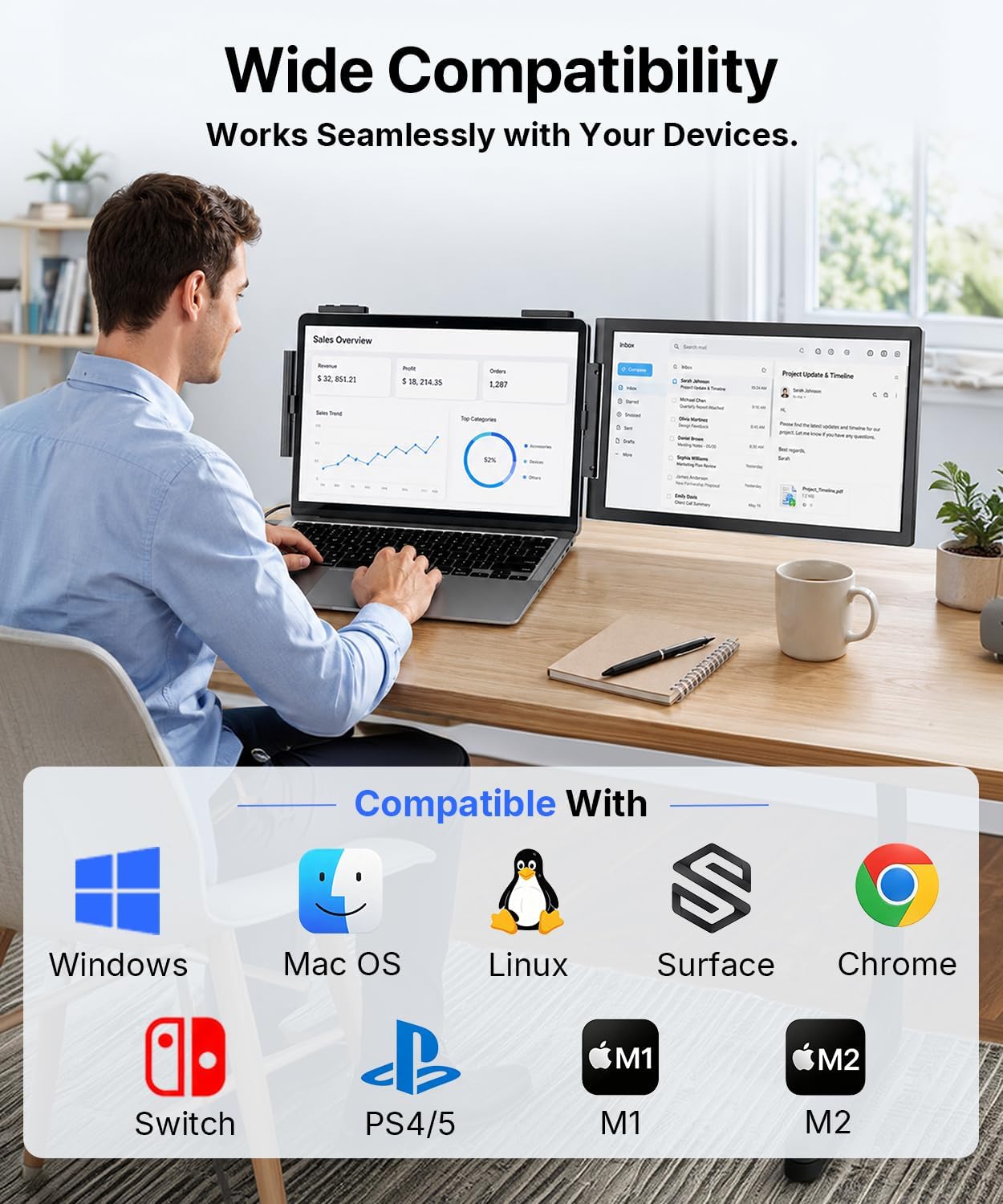
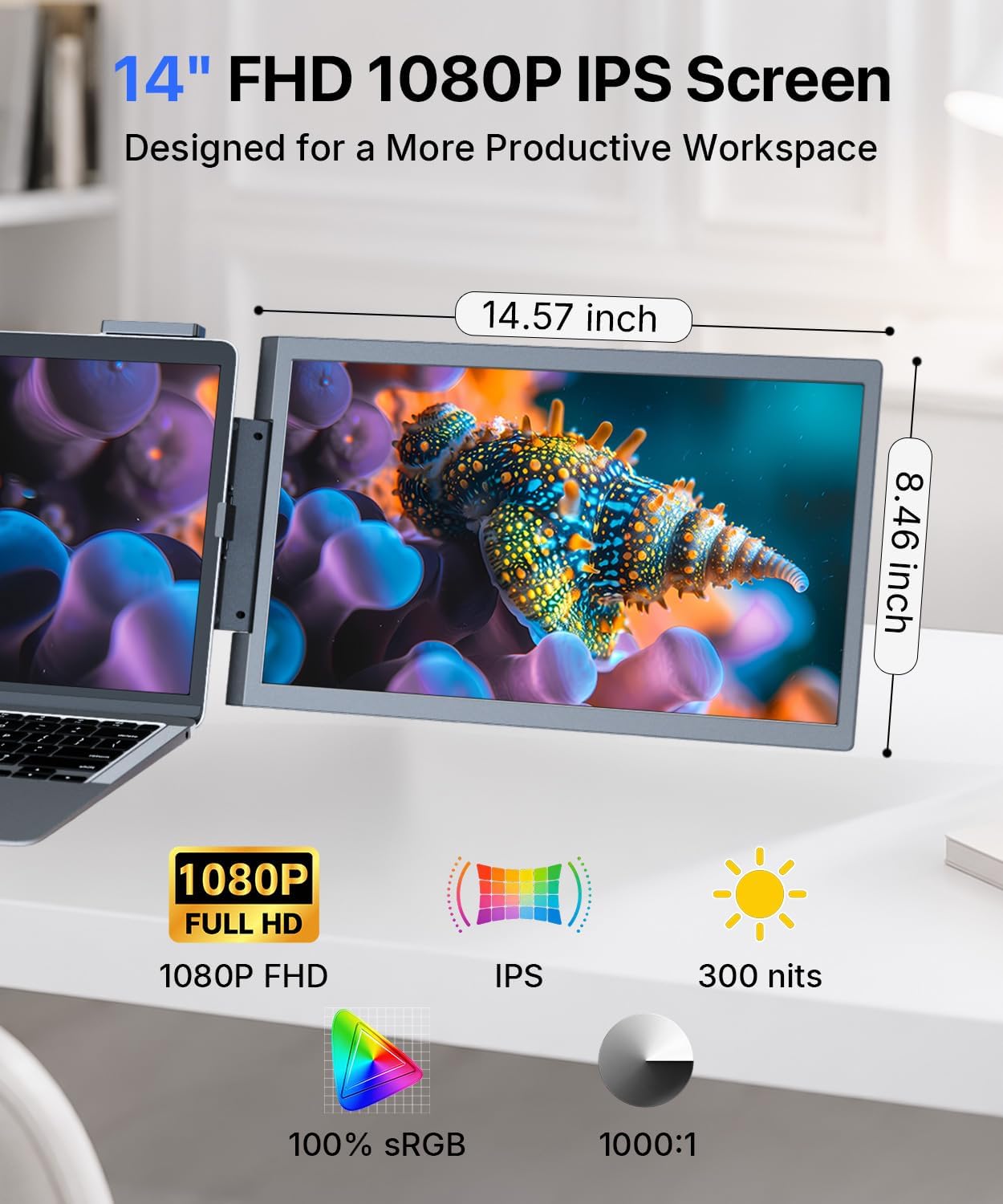
The 14-inch 1080p IPS panel gives you a clearly defined size and resolution to weigh against your needs. The listing describes the connection as plug and play, with no downloads required. It also notes a kickstand angle of 110° for optimal support. Those details make the setup sound straightforward, but the screen is still an add-on: you will need room for it beside the laptop and a compatible connection to use it as intended.
The product description doesn’t provide brightness or refresh-rate information, so the resolution and IPS panel type are the clearest available indicators for judging the display. If you’re choosing primarily for demanding visual work or fast-paced gaming, that missing detail matters more than it would for reading, writing, or keeping a reference window open. The weight is another consideration for frequent travel: at 1.99 pounds, it adds a noticeable item to carry even though it avoids a separate monitor stand and desk footprint.
Best use cases
This setup is aimed at people who move between locations but still benefit from extra screen space. Think of opening a laptop at a hotel desk, attaching the extender, then keeping a video call or source material visible while working on the main screen. It can also suit a compact home workspace where a conventional monitor would take up more room. The listing names Windows, Mac, Chrome, Android, Linux, DeX, and Switch among supported systems, the product title also mentions PS5 and Xbox.
Better avoided if your laptop is 16 inches or larger, which the listing specifically says this extender does not fit. It also may not suit a carry-everything-light setup, or one where you need confirmed display specifications beyond 1080p IPS. Check that the laptop’s USB-C port supports DP Alt Mode if you plan to connect that way, HDMI requires the included power cable.
Is it worth it?
This extender is worth considering when the main problem is limited screen space, not a need for a high-spec standalone monitor. Its strongest case is convenience: a 14-inch second display, a clip-on design, and stated support for several operating systems and devices. On the spec sheet, the practical boundaries are just as important: it is not for 16-inch-plus laptops, and USB-C must support DP Alt Mode. Choose it for portable multitasking if your laptop and connection meet those conditions, look elsewhere if a lighter bag or more detailed display specifications matter more.