

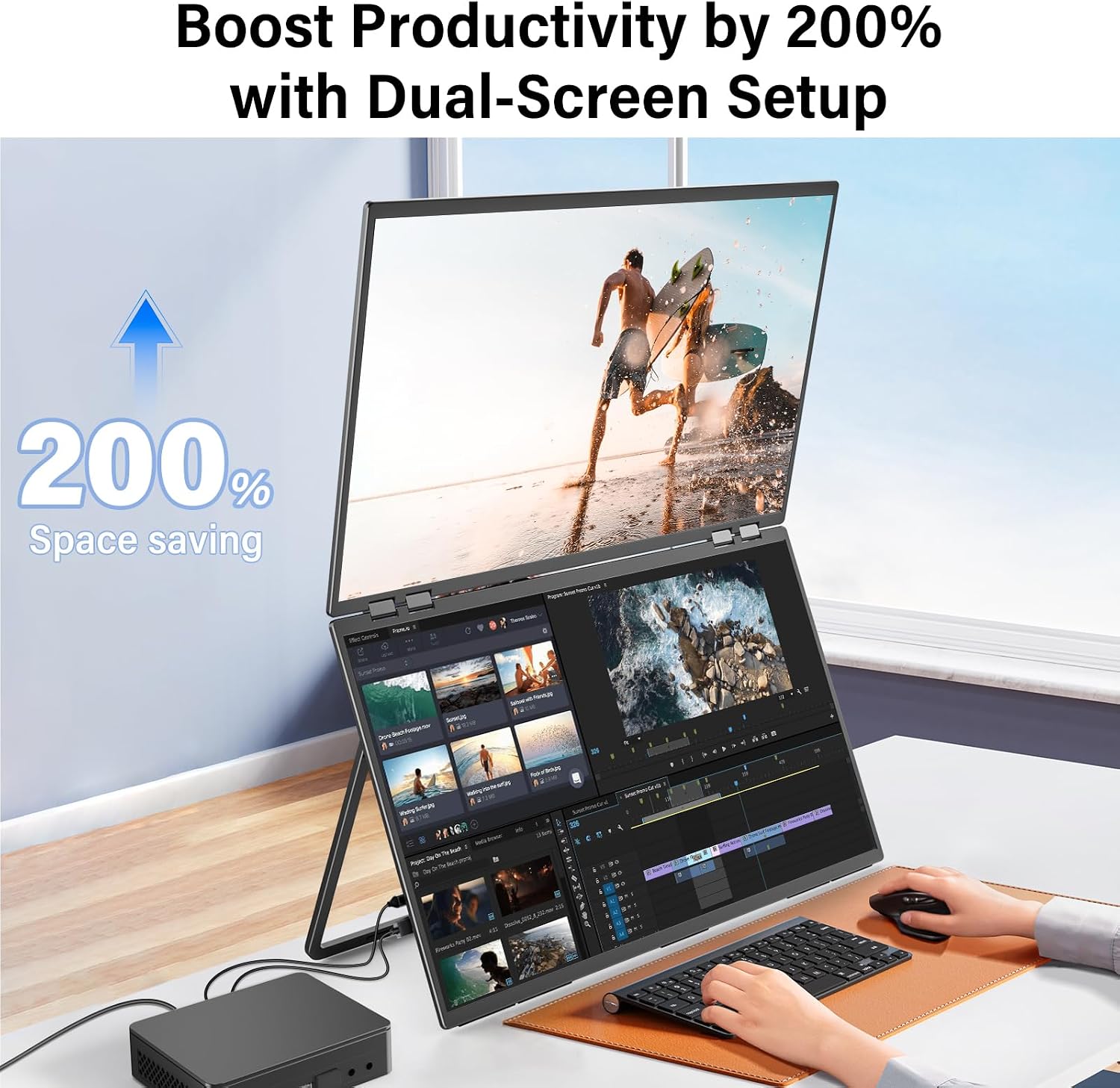
InnoView 23.8-Inch FHD Dual Portable Monitor
Product description
What this is and who it helps
The InnoView 23.8-inch dual portable monitor is a secondary display solution designed to expand screen real estate without committing to a full-sized desk setup. With a 1920x1080 resolution and 100% sRGB coverage, it targets users who juggle multiple apps, documents, or media tasks at once—think students, remote workers, or creative pros who need extra room for references, timelines, or color-critical work. Its foldable and stackable design helps it tuck away when not in use, while the 315° screen adjustment and 180° stand offer flexible viewing angles for different environments.
How it fits into your workflow
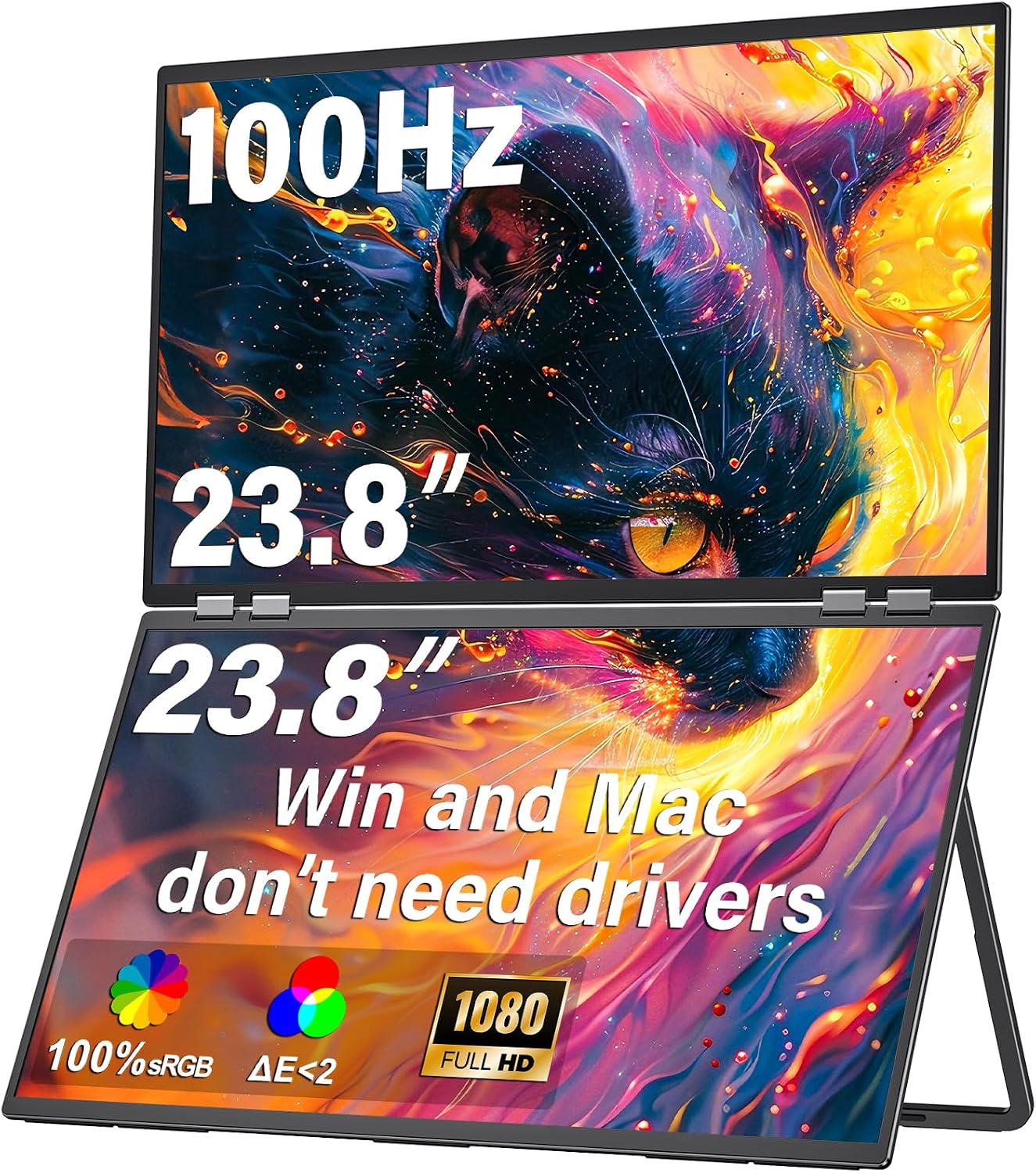
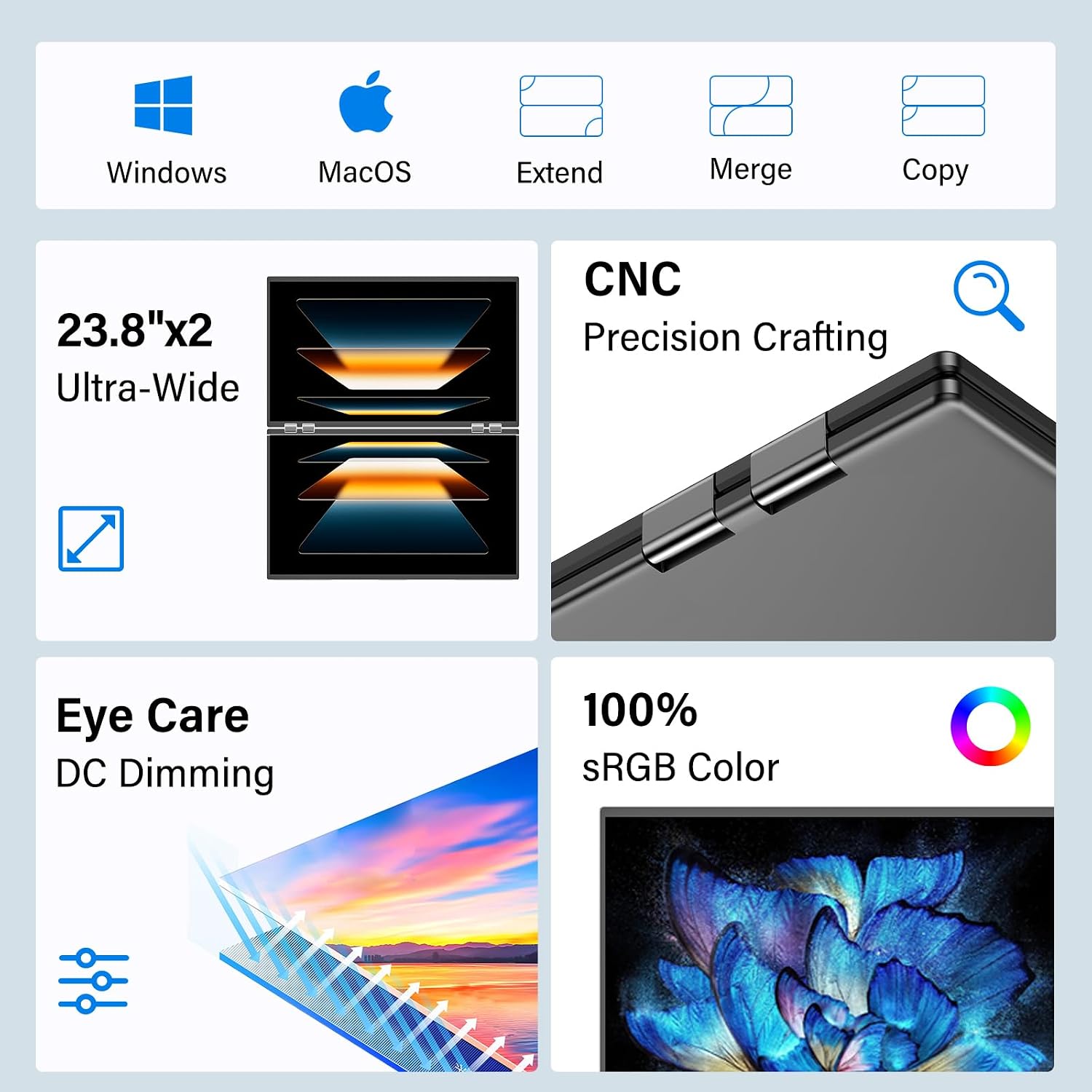
On paper, the device supports three display modes—duplicate, extend, and splice—making it versatile for meetings, presentations, or dual-app workflows. It’s a plug-and-play setup, requiring no drivers, and works with both macOS and Windows. If you rely on color accuracy for light editing, the 100% sRGB coverage is a notable plus, though you’ll want to calibrate expectations against professional-grade monitors used in color-critical work.
Strengths you’ll notice in daily use
The standout value is more screen space without permanently crowding your desk. The 23.8-inch panel remains portable enough to carry in a bag, and the foldable design means less clutter on crowded desks and in shared spaces. For collaboration, the extra screen real estate can simplify side-by-side comparisons, notes, and live editing during calls.
Limitations and trade-offs
A practical caveat: the dual monitor is described as suitable for storage in small spaces and not meant for constant movement. If your work requires frequent on-the-go setup, this design may feel less convenient than sturdier, more compact travel options. Also, the spec sheet focuses on general display features rather than advanced gaming or professional-grade color calibration, for high-end color grading, it’s wise to compare against dedicated color-accurate displays.
Ideal user profiles

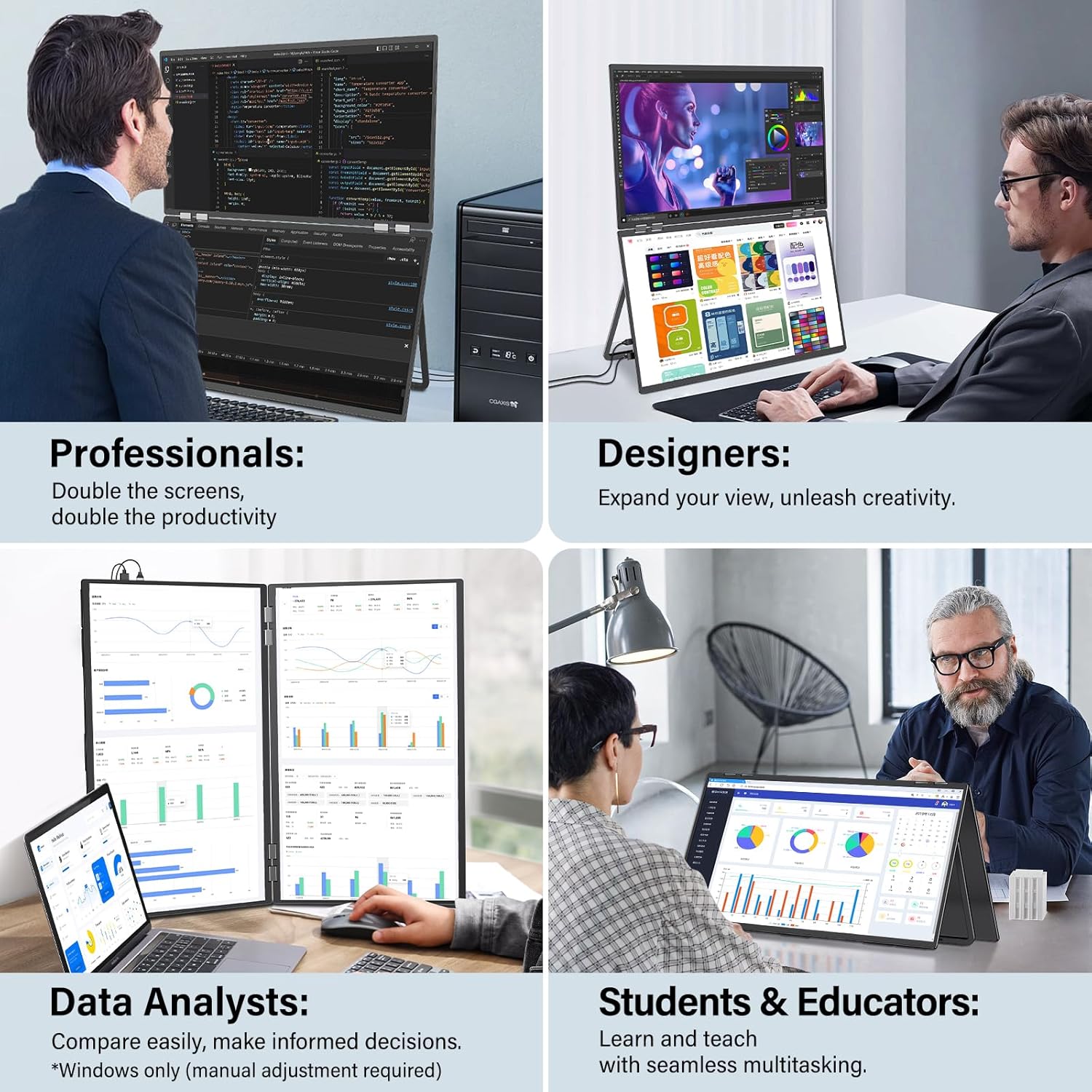
It makes sense if you’re: - A student or professional who needs extra screen space for research, coding, or document review without a full multi-monitor setup. - A remote worker or presenter who benefits from quick screen sharing or dual-app multitasking during meetings. - A creator who can leverage 100% sRGB for basic photo/video tasks or reference-heavy editing, as a supplementary display.
When it might not be the best fit
If you require peak color accuracy for critical design work, or you expect frequent movement and travel with the device, you might prefer a more compact, tactile travel monitor or a higher-refresh, color-managed panel. Also, if your desk already has enough space for a larger single monitor and you don’t need to juggle apps simultaneously, the extra screen may feel less essential.
What to check before buying
- Power: ensure you use the original power adapter included in the package to avoid power issues.
- Connection options: USB-C and HDMI are supported, so confirm your laptop or device provides compatible ports.
- Mounting and storage: the foldable design helps with storage, but plan where to place it when not in use.
- Display modes: verify you’re comfortable with duplicate, extend, and splice modes and how they fit your typical task flow.
Practical usage example
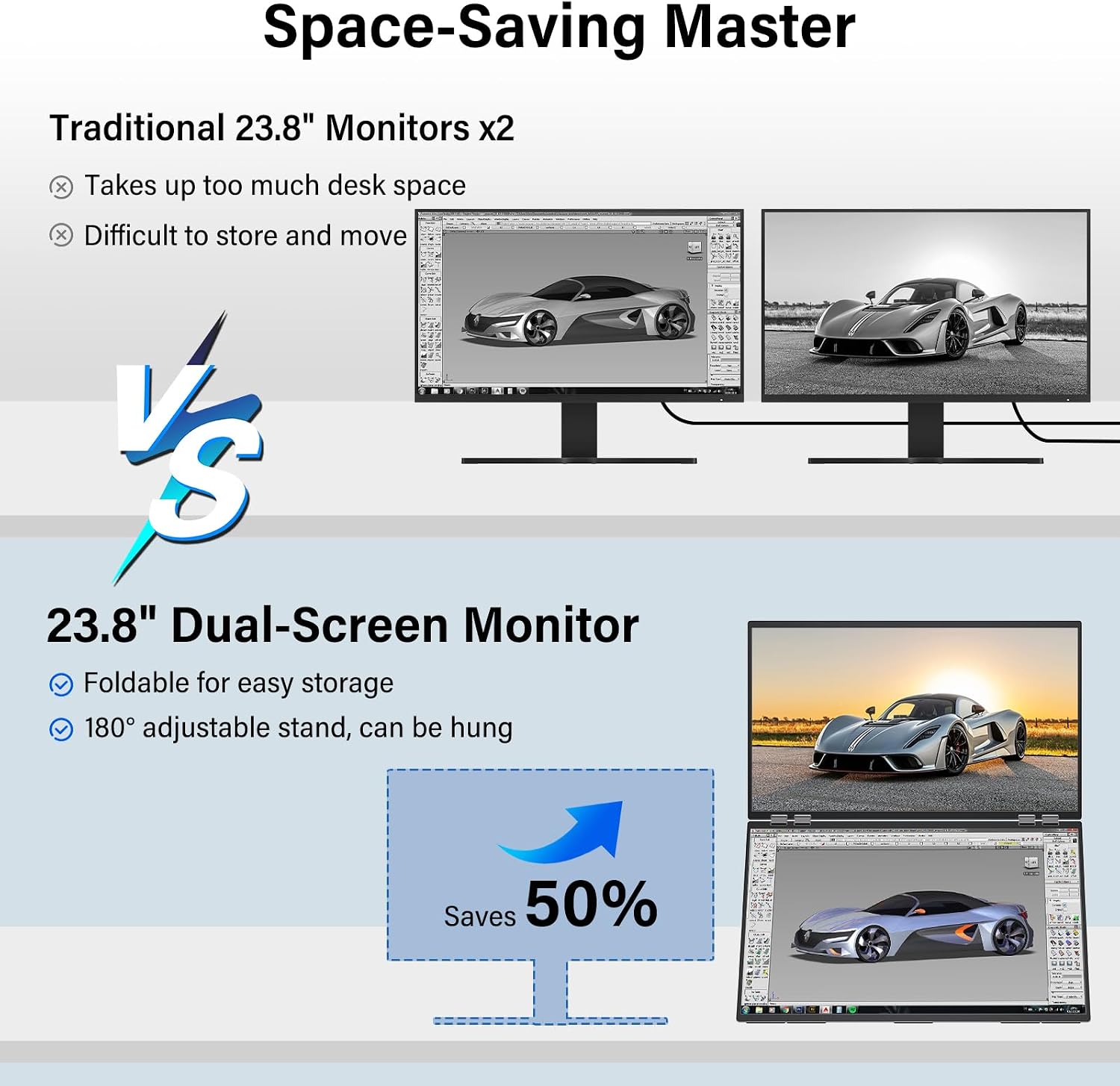
Imagine a designer reviewing mood boards while keeping client briefs open on the secondary screen. You can drag reference images to the extra display, keep color swatches close at hand, and monitor changes in real time, all without tilting your primary screen or constantly tabbing between windows.
Quick comparison outlook
If your goal is minimal desk clutter with extra workspace, this dual monitor sits between a basic portable display and a full desktop multitask setup. It’s a good stepping stone for those who want a dedicated secondary screen without the commitment or cost of a second traditional monitor. For heavy gaming or color-critical production, you’d typically look at a panel with higher refresh rates, gaming features, or professional color management.

Is it worth it?
Final verdict: It’s a practical addition for multitaskers who value extra screen real estate and portable storage, provided you don’t expect studio-grade color calibration or frequent on-the-go use. It convenes well into home offices or shared workspaces where space is at a premium and quick setups are common.
FAQ
- Can I use this monitor with both Mac and Windows laptops? Yes, it’s designed for macOS and Windows and supports plug-and-play without drivers.
- What if the colors look off? Relying on 100% sRGB helps, but for critical color work you may want a dedicated color-managed display and calibration.
- Is it easy to store when not in use? The foldable design and compact folded size make storage straightforward, though it’s still a larger accessory than ultra-compact portable displays.
Final note
If you prioritize space-saving dual-screen flexibility for everyday multitasking and occasional design tasks, this monitor offers a thoughtful balance between portability and usefulness. Consider your typical task load, space constraints, and need for color accuracy when deciding.