

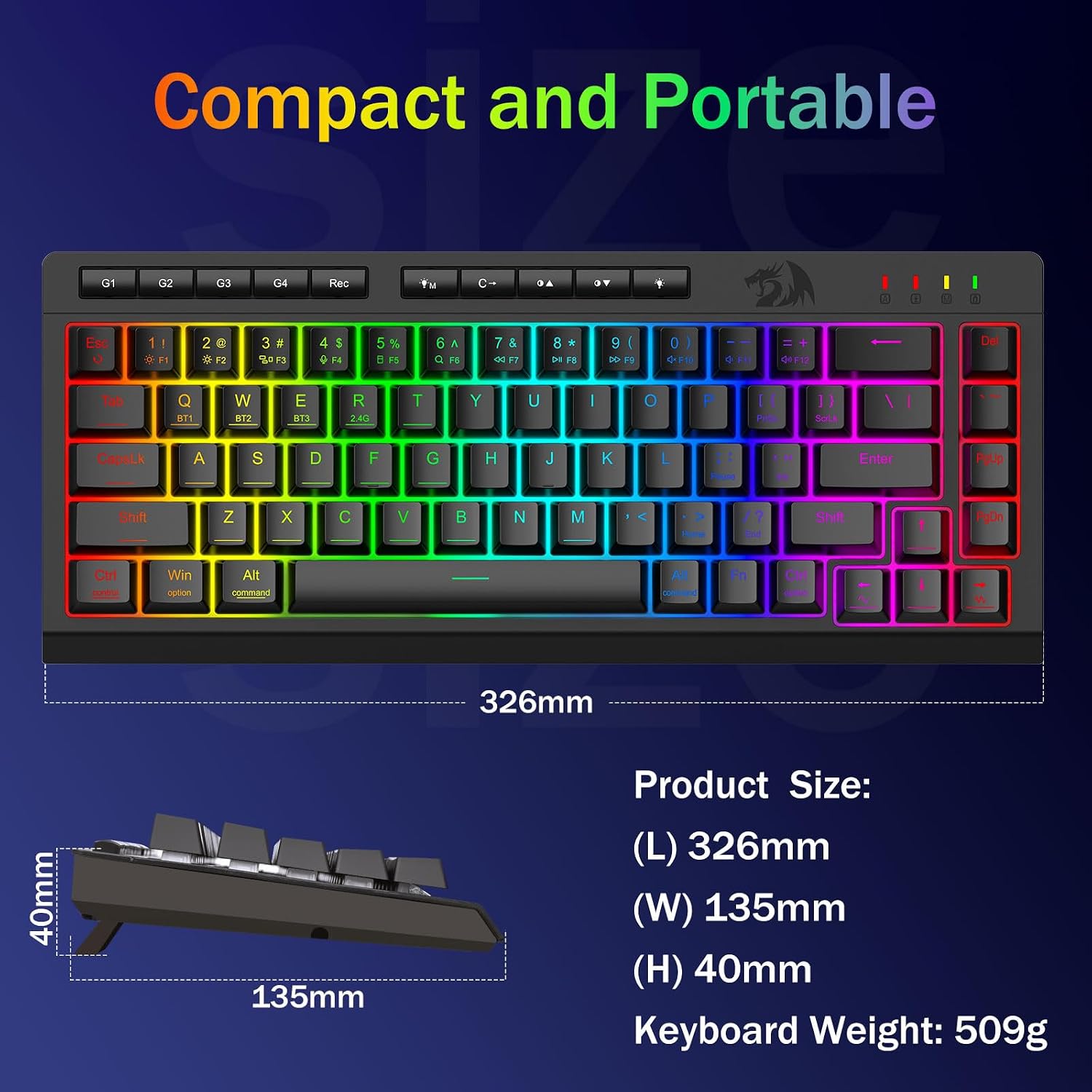
Redragon Wireless Gaming Keyboard (Tri-Mode Bluetooth/2.4GHz/USB-C) – 60% Mini RGB Macro Keyboard
Product description
If you bounce between a desk setup and “whatever device is closest,” this Redragon 60% wireless gaming keyboard is built for that kind of life. It’s a tri-mode design (Bluetooth 5.0, 2.4GHz wireless, and USB-C wired), plus onboard controls that aim to cut the usual friction of switching computers.
That said, it’s still a 60% layout, so it’s not for everyone—if you depend on a full-size keyboard experience or a lot of dedicated navigation keys, you’ll feel the missing real estate.
The essentials (what it is and why you’d want it)
This is a portable 60% mini gaming keyboard with RGB backlighting, anti-ghosting performance, and macro support. The big headline for buyers is tri-mode versatility: you can switch among multiple devices using shortcut keys or a side button. The description also states support for connecting up to 5 devices at the same time, which is handy for hybrid work/gaming setups where you might rotate between a PC and a Mac, or even a phone/tablet.
On the use side, it targets people who want a compact board that still feels “gaming-ready,” not just a desk accessory. There are brightness and lighting controls built in, plus a “game mode” access button—small conveniences, but they add up when you’re trying to adjust settings without digging through menus.
Tri-mode switching and multi-device control
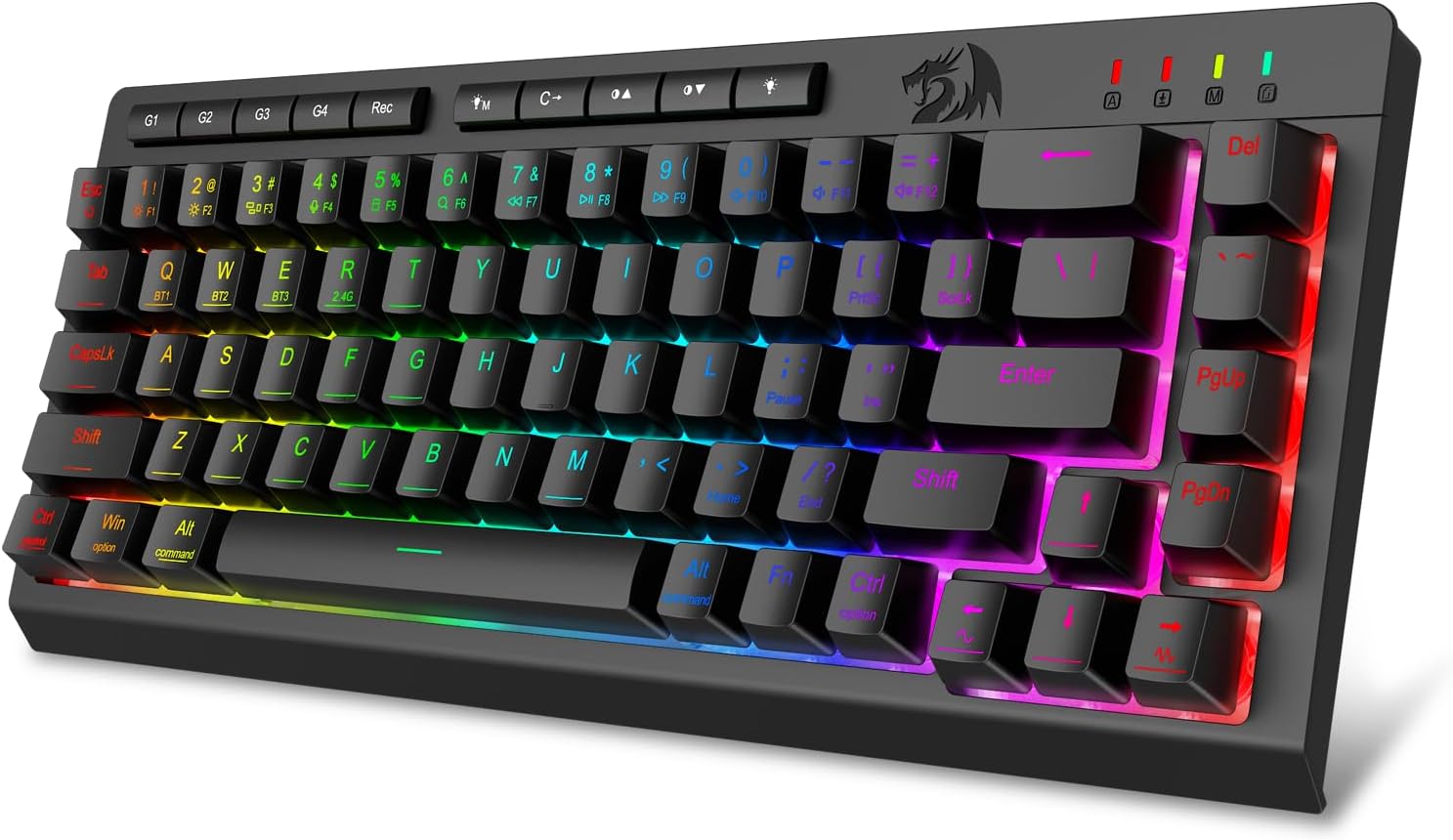
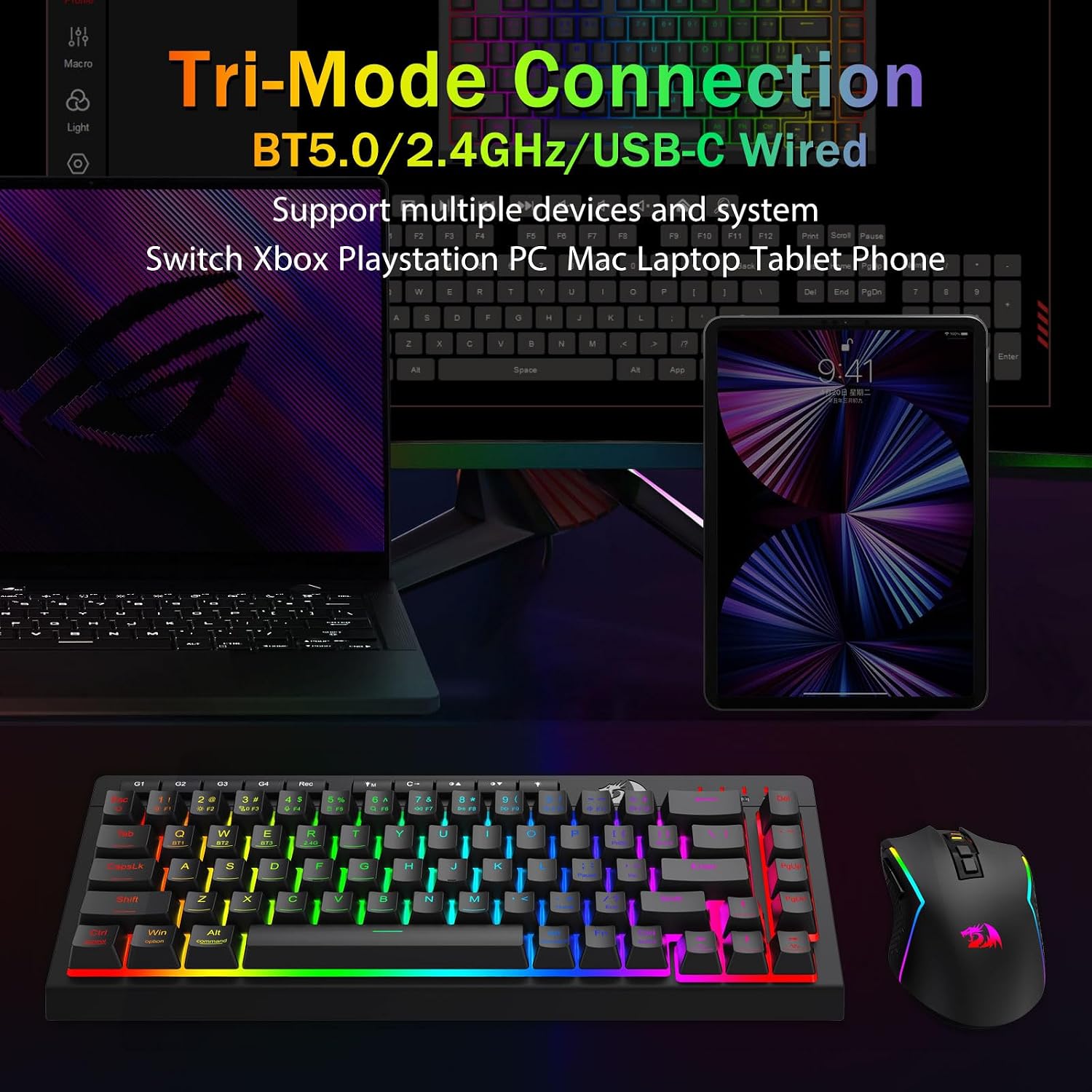
The keyboard is designed to switch between: - Bluetooth 5.0 wireless - 2.4GHz wireless (with a USB connection, per the product’s description) - USB-C wired mode
The point isn’t just connectivity—it’s speed and simplicity. With shortcut keys or a dedicated side button, you can move between devices without having to “re-pair from scratch” every time (based on the stated tri-mode/multi-device approach).
It makes the most sense if your setup includes multiple devices that you regularly alternate between. For example, you might type on your laptop during the day, then move to a desktop for gaming later—same keyboard, less hassle.
One limitation to keep in mind: tri-mode convenience is great, but multi-device switching can still be more “process-aware” than a single-device keyboard. If you only ever use one computer, you may not fully benefit from the extra features.
Macros without the hassle (and when software helps)
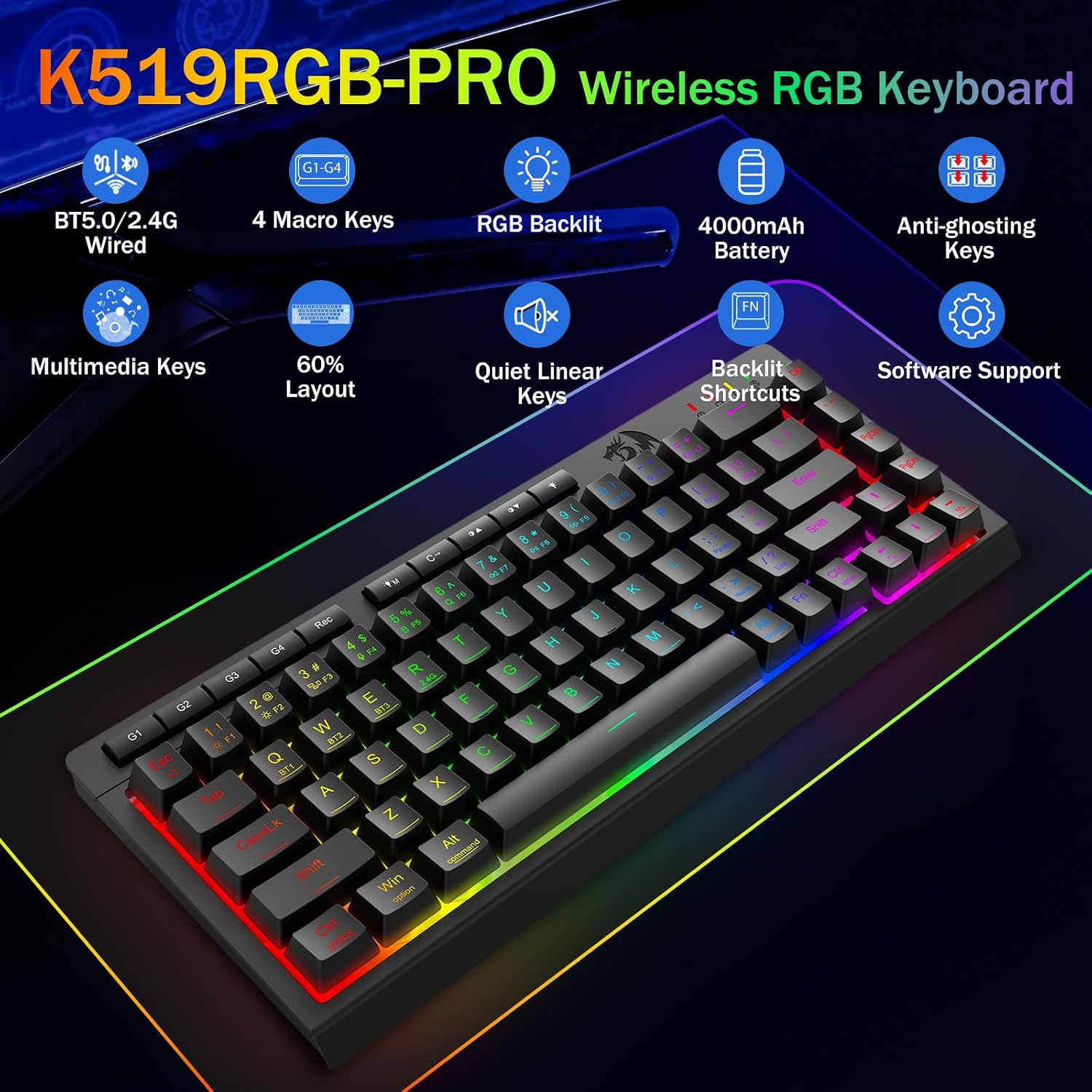
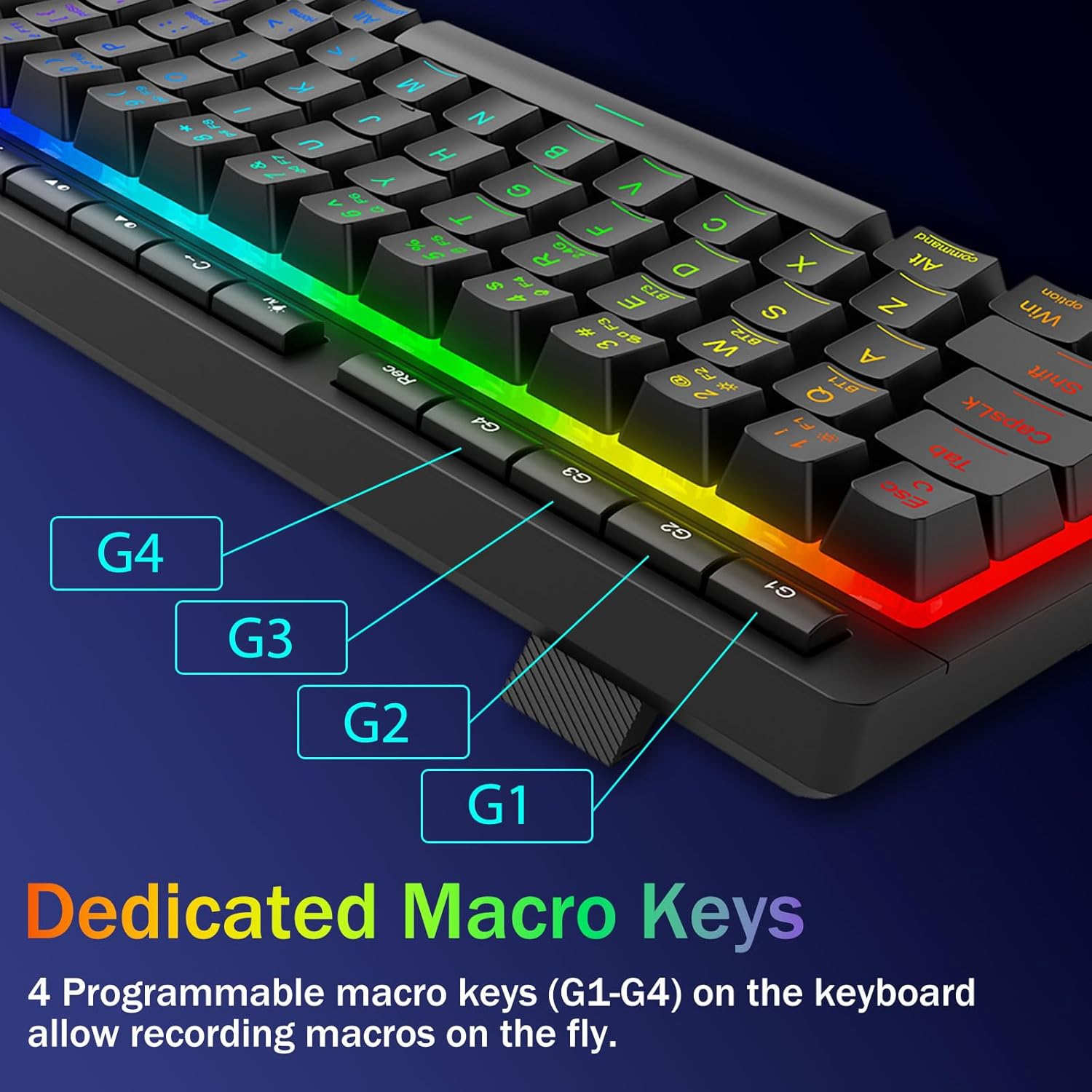
The keyboard includes 4 onboard macro keys (labeled G1–G4) and is described as allowing you to program them instantly without requiring software. That’s a real convenience if you want to set up basic combos or productivity shortcuts quickly.
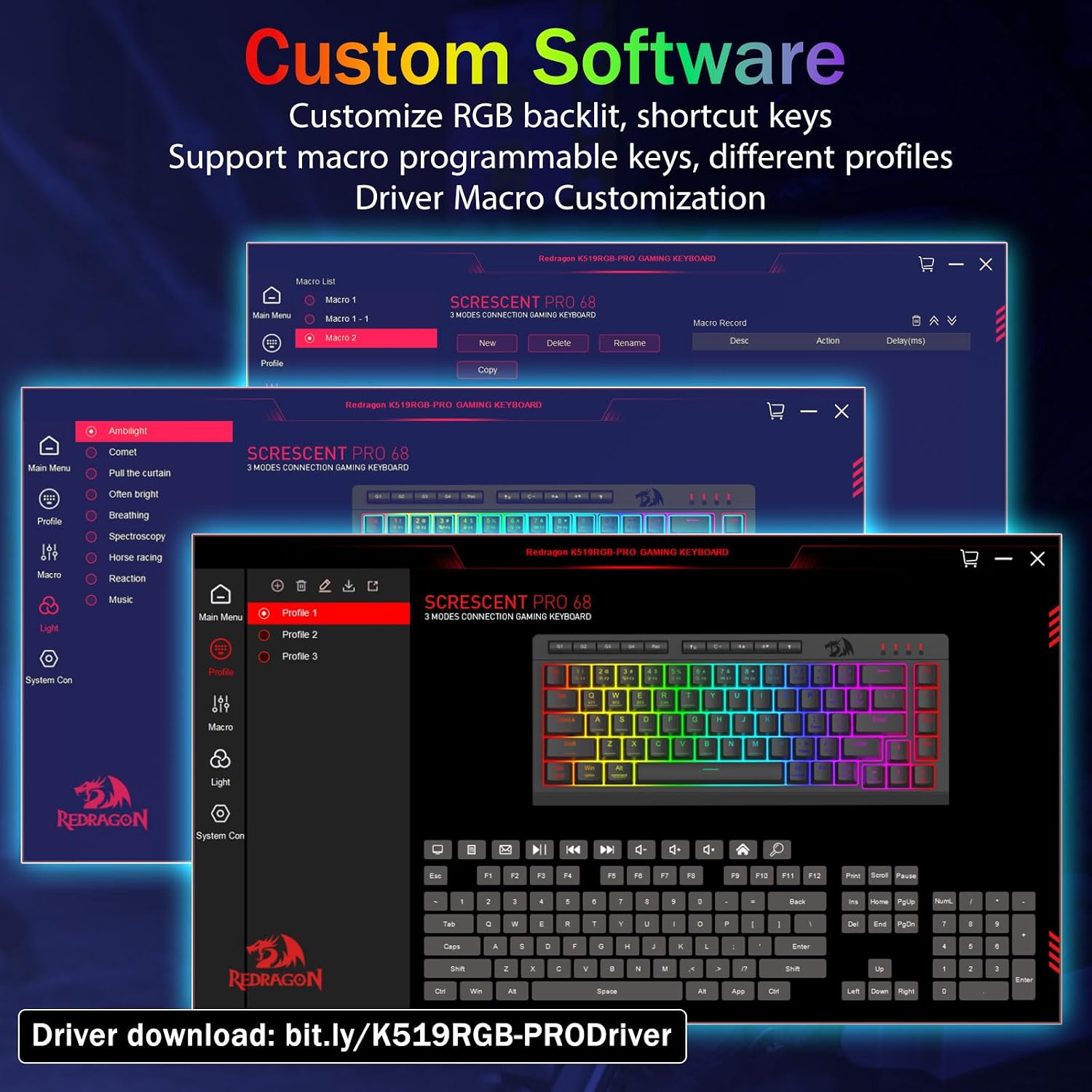
If you want deeper customization, the product description also mentions that software can be used to adjust functions, set macros, and control RGB profiles and shortcuts. So, it’s flexible: onboard macros for quick changes, plus software for fine-tuning when you feel like it.
A practical way to think about it: in a game, you might bind a combo or a frequently used action to G1–G4 so you’re not hunting for the right keybind mid-session. For work, you could set a media or shortcut command for quick control.
RGB lighting that you can actually manage
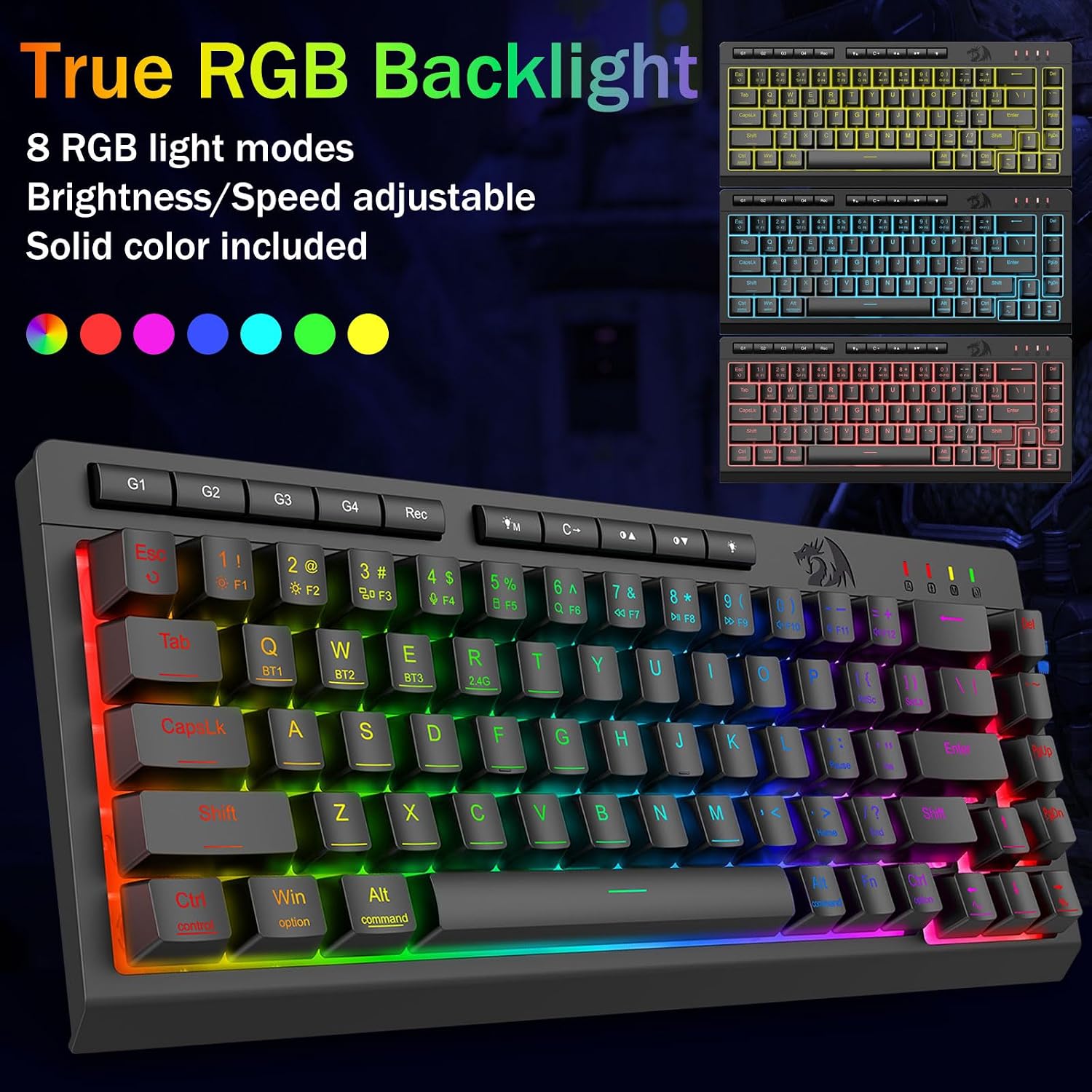
You get 16.8 million RGB color support, with 8 preset lighting modes and 6 DIY profiles (per the product description). Brightness is adjustable, including a “stealth mode” option intended for late-night or office use.
This is one of those areas where buyers usually care about consistency: whether you can dial the effect down when you don’t want a bright distraction. The inclusion of quick access buttons for brightness and lighting mode suggests the keyboard is meant to be adjusted on the fly.
Gaming performance where it matters: anti-ghosting and quiet feel
For fast play, the keyboard is described as offering anti-ghosting with support for 26 keys simultaneously via keys that have an underscore (as stated). It also calls out use with both Windows and Mac.
As for feel, it’s described as “whisper-quiet,” using a quiet gaming switch. That’s especially relevant if you’re gaming at home but don’t want to sound like a typewriter. The product also mentions a durable “volcano switch structure” with a lifespan rating of 50 million keystrokes.
Still, don’t expect every membrane/compact layout to feel exactly like a premium high-end mechanical board. It’s positioned as a quiet, portable gaming keyboard, not a full enthusiast-grade switch experiment.
Power and portability: rechargeable battery life
The keyboard is rechargeable with a stated 4,000mAh battery. The listing claims it can last for weeks, including “30+ days standby” and “50hrs RGB runtime” (as provided).
If you’re the type who hates cable clutter, this is one of the more meaningful reasons to pick a wireless keyboard. But if you mostly play in one place and never run low on desk power, the battery spec becomes less critical—still, it’s a plus for portability.
Tech specs
- Type: Tri-mode wireless gaming keyboard (Bluetooth 5.0 / 2.4GHz wireless / USB-C wired)
- Layout: 60% mini keyboard
- Backlighting: RGB backlit
- Macro keys: 4 onboard macro keys (G1–G4)
- Anti-ghosting: 26 keys simultaneously (per description, via underscored keys)
- Battery: Rechargeable 4000mAh
- Battery claims: 30+ days standby, 50hrs RGB runtime
- Key switch claim: whisper-quiet switch
- Key lifespan claim: 50 million keystrokes
- Compatibility (as stated): for Win and Mac
When it makes sense
If you want a compact 60% gaming keyboard that’s genuinely built around switching between multiple devices, this is worth considering. The tri-mode approach plus shortcut-side controls make it a better match for hybrid work/gaming and multi-device households than a single-mode wireless keyboard.
It’s also a good fit if you care about quieter typing for shared spaces, while still wanting RGB and gaming-oriented anti-ghosting.
Buying verdict
This Redragon wireless gaming keyboard is a strong “utility-focused” pick if you want tri-mode connectivity, quick multi-device switching, onboard macros, and quiet operation in a portable 60% layout.
You may want to skip it if you need a full-size keyboard layout or you’re the kind of buyer who only uses one computer—otherwise, some of the multi-device and macro design will feel like extra features you won’t use.
Before buying, double-check that a 60% layout works for your workflow, and make sure you’re comfortable with the idea that RGB/macros are easiest when you take a few minutes to set them up (onboard first, software if you want more).
Quick FAQ
Does it work on both Windows and Mac?
The product description states anti-ghosting support for Win/Mac.
Can I program macros without installing software?
Yes—according to the listing, the 4 onboard macro keys (G1–G4) can be programmed instantly without software.
How do I switch between devices?
The description says you can toggle devices using shortcut keys or a side button.
Is it rechargeable?
Yes, it’s rechargeable, with a stated 4000mAh battery.
Is the typing actually quiet?
The listing describes near-silent or whisper-quiet operation, which is one of its selling points for office-friendly use.