

YUNZII B98 PRO Wireless Mechanical Keyboard: 96% Layout with Dual Knobs, QMK/VIA Customization, and Tri-Mode Connectivity
Product description
What matters most
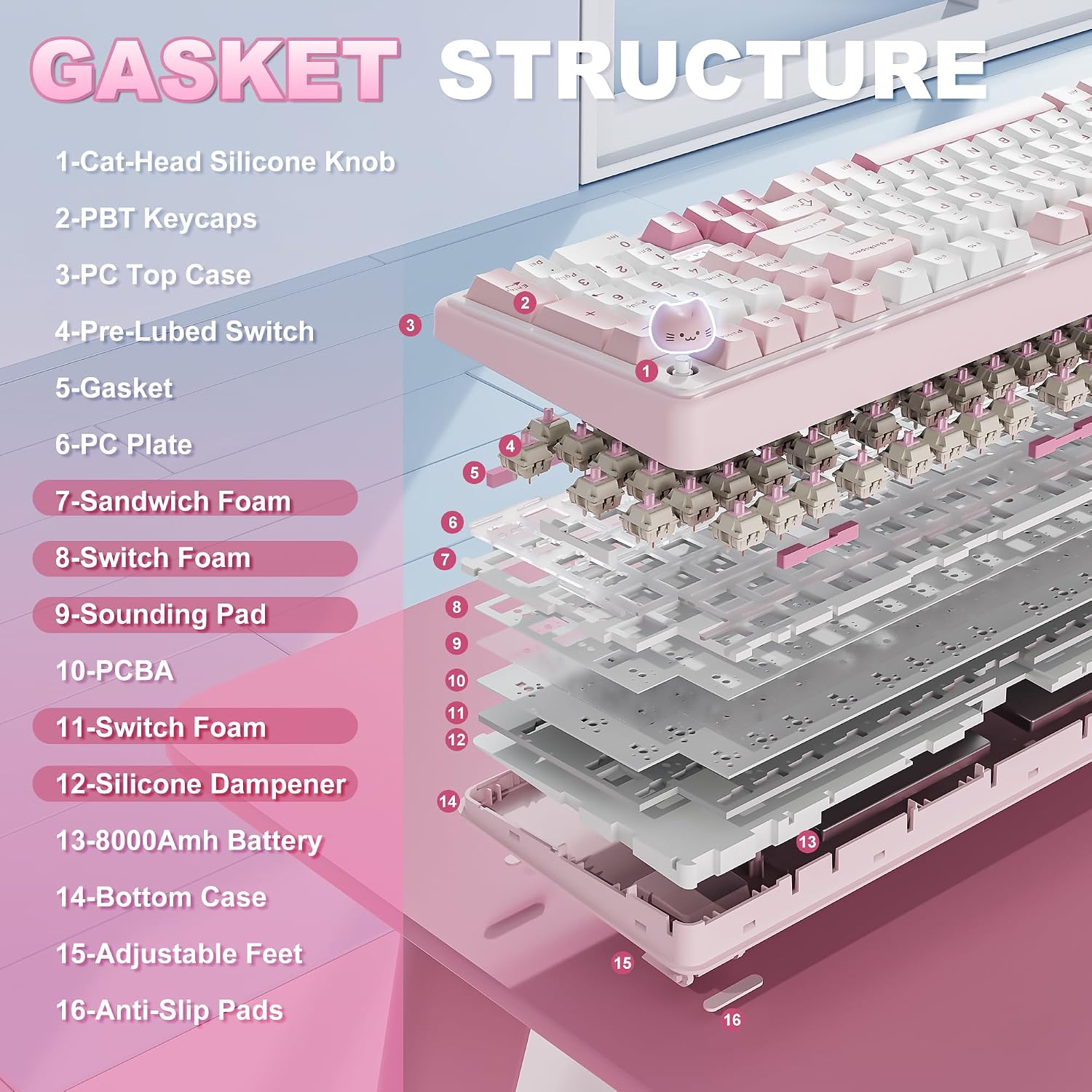
The YUNZII B98 PRO is a compact 96% wireless mechanical keyboard that consolidates a full number pad with a sleek, office-friendly form factor. It’s designed for both work tasks and gaming sessions, offering a tactile, “creamy” typing feel thanks to a gasket-mounted five-layer structure and pre-lubed switches. The standout feature is the dual-style knob: you can swap between a cute 3D cat knob or a round metal knob to control volume or trigger custom shortcuts, adding a fun yet practical dimension to daily use.
The essentials
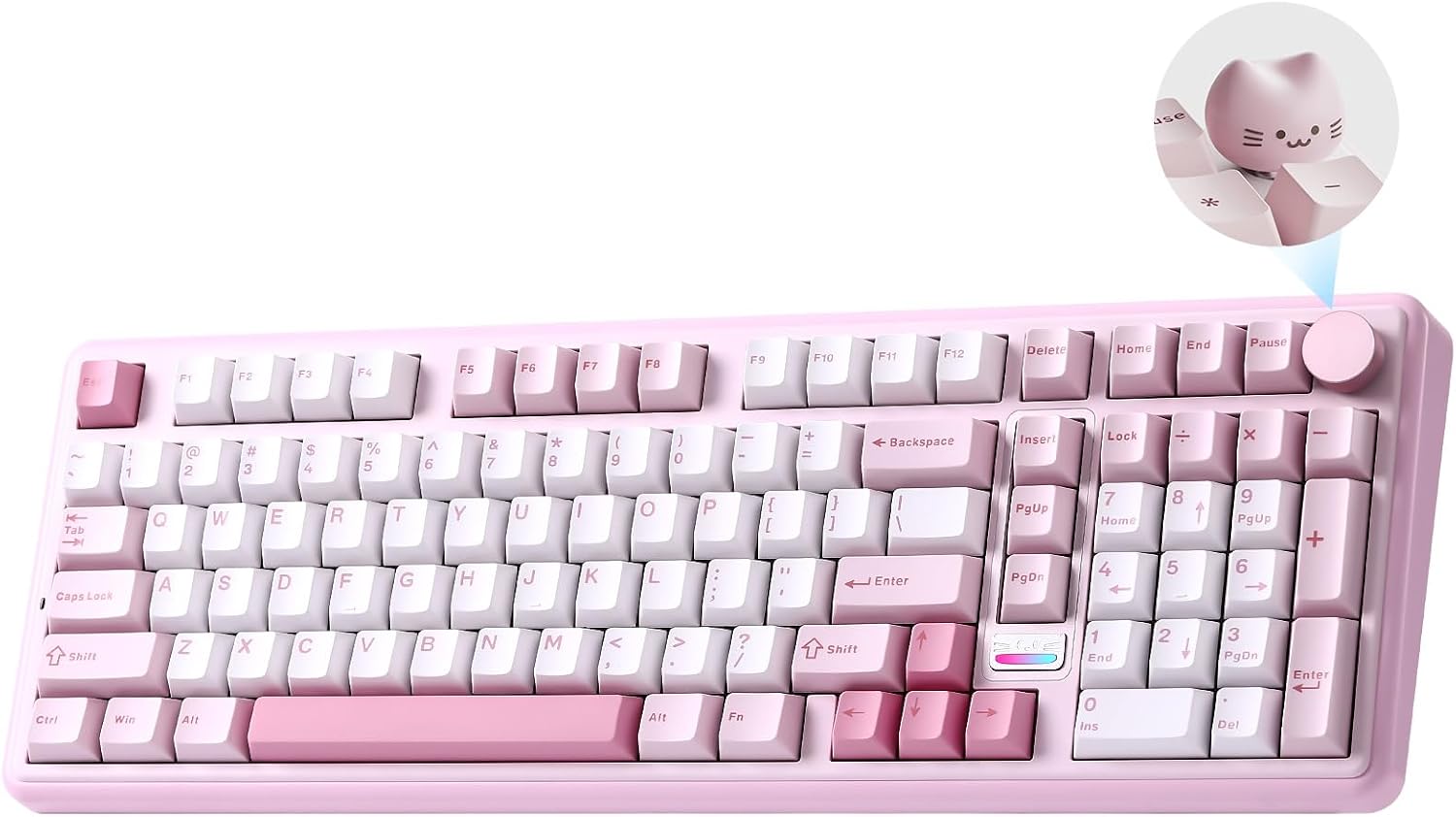
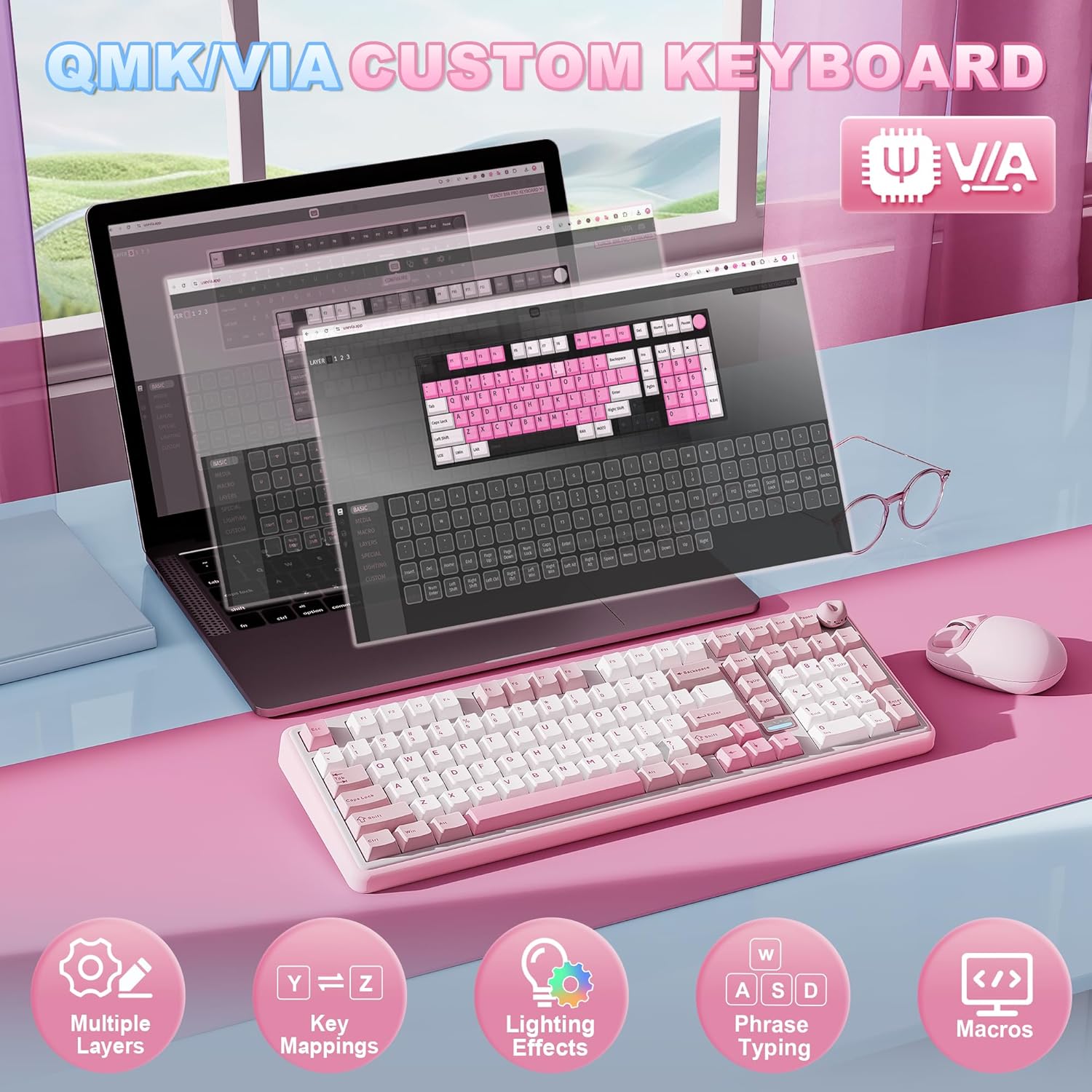
Powered by open-source QMK/VIA firmware, this board supports extensive key remapping, macro recording, and RGB design with 16.8 million colors. You can save and switch between profiles for different contexts—gaming versus productivity—without reconfiguring each time.
What stands out day to day
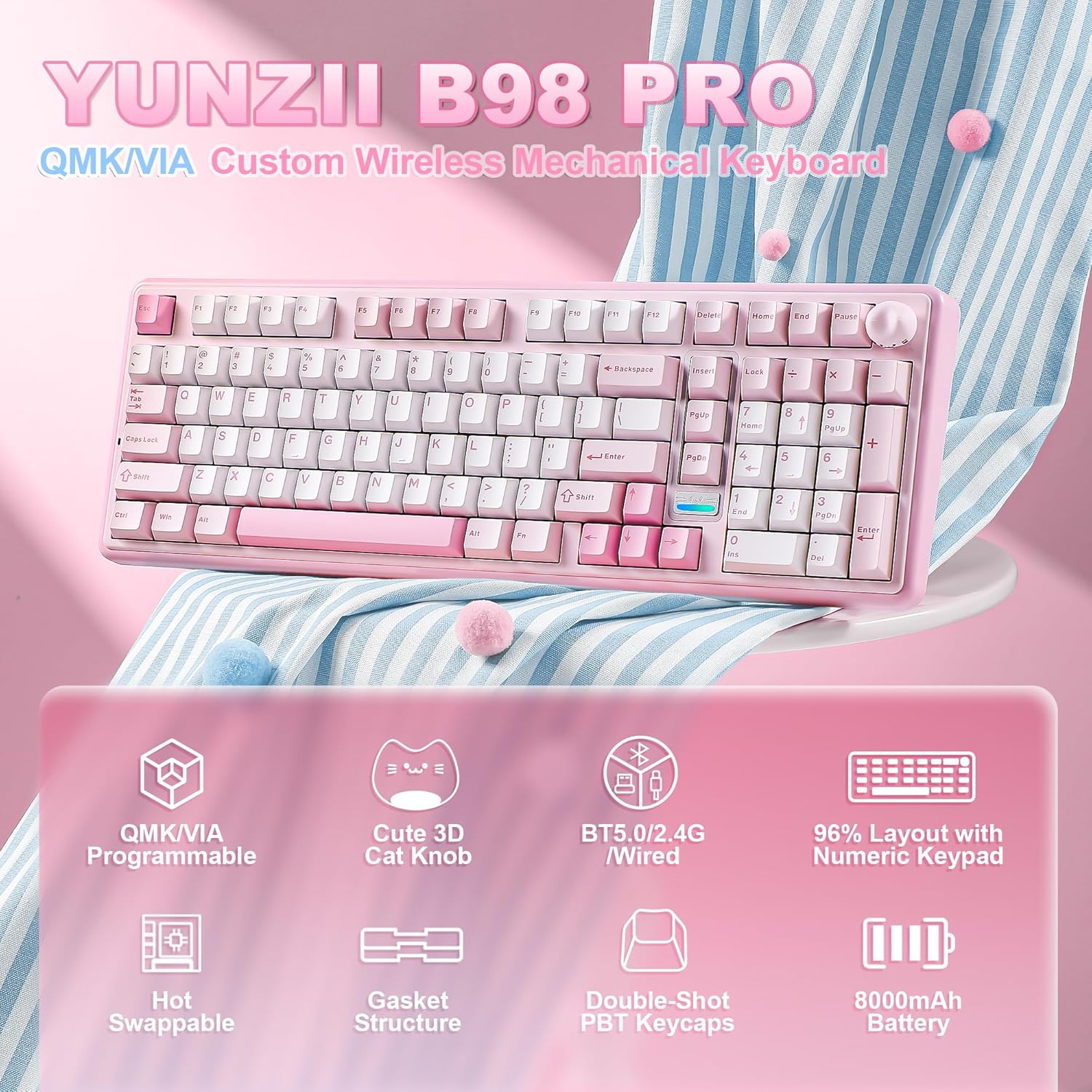
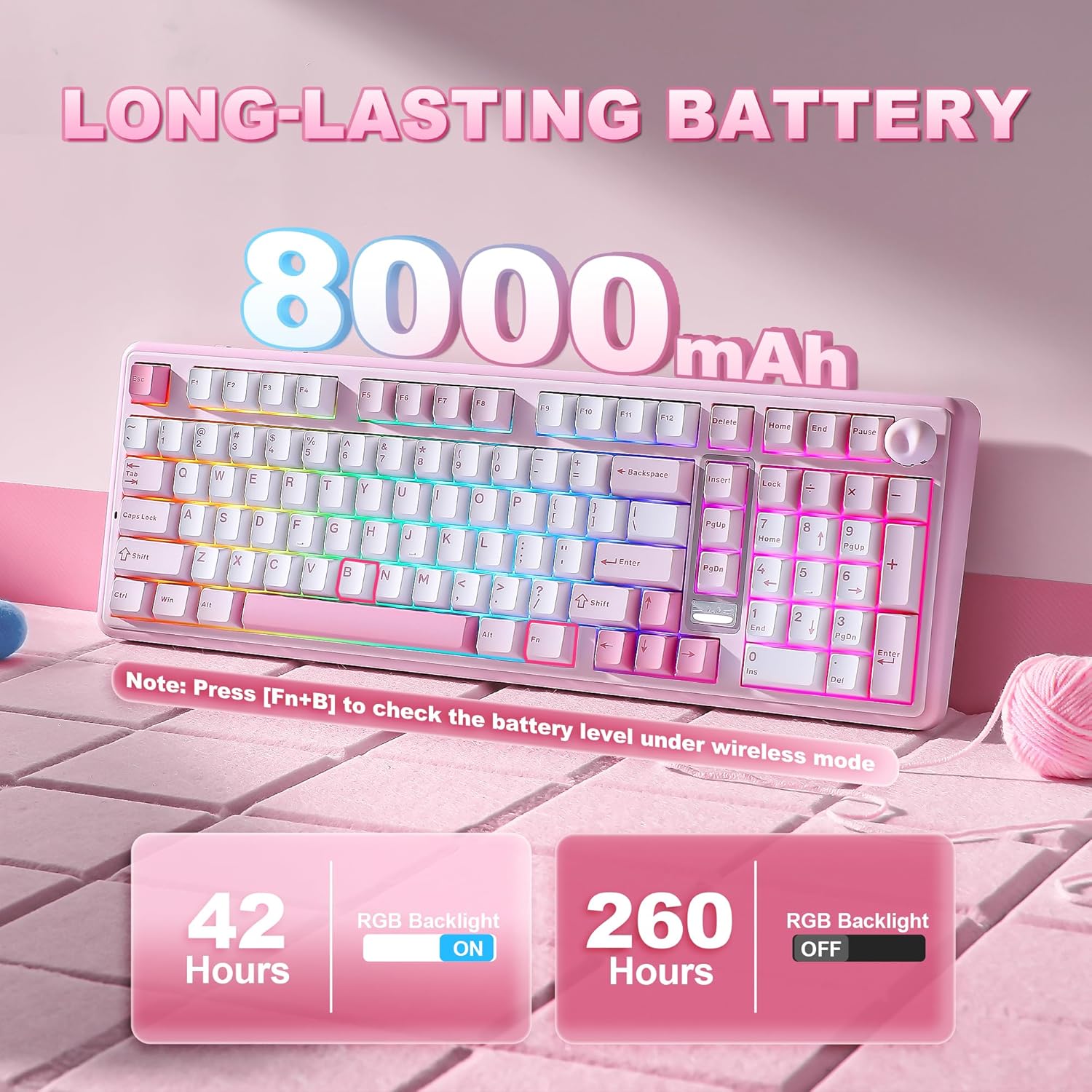
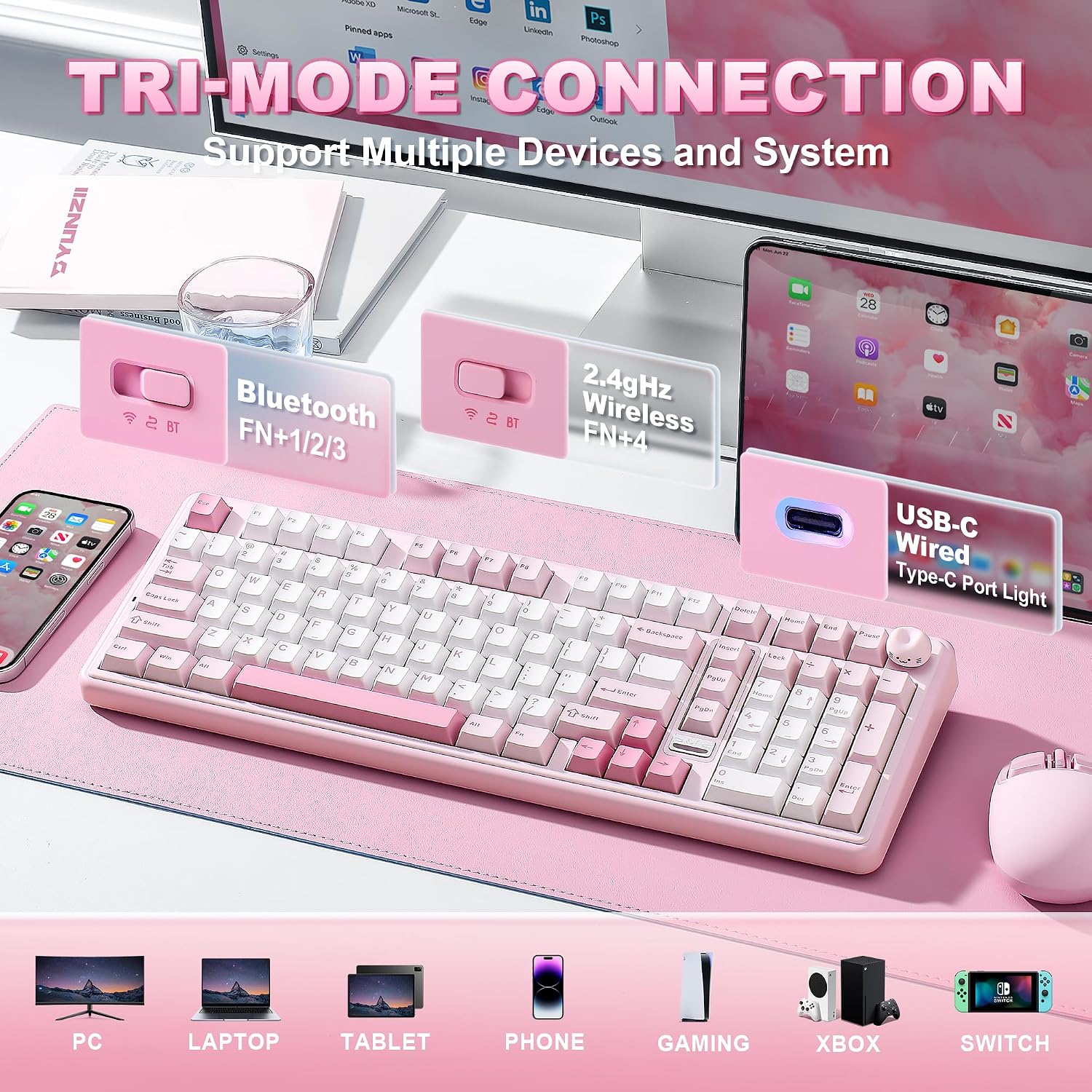
Three-way connectivity (Bluetooth 5.0, 2.4GHz, USB-C) means you can pair the keyboard with up to five devices across Windows, Mac, and Android, then switch on the fly. The generous 8000mAh battery is meant to support long sessions without frequent recharging, which is handy for extended gaming marathons or heavy typing days.
Potential limitations
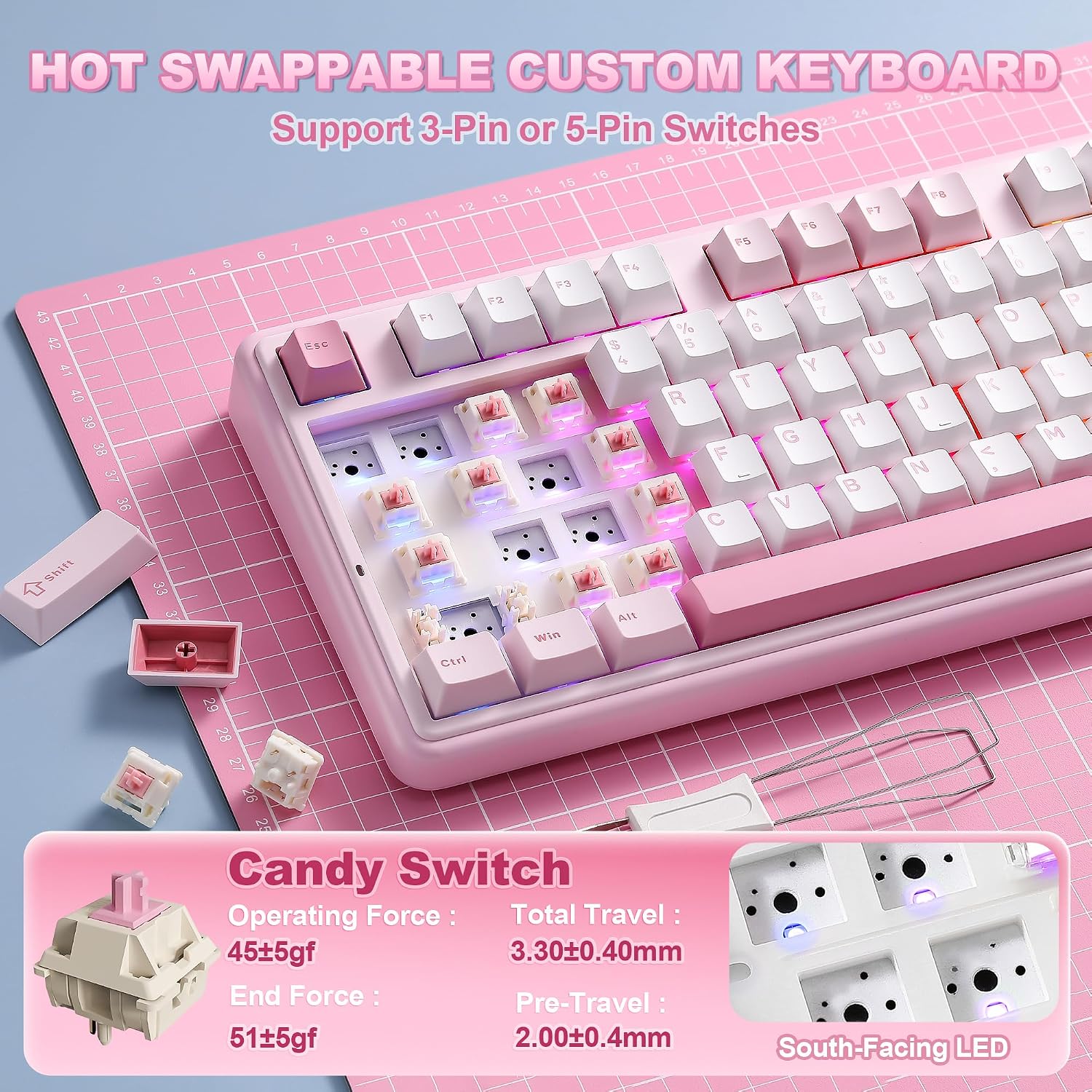
On paper, the B98 PRO looks feature-rich, but real-world performance depends on how the gasket mount and five-layer padding translate to typing noise and feel for your preferences. If you prioritize a ultra-minimal cabin sound, you may want to audition the sound profile in a store or via user demonstrations. Also, while hot-swappable for 3-pin and 5-pin switches, some users may find the keycap style (double-shot PBT) or Cherry-profile setup not perfectly aligned with every ergonomic need.
Who it’s for
If you value a compact full-size layout with a dedicated numeric keypad, love customization via QMK/VIA, and enjoy adjusting hot-swappable switches, this board can align well with both gamers and productivity users who want a distinctive, tactile experience. It also suits setups that mix Windows and Mac workflows, given its cross-platform compatibility.
Who should think twice
If you don’t need a numeric keypad, or you don’t care for programmable macros and RGB customization, a simpler model might be a lighter fit. Also, if you’re sensitive to typing sound, the “creamy” thock of this gasket design may be more or less audible depending on keycaps and switches chosen.
Before you buy
Check that you’re comfortable with a 96% layout and the dual knob concept, confirm your preferred switch type (pre-lubed is a plus, but it’s still subject to personal taste), and consider whether you’ll rely heavily on Bluetooth or USB-C for gaming latency. Remember that the product supports Windows and Mac, but cross-OS feature parity depends on firmware capabilities and software support in QMK/VIA.
Practical usage example
Imagine a creative session where you’re editing in a CG/3D tool and need fast access to macros. You can map complex shortcut sequences to a single keystroke, switch to a gaming profile for a tense in-game moment, and instantly adjust volume with the cat knob without reaching for the keyboard’s main area. The backlighting helps you locate keys in dim lighting and contributes to a more immersive setup.
FAQ (based on available data)
- Can I swap the switches? Yes, it’s hot-swappable for 3-pin and 5-pin switches.
- What connectivity options are supported? It supports Bluetooth 5.0, 2.4GHz, and USB-C.
- Is it compatible with macOS and Windows? Yes, it’s designed to work with both ecosystems.
Final verdict
Final verdict
It makes sense if you want a compact yet feature-rich keyboard that blends productivity and gaming with deep customization through QMK/VIA, plus a playful but practical knob for quick controls. It may not be the best pick if you prefer a minimal setup, a louder or quieter sound profile by default, or if you don’t need multiple connectivity modes. Overall, the B98 PRO leans toward users who value flexibility, distinct ergonomics, and a standout aesthetic in a desktop setup.