

AUSDOM H98 Pink Creamy 98-Key Mechanical Keyboard with RGB and Tri-Mode Connectivity
Product description
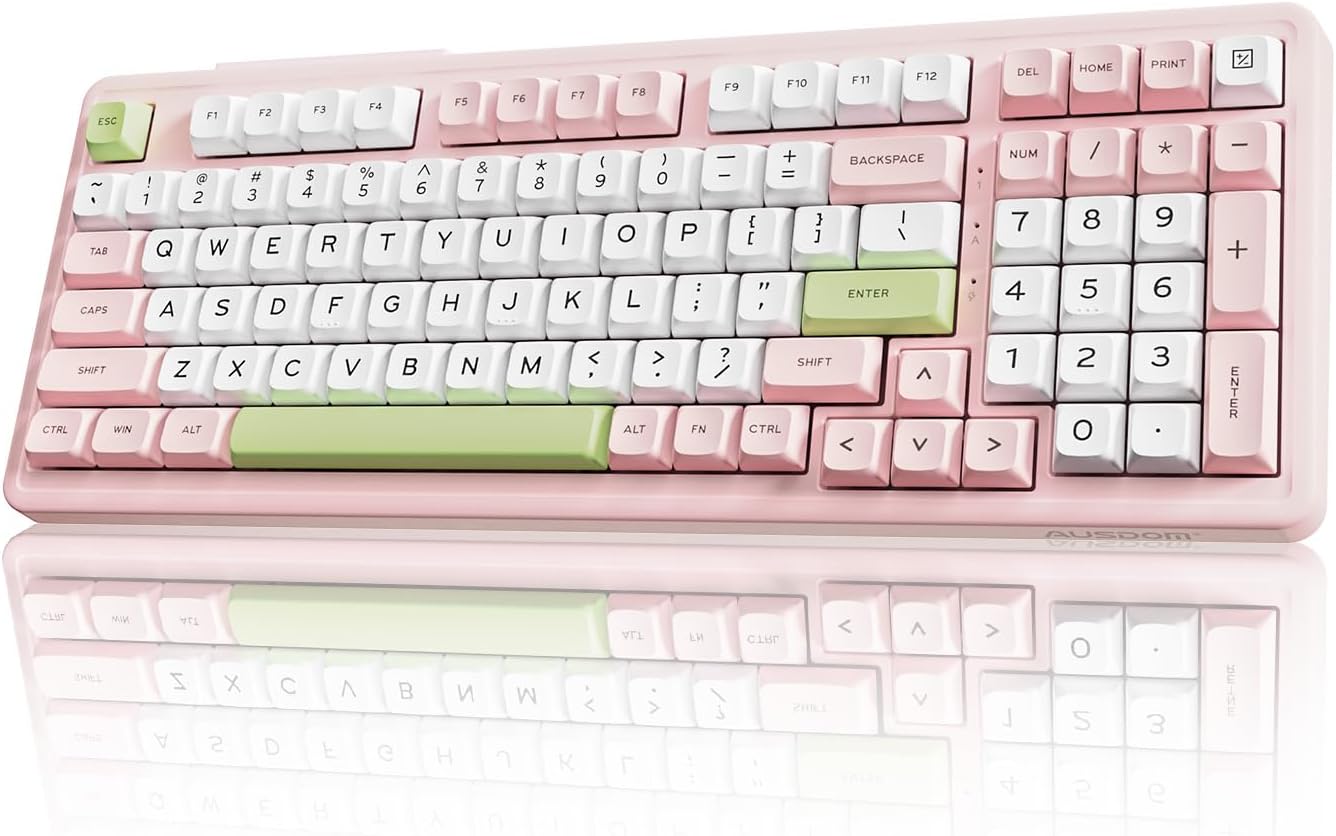
A compact keyboard can save desk space, but it often means giving up a number pad. The AUSDOM H98 takes a different route: its 96% layout keeps a numpad and function keys in a 98-key design.
It combines silent mechanical switches with Bluetooth 5.3, 2.4 GHz wireless, and USB-C wired connectivity. The pink, creamy styling and RGB backlighting add a distinct look without changing its practical, full-featured layout.
The main buying decision is whether you want quiet typing and several connection options in one keyboard. Its hot-swappable switches and programmable keys also give it more room for customization than a basic wireless model.
What to know
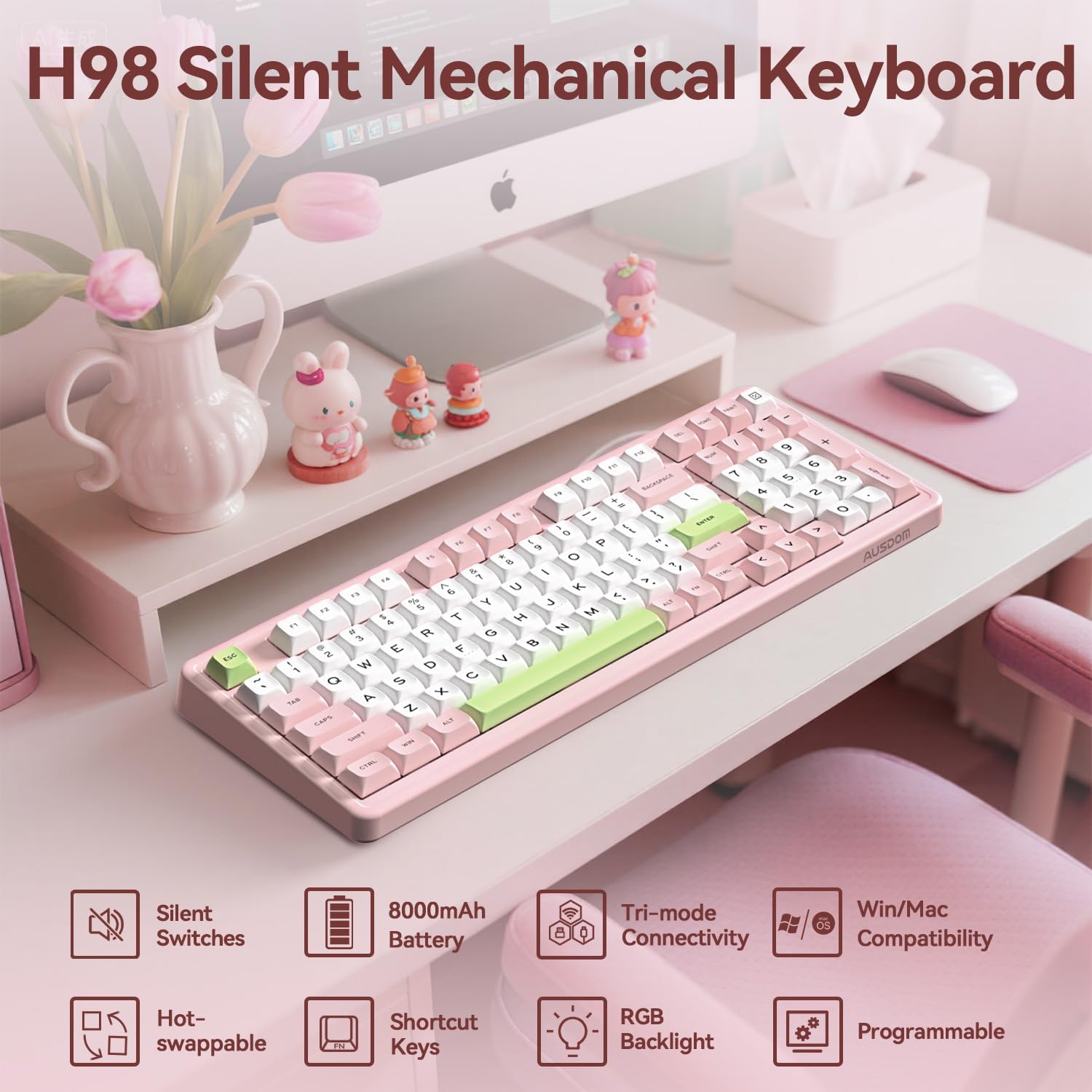
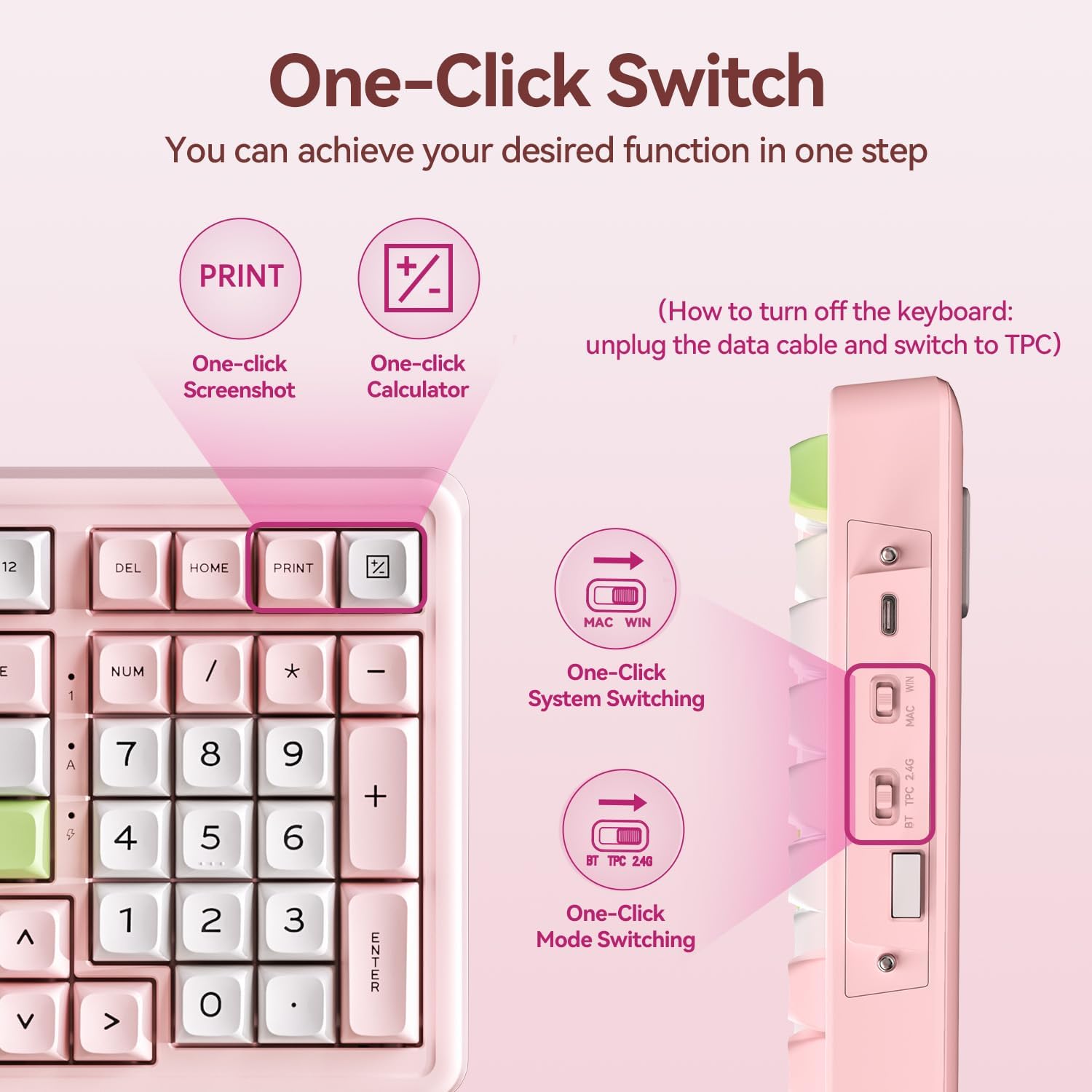
The H98 is designed for typing, gaming, and everyday computer work. Its 98 keys include a number pad and function keys, with shortcut buttons for tasks such as opening the calculator and taking a screenshot. That layout can suit spreadsheets, study, or a gaming setup where a numpad is still useful but a conventional full-size keyboard feels too large.
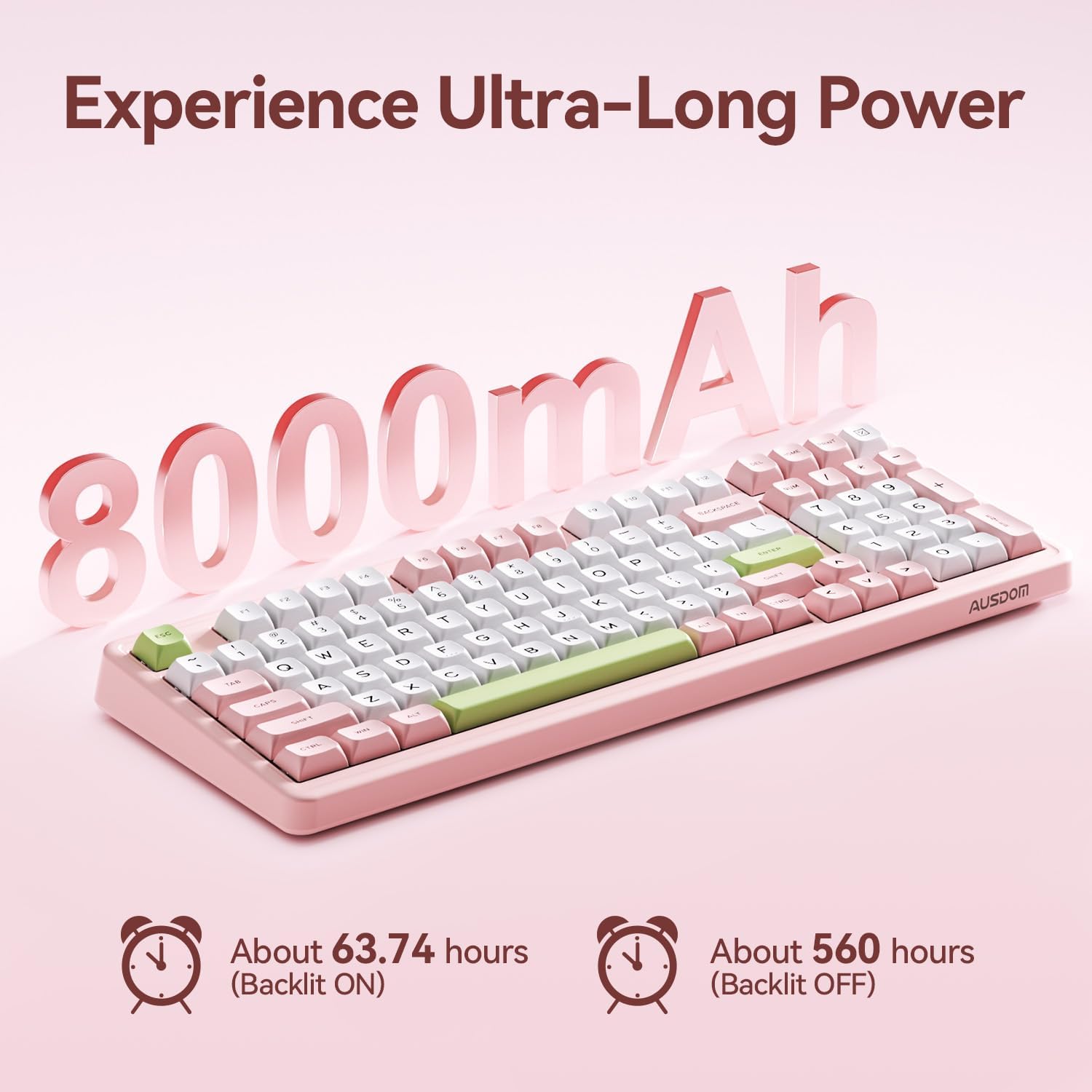
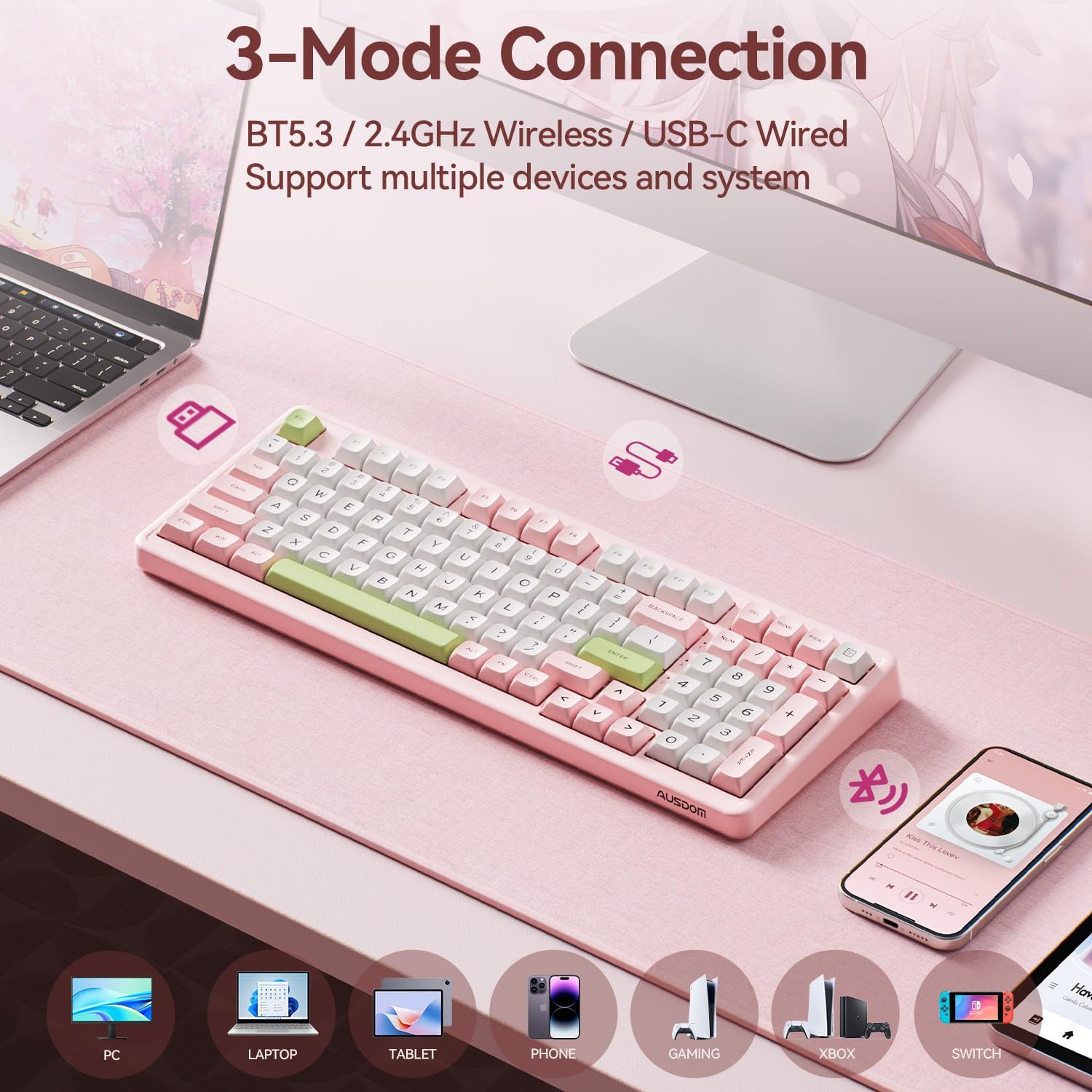
Choose among USB-C, 2.4 GHz, and Bluetooth 5.3 connections. The product details describe Bluetooth pairing with three devices, and the keyboard can switch between Windows and Mac modes. It is listed as compatible with computers, laptops, tablets, and phones, the supplied information also mentions gaming consoles. The 8000mAh rechargeable battery is specified, though actual runtime will depend on use and lighting. Manufacturer-listed figures are 63.74 hours with the backlight on and 560 hours with it off.
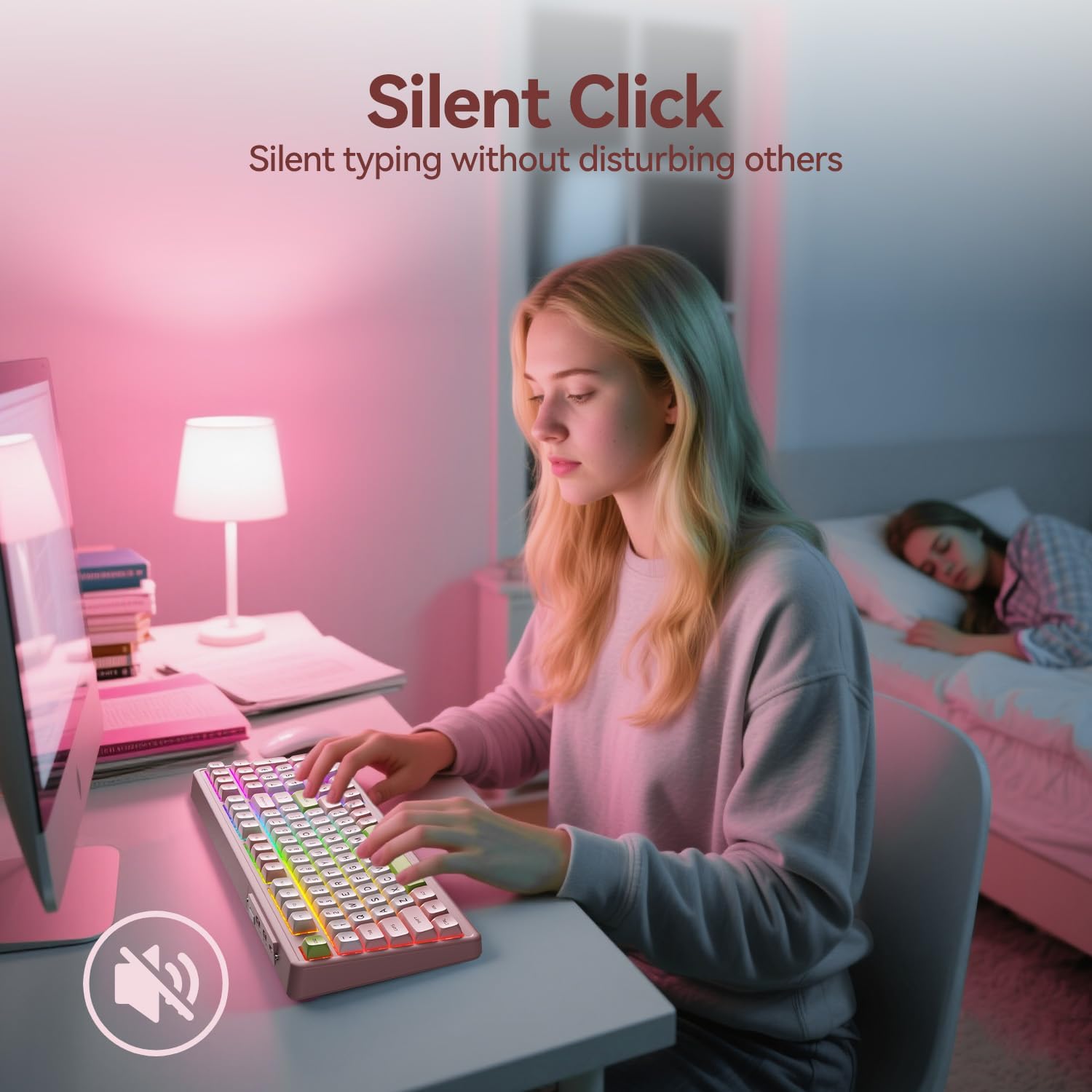
AUSDOM describes the switches as silent and the construction as including six layers of acoustic foam. Buyers also highlight the subdued typing sound and the keyboard’s creamy feel. Those comments are useful impressions, not a substitute for considering your own preferred switch feel or sound. RGB lighting is customizable, and the double-shot PBT keycaps, MDA profile, and adjustable feet are intended to support a more tailored setup.
Everyday use
The H98’s pink finish and RGB effects make it more visually expressive than a plain office keyboard, while the numpad and shortcut keys keep it practical for routine work. In a shared room, quiet switches may be preferable to a louder mechanical keyboard, and wireless connectivity can help keep a desk free of a permanently attached cable. USB-C remains available when you want a wired connection.
A solid pick if you want a compact layout that still includes a numpad, multiple connection modes, and mechanical switches you can replace. The main trade-off is software customization: key remapping is supported only in wired or 2.4 GHz mode on Windows. It might not be a great match if remapping keys over Bluetooth or configuring them on another operating system is essential.
How to use it
Select the connection that suits the device and setup: USB-C for wired use, 2.4 GHz for its wireless receiver mode, or Bluetooth for compatible devices. Use the mode switch to change between wired, 2.4 GHz, and Bluetooth, and the separate Windows/Mac switch to choose the corresponding layout mode. The keyboard also has adjustable feet, so its angle can be changed to suit your desk position.
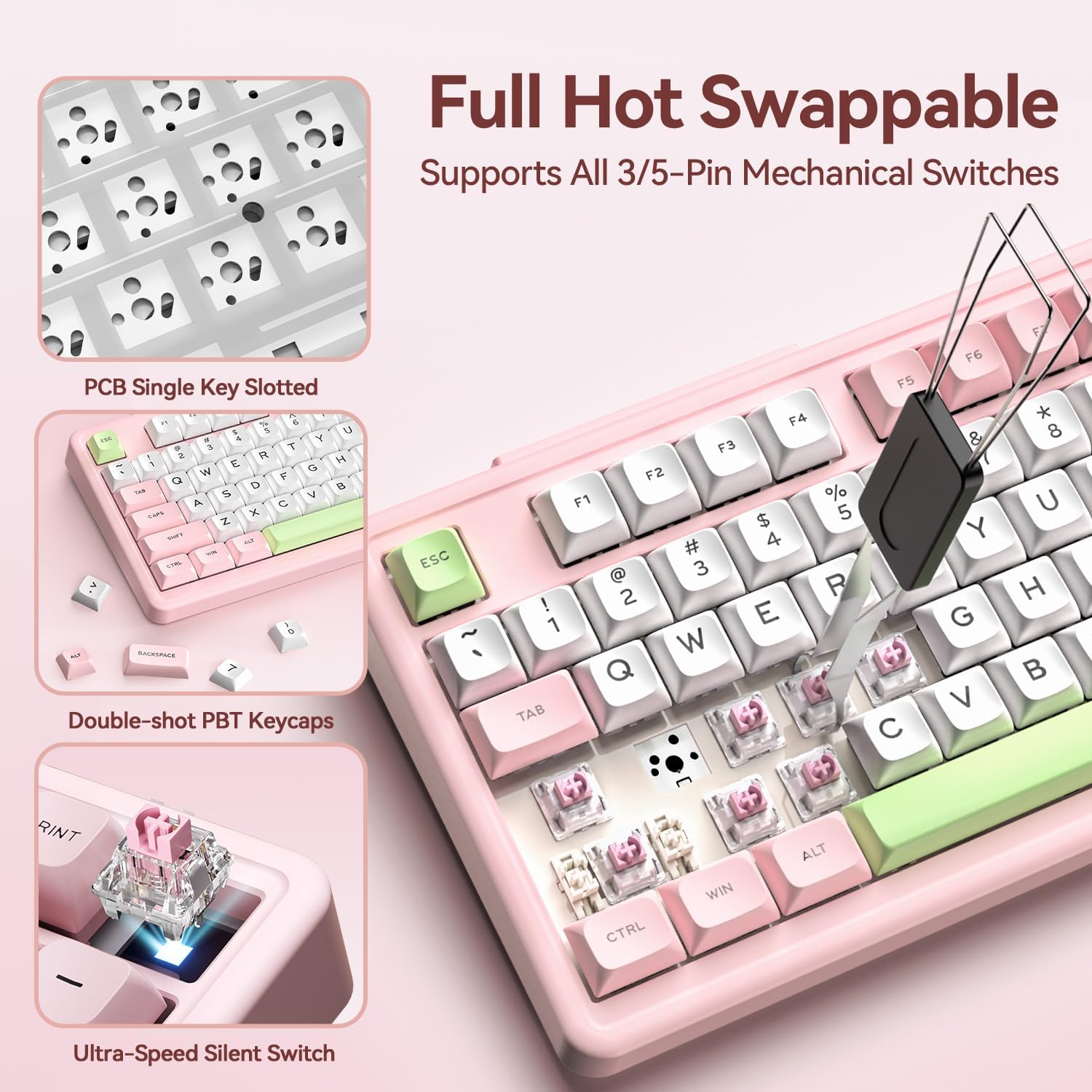
For key remapping, the product information directs users to the H98 driver and limits that function to wired and 2.4 GHz modes on Windows. The hot-swap design supports replacing compatible 3-pin or 5-pin switches without soldering, which is useful for people who want to change the switch feel rather than replace the whole keyboard. Included accessories are two mechanical switches, a keycap puller, a USB cable, and a user manual.
Is it worth it?
The H98 is a more customizable choice than a straightforward keyboard if you value a quiet mechanical feel, RGB lighting, and a numpad in a compact arrangement. Its three connection methods make it adaptable to different setups, while hot-swappable switches provide a clear reason to consider it over a keyboard with fixed switches.
Buyers’ comments are positive about its noise level, feel, and perceived quality. Those impressions align with the product’s stated focus, but the available details do not establish how every user will respond to its particular switch feel. For a work-and-gaming desk that needs number entry and wireless flexibility, the combination is purposeful. If you do not need the numpad, hot-swap feature, or lighting, a simpler keyboard may be a more suitable fit.