

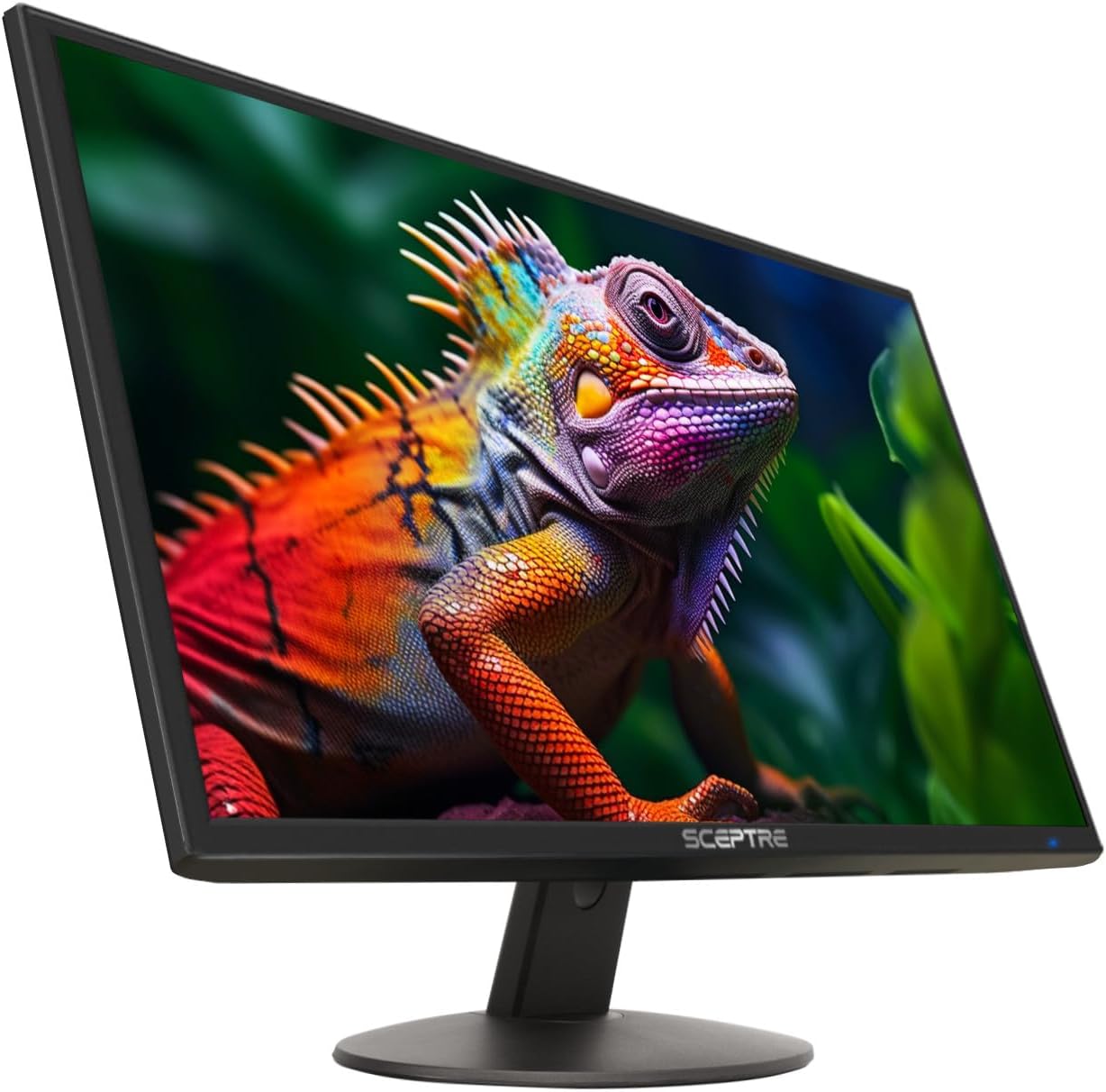
Sceptre C248B-FWT168 24-Inch Curved Gaming Monitor
Product description
What it is and what it solves
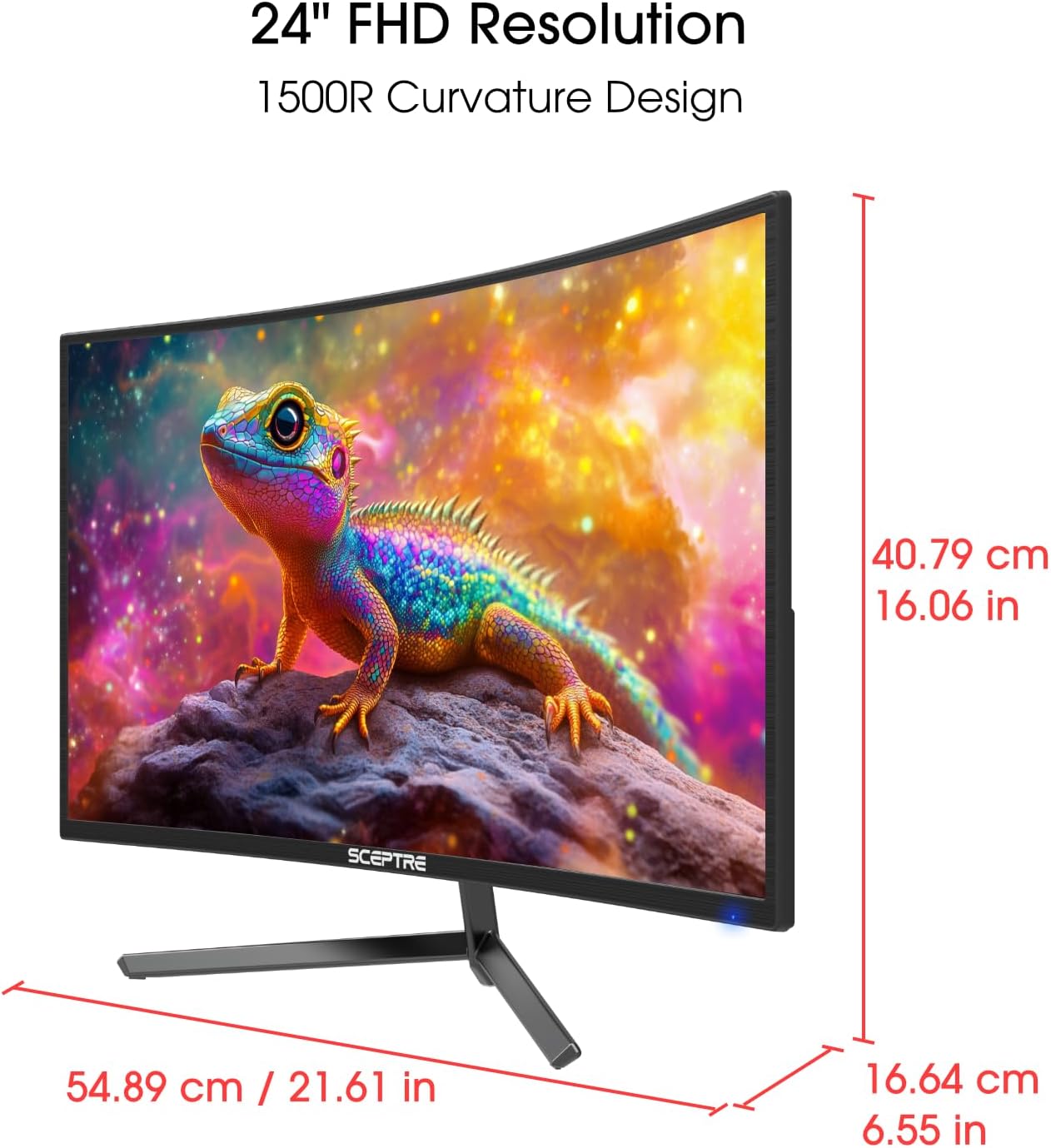
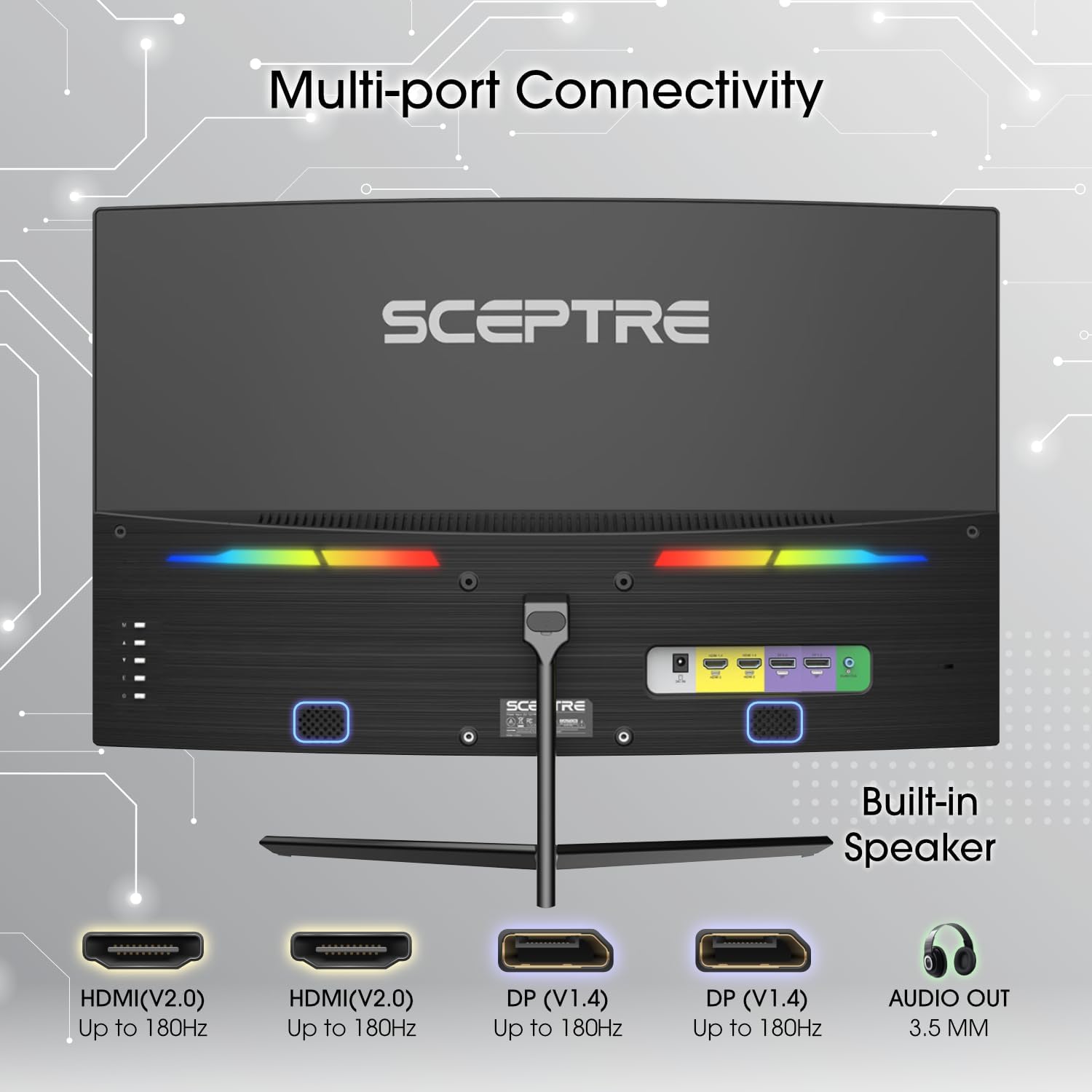
The Sceptre 24-inch curved gaming monitor is a compact display designed to bridge work and play. With up to 180Hz refresh rate and a 1080p panel, it aims to deliver smooth visuals for fast-paced games and everyday tasks alike. It includes two HDMI ports and two DisplayPort inputs, plus built-in speakers and an audio out jack to keep your desk neat and wired less cluttered.
How it performs on paper
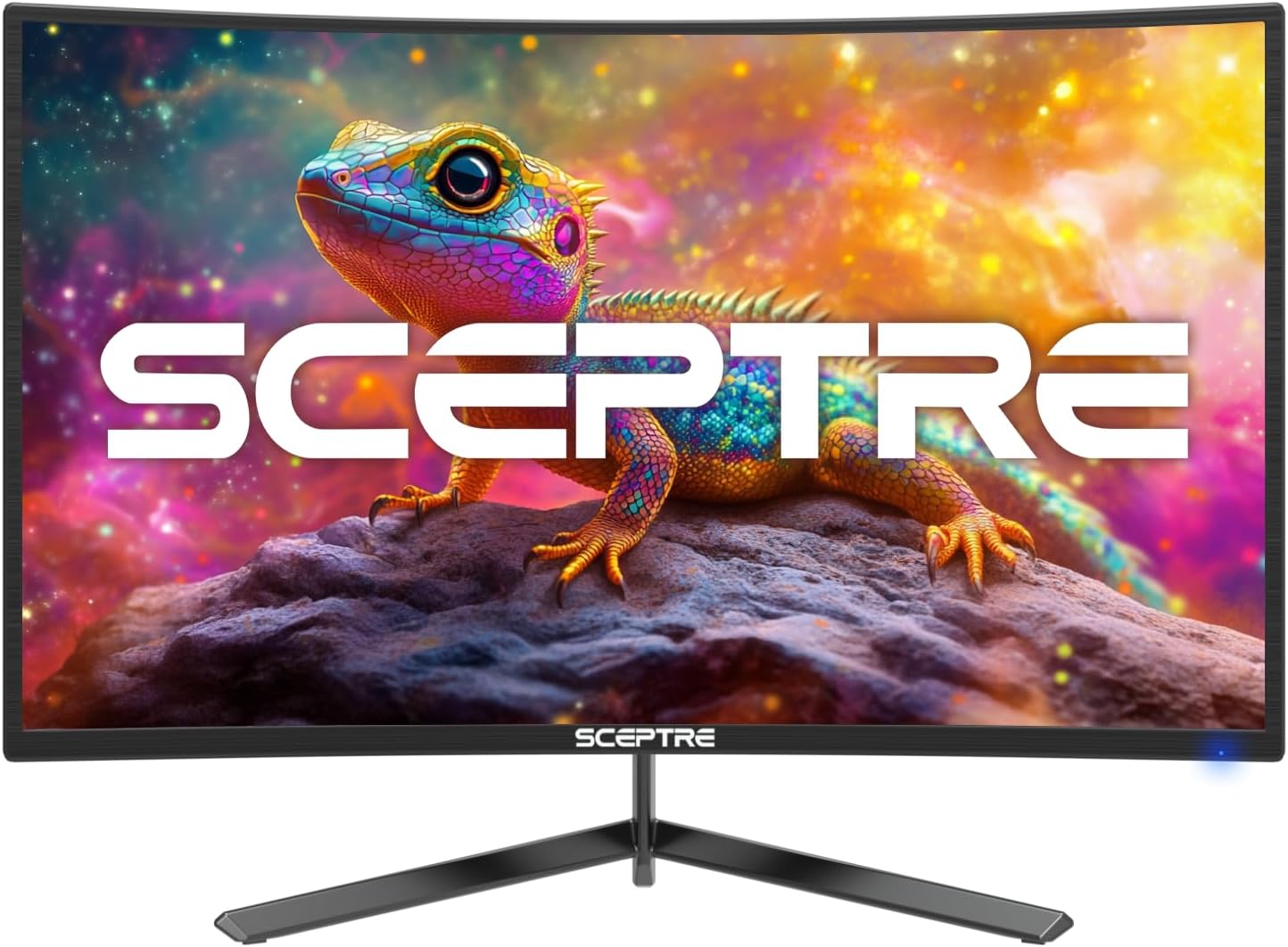
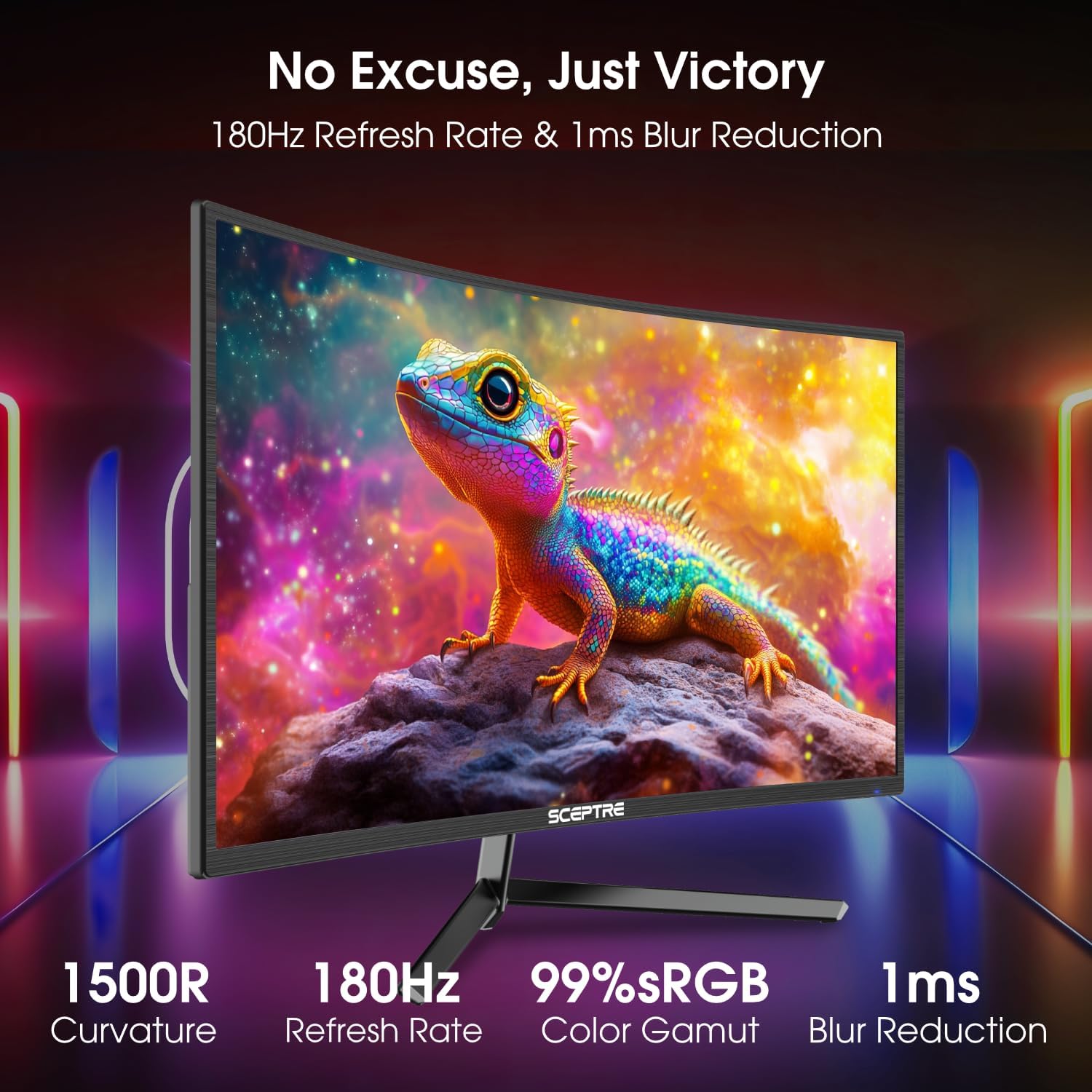
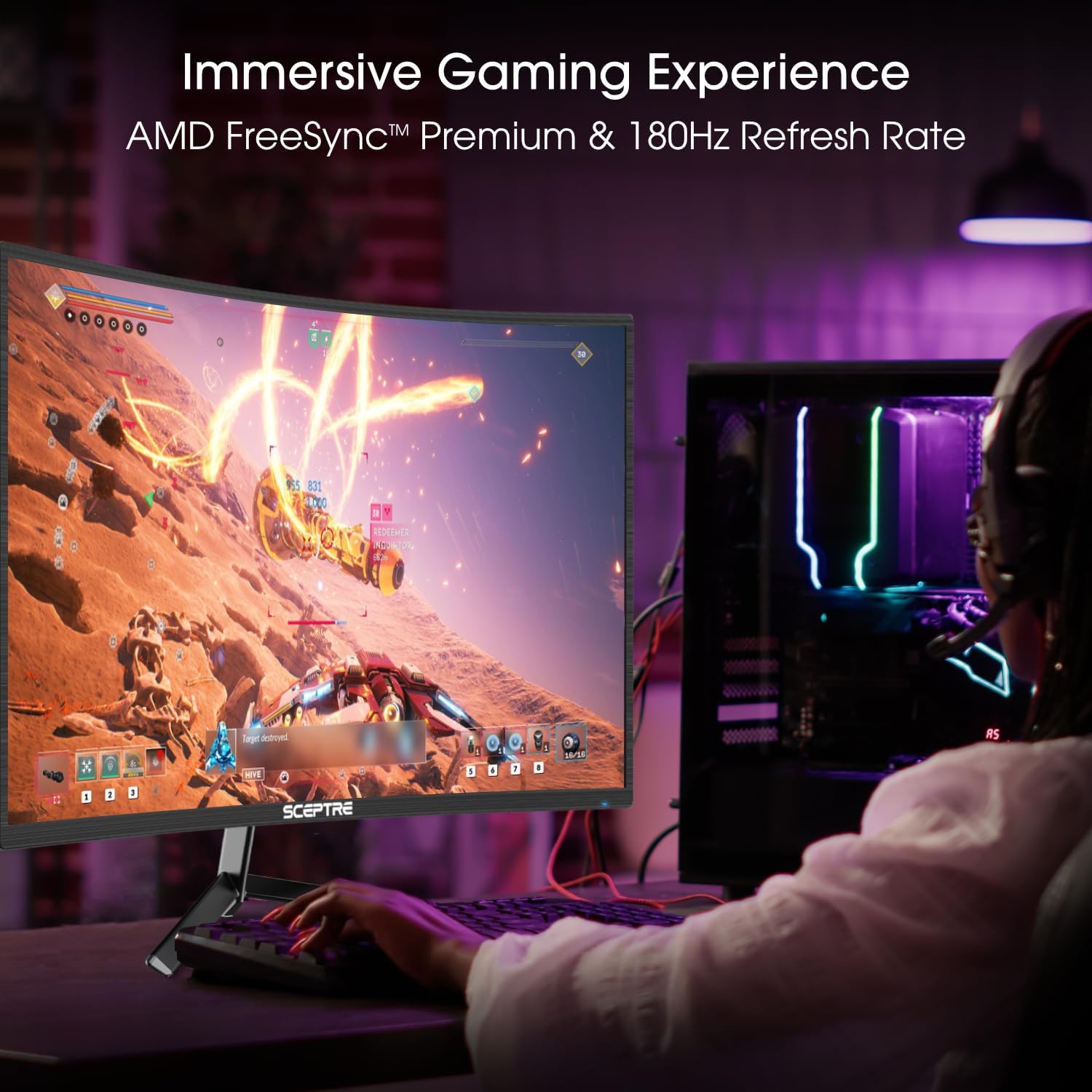
On paper, this model centers on a balance of connectivity and responsiveness. The 180Hz ceiling supports high-frame-rate scenarios, while the blue-light shift feature targets eye comfort during long sessions. The integrated speakers offer a simple audio solution without needing additional peripherals, and the VESA mounting pattern gives flexible setup options to reclaim desk space.
Pros and Cons in practice
What stands out is the combination of high refresh potential and versatile inputs in a 24-inch curved form factor, which can feel immersive for gaming and comfortable for general use. The inclusion of built-in speakers is convenient, though the sound quality on most built-ins tends to be modest compared with standalone speakers. If you value a clean desk and a quick setup, it’s a plus.
On the downside, the description does not specify panel type, response times beyond the refresh rate, or HDR support, which can matter for clarity in fast actions or color accuracy. Also, at 1080p, some users may prefer higher resolution in a gaming-first monitor, especially for productivity tasks that benefit from sharper text.
Who it’s for
This monitor is likely to appeal to casual gamers who want a curved screen under a compact footprint, or anyone seeking a budget-friendly option to upgrade from a basic display without investing in high-end hardware. It also suits setups where desk space is at a premium and mounting flexibility via VESA is a priority.
Who it isn’t ideal for
If you’re chasing top-tier color accuracy, HDR capabilities, or a higher resolution for productivity, this model may fall short. Also, if you rely heavily on built-in speakers for immersive audio, you might still want to pair it with external speakers or a soundbar for better sound quality.
When it makes sense to buy
Consider this monitor if you want a relatively smooth gaming experience at 1080p with a curved display and a quick setup. The multiple inputs and built-in speakers simplify a clean, plug-and-play experience for a budget-conscious build.
What to review before buying
Confirm the exact panel type and response times if you need precise motion clarity. Check return policies in case the color reproduction or brightness doesn’t meet your expectations, and verify wall-mount compatibility if you plan to maximize desk space. Consider whether 1080p on a 24-inch panel aligns with your productivity or gaming needs, as higher resolutions can impact text clarity for long work sessions.
Practical use example
Imagine a mixed-use setup: you game on the weekends with smooth frame pacing, switch to work tasks during the day, and appreciate a clutter-free desk thanks to the built-in speakers and compact footprint. You can mount it on a wall to free up desk space and still have easy access to multiple inputs for a laptop, console, or streaming device.
FAQ (quick checks)
- Does it support variable refresh rate with FreeSync? Yes, it includes AMD FreeSync for smoother gameplay.
- Are there multiple color modes tailored for gaming? Yes, it offers custom gaming modes for FPS and RTS titles.
- Can I use it without external speakers? Yes, thanks to integrated speakers and a dedicated audio out jack.
- Is this suitable for productivity tasks beyond gaming? It can handle general use, but details on color accuracy and panel specifications are not listed.
Should you buy it?
Buying verdict: It’s a solid pick if you prioritize a curved, compact 24-inch screen with high refresh potential and flexible connectivity at a reasonable price. It may not be the best option if you require high color accuracy, HDR, or a higher resolution for demanding productivity work. If you value a simple, space-saving setup with ready-to-use audio, this model covers those needs.