

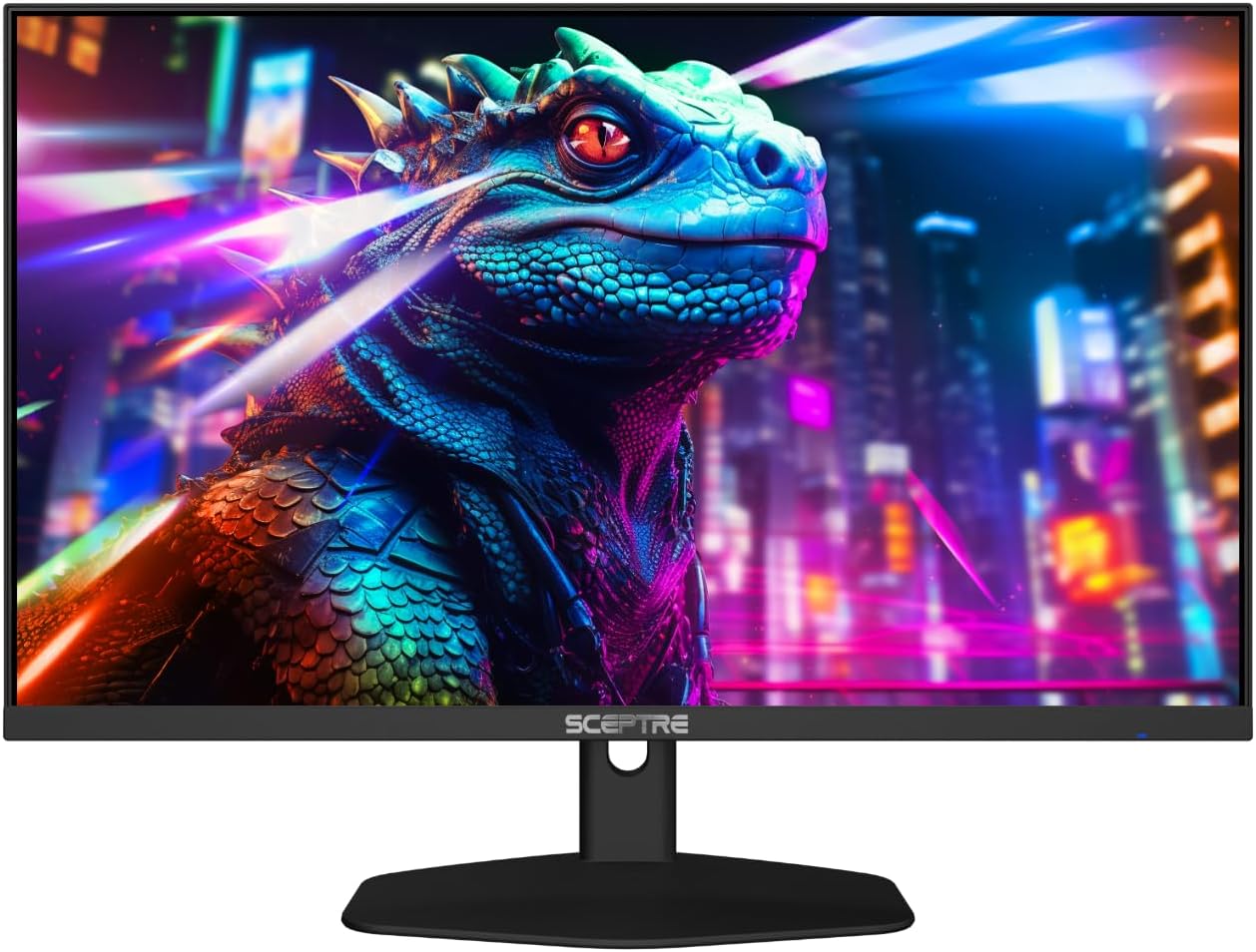
Sceptre New 24-inch Gaming Monitor (E248W-FW100T Series) — 100Hz FreeSync 2X, integrated speakers, HDMI + DP
Product description
If you want a 24-inch gaming monitor that feels responsive right out of the box, this Sceptre E248W-FW100T series is built around that idea. The combo of a 100Hz refresh rate, FreeSync 2X, and Blur Reduction support is the headline—then Sceptre adds integrated speakers and a nearly edgeless design to keep your desk setup tidy.
That said, it’s not perfect for everyone. Depending on what you’re chasing (competitive esports vs. casual play, or whether you need advanced video features), you may find it sits more in the “solid everyday gaming” lane than the “maxed-out pro” lane.
The essentials
This is a 24-inch gaming monitor aimed at smoother motion and fewer distractions during long sessions. On paper, the pairing of FreeSync 2X with a 100Hz refresh rate is meant to help gameplay feel more fluid, especially when frame rates don’t perfectly match your monitor. Sceptre also highlights a 1ms BR (Blur Reduction) mode, which is designed to reduce perceived motion blur.
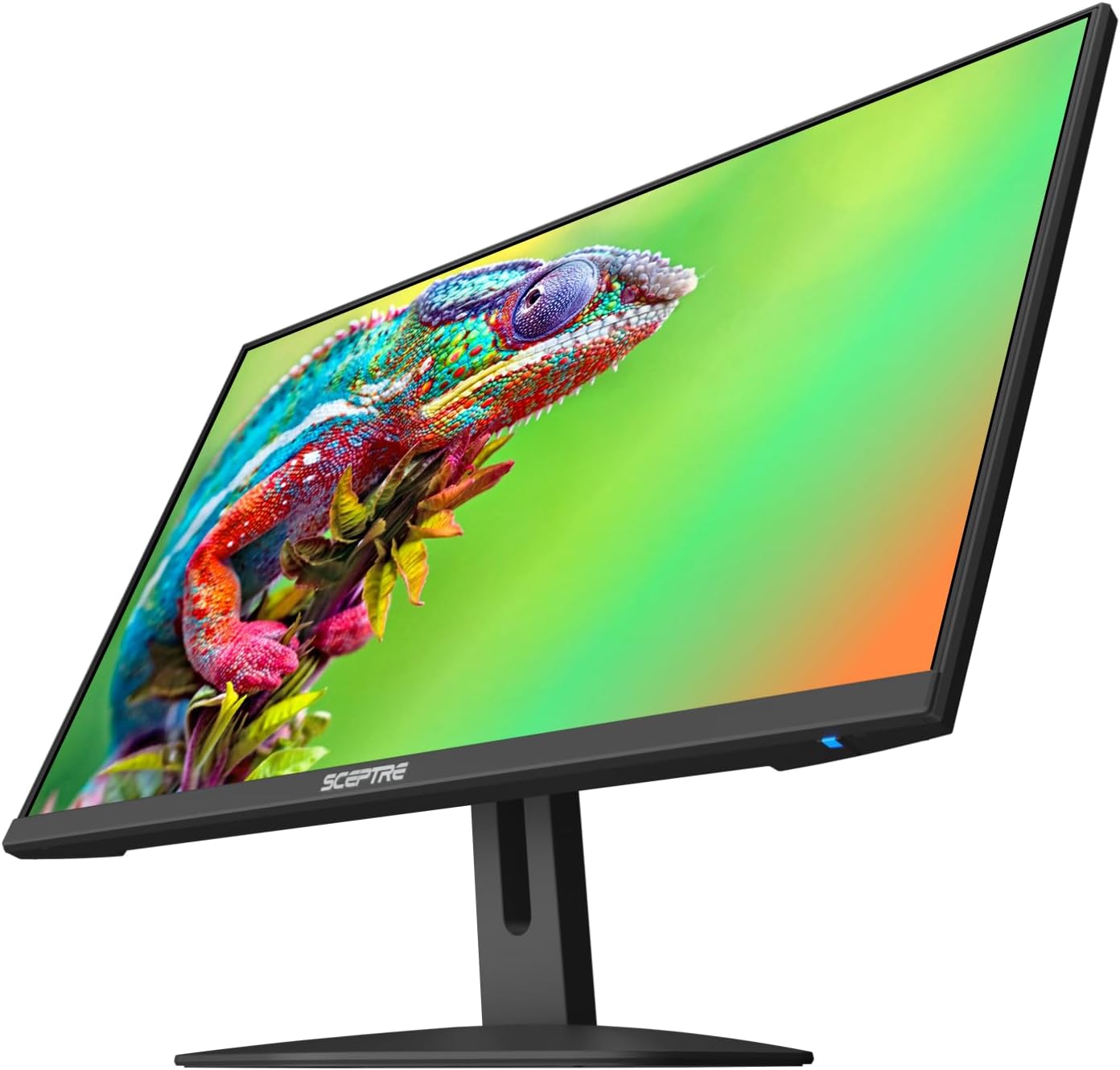
For everyday use, you also get built-in speakers. That’s one less pair of cables (and one less device) cluttering your workspace. And the “blue light shift” feature is there for comfort—meant to reduce harmful blue light emissions and help with eye strain during longer hours.
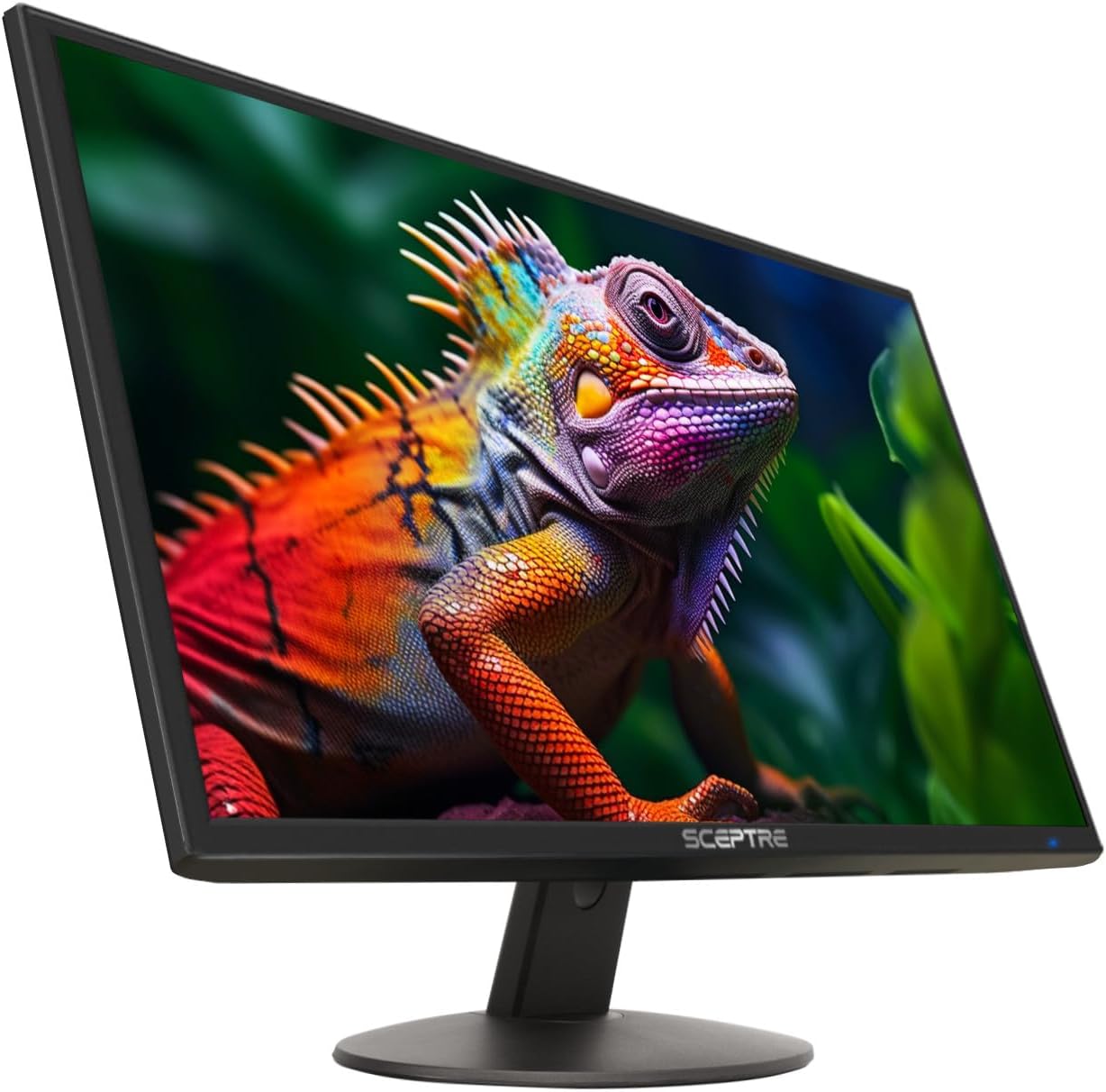
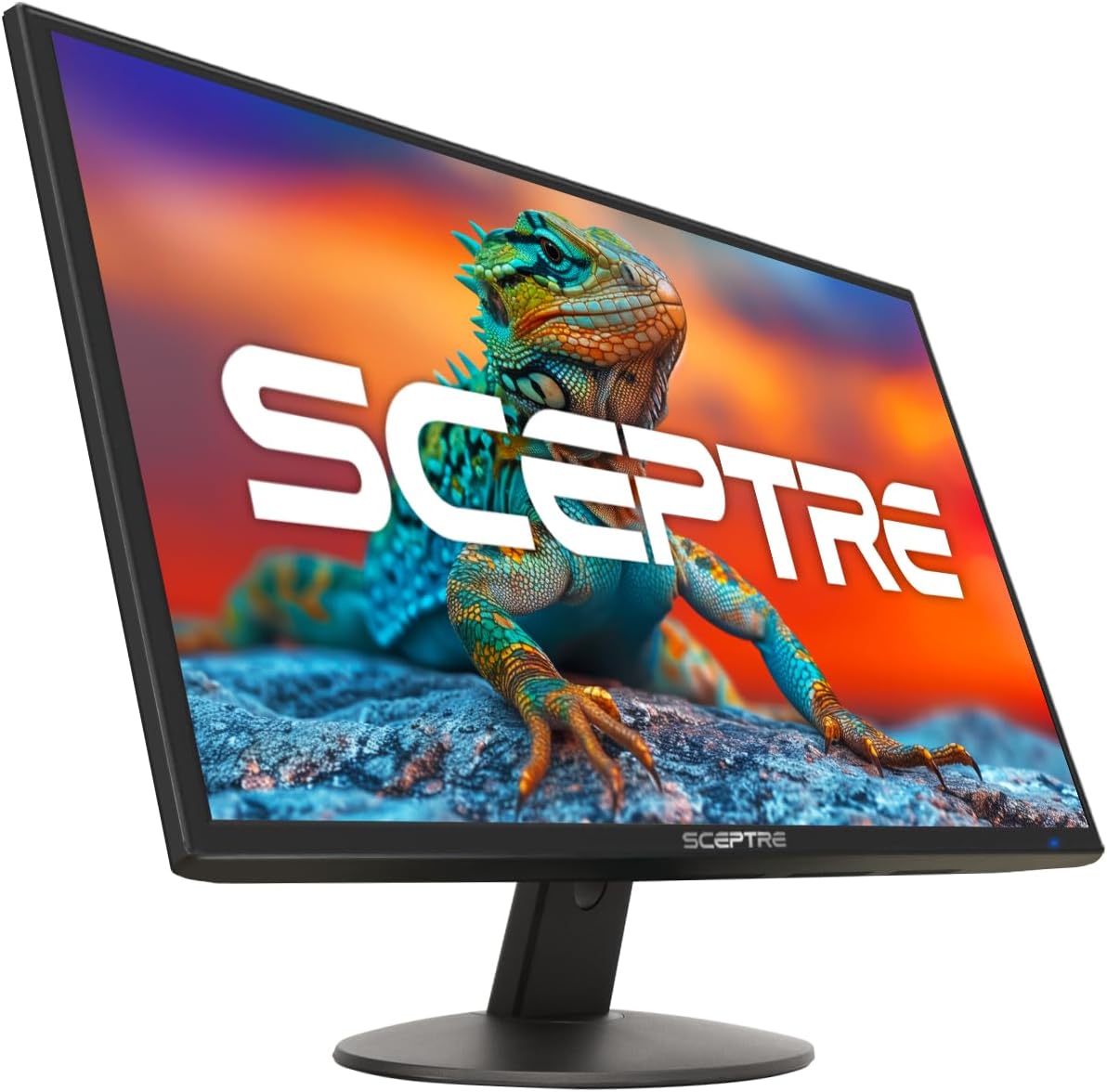
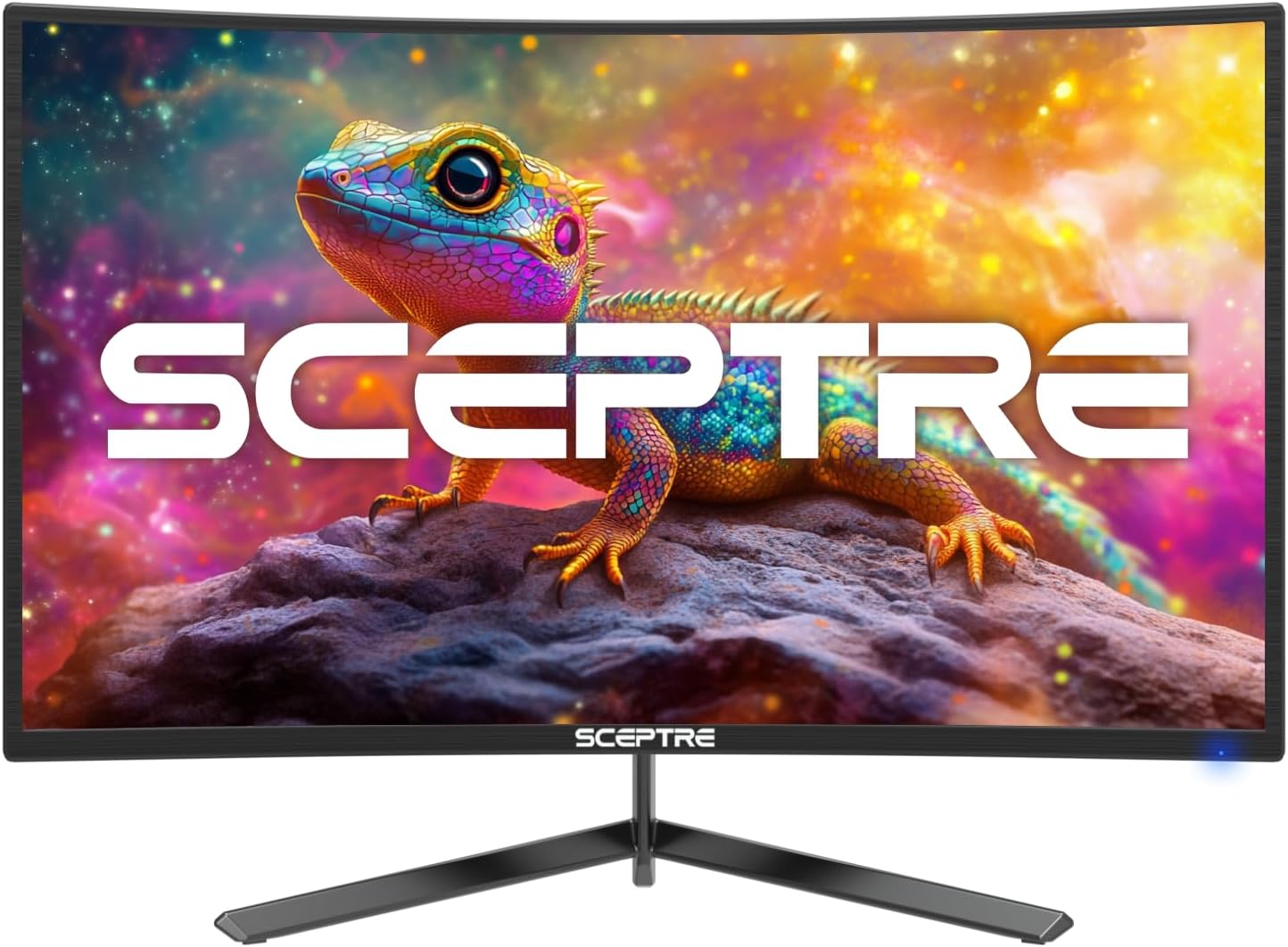
Finally, the nearly edgeless/edgeless design is geared toward a cleaner multi-monitor look, where the screen feels more continuous when you’re setting up a dual-monitor workspace.
What stands out in real use
What you’ll notice day to day is how the monitor is trying to reduce the friction around gaming and desk life. The integrated speakers matter more than people expect: when you’re switching between work and play, you don’t have to decide whether your audio setup is “on.” It’s especially handy for casual gaming, videos, or quick voice chat sessions.
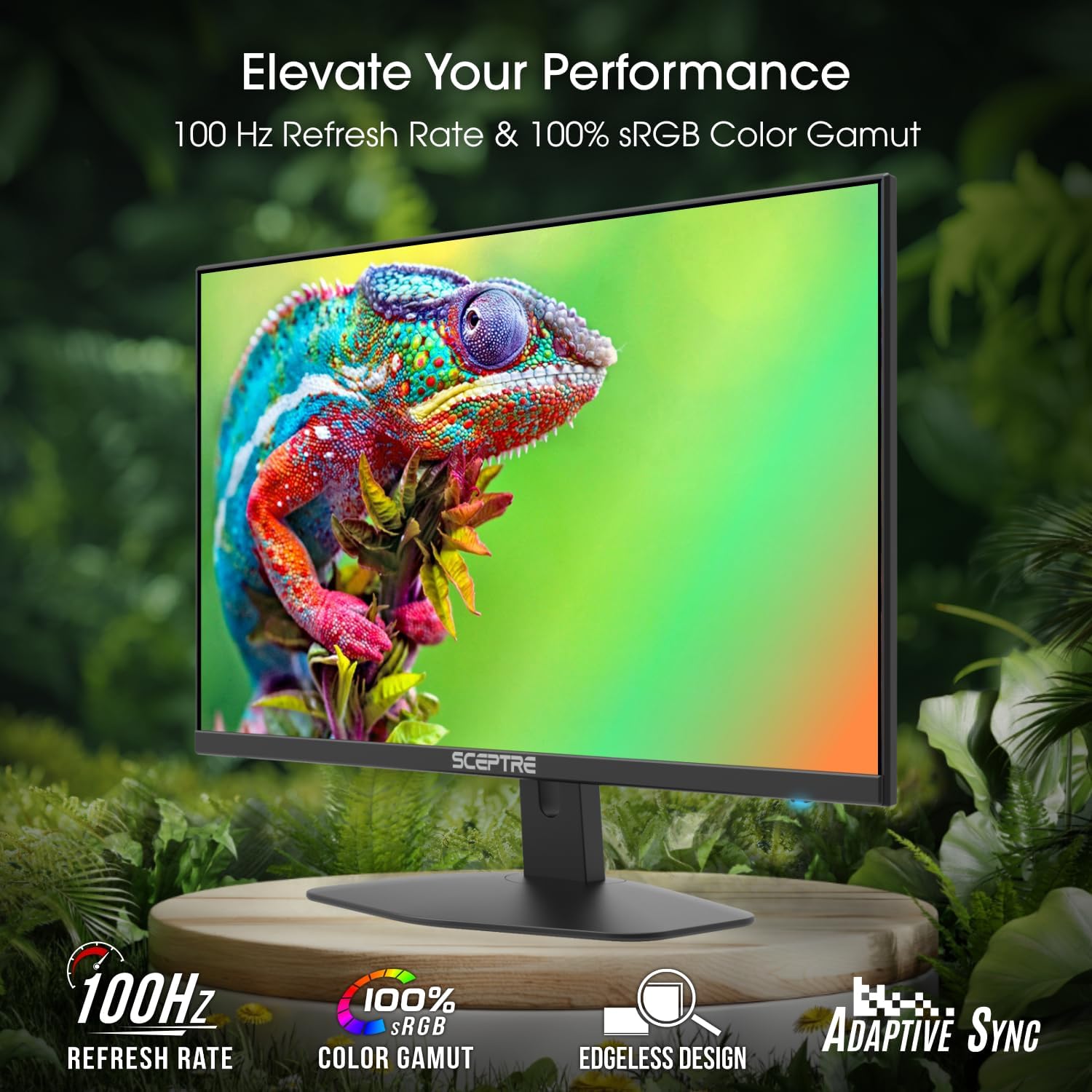
On the gaming side, the 100Hz refresh rate is a clear “upgrade from basic” move for motion smoothness. And because FreeSync 2X is included, it’s specifically positioned to help keep the visuals feeling steadier when your gameplay isn’t locked at one constant frame rate.
There’s also the Blue-Light Shift tech. It’s not a cure-all, but if you spend late evenings on your PC, the idea is to make viewing more comfortable over time.
One practical example: imagine you’re starting a match, and you don’t want to pause to adjust settings or re-seat cables. With built-in speakers and the gaming-focused refresh/Sync approach, you can keep the setup simple—monitor plugged in, audio available immediately, and your focus stays on the game.
Tech specs, as described
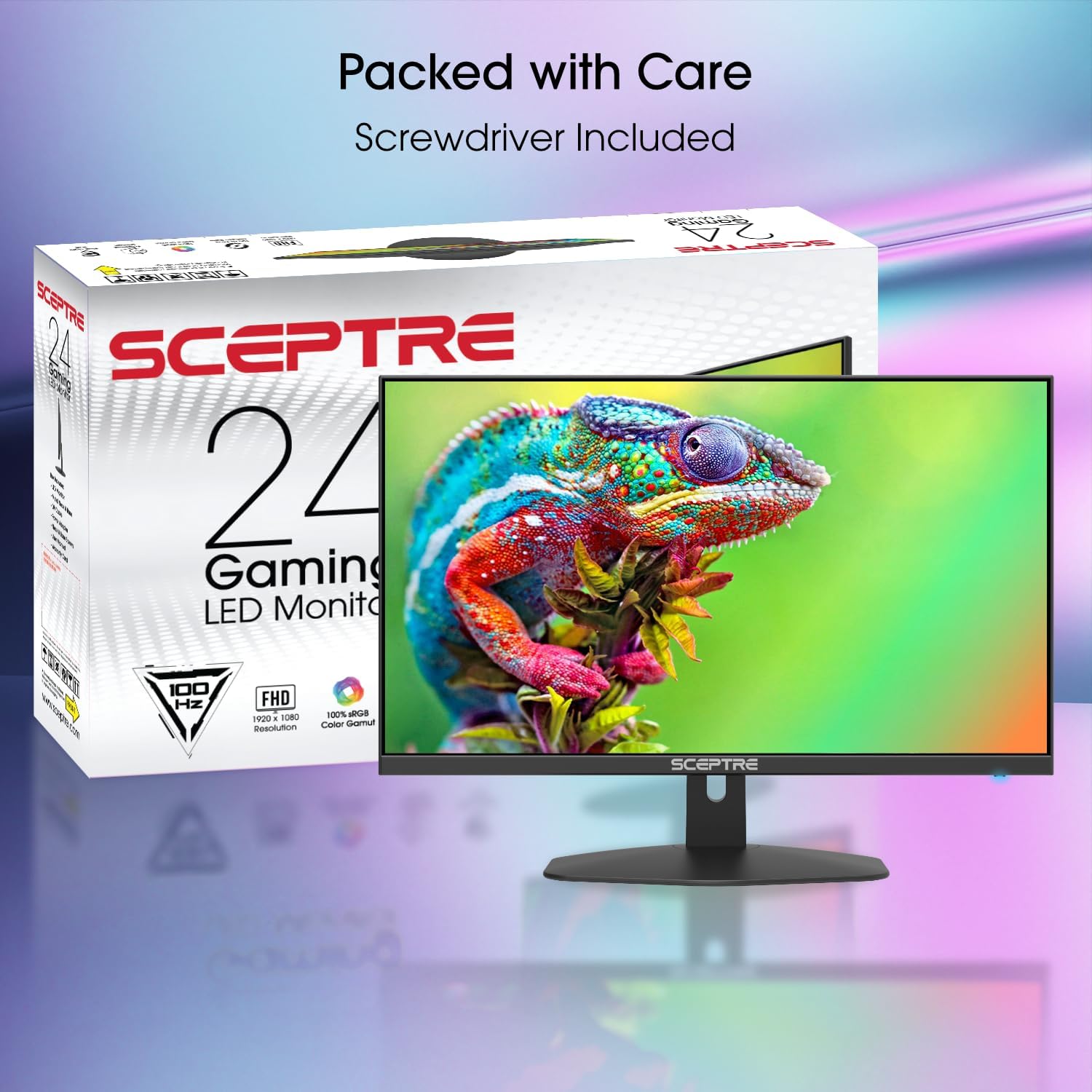
- Refresh rate: 100Hz
- Gaming motion feature: 1ms BR (Blur Reduction)
- Sync tech: FreeSync 2X
- Speakers: integrated speakers
- Eye comfort: Blue-Light Shift technology
- Design: edgeless / nearly bezel-free design
- Ports noted: 2X HDMI and 1X DP (DisplayPort)
Who it’s for (and who should skip it)
It’s a good fit if you want a straightforward 24-inch gaming monitor for smooth visuals, a simpler desk (thanks to built-in speakers), and a cleaner look for single or dual-monitor setups.
It may not suit you if you’re specifically trying to “extract every last competitive advantage” from your display. The listed features focus on refresh smoothness, Sync support, and blur reduction, but there’s no info here about higher-end specs like HDR performance, advanced calibration details, or the kind of top-tier gaming features serious esports players sometimes prioritize.
Keep in mind that “blue-light shift” and the comfort angle are helpful, but if you’re sensitive to eye strain, you may still need breaks and your own brightness/settings discipline.
Getting the most from it
To get closer to the experience the monitor is designed for, treat this like a performance-focused gaming display: use the gaming-ready picture mode(s) if available, enable the FreeSync 2X feature in your system settings, and make sure your connection is set correctly via the HDMI/DP options.
Also, if you’re building a dual-monitor layout, the nearly bezel-free/edgeless design is the point. It won’t replace a perfectly matched pair of displays, but it can make the gap between screens less noticeable and the overall desk view more cohesive.
Is it worth it?
Buy it if you want a 24-inch gaming monitor built around 100Hz smoothness, FreeSync 2X, and Blur Reduction, plus integrated speakers for a cleaner setup and Blue-Light Shift for longer sessions.
Skip it if you need deeper spec coverage not provided here (for example, advanced image/video features beyond what’s mentioned), or if your priorities are so high-end that you’d rather not gamble on a monitor whose most visible strengths are motion smoothness and basic comfort features.
Quick answers
FAQ
Does it have built-in speakers?
Yes. The monitor includes integrated speakers to keep your desk less cluttered.
Is it meant for gaming specifically?
Yes. The description centers on a gaming experience with FreeSync 2X, a 100Hz refresh rate, and 1ms BR (Blur Reduction).
Will Blue-Light Shift help with eye comfort?
On the intended goal, yes—it’s described as reducing harmful blue light emissions to help alleviate eye strain during long hours.
Is it good for dual-monitor setups?
It’s designed with an edgeless/nearly bezel-free style meant to connect well in a dual monitor arrangement.