

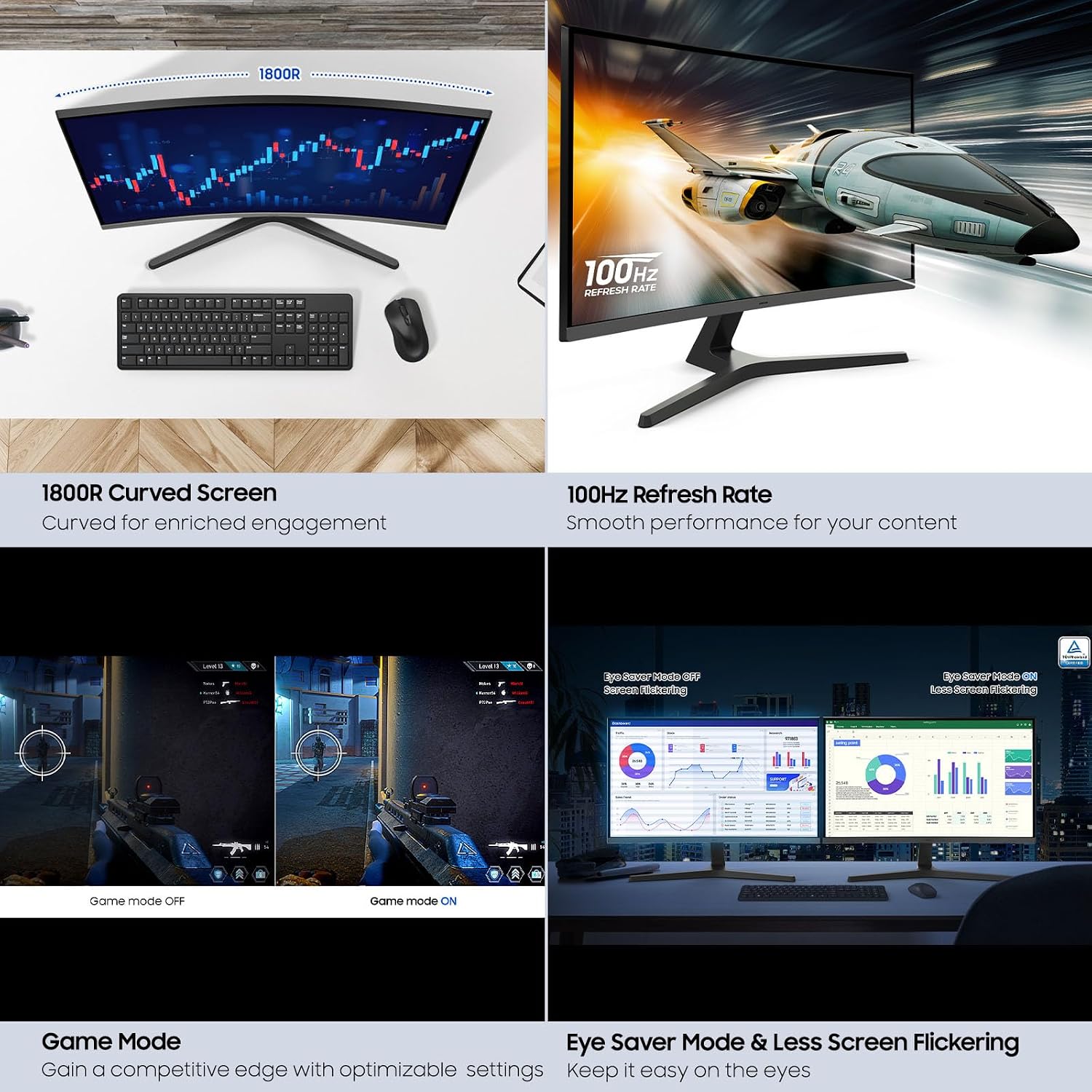
Samsung 27-inch S3 (S39GD) FHD 100Hz Curved Monitor
Product description
What it is and who it’s for
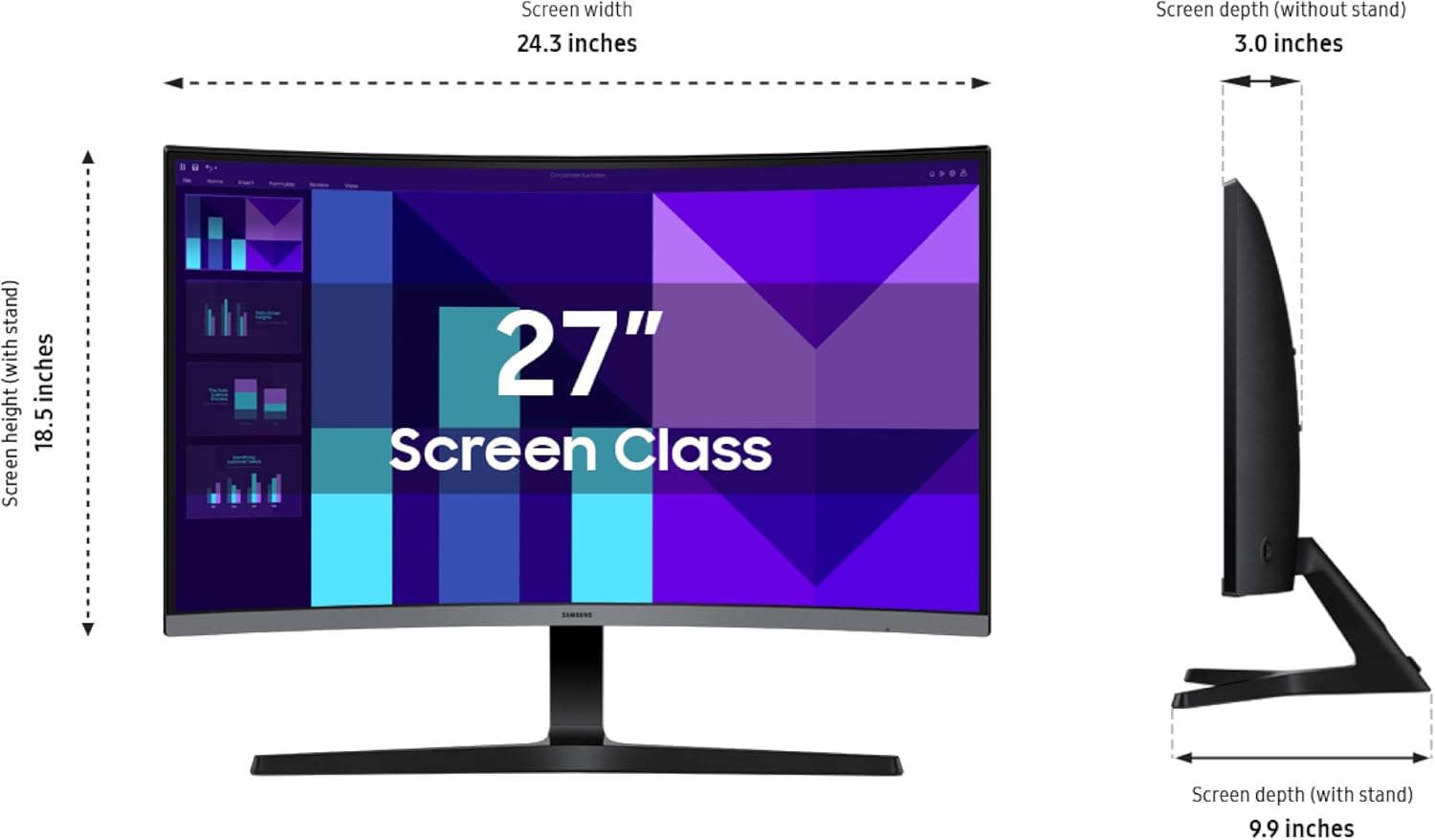
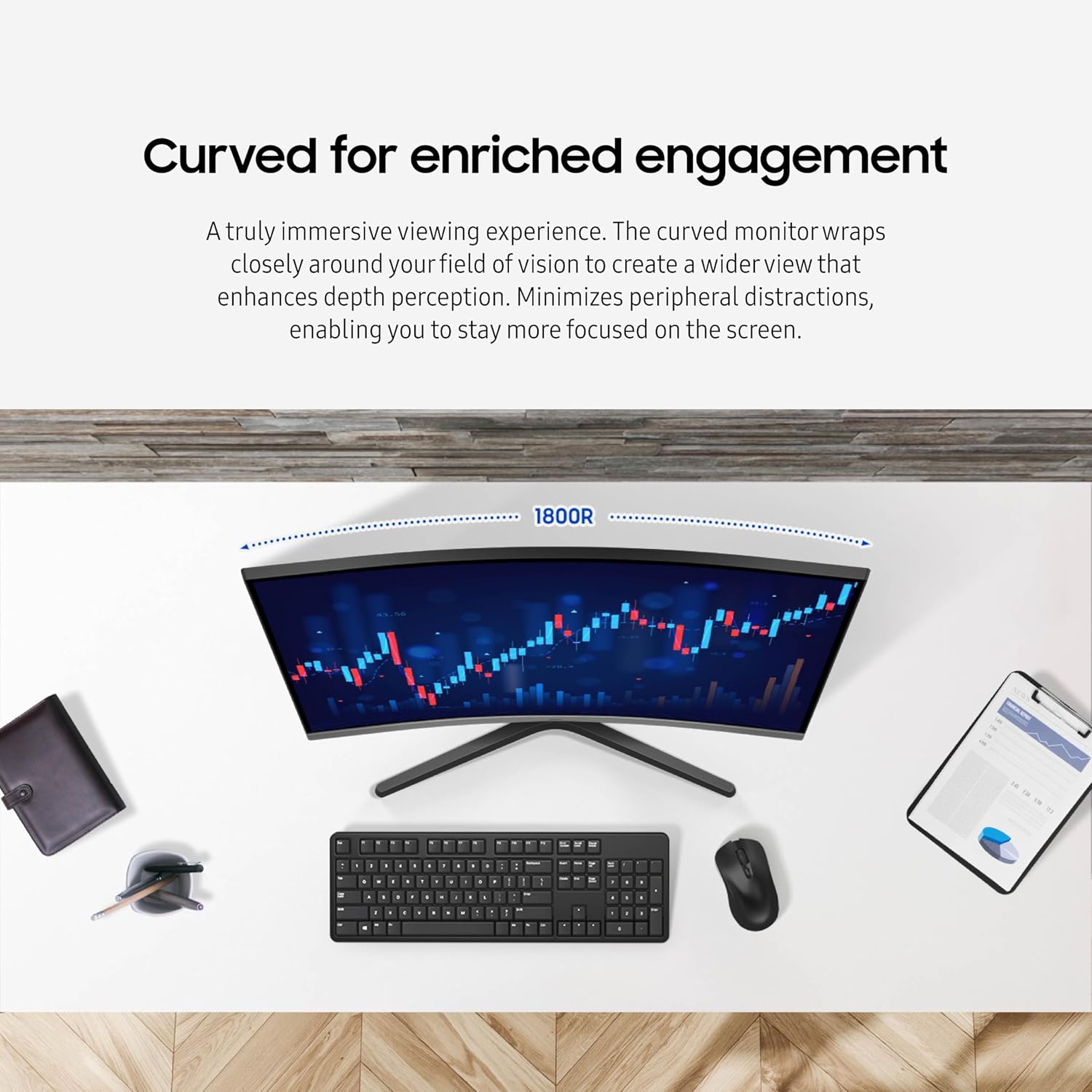
The Samsung 27-inch S3 (S39GD) is a curved FHD monitor designed to deliver an immersive viewing experience for gaming, video, and productivity. With a 100Hz refresh rate, it aims to minimize motion blur and input lag, helping you stay engaged during fast-paced moments. The built-in speakers reduce desk clutter, and the curved panel is intended to wrap around your field of vision for a more encompassing view. If you’re looking for a single-screen setup that covers entertainment and everyday tasks without needing extra peripherals, this model positions itself as a practical all-in-one solution.
Key features and why they matter
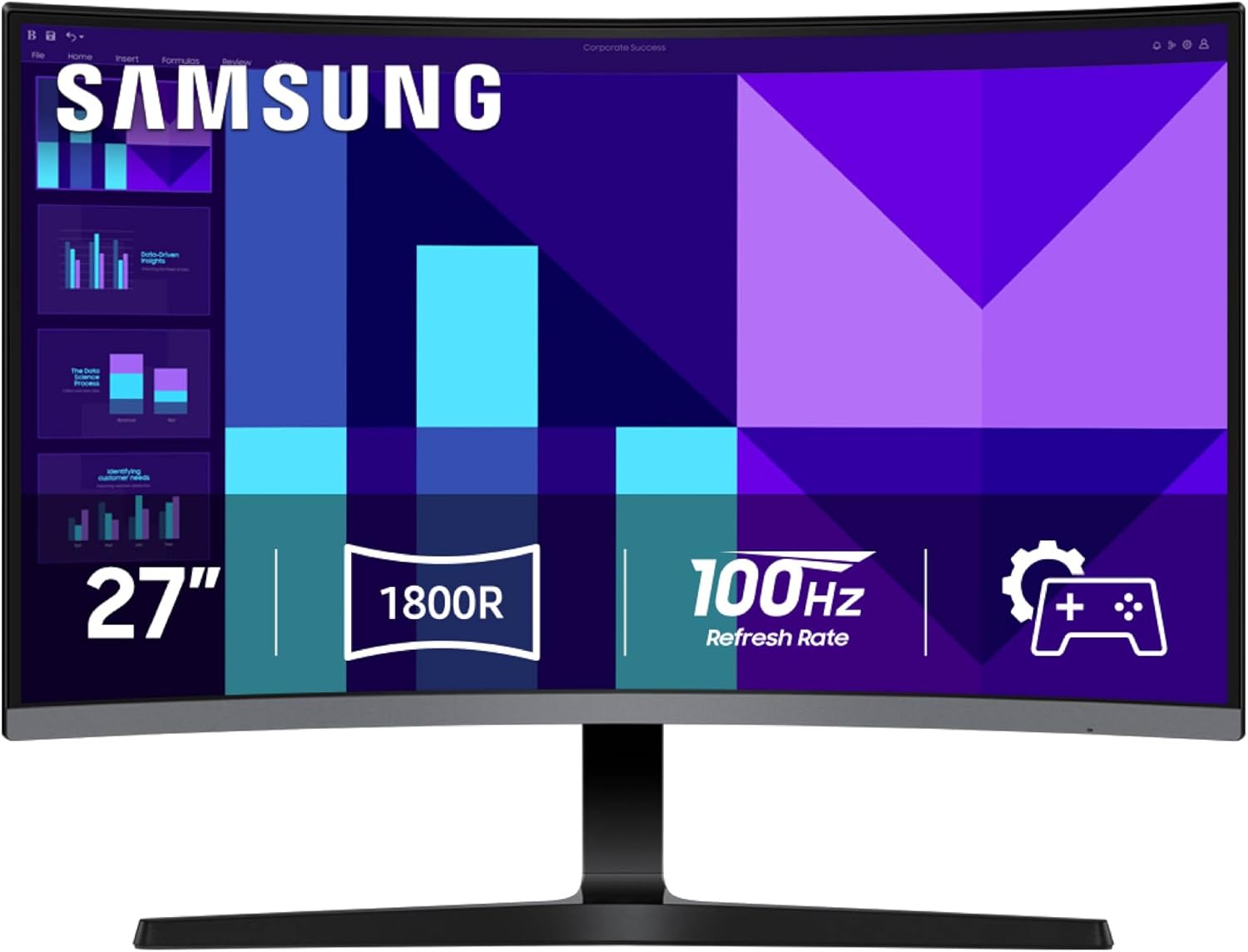
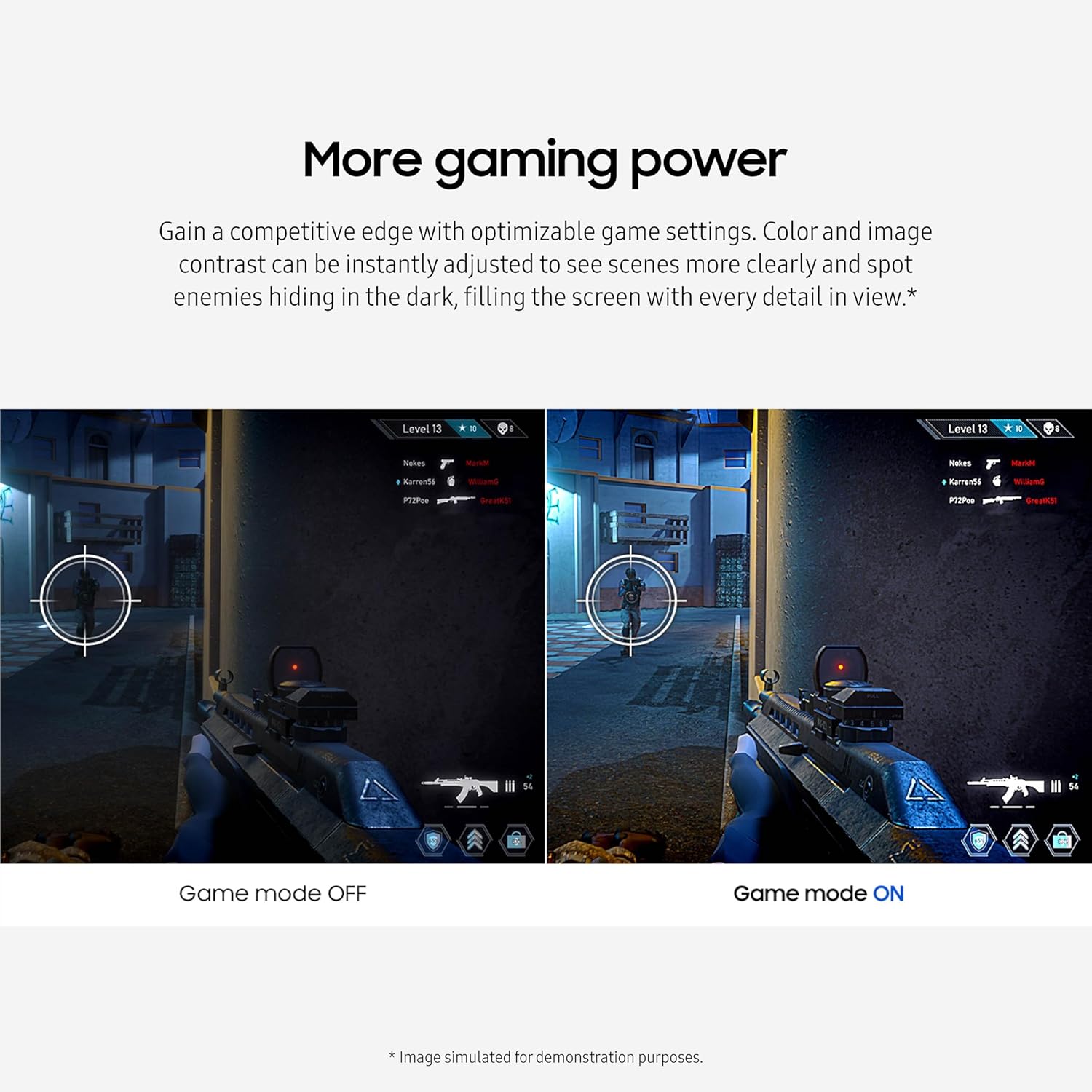
On paper, the curved panel and 100Hz refresh rate work together to smooth out motion and provide a more fluid feel during fast action. Gamers may appreciate the quick responsiveness and the ability to tweak color and image contrast for better visibility in dark scenes or bright highlights. The built-in Eye Saver Mode certified by TÜV tech helps reduce blue light and flicker, which can be easier on the eyes during long sessions. The inclusion of multiple connectivity options, including an HDMI port, adds flexibility for connecting consoles, PCs, or laptops without extra hubs. The integrated speakers offer basic sound without taking up extra desk space, which is convenient if you’re short on room or simply want a cleaner setup.
What stands out in everyday use
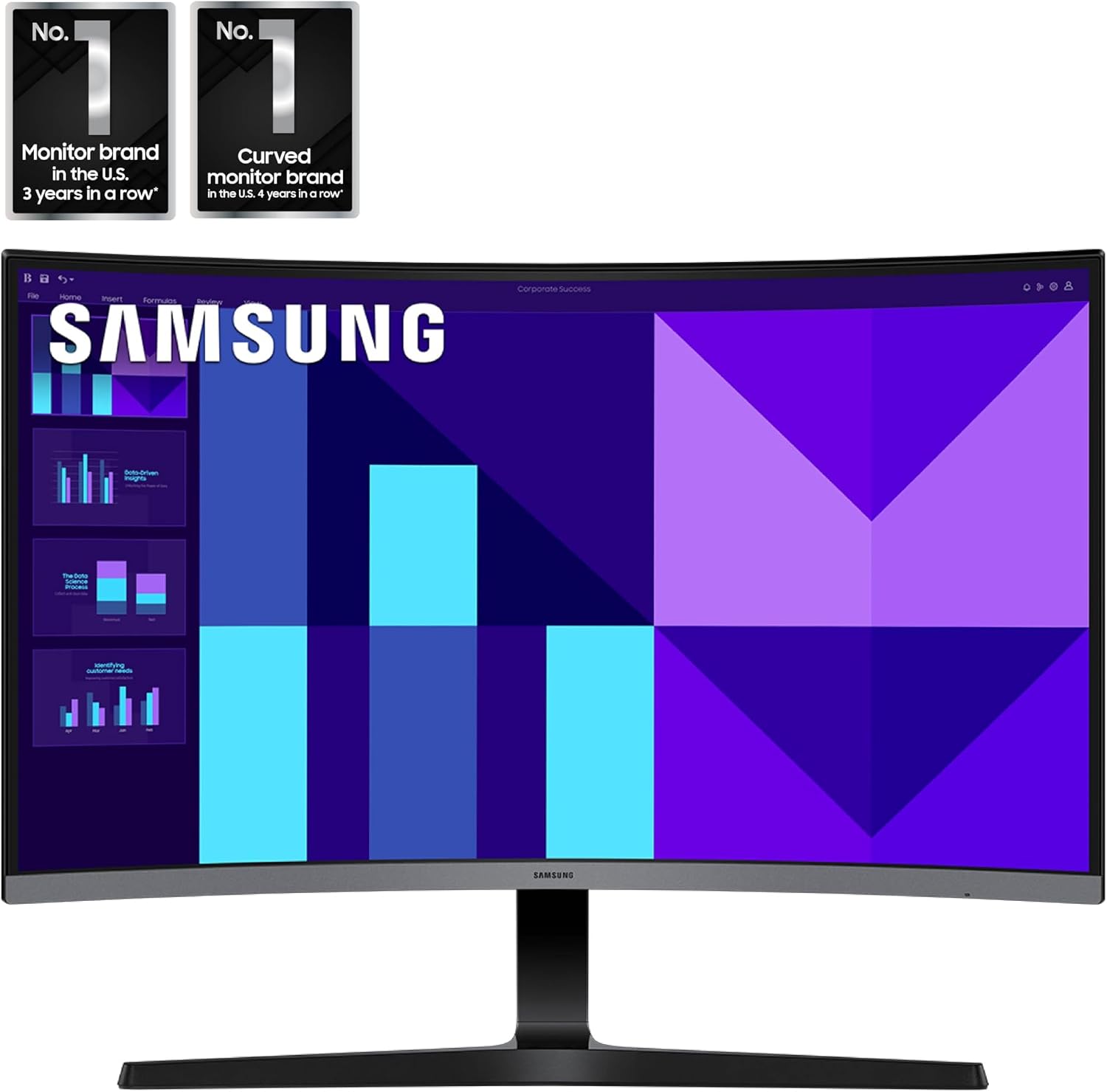
If you’re prioritizing a clean desk and a simple setup, the built-in speakers and multiple inputs minimize cable clutter and the need for external audio or adapters. The curved design can enhance immersion when gaming or watching movies, and the 100Hz refresh rate should feel noticeably smoother than a standard 60Hz panel in fast scenes. For creators and multitaskers, the monitor provides a wide field of view that can help with side-by-side windows and content review without requiring a second display.
Limitations to consider
It’s important to note that this is a 1080p (FHD) panel, not a 4K display, so pixel density and detail will be lower than higher-resolution options. While 100Hz provides smoother motion than 60Hz, you won’t get the higher refresh rates found on premium gaming monitors. The built-in speakers are convenient, but they may not satisfy audiophiles or users with higher-fidelity audio needs. As with any curved monitor, the benefits are most noticeable at a specific viewing distance, sit too far or too close and you may not notice the curvature as intended.
Who it’s best for
This monitor is a practical fit for gamers on a budget who want smoother motion without extra peripherals, casual content creators who value space-saving features, and office users who appreciate a single device for both work and entertainment. It’s also suitable if you want a compact, immersive screen for desks that can’t host multiple monitors.
Who should probably look elsewhere
If you need ultra-sharp text for long document work, higher color accuracy for photo/video editing, or a gaming experience with higher frame rates and resolutions, you may want to explore alternatives that offer higher resolution or faster panels. Those who require deep bass from their display’s speakers may miss the mark with built-in audio.
When it makes sense to buy
Consider this monitor when you want an all-in-one, space-conscious display with a curved immersion and a mid-range refresh rate for general gaming and media consumption. If your use case includes light to moderate gaming, everyday productivity, and entertainment without the clutter of extra devices, this model aligns with that setup.
What to check before buying

- Confirm your primary device outputs via HDMI and whether you need any adapters for your setup.
- Consider your viewing distance to gauge the curvature’s benefit.
- Set expectations for FHD sharpness versus higher-resolution options and align with your content needs.
- Evaluate whether built-in speakers meet your audio expectations or if external speakers would still be preferable.
Practical usage example
Imagine a late-night gaming session where you’re tracking enemies across a wide screen. The 100Hz refresh helps keep motion smooth as you move quickly through dark corridors, while the curved screen keeps surrounding elements within a comfortable field of view. You can tweak Game Mode and image contrast to highlight enemies lurking in shadows, then switch to a video or document after the match without swapping monitors.
FAQ (quick answers based on available data)
- Is this good for gaming at 1080p? Yes, the 100Hz refresh helps with smoother motion in fast scenes.
- Do the built-in speakers replace external speakers? They are convenient for basic audio but may not satisfy users seeking rich sound.
- Can I connect a console via HDMI? Yes, multiple connectivity options include HDMI for easy console or PC connection.
Final decision: Is it worth it?
Worth considering if you want a space-efficient, curved 27-inch monitor with a mid-range gaming focus, built-in speakers, and TÜV-certified eye comfort features. It may be less ideal if you prioritize ultra-high resolution, higher refresh rates, or professional-grade color accuracy for content creation.