

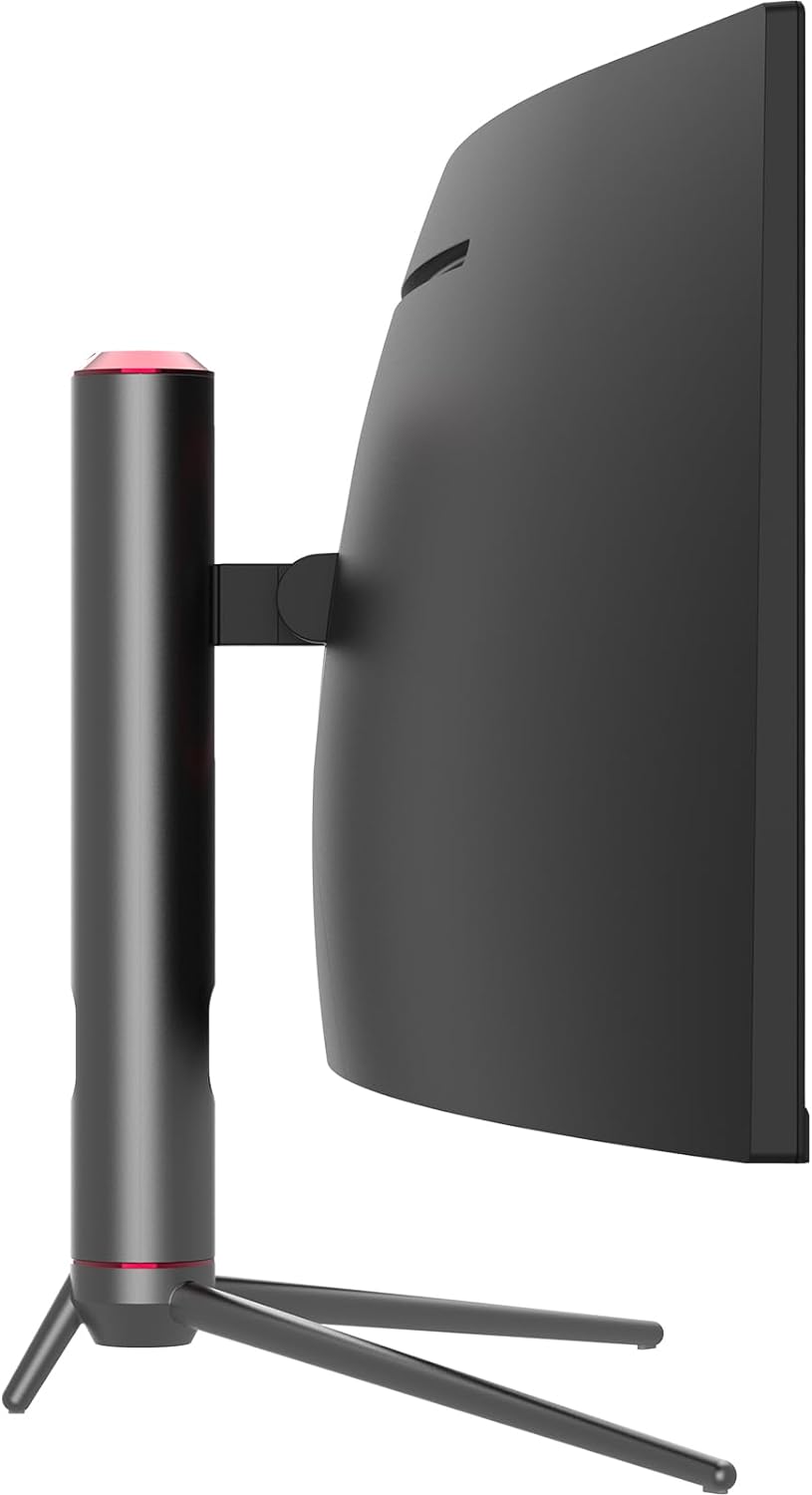
INNOCN Curved Gaming Monitor 49C1G
Product description
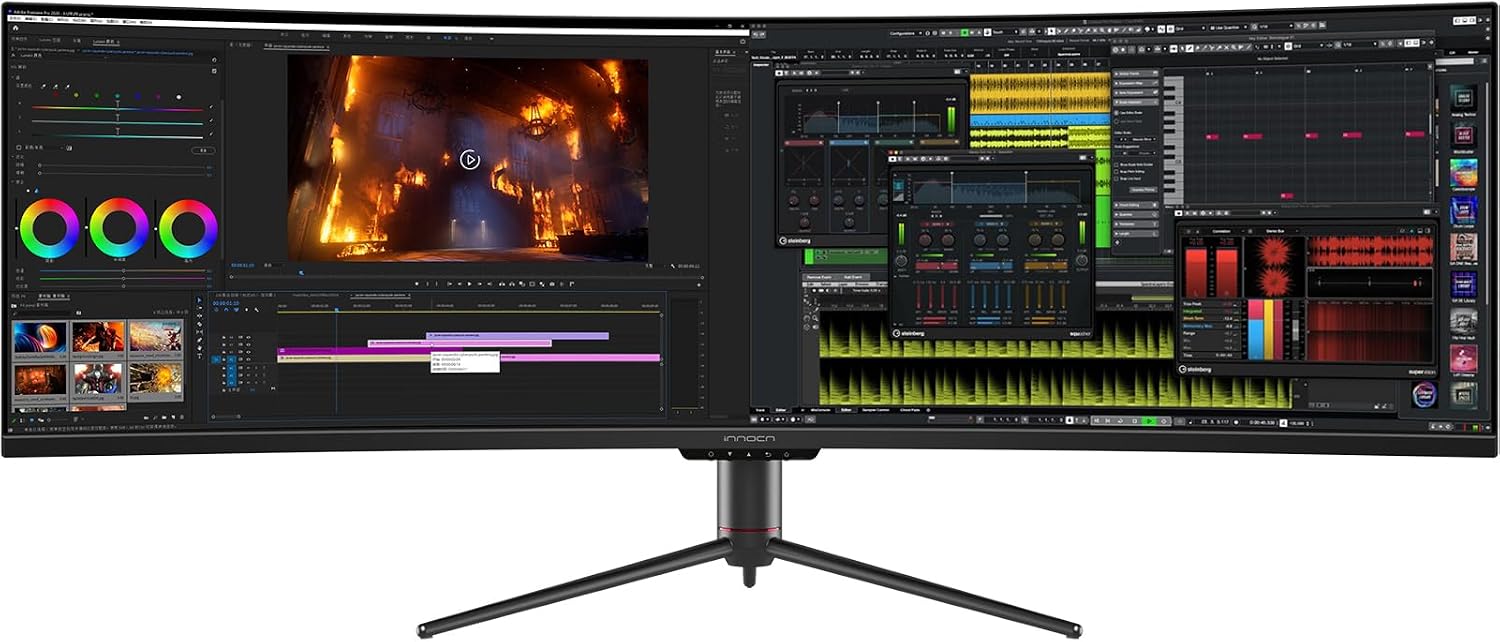
A wide desk setup can make room for a game, a timeline, or several open windows without splitting work across multiple displays. The INNOCN 49C1G is a 49-inch curved monitor with a 32:9 aspect ratio and 3840 x 1080 resolution, built around that extra horizontal space.
Its appeal is easy to picture: keep a game centered while a browser sits alongside it, or use one screen for two input sources. The tradeoff is that the 1080-pixel vertical resolution is modest beside monitors designed to show more content from top to bottom.
Key specifications
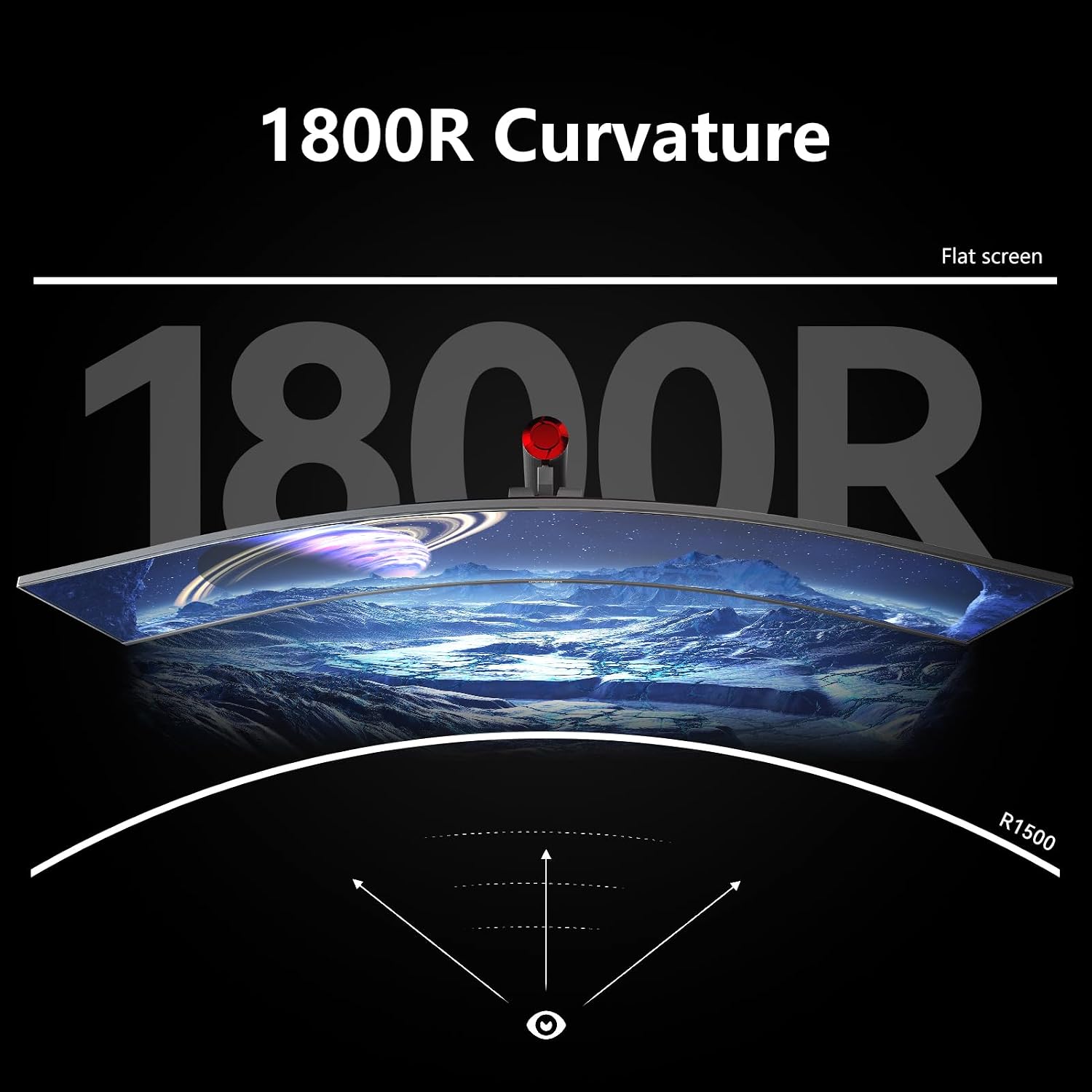
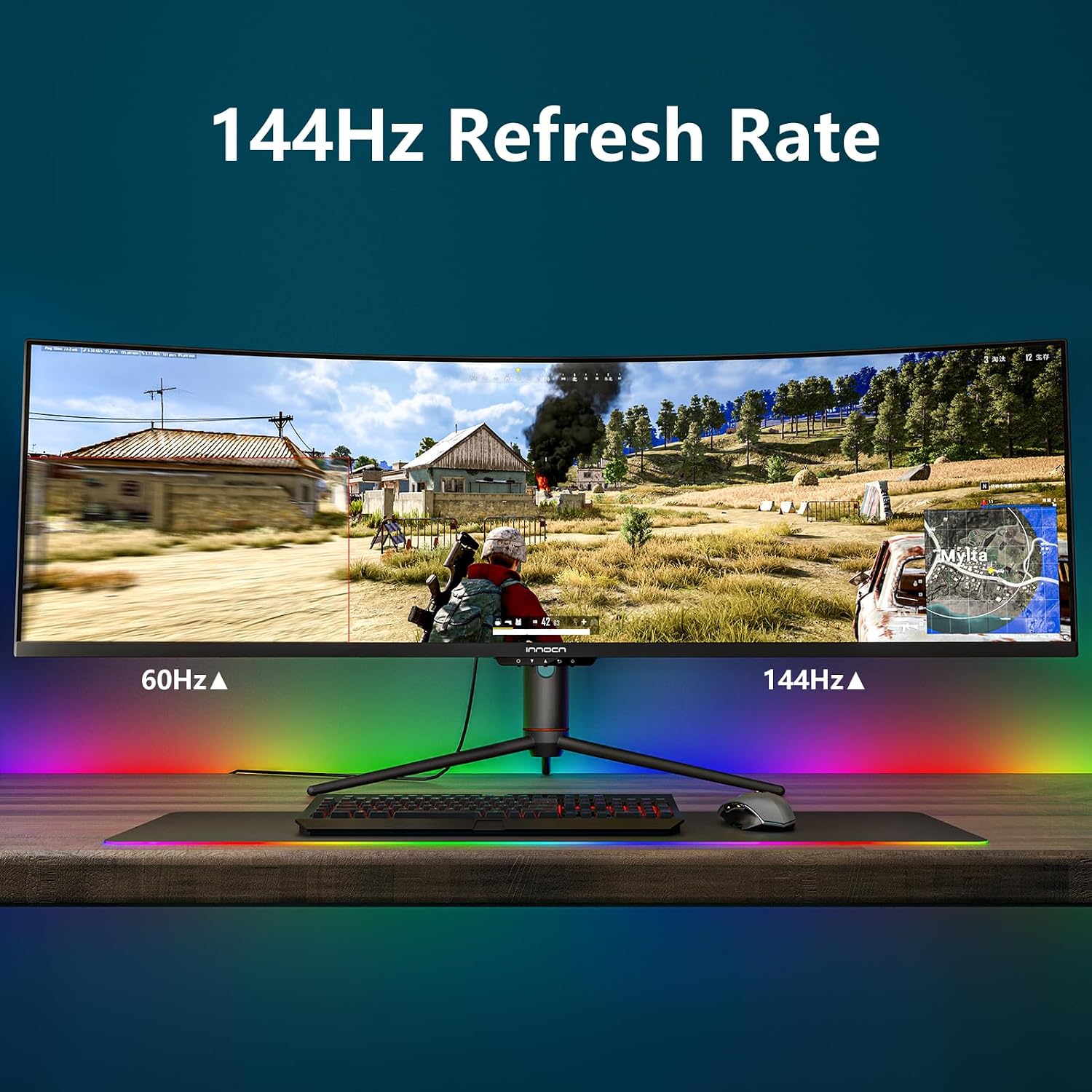
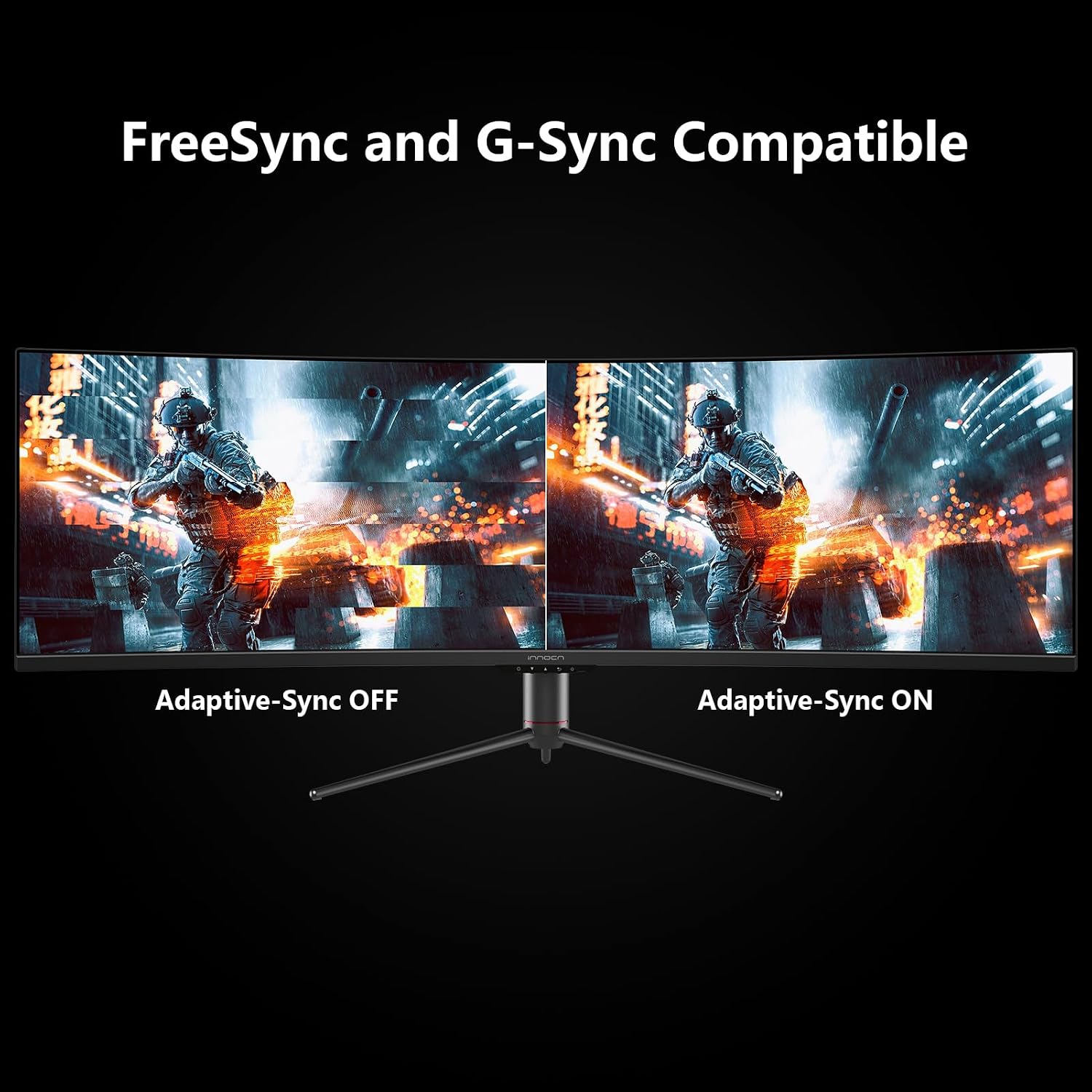
The 49C1G uses a VA panel with an R1800 curve, 144Hz refresh rate through DisplayPort 1.4, Adaptive-Sync, HDR400, and 99% sRGB coverage. INNOCN also lists a 3000:1 contrast ratio. These details point to a display aimed at gaming and mixed everyday use, though the listed specs alone do not establish how HDR or color performance will look in a particular room or workflow.
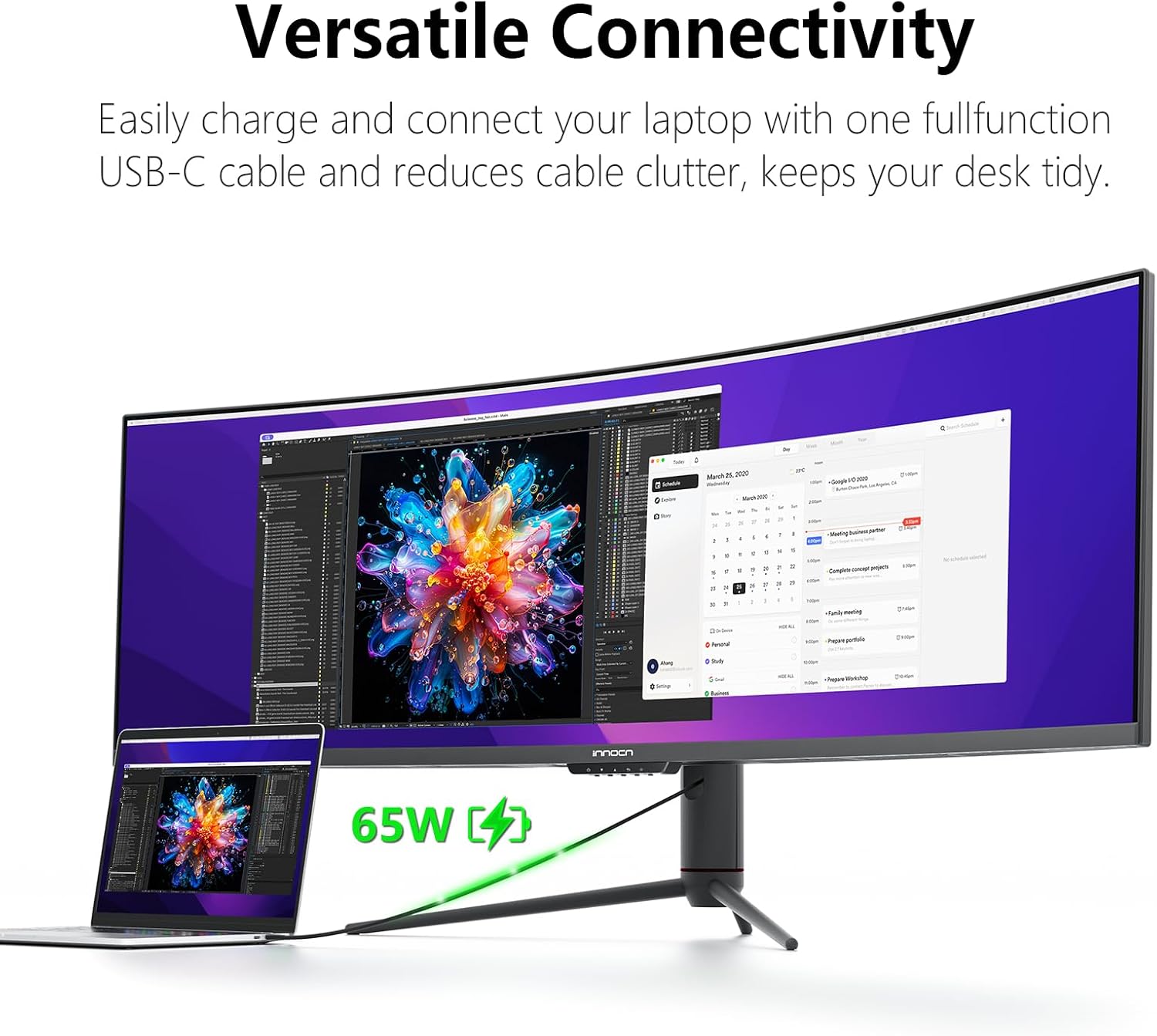
Connections include DisplayPort 1.4, HDMI 2.1, USB-C with 65W power delivery, two USB-A ports, USB-B, RJ45, and a 3.5mm audio jack. The monitor also has built-in speakers and supports picture-in-picture and picture-by-picture, so two sources can appear on the screen at once. Height, tilt, and swivel adjustments provide more flexibility than a fixed stand.
Who it’s for
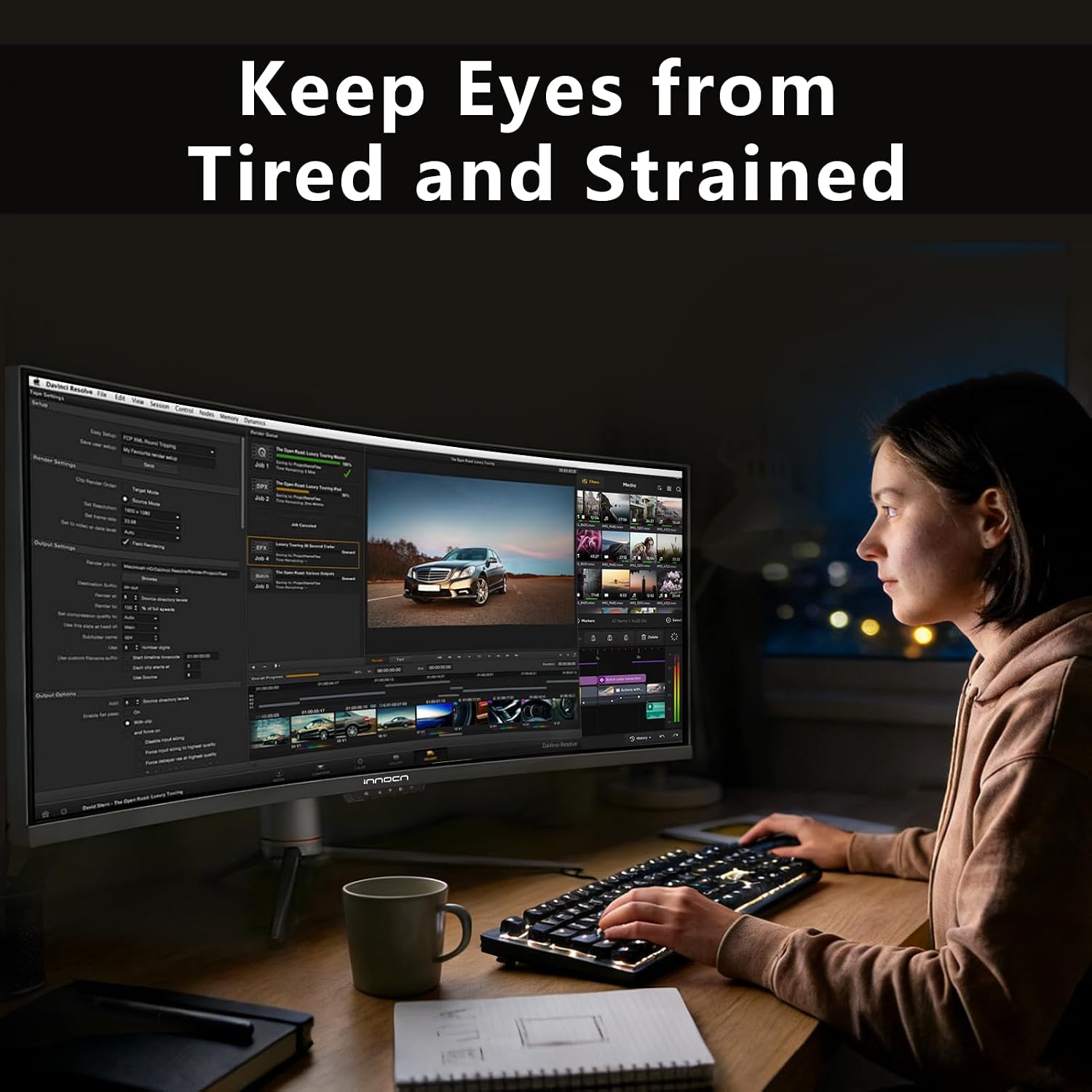
A solid pick if you want a single screen for wide PC games, side-by-side windows, or a laptop-and-desktop setup. For example, you could keep a spreadsheet open on one side while a video call or reference page stays visible on the other, rather than constantly switching windows. USB-C power delivery may also simplify a compatible laptop setup, while the 144Hz DisplayPort specification is relevant for gaming at a higher refresh rate.
You may want to skip it if desk space is tight, you prefer a conventional 16:9 layout, or your work depends on more vertical pixels for long documents and detailed editing. The 32:9 format needs room to spread out, and the stated 3840 x 1080 resolution prioritizes width rather than extra vertical workspace. Check the inputs and output needs of your devices before planning a multi-source setup.
Everyday use
This is a different approach from buying two separate monitors: the curved ultrawide keeps the workspace continuous, and PIP/PBP can show content from separate inputs together. That can be useful when comparing a laptop with a desktop feed or keeping a second source in view. On the spec sheet, the combination of USB-C, display inputs, and adjustment options makes it adaptable, but the listing does not give enough detail to judge speaker performance or the amount of desk space the stand requires.
Before you decide
Can it show two devices at once? Yes. PIP/PBP is listed for displaying content from two separate input sources.
Does USB-C provide power? The listed USB-C connection supports 65W power delivery. Check whether that meets your laptop’s charging needs.
Can the stand be adjusted? Height, tilt, and swivel adjustment are specified, which helps tailor the screen position.
Is it worth it?
Choose the 49C1G if your priority is a very wide, single-screen workspace for gaming or multitasking and your desk can accommodate that format. Its connection options, adjustable stand, and split-screen features give the width practical uses beyond games. If sharper vertical detail, a smaller footprint, or a conventional screen shape matters more, a narrower monitor with a higher vertical resolution may fit your routine better.