


GravaStar Mercury V60 Pro 60% HE Magnetic Gaming Keyboard (True 8KHz, 0.005mm actuation, aluminum frame)
Product description
If you care about competitive responsiveness, the GravaStar Mercury V60 Pro is built to chase a very specific goal: reduce the “time between you pressing a key and the game reacting.” On paper, it stacks a few performance-first ideas together—magnetic switches with extremely fine actuation control, a true 8000Hz polling rate, and latency figures that are meant for esports-level play.
That said, it’s not a keyboard you buy for vibes alone. It’s a niche tool aimed at players who tweak settings, want repeatable behavior at high speeds, and don’t mind going through its web-based configuration.
Key takeaways
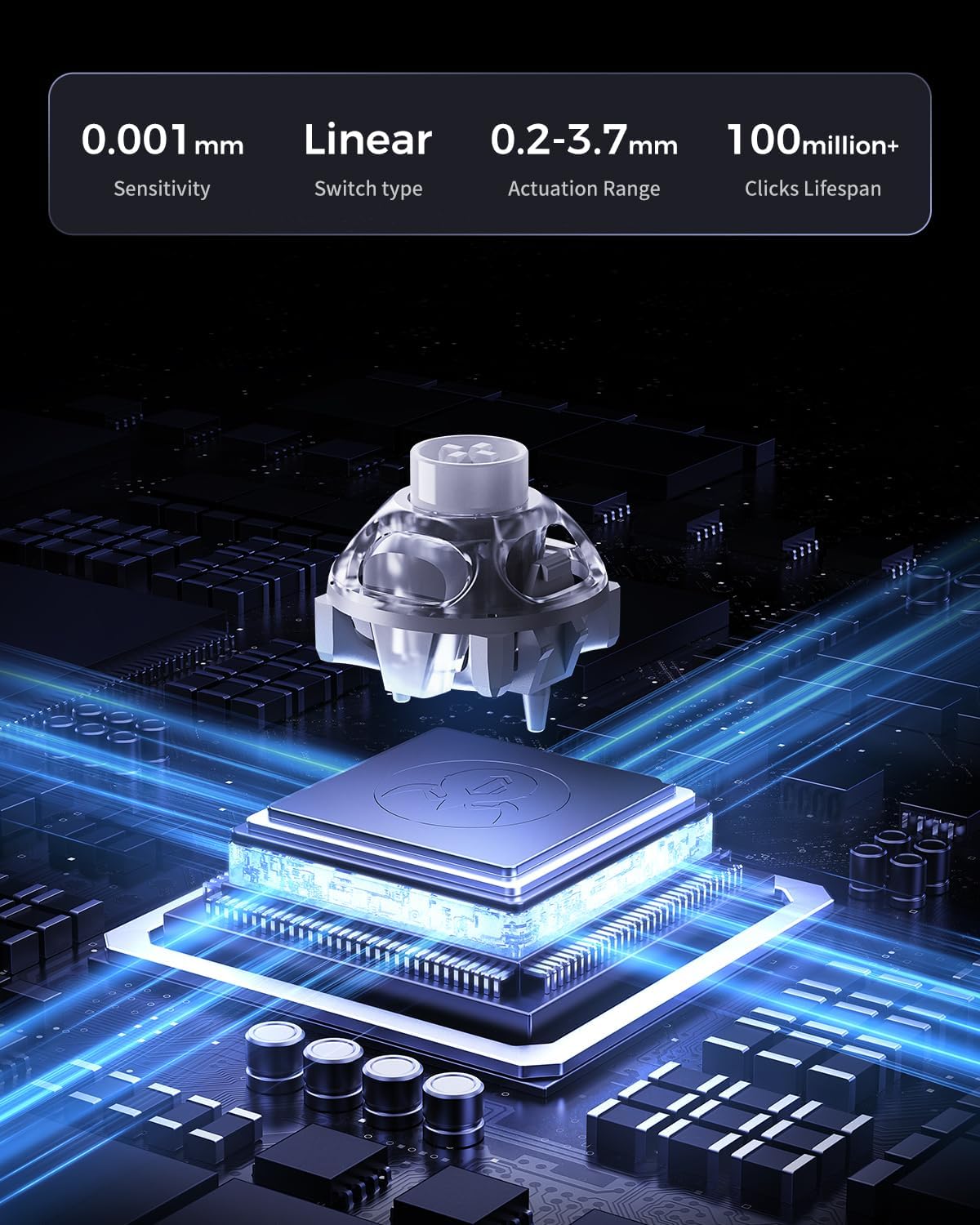
The Mercury V60 Pro leans hard into precision and speed. With GravaStar custom UFO Magnetic Switches and 256kHz key-position scanning, it’s designed to remove physical contact and debounce delay—factors that matter more when your inputs happen fast and often. The keyboard also supports a true 8000Hz polling rate, pushing updates to the computer in a way that’s intended to shrink total latency to around 0.125ms.
Where it gets interesting for practical play is actuation tuning. You can adjust actuation from 0.005mm up to 3.5mm in 0.005mm increments, plus it includes a Dynamic Rapid Trigger mode for quicker key resets during upward travel. In fast shooters, that can translate into more consistent counter-strafing timing or faster rapid-fire key behavior—assuming you dial the actuation to match your own style.
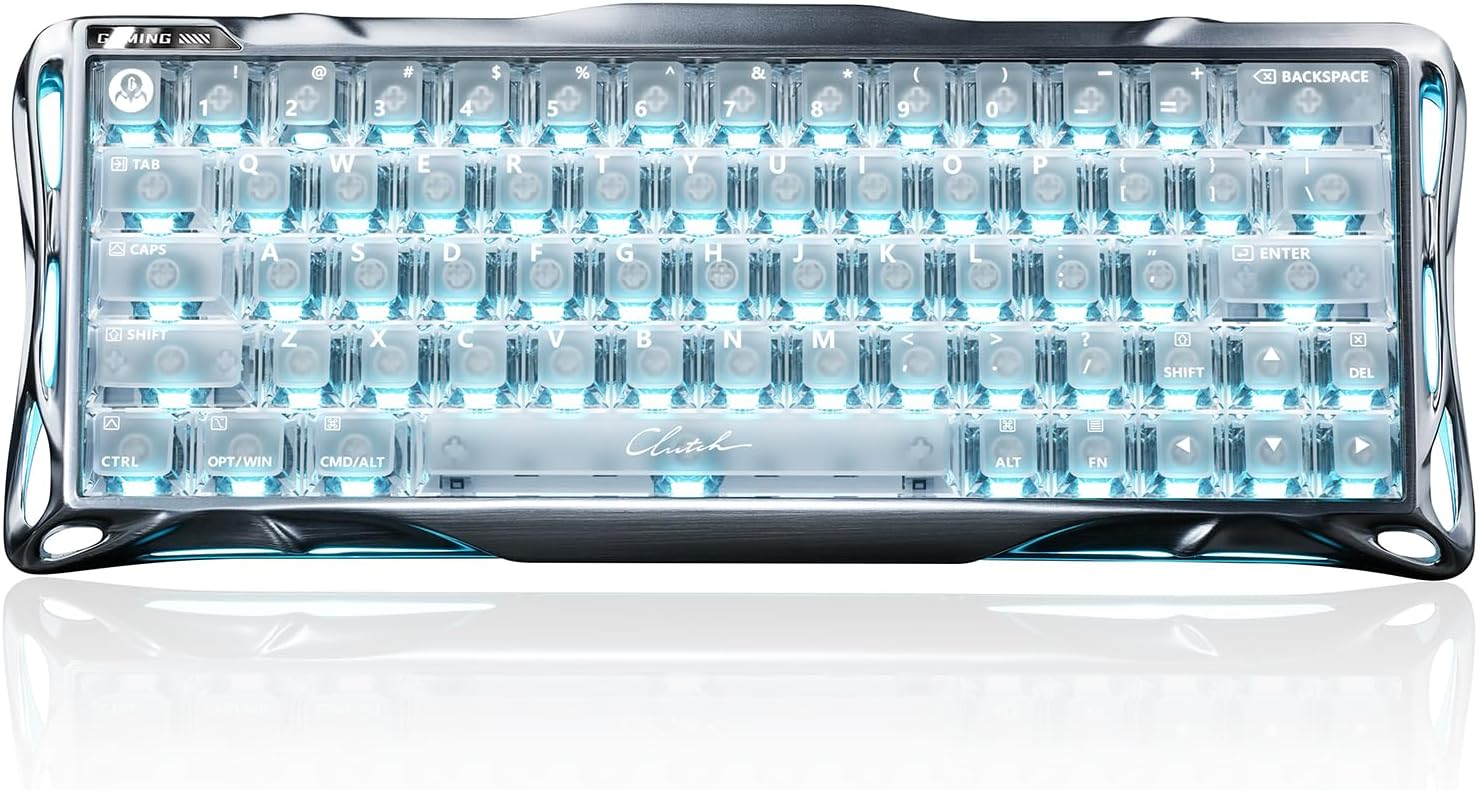
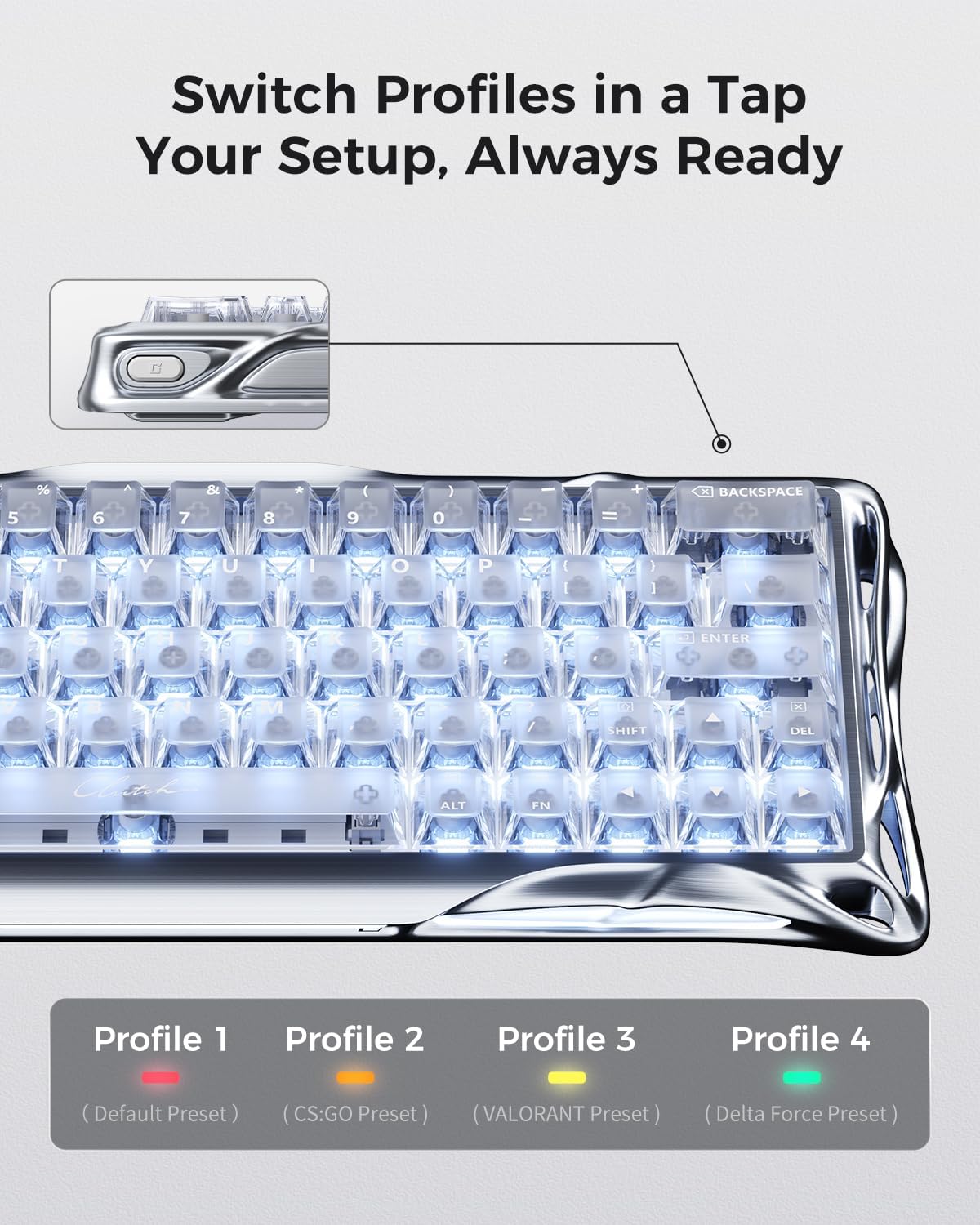
Finally, the CNC aluminum frame and acoustic foam point to a more “finished” feel than basic budget boards, plus there’s web-based customization for RGB modes, macros, and actuation points.
What matters most for fast play
True 8000Hz polling and the low-latency target are the headline here. Instead of treating responsiveness like a vague spec, the V60 Pro is engineered to report input updates faster than standard 1000Hz setups, with the goal of reducing total latency.
It also focuses on control consistency through its magnetic scanning approach. Since it’s described as eliminating physical contact and debounce delay, the keyboard is built to avoid the kind of timing ambiguity some players associate with traditional switch behavior—especially when you’re spamming inputs.
A quick “in the moment” example
Picture a Valorant-style moment: you break contact, re-peek, and need tight movement inputs while also tapping a weapon rapidly. If your current keyboard has a set actuation distance that feels slightly too long for quick strafes, the V60 Pro’s adjustable actuation (as low as 0.005mm) gives you room to tune how early a press registers—then Dynamic Rapid Trigger can help you reset the key quickly for repeating taps.
Key features you’ll actually feel
This board is packed with esports-friendly control modes, including Last Keystroke Prioritization (LKP) and Snap Click for directional changes. It also includes esports SOCD control and analog mapping capabilities—described as using controller mapping technology to capture press depth for throttle and steering simulation. That’s the kind of feature you’ll only care about if you use those movement/vehicle-like inputs, but if you do, it’s a notable differentiator.
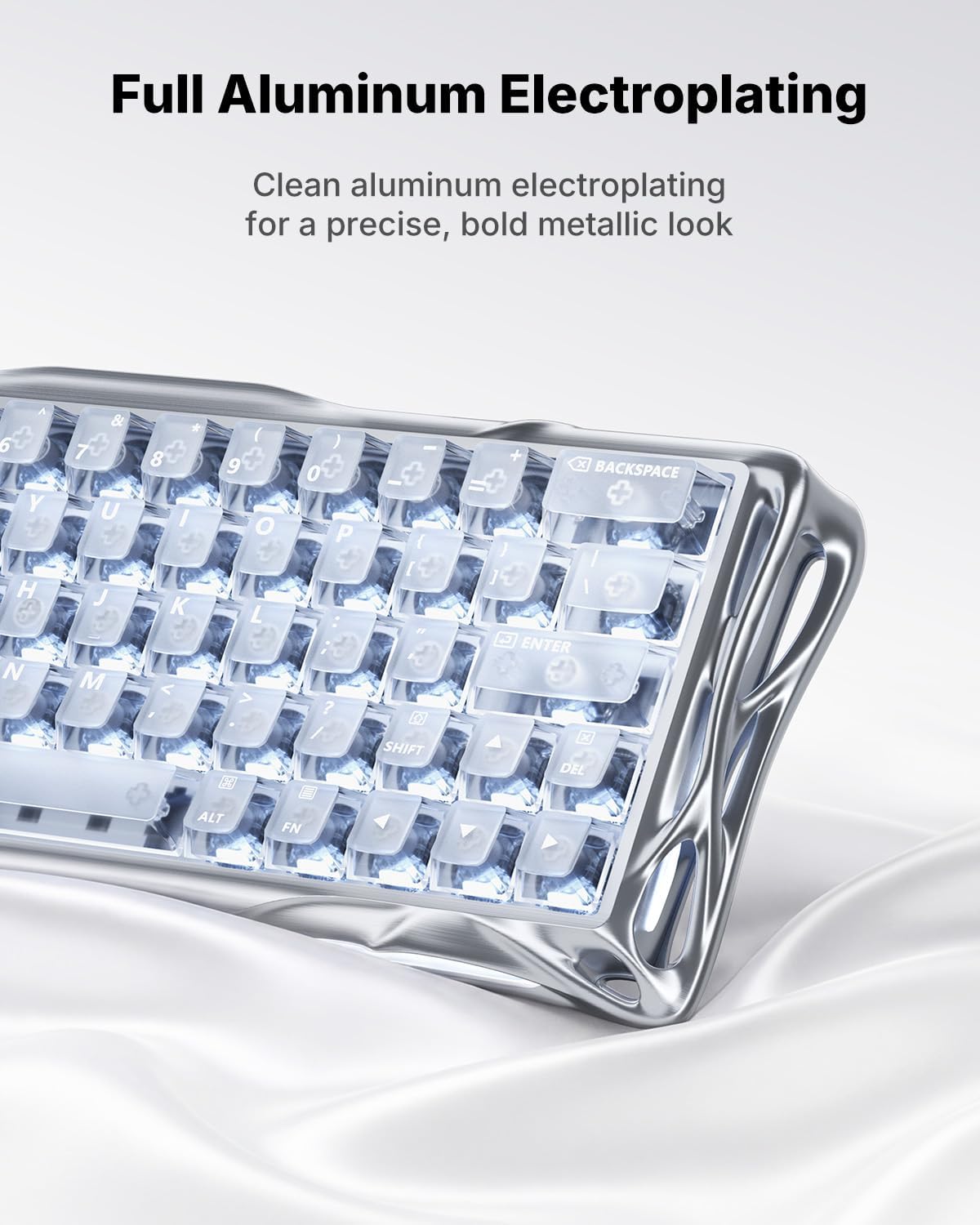
On the sound and build side, it uses a 6063 aluminum alloy frame with 5-layer acoustic foam. That suggests a more refined sound profile (they describe it as “thocky”), and it also aligns with the idea that this is meant to feel solid in hand, not like a light plastic experiment.
One practical detail: customization is handled through a web-based driver, “no software download required” for Windows/Mac systems, which can be a plus if you dislike installing extra utilities.
Tech specs
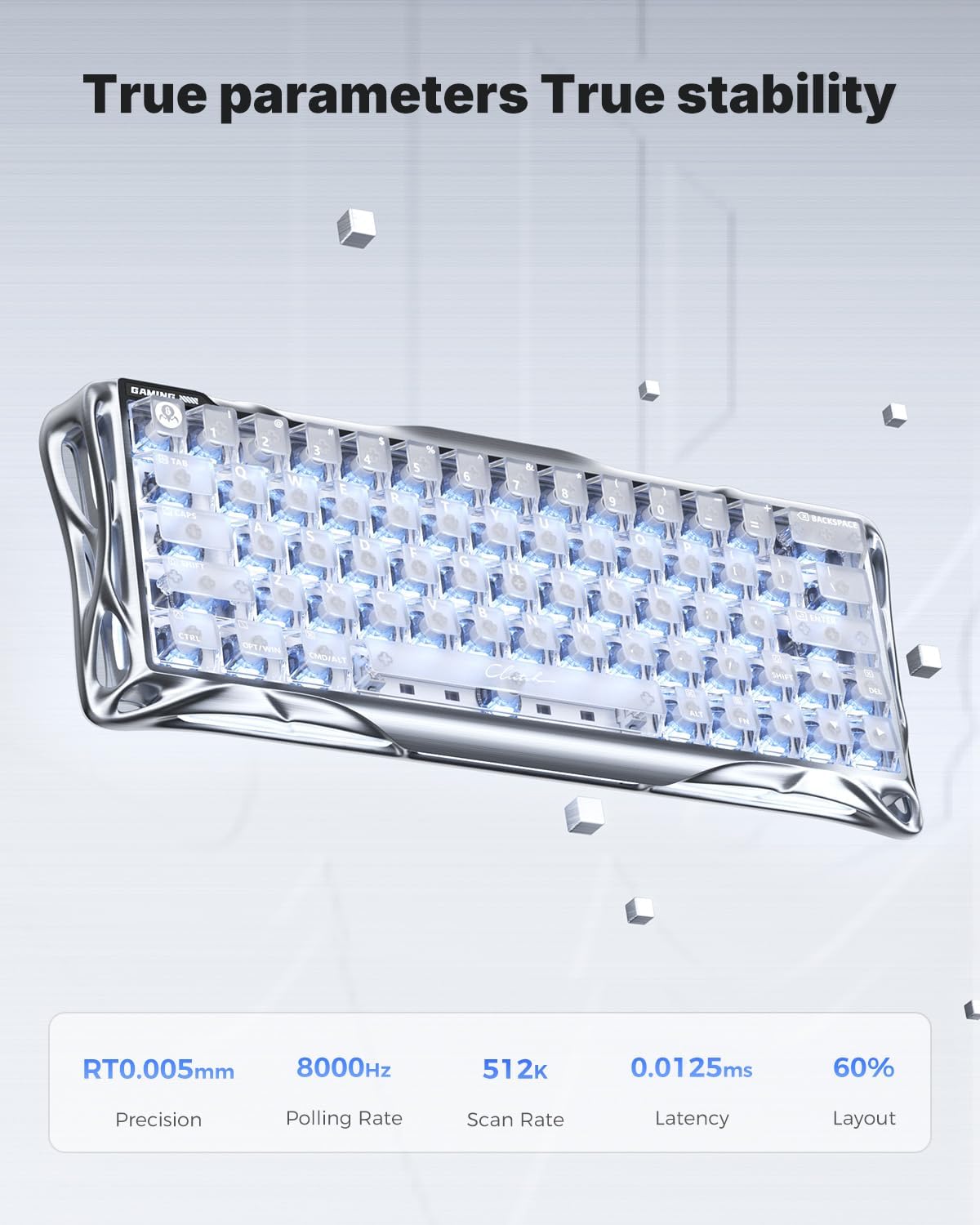
- Type: 60% HE magnetic gaming keyboard
- Polling rate: True 8000Hz
- Latency: 0.125ms
- Actuation adjustment: 0.005mm to 3.5mm (in 0.005mm increments)
- Scanning: 256kHz key-position scanning
- USB update behavior: designed for faster input reporting vs 1000Hz keyboards
Where it shines—and where it may not
It’s a strong fit if you’re chasing measurable responsiveness for competitive shooters like Valorant and CS2, and you’re the kind of player who will tune actuation points instead of leaving defaults. The adjustable actuation and Dynamic Rapid Trigger mode make it easier to match your own tapping rhythm.
It might not be the best match if you want a simple “plug in and forget it” experience. Web-based configuration is fine, but the extra settings (actuation depth, rapid trigger behavior, control modes, macros) mean it rewards users who are willing to spend a little time dialing things in.
Also, if you’re sensitive to sound/feel changes from foam + aluminum builds, it’s worth thinking about whether you actually want that “thocky” character—because different switches, mounting styles, and dampening can be polarizing even when they’re well-designed.
Care & maintenance
Since this is a full aluminum frame with foam and magnetic switch design described for long keystroke lifespan (100M+), routine keyboard care is mostly about keeping dust and debris out of the key area. Use sensible cleaning habits for keyboards (light cleaning tools and gentle routines) rather than anything aggressive, especially around foam and seams.
Should you buy it?
Buy the GravaStar Mercury V60 Pro if your priority is competitive input feel: adjustable 0.005mm actuation, a true 8000Hz polling rate, and magnetic scanning are aimed directly at shrinking latency and improving consistency at high speed. It’s also a smart pick if you want control features like LKP, Snap Click, and SOCD plus the option for analog mapping-style behavior.
Skip it if you prefer a basic setup with minimal tinkering, or if you’re not specifically interested in tuning actuation depth and rapid trigger behavior. For players who only care about general typing or casual gaming, the feature set can feel like overkill—and the “web driver + esports modes” approach may be more complexity than you want.
Mini FAQ
How low is the actuation distance on the Mercury V60 Pro?
The adjustable actuation range is described as 0.005mm to 3.5mm, with 0.005mm increments.
Is the 8000Hz polling rate “true,” or is it marketing?
The product description specifically calls it a “true 8000Hz USB polling rate.”
Does it require installing software on Windows or Mac?
According to the description, customization is done via a web-based driver and it states “no software download required” for Windows/Mac systems.
What games is it positioned for?
The description explicitly mentions competitive speed advantages for fast-paced games like Valorant and CS2.
What’s the main limitation to consider before buying?
The keyboard’s value depends on you using and tuning its advanced actuation and rapid trigger/control features. If you won’t adjust settings or care about those esports behaviors, it may not feel like the smartest purchase.