

Gawfolk Gaming Monitor 27" QHD 120Hz display
Reviews
Price
Product description
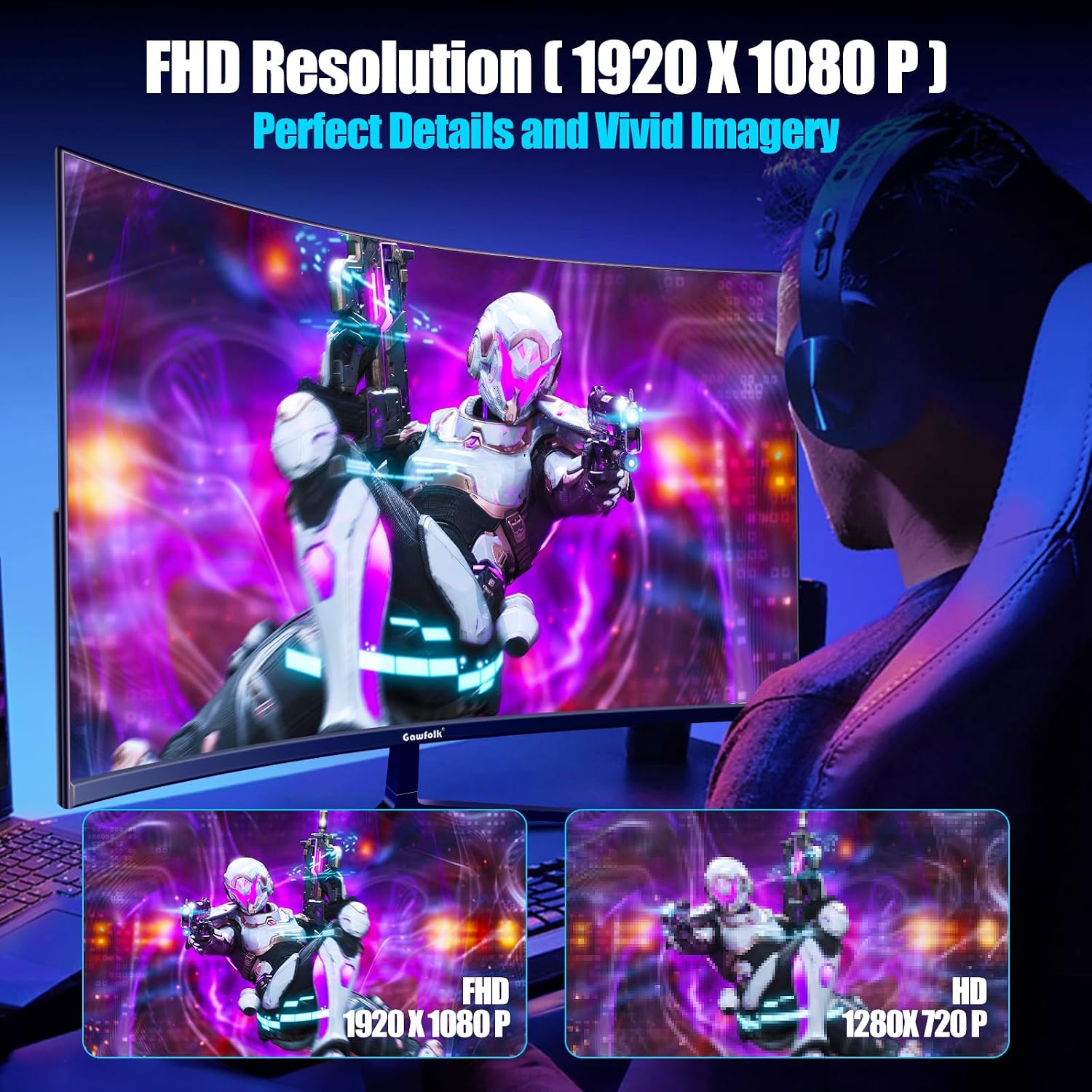
This 27 inch QHD monitor brings sharper detail and wider viewing angles for both gaming and productivity, offering smoother motion for fast-paced scenes and reliable color accuracy for content work. If you want a mid-size display that balances desktop space with a clear 2560×1440 picture, this model supports that need while keeping a slim, near-borderless look.
Key Points
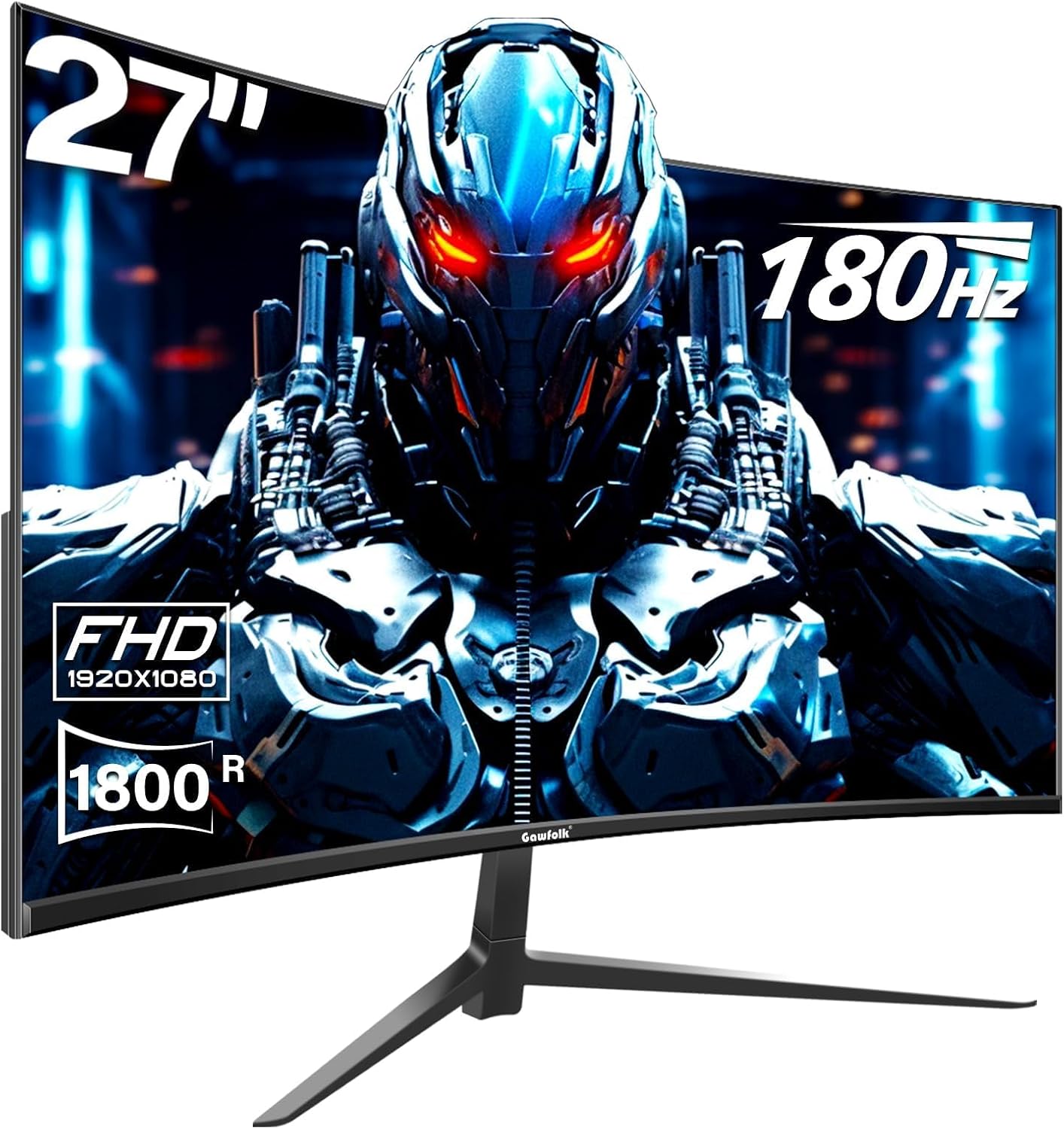
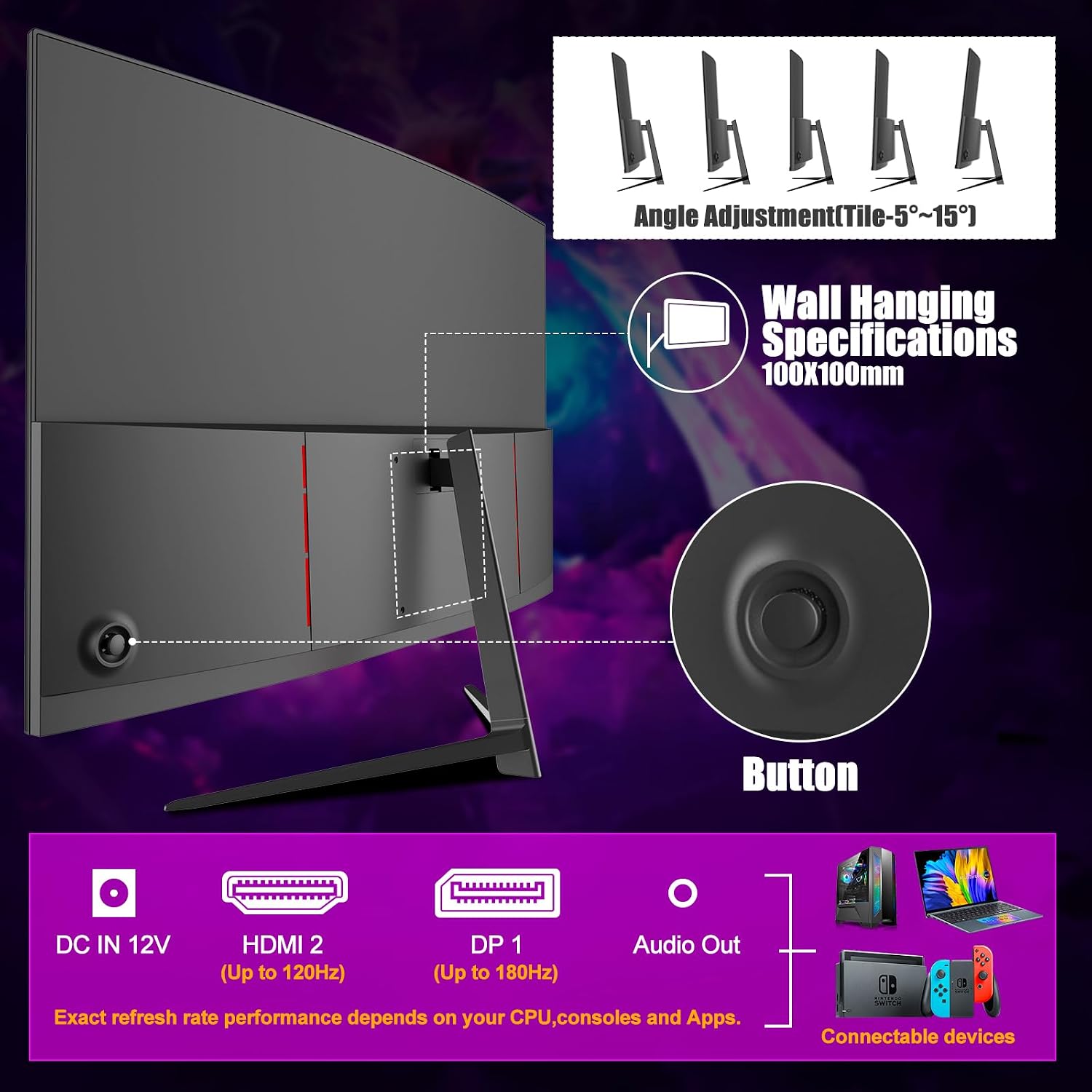
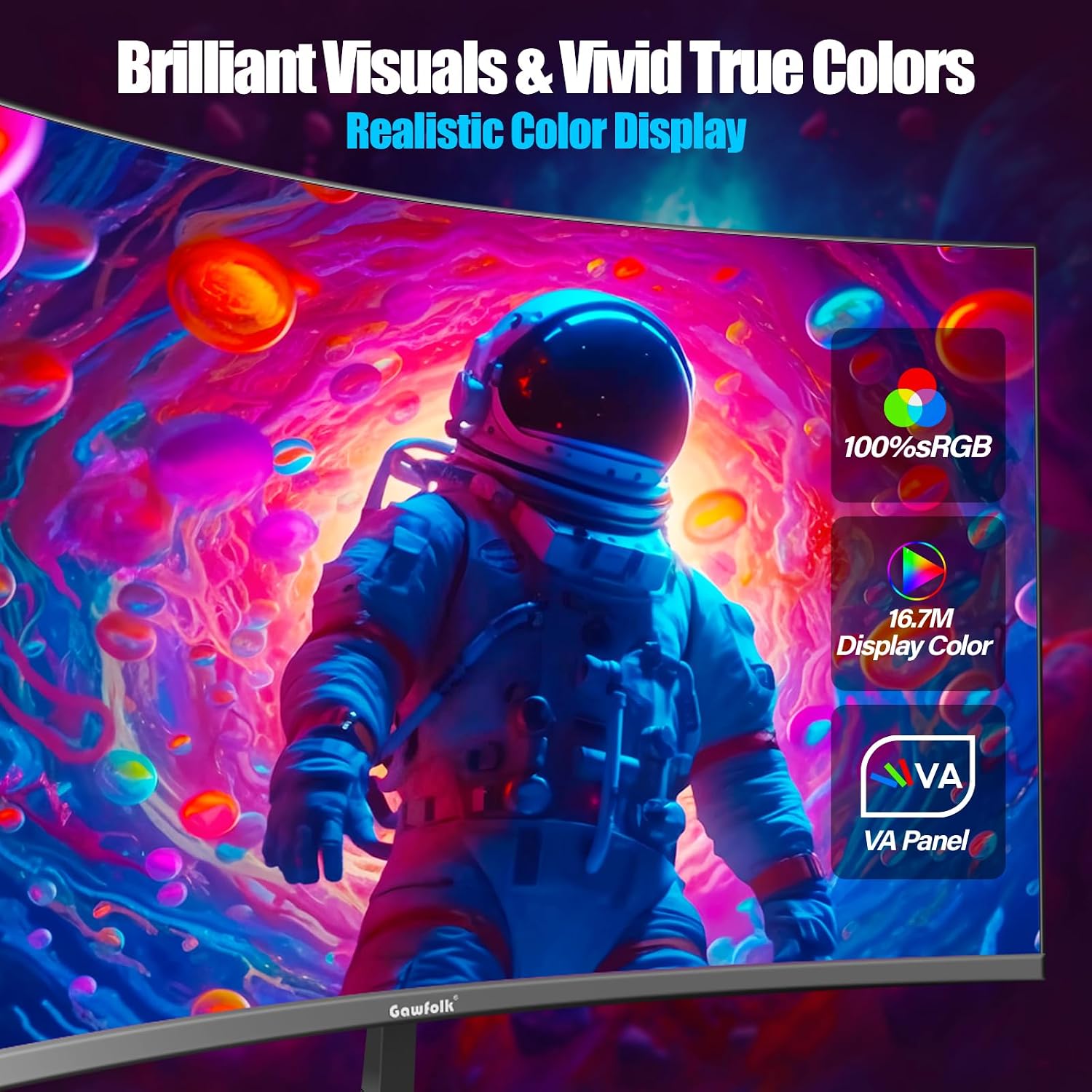
The screen uses an IPS panel to maintain color consistency across wide angles, with a quoted 99% sRGB coverage for more faithful tones during photo editing and everyday use. Gaming sessions benefit from the 120 Hz refresh rate which reduces motion blur and helps keep gameplay fluid, especially in competitive titles. The ultra-thin, zero-frame design minimizes distractions at the edges and makes multi-monitor setups neater. Inputs include HDMI 2.1 and DisplayPort 1.4, enabling high-bandwidth connections to PCs and consoles. 🎮
Technical Specifications
- Name: Gawfolk Gaming Monitor 27 inch QHD IPS
- Screen size: 27 inches
- Resolution: 2560×1440 (QHD)
- Panel type: IPS
- Refresh rate: 120 Hz
- Inputs: HDMI 2.1, DisplayPort 1.4
- Color gamut: 99% sRGB
- Viewing angle: 178 degrees
- Mount: VESA 75 x 75 mm
The Best of This Model
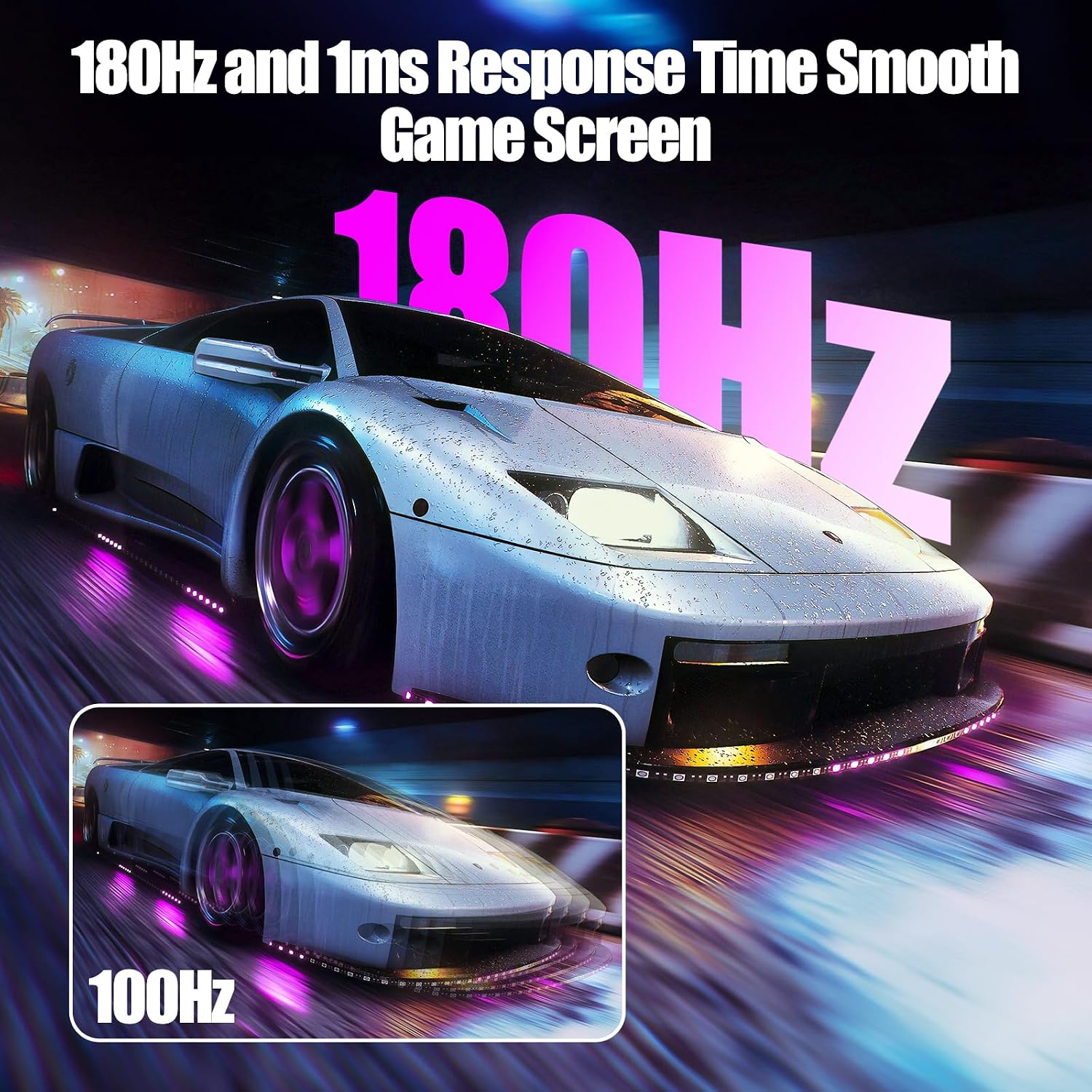
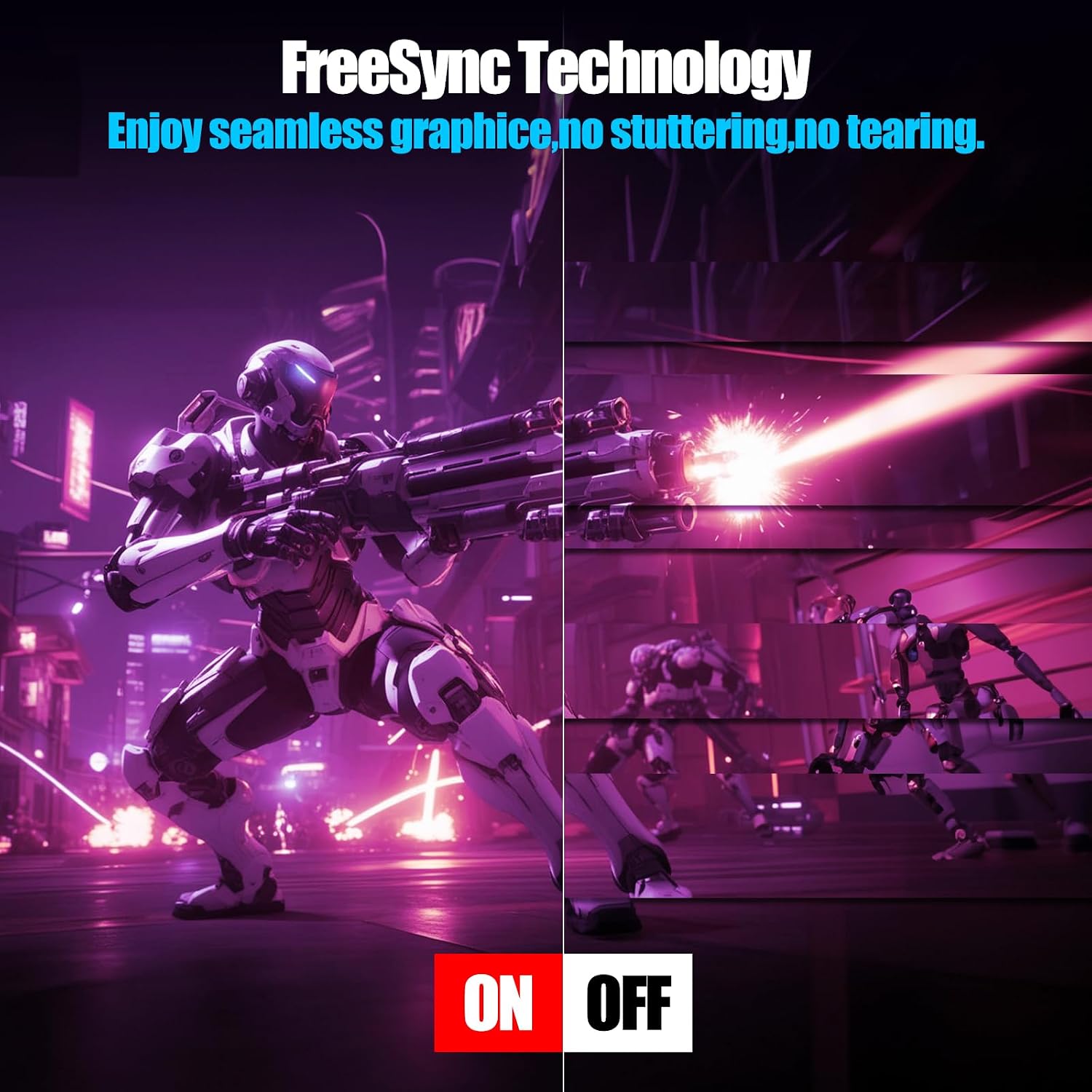
Color fidelity and viewing comfort are consistent strengths thanks to the IPS technology, so long editing sessions and long hours of multitasking remain pleasant. The 120 Hz refresh rate makes motion appear smoother and helps lower visible tearing when used with compatible graphics cards and consoles. For users valuing a tidy workspace, the zero-frame aesthetic and wall-mount compatibility give flexible placement options. 🖥️
Usage Recommendations
Position the monitor at eye level and use the tilt adjustment to reduce neck strain, since the display supports basic ergonomic changes. When gaming on consoles that support 120 Hz over HDMI 2.1, check that the console settings match the monitor’s resolution and refresh rate to get the expected smoothness. For color-sensitive tasks consider calibrating the panel with a hardware calibrator, because manufacturer color specs can vary slightly in practice. Note that while 120 Hz is fast, very high frame rate competitive players may prefer 144 Hz or higher panels if ultimate speed is the priority. ⚙️.