

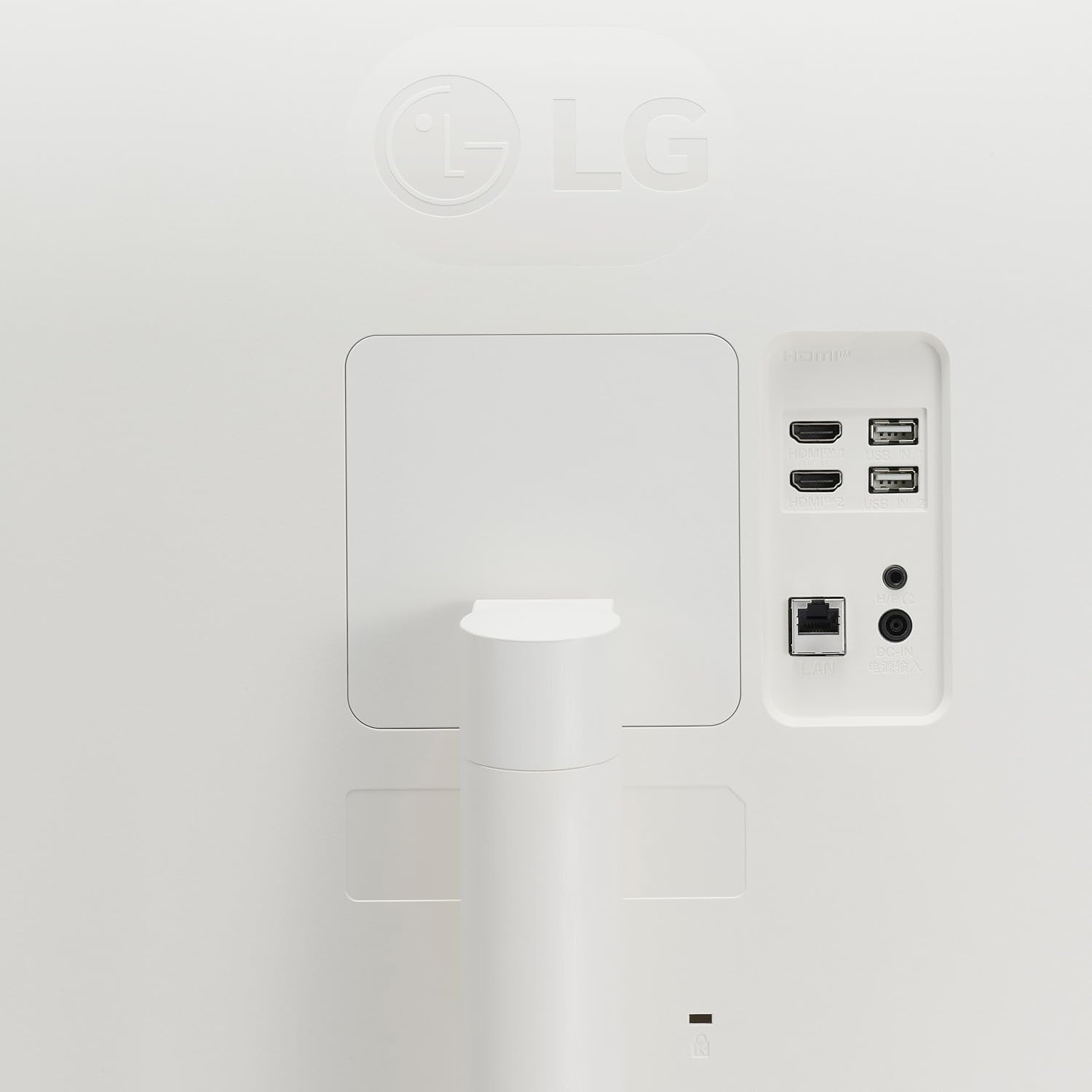
LG 34SR60QC-W 34-inch Curved QHD Smart Monitor (3440x1440) with webOS, HDR10, AirPlay 2, and Bluetooth
Reviews
Price
Product description
Overview: a 34-inch ultrawide smart display built for “work + streaming”
If your day mixes spreadsheets, tabs, and the occasional show break, the LG 34SR60QC-W is aimed directly at that workflow. It’s a 34-inch curved ultrawide QHD monitor with a 21:9 layout, plus built-in LG webOS for streaming without needing to keep a separate computer running.
On paper, it’s not trying to be a hardcore esports gaming monitor first. Instead, it leans toward multitasking comfort, everyday media, and simpler desk setups—especially if you value having apps and casting options available right on the screen.
Where it stands out in day-to-day use
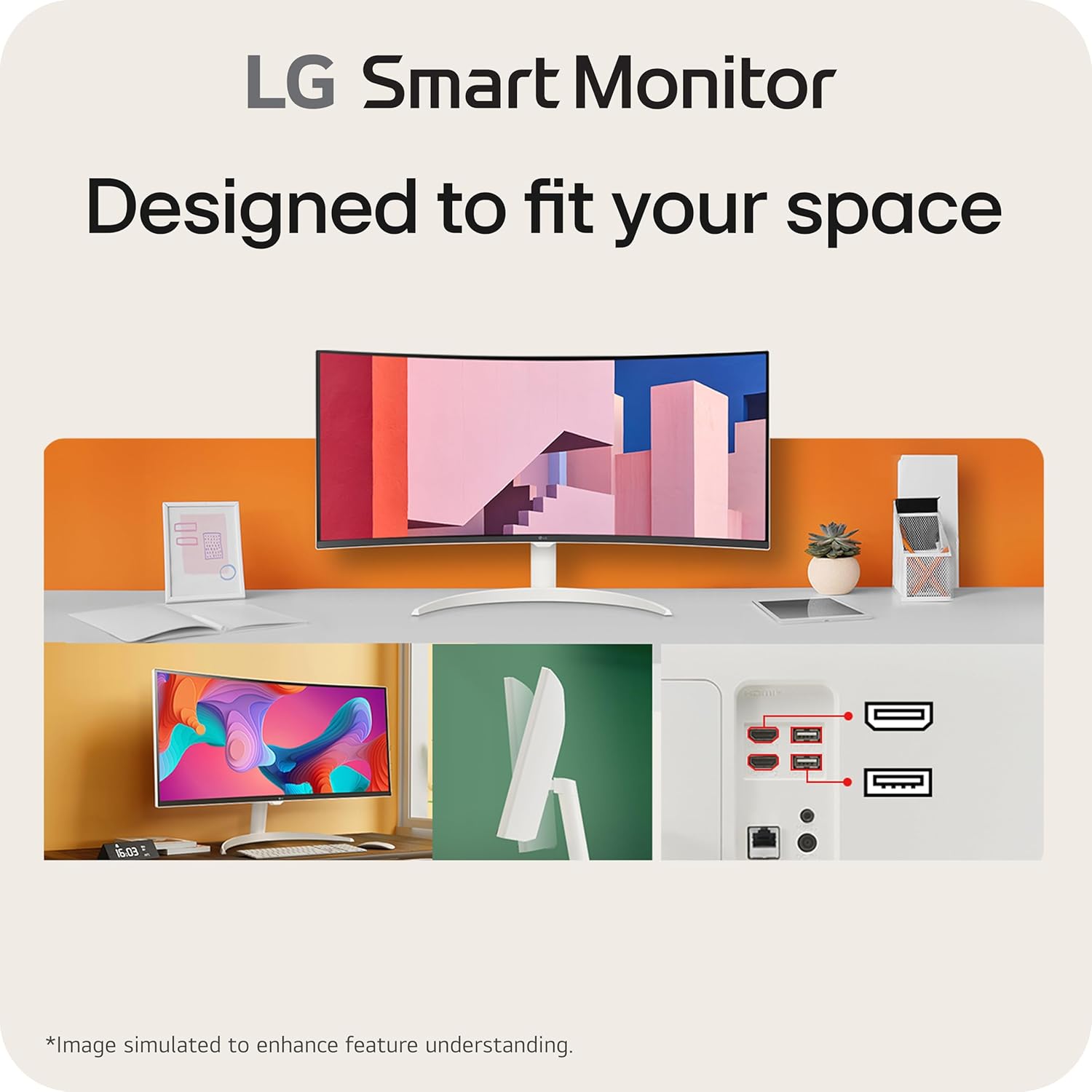
The big differentiator here is the combination of ultrawide workspace and smart features. The display is 3440x1440 with a 21:9 aspect ratio, which LG positions as giving a wider view than a typical 16:9 screen. The curved 1800R design is also meant to wrap your field of view, which can make long sessions feel less “flat” and more immersive.
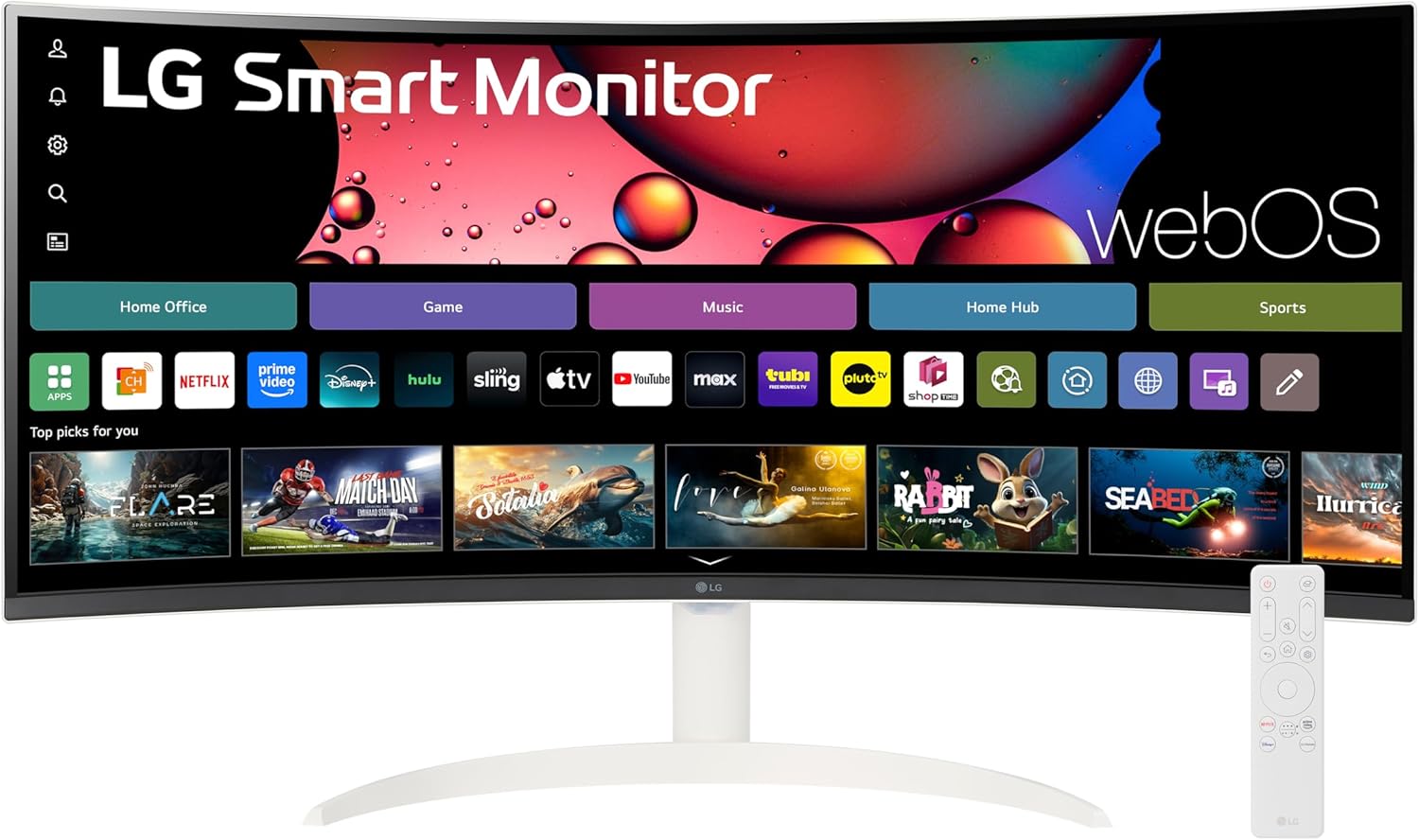
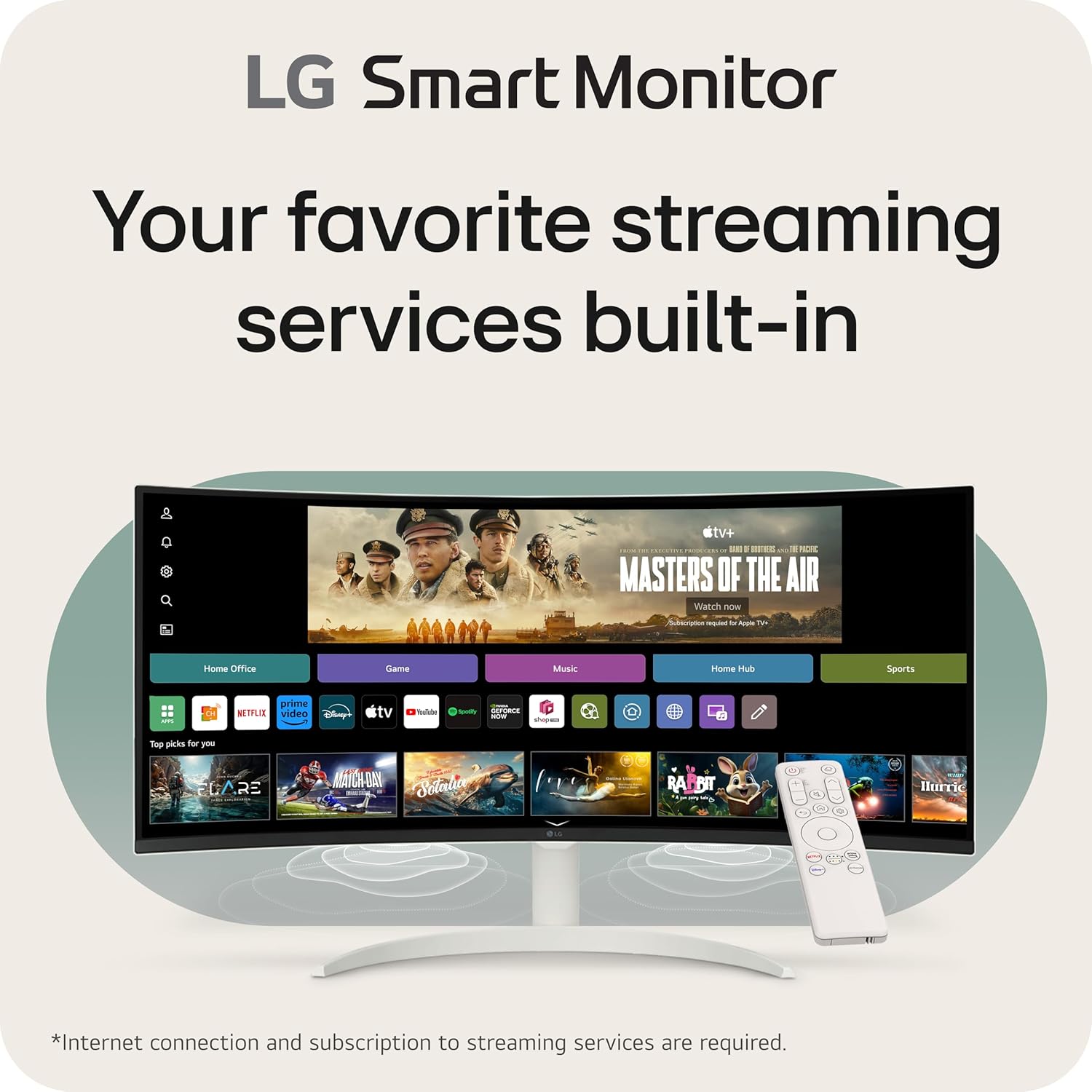
Then there’s webOS built in. Instead of relying entirely on external streaming devices, you get in-monitor access to apps like Netflix, Prime Video, the Apple TV app, Disney+, and HBO Max (based on the information provided). LG also mentions instant access to 300+ free LG Channels, covering categories like comedy, movies, and sports.
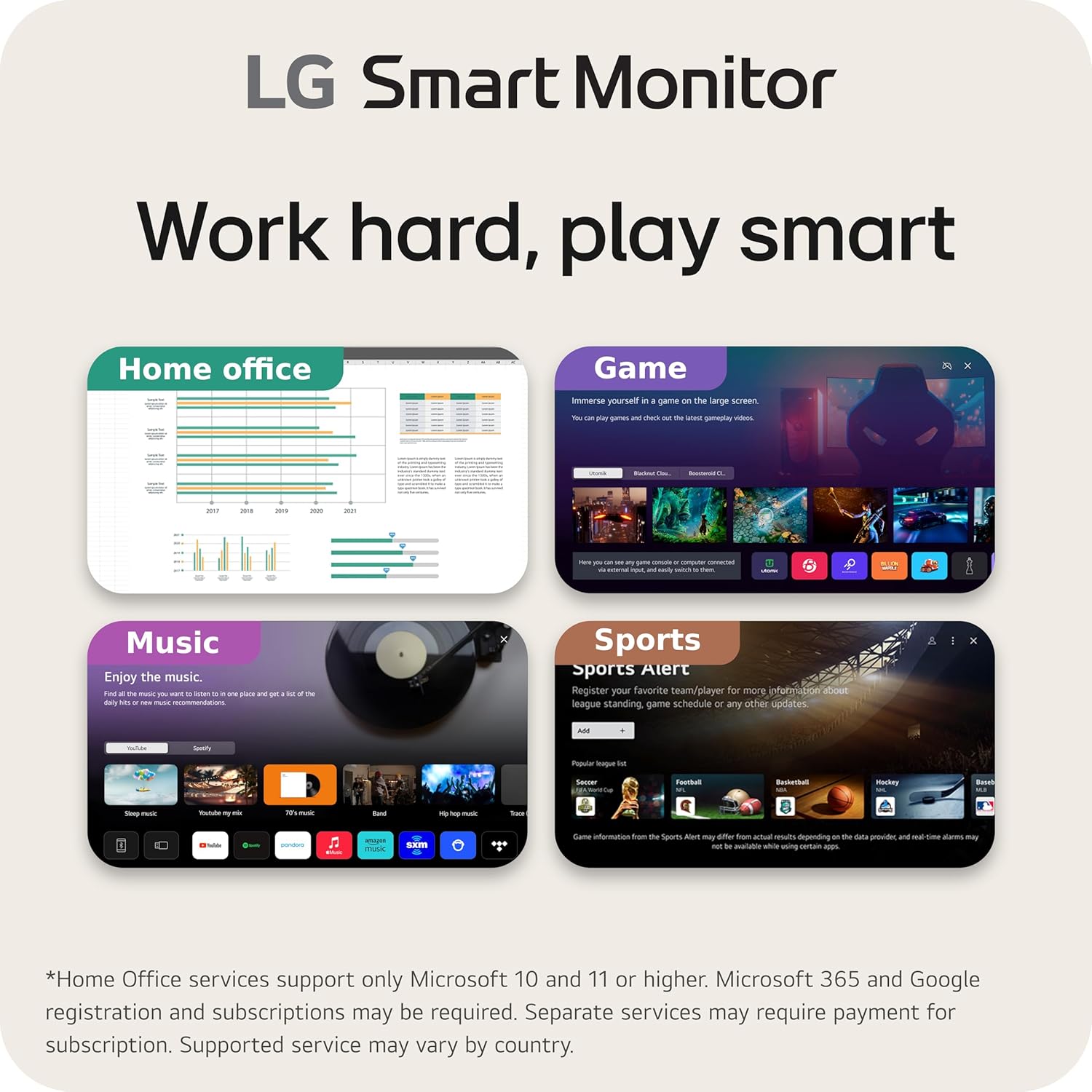
A practical example: you could run a work app on the left side (documents or a dashboard) while keeping a messaging or reference window on the right. When you switch gears after hours, it’s the same display—open webOS, launch a streaming app, and you’re watching without firing up your laptop.
Smart connectivity options that reduce desk clutter
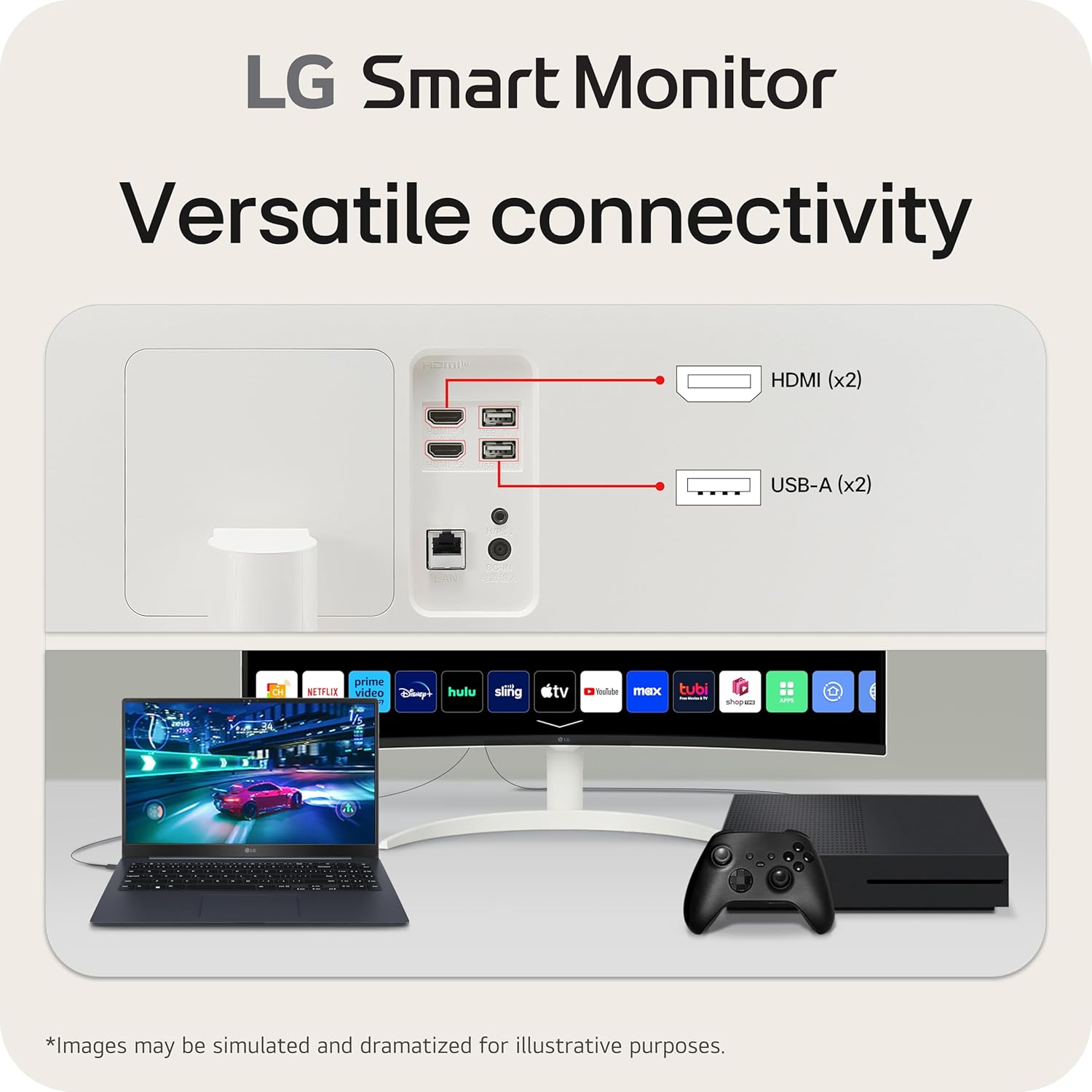
This monitor is designed to connect to multiple devices without making you micromanage every cable swap. According to the details, it includes two HDMI ports and three USB ports, so you can plug in devices like a laptop, desktop, or compatible gaming console.
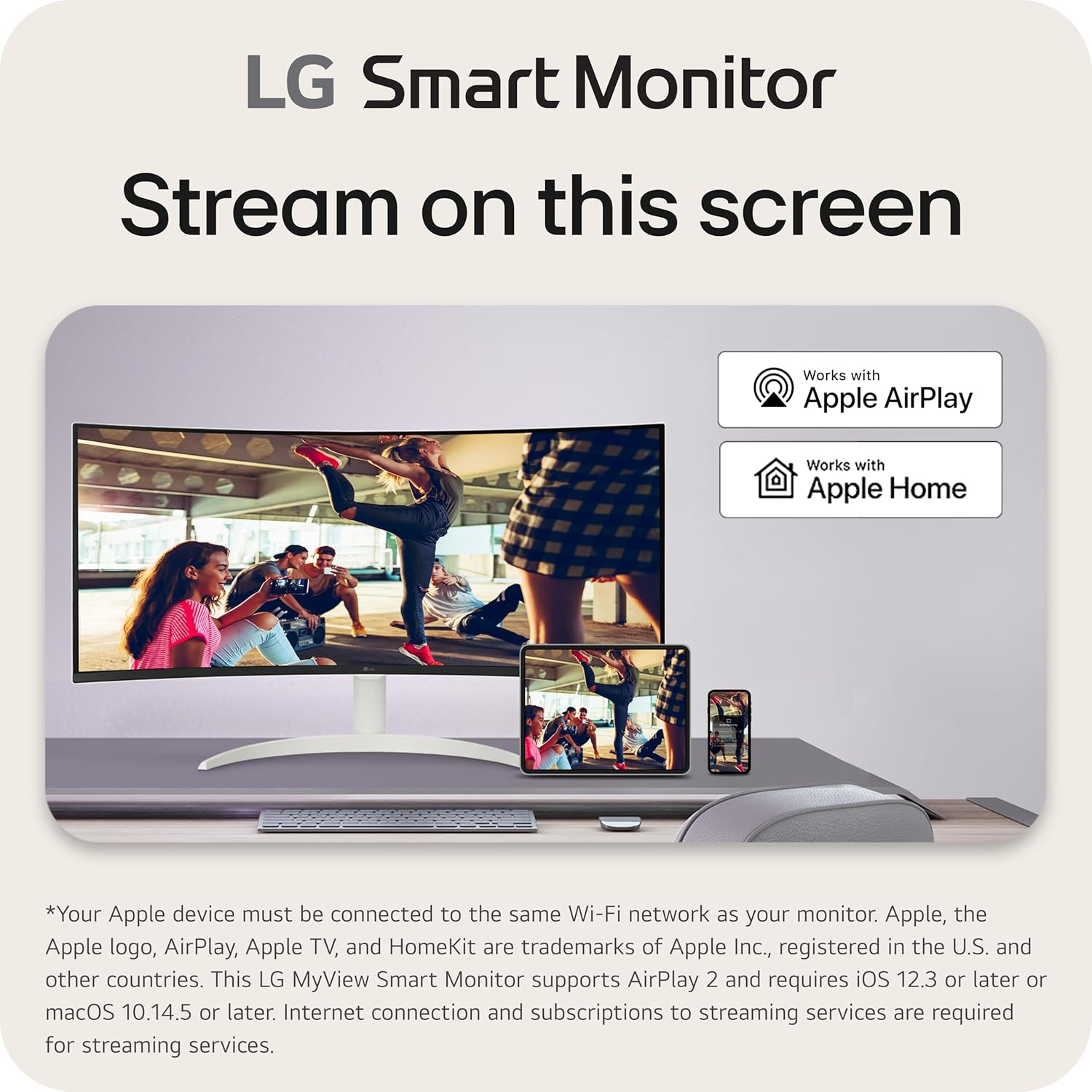
On the wireless/casting side, it supports AirPlay 2, Screen Share, and Bluetooth. That matters if you want to cast from a supported device or use Bluetooth for audio-related use cases. It also pairs with LG’s ThinQ app (mentioned in the description), which can make the smart experience feel more integrated if you’re already in that ecosystem.
One limitation to keep in mind: “smart” still depends on your internet connection and the specific app availability in webOS. If you expect every app you use personally to be present, it’s worth double-checking before buying.
Picture and HDR10: good for everyday, not positioned as a pro display
The LG 34SR60QC-W includes HDR10 support and is described as having up to a 99% sRGB color gamut. In real-world terms, that’s the kind of spec pairing you’d look for if you care about colors looking lively in games and media, and you want more than plain SDR.
Also noted: it has 100Hz. For typical daily use—browsing, office work, and casual gaming—100Hz can feel smoother than standard 60Hz. But if you’re chasing the absolute lowest motion blur or the most demanding competitive gaming performance, this is still more “smart ultrawide for living with your PC” than a specialized high-end gaming machine.
Tech specs snapshot (what you’re actually buying)
Tech specs
- Name: LG 34SR60QC-W
- Type: Curved Smart Monitor
- Screen size: 34-inch
- Resolution: 3440x1440 (QHD)
- Aspect ratio: 21:9
- Curvature: 1800R
- HDR: HDR10
- Refresh rate: 100Hz
- Color gamut: 99% sRGB (as stated)
- Ports: 2 HDMI ports, 3 USB ports
- Built-in smart platform: webOS 23
- Audio: Built-in speaker
- Wireless features: AirPlay 2, Screen Share, Bluetooth
- App support: ThinQ app
- Color: White
Who it’s for (and who should think twice)
It’s a solid match if you want one screen that can genuinely cover multiple roles: workday multitasking, streaming when you don’t feel like turning on extra hardware, and a wider view that feels more “cinematic” than standard 16:9.
It also makes sense if you rely on cloud-style work. The description specifically calls out optimized WFH access to cloud PC services such as Microsoft 365 and Google applications without a PC.
It may not suit you as well if you’re buying primarily for professional color-critical work, because the info provided focuses on sRGB coverage rather than higher-end color spaces. And if your main goal is competitive performance, the details here don’t position it as a top-tier gaming-focused panel.
Is it worth it?
The LG 34SR60QC-W is worth considering if your purchase goal is “one ultrawide smart monitor that does more than just show your desktop.” The webOS 23 built-in access to major streaming apps, combined with AirPlay 2 / Screen Share and the 34-inch 21:9 curved QHD layout, is a strong package for people who want less friction between work and entertainment.
You may want to skip it if you’re looking for a monitor that’s explicitly optimized for high-end professional calibration or specialized competitive gaming features. In that case, you’d likely be better served by a display tuned specifically for those priorities.
Quick buy decision: worth it if ultrawide multitasking + built-in streaming are central to how you use your desk, potentially not the best choice if your priorities are color-accuracy beyond sRGB or dedicated esports performance.
Mini FAQ
What streaming apps are included via webOS?
The description lists built-in access to Netflix, Prime Video, the Apple TV app, Disney+, and HBO Max, plus instant access to 300+ free LG Channels.
Can I stream from my phone without a laptop?
It supports AirPlay 2 and Screen Share, and it also has Bluetooth, so it’s built for wireless-style use cases.
What devices can I connect with the ports?
The monitor includes two HDMI ports and three USB ports, and the description notes connecting to a laptop, desktop, or gaming console.
Does it have built-in audio?
Yes, it includes a built-in speaker.
Final note on HDR and color
It supports HDR10 and is described as covering up to 99% sRGB, but the provided info doesn’t suggest it’s aimed at higher-end professional color workflows.