

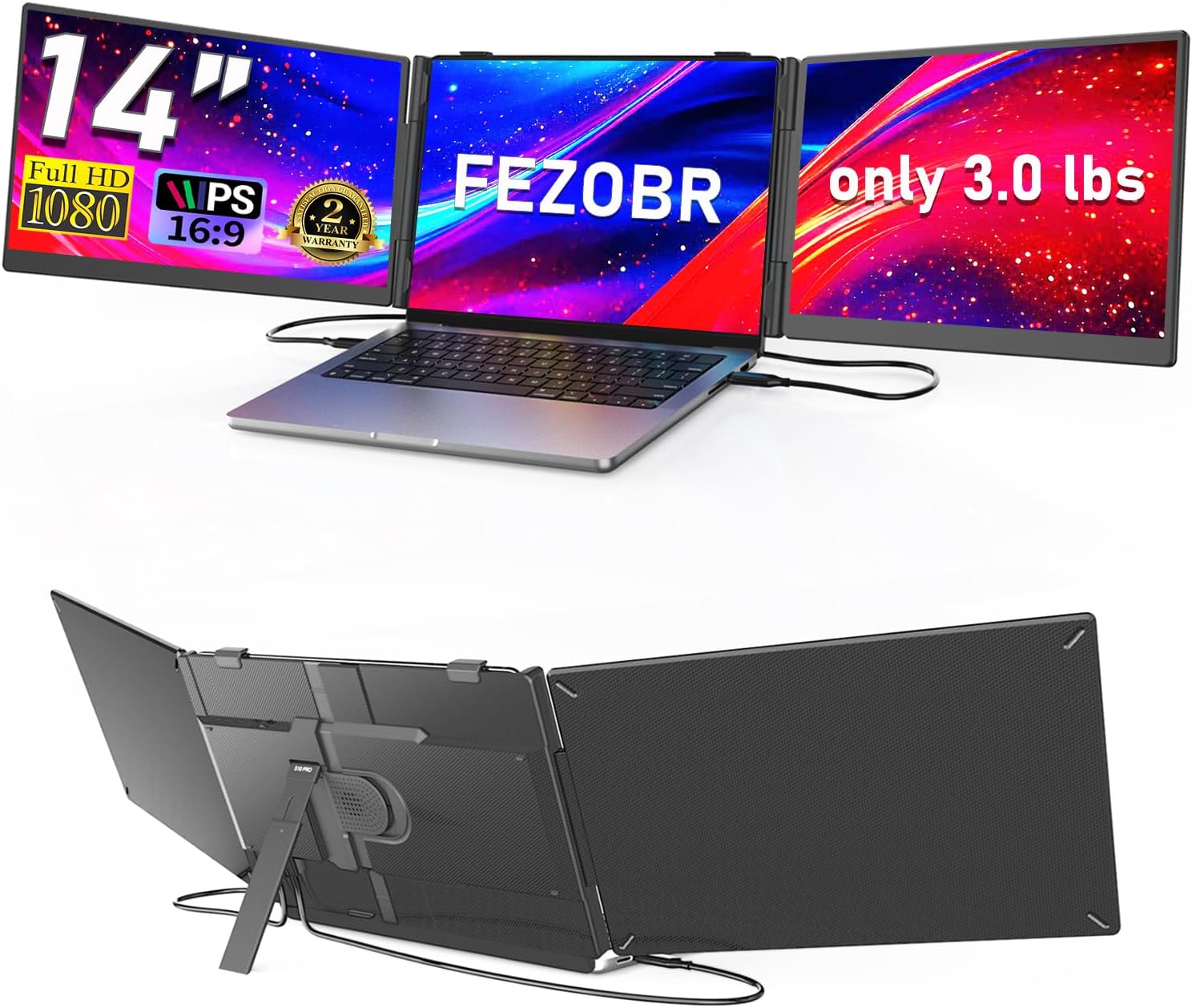
FEZOBR Triple Laptop Screen Extender, 14-Inch
Product description
When a laptop screen feels cramped, switching between a spreadsheet, email, and a video call can interrupt the work you are trying to finish. The FEZOBR extender adds two 14-inch displays to create a three-screen setup around your laptop.
Use the extra panels for separate windows instead of repeatedly minimizing and reopening them. For example, keep a meeting on the laptop, a spreadsheet on one side screen, and email or reference material on the other.
If you prioritize more screen space in one travel-ready setup, this approach may be more convenient than packing separate portable monitors. If you prefer a simple, lightweight laptop with no added screens to attach, it will feel like more gear to manage.
Where it shines
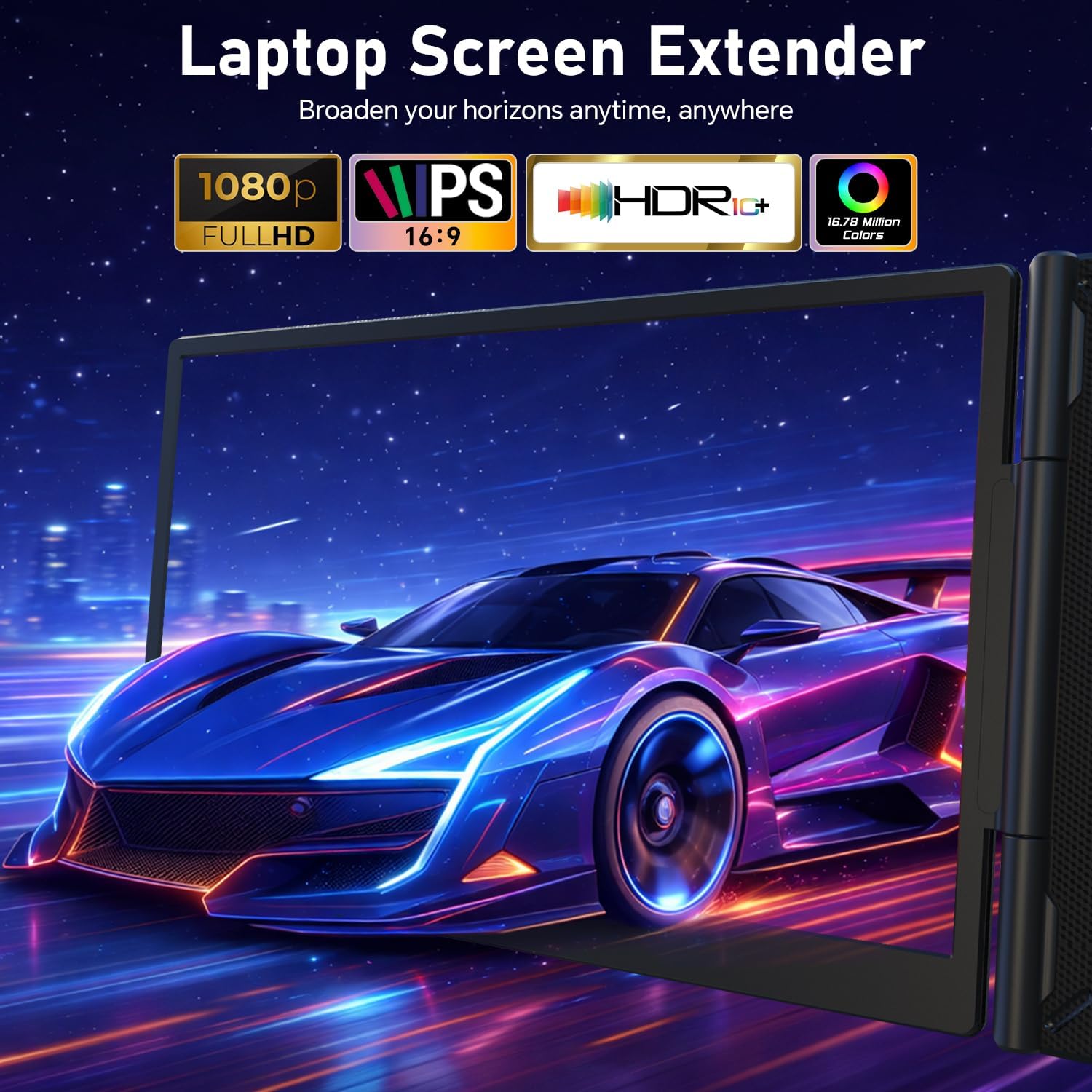
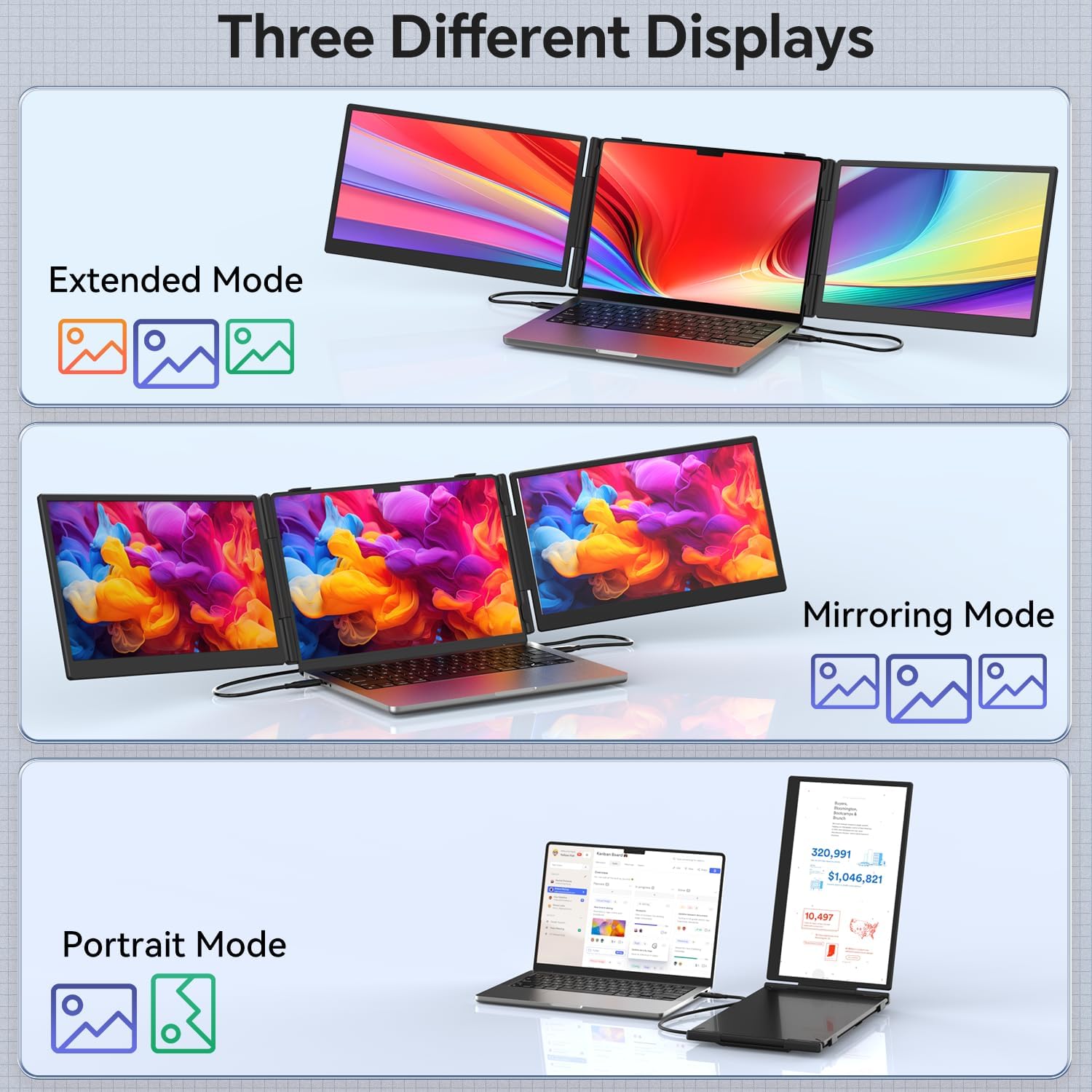
The two panels are 14-inch, 1080p Full HD IPS displays with a stated 178-degree viewing angle. You can extend or mirror the laptop display, and portrait mode is also listed. That flexibility suits work that benefits from keeping several windows visible at once, such as reviewing data while joining a call or comparing documents without constant window switching.
Portability is a central part of the design: the extender is listed as 0.3 inches thick and 3.0 pounds. Its built-in telescopic stand adjusts up to 90 degrees, giving you some control over the viewing angle when setting up at a desk or away from home. The product name lists support for 13–17.3-inch laptops, while the stand description gives a 13–17-inch range, so check your laptop’s size against the specific fit information before choosing it.
What to know
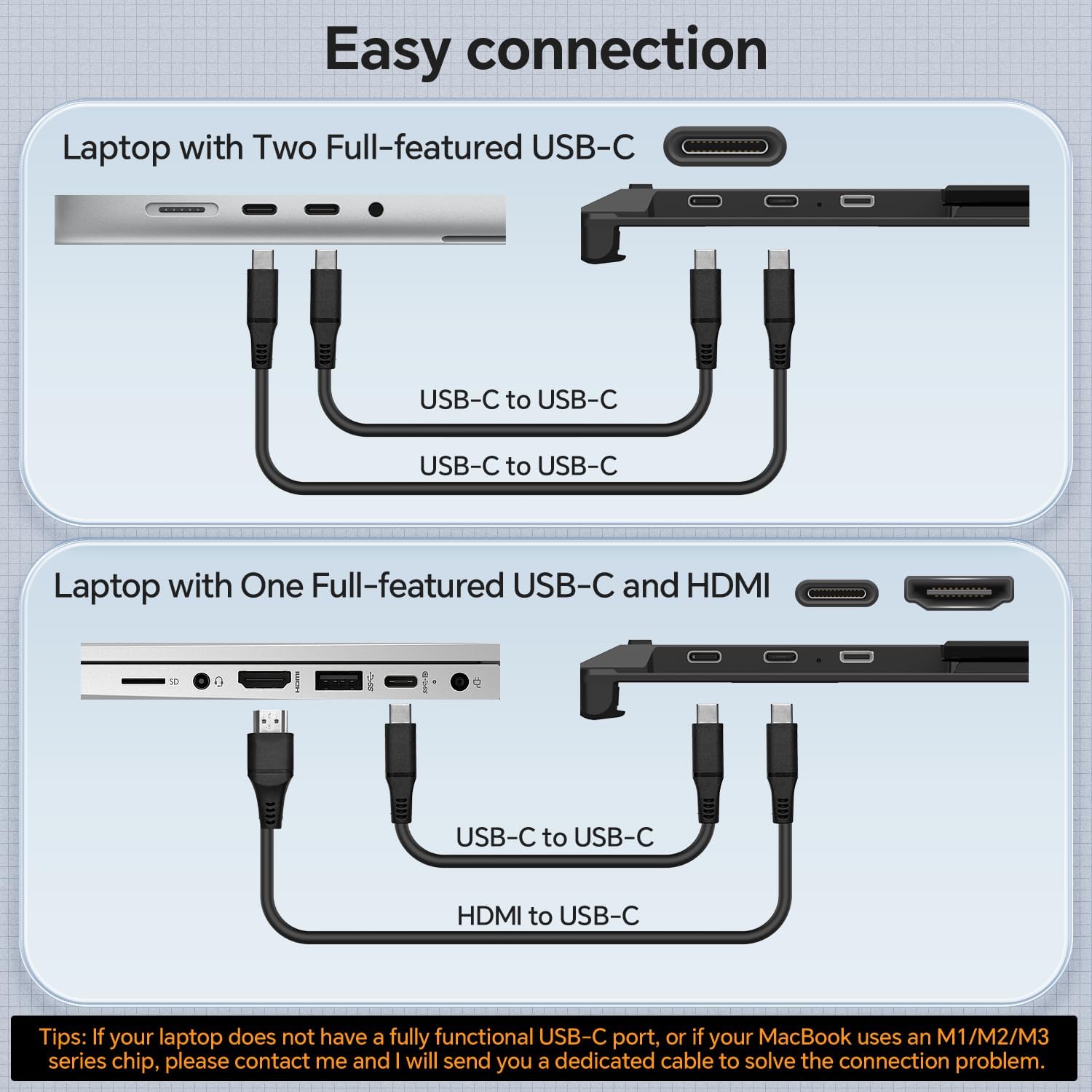
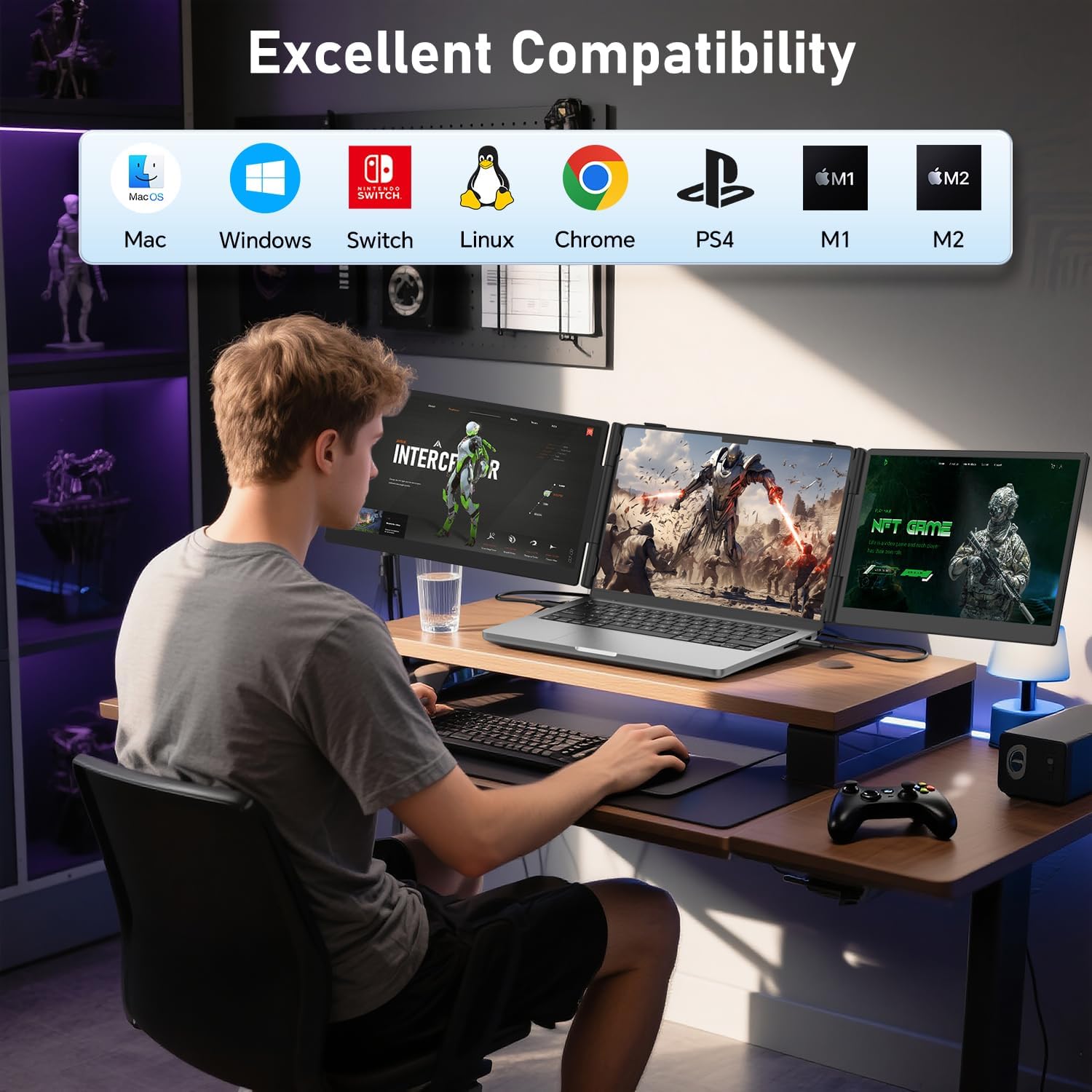
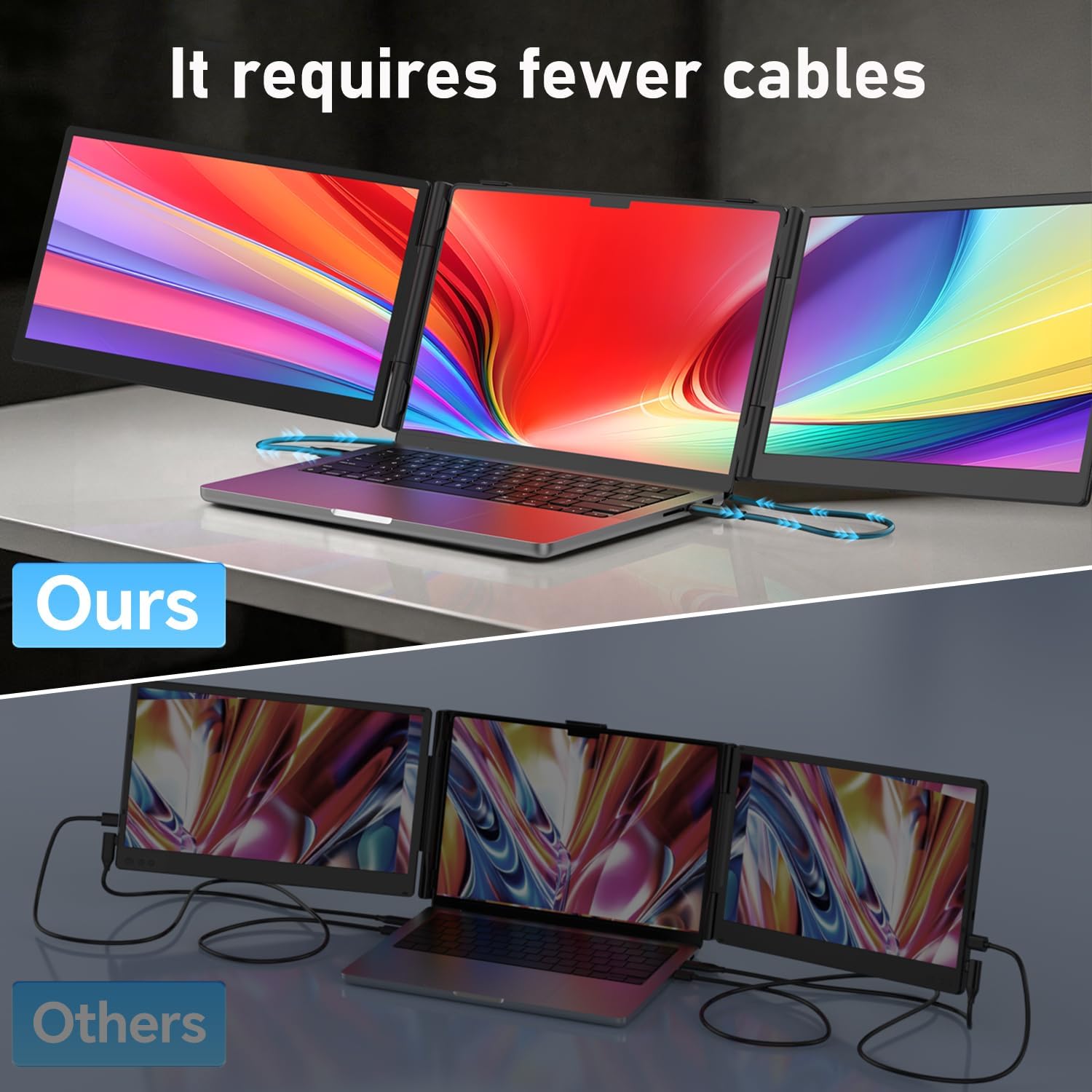
The listed connections include USB-C and HDMI, with USB-C, USB-C-to-USB-A, and HDMI cables included. Setup is described as plug and play without additional drivers for supported devices, but the operating system and connection method matter. Compatibility is listed for Windows, macOS, ChromeOS, Linux, Android, and select gaming devices, that does not mean every device or port will work in the same way.
There is a specific Mac limitation: M1, M2, and M3 MacBook models natively support one external display, and a DisplayLink adapter is required for a dual external-screen setup. Also, if a screen flickers or looks dim, the instructions call for connecting a 5V/6A-or-higher power adapter to the monitor’s dedicated power port. That extra power requirement is worth keeping in mind if you expect a one-cable setup in every situation. A 12-month warranty is stated.
Best use cases
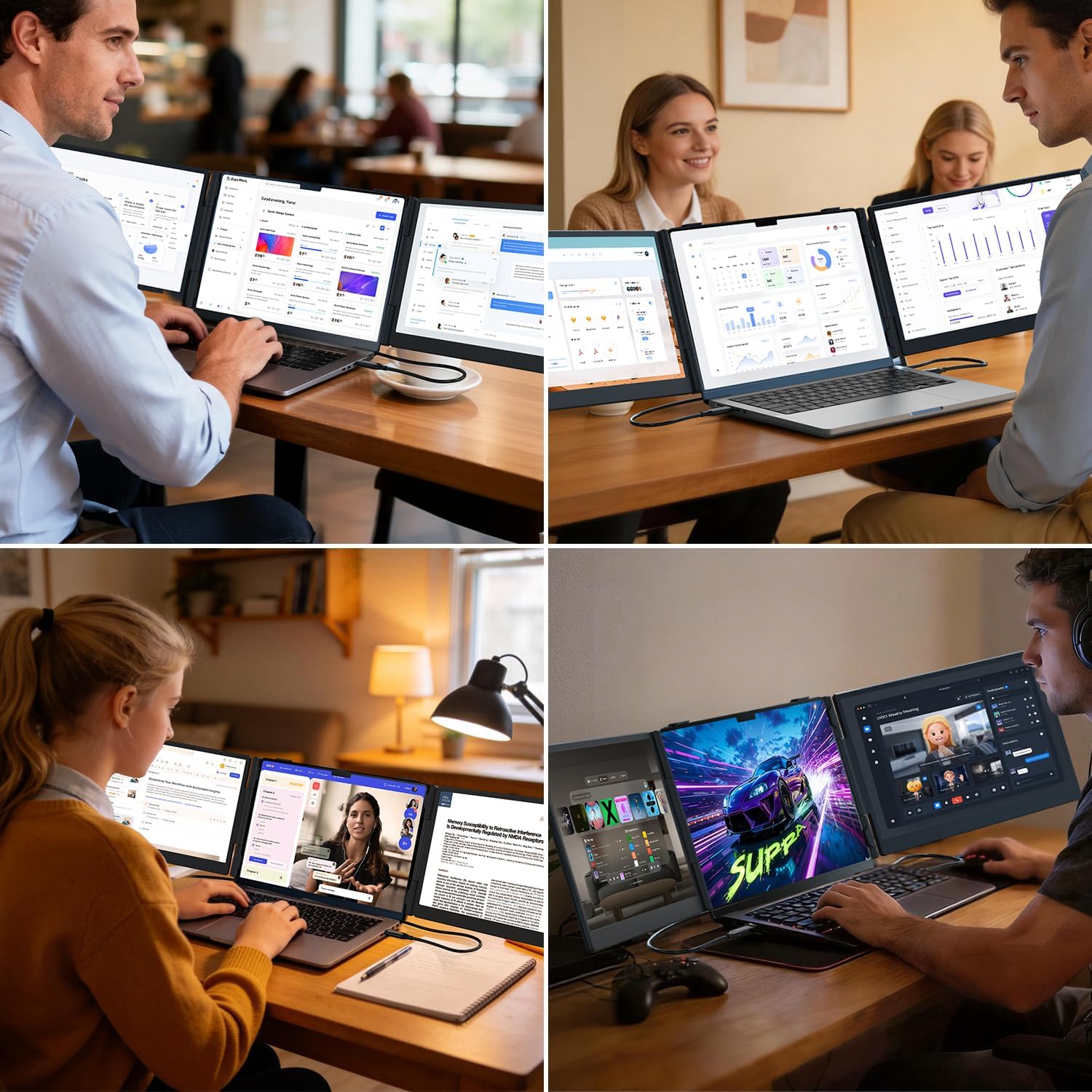
Worth considering if you regularly work across multiple windows and want a portable way to add two screens for travel, study, or remote-work sessions. The setup makes most sense when the added workspace will save you from frequent app switching. On the spec sheet, its Full HD resolution and adjustable stand point to a practical productivity tool rather than a high-resolution replacement for a dedicated desktop display.
Better avoided if you need guaranteed dual-screen support from a MacBook without an adapter, want the lightest possible travel setup, or would use the extra displays only occasionally. Before relying on it for a particular laptop, confirm the size fit and available ports, the listed compatibility spans several systems, but device-specific connection needs still apply.
Is it worth it?
This extender is most compelling when two extra screens would change how you work, not just add more display area. A student could keep class materials open beside notes, while a remote worker could leave a call visible and work in a document without hiding either window. Those are clear benefits over a basic laptop-only setup.
The tradeoff is that portability does not remove setup considerations: the unit adds 3.0 pounds, and some users may need a separate power adapter or DisplayLink equipment depending on their device. Choose it if the multi-screen workflow is useful often enough to justify carrying and connecting the panels. Skip it if your laptop’s display is sufficient or you need an uncomplicated setup with no compatibility caveats.