

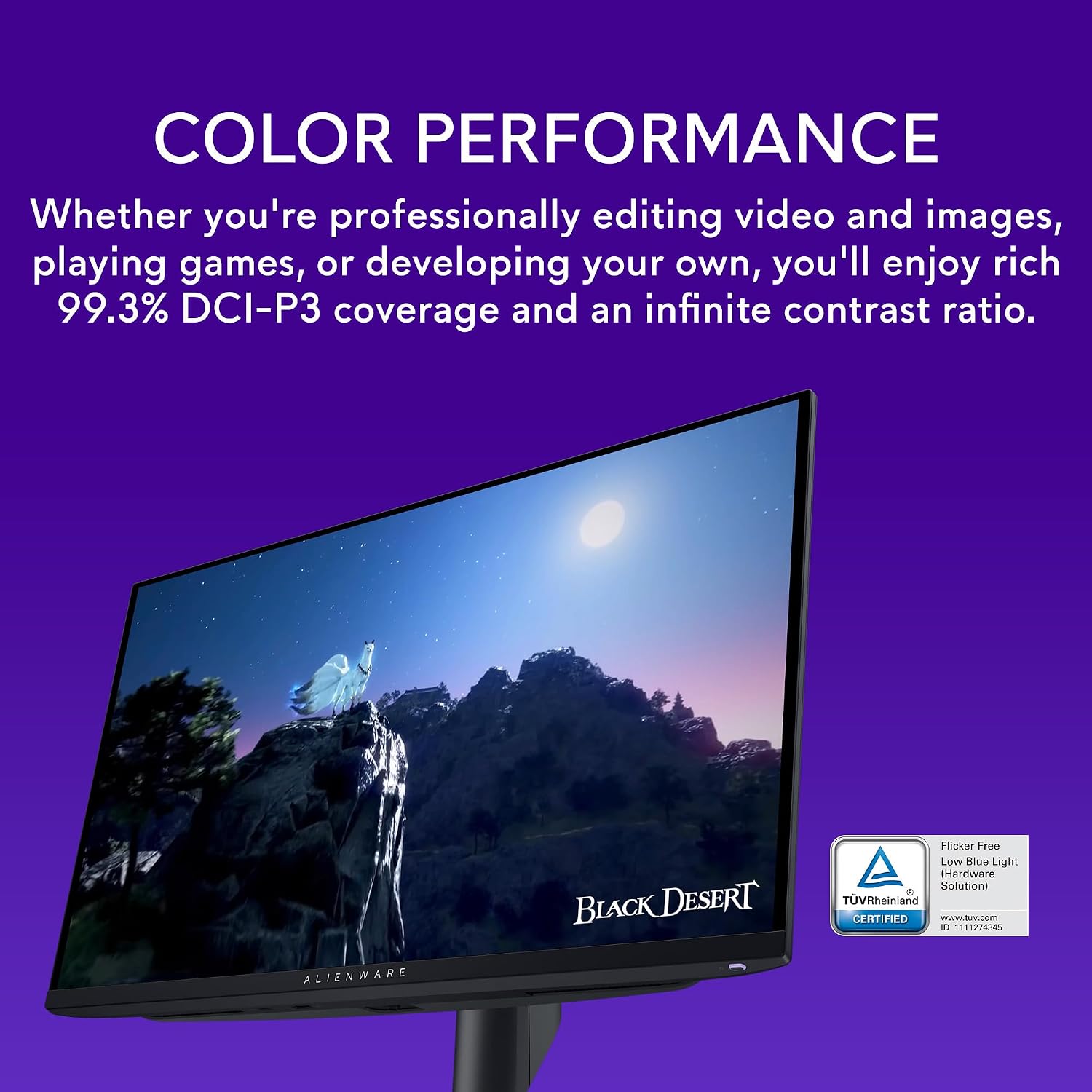
Alienware OLED gaming monitor, 26.7-inch
Product description
Key specifications
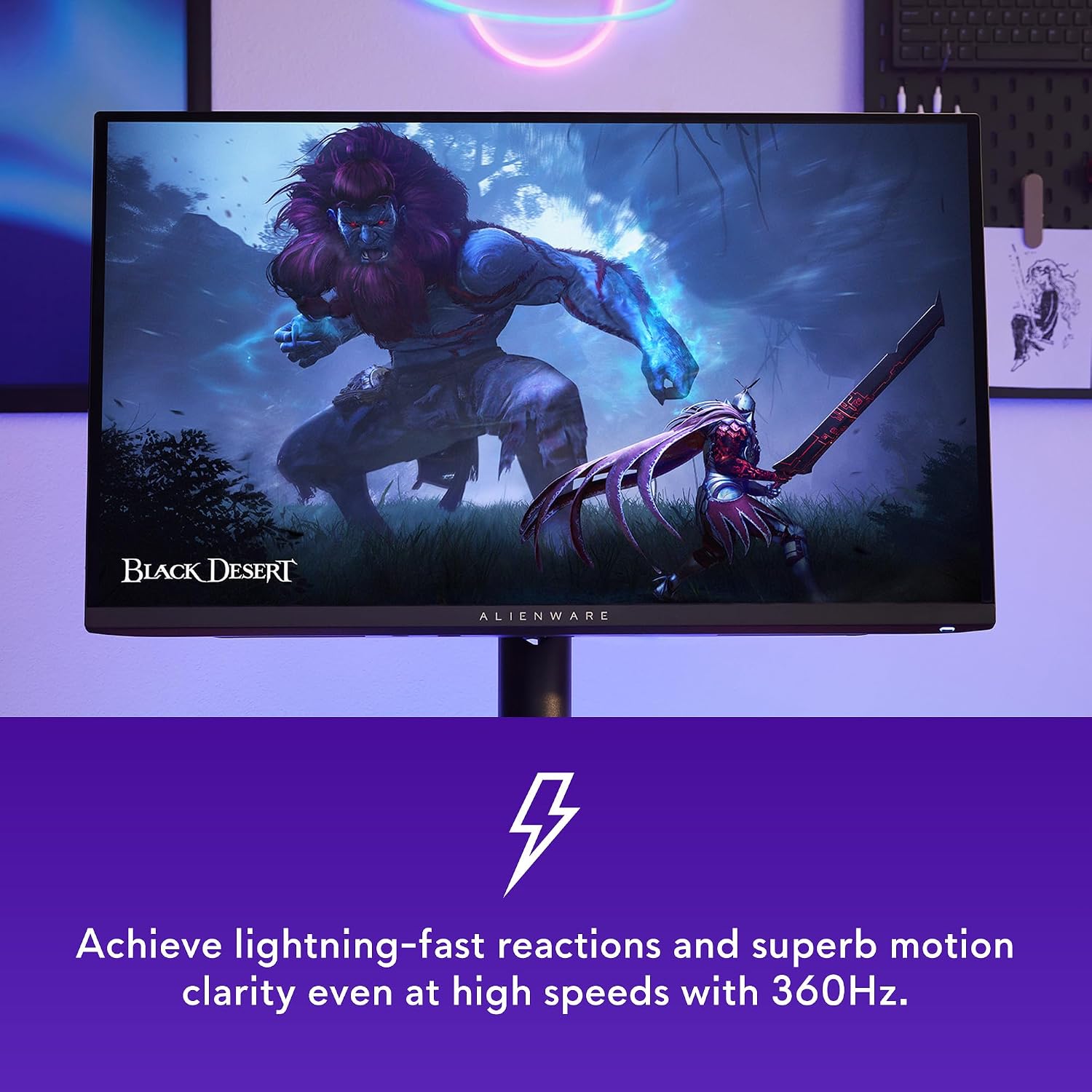
QD-OLED is the AW2725DF’s defining feature: it pairs rich color with deep blacks, while the 2560 x 1440 resolution keeps game visuals detailed without making 4K the focus. The 360Hz refresh rate and 0.03 ms gray-to-gray minimum response time are aimed at fast play, where clear motion can make it easier to follow quick on-screen changes.
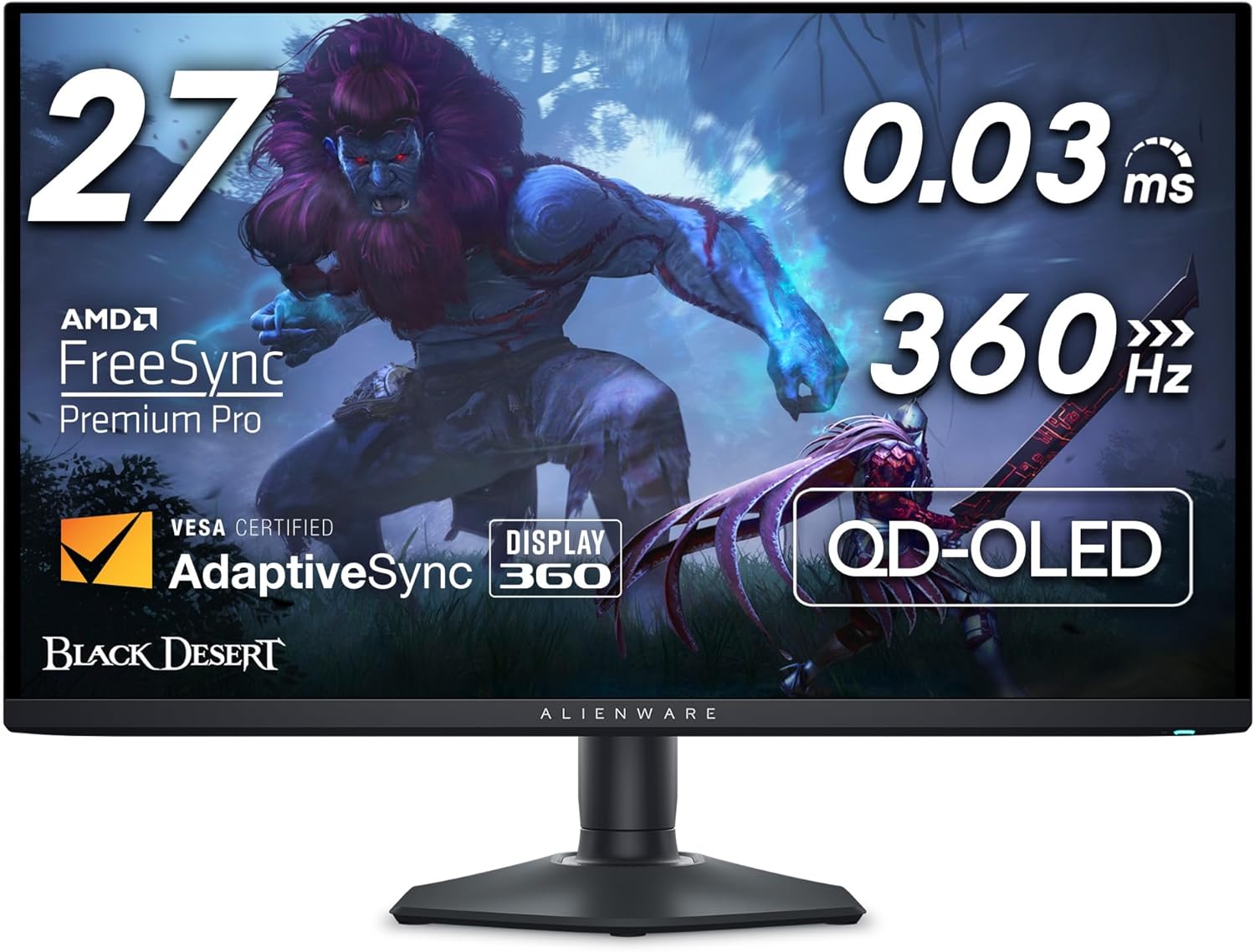
It also supports AMD FreeSync Premium Pro and VESA AdaptiveSync to reduce tearing and stutter. VESA DisplayHDR True Black 400, 99.3% DCI-P3 coverage, and Delta E <2 accuracy round out the picture. On the spec sheet, that’s a strong mix for gaming and color-rich visuals, though this is still a QHD monitor, not a 4K display.
Who it’s for
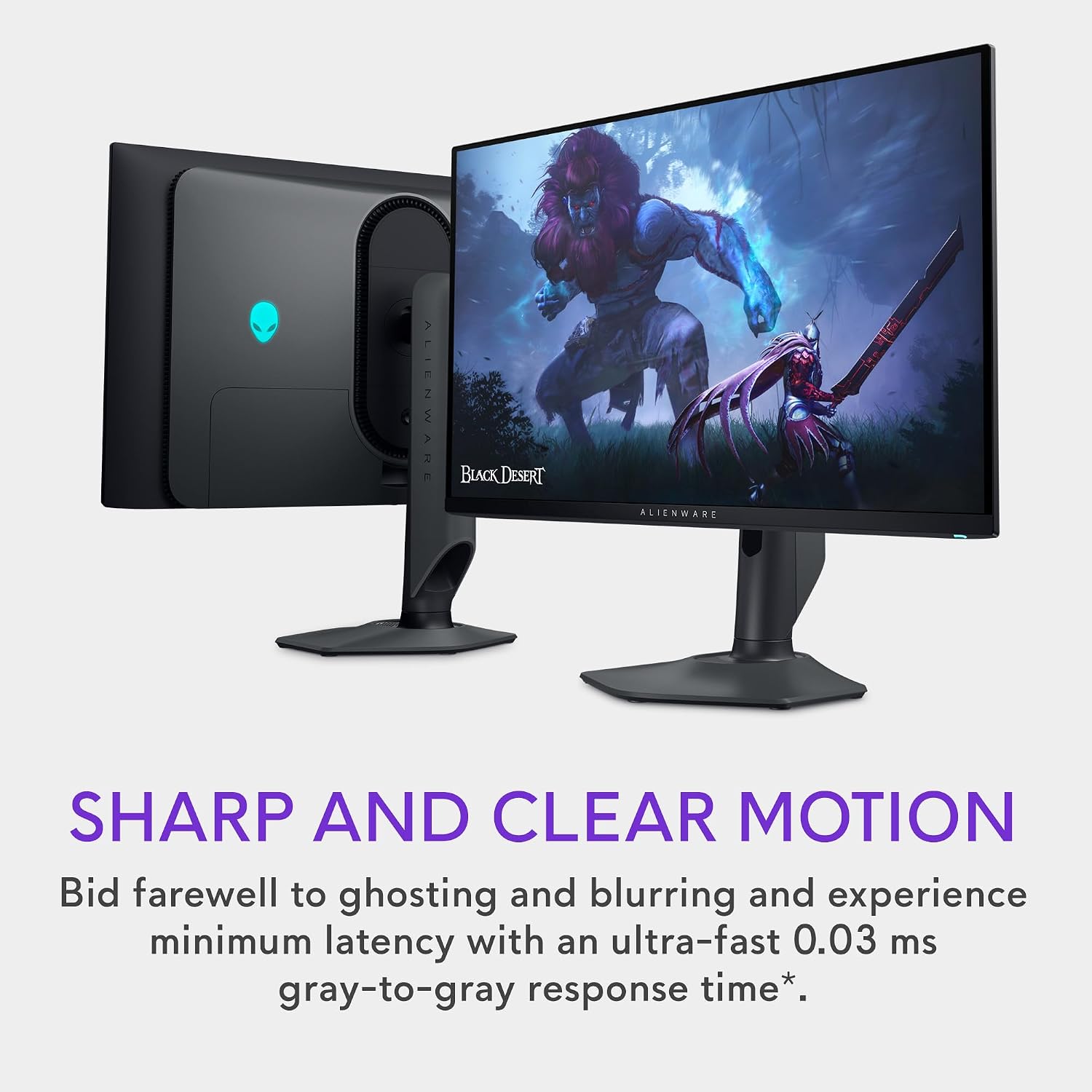
This Alienware makes the most sense for PC gamers who value high refresh rates, responsive motion, and OLED contrast. A fast-paced game can look smoother as you track movement across the screen, while deep blacks help darker scenes retain contrast. Its color coverage and stated accuracy may also appeal to people who want vivid visuals beyond gaming.
A solid pick if motion clarity and contrast matter more to you than 4K resolution. It might not be a great match if your priority is maximum pixel detail or you don’t have a use for a very high refresh rate. The listed specifications don’t say what refresh rate a particular computer and connection will achieve, so don’t assume every setup will make full use of 360Hz.
Everyday use
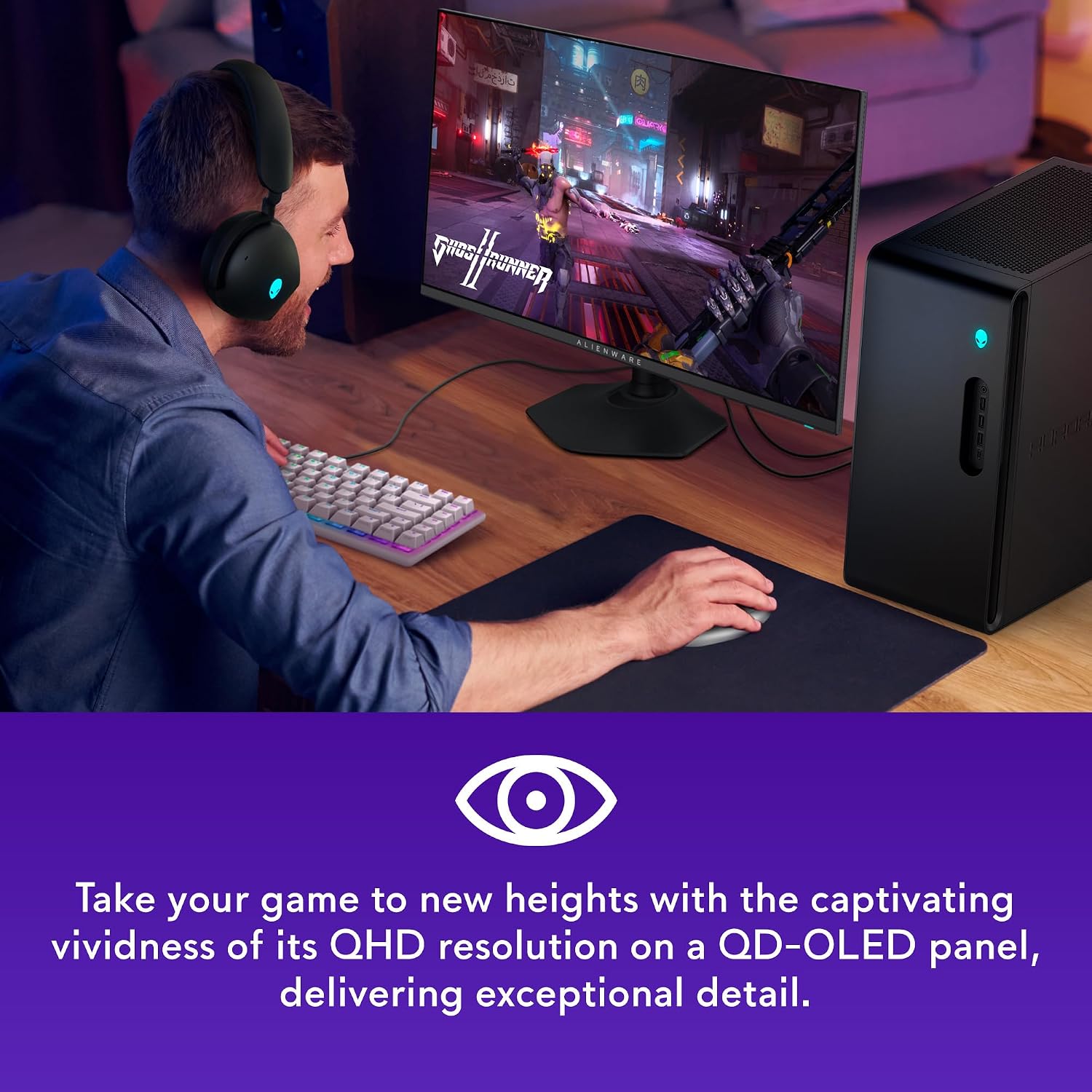
Height, tilt, swivel, and pivot adjustments give you several ways to position the display, whether you prefer a standard landscape setup or want to turn it vertically. HDMI, DisplayPort, and USB 3.2 Gen 1 are listed, offering a range of connection types for a desk setup. The product information doesn’t specify what cables or other accessories come in the box, so it’s best not to count on any unlisted extras.
Compared with a simpler, lower-refresh gaming monitor, the AW2725DF puts more emphasis on speed and OLED picture characteristics. That focus is useful if you play games where quick motion is constant, for slower-paced use, those headline gaming specs may matter less than resolution or other features not provided here.

Before you decide
Is the AW2725DF a 4K monitor? No. Its listed resolution is 2560 x 1440, also known as QHD.
What makes it a high-refresh-rate gaming monitor? It has a 360Hz refresh rate and a 0.03 ms gray-to-gray minimum response time. Those figures target smooth, responsive motion, though your system’s actual output is not stated.
Can you adjust its position? Yes. Height, tilt, swivel, and pivot adjustments are listed, along with HDMI, DisplayPort, and USB 3.2 Gen 1 connections.
Should you buy it?
Choose the AW2725DF if you want QD-OLED contrast and color, QHD resolution, and a 360Hz refresh rate in one gaming monitor—and your setup and play style can make use of that speed. Its listed adjustability also helps if positioning the screen matters at your desk. Skip it if 4K detail is the deciding factor, or if you’d rather prioritize a more basic display than pay attention to high-refresh gaming features. The key tradeoff is clear: this model favors motion and OLED image characteristics over a higher resolution.