

EPOMAKER Galaxy100 Lite 1800 Aluminum Gaming Keyboard ⌨
Product description
This compact mechanical keyboard combines a solid aluminum shell with a gasket-mounted layout to deliver a smooth, cushioned typing feel for work and gaming. It includes a full numpad and multiple wireless modes, making it practical for long sessions and multi-device setups.
Key Points
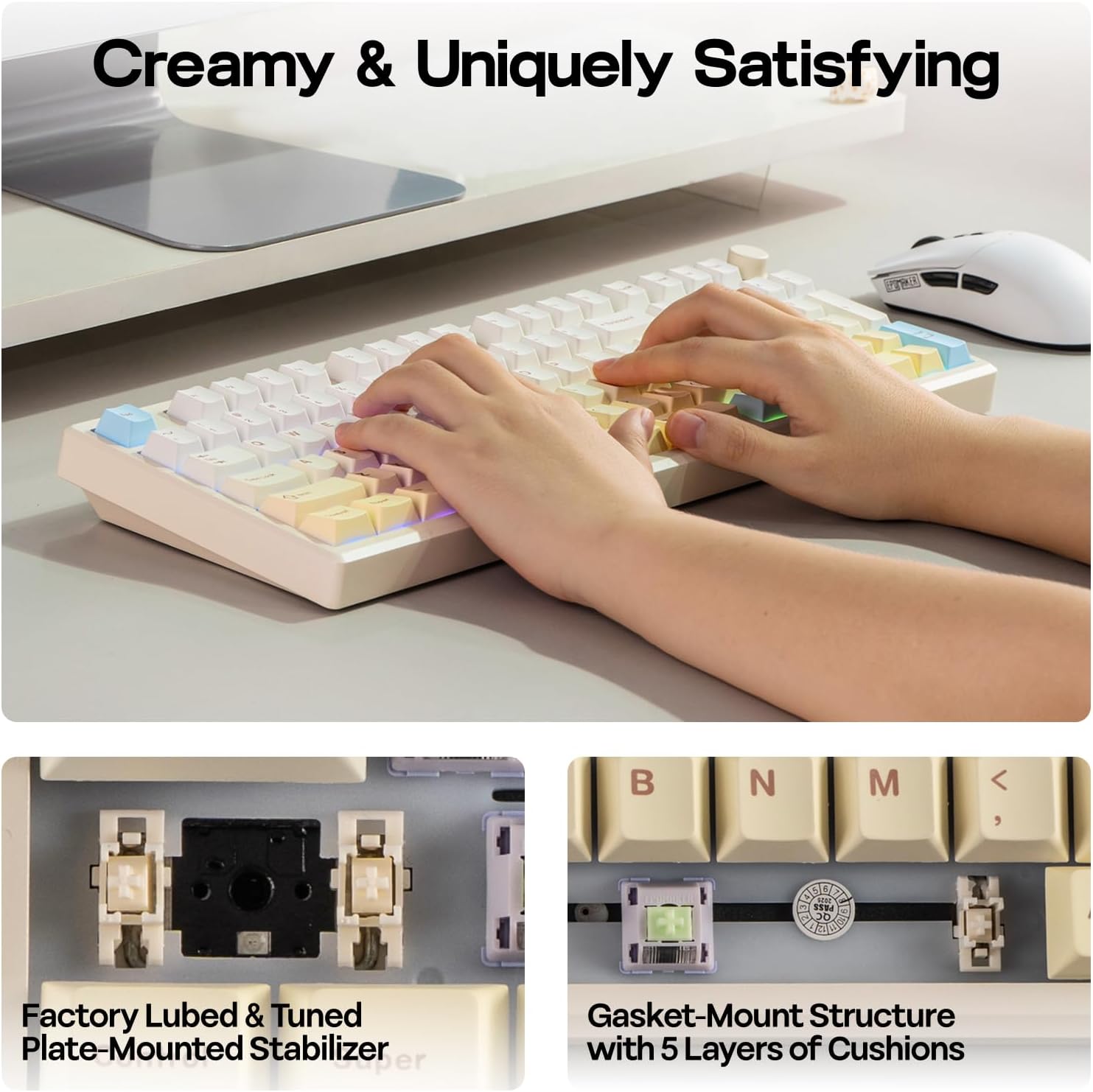
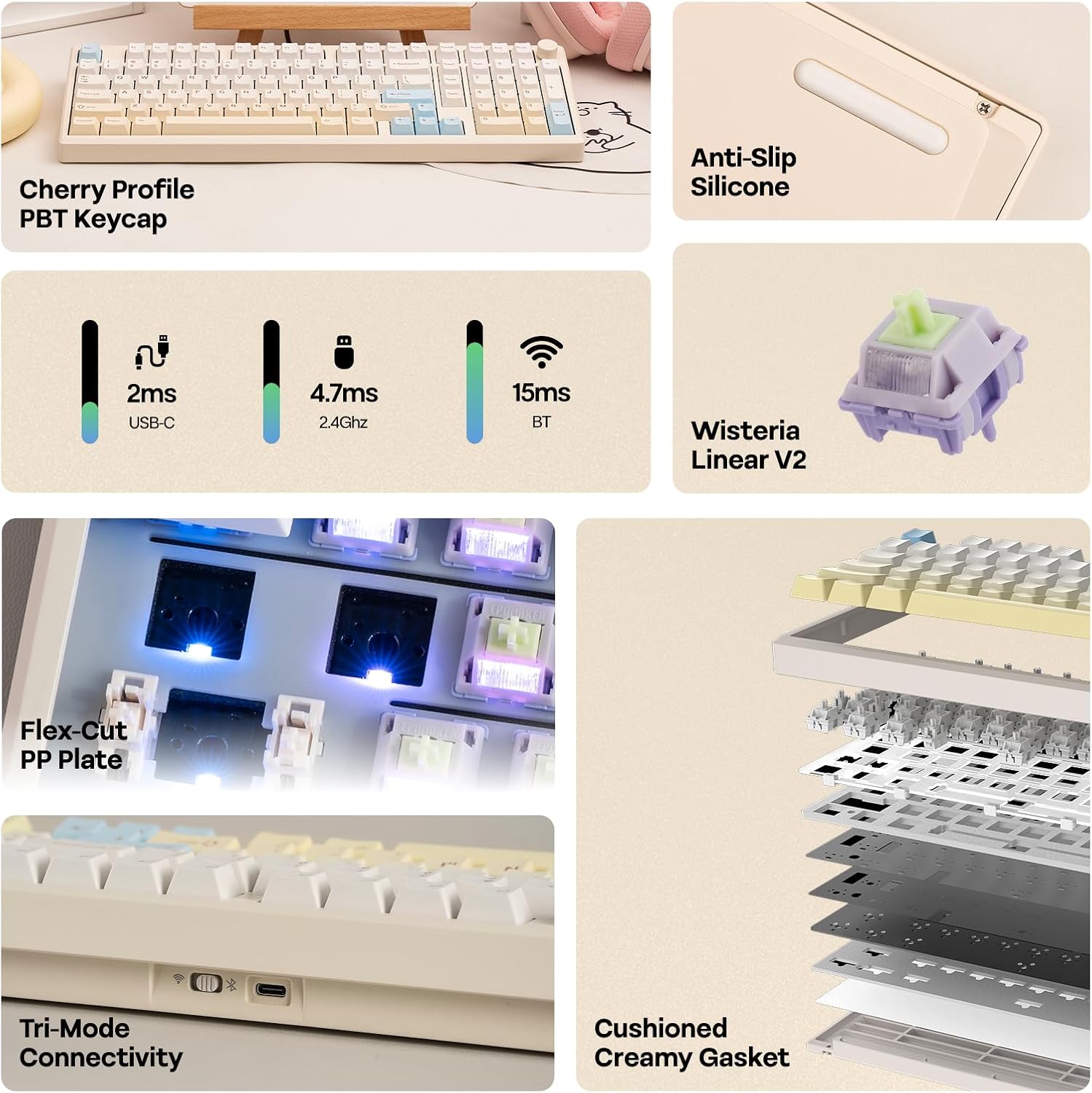
The Galaxy100 Lite brings a refined typing sound thanks to layered sound-dampening materials such as Poron, IXPE, and a PET pad, which reduce harsh noise and emphasize a mellow, thocky profile. It ships with pre-lubed linear switches described as creamy and marble-like, so keystrokes feel smooth from the first use. RGB lighting is south-facing to prioritize visibility for the typist, and thick dye-sublimated PBT keycaps resist shine over time. 🎧
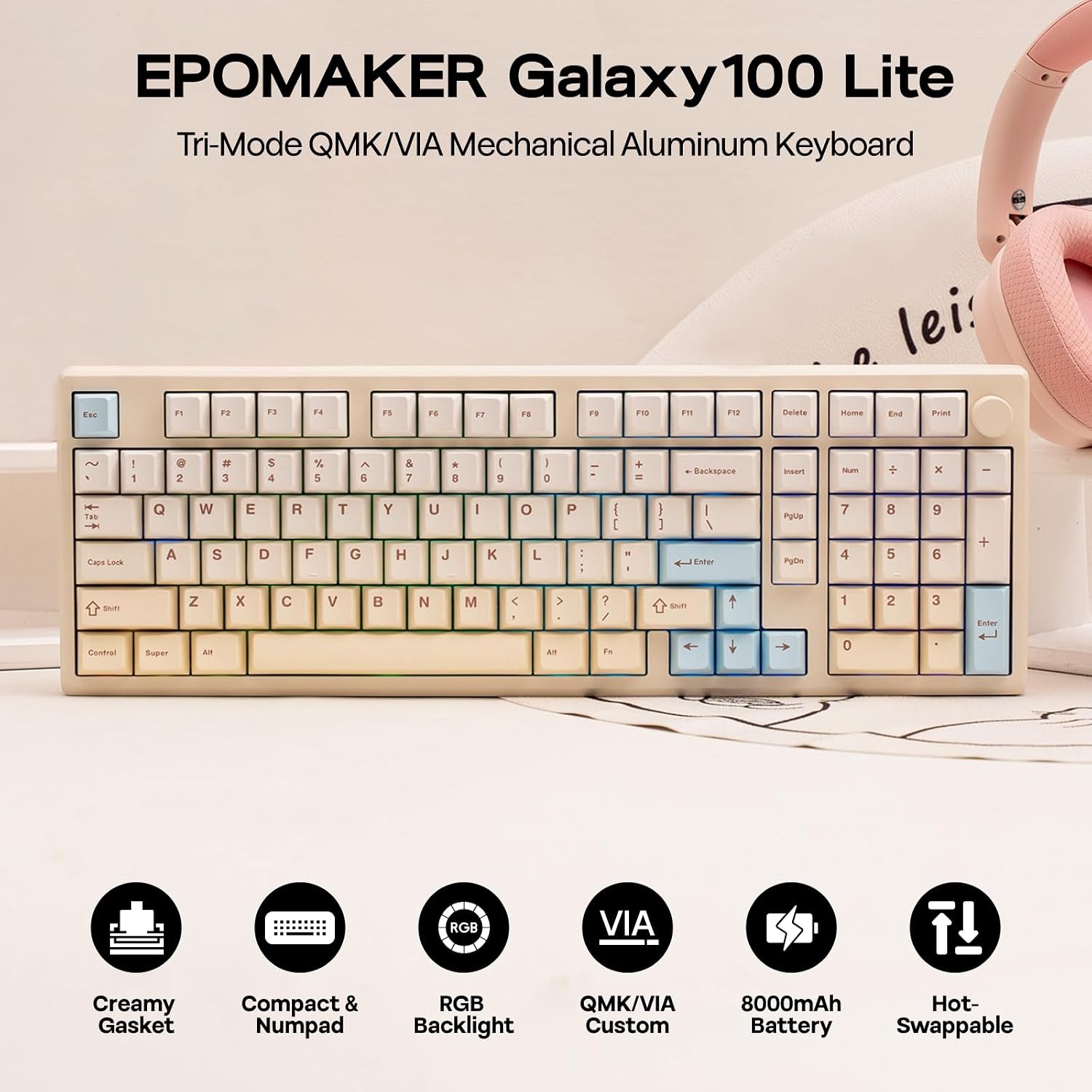
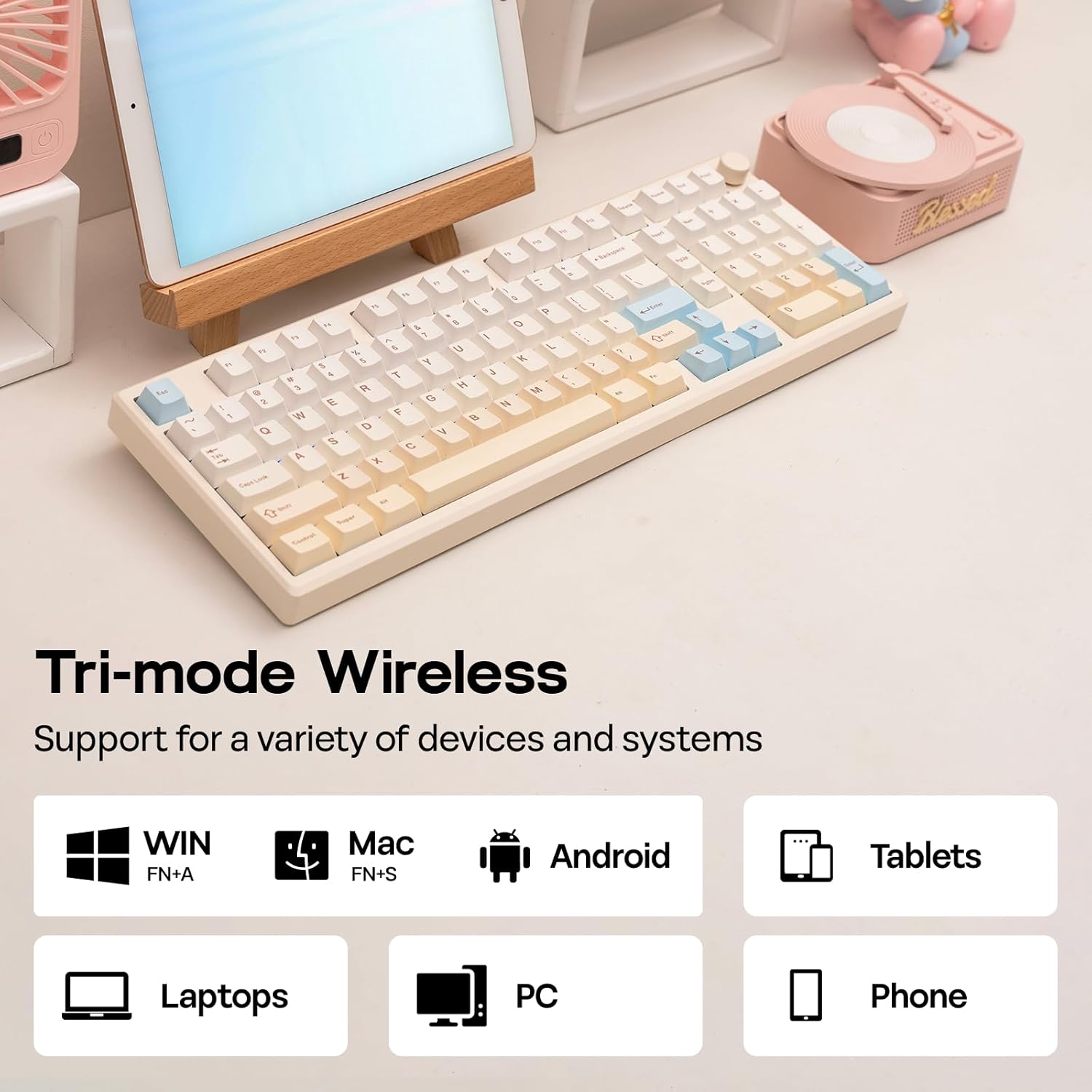
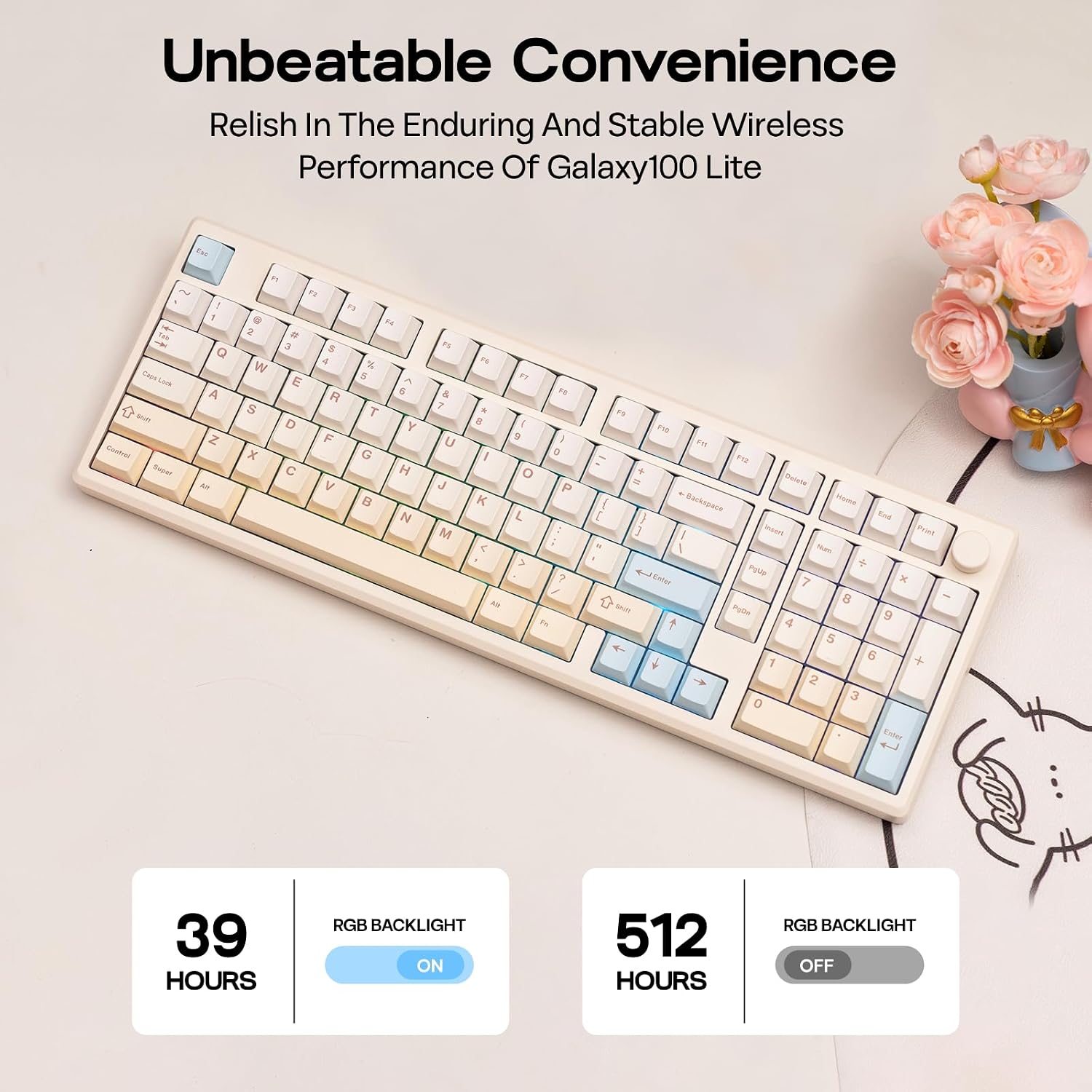
Connectivity covers USB-C wired mode, Bluetooth for mobile devices, and a 2.4 GHz dongle for lower-latency wireless play. Battery life is a key strength with an 8000mAh battery that supports extended wireless operation and reduces interruptions during long typing or gaming sessions. The case adds weight and stability, which helps keep the keyboard in place during intense use.
Technical Specifications
- Name: EPOMAKER Galaxy100 Lite
- Case material: Aluminum alloy
- Battery: 8000mAh
- Connectivity: USB-C, Bluetooth, 2.4 GHz wireless
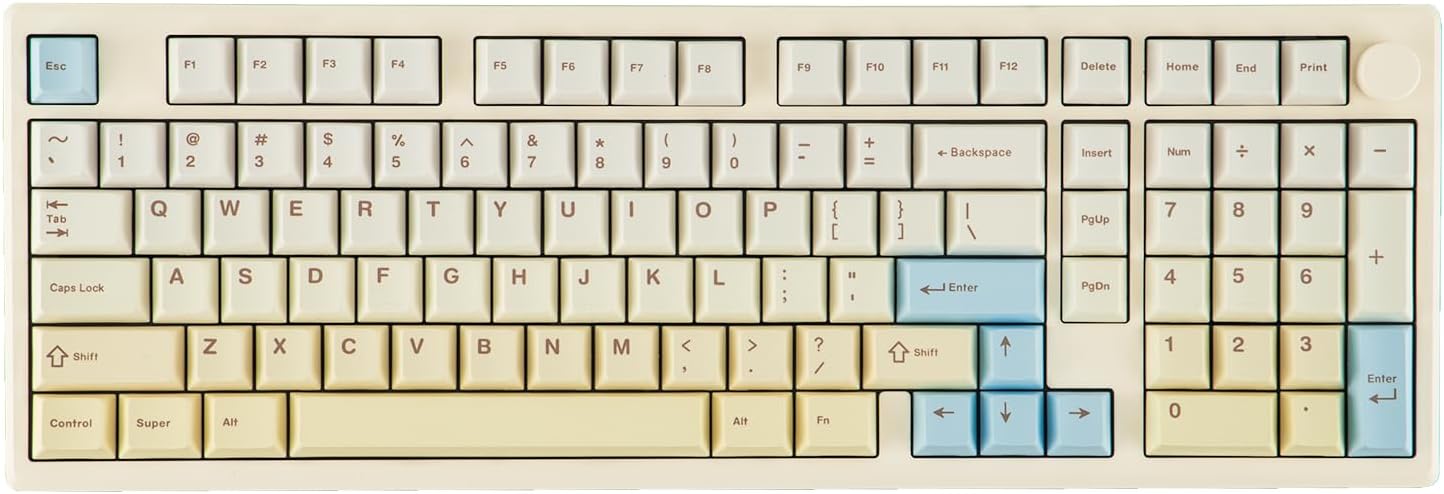
- Layout: Full-size with numeric keypad
- Switch type: Wisteria linear switches, pre-lubed
- Hot-swap: Supported
Benefits
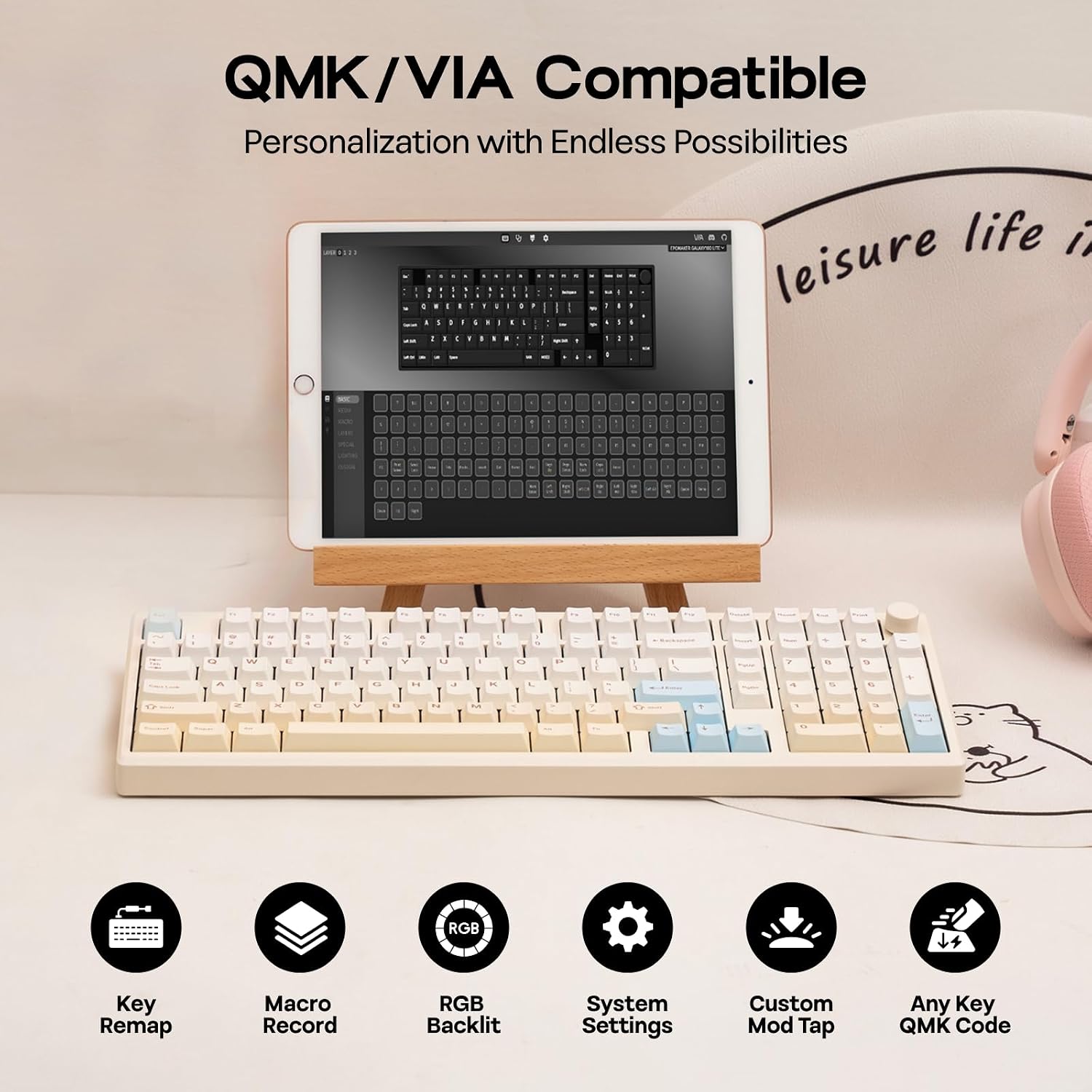
The gasket-mounted aluminum construction helps soften key impact and provides a deeper sound profile, contributing to less finger fatigue over time. Hot-swap switch support allows easy customization without soldering, so testing different switch types is straightforward and quick. The VIA and QMK compatibility unlocks key remapping and macro programming for tailored workflows and gaming layouts. 🌈
South-facing LEDs make legend visibility better for many aftermarket keycap sets, and dye-sub PBT keycaps maintain legibility after prolonged use. Note that the prominent aluminum weight improves rigidity, but it also increases pack weight if you plan to transport the keyboard frequently.
Usage Recommendations
For desktop users who value a refined typing experience, pair the keyboard in 2.4 GHz mode for minimal latency. If you switch between a laptop and a tablet, Bluetooth mode is convenient for seamless device changes. When customizing, use VIA to create layers and macros for repetitive shortcuts. For quieter environments, enable sound dampening elements and consider using the included pre-lubed switches to preserve the mellow acoustic profile. 🎮.