

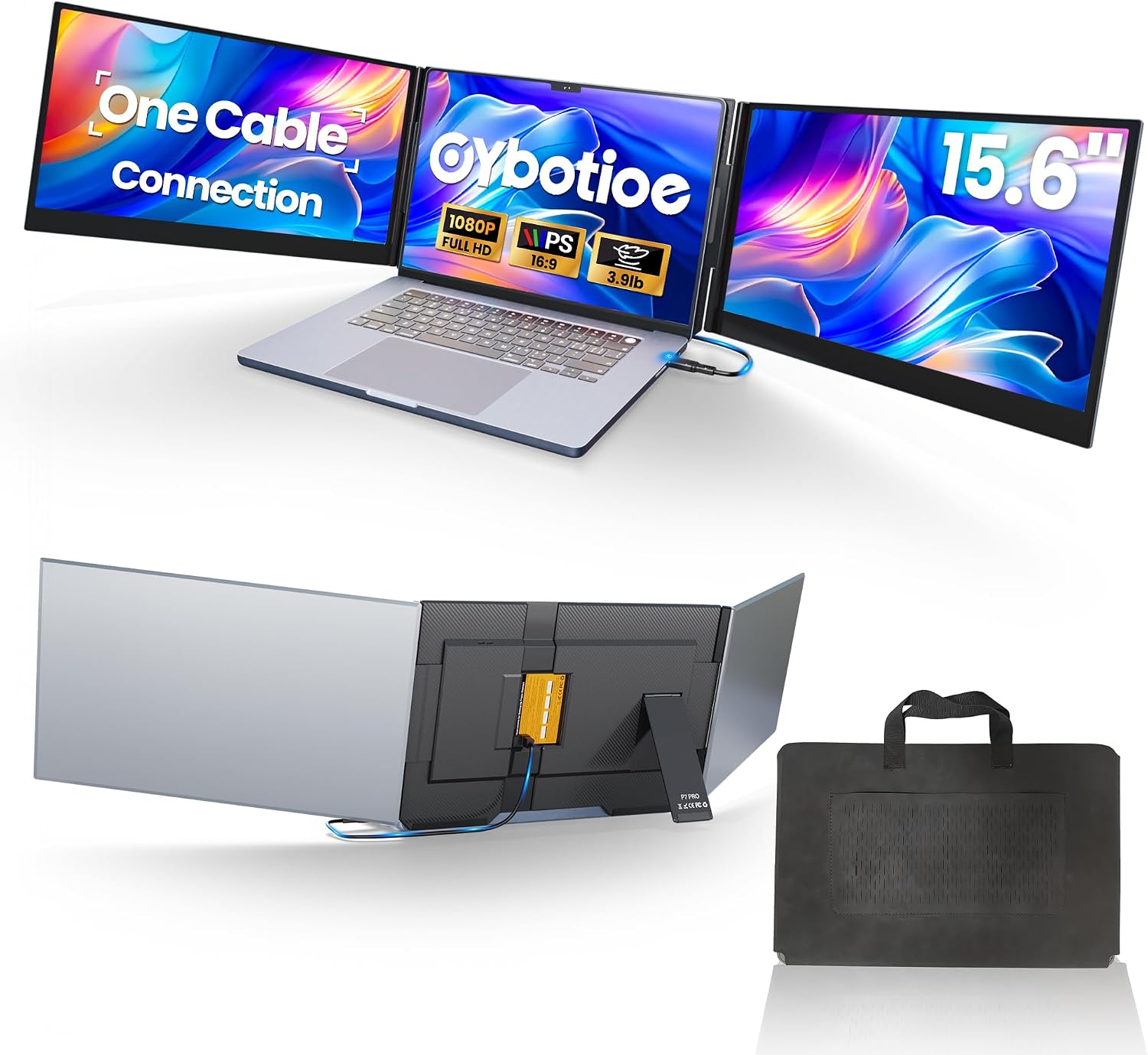
Cybotioe One Cable Connect 15.6-Inch 1080p Triple-Screen Laptop Extender
Product description
A one-screen workflow is simpler to carry and set up, a multi-screen workspace is more useful when you need several windows visible at once. The Cybotioe One Cable Connect is a portable laptop screen extender designed to add two side screens, giving you room to keep reference material, documents, or presentation content in view without continually switching between windows.
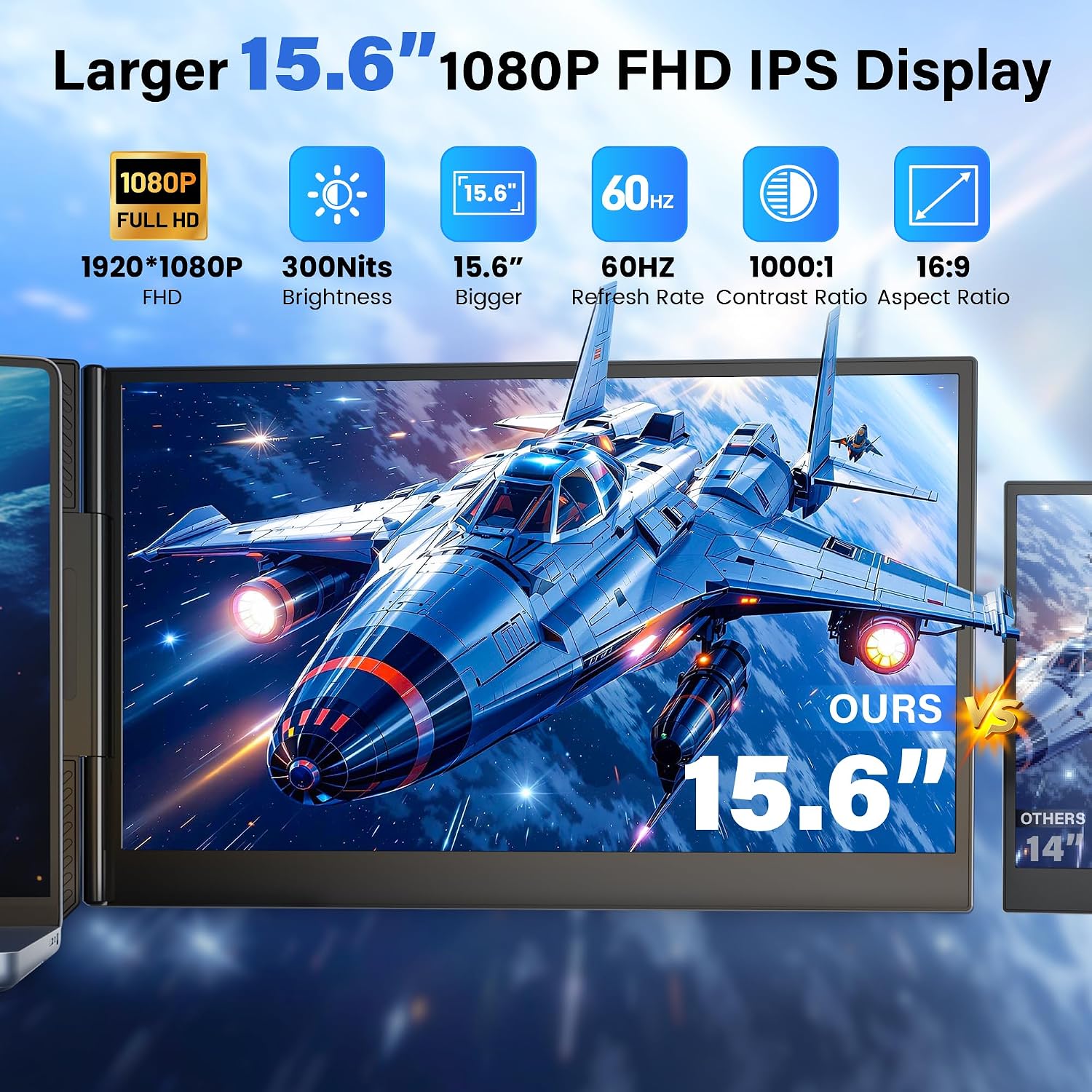
Its listed display size is 15.6 inches, with FHD 1080p resolution, a 16:9 aspect ratio, and a matte surface. The extender is listed for 13–17-inch laptops, but setup depends on installing its driver and using a suitable connection.
Tips for day-to-day use
Plan the connection before relying on the extra screens away from your desk. With a full-featured USB-C port, the product can connect both screens through one Type-C cable. If your laptop does not support that connection, the listed alternative is a USB-A cable with the power adapter. The adapter can also provide power when needed, the setup instructions note that flickering or screens that do not work can indicate insufficient power.
Driver installation is required before use. That makes this less of an immediate plug-in-and-go accessory than the name might suggest: allow time for setup, and follow the included instructions for your device. For travel or remote work, the carrying bag and slim design support packing it with a laptop, while the added screens can help keep working files visible during a meeting or while moving between locations.
What stands out
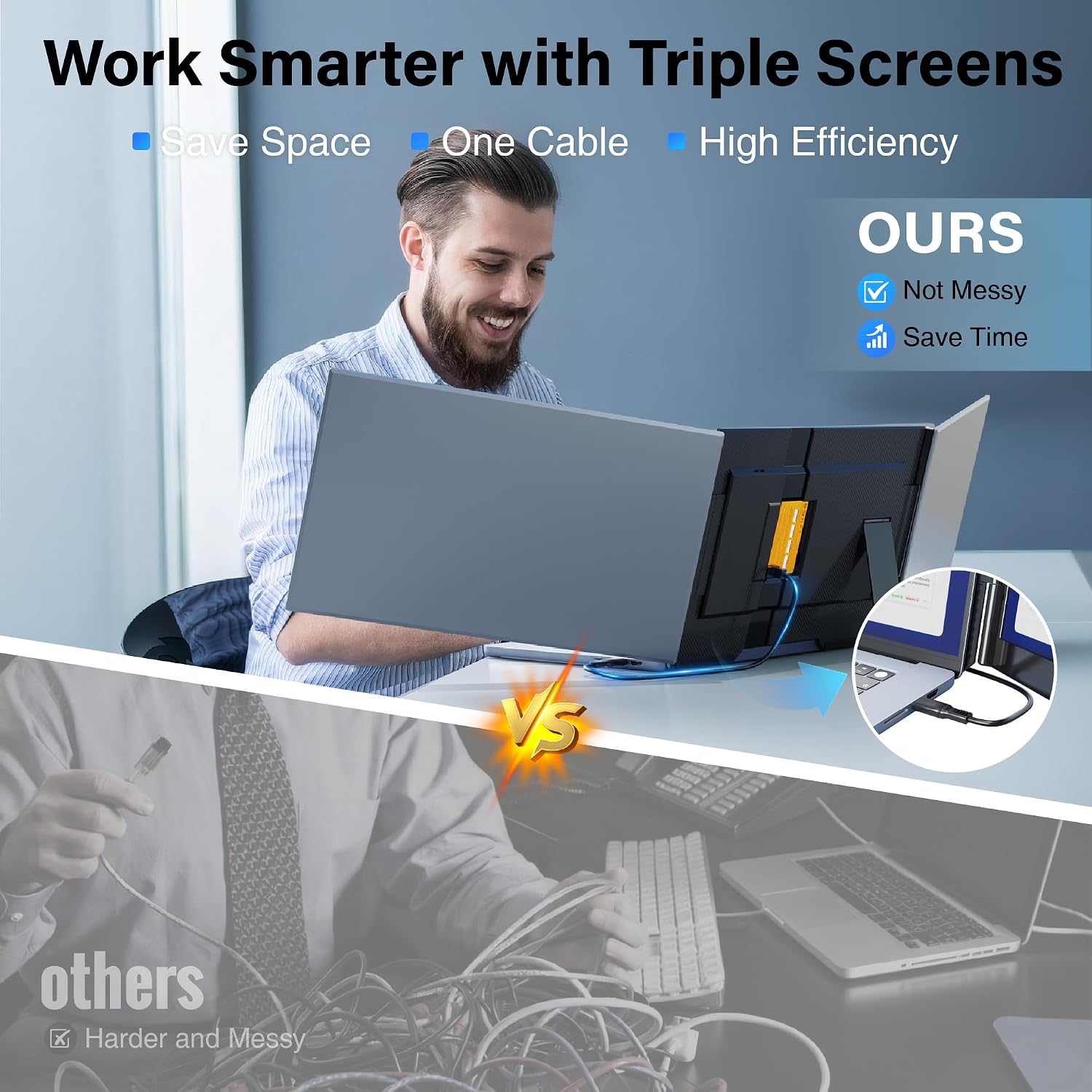
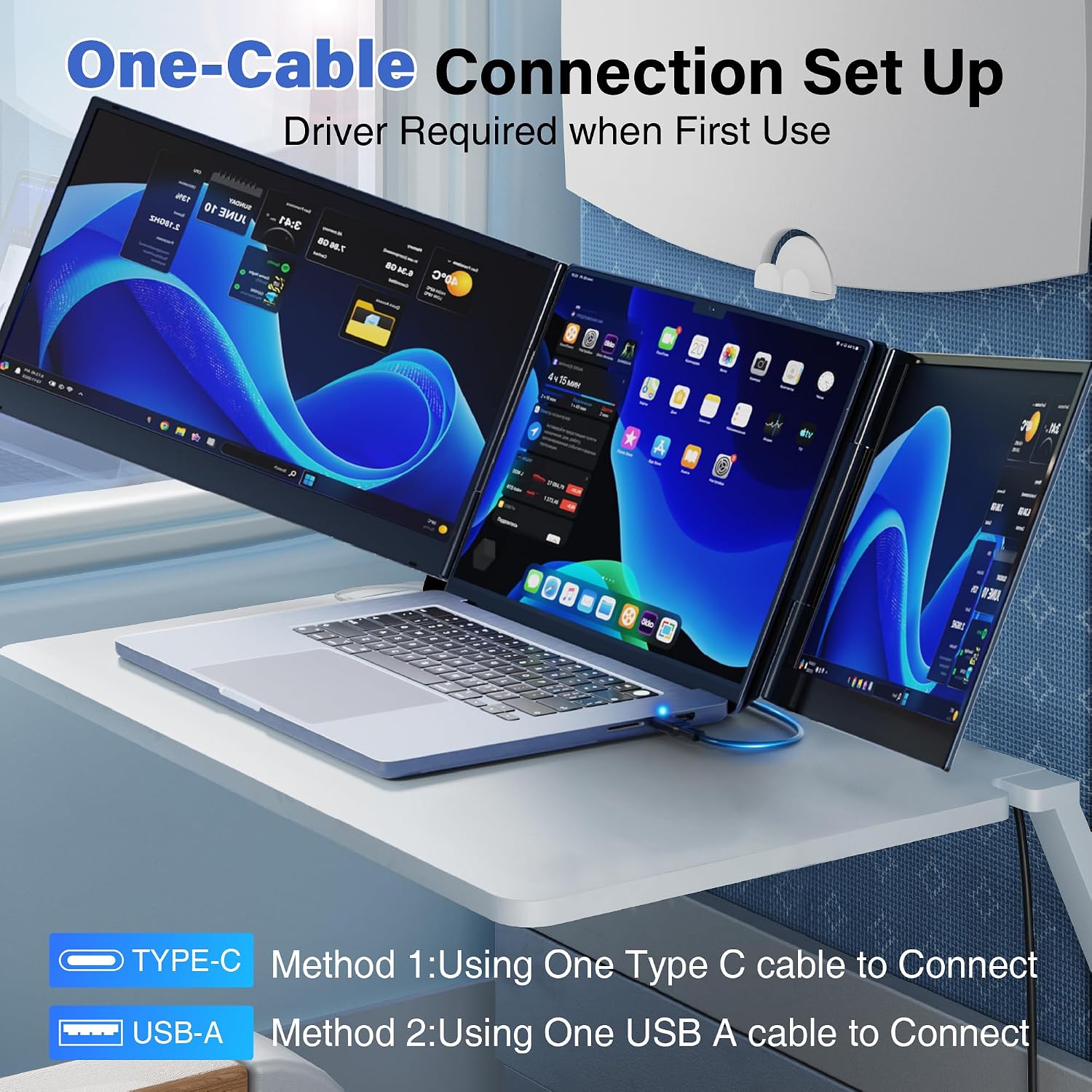
The practical distinction is the two-screen extension from one base, rather than a single extra display. That layout is aimed at people who regularly compare information or keep several applications open at the same time. The 1080p resolution and matte screen surface are useful details for everyday document and browser work, while the 16:9 format gives the display a familiar widescreen shape.
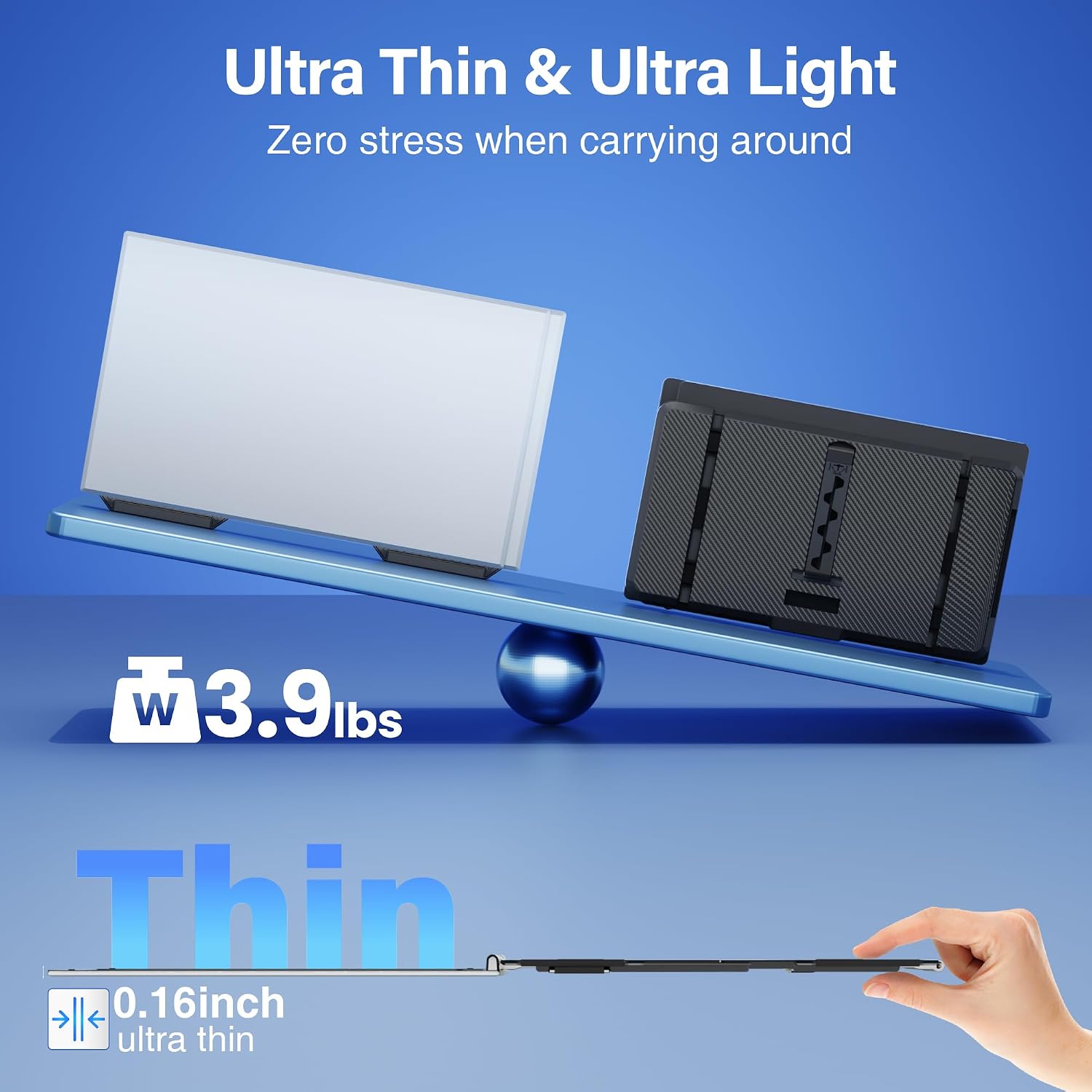
Portability is another part of the appeal. The listing describes the single screen as 4mm thick and includes a carrying bag, two Type-C cables, a USB-A-to-USB-C cable, and a power adapter. It does not provide a total packed weight, so the thinness alone does not establish how light the complete setup will feel in a bag.
Highlights
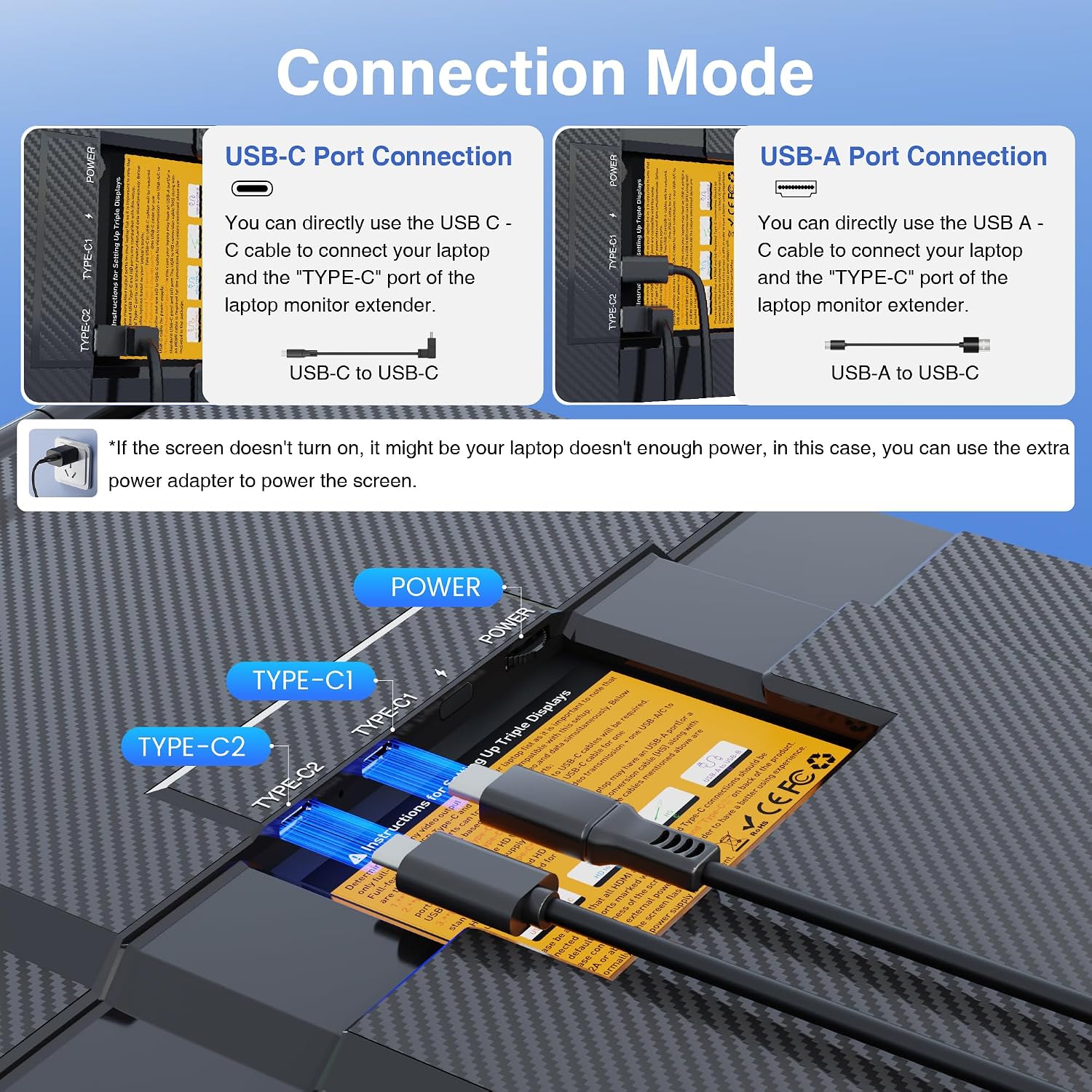
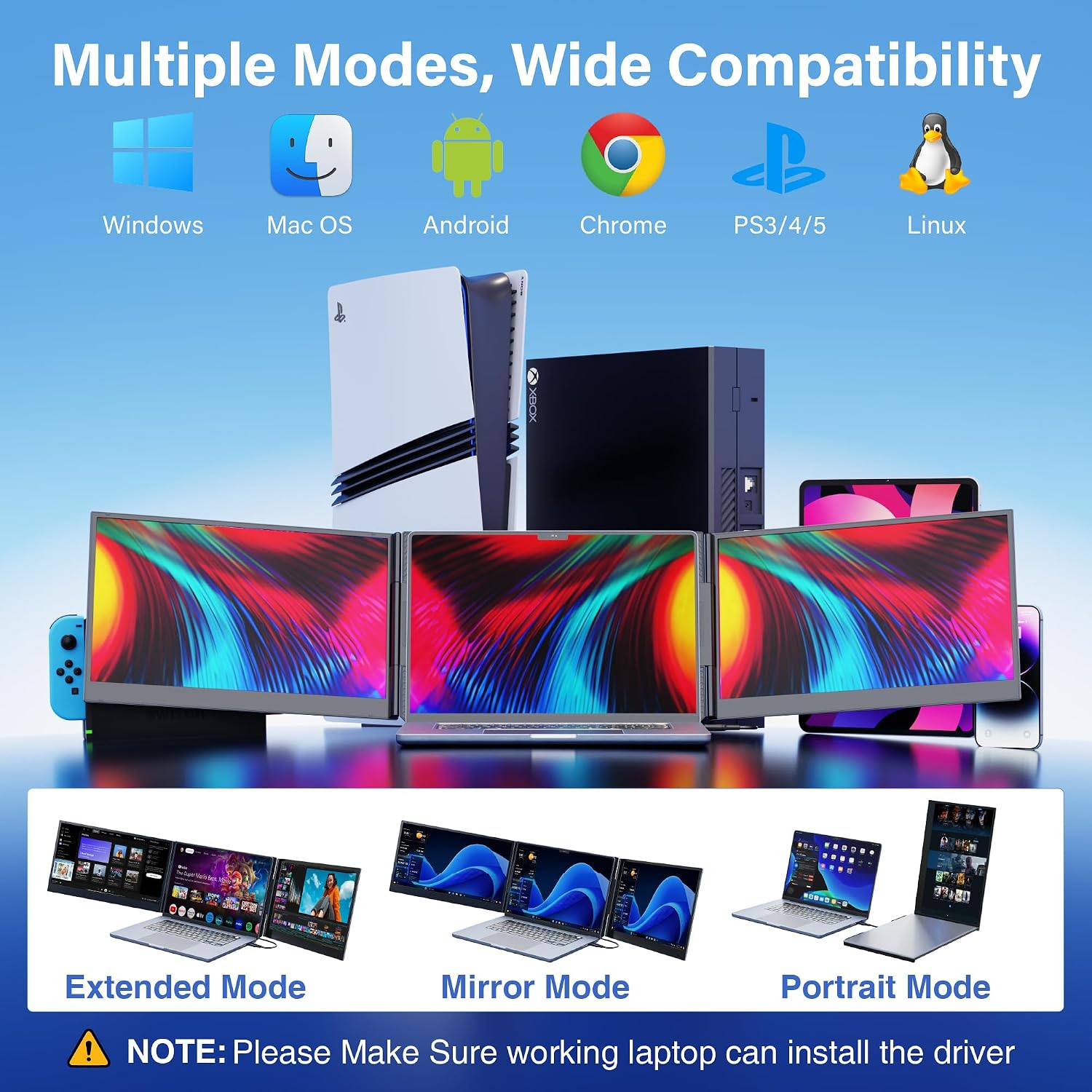
The product is listed as compatible with Windows, Mac, Chrome, Android, Linux, DeX, and Switch. That is a broad range of platforms, but connection options and driver needs can differ by device. Check the manual for your specific laptop or device before depending on a particular setup, especially if you expect to use the one-cable connection.
Compared with sticking to a basic laptop display, the extender is more relevant when keeping multiple views open is part of the task. It is not necessary for work that mainly uses one window, and its driver and power requirements add setup steps that a simple single-screen routine avoids.
When it makes sense
It makes sense if you work with several documents, spreadsheets, code windows, or presentation materials and want them visible together in a portable workspace. A practical scenario is setting up at a temporary desk, connecting the extender, and keeping a main task on the laptop while placing reference content on the side screens.
You may want to skip it if you rarely need more than one visible screen or prefer an accessory that needs no driver installation. The listed compatibility and connection choices make it flexible in principle, but your device still needs to meet the relevant port and setup requirements. For this type of use, the strongest reason to choose it is the triple-screen arrangement, the deciding check is whether your laptop can support the connection method you plan to use.