

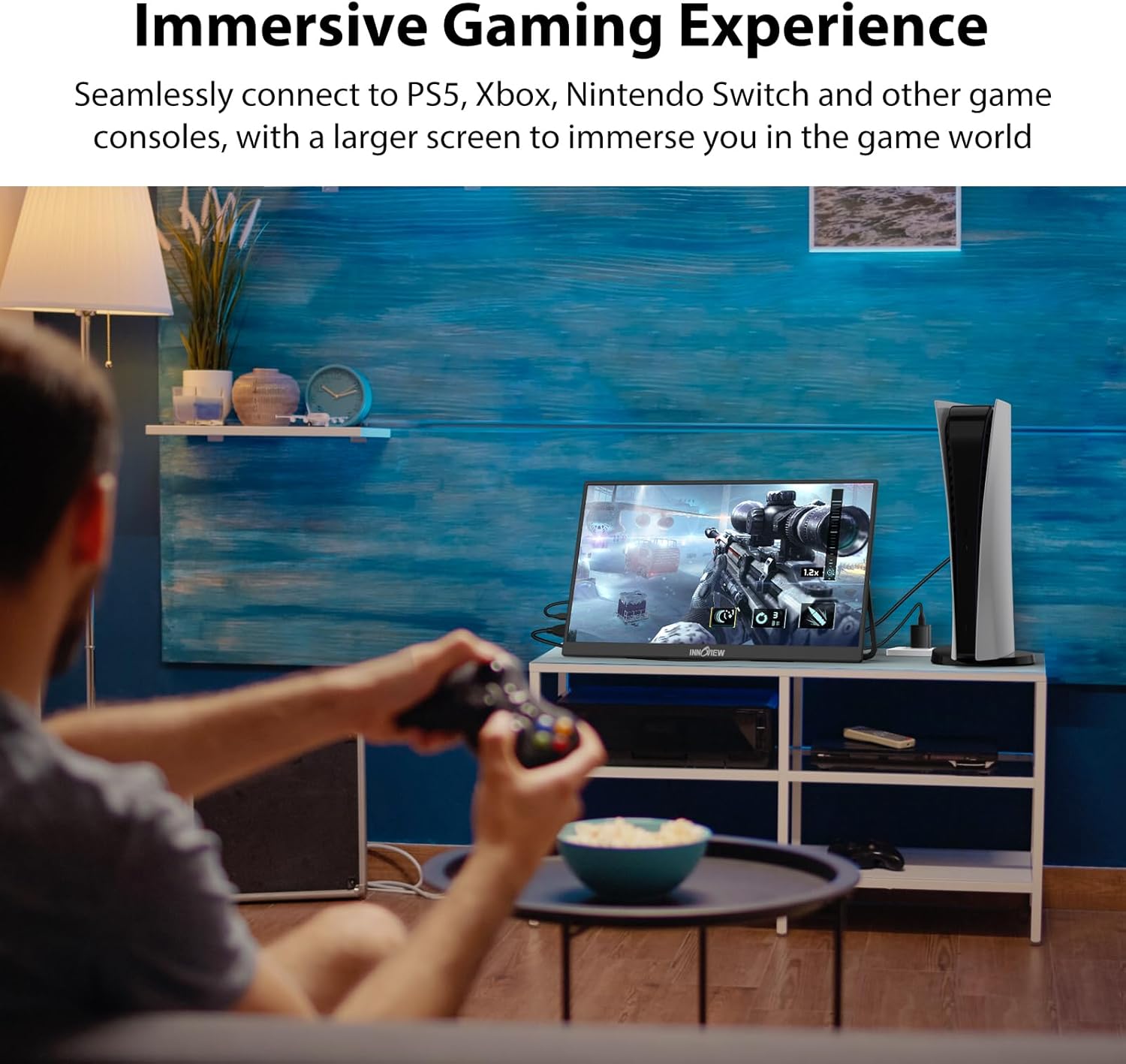
InnoView 18.5-inch Portable Monitor (100Hz, 1080p FHD, IPS, 120% sRGB) for USB-C & HDMI Laptops, Mac, and Consoles
Product description
The essentials
If you travel with a laptop but hate small, cramped workspaces, the InnoView 18.5-inch portable monitor is built for exactly that: a bigger viewing area that’s still compact enough to throw in a bag. On paper, it’s aimed at mobile professionals who want more room for multitasking, plus gamers who care about smoother motion thanks to its 100Hz refresh rate.
It’s also one of those products where real-world value depends on how you plan to power and connect it. Some setups will be effortless, while others may need extra attention—especially if you’re expecting it to behave the same on every device.
Key features that matter in day-to-day use
The headline features are pretty straightforward: a 18.5-inch IPS display, 1080p FHD resolution, and 120% sRGB with 8-bit color depth (16.7M colors). That combination suggests the image is meant to look more vivid than a basic portable screen, and the IPS panel should help with wider viewing angles compared with older TN-style panels.
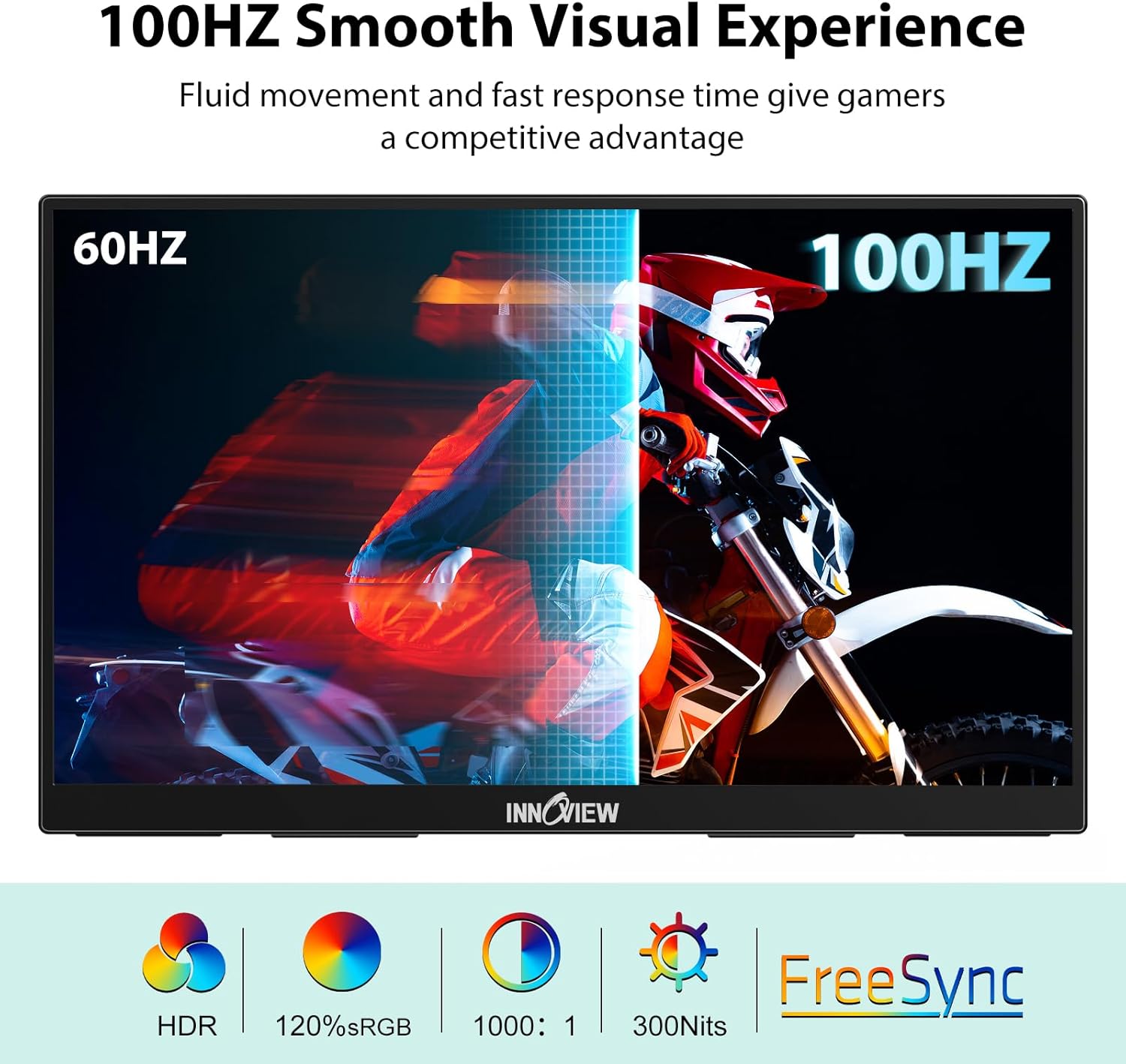
For motion-heavy content, the 100Hz refresh rate is the standout. If you’re using it for gaming or anything where you notice lag, the idea here is a more responsive feel. It also includes FREESYNC support, which—depending on your input device—can help smooth out screen tearing and stutter.
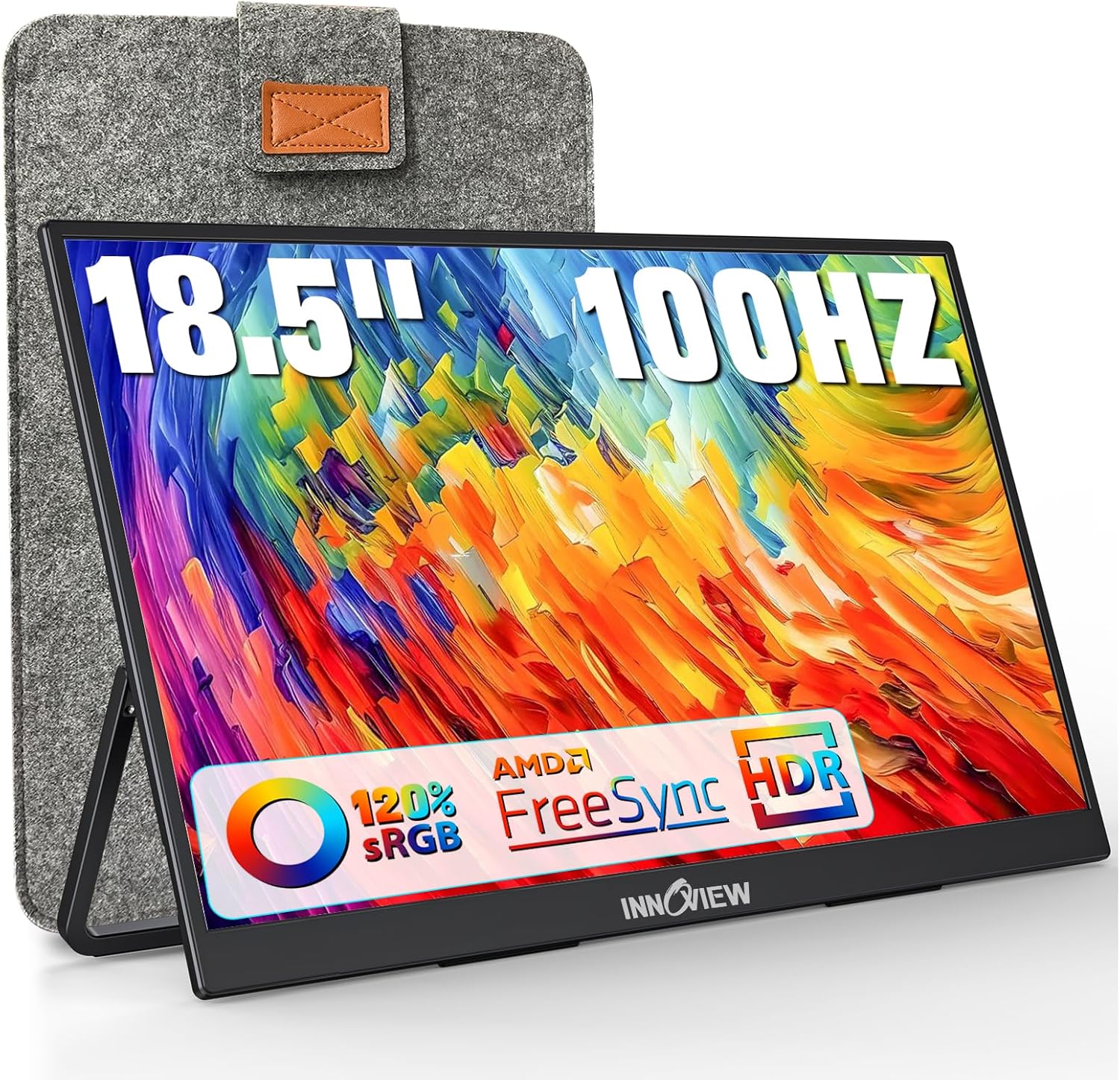
There’s also HDR support, marketed as making movies and games feel more “alive.” HDR can be hit-or-miss depending on the source content and the display’s actual behavior, so keep expectations practical.
Connectivity and compatibility (where buyers should slow down)
This model is designed around both USB-C and HDMI. It includes 2 USB-C ports and 1 standard HDMI port, targeting a wide range of devices like MacBook, Surface, laptops, PC, Xbox, PS5, and Switch.
Here’s the important catch: Switch 2 display support is noted as HDMI only (no Type-C). So if you’re planning your setup for Switch 2, double-check your connection path before buying.
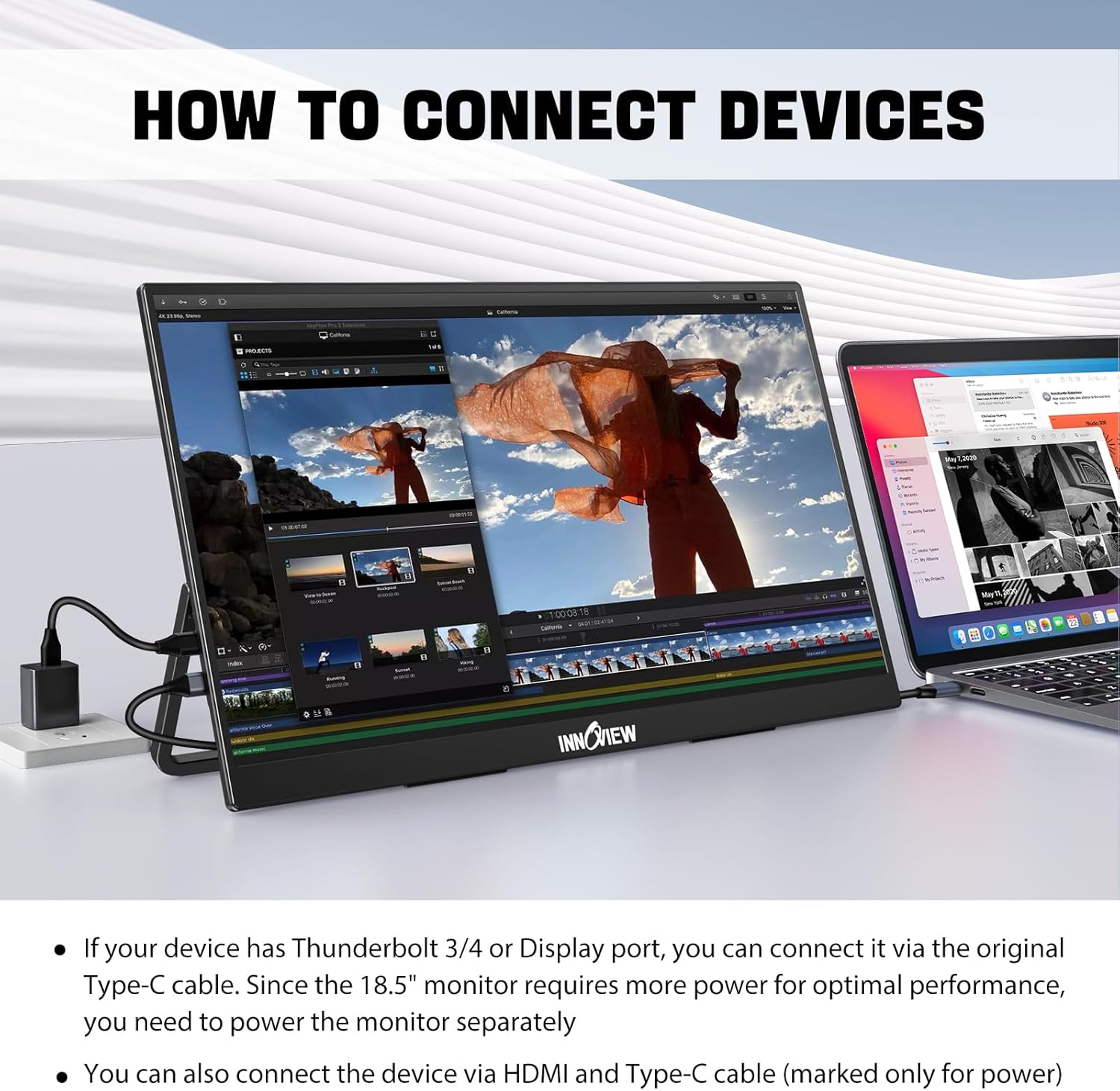
The listing also notes a no-driver setup and the use of a USB-C to USB-C cable when your device has a Thunderbolt 3/4 or a full-function USB-C port. If your device output power is insufficient, the screen may flicker—this is one of those “paper specs meet real power delivery” situations.
What to do if you see flickering
The manufacturer’s guidance is direct: if brightness/volume is low and you get flickering, the device may not output enough power. Power the monitor separately (20W or more) to fix it. That’s a sensible troubleshooting step, but it does mean this monitor may not be “one-cable solves everything” for every laptop.
Mounting options for small desks and travel
The included stand adds flexibility. You can use it on a desktop and adjust the angle you want, and the listing also says you can mount it on a wall. For travelers or anyone who’s constantly rearranging workspaces, having a built-in stand helps you avoid hunting for extra accessories.
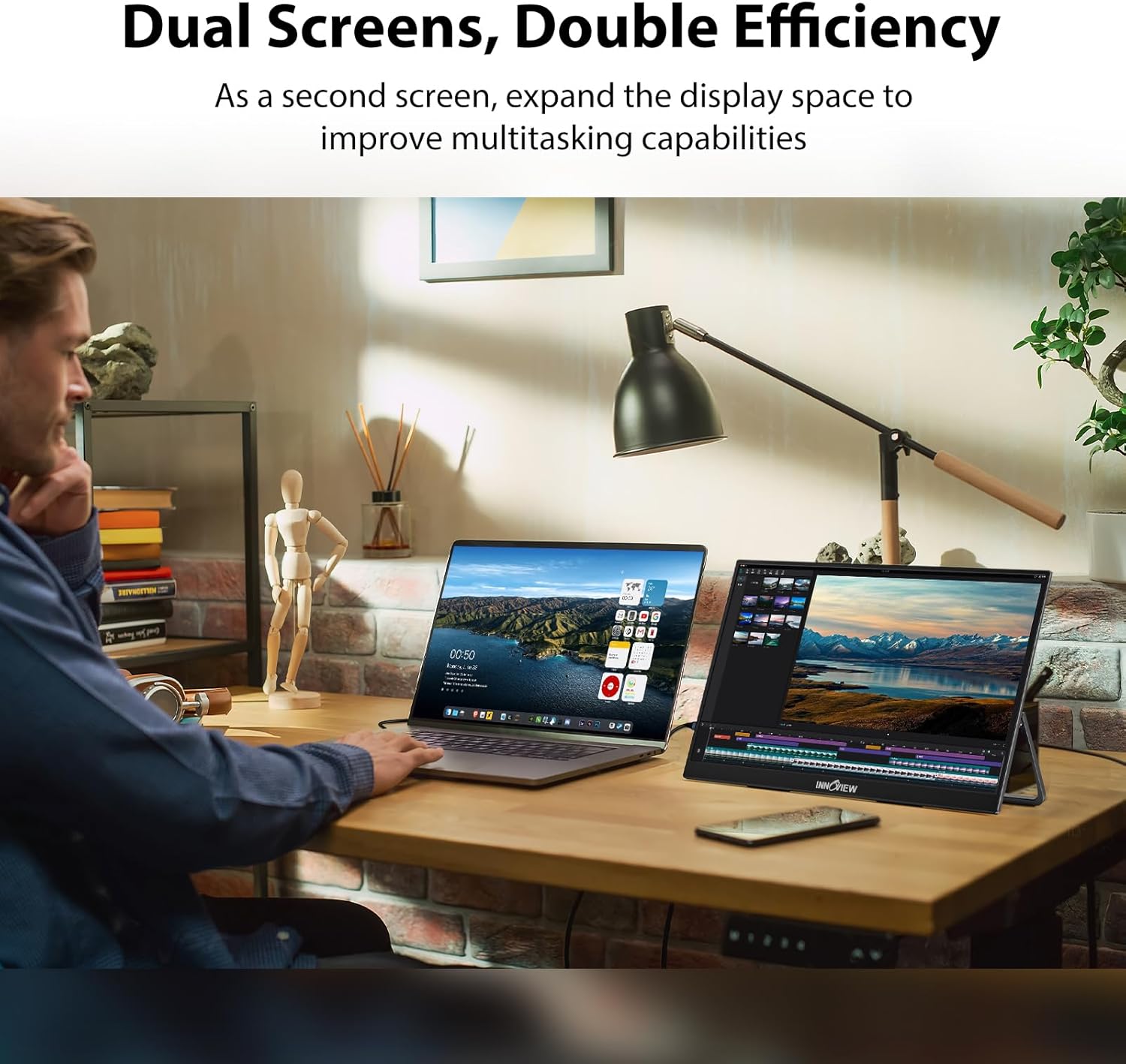
A quick micro-scenario: imagine you’re in a hotel room. You plug in via USB-C (if your laptop supports it), set the stand angle, and use it as a secondary screen for spreadsheets and email while keeping your laptop for input/notes. It’s not a replacement for a big main display, but it can turn a “one-screen” day into a two-pane workflow.
Tech specs you’ll care about before checkout
Tech specs
- Name: InnoView Portable Monitor 18.5 inch
- Type: Large portable monitor (IPS)
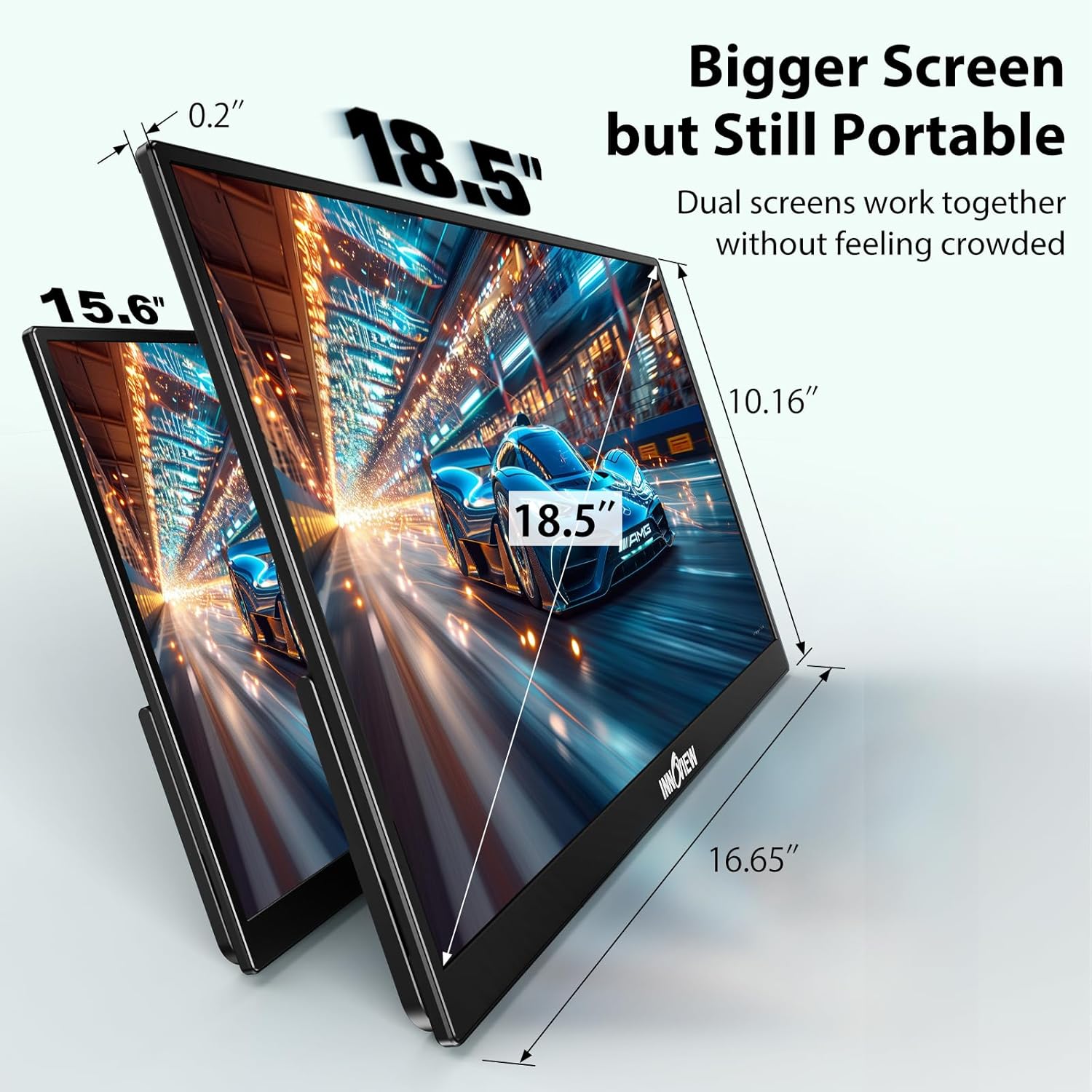
- Display size: 18.5 inch
- Refresh rate: 100Hz
- Resolution: 1080p FHD
- Color coverage: 120% sRGB
- Color depth: 8-bit (16.7M colors)
- Panel tech: IPS
- Ports: 2 USB-C ports and 1 HDMI port
- HDR: Supported
- Weight: 3.3 pounds
- Thickness (minimum): 0.22 inches
- Dimensions note: 16.7" (L) x 10.2" (W) — check size info carefully
- Stand: Included (adjustable angle, wall/desktop options mentioned)
Who it’s for (and who should think twice)
This portable monitor makes the most sense if you want a bigger, more comfortable secondary screen while staying mobile. The 100Hz refresh rate and FREESYNC support give it a gamer-leaning edge, but it’s also positioned for work—multitasking space matters more than people expect when you’re switching between documents, tabs, and chat.
It might not be the best match if:
- You need guaranteed plug-and-play power delivery from every device you own (the listing warns about flickering when power output is insufficient).
- You’re specifically buying for Switch 2 via Type-C, because the note says Switch 2 supports HDMI only.
- You expect a “fully premium” HDR experience. HDR is supported, but the listing doesn’t give details about brightness or performance, so it could feel more modest than full-size HDR monitors.
When it makes sense
If you’re comparing a compact portable screen vs. something more spacious, this is the direction that tends to pay off: an 18.5-inch layout is easier on the eyes for side-by-side work, and it’s large enough for more readable content without feeling like you’re hauling a full monitor.
If you prioritize smooth motion for gaming, the 100Hz + FREESYNC combination is the reason you’d shortlist it. Just remember that the smoother experience depends on your source device and connection.
If you want the simplest setup possible, double-check your laptop’s USB-C capabilities and whether you’ll need separate power (20W or more) to avoid flicker.
Final verdict
Final verdict
The InnoView 18.5-inch portable monitor is a solid buy if you want a travel-friendly IPS screen that also aims for smoother gameplay with 100Hz and FREESYNC. Where it can fall short is in the “universal effortless setup” department—power delivery and Switch 2 HDMI-only notes are the two things buyers should verify before committing.
Buy it if you’ll actually use it as a real secondary display for work and entertainment on the go, and you’re comfortable handling cabling/power basics. Skip it if you need guaranteed compatibility with every device connection type you might try, or you’re expecting standout HDR performance without confirming how it behaves with your specific content source.
Mini FAQ
Mini FAQ
Does it require a driver?
The listing says no driver is required.
Can I connect it to a laptop via USB-C?
Yes, if your device has a Thunderbolt 3/4 or a full-function USB-C port, you can use a USB-C to USB-C cable.
What should I do if the screen flickers?
The guidance is to power the monitor separately (20W or more) if your device isn’t outputting enough power.
Is Switch 2 supported over Type-C?
No—the note says Switch 2 display support is HDMI only (no Type-C). Check before purchasing.
How portable is it?
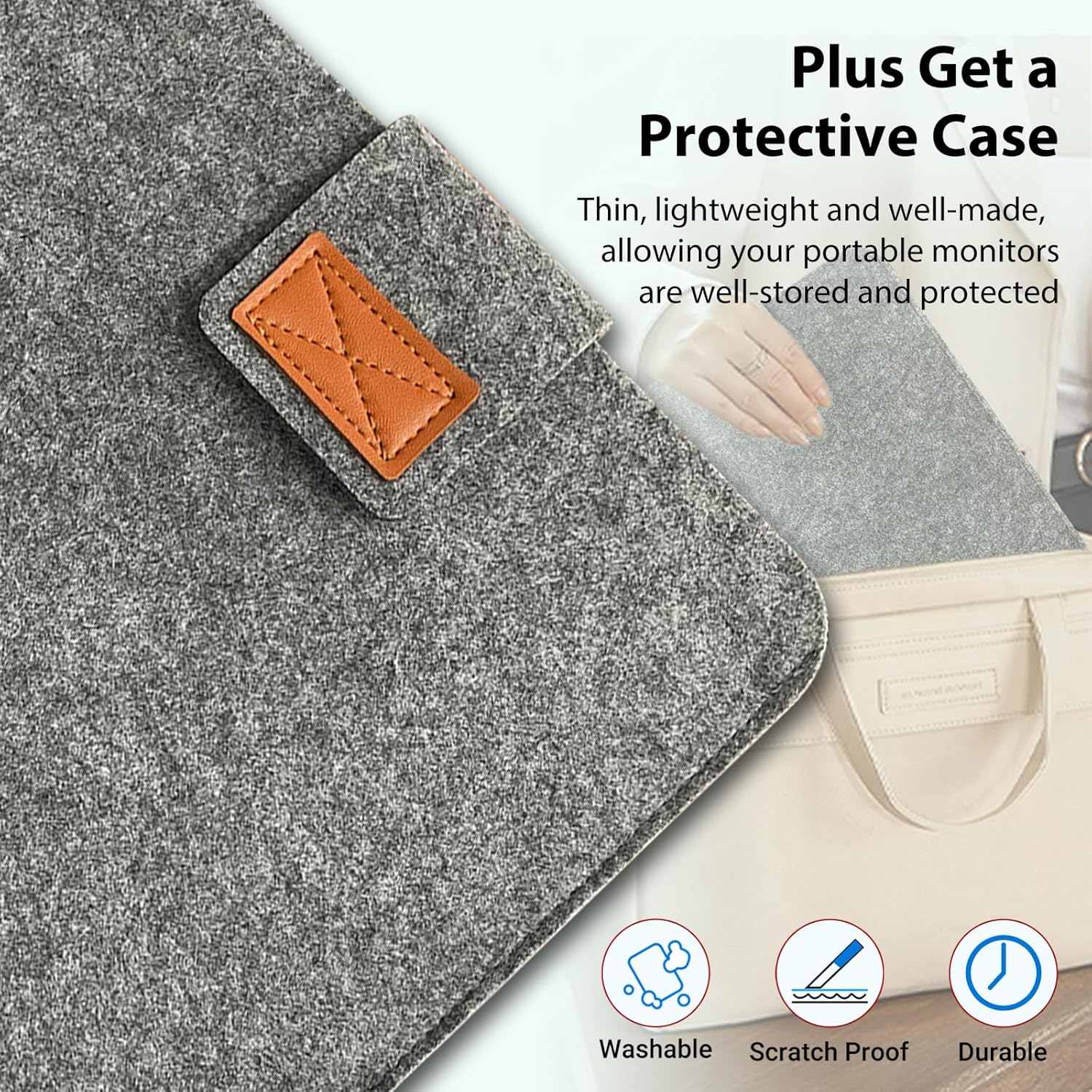
It’s listed as 3.3 pounds with a minimum thickness of 0.22 inches, and it comes with a stand for desktop or wall mounting options.