

Corsair K100 RGB Optical-Mechanical Wired Gaming Keyboard (QWERTY US) with OPX Switches, PBT Double-Shot Keycaps, iCUE/Elgato Compatible
Product description
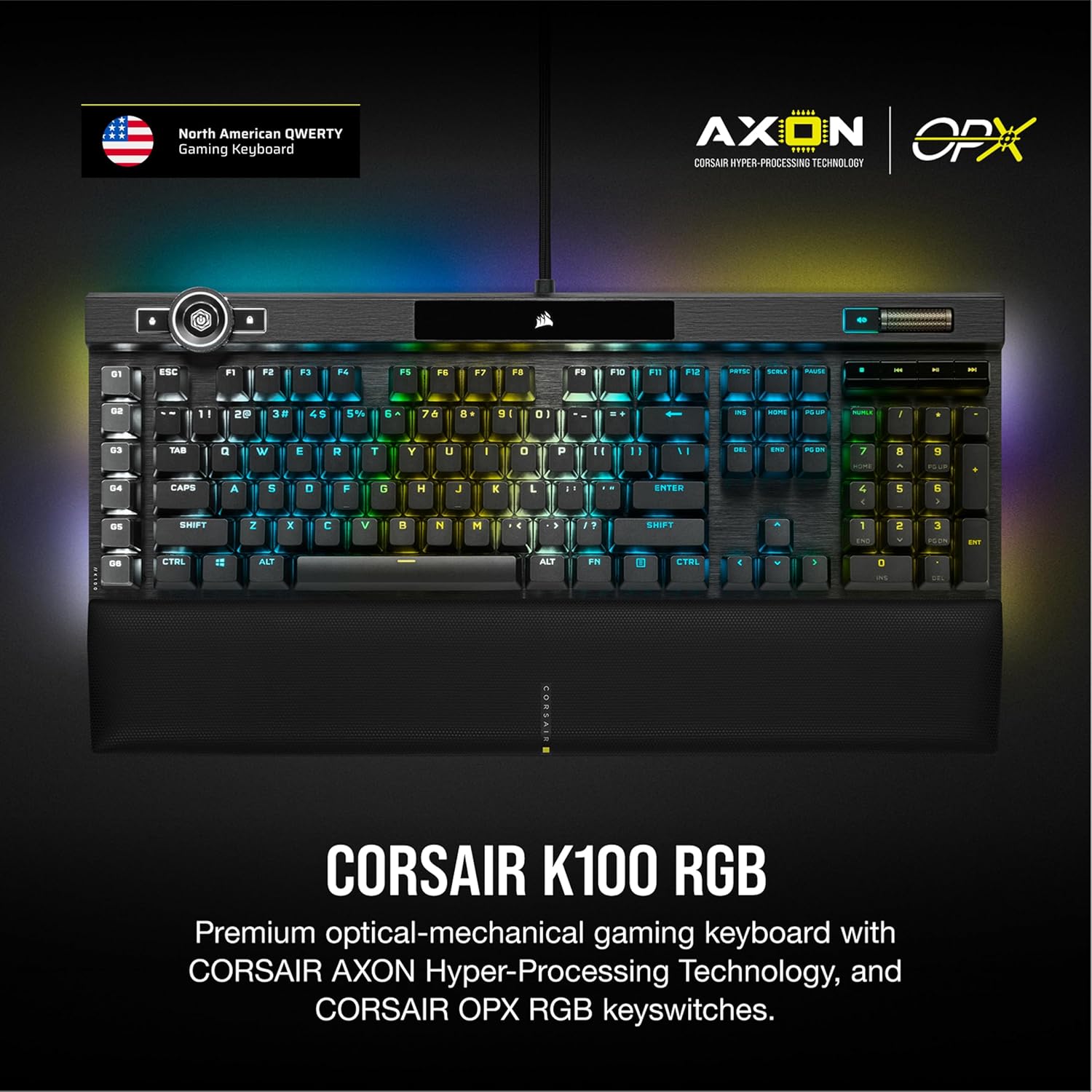
If you want your gaming setup to look sharp and react fast, the Corsair K100 RGB is built for that. On paper, it’s a premium optical-mechanical wired keyboard with an aluminum frame, per-key RGB lighting, and Corsair’s AXON + 4,000Hz-oriented approach to input responsiveness.
Quick overview
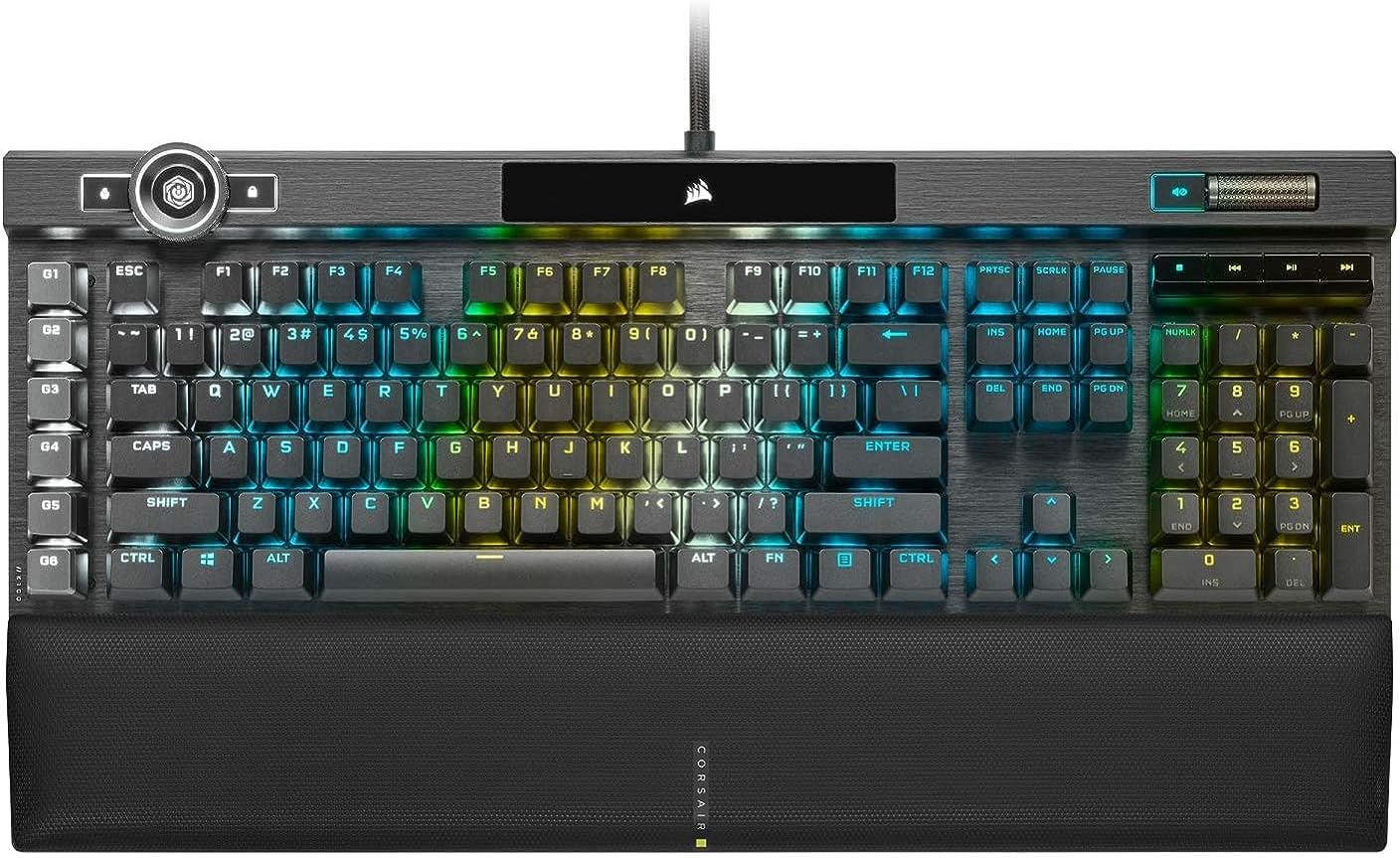
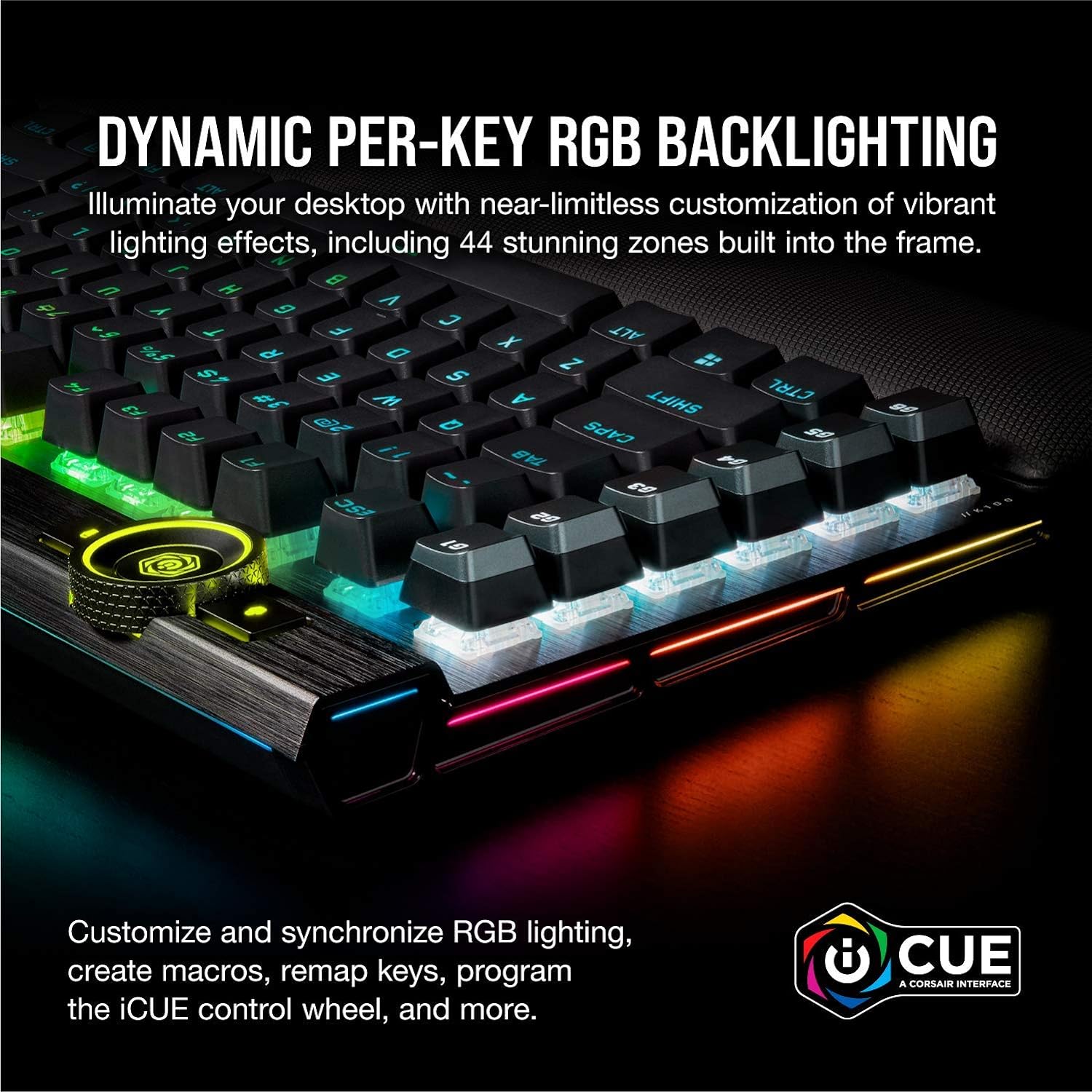
This is a full-size QWERTY US gaming keyboard designed to sit at the center of your desk. It leans into flashy lighting (including a three-sided 44-zone LightEdge) while also aiming for low-latency performance through OPX RGB Optical-Mechanical switches and Corsair AXON Hyper-Processing Technology. There’s also a lot of control for the “workflow” side of gaming and streaming: an iCUE control wheel and dedicated macro keys that tie into Elgato Stream Deck software.
That blend—gaming input + customization + streamer-friendly shortcuts—is the main reason people end up looking at the K100 RGB. If you care about visuals and remapping as much as typing speed, it fits the brief.
What to know before you buy
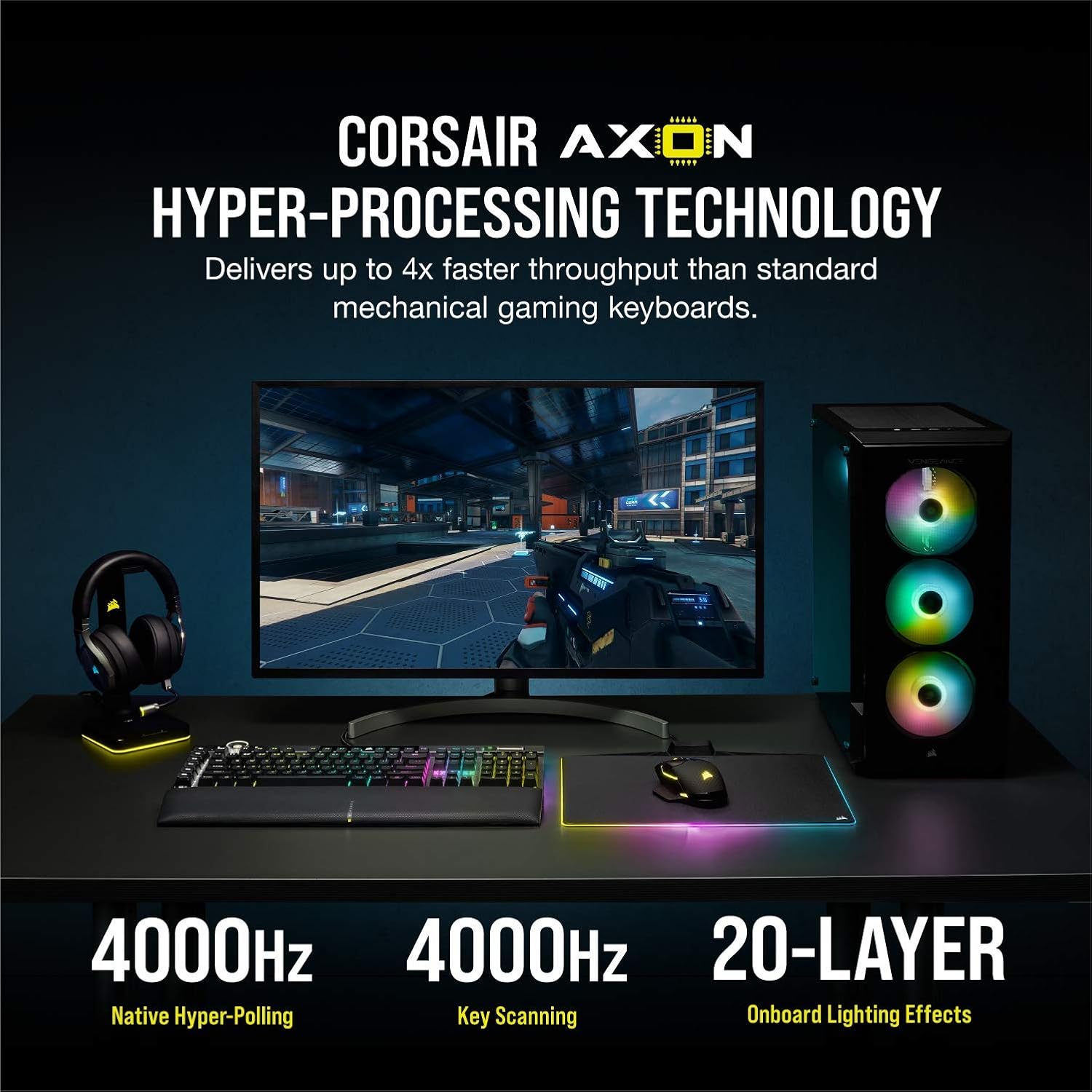
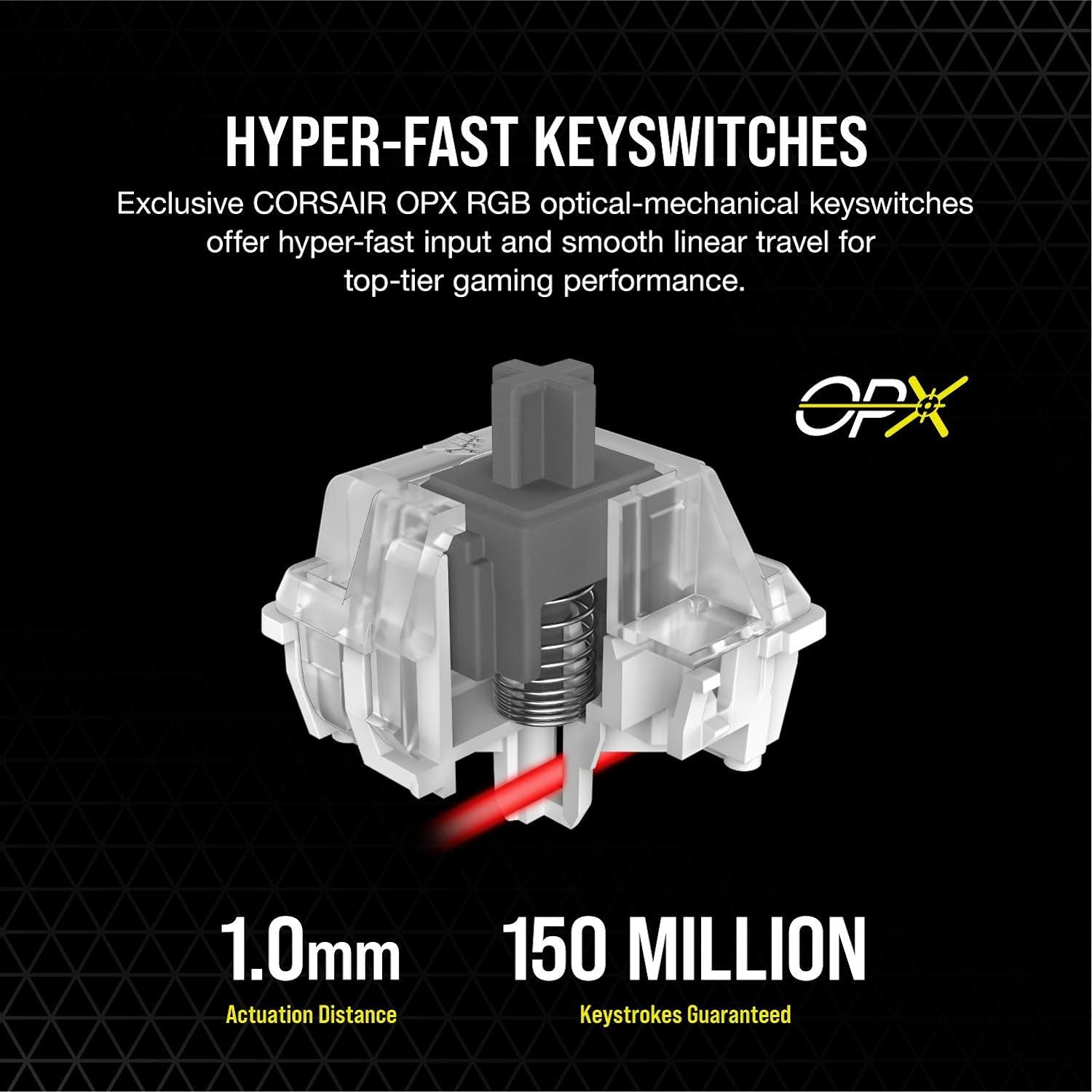
The K100 RGB’s core pitch is responsiveness and configurability. Corsair states the keyboard uses native 4,000Hz hyper-polling and 4,000Hz key scanning, with “up to 4x faster throughput” compared to standard mechanical gaming keyboards, backed by AXON. It also lists a 1.0mm actuation distance and a smooth linear travel for the OPX switches, rated for 150 million keystrokes.
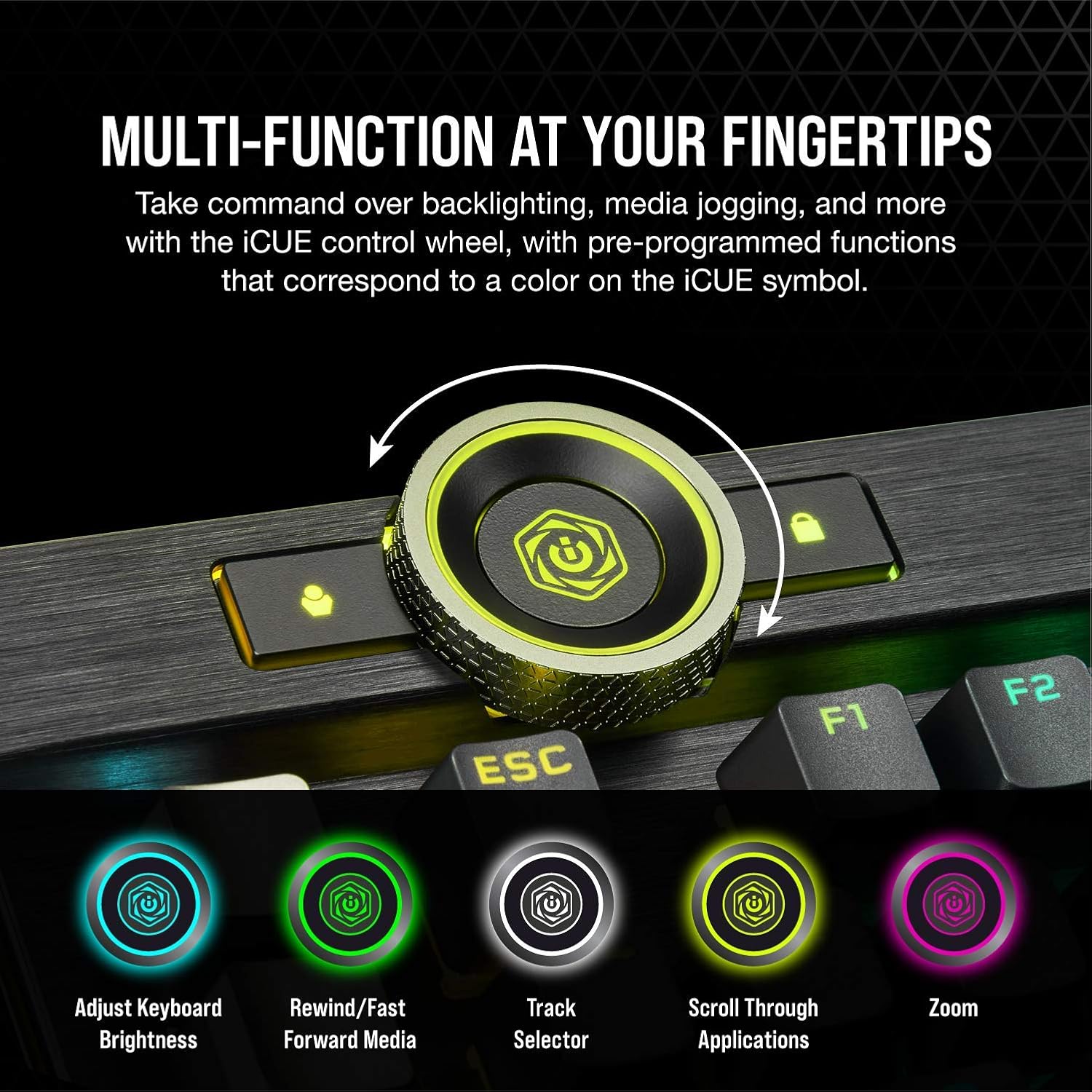
In practice, what matters most is whether you’re the type of user who will actually use: - deep iCUE customization and lighting layers - programmable macros for gameplay routines - quick control over media and actions via the iCUE control wheel - Elgato Stream Deck integration for streaming commands
If you’re mostly after simple typing or occasional gaming with minimal setup, you may find it a bit “more keyboard than you need.” It’s not that it won’t work—it’s that you might not fully benefit from its strengths.
Where it shines in daily use
This keyboard is built around convenience while you play. The iCUE control wheel is positioned as a multi-function control for backlighting and media jogging, and it’s programmable for actions in games and applications. That’s the kind of feature that can save time when you don’t want to cycle menus mid-match.
Then there are the six dedicated macro keys. With Elgato Stream Deck software integration, Corsair positions them for complex macros, key remaps, and streaming-specific commands. For a concrete example: if you stream and you often need to trigger scenes or overlays, you can set those actions up through Stream Deck software and bind the corresponding shortcuts to the keyboard’s macro keys—so you’re not reaching for extra controls during a live moment.
Lighting is also part of the appeal here. The per-key RGB backlighting and the three-sided LightEdge are meant to be visible from different angles of your desk setup. If your setup has a “view from the side” aesthetic (or you just like lighting that frames the keyboard), this one is designed for that.
Key takeaways: strengths and potential limitations
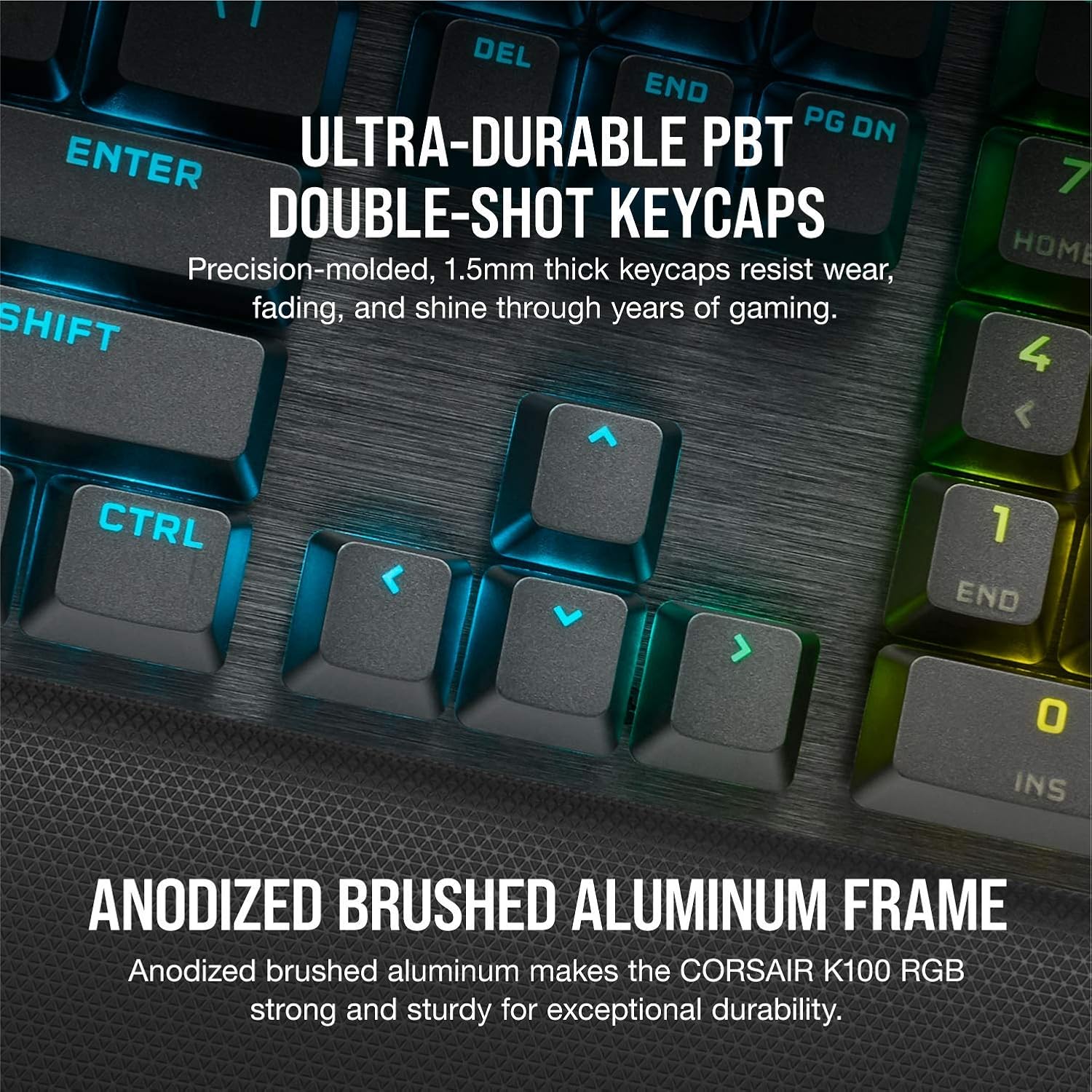
What stands out: The combination of AXON Hyper-Processing Technology, OPX optical-mechanical switches, and high-frequency scanning/polling is a clear attempt to hit responsiveness and smooth actuation. The PBT double-shot keycaps are also positioned as a durable, long-term choice for a gaming keyboard that you’ll use constantly.
What you should be cautious about: It may not be the best match if you don’t want to deal with customization software and remapping. Features like fully programmable macros, multi-layer lighting effects, and Stream Deck integration all assume you’ll spend a little time setting things up. If you prefer “plug in and go” with minimal tweaking, the learning curve could feel unnecessary.
Also, despite the “fast throughput” and optical-mechanical positioning, not every user will feel a practical advantage in every situation. If your current setup already meets your needs and you’re not sensitive to input latency or keystroke responsiveness, this may sit more in a premium performance-and-customization lane than you actually require.
Compatibility & requirements
Corsair explicitly mentions compatibility with Elgato Stream Deck and iCUE. Beyond that, the details provided focus on integration and programmability rather than listing specific device requirements. If you’re planning to use the Stream Deck features, make sure your workflow relies on Elgato’s software and that you’re comfortable configuring actions through that environment.
Is it worth it?
This is worth considering if you want a wired QWERTY US gaming keyboard that treats your desk like a centerpiece—complete with per-key RGB, a LightEdge design, and serious programmability through iCUE and macro keys. It also makes sense if you’re specifically looking at optical-mechanical switches and the AXON approach to high-frequency scanning/polling, and you’ll actually use the programmable wheel and macro shortcuts.
You may want to skip it if you only need a basic gaming keyboard, you don’t care about deep lighting layers, or you’re not interested in software-based remapping and Stream Deck-style streaming commands. In that case, you could end up paying for capabilities you won’t use.
Mini FAQ
Does the K100 RGB work with iCUE?
Corsair states it’s iCUE compatible, and it’s positioned as programmable for lighting, actions, and controls via the iCUE control wheel.
Are the macro keys only for gaming?
They’re described as programmable for complex macros and key remaps, and they’re also positioned for streaming commands through Elgato Stream Deck software integration.
What kind of keycaps does it use?
The keyboard is listed with PBT double-shot keycaps.
What makes the OPX switches different here?
The product description highlights optical-mechanical OPX switches with a 1.0mm actuation distance and linear travel, plus a 150 million keystrokes rating and faster key registration claims supported by AXON.
Is it good for someone who doesn’t want customization?
If you prefer minimal setup, it might feel like more effort than you want, since the standout features revolve around programmability and integration.