

EPOMAKER TH85 QMK/VIA Wireless Gaming Keyboard (Tri-Mode, Hot-Swappable, Creamy Jade Linear Switches)
Reviews
Price
Product description
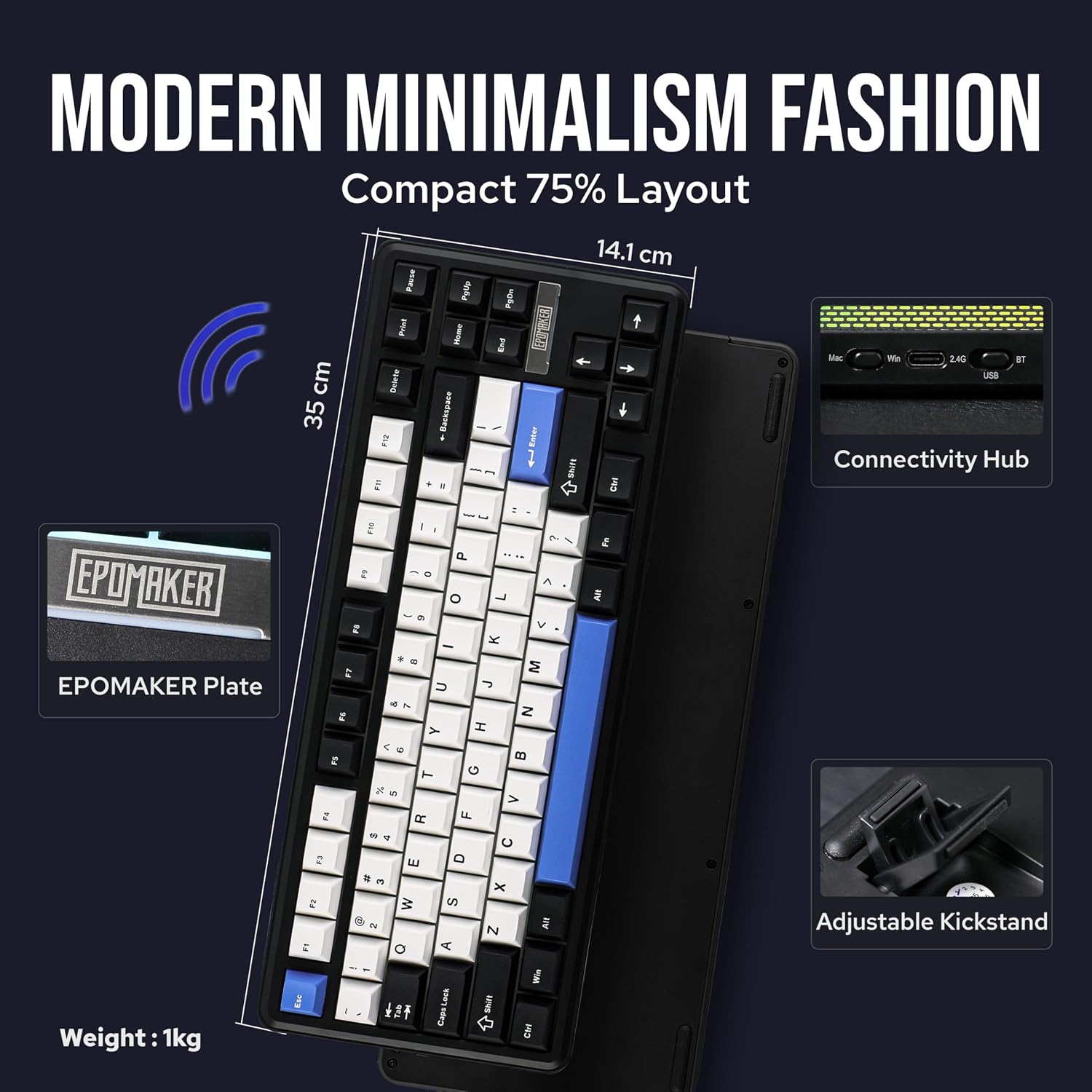
If you’ve been hunting for a compact wireless gaming keyboard that’s actually customizable, the EPOMAKER TH85 is designed for that exact itch. It’s a 75% layout (84 keys) that brings tri-mode connectivity, QMK/VIA remapping, and hot-swappable switches into one package.
That said, “wireless + fully customizable” can come with trade-offs depending on what you care about most—especially if you expect top-tier software polish or a sound profile that matches every preference out of the box. Over the paper, the TH85 aims to land in the enthusiast/gateway enthusiast lane, not the bare-minimum office board category.
The essentials (quick overview)
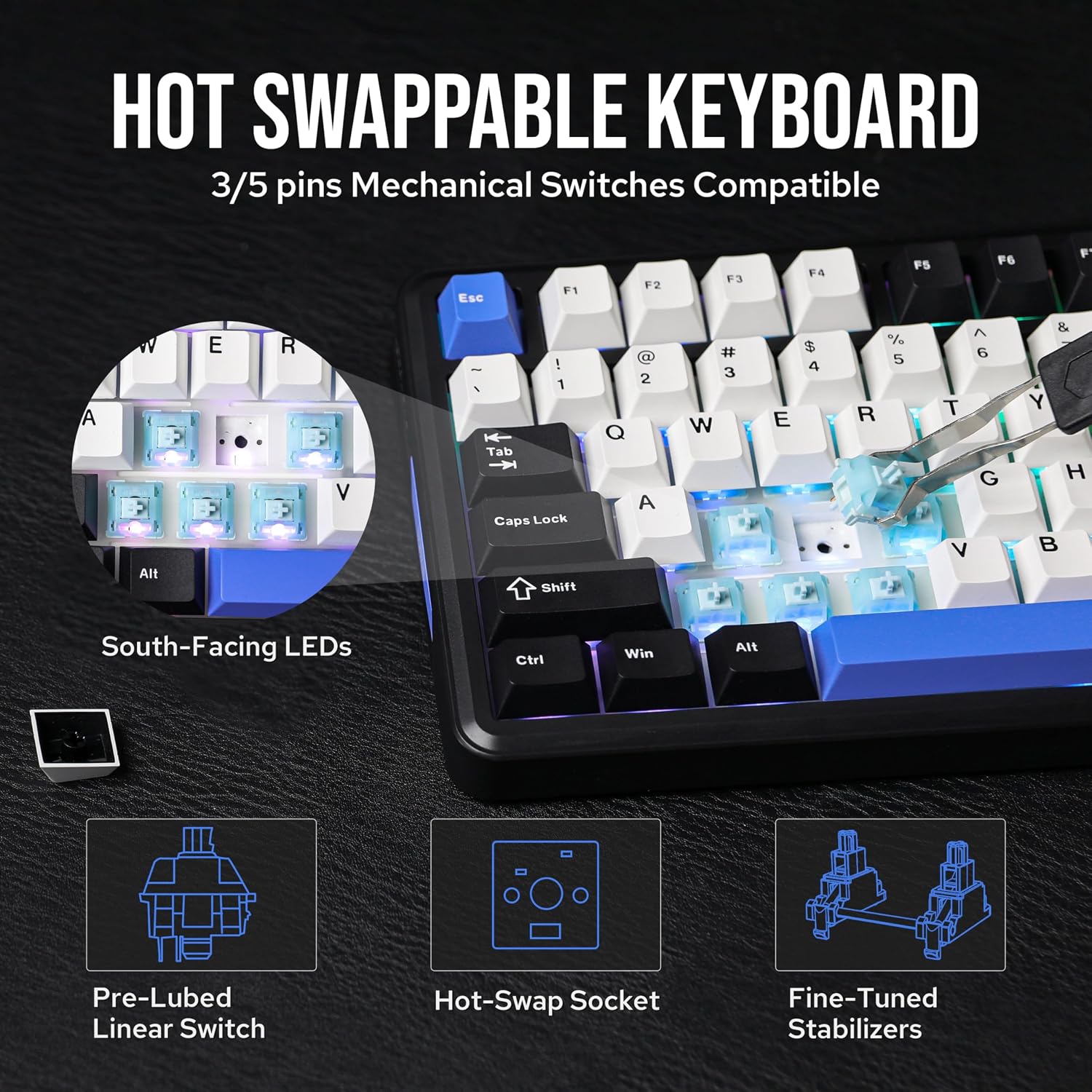
The TH85 is a gasket-mounted mechanical keyboard built around a gasket design intended to improve sound and reduce vibration compared to traditional tray-mounted boards. It comes pre-installed with hot-swappable switches—specifically “pre-lubed custom creamy jade linear” switches—so you get a ready-to-play feel while still keeping the option to change switches later.
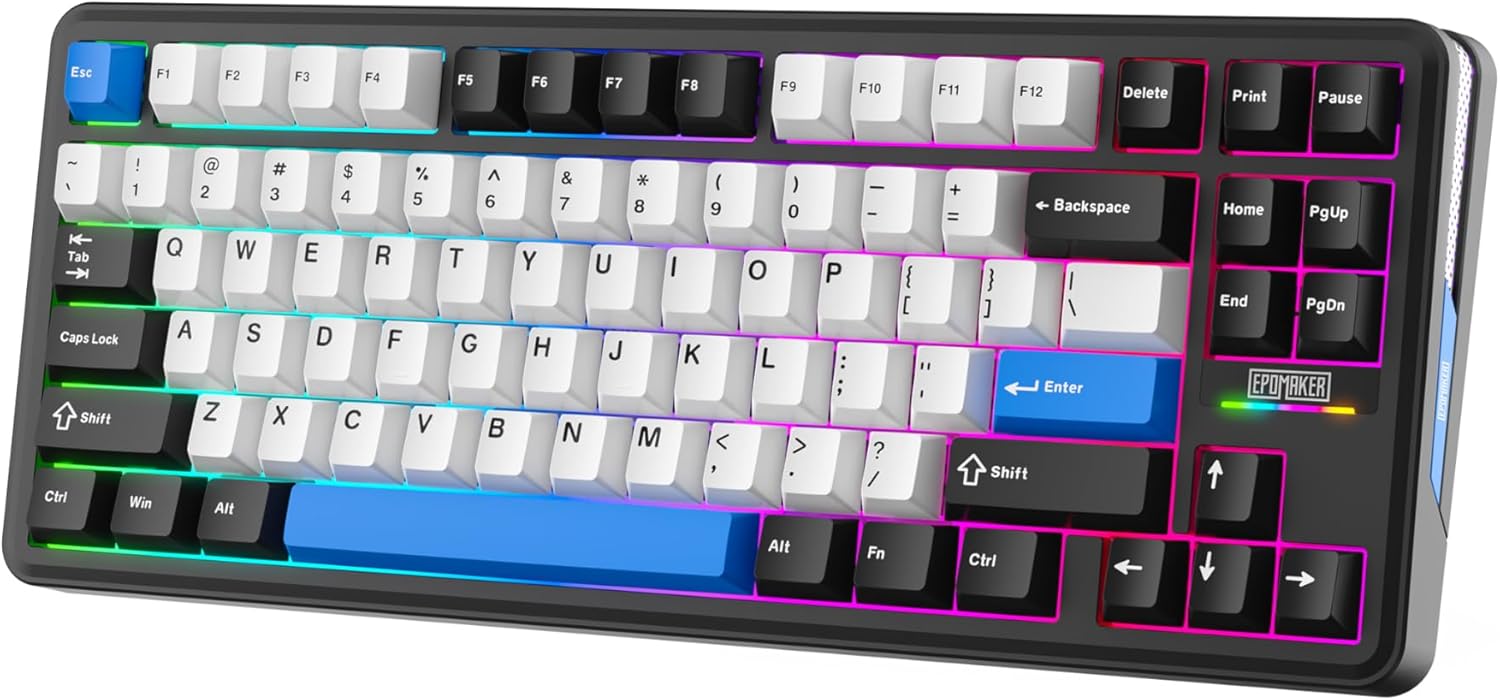
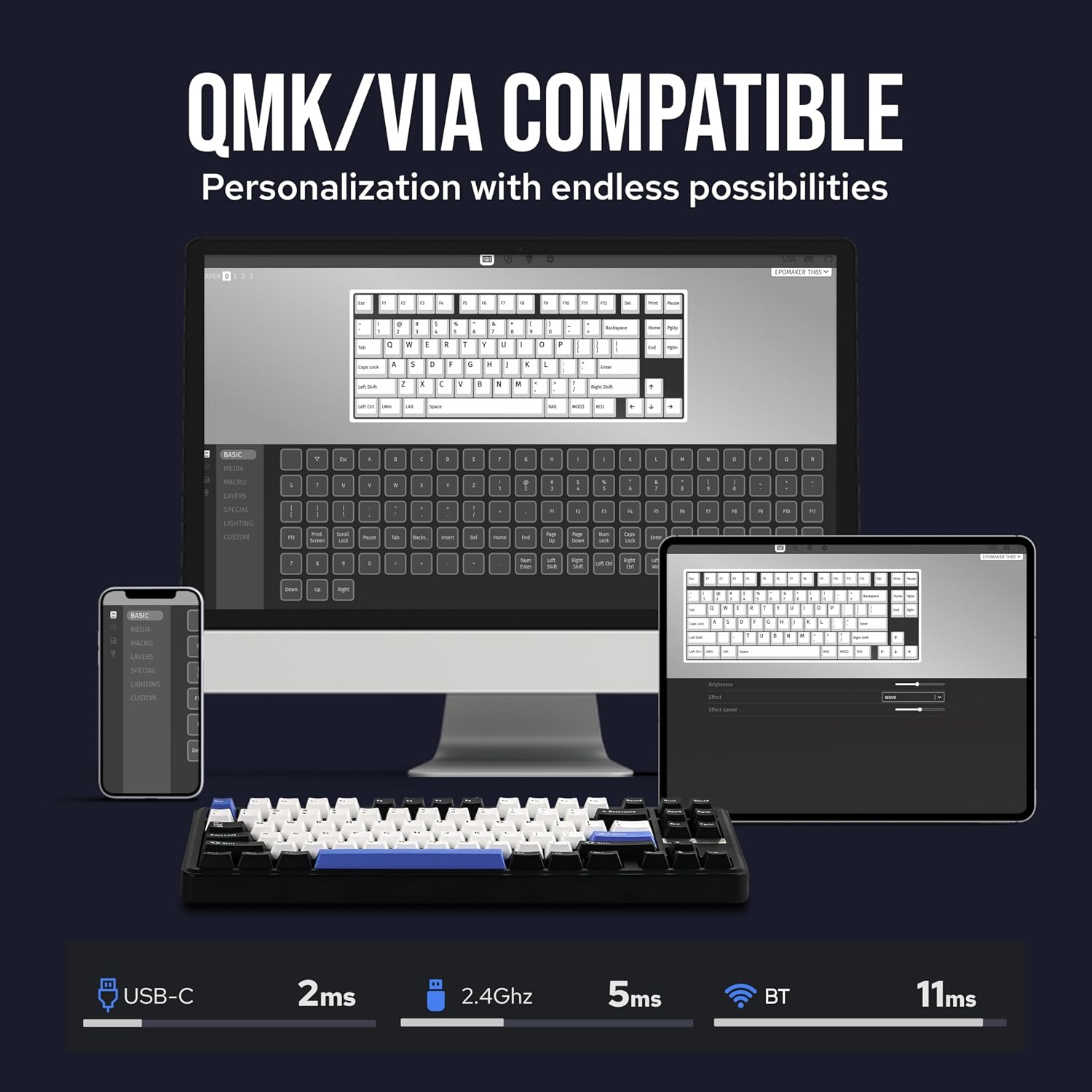
On the customization side, it supports QMK and VIA, which means you can remap keys and assign macros, with live visualization mentioned as part of VIA’s workflow. You can also build multiple profiles for different use cases like gaming and work.
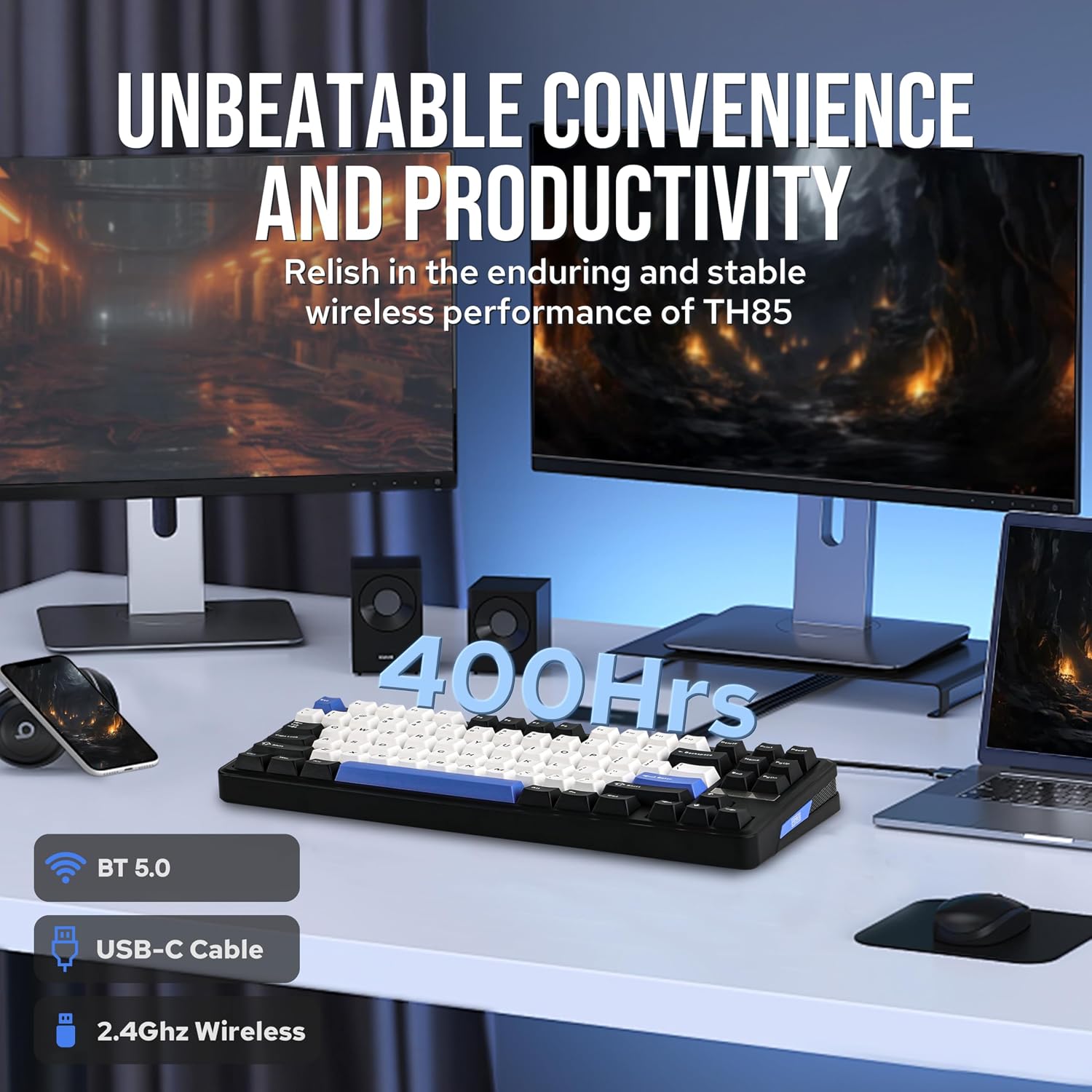
Connectivity is tri-mode: Bluetooth, 2.4GHz wireless, and USB-C wired. There’s also an integrated storage spot for the 2.4GHz receiver under an adjustable two-stage stand, plus mode controls and a dynamic RGB light band around the top frame.
Key features that matter in real use
QMK/VIA support is the headline if you like to tune your setup rather than accept a default layout. Being able to reassign keys and program macros is especially useful when you want one board to do multiple jobs—like switching between a game-heavy profile and a productivity profile.
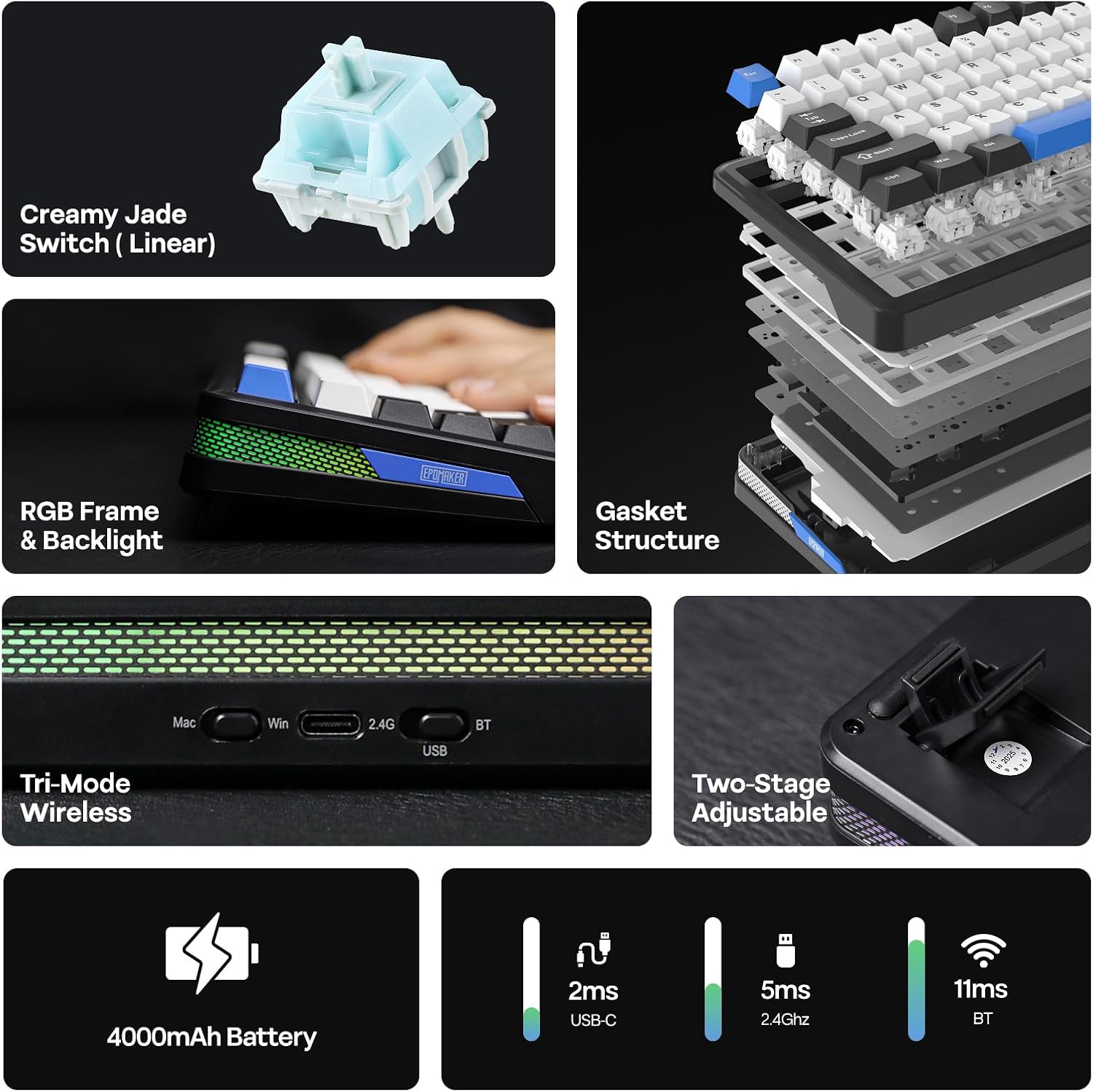
Wireless performance is positioned as “low latency,” and the keyboard includes anti-ghosting features. The description also calls out NKRO support via the QMK firmware, which is the kind of detail that can matter during fast combos—when you’d rather not wonder if the keyboard is missing inputs.
Switch-wise, the TH85 is built for swap-and-explore. Because it’s hot-swappable, you can change switches without full soldering work (the listing emphasizes easy swaps). The included pre-lubed creamy jade linear switches are meant to provide a smoother performance from day one, with the ability to go tactile or click later if that’s your preferred typing/game feel.
What you’ll notice day to day (gasket + switch feel + sound)
The gasket mounting design is a big part of how this keyboard is supposed to “feel” beyond just specs. In practical terms, gasket-style builds tend to feel more damped and less rigid, and the listing explicitly claims better sound and sensation compared to tray-mounted alternatives, mainly by reducing vibration.
If you like a deeper, more controlled acoustic profile, this approach can be a plus—especially for office use where an overly sharp or “pingy” sound can be annoying. Still, it’s worth noting that sound is subjective, and gasket designs don’t guarantee everyone will love the exact tone and resonance. If you’re extremely picky, you may still want to be ready for some personal tuning after the fact.
Connectivity and setup: tri-mode without the cable chaos
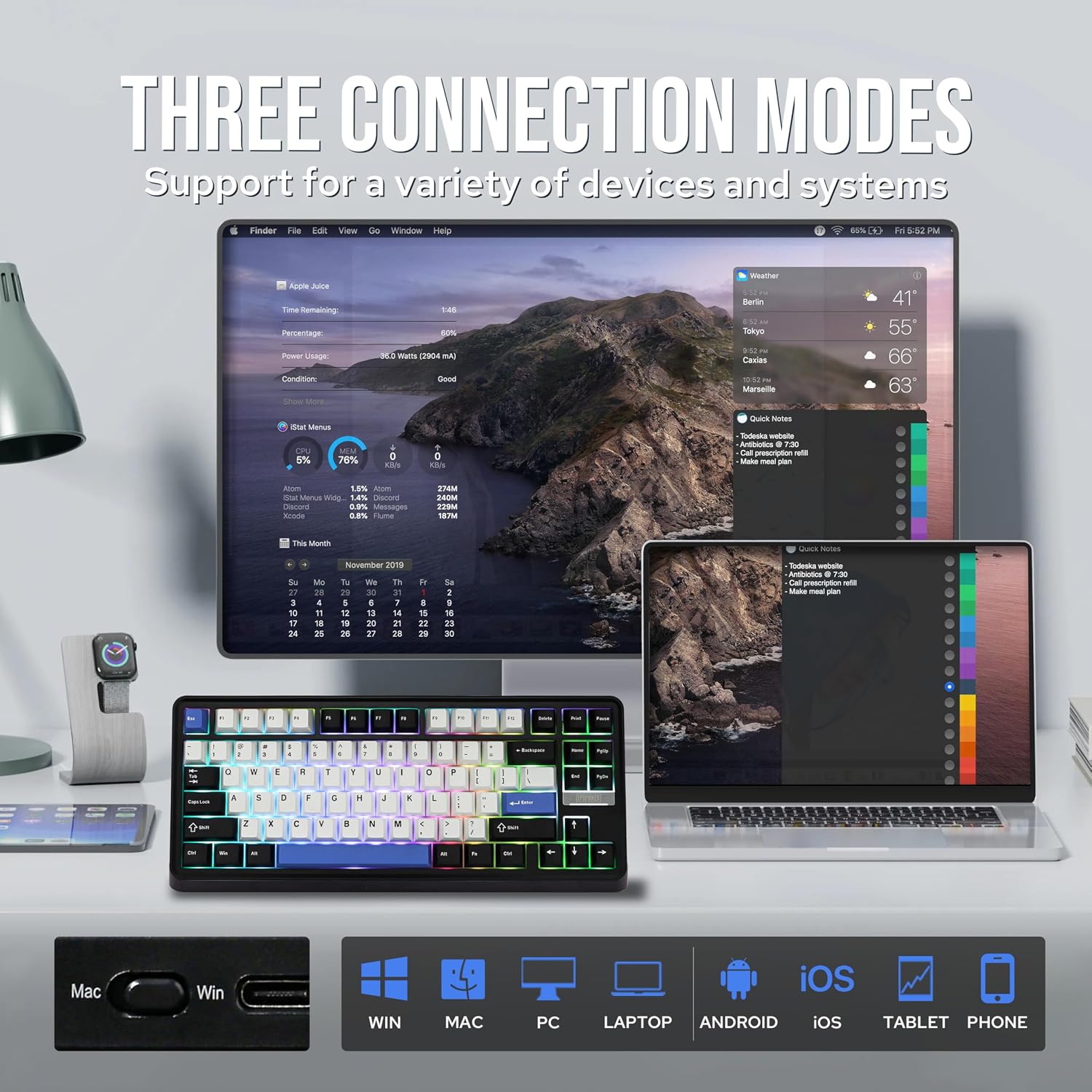
The TH85 is laid out for mixed-device life. With Bluetooth for quick pairing and 2.4GHz for lower-latency wireless gaming, plus USB-C for wired use, it’s aimed at users who bounce between a PC and a laptop (or who just don’t want to keep unplugging things).
The receiver storage is a small but thoughtful detail: it’s tucked underneath the two-stage adjustable stand so you’re less likely to misplace it. There’s also a lighted RGB band and a simple mode control approach on top, which is the kind of day-to-day convenience you appreciate when you’re switching modes often.
One limitation to keep in mind: while tri-mode flexibility is great, you’ll still want to set up your profiles and remaps intentionally so each connection mode behaves the way you expect.
Who it’s for (and who may want to skip it)
A solid pick if you want a compact wireless gaming keyboard that also functions like a customization platform. It suits you if you like the idea of QMK/VIA remapping, want hot-swappable switches for future experiments, and care about wireless options that don’t force you into a single connection method.
It might not be the best choice if your priorities are mostly basic office typing and you don’t plan to mess with layouts, macros, or profiles. In that case, the extra complexity (custom software workflows and the enthusiast-style setup mindset) could feel like overkill.
Tech summary
- Name: EPOMAKER TH85 QMK/VIA Wireless Gaming Keyboard
- Type: Wireless gaming keyboard (75% layout)
- Format: 84-key layout
- Material: PBT keys (Cherry profile mentioned)
- Color: Black & White & Blue
- Connectivity: Bluetooth, 2.4GHz wireless, USB-C wired
- Switches: Hot-swappable, pre-lubed creamy jade linear switches
Is it worth it?
Buy it if you’re looking for a 75% wireless mechanical keyboard with enthusiast-grade customization support (QMK/VIA), hot-swappable switches, and a gasket-mounted build designed to improve sound and reduce vibration. It makes sense if you want one board for gaming and work, with profiles, macros, and flexible connectivity.
Skip it if you want a simple, no-setup keyboard experience, or if you’re not interested in remapping keys, programming macros, or experimenting with switches later. For everyone else, the TH85’s biggest strength is that it doesn’t treat customization as an afterthought—it’s built into how the keyboard is meant to be used.
Mini FAQ
Does the TH85 support both wireless and wired use?
Yes. The listing describes tri-mode connectivity: Bluetooth, 2.4GHz wireless, and USB-C wired.
Are the switches hot-swappable?
That’s one of the core claims. The TH85 is positioned as having hot-swappable switches, with switches pre-installed for use right away.
What does QMK/VIA add here?
The listing highlights full configurability: key remapping and macro programming via VIA, with live visualization mentioned, plus NKRO support via QMK firmware.
Is the gasket design only about sound?
The description frames it as improving both sound and sensation by reducing vibration compared to traditional tray-mounted keyboards.