

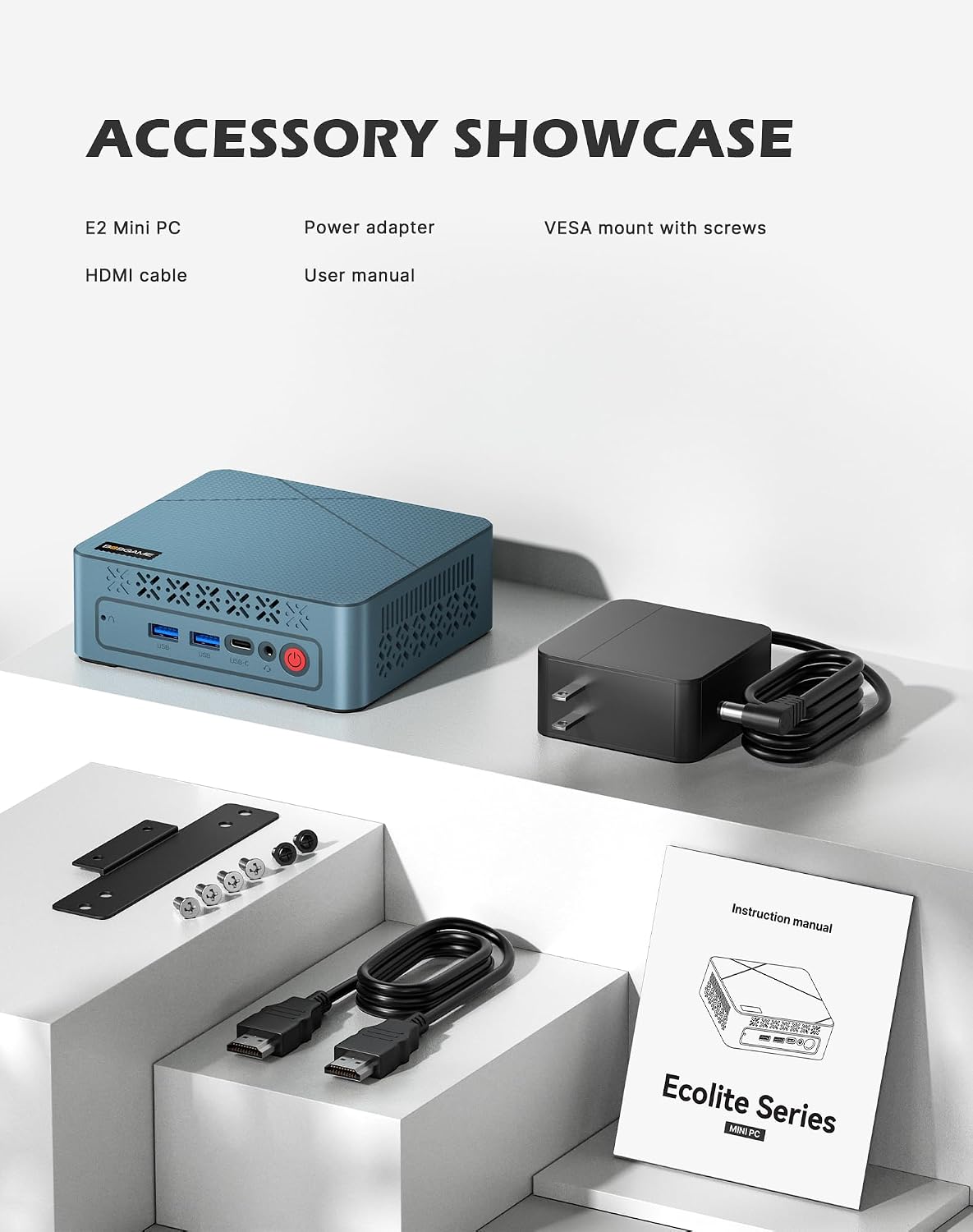
BOSGAME E2 Mini PC (Ryzen 5 3550H, 16GB RAM, 512GB NVMe) for Triple-Display Work and Home Use
Product description
The essentials
If you’re looking for a compact desktop that can handle office work, streaming, and everyday multitasking without taking over your desk, the BOSGAME E2 mini PC is built for that exact vibe. On paper, it leans into a solid midrange CPU (AMD Ryzen 5 3550H) and pairs it with 16GB RAM and a 512GB NVMe SSD, which is the combo most people want for faster app switching than you’d get with cheaper storage.
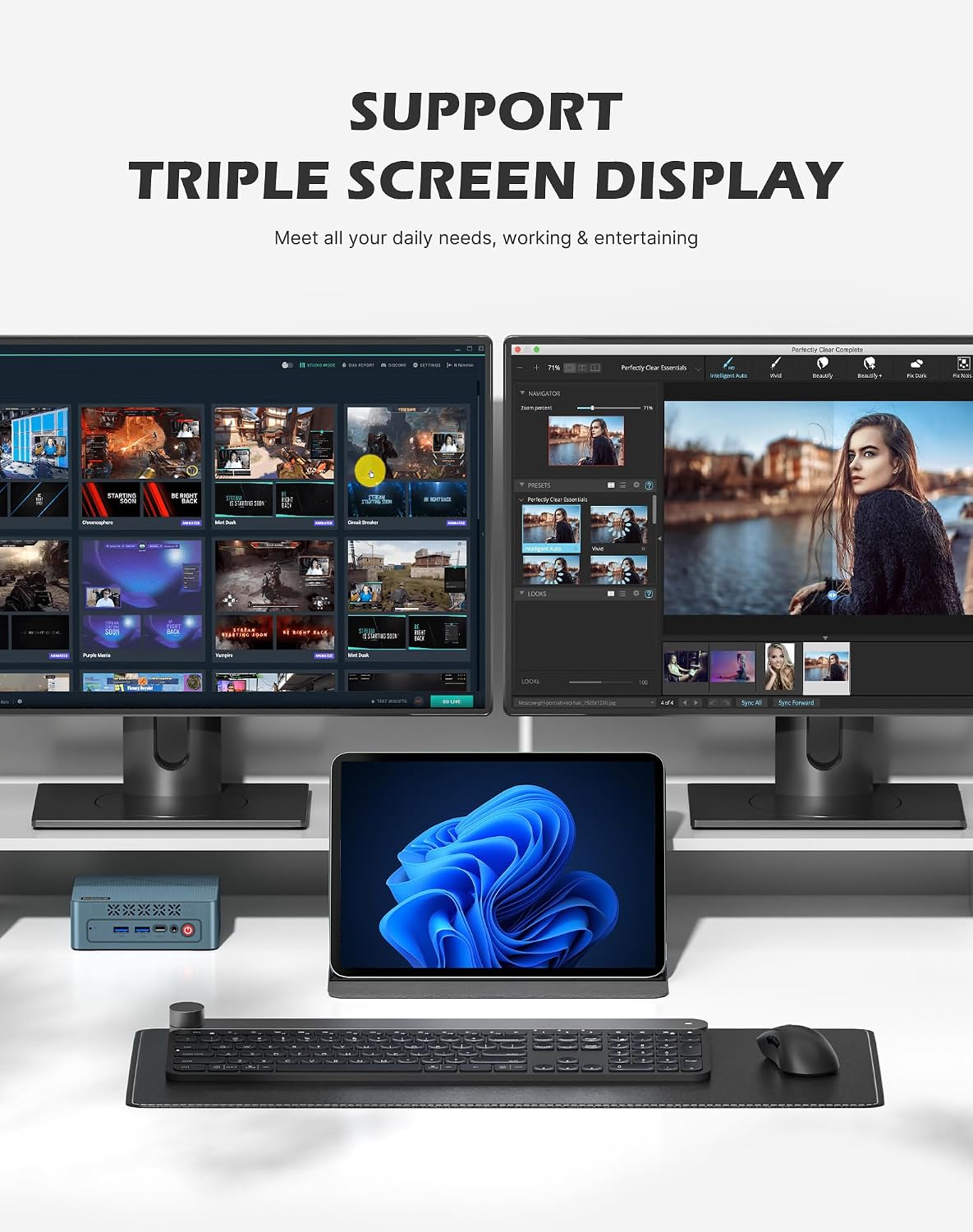
Where it gets interesting is the display setup. The E2 is designed for triple-screen multitasking using 1x USB-C and 2x HDMI 2.0 connections. That means spreadsheets on one screen, email/notes on another, and a browser or media on the third—more “real workflow” than just mirroring.
It’s not perfect, though. Triple-display performance depends on the OS and your specific display setup, and mini PCs like this can be less forgiving than a full-size desktop if you expect heavy workstation workloads or constant peak rendering. Still, for business, office, and school-style use, it’s a practical, space-saving choice.
Key takeaways (what matters most)
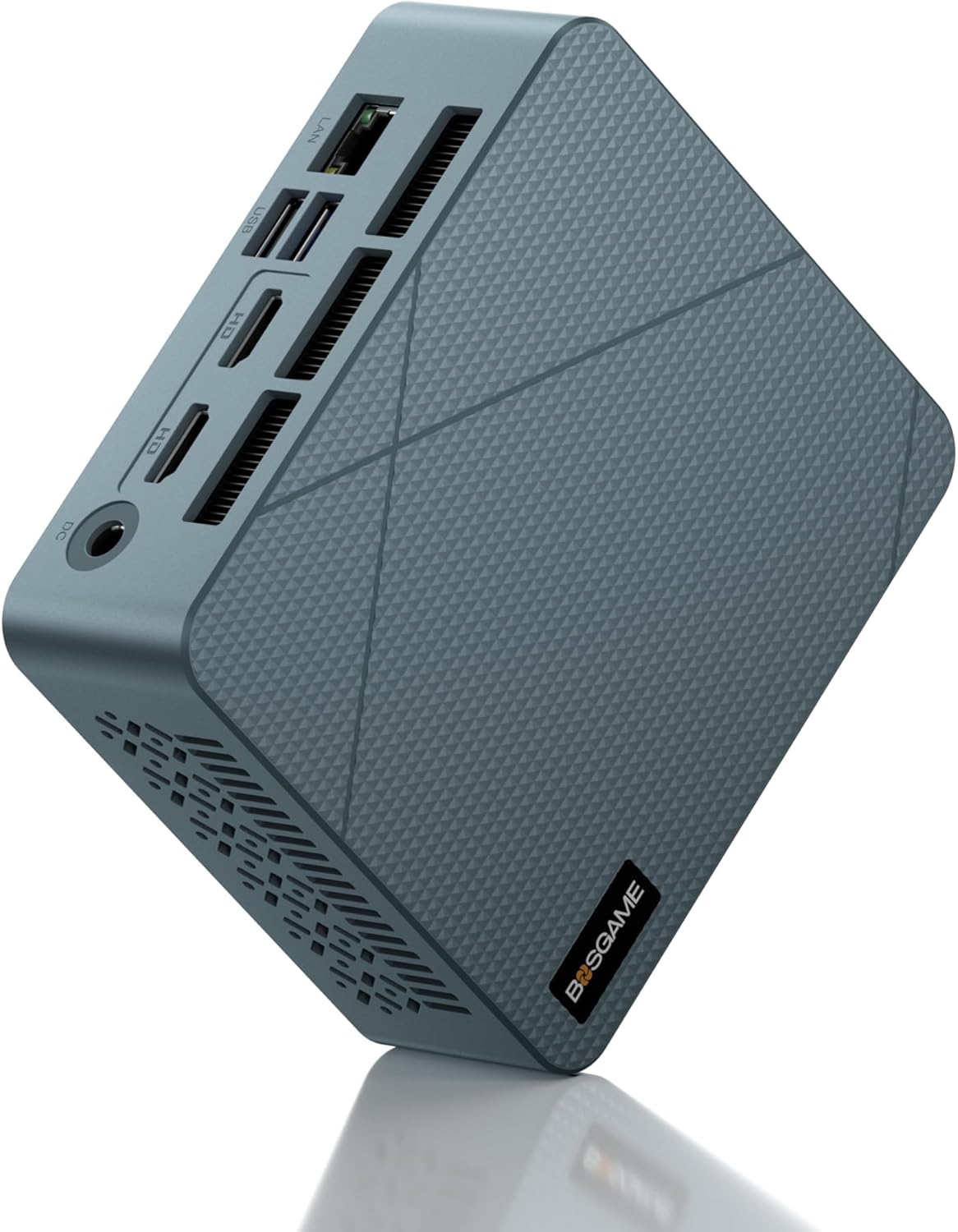
The BOSGAME E2 mini PC feels positioned as a value-focused business/work machine rather than a high-end gaming rig. The Ryzen 5 3550H (4 cores, 8 threads, up to 3.7GHz Turbo) and Radeon Vega 8 integrated graphics are meant to keep daily tasks “snappy,” whether you’re crunching spreadsheets, managing multiple apps, streaming, or working with light 3D animations.
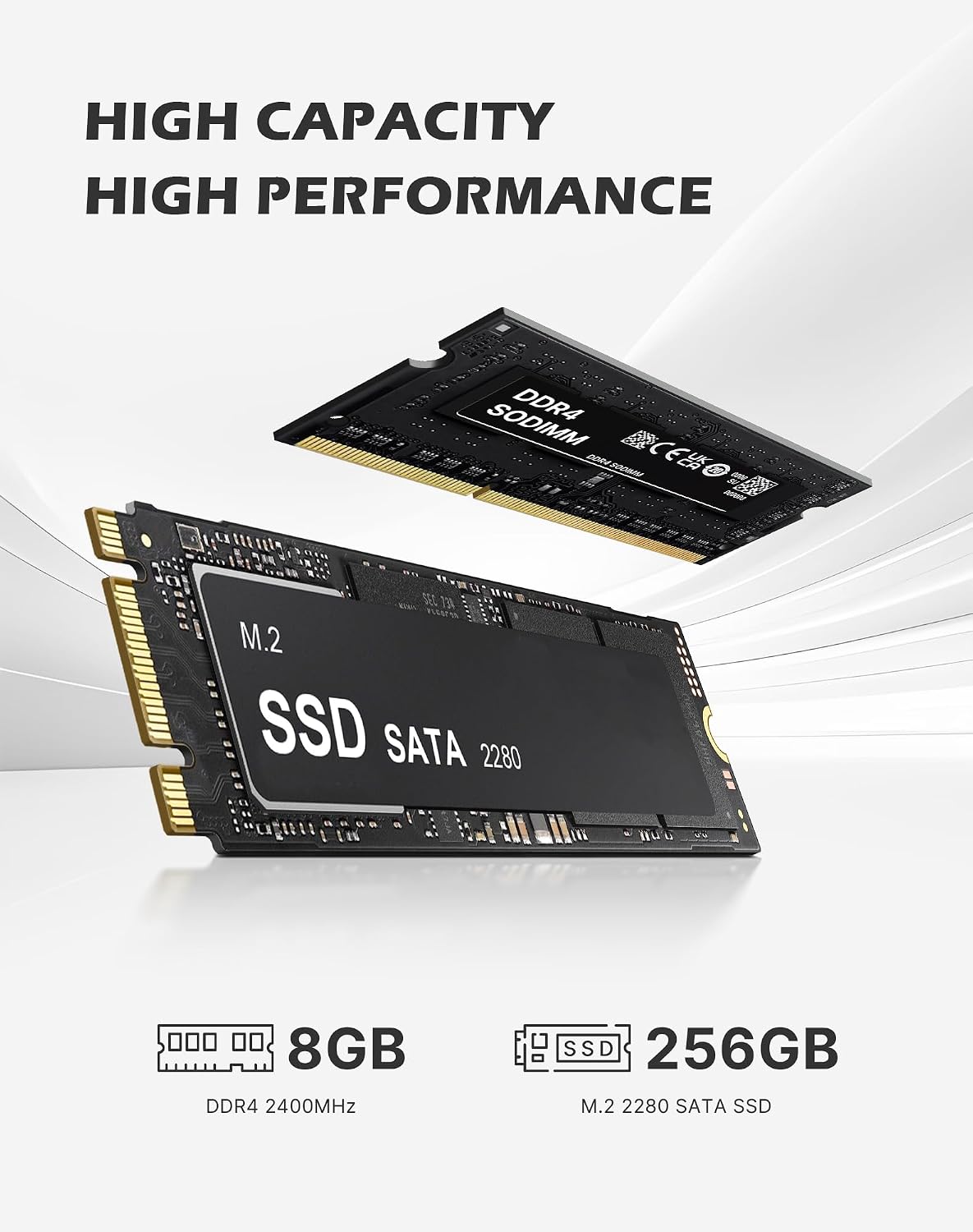
The built-in flexibility also matters. You get dual-channel DDR4 RAM out of the box with 16GB installed (1x 16GB SO-DIMM), and the platform supports upgrading to 32GB later. Storage starts at 512GB M.2 NVMe PCIE 3.0 X4, with expansion support for larger NVMe drives, so you’re not locked into tiny storage from day one.
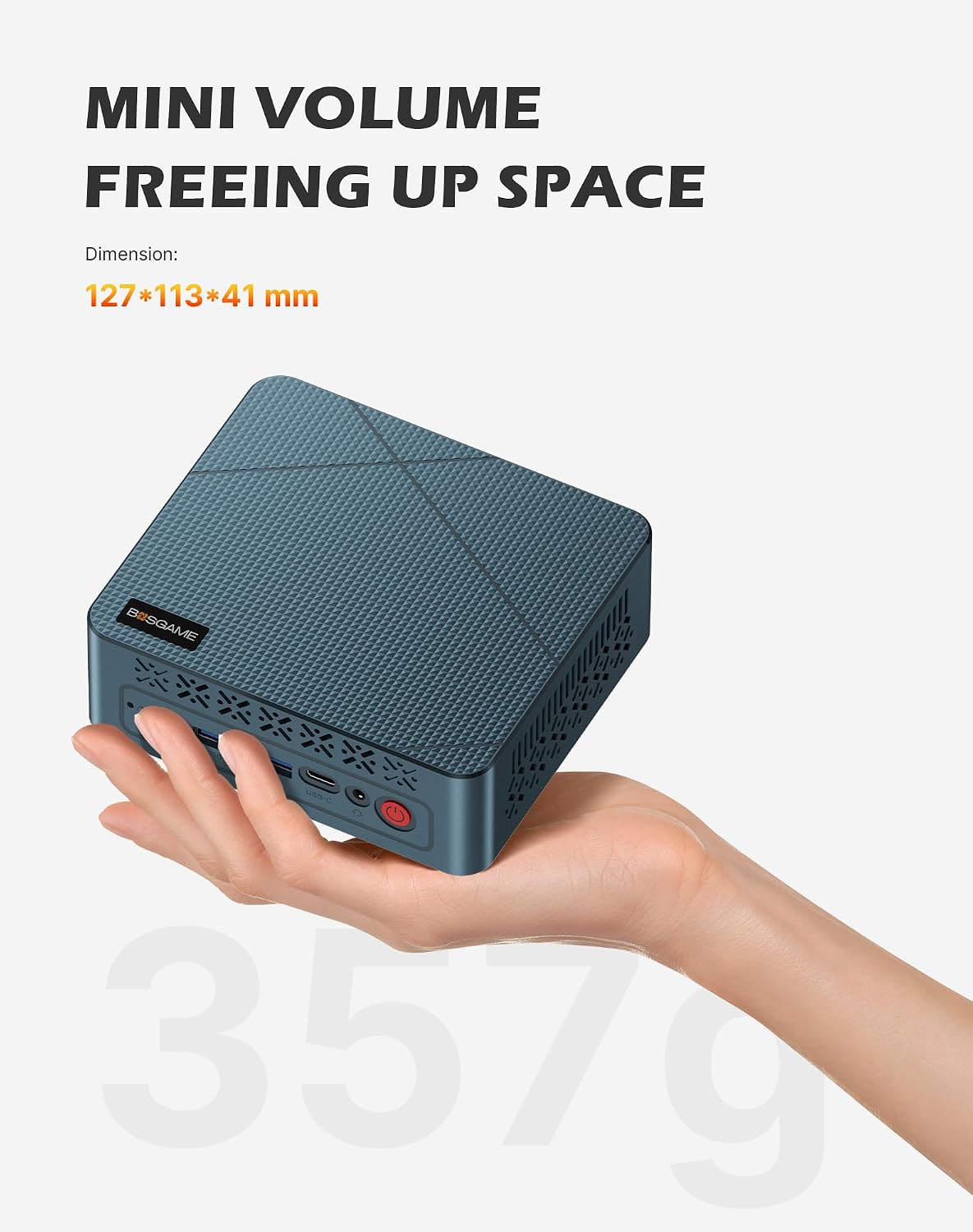
And if you care about keeping the setup clean, the compact dimensions (about 4.5x4.5x2 inches) and wall-mount support are the kind of details that actually change how the workstation feels day to day.
What you’ll notice day to day (everyday performance & connectivity)
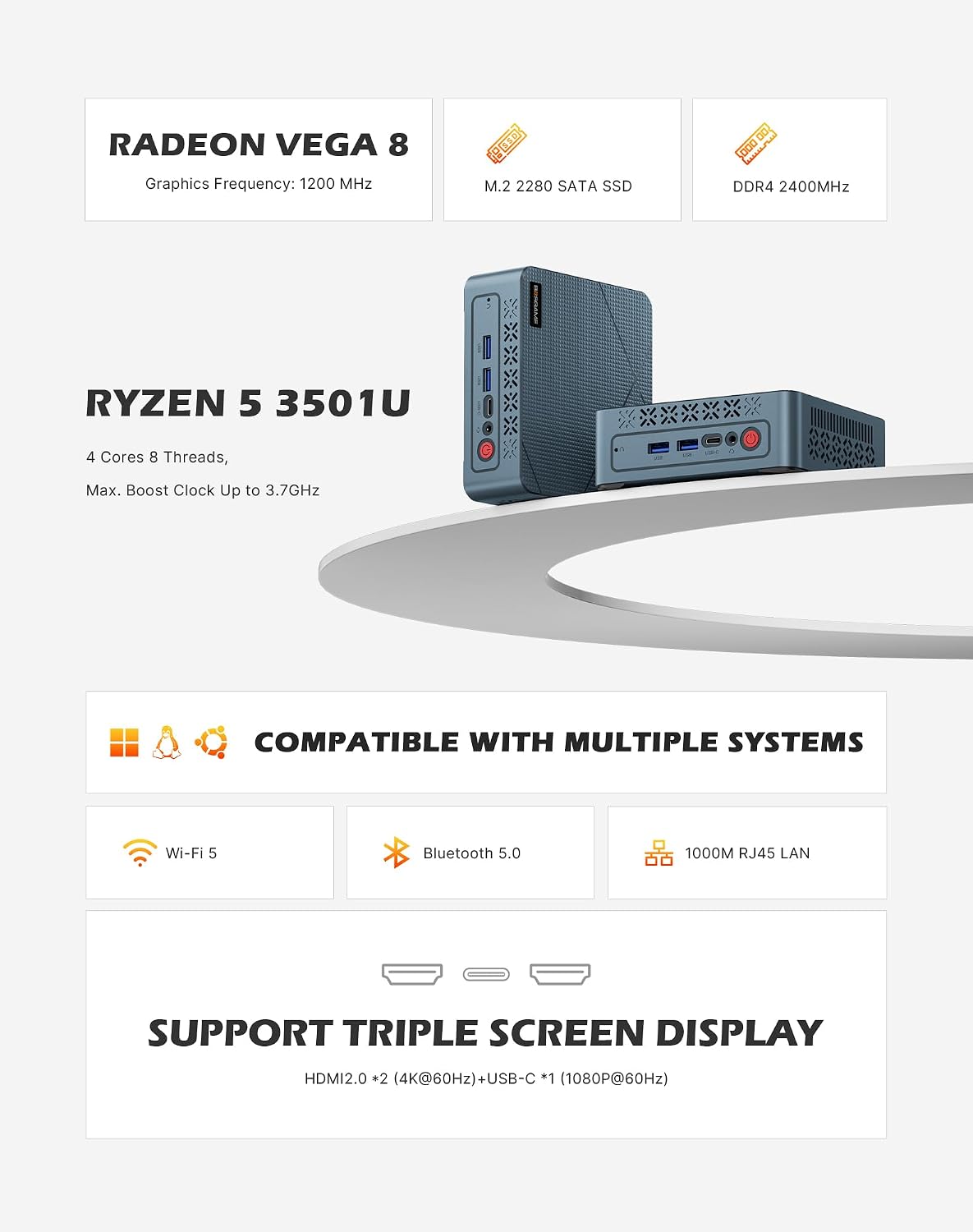
In real-world use, the things you’ll likely feel first are responsiveness and setup convenience. The claim of roughly 50% faster multi-core performance versus basic N150 mini PCs is the right direction for office-style multitasking, especially when you’re bouncing between tabs, documents, and communication apps.
Graphics and media are also a key theme. The Radeon Vega 8 iGPU is positioned for better integrated performance, including streaming 4K video. If your typical day includes watching training videos, streaming meetings, or handling content playback alongside other apps, this is the kind of spec mix that makes sense.
For networking and peripherals, it includes WiFi 5 (dual-band 2.4GHz/5GHz) and Bluetooth 5.0. That’s useful if you want to connect a keyboard and mouse without adding a USB hub cluttering the desk. The “pair multiple devices” idea is mentioned, so on a typical office/home setup, you should be able to keep things fairly tidy.
One limitation to keep in mind: mini PCs sometimes get warm under sustained load. The E2 uses a silent fan and advanced cooling system, but if you plan to run demanding tasks for long stretches, you may still want to monitor thermals and keep airflow unobstructed.
Tech specs (the practical details)
- Name: BOSGAME E2 Mini PC
- Processor: AMD Ryzen 5 3550H (4 cores, 8 threads, up to 3.7GHz Turbo)
- Graphics: Built-in Radeon Vega 8
- Memory: 16GB DDR4 (1x 16GB SO-DIMM), dual-channel support (up to 32GB later)
- Storage: 512GB M.2 NVMe PCIe 3.0 x4 (supports expansion)
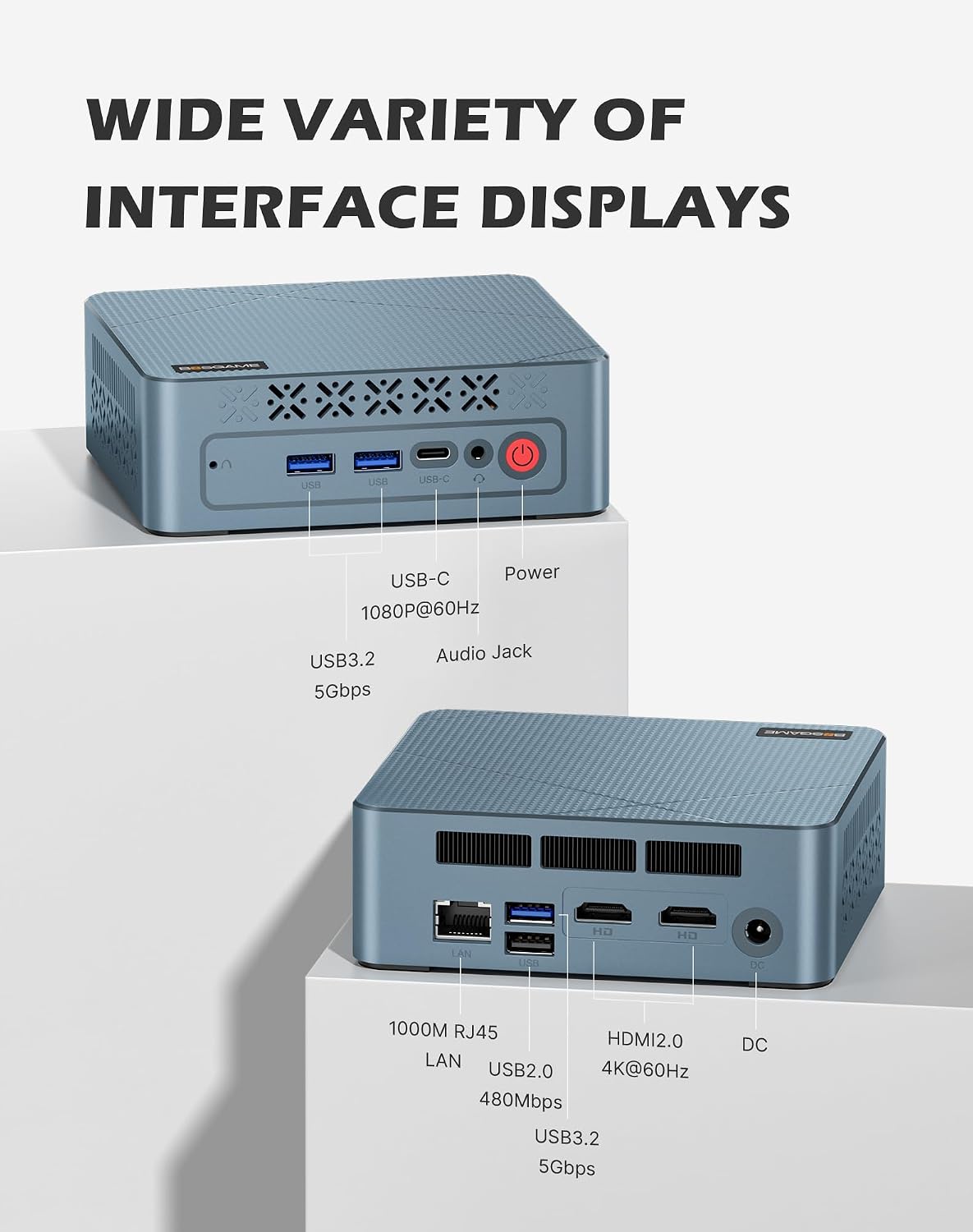
- Displays: Triple displays via 1x USB-C + 2x HDMI 2.0
- Networking: Gigabit Ethernet
- Wireless: WiFi 5 (dual-band 2.4GHz/5GHz) and Bluetooth 5.0
- Ports: USB 3.2 (5Gbps), USB-C, dual HDMI 4K, Gigabit LAN
- Size: about 4.5x4.5x2 inches
Who it’s for (and who should think twice)
This is a strong fit if you want a compact desktop for business, office, and school use—especially if you care about triple-monitor productivity. It suits people who want one small box behind the desk or tucked behind a monitor, but still want room to grow (RAM and NVMe expansion).
It may not be the best match if your workflow depends on consistent high-end rendering, heavy creative workloads, or if you expect a mini PC to behave exactly like a full-size workstation under maximum load. Integrated graphics are capable for everyday use and media, but they won’t replace a dedicated GPU for demanding gaming or advanced GPU-heavy tasks.
Also, triple-display setups can vary depending on your monitors and OS configuration. If you already know you’ll run very specific display combinations, it’s smart to double-check that your desired arrangement is supported in your setup.
Getting the most from it (setup tips)
Start with your workflow. If your goal is triple-screen productivity, plan which apps live on which display, and use the USB-C + HDMI connections intentionally rather than “whatever works.” That helps you avoid last-minute cable reshuffles.
If you’re a multitasker, consider whether you might need more RAM later. The E2 supports upgrading to 32GB, so even though it ships with 16GB, you’re not trapped—just keep your expectations realistic for the first phase.
For a clean desk, take advantage of the compact design and wall-mount capability. Mini PCs are at their best when they’re placed well: out of the way, with enough airflow around the unit.
Should you buy it?
The BOSGAME E2 is worth considering if you want a compact desktop that targets everyday speed (Ryzen 5 + NVMe + 16GB RAM), supports 4K streaming, and gives you triple-display connectivity via USB-C and dual HDMI—exactly the kind of setup that makes office work feel more fluid.
You may want to skip it if you’re chasing a high-end gaming or workstation experience, or if you need guaranteed performance for the most demanding GPU-heavy tasks. It’s more of a practical, space-saving business/home machine than a “no compromises” powerhouse.
Mini FAQ
Can it support triple monitors?
Yes. It’s designed to connect three displays simultaneously using 1x USB-C and 2x HDMI 2.0.
How much RAM and storage does it include?
It comes with 16GB RAM (1x 16GB SO-DIMM) and a 512GB NVMe SSD. The platform supports upgrading RAM up to 32GB later, and storage expansion with larger NVMe drives.
Does it include WiFi and Bluetooth?
Yes. It includes WiFi 5 (dual-band) and Bluetooth 5.0.
What operating systems does it support?
The listing states support for Windows 11, Windows 10, and Linux/Ubuntu.
Is the warranty covered long-term?
It includes a 1-year full warranty from the date of purchase, plus lifetime support according to the provided information.