

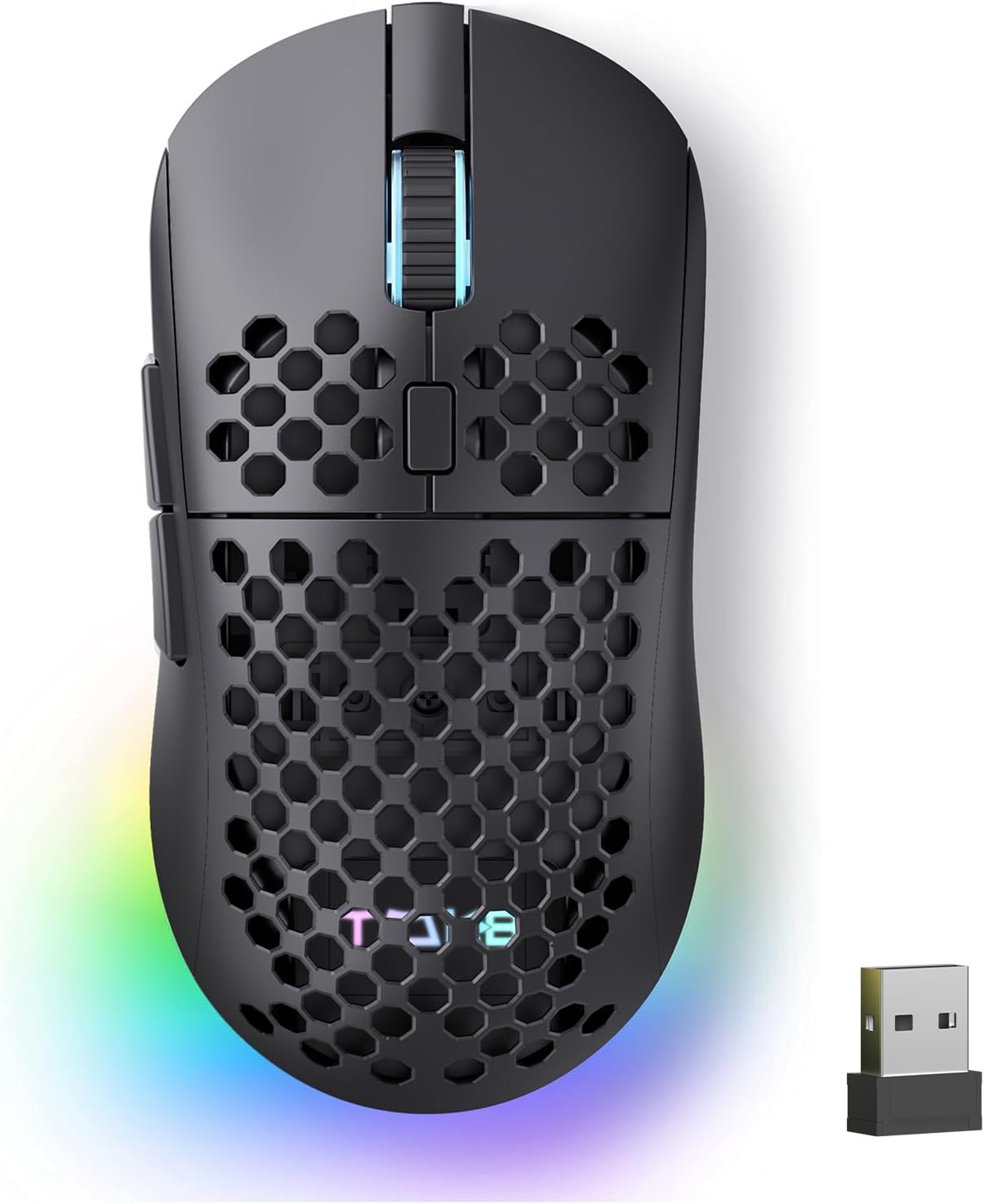
TMKB Falcon M1 Wireless Gaming Mouse: 24000 DPI, 180-Hour Battery, Tri-Mode Connectivity
Product description
What it is and what it solves
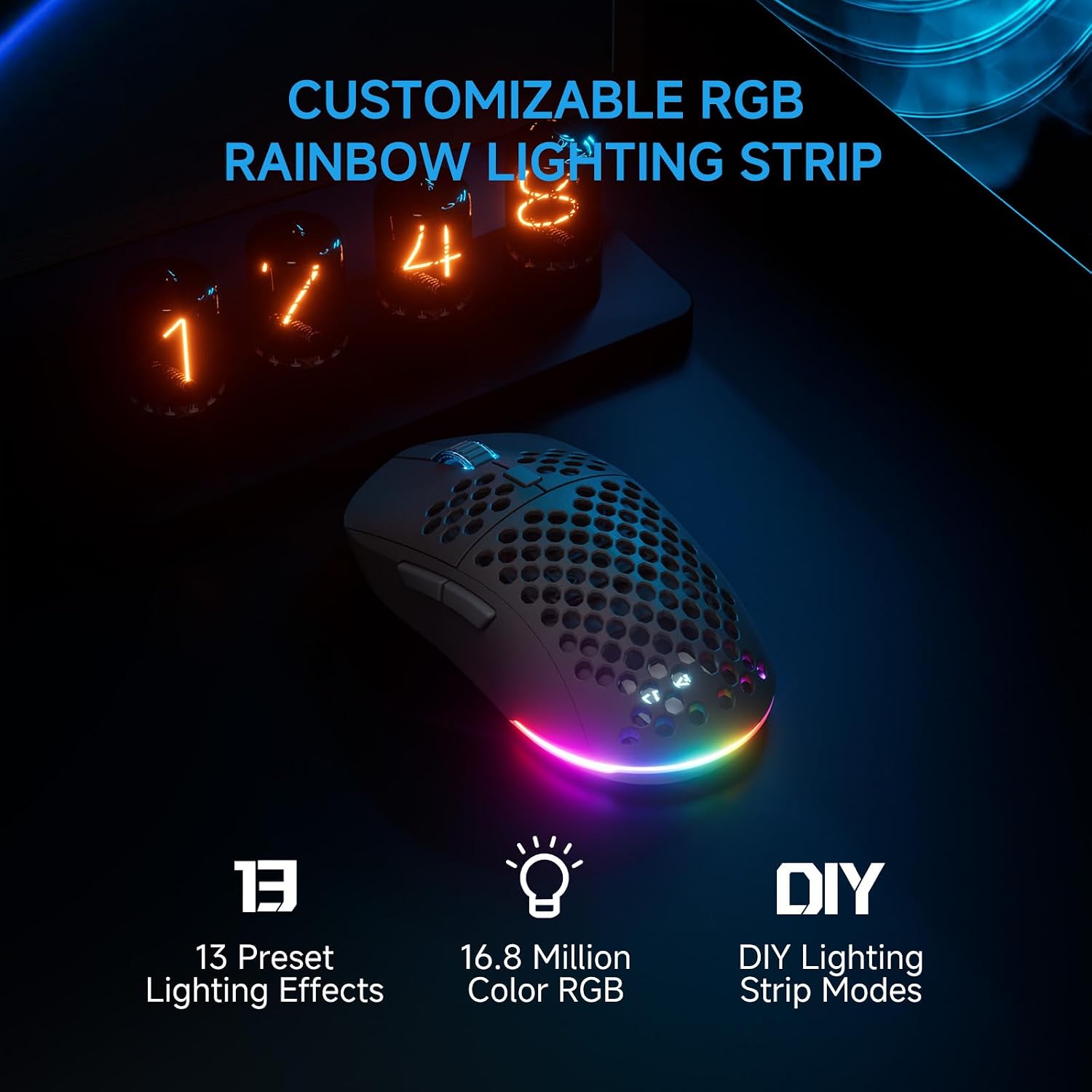
The TMKB Falcon M1 is a wireless gaming mouse designed to cover versatile setups—PC, Mac, and laptop—without being tethered by cables. It targets gamers who want high-precision tracking, long battery life, and flexible connectivity in one package. On paper, it combines a high-precision optical sensor with a strong emphasis on battery longevity and easy on-the-fly customization, which can help reduce mid-game interruptions due to charging or software management.
How it performs
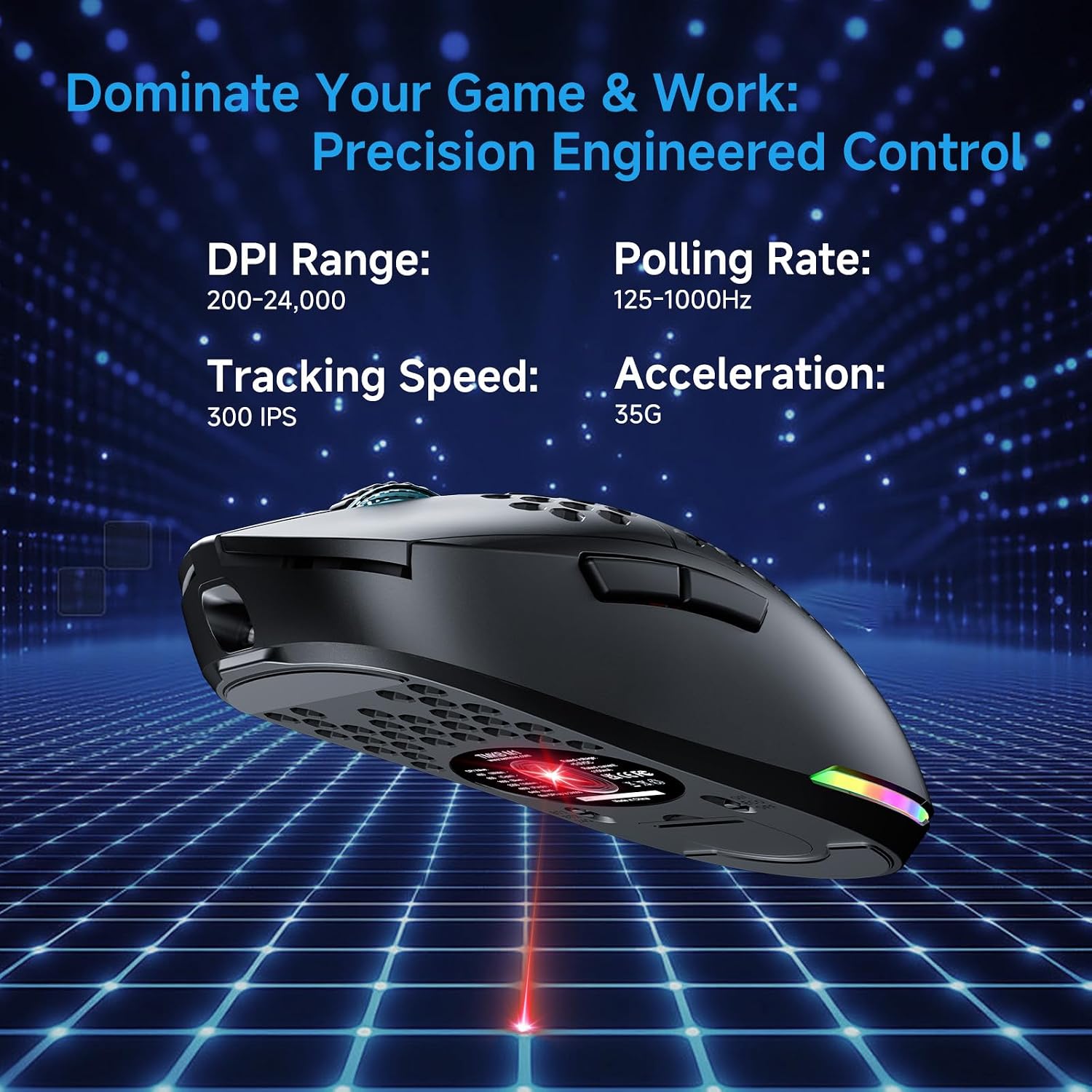
You get adjustable up to 24,000 DPI with six presets plus seven more via software, which gives you plenty of room to tune sensitivity for both snappy aim and precise tracking. The device supports 1000 Hz polling in its wired and 2.4G modes, with a negligible lag if you’re gaming at high FPS. It promises up to 300 IPS speed and 35G acceleration for pixel-perfect accuracy, which can translate to stable cursor movement during fast action.
Battery life and charging
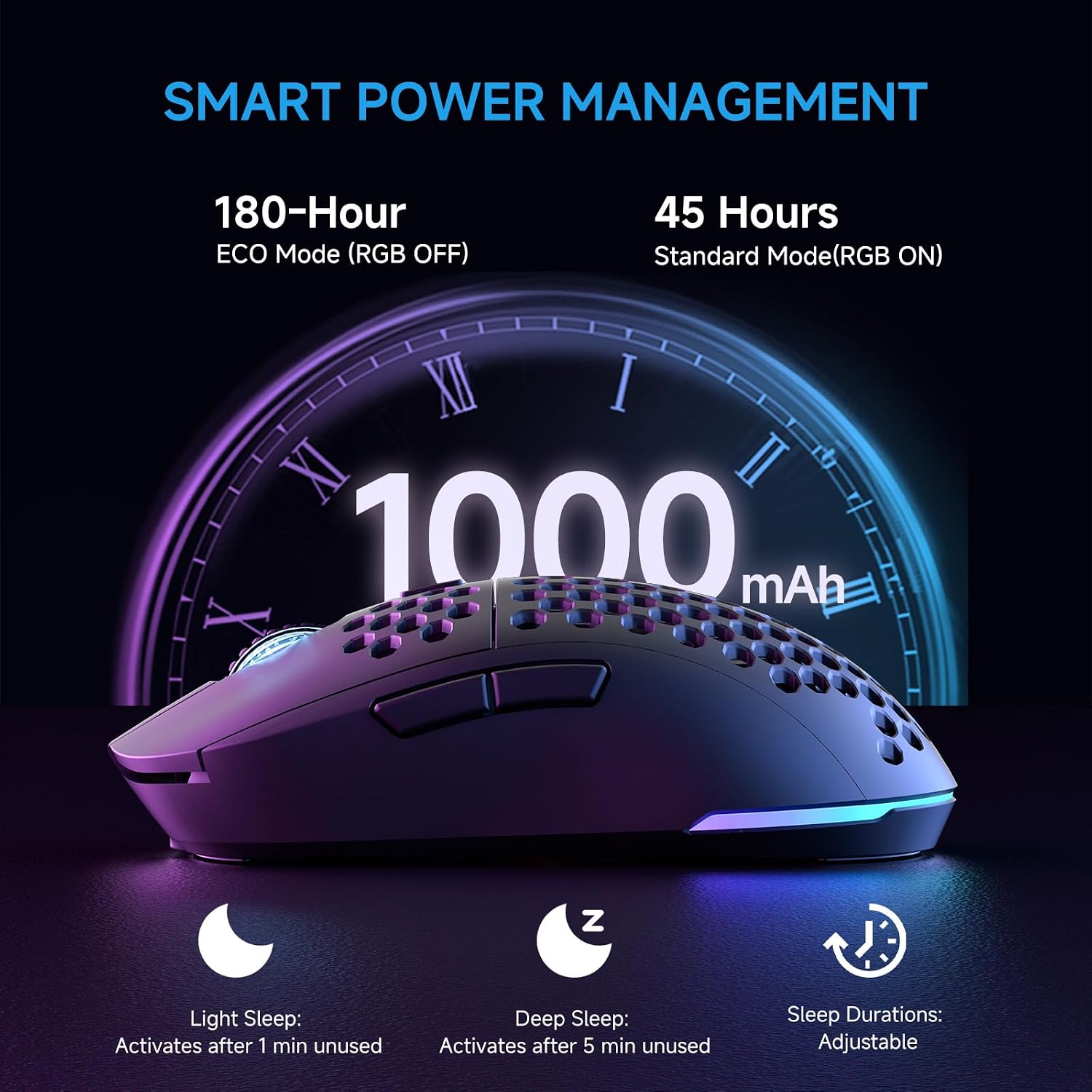
One standout claim is the 180-hour runtime in ECO mode on a 1,000 mAh battery, plus a faster 48-hour life inRGB mode. USB-C charging means you can top it off quickly, and the auto-sleep features help conserve power when you’re away from the desk. If you’re someone who forgets to charge frequently, these battery notes can matter, on the other hand, real-world endurance still depends on lighting and polling rate choices.
Connectivity and profiles
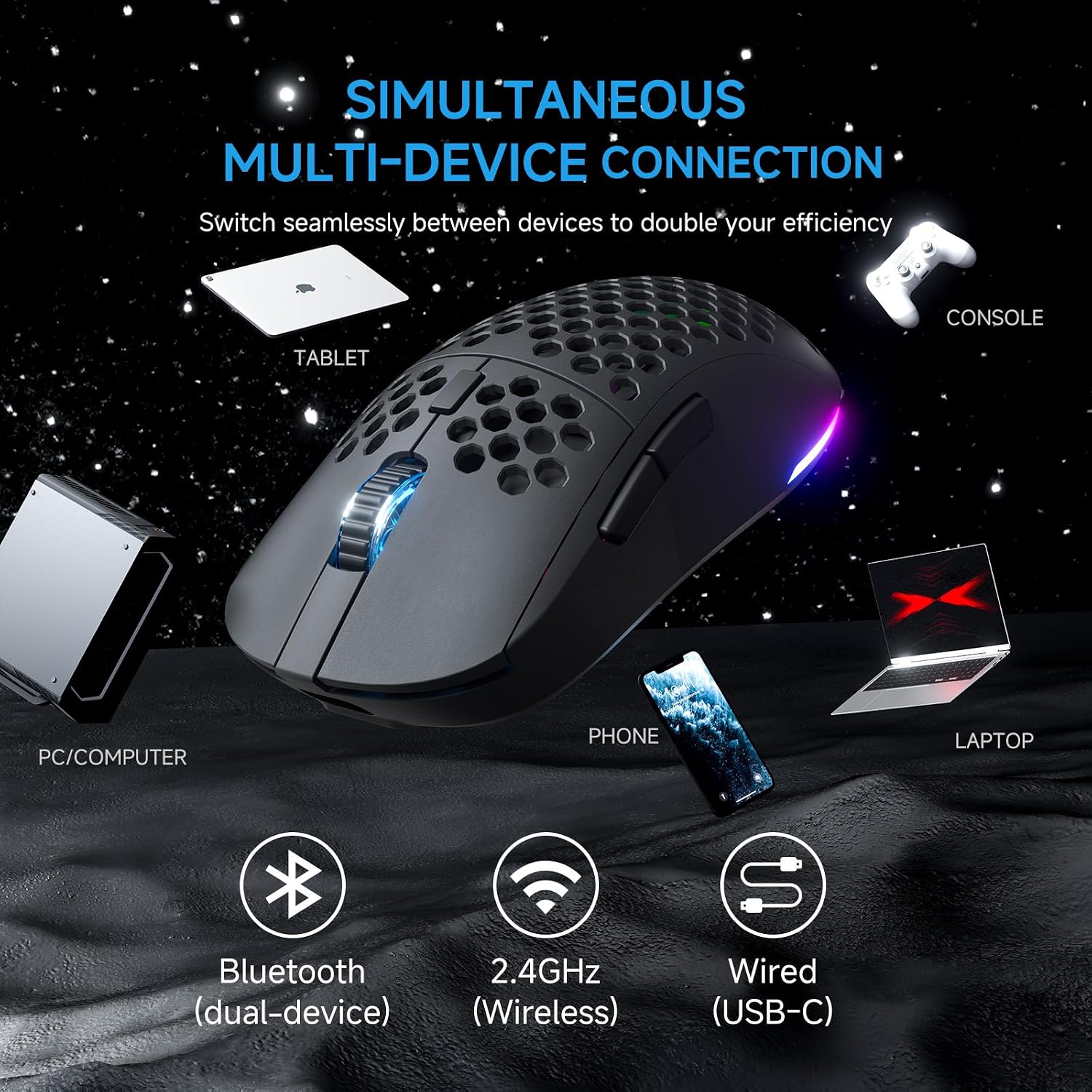
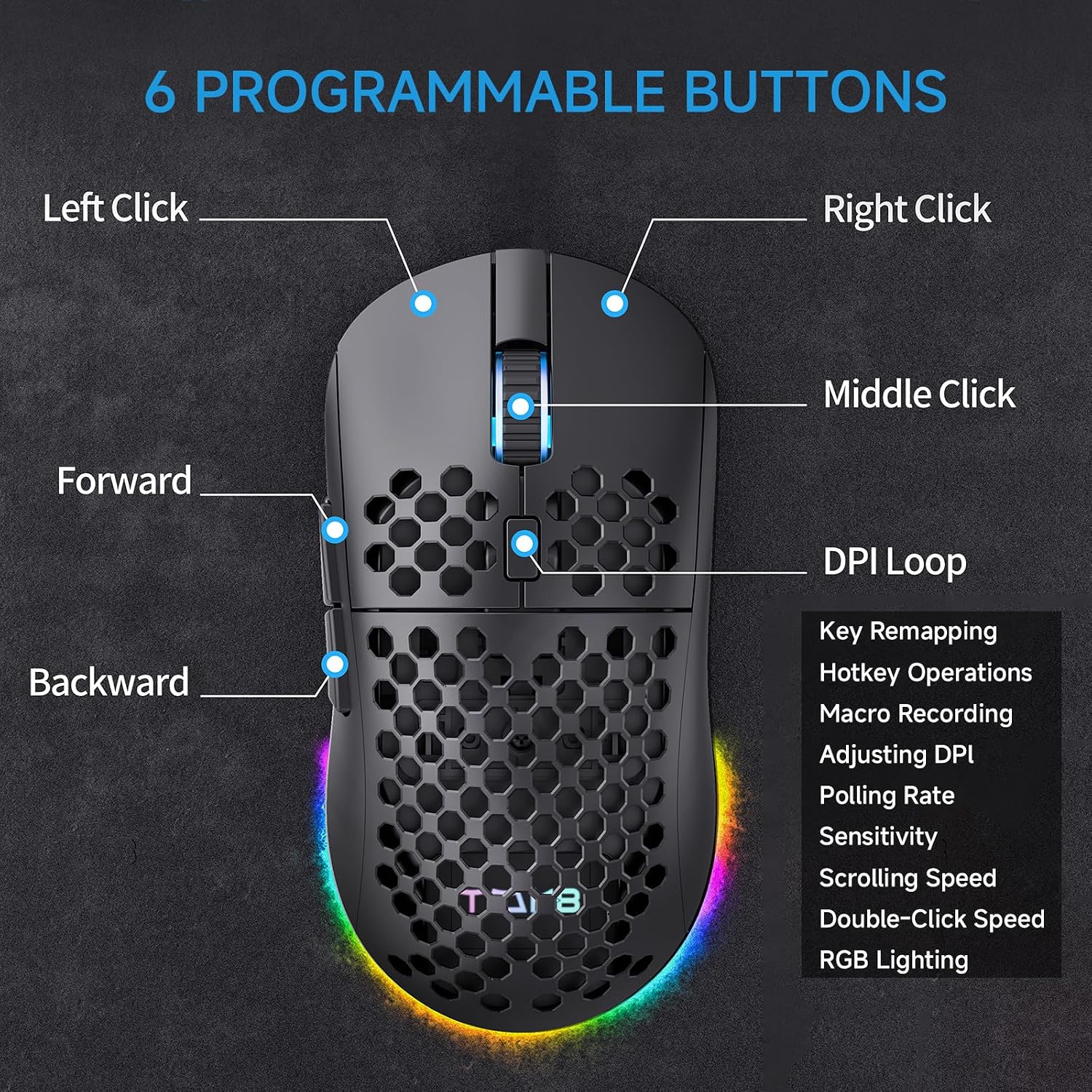
The Falcon M1 supports tri-mode connectivity: 2.4G wireless, Bluetooth 5.2, and USB-C wired. This lets you switch between devices and OSes with minimal friction. Four device profiles can be stored locally and swapped via a bottom button, which is convenient for users juggling multiple machines. The “no-install” driver approach means you can tweak DPI and basic RGB or button mapping directly in a browser, which helps keep your system lean.
Design and comfort
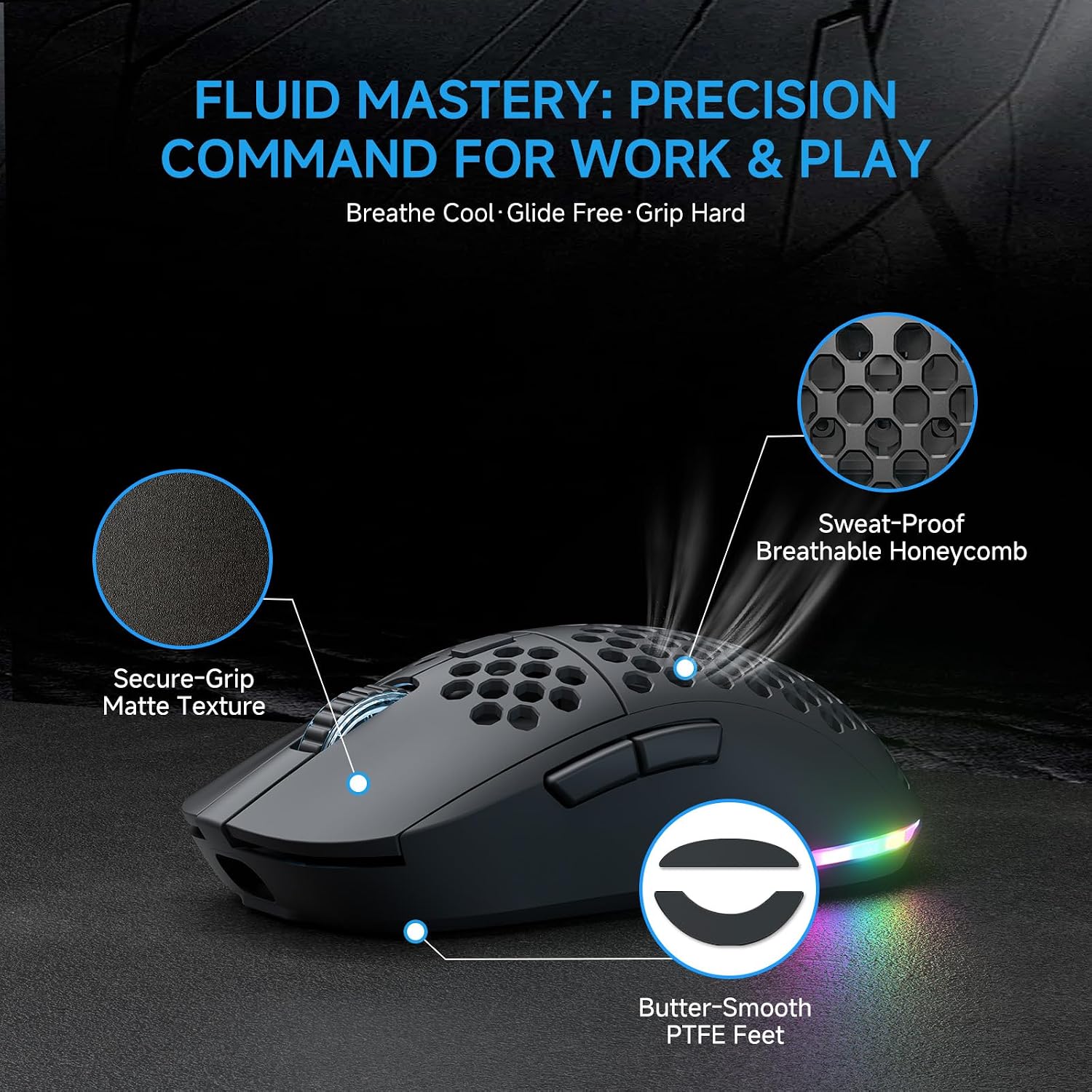
Weighing around 90 grams with a honeycomb shell and matte finish, the design aims to be light yet grippy, with a medium-sized contour that should feel comfortable for many hand sizes. The combination of an ergonomic shape, sweat-resistant material, and PTFE skates suggests smooth gliding and stable control during long gaming sessions. The 50M-click micro switches are generally reliable for responsive feedback, though personal feel may vary.
What to know before buying
- It’s not a pure wired-only option, if you prefer a heavy, plug-and-play setup, the wireless modes add complexity and potential latency factors only noticeable to some players.
- Software access is browser-based for DPI, polling, RGB, and button programming, which means you may not need to install a driver, but some advanced customization happens outside traditional software suites.
- Battery life is impressive on paper, but real-world results depend on mode selection (RGB vs ECO) and usage patterns like lighting intensity.
- The claims are solid on paper, but feel-free to test whether the grip and weight align with your typical play style, a 90g shell isn’t for everyone.
Who it’s for and who it isn’t for
If you value flexibility (multi-device use), long battery life, and a lightweight build, this mouse can be a strong fit. It’s likely appealing to gamers who want a clean setup with easy cross-device switching and minimal software overhead. It may not be the best match if you’re seeking extreme weight customization, a heavily software-dependent tuning experience, or if you prefer an ultra-low-profile grip not suited to a medium-sized hand.
Practical use case
Imagine hopping between a desktop PC and a laptop during a tournament prep session. You can switch profiles quickly, keep your DPI tuned for different games, and rely on the long battery life to avoid constant recharging between rounds. The browser-based DPI and RGB adjustments mean you can dial in sensitivity for a precise headshot in a snappy shooter or a smooth camera pan for strategy games without opening a cluttered software suite.
What to compare against (without naming models)
Consider this as a mid-to-upper tier option if you want a wireless solution with multiple connectivity modes and a no-install configuration. If you prioritize ultra-heavy software customization, or if you need a wired-only setup with zero latency concerns, you might prefer options focused more narrowly on those attributes. For some players, a slightly heavier or heavier-feeling mouse with deeper on-device customization could outperform in specific titles, in those cases, weigh weight, grip, and expected daily usage.
Final decision: Is it worth it?
Is it worth it? Worth considering if you value versatility across devices, long battery life, and a light, comfortable form factor for extended sessions. It might not be perfect for players who want an entirely plug-and-play, software-dense experience or a heavier, more robust build. If you’re after a flexible, low-noise setup with straightforward on-browser tweaks, the Falcon M1 could fit well.
FAQ
- How easy is the switch between devices? You can store up to 4 device profiles and toggle with a bottom button, which makes moving between PC, Mac, and laptop straightforward.
- Do I need software to customize DPI and lighting? No, you can adjust many settings in your browser via the built-in experience, though some users may still want to connect for deeper customization.
- Will the battery last through long gaming sessions? The indicated ECO mode promises long runtimes, but actual endurance depends on lighting settings and polling rate you choose.