

GMKtec Nucbox M8 Mini PC with AMD Ryzen 5 PRO 6650H, 16GB DDR5, 1TB NVMe, Dual 2.5GbE LAN, USB4, Oculink
Product description
The essentials
If you want a compact desktop that can handle real work and some mid-range gaming without turning your desk into a space heater, the GMKtec Nucbox M8 is built for that exact “small but serious” niche. It pairs an AMD Ryzen 5 PRO 6650H with integrated AMD Radeon 660M graphics, and it adds office-friendly extras like dual 2.5GbE LAN plus modern connectivity (USB4 and an Oculink port for a direct eGPU-style workflow).
On paper, it’s positioned as a mini PC that’s ready for everyday tasks—browser tabs, spreadsheets, video work, and light-to-moderate creative projects—while still giving you upgrade and expansion options that many budget minis don’t. That said, you should treat it as a compact system with limits: integrated graphics are capable, but they won’t replace the experience of a dedicated high-end GPU unless you go the Oculink route.
What stands out in daily use
The first thing you’ll feel is the “desktop replacement” intent. The system is designed around a modern CPU (Ryzen 5 PRO 6650H) with a stated boost up to 4.5GHz, plus 16GB DDR5 memory and a 1TB NVMe SSD. In practical terms, that means faster app launches, smoother multitasking, and less waiting around when you’re bouncing between work files.
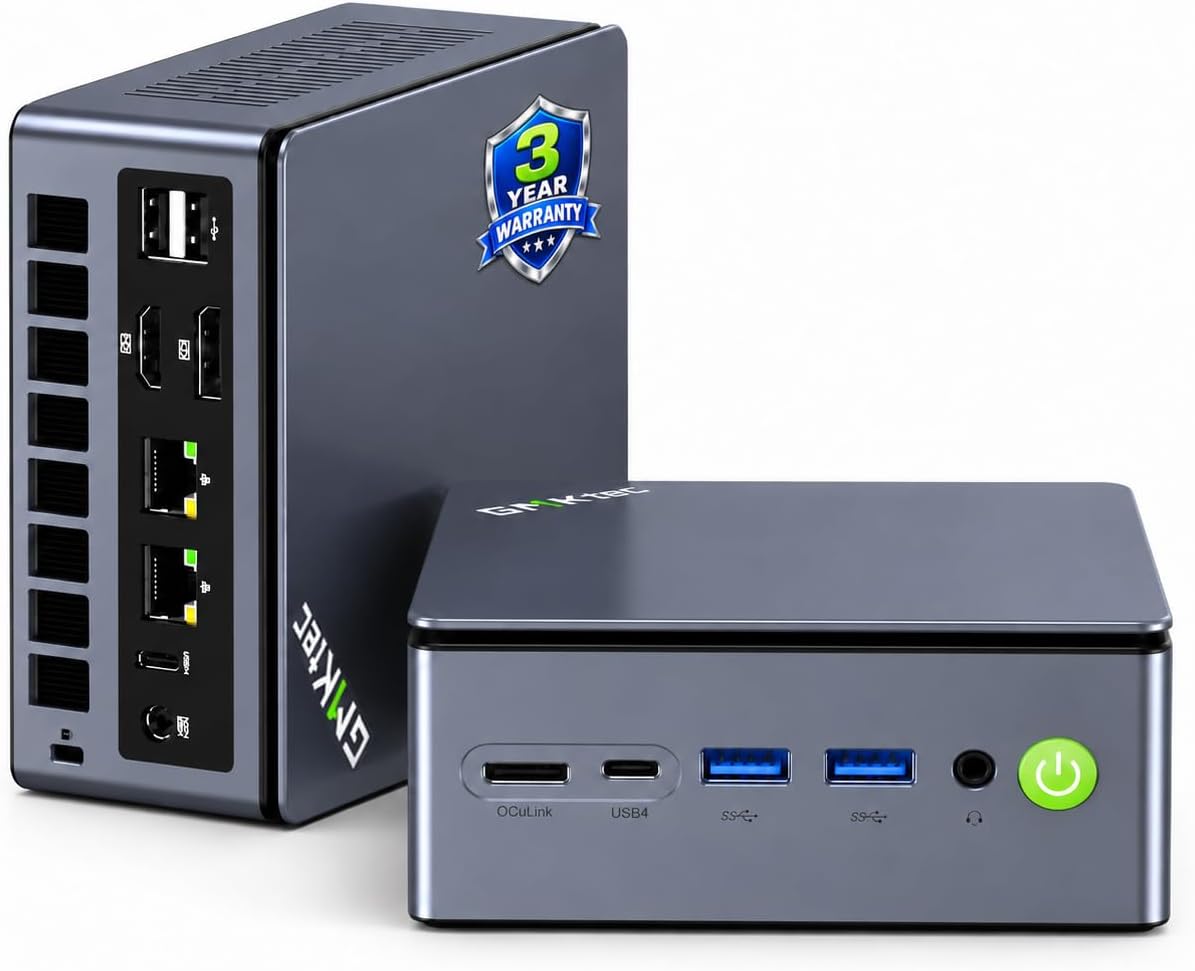
The second big practical win is networking flexibility. Dual 2.5GbE LAN ports aren’t just there for show—they can support higher throughput and even link aggregation for improved transfer behavior on compatible setups. If you do file transfers, run a small server, or you simply want wired reliability instead of relying entirely on Wi‑Fi, that’s a meaningful advantage.
And for a lot of buyers, the connectivity story is the hook: Oculink for a higher-speed external GPU connection, plus USB4 (with PD charging and video). It’s the kind of feature set that makes the M8 feel more future-leaning than a “one and done” mini PC.
Key takeaways for performance and cooling
GMKtec includes multiple performance modes: Quiet 28W, Balance 35W, and Performance 40W, alongside an updated UEFI/BIOS (as described). That’s useful because it gives you a knob to turn depending on what matters more that day—quiet operation during office hours or higher sustained responsiveness when you’re pushing the system.
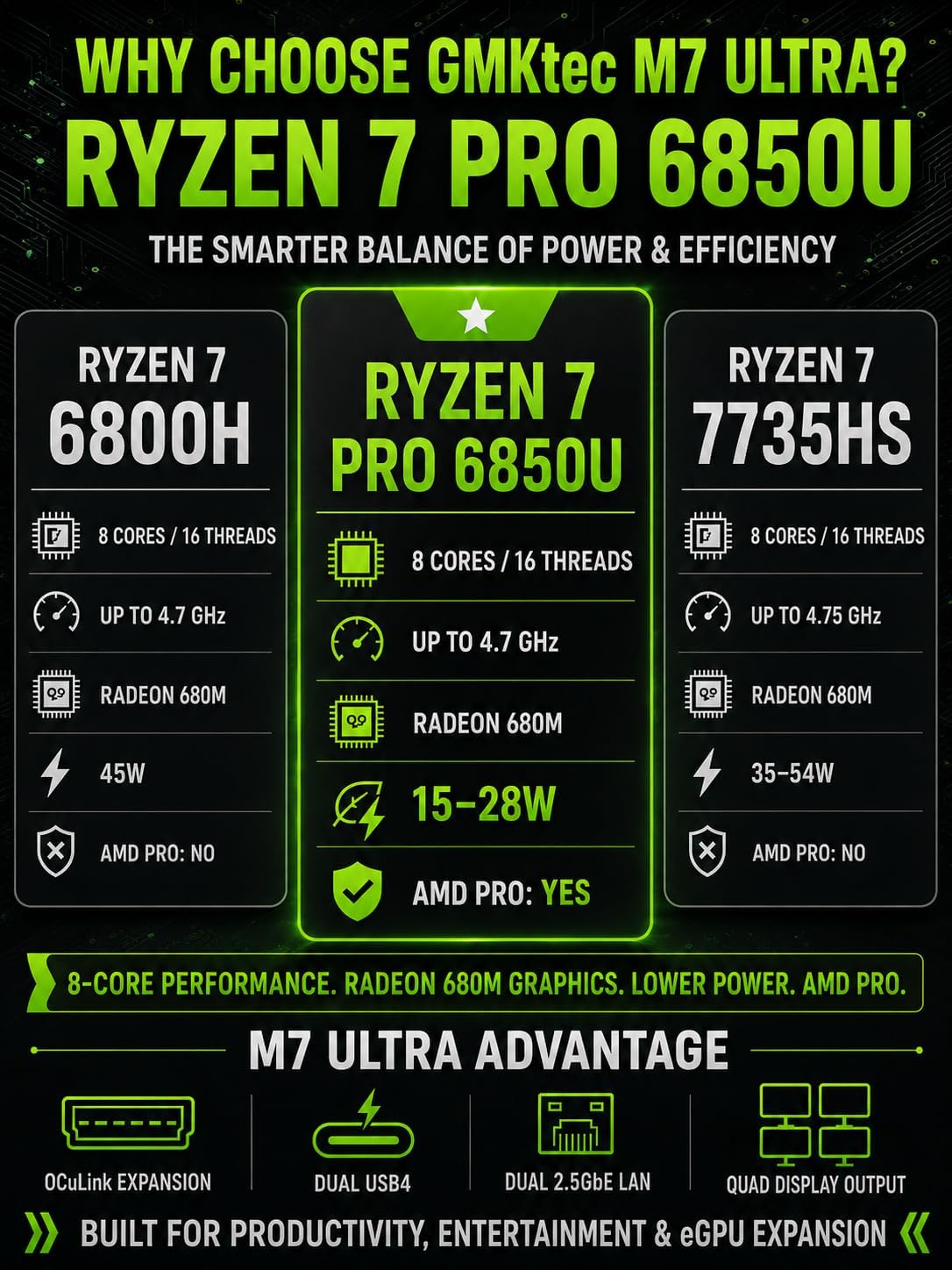
Cooling is also part of the pitch: upgraded dual cooling fans with 360 degrees in/out airflow and copper pipes, designed to keep temperatures down and reduce noise. It’s not magic—mini PCs always have tighter thermal constraints—but this is one of the areas where the design choices can actually affect your day-to-day experience.
One limitation to keep in mind: the graphics are integrated (Radeon 660M). If you’re expecting top-tier gaming performance at demanding settings, it may feel more like a capable mid-range setup than a powerhouse.
Connectivity and multi-display setup (the “workstation” angle)
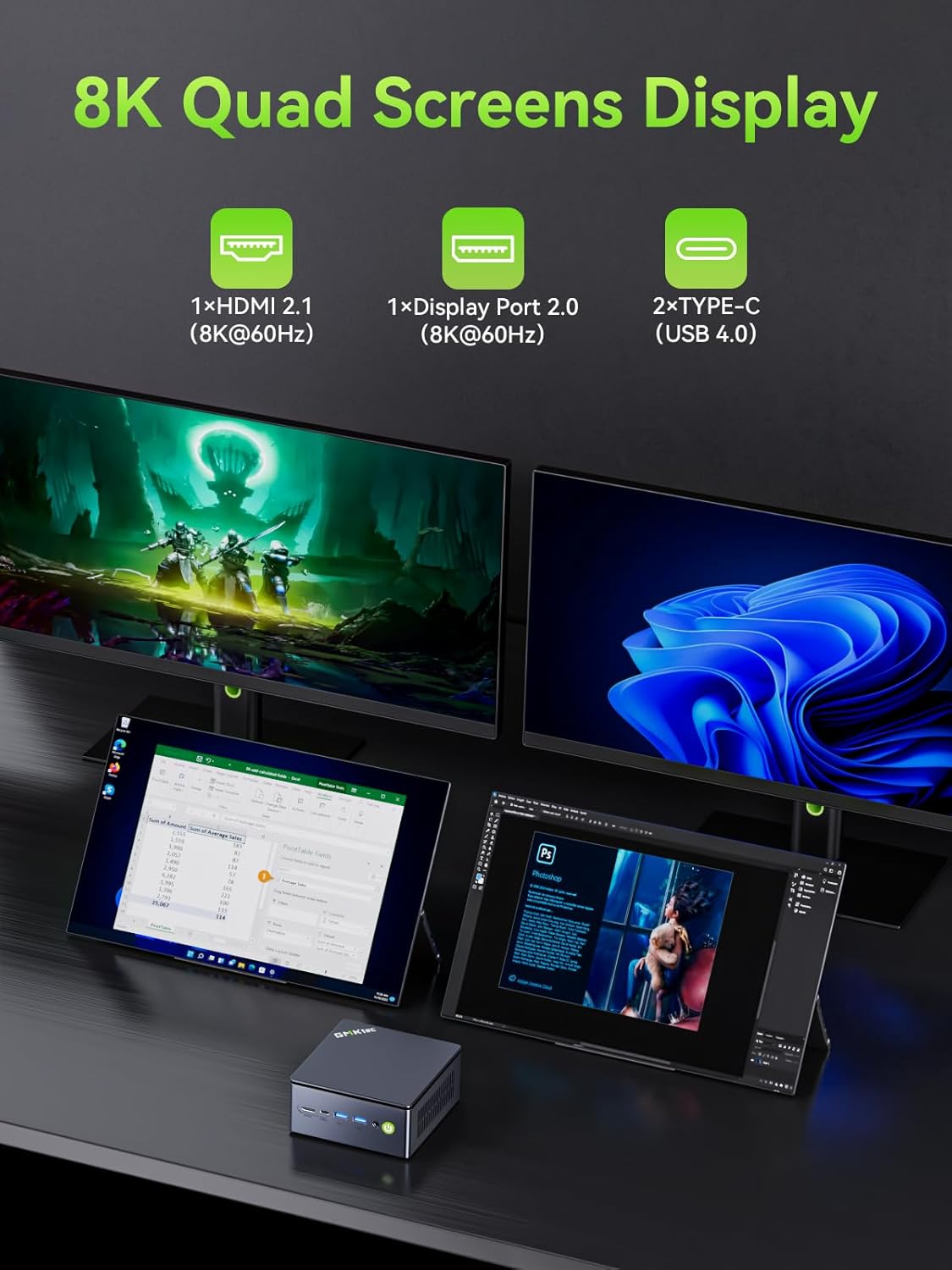
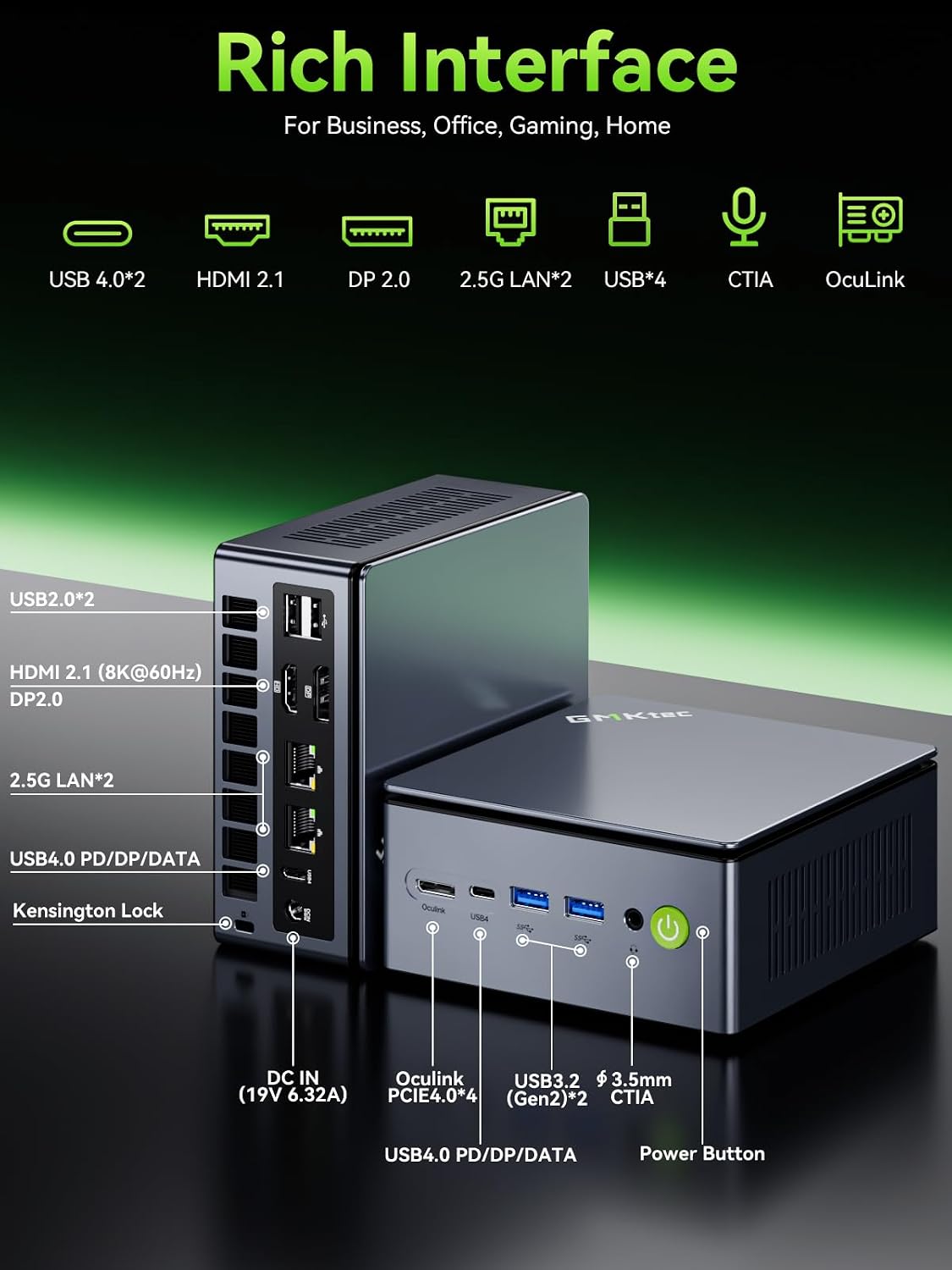
This is one area where the M8 sounds built to impress. The system supports up to three displays simultaneously using a mix of ports: HDMI 2.0, DisplayPort 1.4, and USB4/DP. If you work with a multi-window layout—spreadsheets on one screen, documents on another, and monitoring tools on the third—you’ll likely appreciate having more real estate without moving up to a larger desktop.
There’s also a practical bonus for peripherals and fast transfers: USB 3.2 Gen2 ports are listed at 10Gbps, plus Wi‑Fi 6E. That combination is generally helpful if you frequently move files, plug in fast drives, or want modern wireless coverage when you can’t use Ethernet.
Tech specs
- Name: GMKtec Nucbox M8 Mini PC
- Type: Desktop mini PC
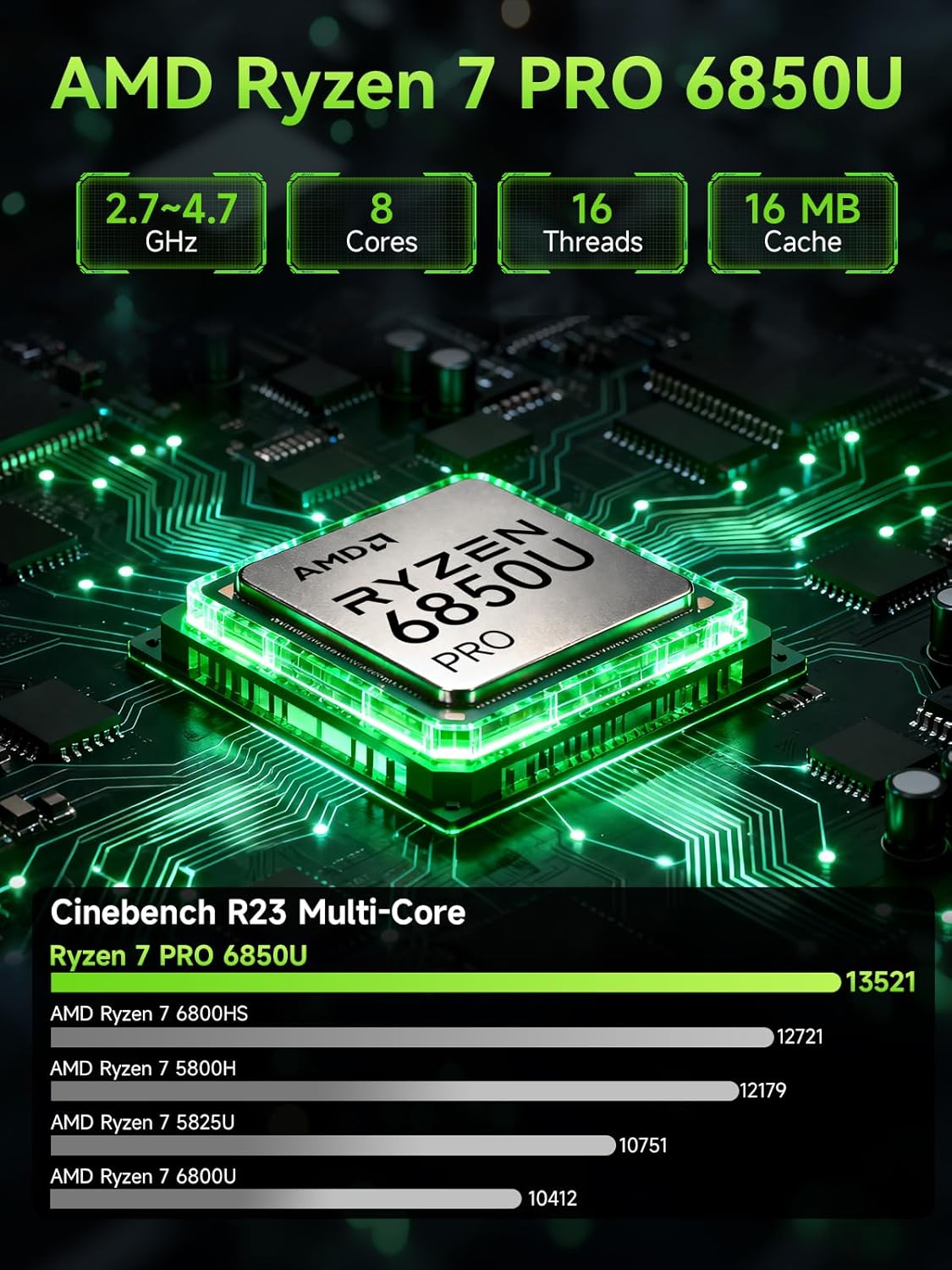
- Processor: AMD Ryzen 5 PRO 6650H (6C/12T)
- Max boost speed: up to 4.5GHz (base speed stated as 3.30GHz)
- Graphics: Integrated AMD Radeon 660M (12 Cores)
- Memory: 16GB DDR5 (LPDDR5 listed at 6400MT/S)
- Storage: 1TB NVMe SSD
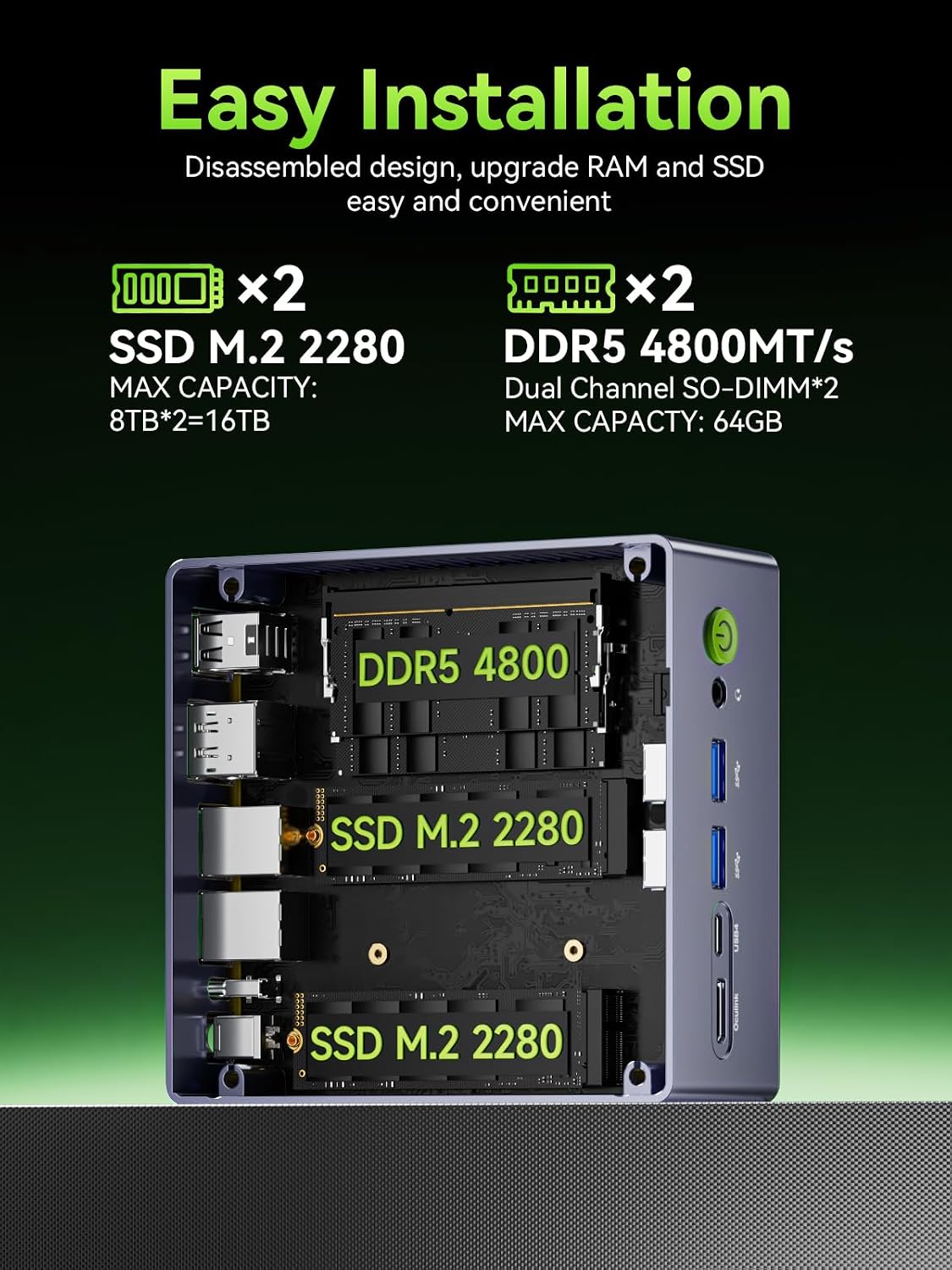
- Expansion: dual M.2 2280 slots (supports up to 4TB per slot)
- Ports/expansion highlights: Oculink, USB4, HDMI 2.0, DisplayPort 1.4
- Ethernet: dual 2.5GbE LAN
- Performance modes (power): Quiet 28W, Balance 35W, Performance 40W
- Warranty: 1-year limited warranty
Who it’s for (and who should skip it)
It makes sense if you want a compact desktop that can cover office productivity, everyday multitasking, and some gaming sessions—especially if you care about wired networking (dual 2.5GbE) and multi-display work.
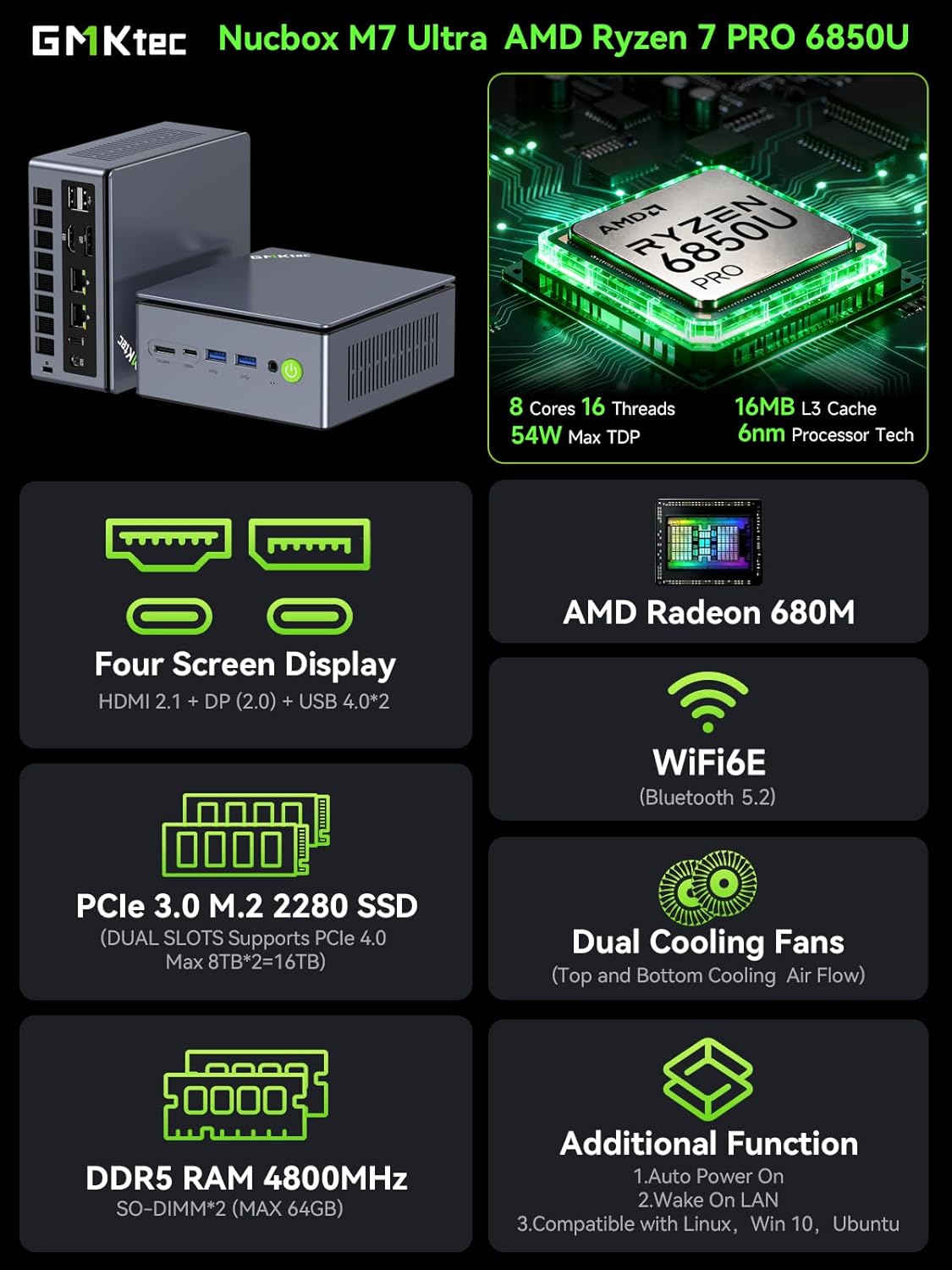
It’s also a strong fit on the “buy once, expand later” mindset because the listed dual M.2 2280 slots leave room to grow storage capacity. And if you’re the type to build a workstation setup over time, the Oculink port and USB4 support make it easier to plan for an external GPU or modern dock-style connections.
You may want to skip it if you need maximum graphics performance out of the box. Since the GPU is integrated, it’s more in the mid-range lane than the top-end lane—unless you intend to use the Oculink path. Also, if your priorities are purely ultra-quiet or ultra-compact with zero concern for connectivity flexibility, you might find simpler mini PCs that fit your needs more directly.
Getting the most from it
A good way to think about the M8 is as a “desk-ready hub.” For example: set it to Balance mode for daily work, run a three-screen layout (HDMI + DisplayPort + USB4/DP), and keep Ethernet plugged in if you transfer files often. When you’re gaming or doing heavier tasks, switch to Performance mode and see whether the workload benefits from the higher power setting.
Just remember: power modes and thermal behavior matter in a mini PC. Your results can vary a bit depending on airflow in your workspace and how you’re using it (especially with multi-display setups).
Final verdict
Worth buying if you’re after a mini PC that behaves like a real workstation: Ryzen 5 PRO performance, 16GB DDR5 + 1TB NVMe out of the box, dual 2.5GbE LAN for faster wired workflows, and the option to go further with Oculink and USB4. It’s a solid “compact office + occasional gaming” direction, and the multi-display support is a practical differentiator.
Better avoided if your main goal is heavy GPU gaming performance without external hardware. With integrated Radeon 660M graphics, it’s not trying to be a dedicated gaming rig, and you could end up wanting more.
Mini FAQ
Can it run multiple monitors?
Yes—it's described as supporting up to three displays simultaneously using HDMI 2.0, DisplayPort 1.4, and USB4/DP.
Does it support faster wired networking?
It includes dual 2.5GbE LAN ports, which can be useful for higher-throughput wired setups.
Is the GPU integrated or dedicated?
The graphics are integrated: AMD Radeon 660M (12 Cores), as listed.
What’s the point of Oculink and USB4?
The listing frames Oculink as a direct, high-speed eGPU connection path, while USB4 adds flexibility (including PD charging and video features, as described).
What warranty does it include?
GMKtec offers a 1-year limited warranty for each mini PC, covering defects due to design and workmanship from the purchase date.