

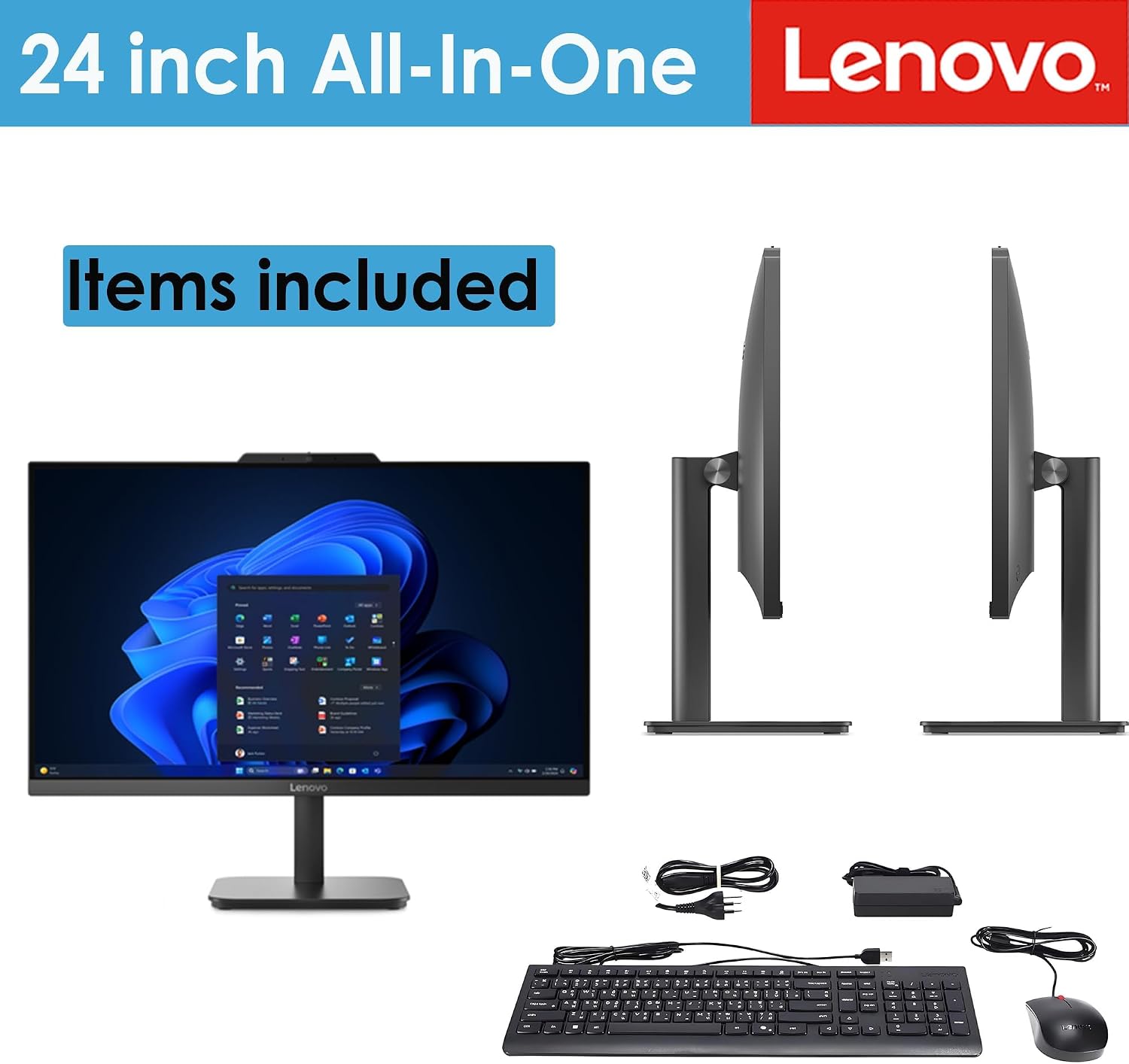
Lenovo all-in-one desktop, 8GB RAM
Product description
A desk crowded with separate computer gear can make studying or handling everyday work feel more complicated than it needs to be. The Lenovo IdeaCentre V100 brings the computer and a 23.8-inch display together in one space-saving setup, with Windows 11 Home, an included keyboard, and wireless connectivity for a simpler home or office desk. Its Intel N100 processor, 8GB of memory, and 512GB SSD are aimed at routine tasks rather than demanding creative workloads. That distinction matters when deciding whether an all-in-one suits your day-to-day use.
Technical details
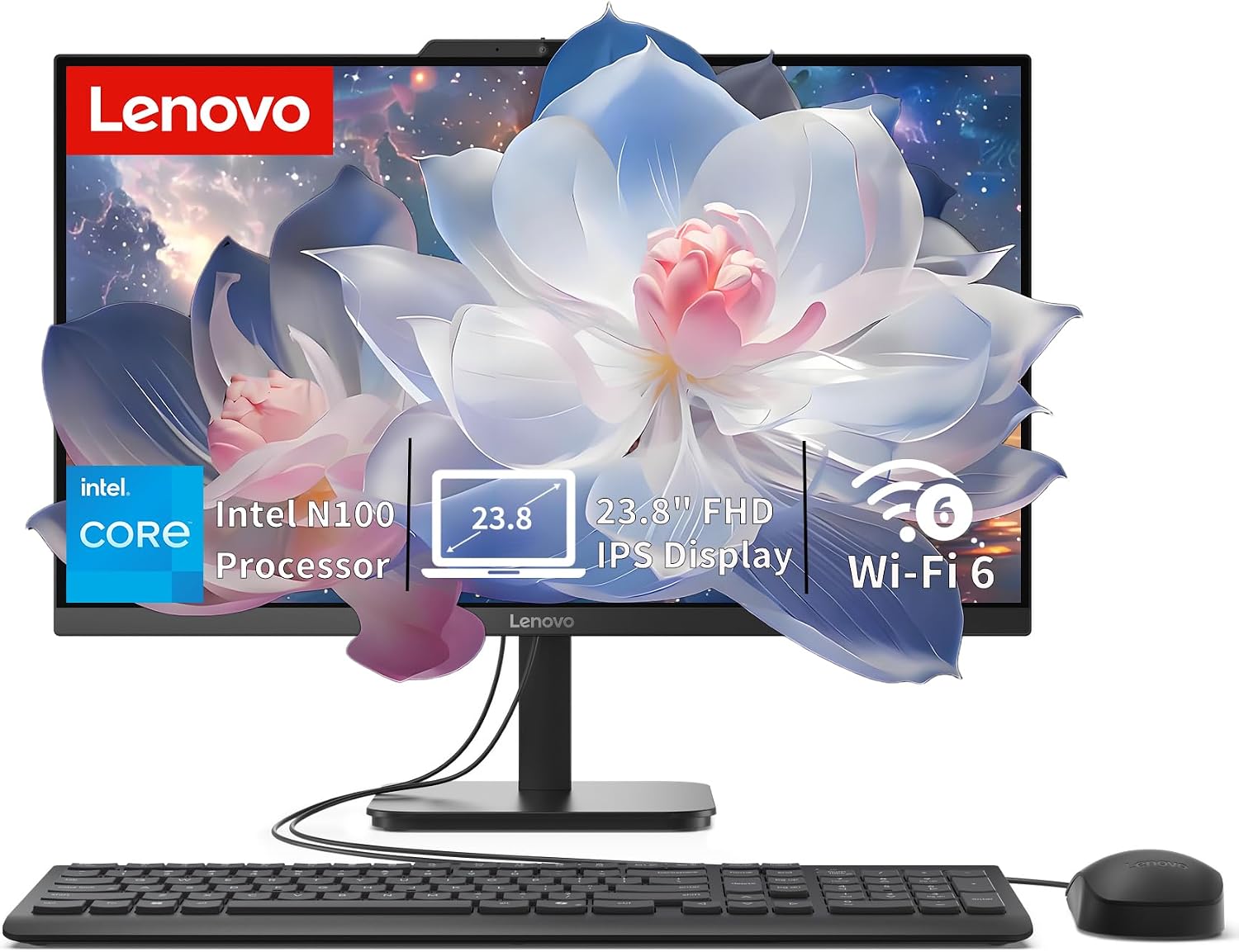
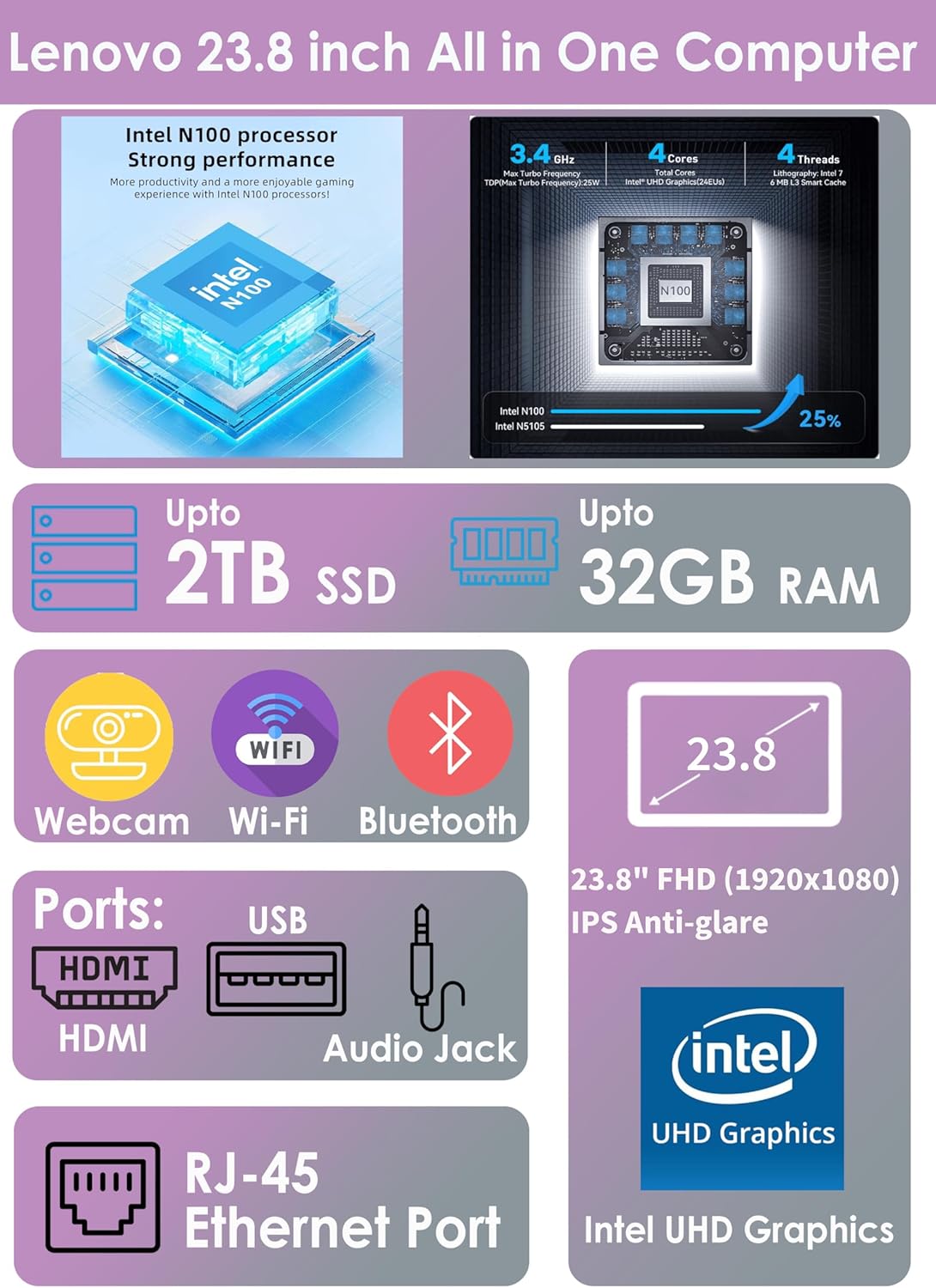
The V100 uses an Intel N100 processor with four cores and four threads, with turbo speeds up to 3.4GHz. Its 8GB of DDR4-3200 memory is intended for typical multitasking, such as keeping office apps and browser tabs open, while the 512GB PCIe SSD provides storage for documents, media, and other everyday files. The system supports up to 32GB of memory, though the supplied configuration is 8GB.
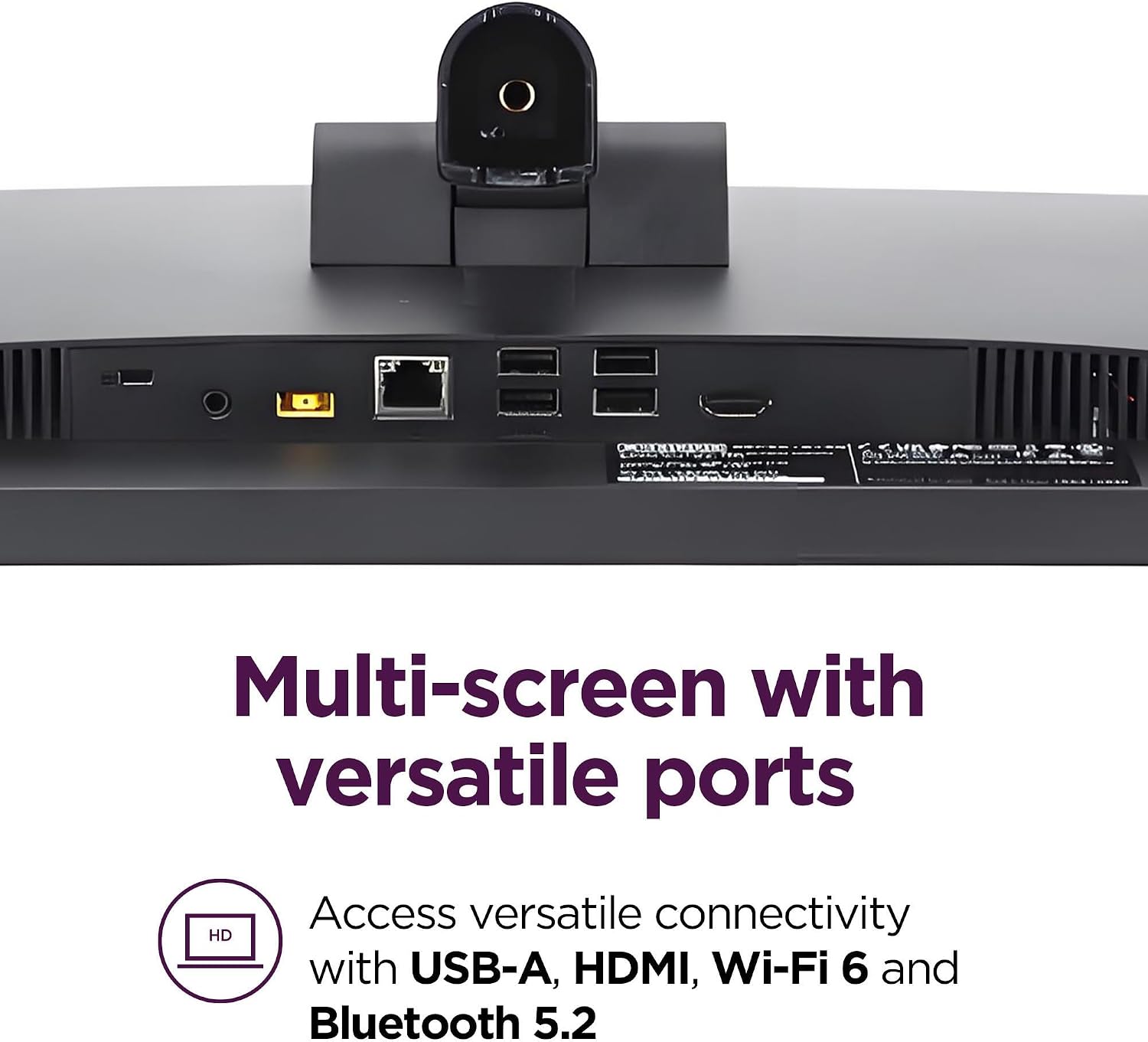
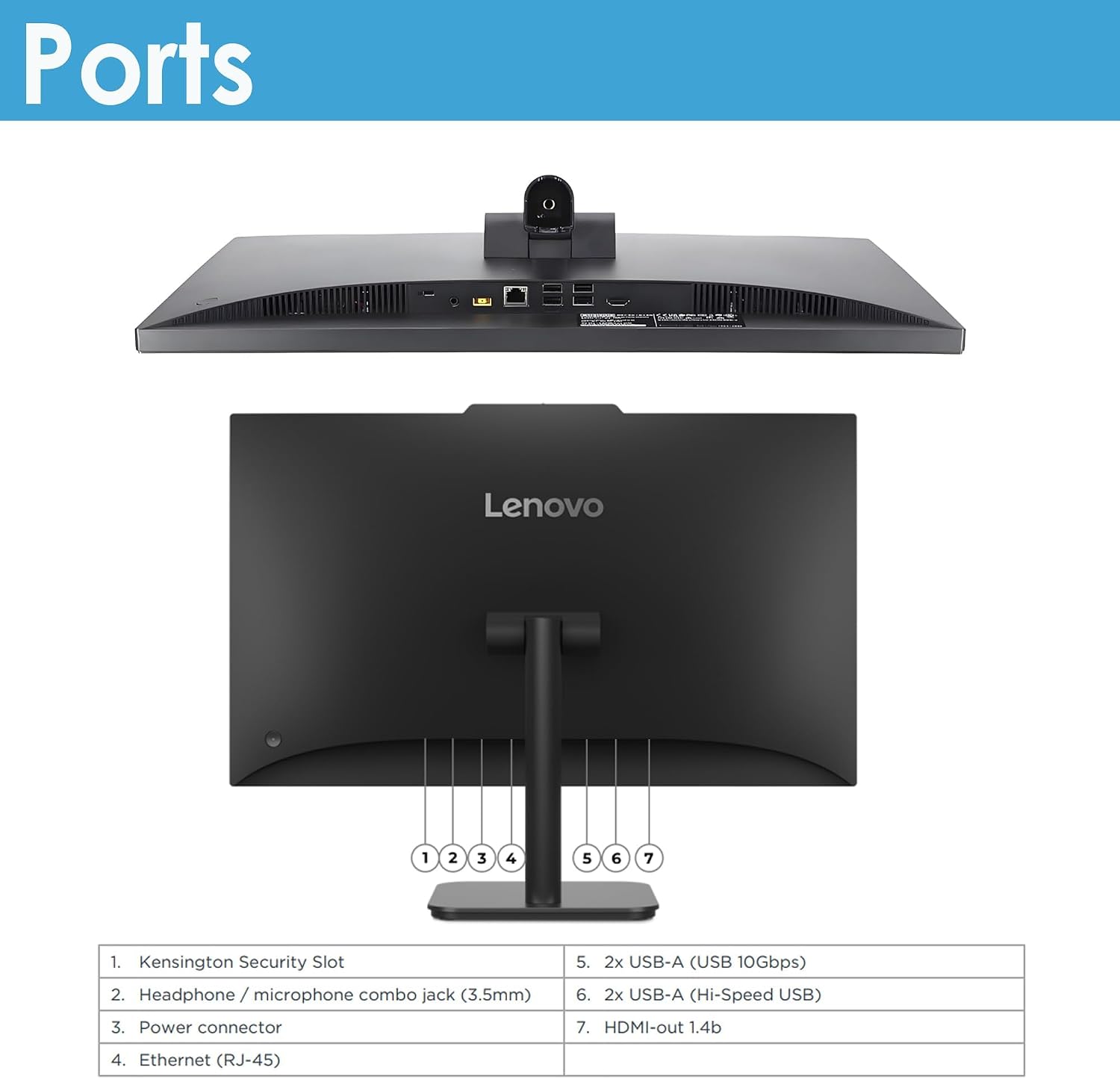
The built-in 23.8-inch Full HD IPS screen has an anti-glare finish, 250-nit brightness, and 99% sRGB color coverage. Integrated Intel UHD Graphics handles everyday visuals. For desk setup flexibility, HDMI-out lets you connect another display, Lenovo specifies support for up to two displays total, counting the built-in screen. Connections include USB-C 10Gbps, two USB-A 10Gbps ports, two USB-A 2.0 ports, Gigabit Ethernet, and a headset jack. Wi-Fi 6 and Bluetooth 5.2 handle wireless connections.
Getting the most from it
This configuration is best approached as a ready-to-use workstation for web browsing, school assignments, email, documents, and routine business tasks. Set it on a study desk or reception counter, connect to Wi-Fi, and use the included black USB Calliope keyboard to get started. The HD camera, mono microphone, and dual 2W speakers cover basic video calls without requiring a separate camera or speakers for ordinary meetings.

It makes sense if you want a single-screen desktop with fewer separate components to arrange, and your workload is mainly browser-based or office-focused. A conventional desktop with a separate monitor may suit better if you want greater freedom to replace or reposition each part of the setup. The V100 has integrated graphics and no optical drive, so it is not designed around demanding graphics work or playing discs.
Usage tips

For clearer video calls, place the computer where the built-in camera has a direct view of you and keep the microphone unobstructed. If your work benefits from a second screen, connect it through HDMI-out and remember that the stated two-display total includes the built-in screen. Use the USB-A or USB-C ports for compatible peripherals, or Gigabit Ethernet when a wired network connection is preferable to Wi-Fi.
The anti-glare display can help reduce distracting reflections in a bright room, but its 250-nit brightness is worth considering if your desk is exposed to strong light. The SSD gives you 512GB of storage for local files, buyers with larger media collections should think about how they plan to store them.
Questions before you buy
Can it connect to another monitor? Yes. HDMI-out supports an additional display, with up to two displays total including the built-in screen.
Is a keyboard included? Yes. The package includes a black USB Calliope keyboard with an English layout.
Can it play DVDs or CDs? It has no optical drive, so disc playback requires a separate external drive.
Buying verdict
Without having tried it, the listed configuration points to a practical everyday computer for home offices, student work, and straightforward business tasks. Its integrated display, Wi-Fi 6, and included keyboard keep the setup simple, while 8GB of memory and integrated graphics set a clear boundary around more demanding work. You may want to skip it if your routine depends on intensive graphics applications, an optical drive, or a more upgrade-focused desktop setup. For browsing, documents, calls, and a tidy desk, the V100’s all-in-one format is the main reason to choose it.