

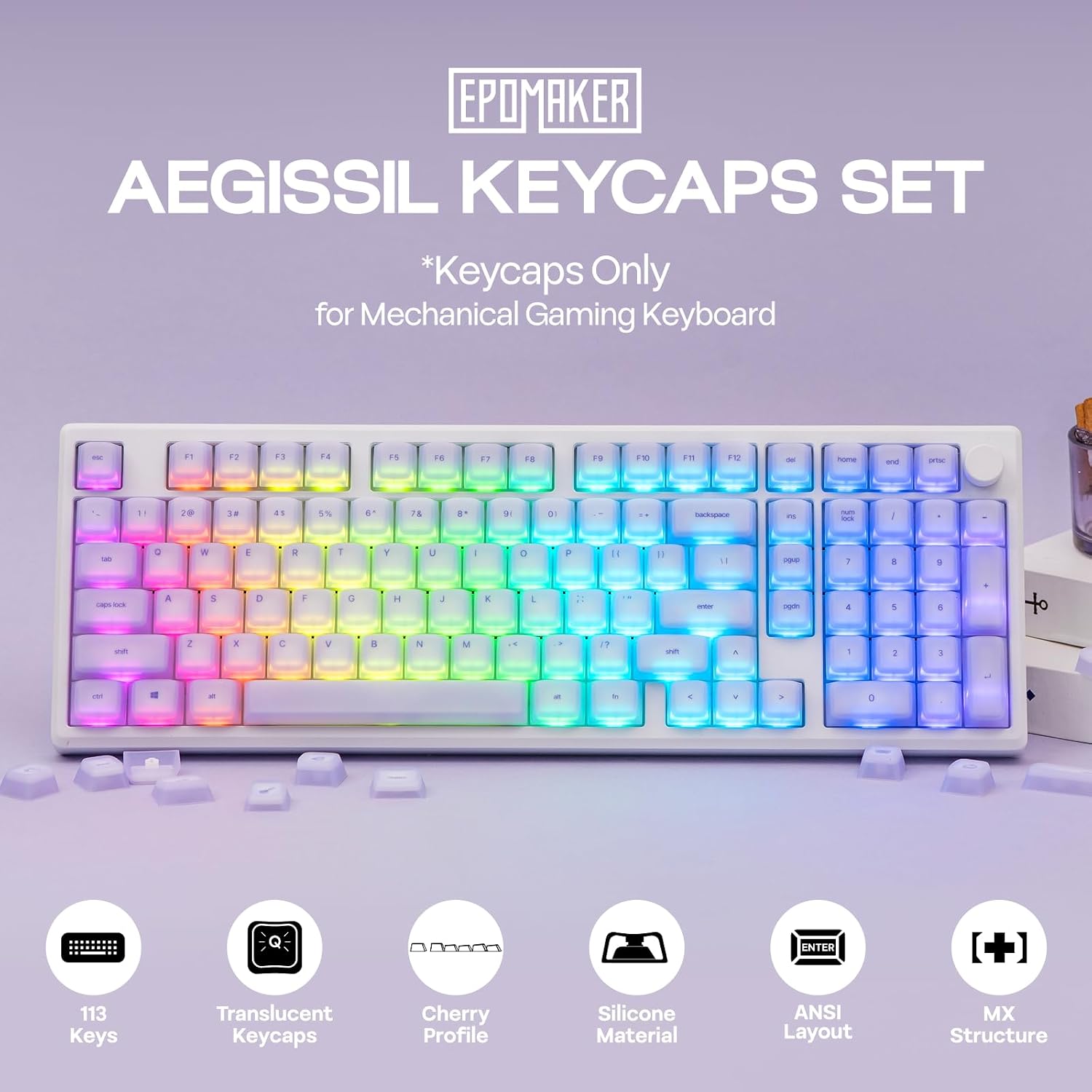
EPOMAKER AegisSil silicone cherry profile keycaps 113 keys ⌨
Product description
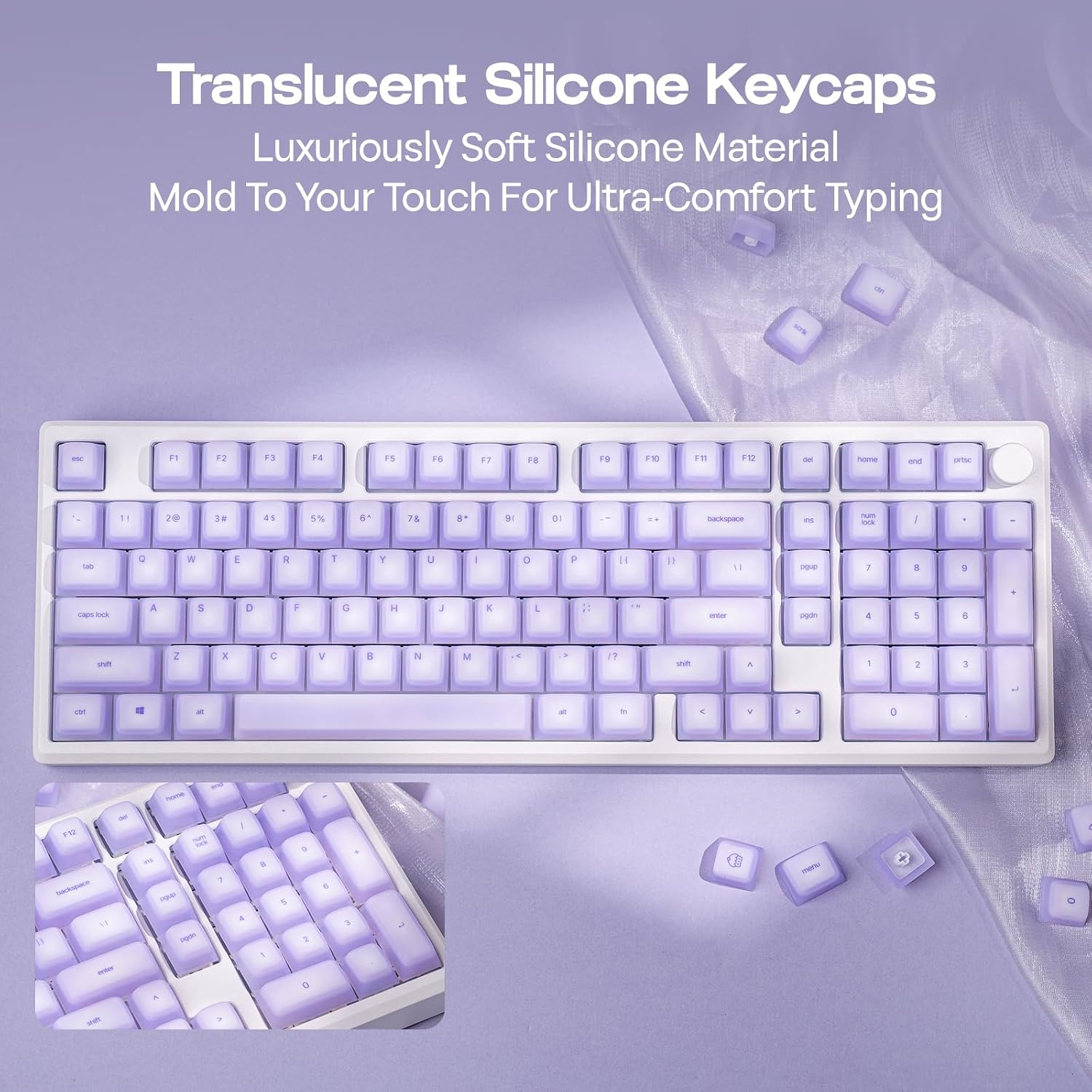
This silicone keycap set brings a quieter, softer typing feel to mechanical keyboards while keeping compatibility with popular MX-style switches. The EPOMAKER AegisSil keycaps use flexible silicone to cushion each keystroke and reduce finger fatigue, making them useful for extended gaming or heavy typing sessions while helping to lower switch noise for shared spaces.
Key Points
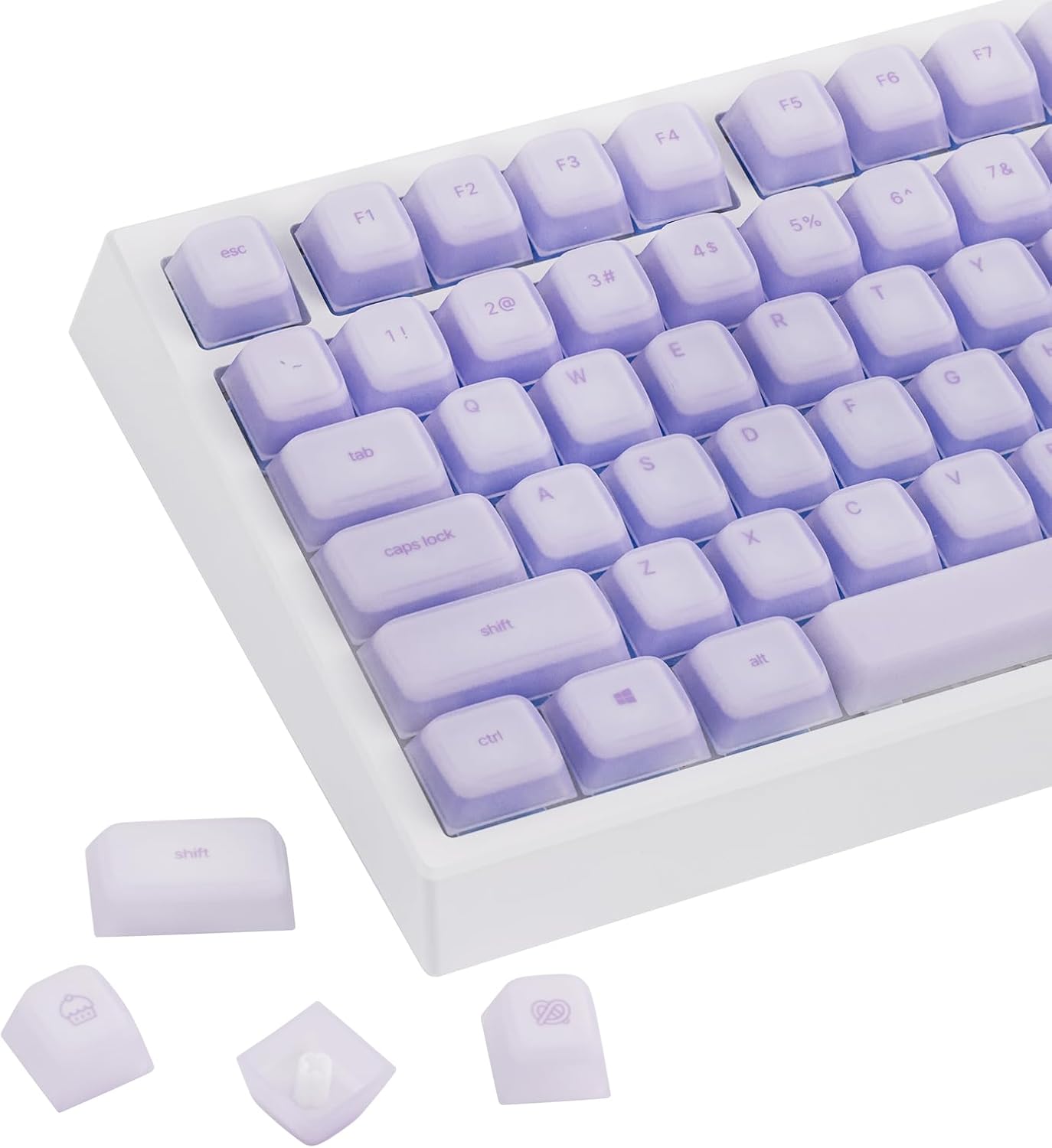
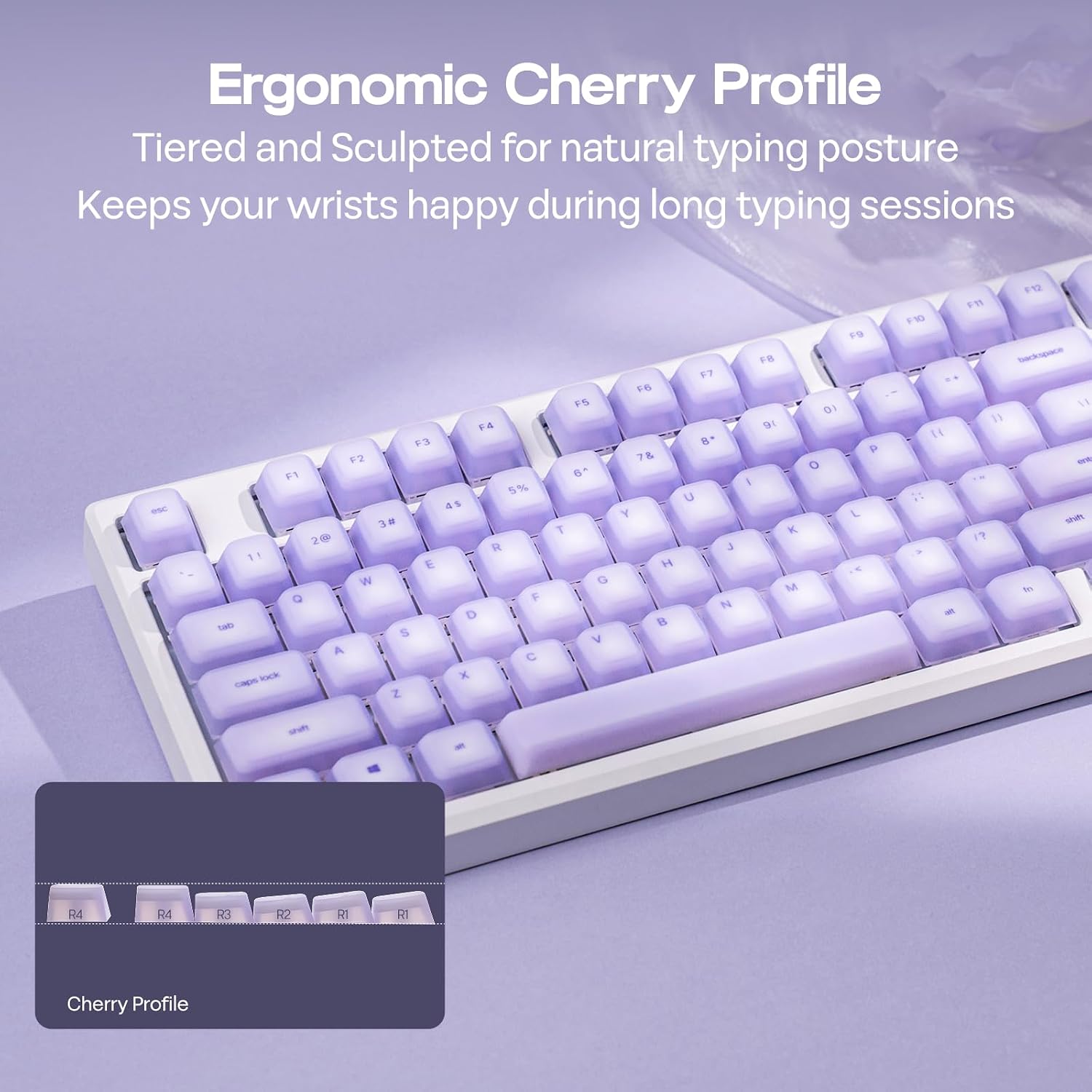
The silicone material provides a noticeably soft, elastic touch and a slightly tacky surface that helps prevent slips during fast typing or gameplay. According to the manufacturer, the material resists sweat and oils which helps maintain grip and texture over time. These keycaps also reduce impact noise compared with harder ABS or PBT sets, so they can be preferable in quiet environments like libraries or home offices. The Cherry profile contours across rows to support comfortable finger movement and wrist posture, and the set includes enough keys for multiple layouts.
Technical Specifications
- Name: EPOMAKER AegisSil Keycap Set
- Material: Silicone
- Profile: Cherry
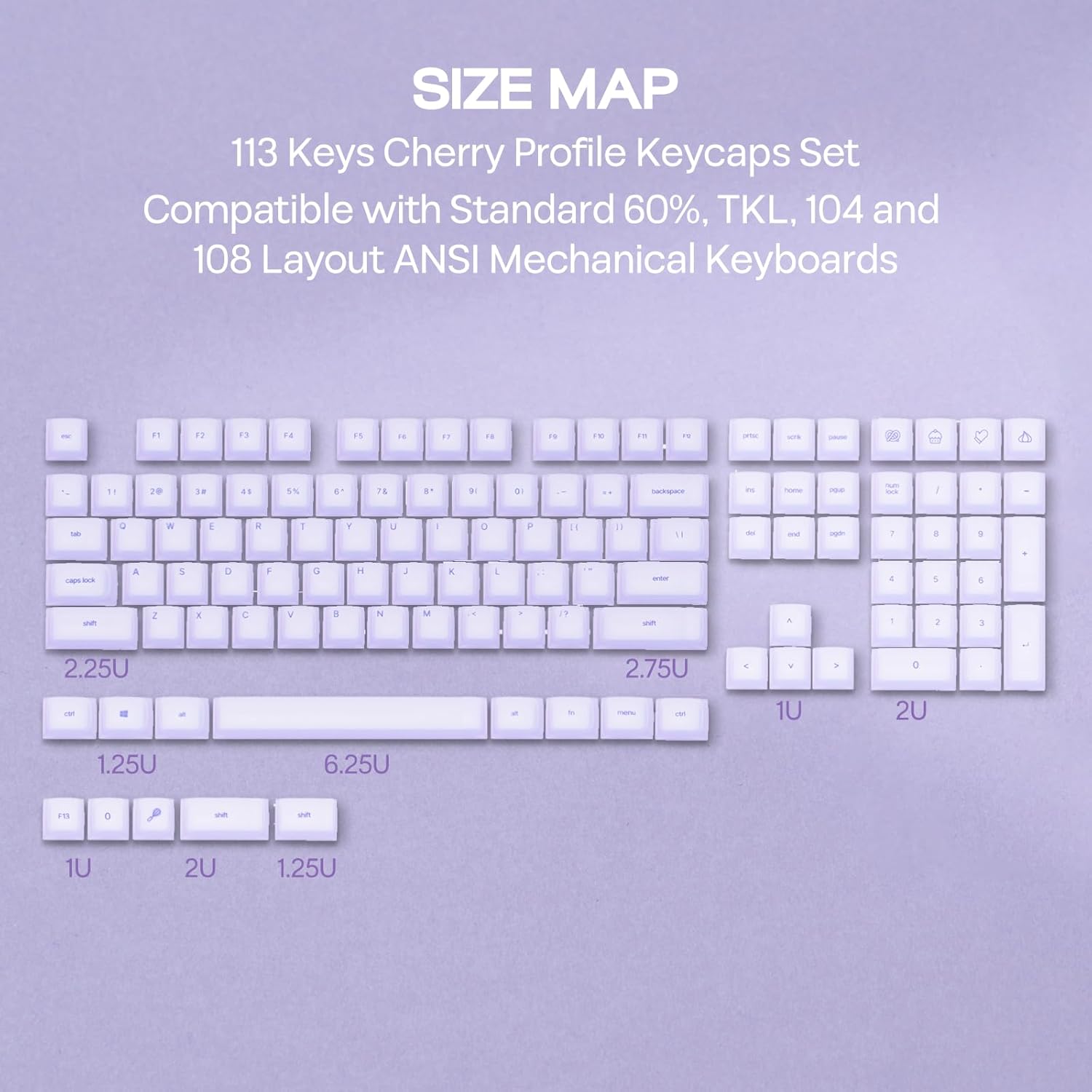
- Keys included: 113
- Compatible layouts: 65%, 75%, 96%, Full size
Usage Recommendations
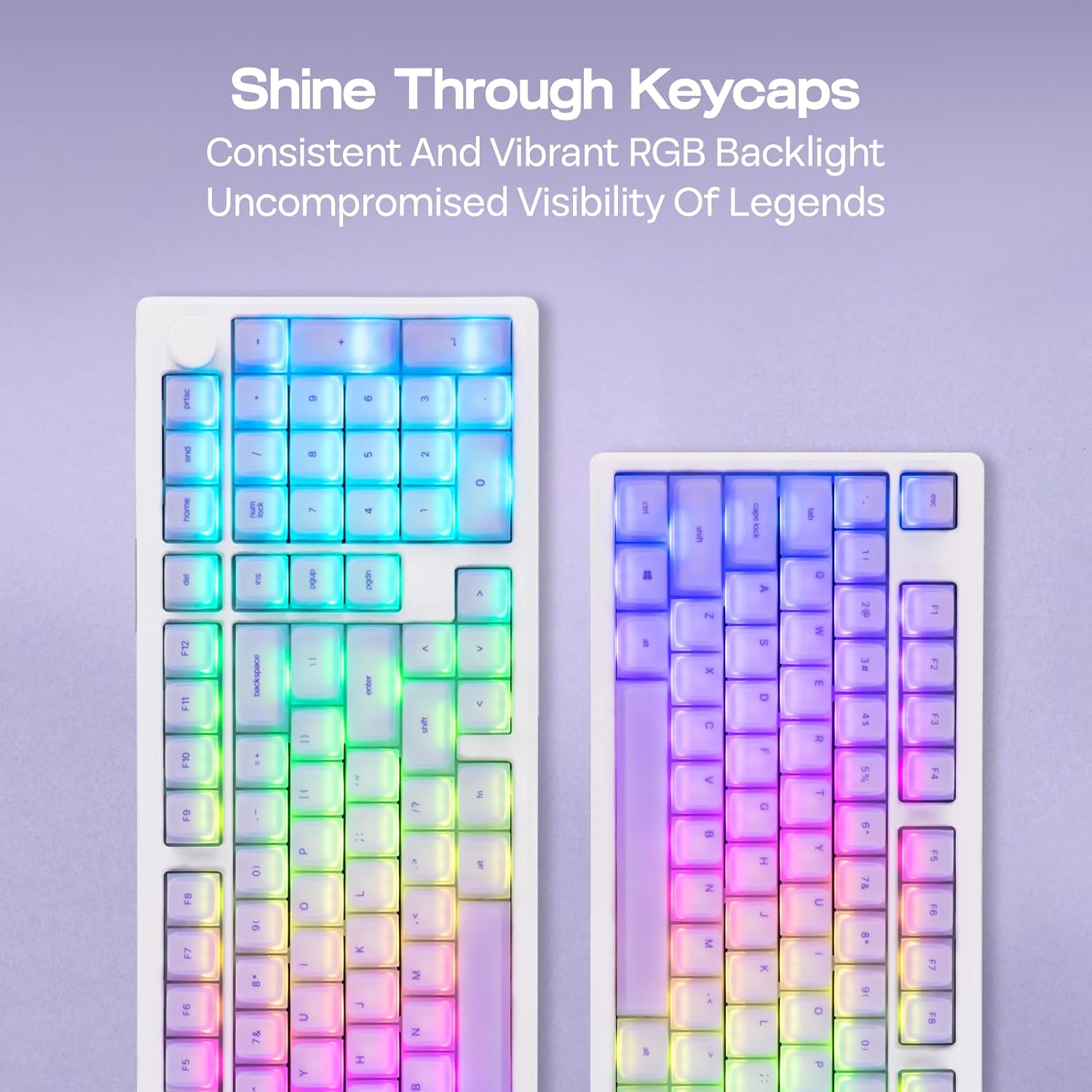
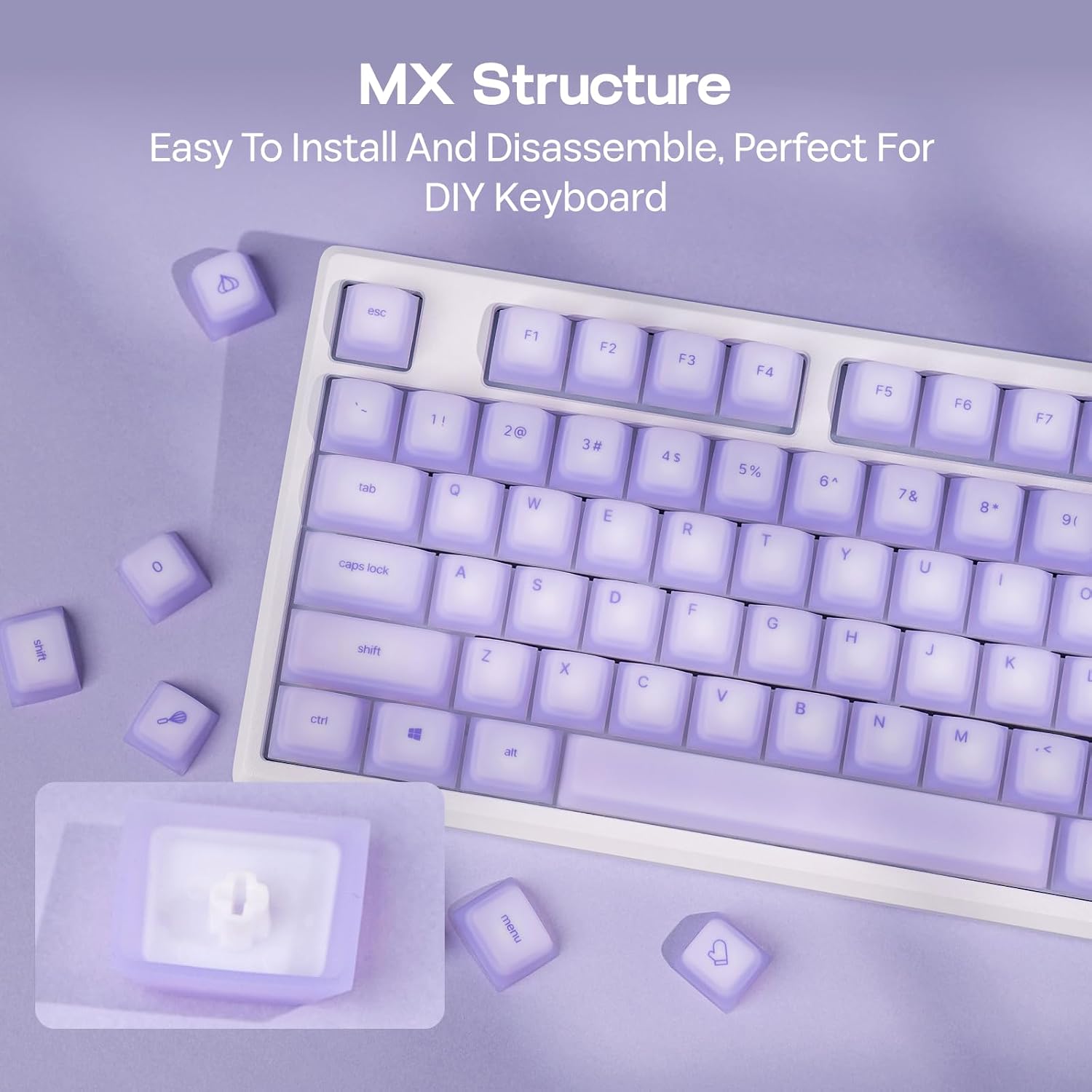
Swap these silicone caps onto any mechanical keyboard with Cherry MX, Kailh, Outemu, or Gateron stems for an immediate change in feel and sound. They work well for long data entry sessions and marathon gaming because the soft surface reduces pressure on fingertips and dampens keystroke noise. Note that the softer, elastic nature of silicone means key legends and feel differ from standard plastic caps, so users who prefer crisp, firm feedback may perceive them as less tactile. 🎧
Advantages
Durability is highlighted by the material’s resistance to extreme temperatures and chemical aging according to the manufacturer, which should limit yellowing and degradation over years of use. The balanced surface hardness and tear resistance aim to preserve legends and texture after repeated presses. This set is a practical choice for anyone seeking quieter operation, improved grip when hands get warm, and a distinct, cushioned typing experience. ✨
Practical Tips
Clean the caps with mild soap and water if they accumulate oils or grime, and allow them to dry fully before reinstalling. When customizing layouts, keep the included 113 keys organized by row to preserve the Cherry profile ergonomics during reassembly. Be aware that silicone may attract lint more than hard plastics, so occasional maintenance is helpful to keep the keyboard looking neat. 🧽