

PVBCTCSID SW24305221153 4-Computer Dual-Monitor HDMI KVM Switch with EDID
Reviews
Price
Product description
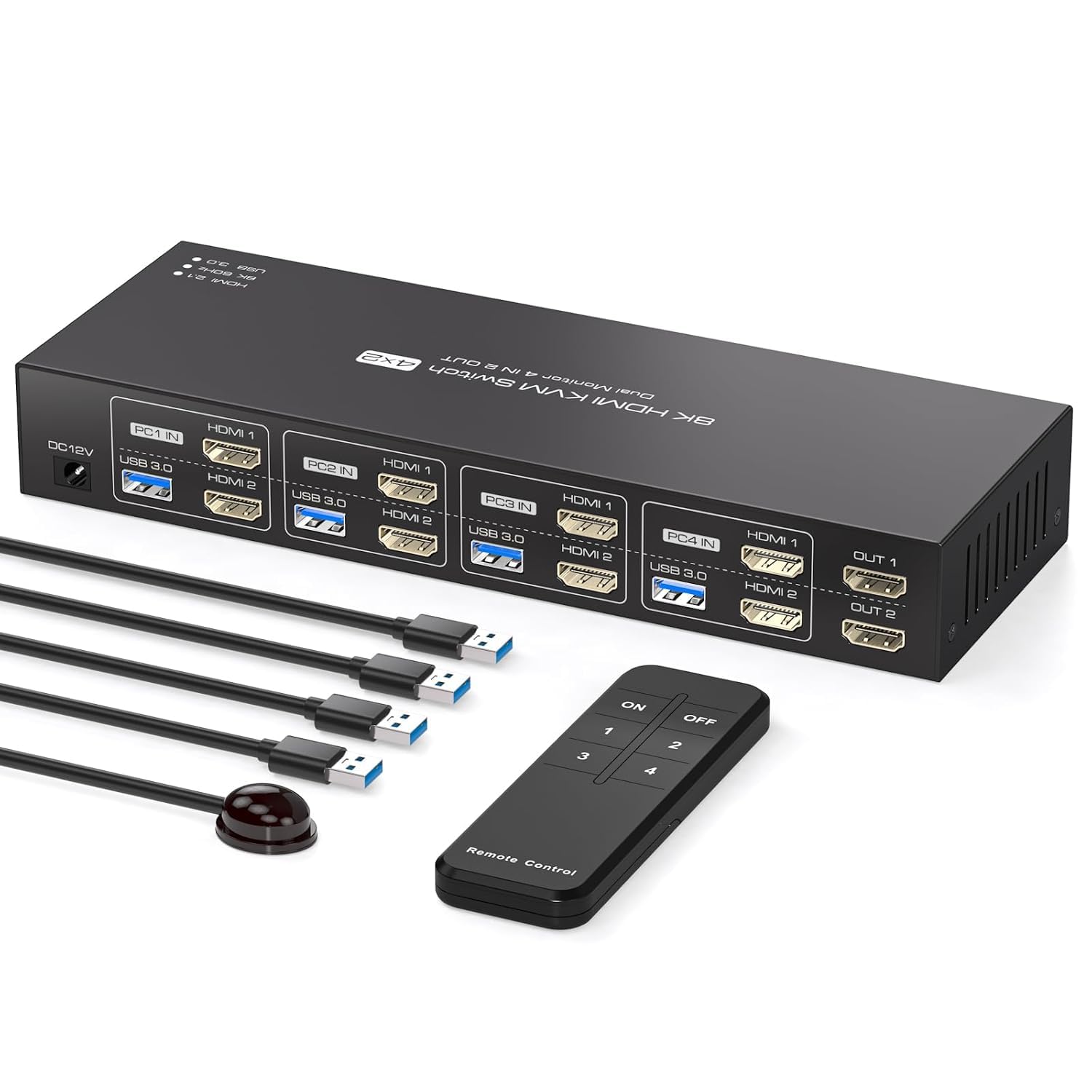
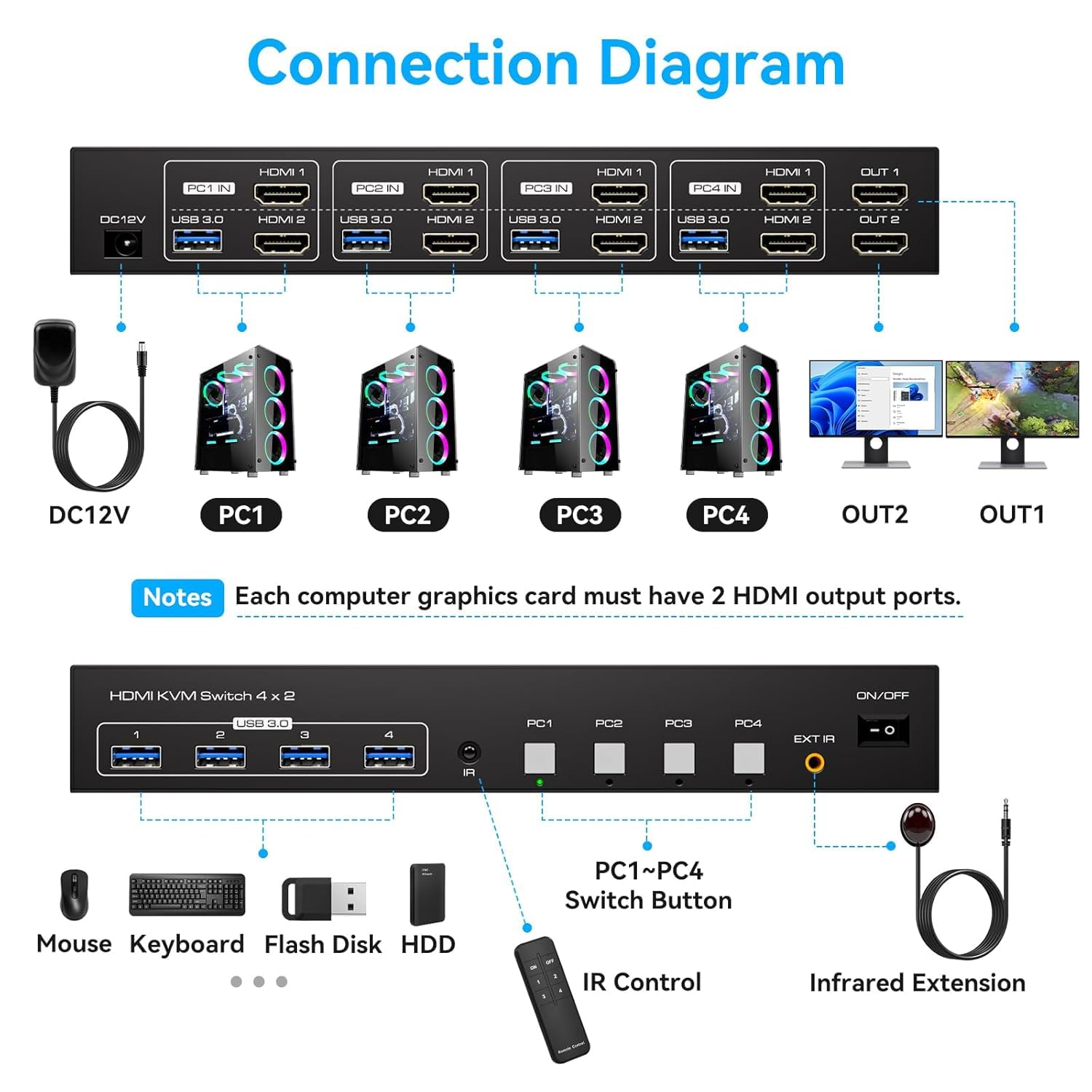
EDID emulation is designed to keep your display settings and window arrangement consistent when you switch between computers. This KVM switch lets four computers share two monitors and four USB 3.0 peripherals. You can change the active computer with the panel buttons or the included controller. Each computer needs two HDMI ports, active adapters are suggested if it lacks them.
Best use cases
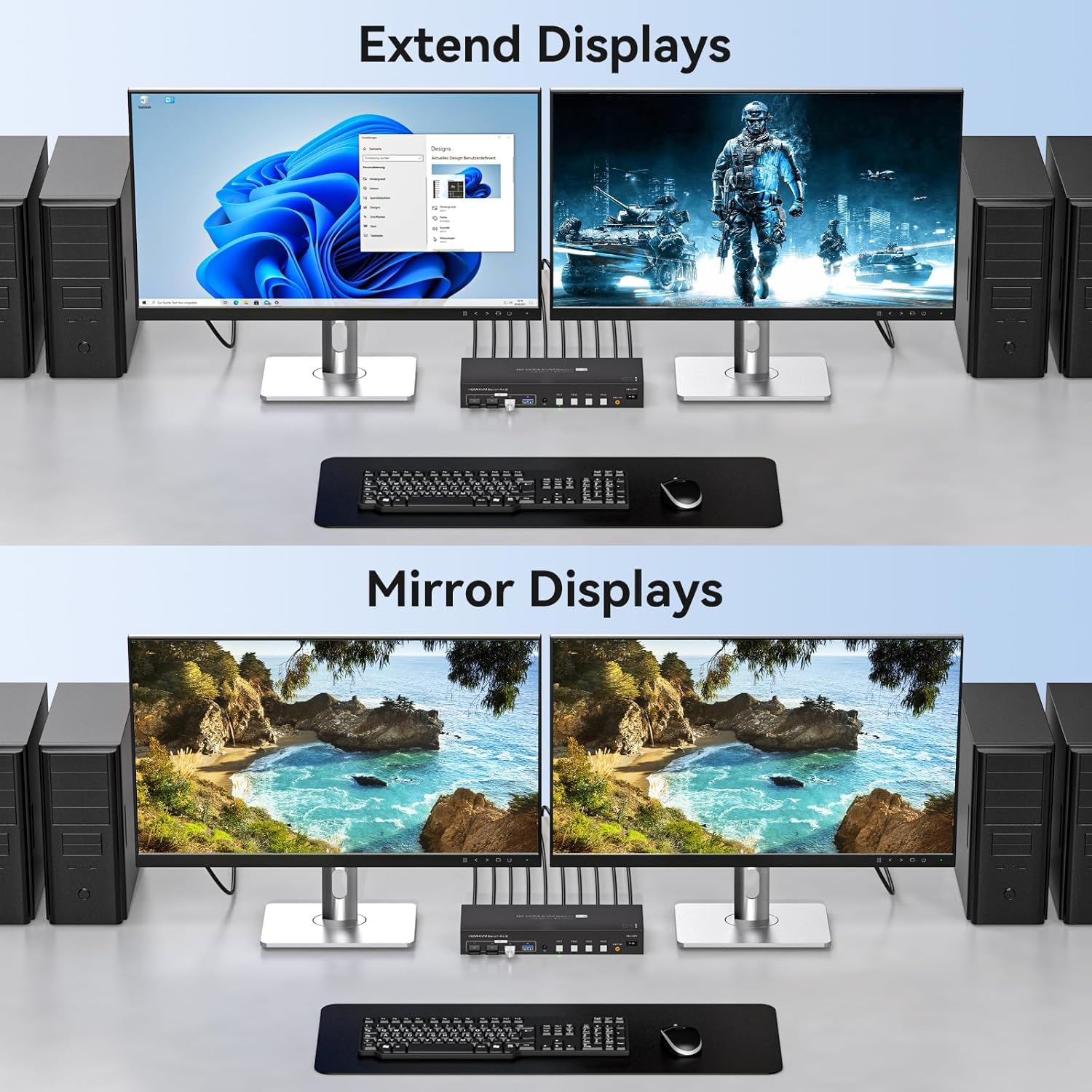
This setup suits a desk where several computers need access to the same pair of monitors, keyboard, mouse, or other USB peripherals. Instead of connecting and disconnecting those devices whenever you move from one computer to another, you can switch the KVM’s active connection. Copy and extend modes are listed, so you can choose whether the two displays mirror a screen or show an extended workspace.
A practical scenario is keeping a desktop and laptops connected to the same dual-monitor desk and switching between them for different tasks. The switch is compatible with laptops and desktops running Windows, Mac, or Linux. Its four USB 3.0 ports also provide a shared connection point for devices such as a keyboard, mouse, printer, or scanner.
What stands out
EDID emulation is intended to retain a monitor’s resolution and refresh-rate information as you move between computers. The listing says this can help keep window positions from being rearranged after switching and lets the connected display apply a suitable resolution. That may be useful on a dual-monitor desk where restoring a workspace manually would interrupt a task.
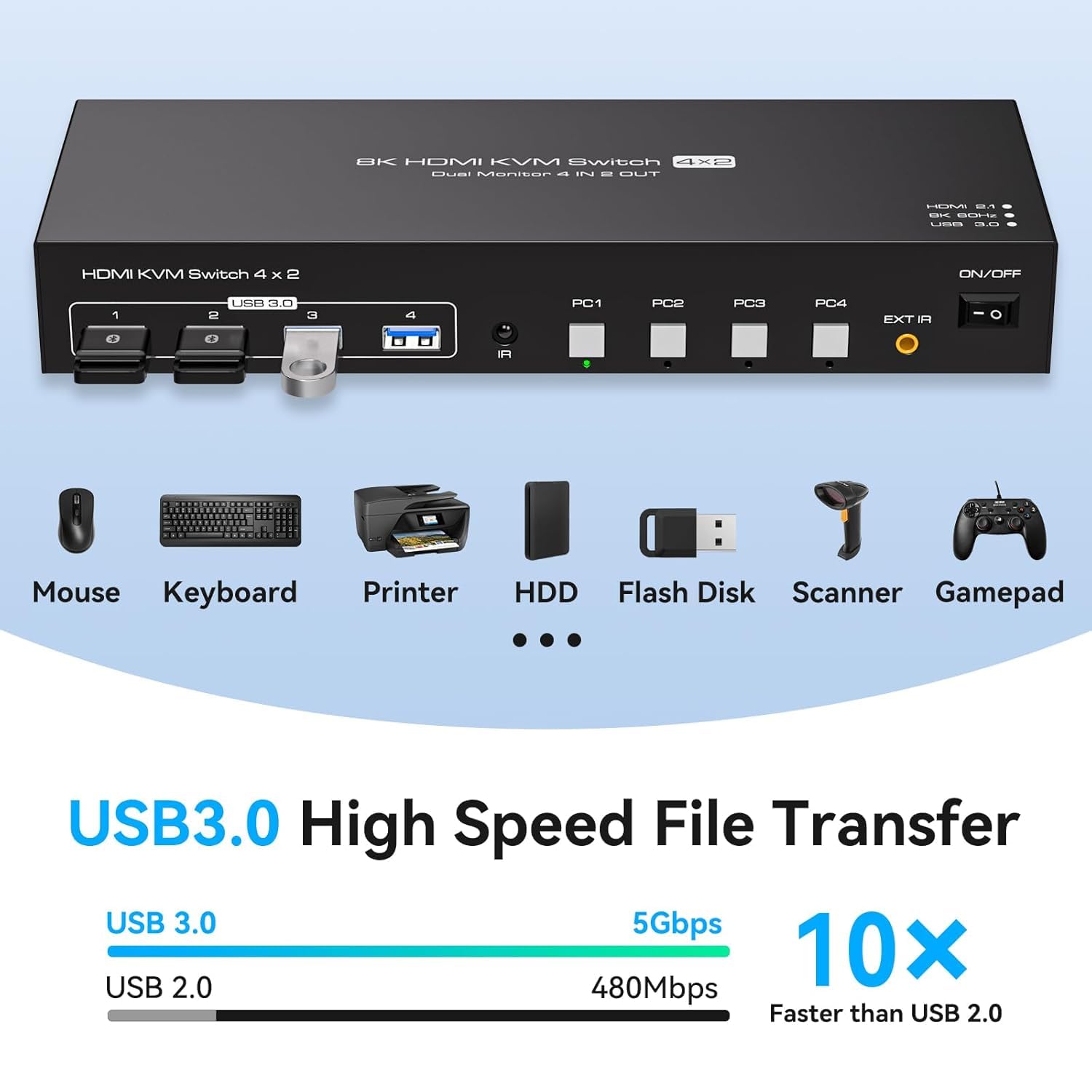
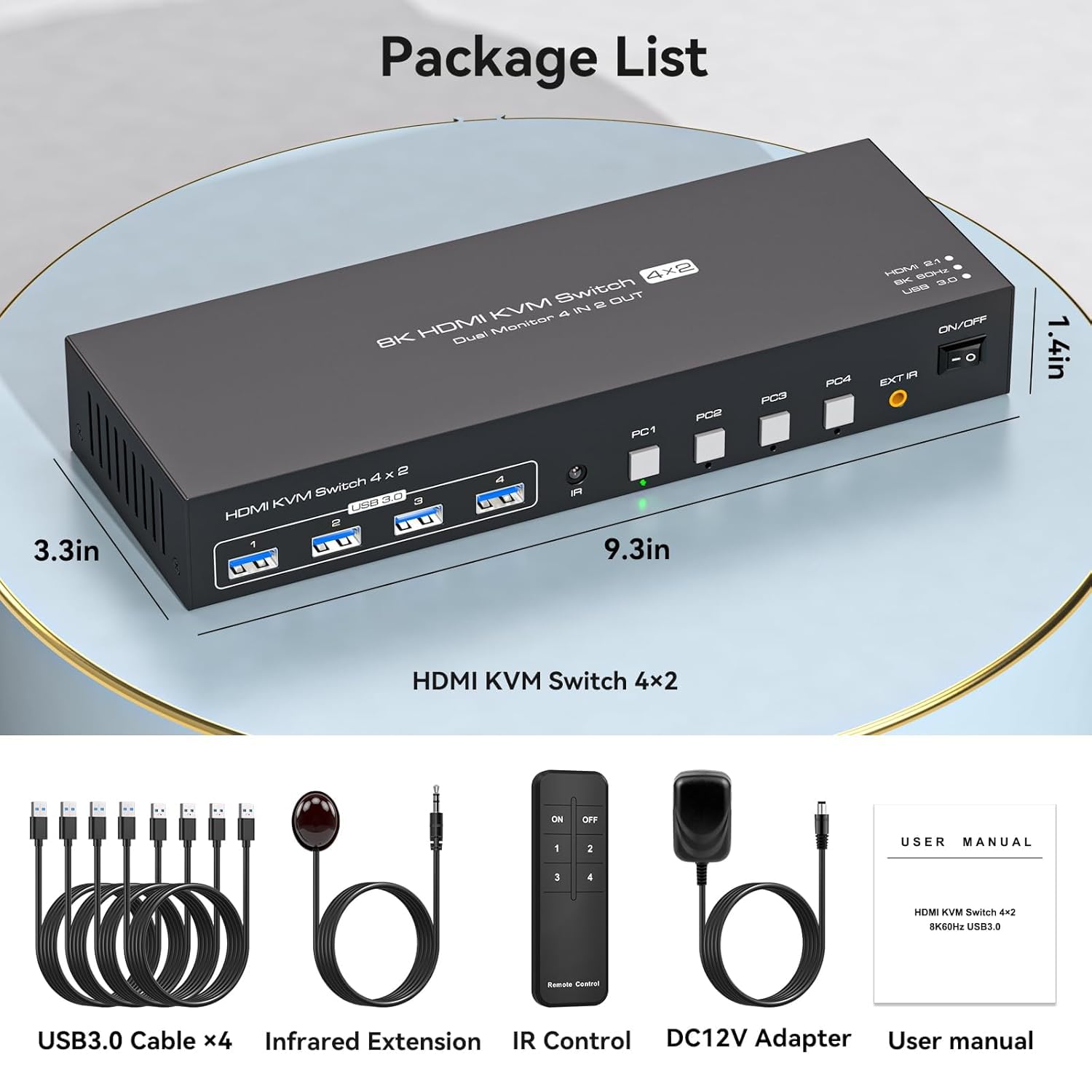
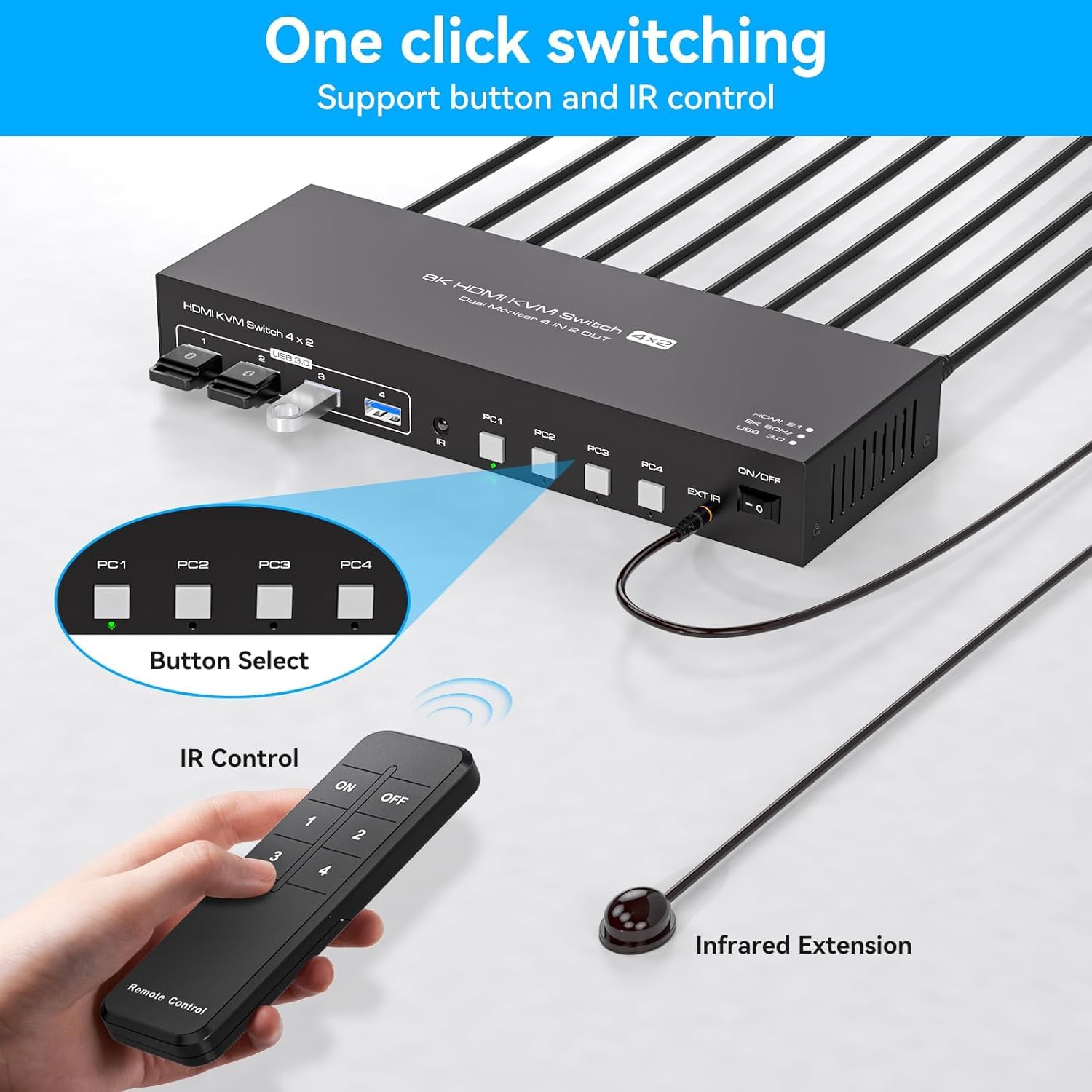
Control is available from the panel or the included controller. The listing also describes an IR cable control that can be used when the switch is tucked out of sight. This gives you another approach compared with a basic switch that must remain within easy reach for button presses. The unit is metal, and the package lists a DC 12V power adapter, four USB A-to-A cables, a controller, and a user manual.
There is a specification inconsistency to keep in mind: the product name identifies 4K120Hz, while the feature details separately claim support up to 8K@60Hz and 4K@144Hz. Those higher modes are also said to depend on the source, monitor, and HDMI cables supporting them, so don’t assume the full setup will achieve a particular resolution or refresh rate without checking every part of the signal chain.
The essentials

- Name: 4-computer, dual-monitor HDMI KVM switch
- Model: SW24305221153
- Connectivity: HDMI and four USB 3.0 ports
- Compatibility: Windows, Mac, and Linux laptops or desktops
- Switching: Panel buttons or included controller
- Included: DC 12V power adapter, four USB A-to-A cables, controller, and user manual
The key setup requirement is two HDMI outputs on each computer. The product details suggest using an active adapter if a computer or monitor does not have enough HDMI ports. A solid pick if you want to share a dual-display workspace and USB accessories across multiple computers without swapping each connection by hand. It might not be a great match if your computers lack the required HDMI outputs and you don’t want to add active adapters.
Is it worth it?
The main reason to choose this model is the combination of four-computer switching, two shared displays, USB peripheral sharing, and EDID emulation in one desk setup. A simpler switch or separate peripheral connections may be enough if you only need to change one display or use one computer at a time. This model is more relevant when the dual-monitor arrangement is central to your workflow and you want the connected USB devices to move with the active computer. Before choosing it, confirm that each computer has two HDMI outputs and that the source devices, monitors, and cables support the display mode you intend to use.