

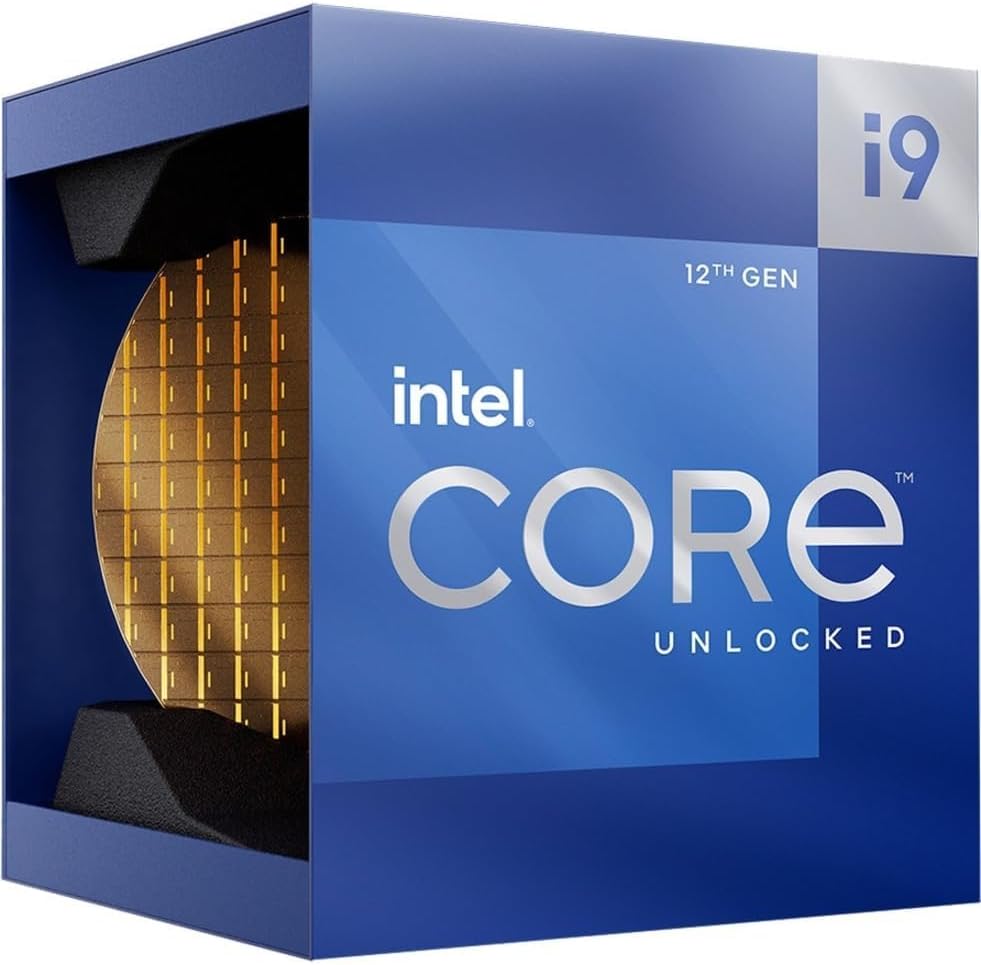
Intel Core i9-12900K Gaming Desktop Processor (LGA1700) with Integrated Intel UHD 770 Graphics, Unlocked, Up to 5.2 GHz
Product description
What to know before you buy
The Intel Core i9-12900K is a desktop CPU aimed at people who want strong gaming performance and fast multitasking in the same machine. On paper, the pitch is pretty straightforward: it’s an unlocked processor built around Intel’s performance hybrid architecture, so it’s designed to juggle demanding games and background work without feeling like it’s constantly “catching up.”
There’s also a practical bonus that matters for some buyers: it includes integrated Intel UHD 770 graphics. That means you’re not totally dependent on a dedicated graphics card just to get a display signal and run basic tasks, assuming you have the right motherboard.
Where it shines (and what you’ll notice)

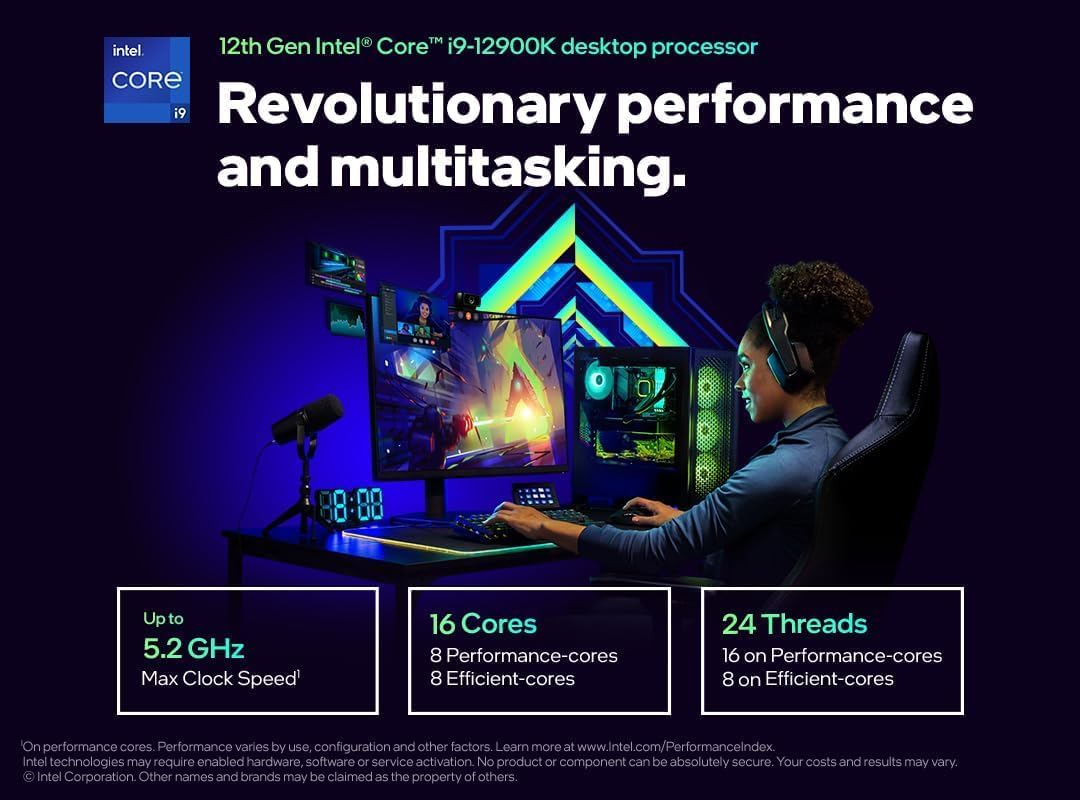
If your goal is a high-performance gaming desktop plus everyday productivity (streaming, browsing with lots of tabs, productivity apps running alongside games), this chip is built for that kind of workload. The 16 total cores come from a 8P+8E layout, which is typical of hybrid designs: the performance-focused parts handle demanding moments, while the efficiency-focused parts help keep overall responsiveness up when you’re doing more than just gaming.
The “up to 5.2 GHz” headline is there for peak performance scenarios. Real-world results depend on the rest of the system and how your workload behaves, but the design intent is clear—boost speed when the task demands it.
One detail that supports smoother performance in day-to-day use is the 30 MB L3 cache. More cache can help reduce how often the CPU has to wait on slower memory access during short, repeated bursts—something that shows up in games and switching between tasks.
Integrated graphics: useful, but not a substitute in every case
The integrated Intel UHD 770 graphics are listed as compatible with Intel 600 series and 700 series chipset-based motherboards. For buyers who want flexibility, this is genuinely convenient. For example, if you’re building a system and plan to add a dedicated GPU later, integrated graphics can help you get the PC up and running in the meantime.
Still, it’s worth keeping expectations grounded. Integrated graphics are handy for display and non-gaming workloads, but if you’re chasing maximum gaming performance, you’ll likely still want a capable dedicated graphics card. This chip’s strengths lean toward CPU performance first.
Tech details that affect your build
This processor uses the Intel LGA-1700 socket, and it’s designed for motherboards based on the Intel 600 series and 700 series chipset families (per the provided compatibility note for the integrated graphics). If your motherboard doesn’t match the socket/platform requirements, you may be stuck—even though the chip is powerful.
It’s also rated at 125W. That doesn’t automatically tell you everything about cooling needs, but it is a real constraint to plan around. If your build doesn’t have appropriate cooling support, you can end up with throttling or a less stable experience under sustained load.
Key specs at a glance
- Type: Unlocked desktop processor with integrated graphics
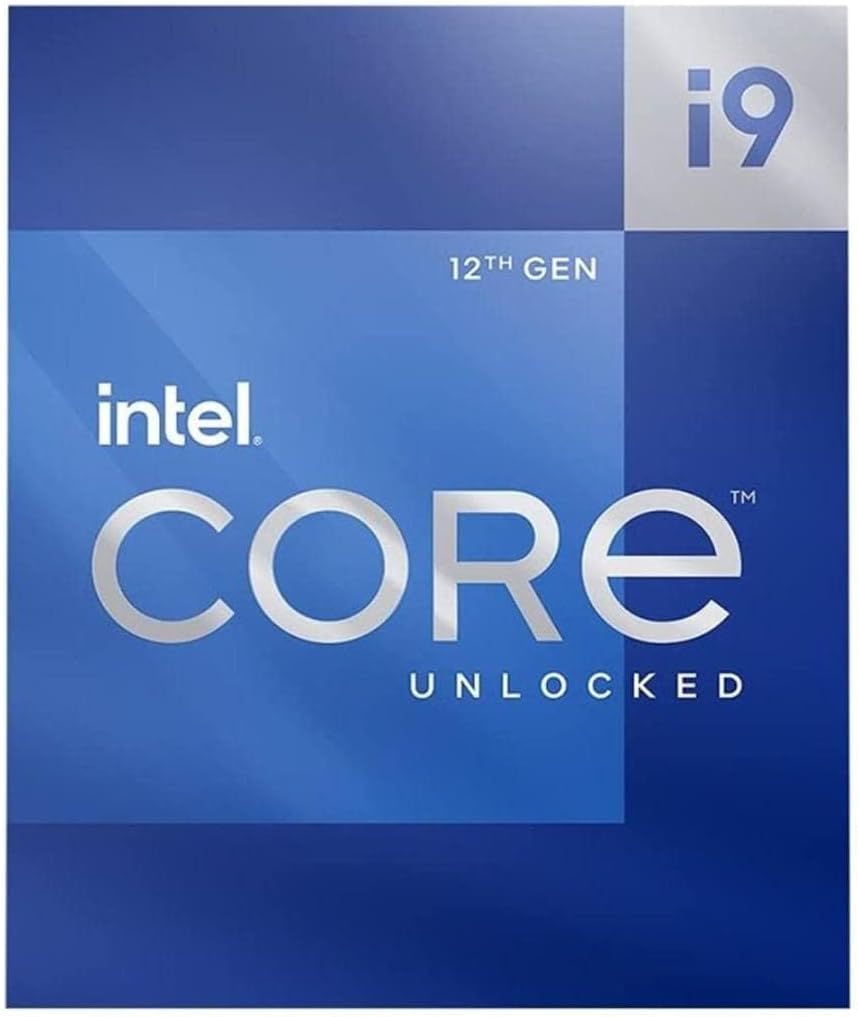
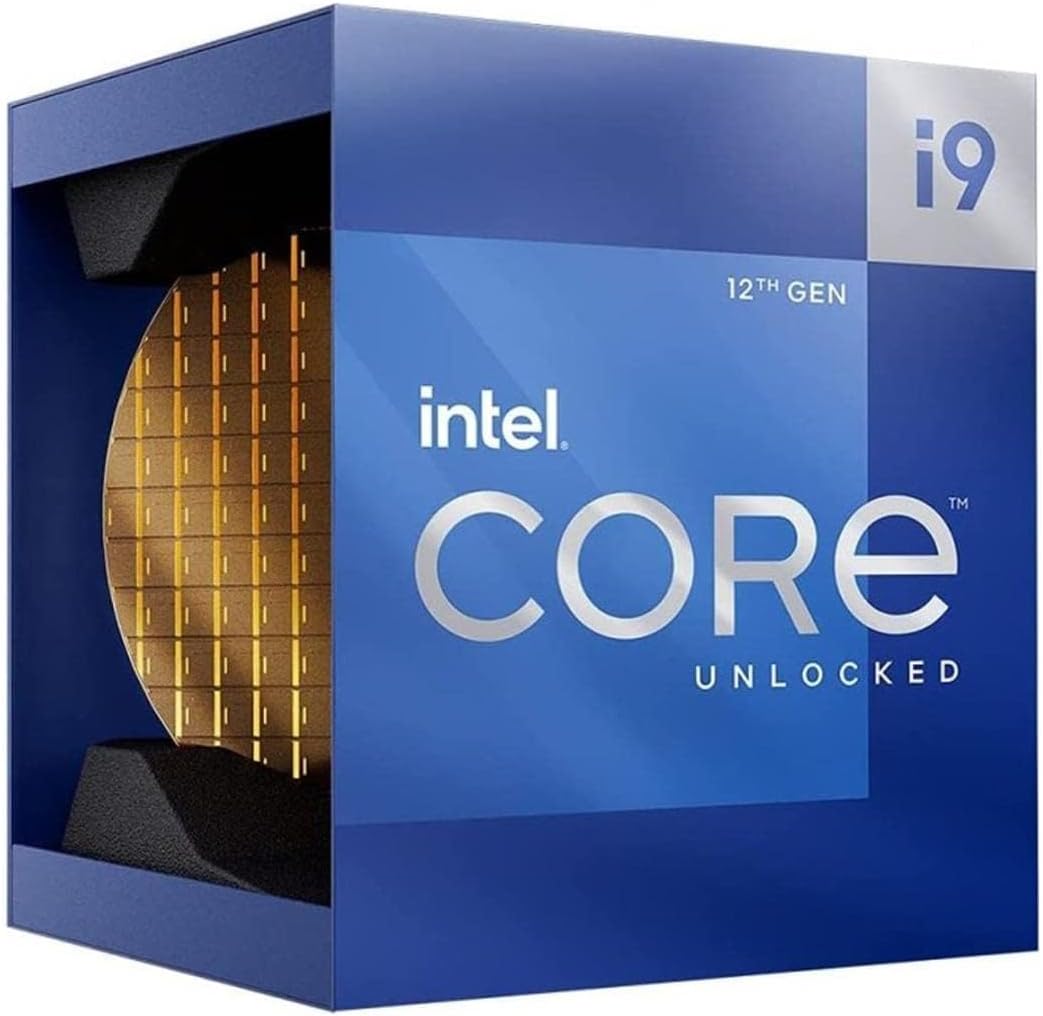
- Name: Intel Core i9-12900K
- Socket: LGA-1700
- Cores: 16 total (8P+8E)
- Clock: up to 5.2 GHz
- Integrated graphics: Intel UHD 770
- L3 cache: 30 MB
- Power rating: 125W
- Compatibility note: Intel 600 and 700 series chipset-based motherboards (for integrated graphics)
Who it’s for (and who should skip it)
A strong fit if you want a serious gaming desktop CPU that also handles multitasking smoothly. It’s particularly relevant if you’re building on a compatible LGA-1700 motherboard and you value the safety net of integrated graphics during setup.
It may not be a great match if your current motherboard uses a different socket, or if you’re planning a very low-power or minimal-cooling build. Also, if your focus is mostly on budget gaming with minimal system complexity, this kind of CPU can be more than you need—its value shines when you’ll actually benefit from high-end CPU capability.
When it makes sense
This is the kind of processor you buy when you’re thinking beyond “just launching games.” If you want a platform that can keep up when you’re gaming and doing other tasks at the same time, the hybrid core setup and cache size support that idea.
If you’re building a PC and you may not have a dedicated GPU ready immediately, integrated UHD 770 graphics can be a practical bridge—though long-term gaming performance will still depend heavily on the discrete graphics card.
Final verdict
If you’re building a gaming desktop around an Intel 600/700 series LGA-1700 platform and you want CPU horsepower with optional integrated graphics for convenience, the Intel Core i9-12900K is worth serious consideration. Just don’t overlook the basics: confirm socket compatibility, plan for the 125W class cooling needs, and be realistic about what integrated graphics can (and can’t) do for high-end gaming.
FAQ
Does the Intel Core i9-12900K need a dedicated graphics card?
Not necessarily for getting a display, because it includes integrated Intel UHD 770 graphics. But for top gaming performance, a dedicated GPU may still be the smarter path.
What motherboard chipset does it work with?
The integrated graphics are described as compatible with Intel 600 series and 700 series chipset-based motherboards. The key requirement is also the Intel LGA-1700 socket.
Is it good for multitasking while gaming?
Yes, that’s directly in the product positioning: it’s designed to game and multitask using Intel’s performance hybrid architecture.
Is the i9-12900K energy efficient?
The provided description mentions improved performance per watt and power-efficient micro architecture, but your real results depend on your build and cooling setup.
What’s the biggest thing to check before installing?
Make sure your motherboard matches the Intel LGA-1700 socket and that you’re comfortable planning around the 125W power rating.