

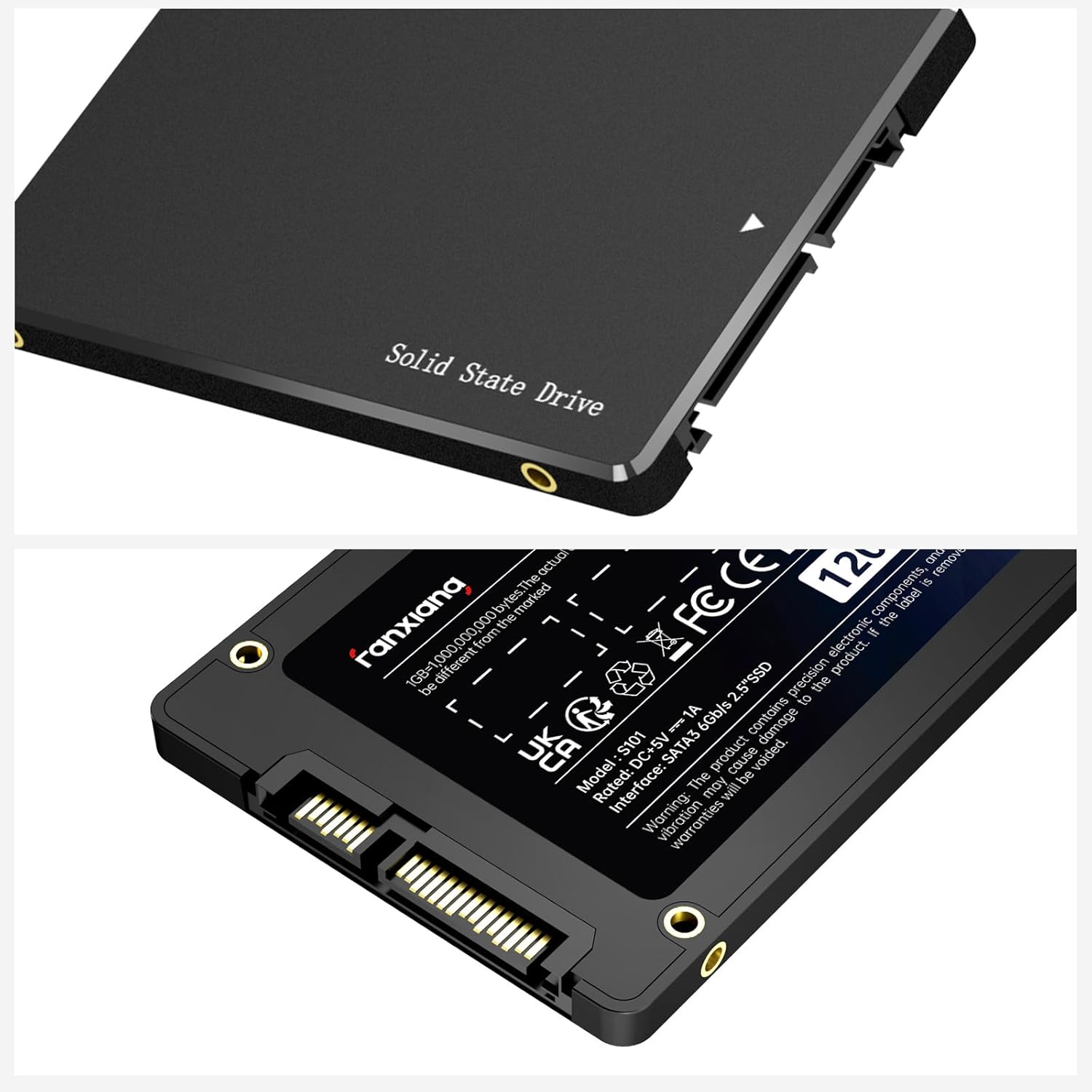
Fanxiang S101 1TB SATA SSD: Fast, Reliable 2.5" Upgrade for Laptop and Desktop
Product description
What it is and why it matters
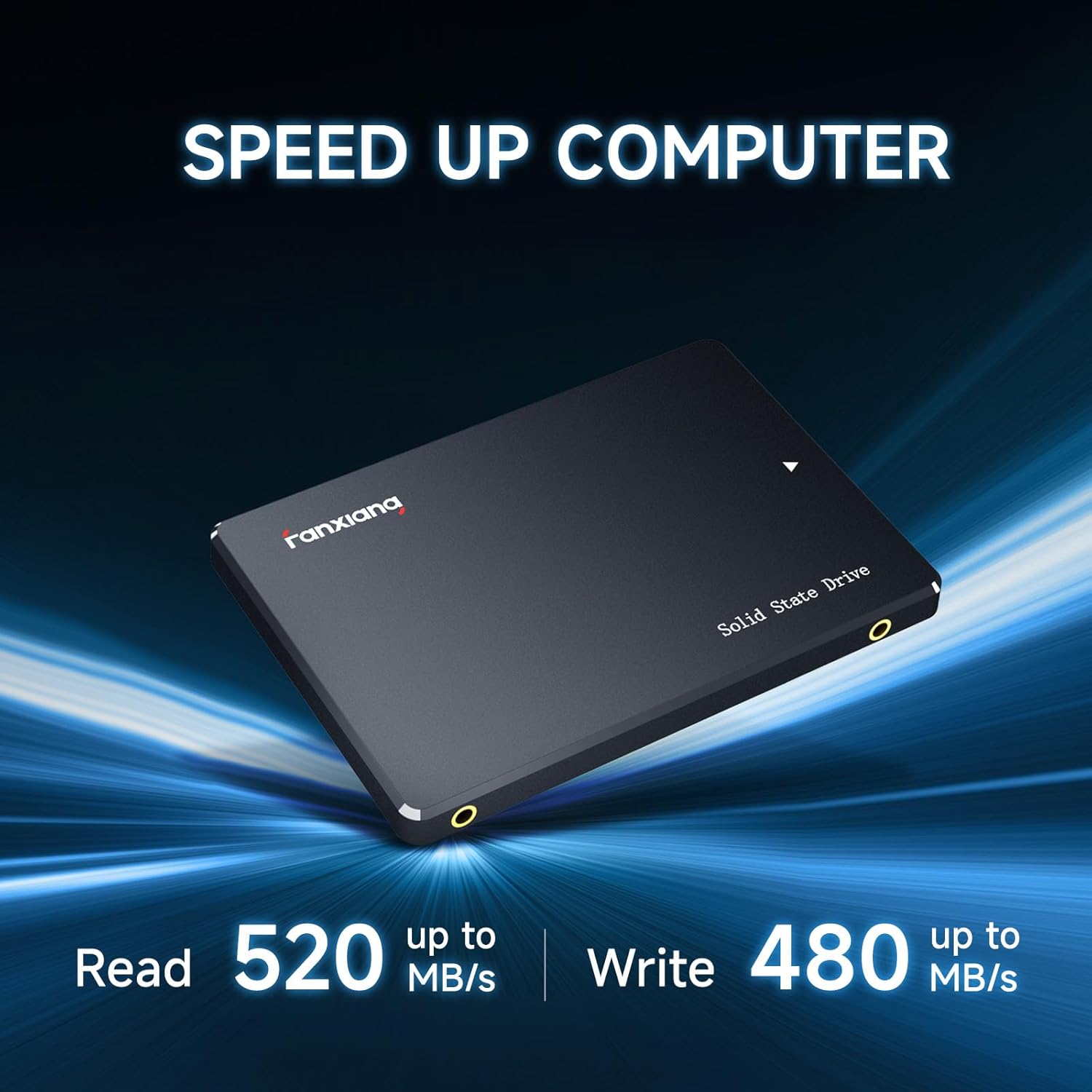
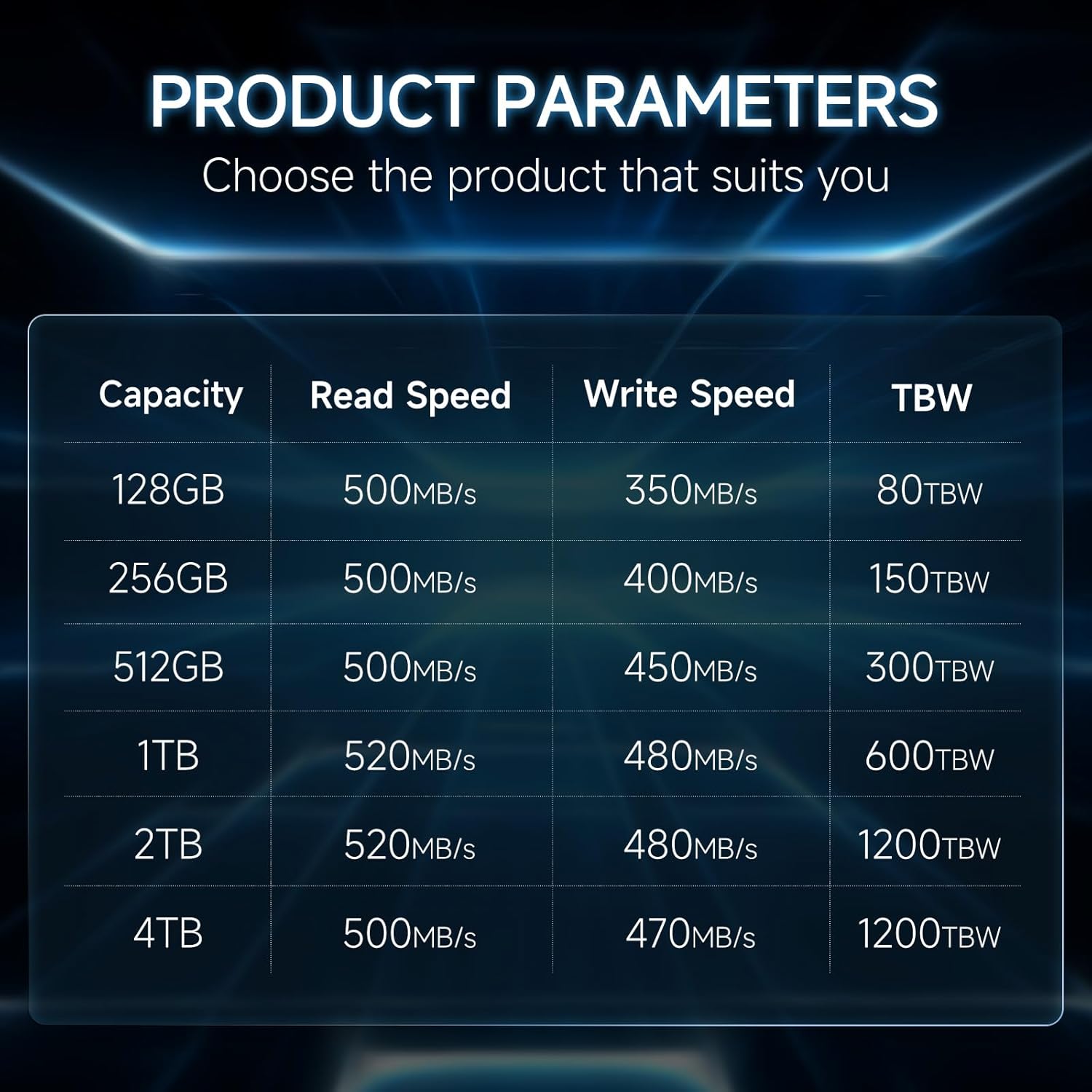
The Fanxiang S101 1TB SSD is a 2.5-inch internal solid-state drive designed to replace traditional hard drives with faster storage performance. With up to 520MB/s read and write speeds, it aims to reduce boot times, shorten file transfers, and improve overall responsiveness in everyday tasks and light gaming. If you’re trying to decide whether to upgrade, this model presents a straightforward path to modernizing an aging system without changing the interface or requiring new hardware beyond the drive itself.
How it performs on paper
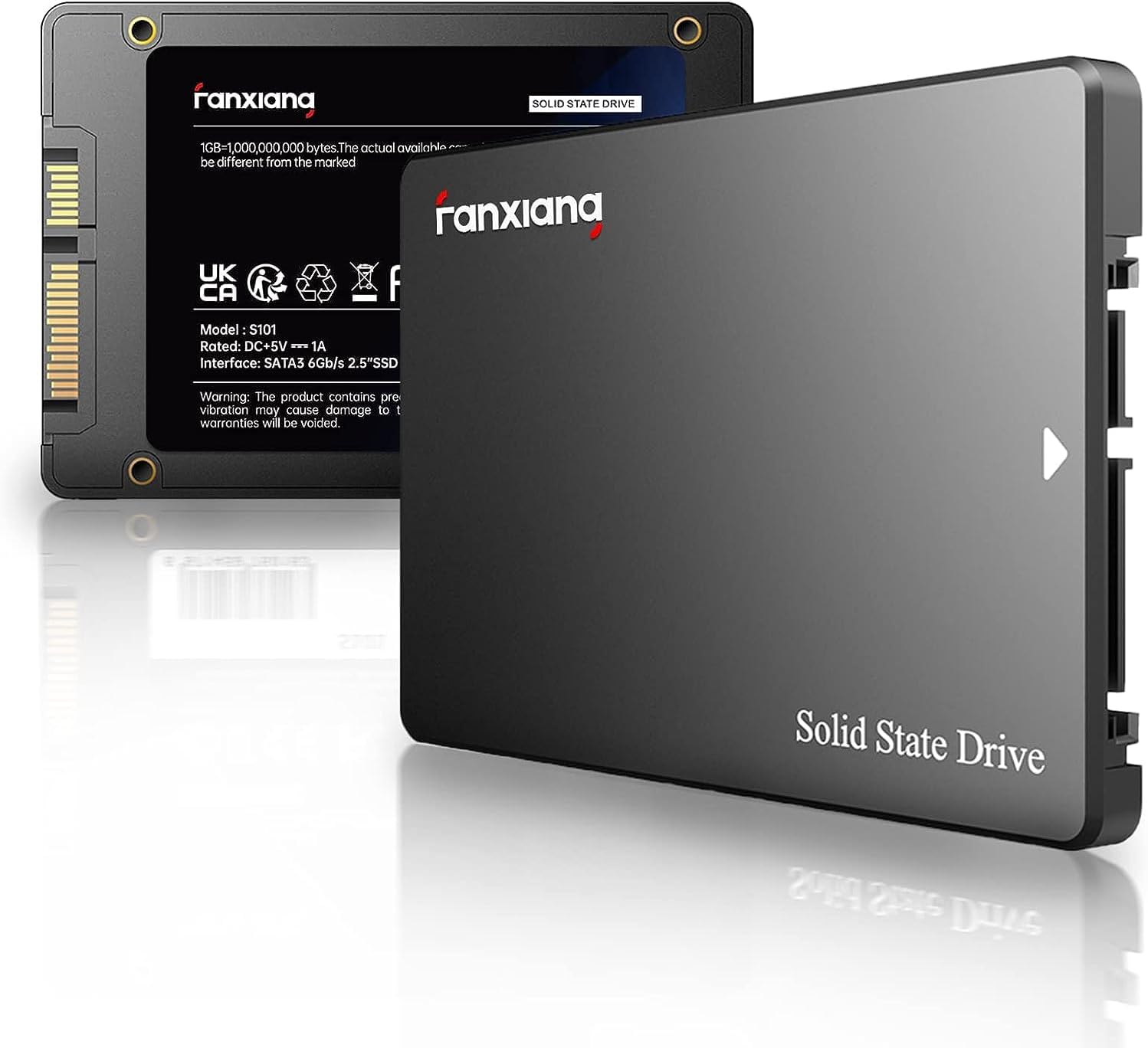
On paper, the S101 uses 3D NAND TLC memory, which generally offers a good balance between performance and endurance for consumer workloads. The drive uses SATA III (6Gb/s), so the observed speeds align with typical expectations for SATA SSDs in the 1TB class. The key takeaway is faster access to your data compared to a traditional HDD, which translates to quicker boots, faster file operations, and snappier program launches.
Pros and what stands out
- Strong general upgrade path: compatible with desktops, laptops, and all-in-one PCs, across Windows, Linux, and macOS environments.
- Noticeable day-to-day gains: faster startup, quicker file transfers, and smoother multitasking versus HDD setups.
- Durability and longevity: built with 3D NAND TLC, which tends to endure more write cycles than some older NAND technologies.
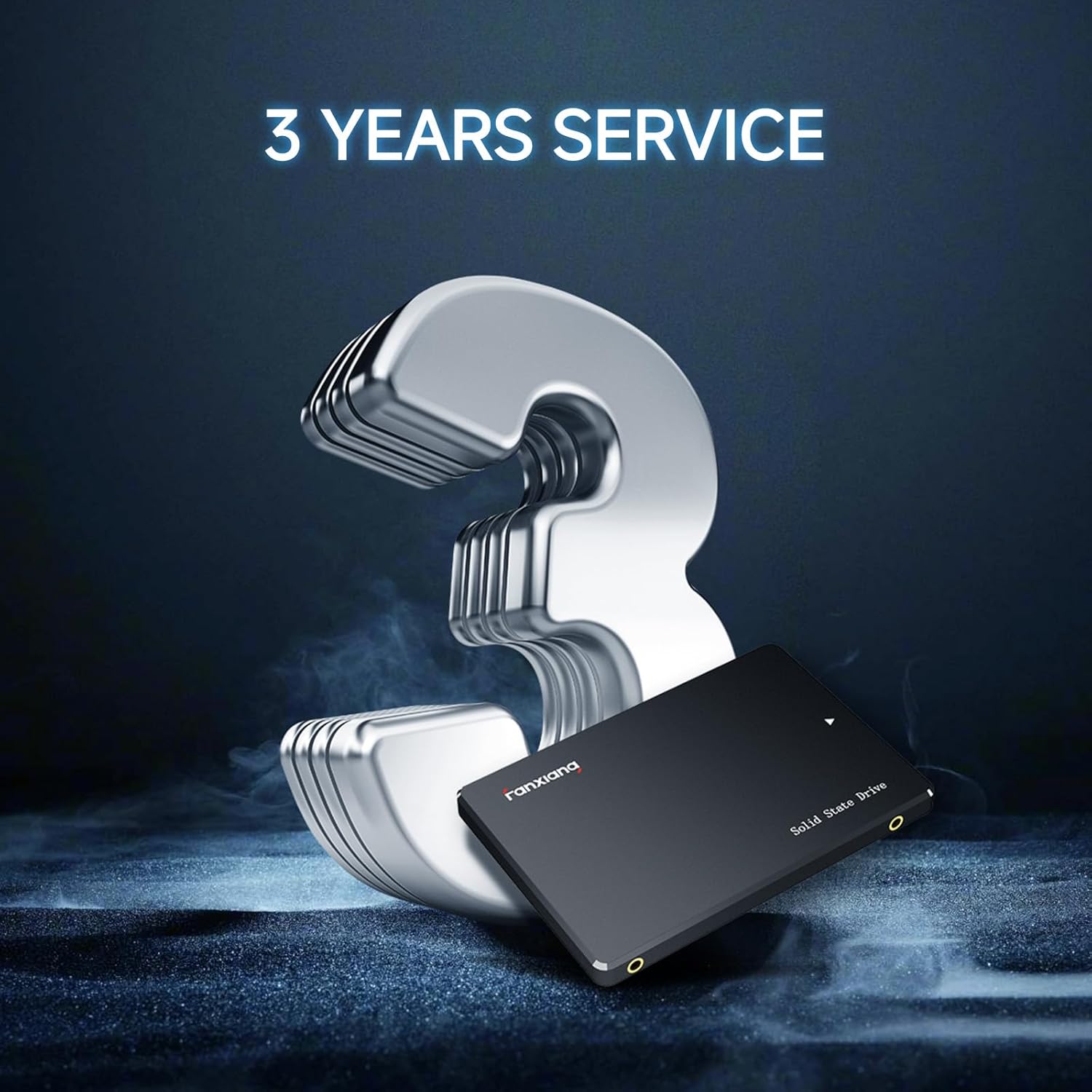
- Support and service: comes with 3 years of after-sales service and lifetime technical support to address questions or issues.
What may give you pause
- Real-world speeds depend on the host system and SATA interface, you may not see peak 520MB/s in every scenario.
- It’s a consumer SSD, so if you’re aiming for enterprise-grade endurance or PCIe/NVMe-level performance, this SATA drive won’t match those specs.
- Limited to SATA connectivity, if your device is already configured for PCIe NVMe, a different upgrade path would be needed.
Who this is for
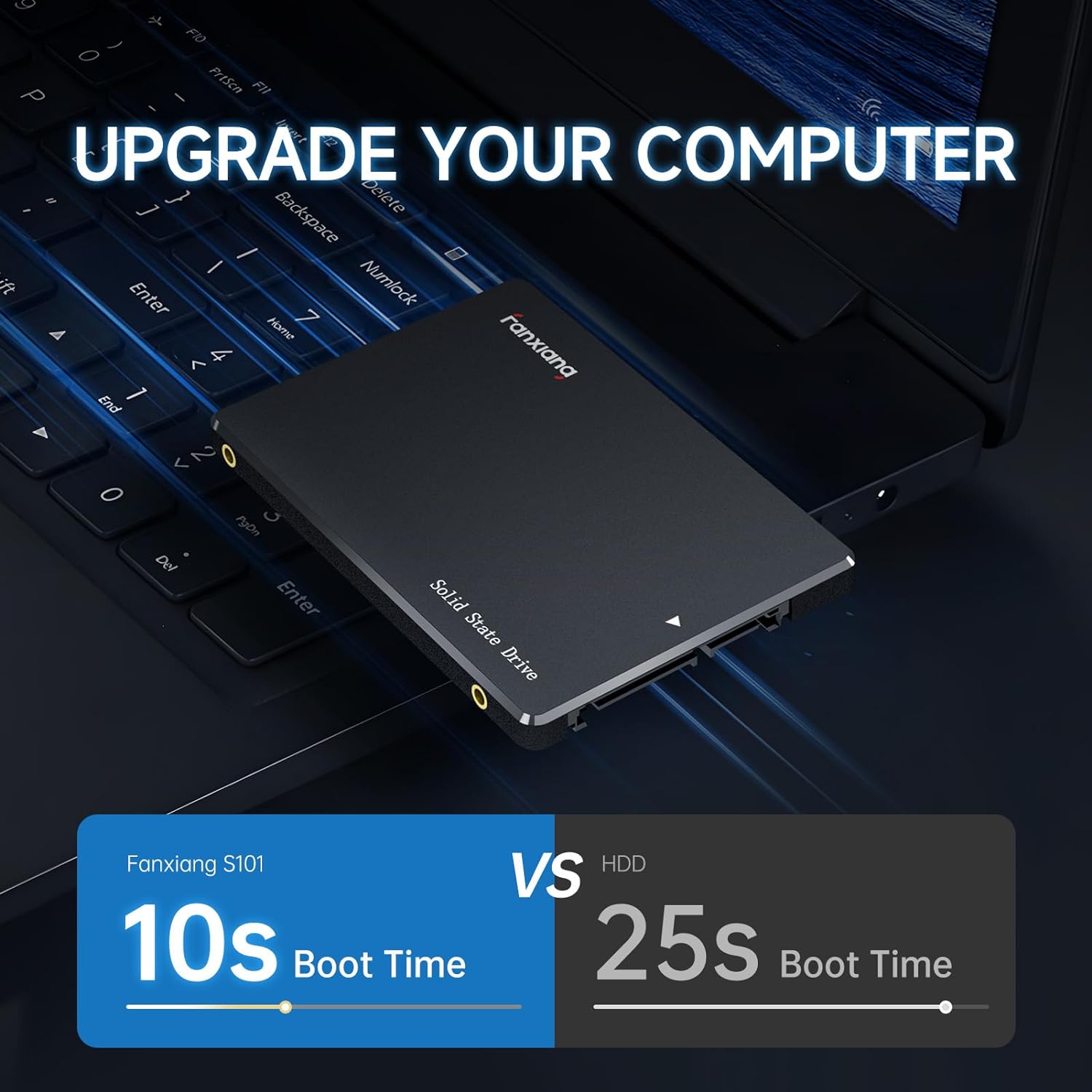
- Users with older laptops or desktops still spinning up with HDDs who want a simple, cost-effective speed boost.
- Anyone seeking faster boot times and quicker app launches without changing the motherboard or adding new interfaces.
- People who value broad OS compatibility and solid after-sales support.
Who it’s not ideal for
- If you’re after the absolute fastest storage in a consumer setup, especially for heavy workloads like large-scale video editing or high-end gaming, NVMe might be a better fit—assuming the device supports it.
- Systems that require PCIe-based storage for maximum throughput will not benefit from a SATA SSD in the same way.
When it makes sense to buy
- You want a straightforward upgrade to improve responsiveness on a traditional laptop or desktop that still uses a 2.5" drive.
- Your workflow includes frequent file transfers and long load times from software launches, a 1TB capacity gives you room for OS and apps plus data.
- You value compatibility across major operating systems and the reassurance of a multi-year service plan.
What to check before buying
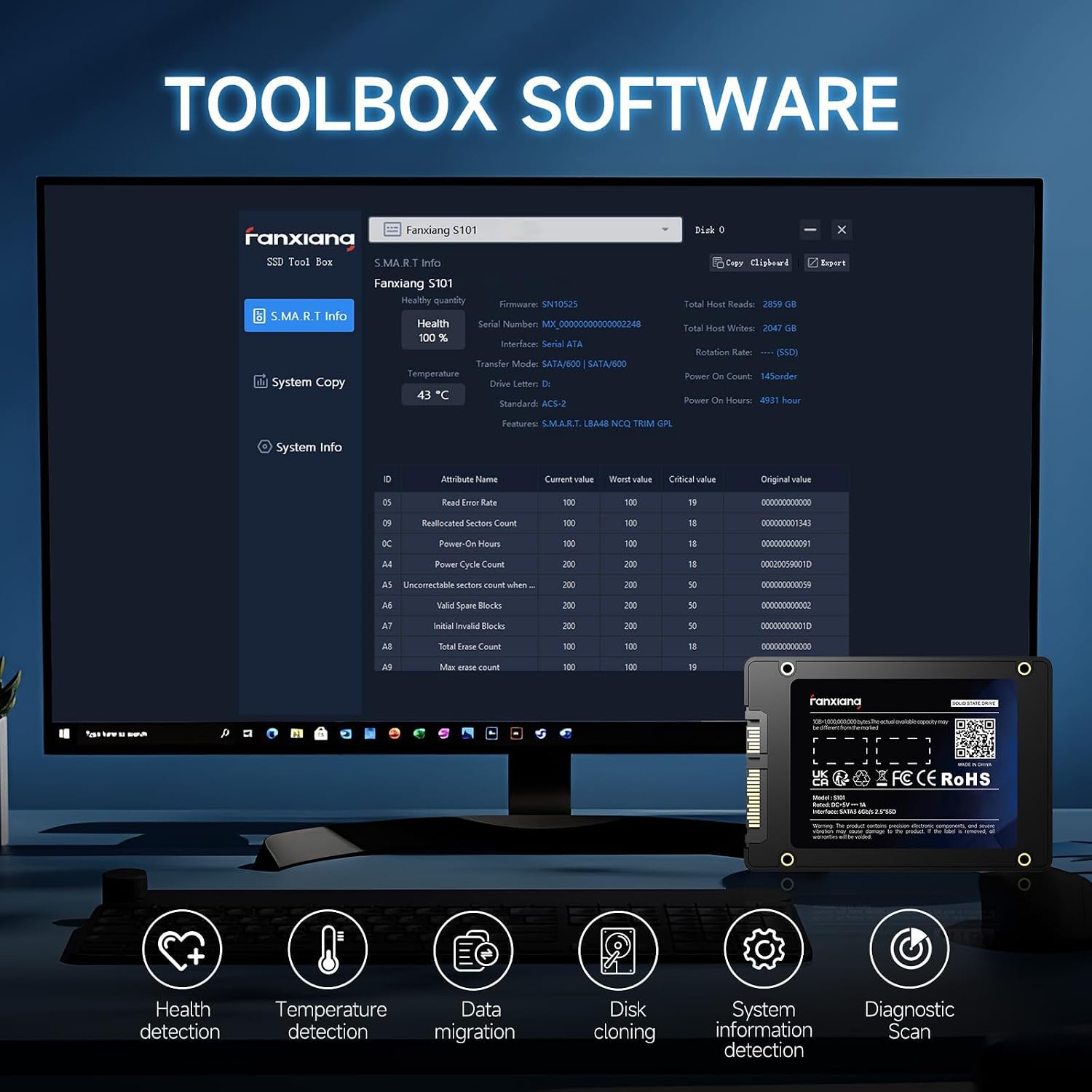
- Confirm your device has a free 2.5" SATA slot and supports SATA III to approach the advertised speeds.
- Consider your storage needs: 1TB is ample for OS, essential apps, and data, but plan for future growth.
- Review the available warranty and after-sales support terms to ensure you have help if you run into issues.
Practical usage example
Imagine upgrading an older laptop: after installation, the system boots faster, programs launch with less delay, and you can copy large files—like photo libraries or project folders—without the stutter you used to hear from the HDD. The improvement feels like turning a traditional work session into something more fluid and predictable, especially when juggling multiple tasks.
What to expect compared to other approaches
If you’re weighing options, this SATA SSD provides a balanced upgrade path: it’s easier and cheaper than a full system refresh and promises meaningful gains over HDDs. If your priority is peak bandwidth and ultra-low latency for heavy workloads, you’d likely opt for a PCIe NVMe SSD instead, provided your device supports it. For many users, a 1TB SATA SSD hits a sweet spot between cost, compatibility, and performance.
Final decision: Should you buy it?
- When to buy: you want a practical, proven upgrade that speeds up everyday use without changing your motherboard or interface.
- When to pass: you need the absolute fastest storage possible and your system supports NVMe, or you require enterprise-grade endurance.
- Who benefits: everyday users who value faster boots and smoother multitasking on a broad range of devices.
- Don’t overlook: verify SATA compatibility and your space constraints before purchasing.
FAQ (quick answers)
- Q: Will it fit in my laptop? A: It fits standard 2.5" SATA slots, check your device’s drive bay and connector type.
- Q: Can it speed up gaming? A: It reduces load times and can improve responsiveness, but it isn’t a GPU-level upgrade, frame rates depend on the overall system.
- Q: How long will it last? A: Durability is supported by 3D NAND TLC and the 3-year service plan, though exact endurance depends on usage patterns.
What to know at a glance
This is a straightforward, broadly compatible 1TB SATA SSD designed to replace a hard drive in a wide range of devices, delivering faster boot times, quicker file transfers, and improved daily performance—with a multi-year support promise to back it up.