

BOSGAME P6 Ryzen 9 Mini PC: Compact Power for Home, Office, and Light Gaming
Product description
What it is
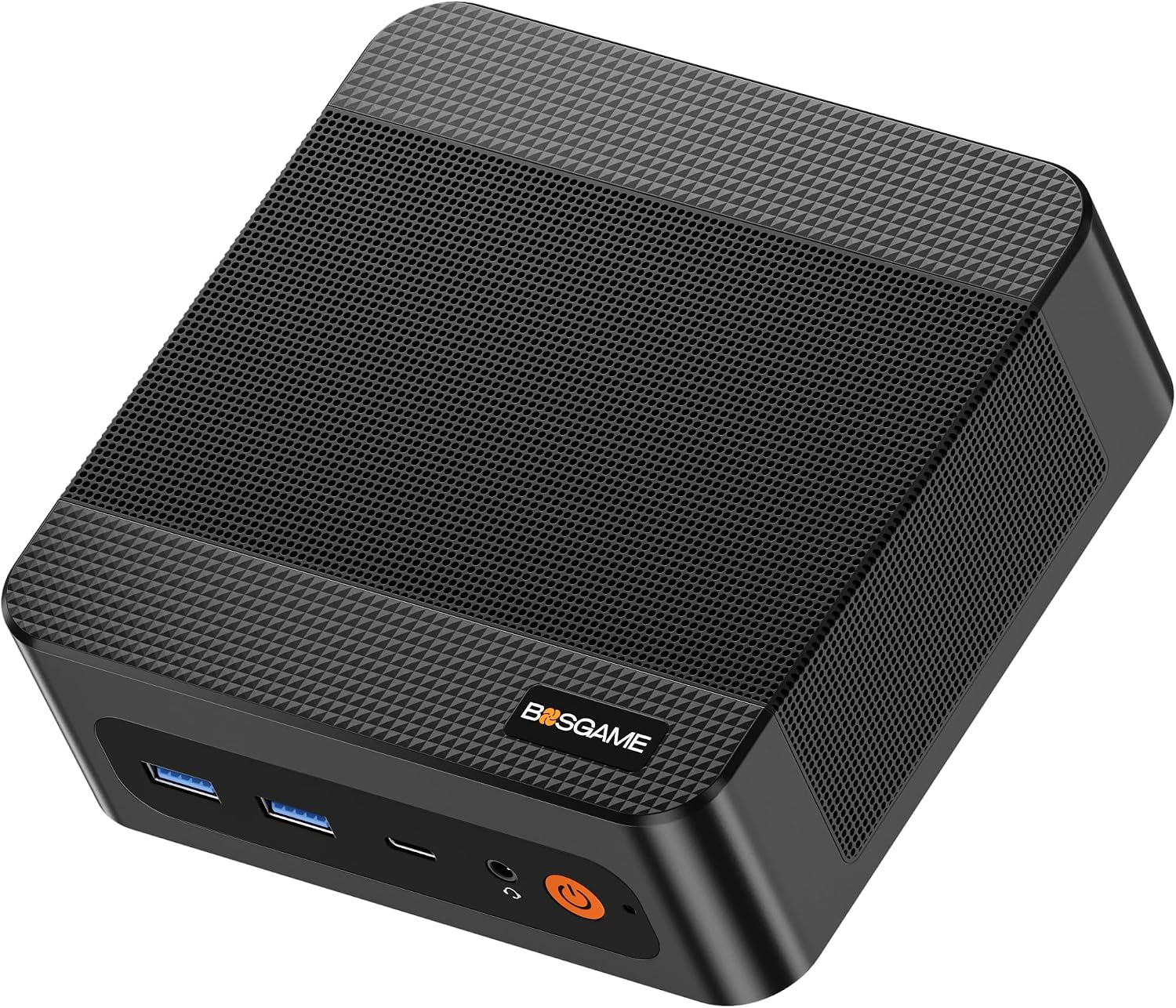
The BOSGAME P6 is a compact mini PC powered by a Ryzen 9 6900HX, paired with 24GB of RAM and a 1TB PCIe4.0 NVMe SSD. It’s designed to reclaim desk space while delivering responsive multitasking performance and enough speed for light gaming and content creation. On paper, this mini PC aims to balance high-end processing with a small footprint, making it an option for those who need a single, versatile machine for work, study, or casual gaming without the bulk of a traditional desktop.
Who it’s for
If you’re a power user who prefers a compact setup for a home office, small business, or a travel-ready workstation, the P6 targets you. It’s plausible for tasks like document workflows, photo editing at modest resolutions, 1080p video editing, and running a couple of lightweight virtual machines. It may also appeal to creators who value screen real estate and need a system that can drive three 4K displays for productivity or presentation setups.
Why it stands out
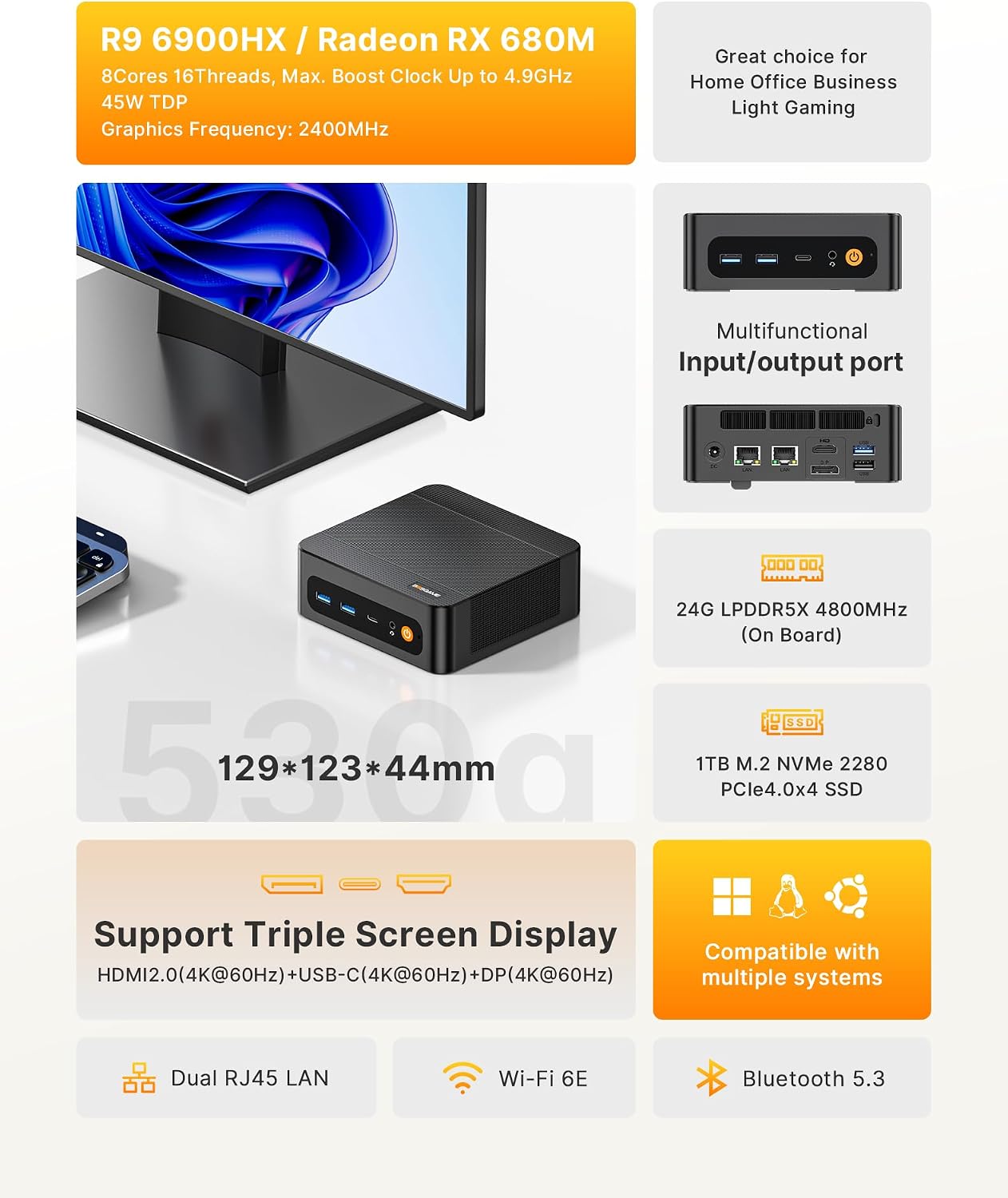
- Strong processor in a small form factor: Ryzen 9 6900HX (8C/16T, up to 4.9GHz) promises robust multitasking and responsiveness for everyday professional use.
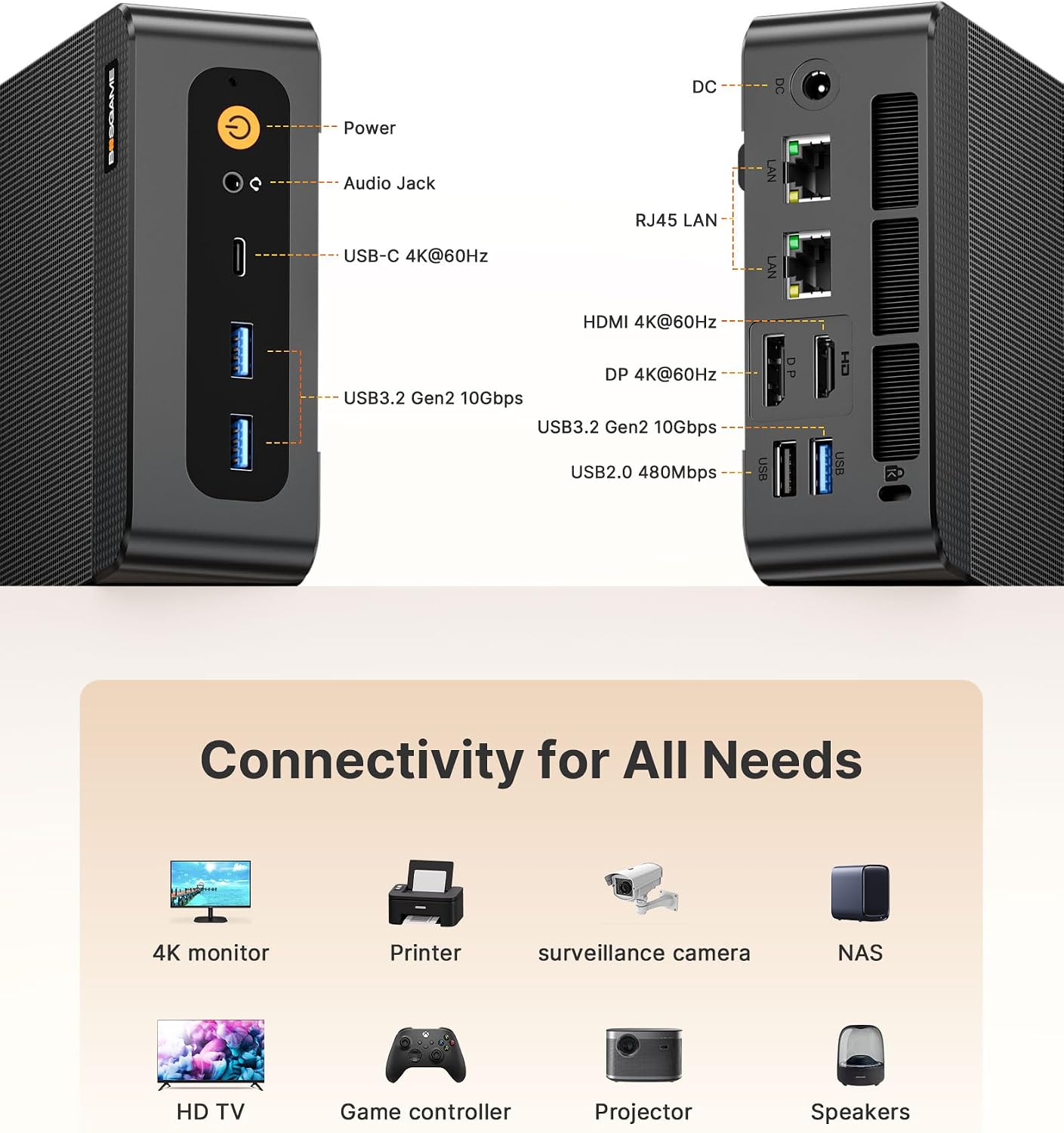
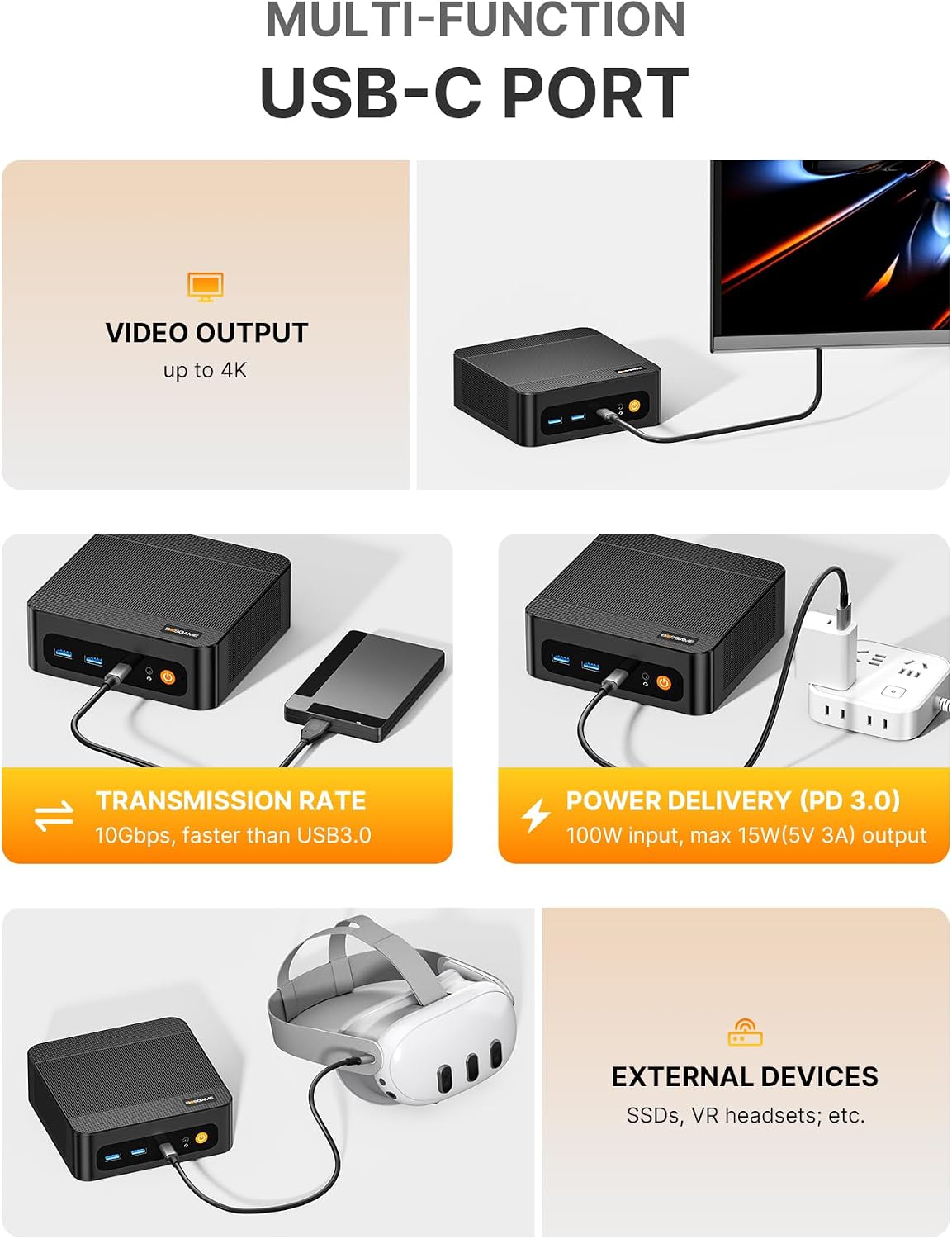
- Three 4K displays: HDMI, DisplayPort, and USB-C all support 4K@60Hz, which is useful for multi-monitor workflows or immersive demos.
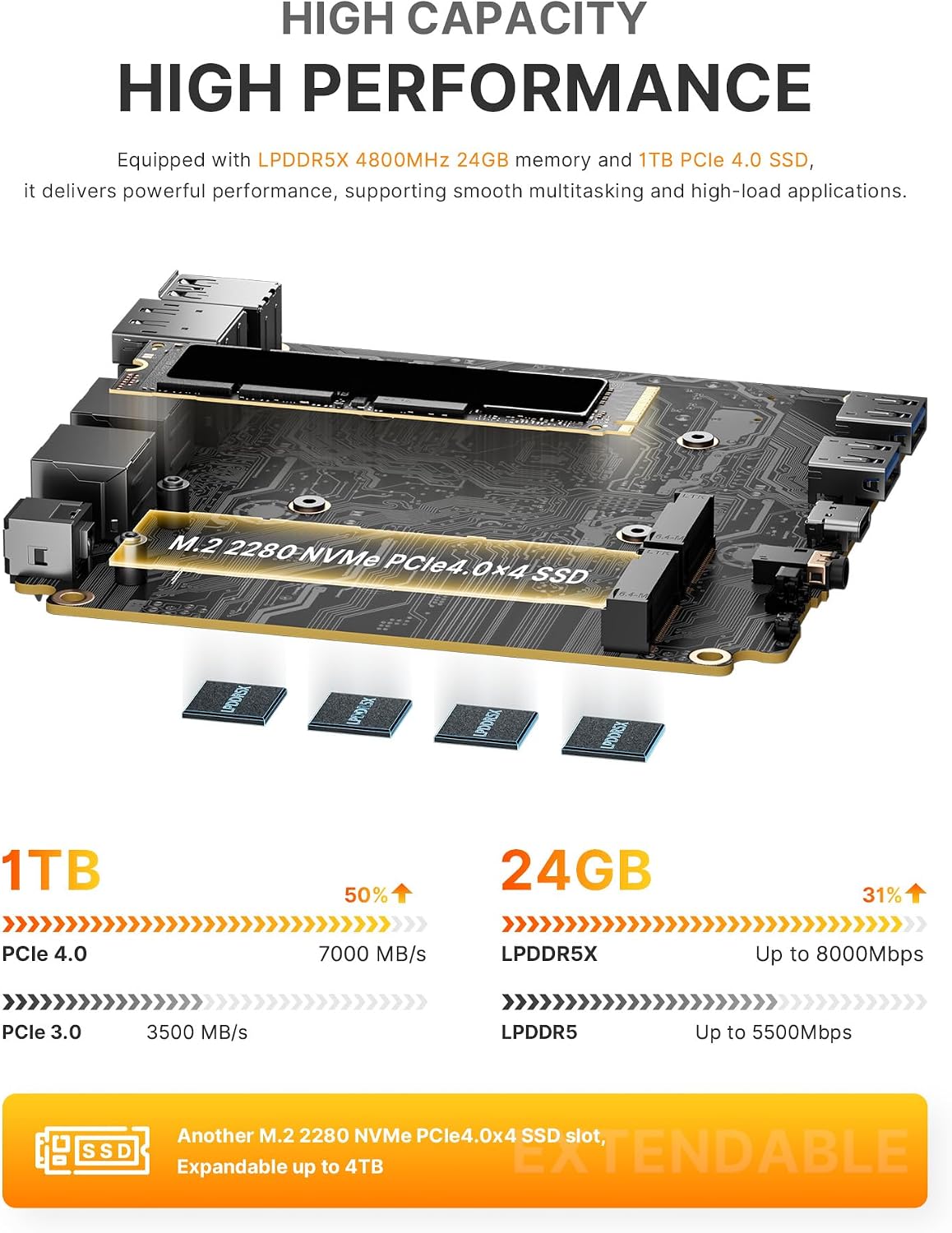
- Solid memory and fast storage: 24GB LPDDR5X RAM at 4800MT/s and 1TB PCIe 4.0 NVMe SSD help with quick boot times and smooth handling of large files.
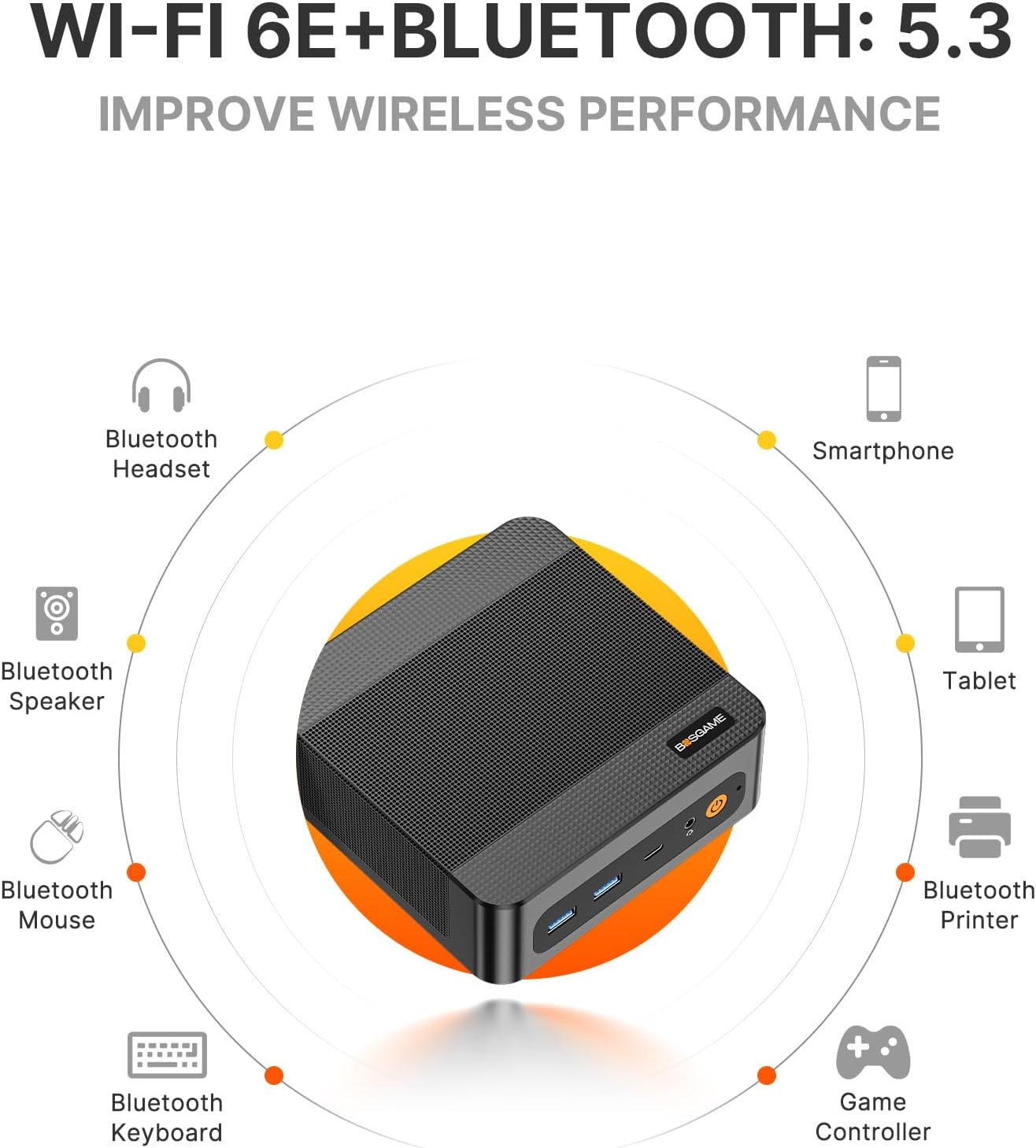
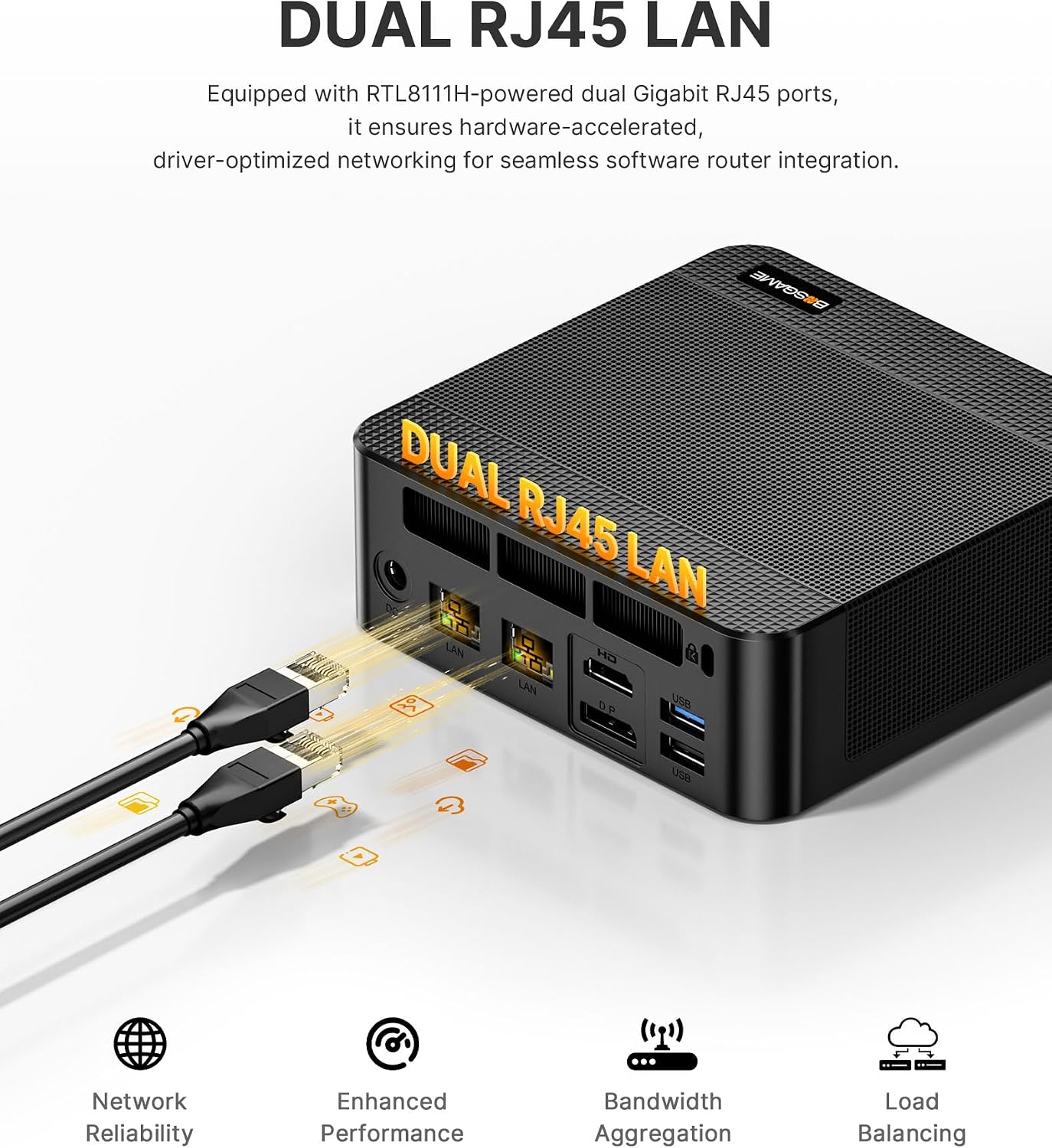
- Flexible connectivity: dual 1Gbps Ethernet, Wi‑Fi 6E, and Bluetooth 5.3 cover most home/office network needs and peripheral pairing.
- Noise-conscious cooling: described as quiet (under 36 dB) with phase-change materials and dedicated heatsinks for CPU, memory, and drive.
What to watch out for
- Real-world gaming capability is described as light gaming, expect to run esports titles at decent settings but not at ultra on the most demanding modern titles. If your workload includes heavy AAA gaming or professional 3D rendering, this may feel limited compared with high-end desktops.
- Bluetooth behavior may depend on drivers, the note about Bluetooth 5.3 requires updating drivers to reach that spec.
- Expansion potential is solid, but keep in mind that actual performance gains depend on cooling, ambient temperature, and workload duration. It isn’t a universal gaming rig or a pure workstation—think of it more as a versatile, compact hub.
How to use it day-to-day
For a typical setup, pair the P6 with three 4K displays for productivity, camera-ready video editing at 1080p, and multiple browser/work apps simultaneously. The dual LAN options can support advanced networks or home lab experiments (e.g., soft routers or dedicated file servers). If you’re frequently moving between locations, the compact size and backpack- friendly form factor are tangible perks. A concrete use case could be a small business with a remote team that needs a reliable all-in-one PC for video calls, light design work, and local software testing.
What to compare it against
If you’re weighing options, consider how this mini PC stacks up against larger desktops or laptops in the same price range. It leans toward a middle ground: more compact than a tower, potentially less flexible in raw GPU power than a high-end desktop, but with a surprising mix of CPU performance, memory, and triple-display capability. For users prioritizing space savings and a single, capable machine for daily tasks, it’s a compelling balance, for those demanding sustained 4K gaming or heavy multi-GPU workloads, a more traditional setup might be preferable.
Should you buy it?
Is it worth it? If you value compactness, a strong CPU for multitasking, and flexible display and networking options in a single package, the BOSGAME P6 can be worth considering. It’s not a perfect all-rounder for every use case—especially where you need top-tier gaming or heavy workstation tasks—but for office workflows, light content creation, and multi-monitor productivity, it offers a compelling value.
Final checks before you buy
- Verify driver availability, especially for Bluetooth 5.3 enhancement and Wi-Fi 6E optimization.
- Confirm your display needs align with the three 4K outputs supported and ensure cables/ports meet your setup.
- Consider future expansion: storage can be upgraded, but plan for cooling and power delivery with sustained workloads.
FAQ
- What kind of workloads is the P6 best at? It’s well-suited for multitasking, light video editing at 1080p, content creation, and productive workloads with multiple monitors.
- Can I run more intensive games on it? It supports light gaming and esports titles at higher settings, but it’s not aimed at demanding AAA titles at max settings for long sessions.
- How easy is upgrading RAM or storage? The unit ships with 24GB RAM and a 1TB SSD, expansion is possible with additional M.2 storage, but the exact upgrade paths should be confirmed with official guidance.