

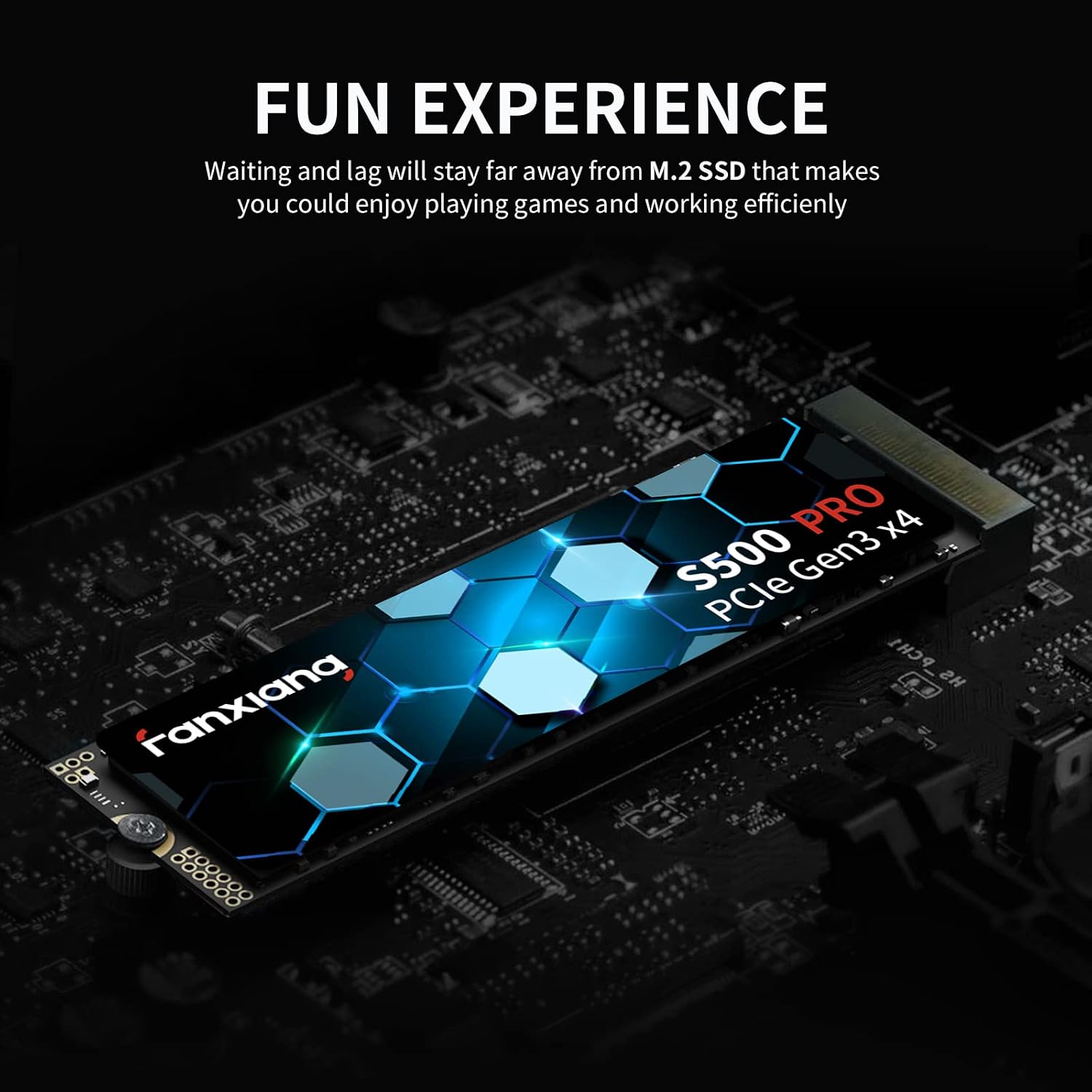
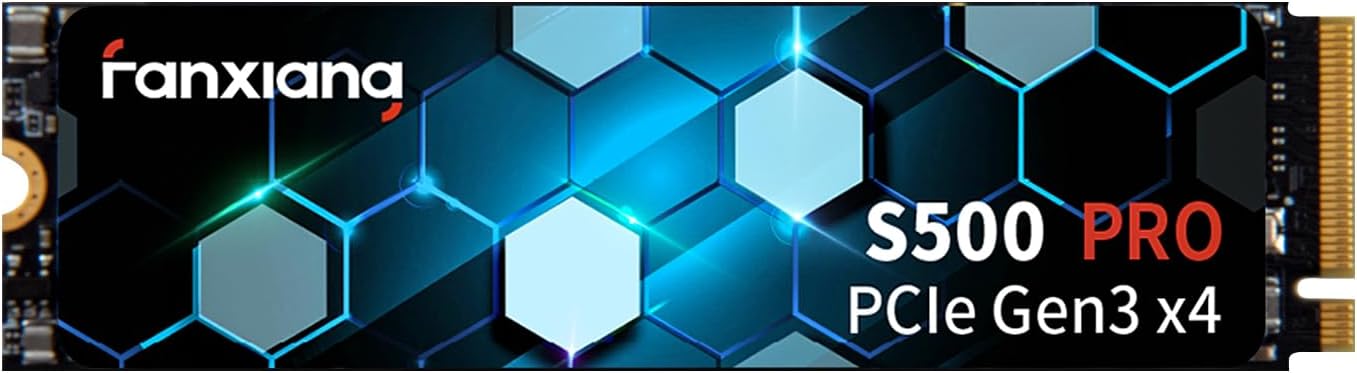
Fanxiang S500 Pro 512GB NVMe SSD: Solid Performance for Laptops and Desktops
Product description
What it is and what problem it solves
The Fanxiang S500 Pro is a 512GB NVMe M.2 SSD designed to speed up your system without adding extra cables or mechanical parts. On paper, it combines a graphite heat dissipation sticker for better thermal management with SLC caching to boost read/write bursts. If you’re shopping for a faster boot time, quicker file saves, and snappier app launches, this drive aims to deliver those improvements in a compact, motherboard-friendly package.
How it performs in real-world terms
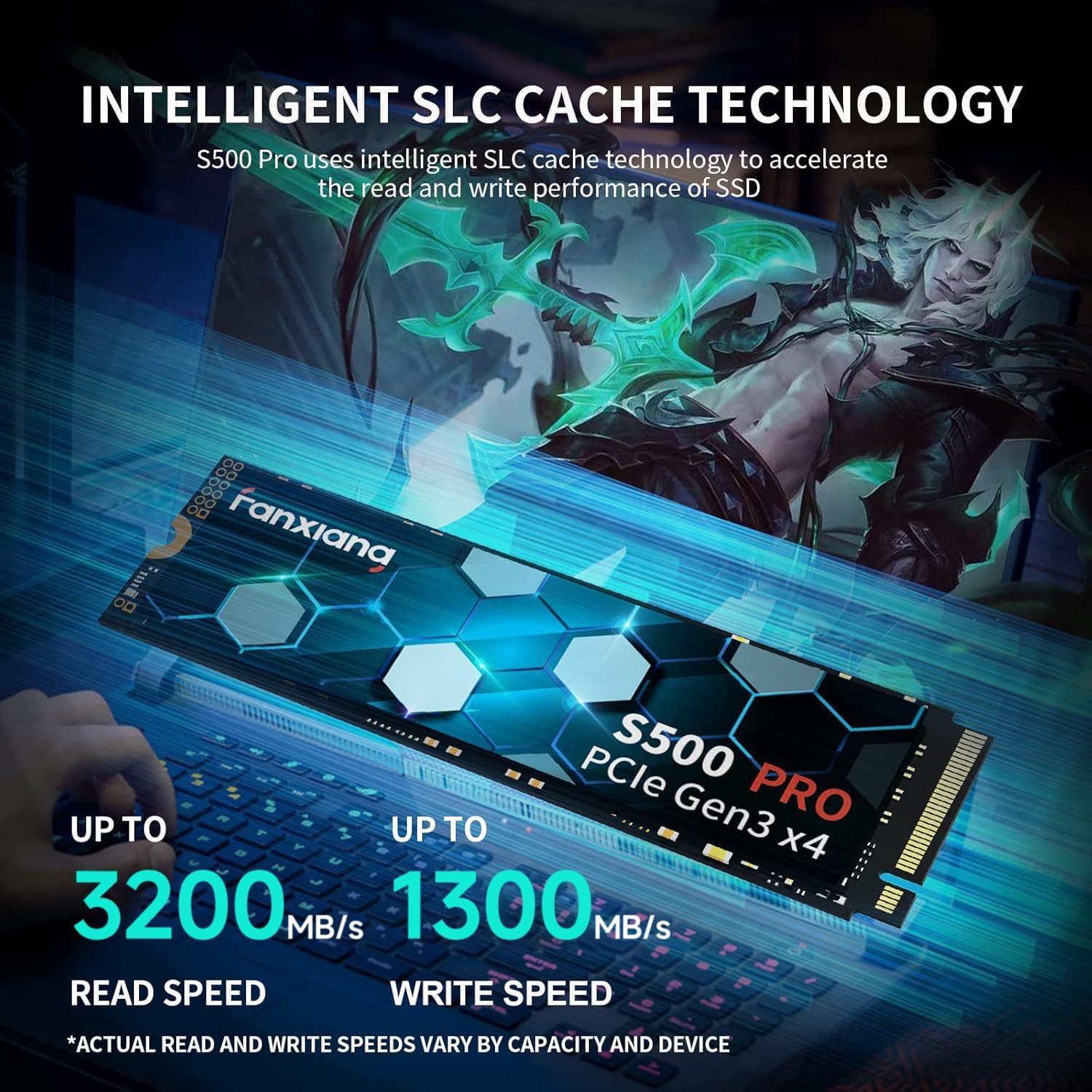
Fanxiang marks performance at up to 3200 MB/s read and 1300 MB/s write, thanks to PCIe Gen3x4 and a mix of 3D NAND TLC with an SLC cache layer. In everyday use, that translates to faster Windows boot sequences, quicker game load times, and snappier general responsiveness when opening programs. However, the exact gains depend on your system balance—CPU, RAM, and the rest of the storage stack all influence noticeable speedups.
Design and durability you can rely on
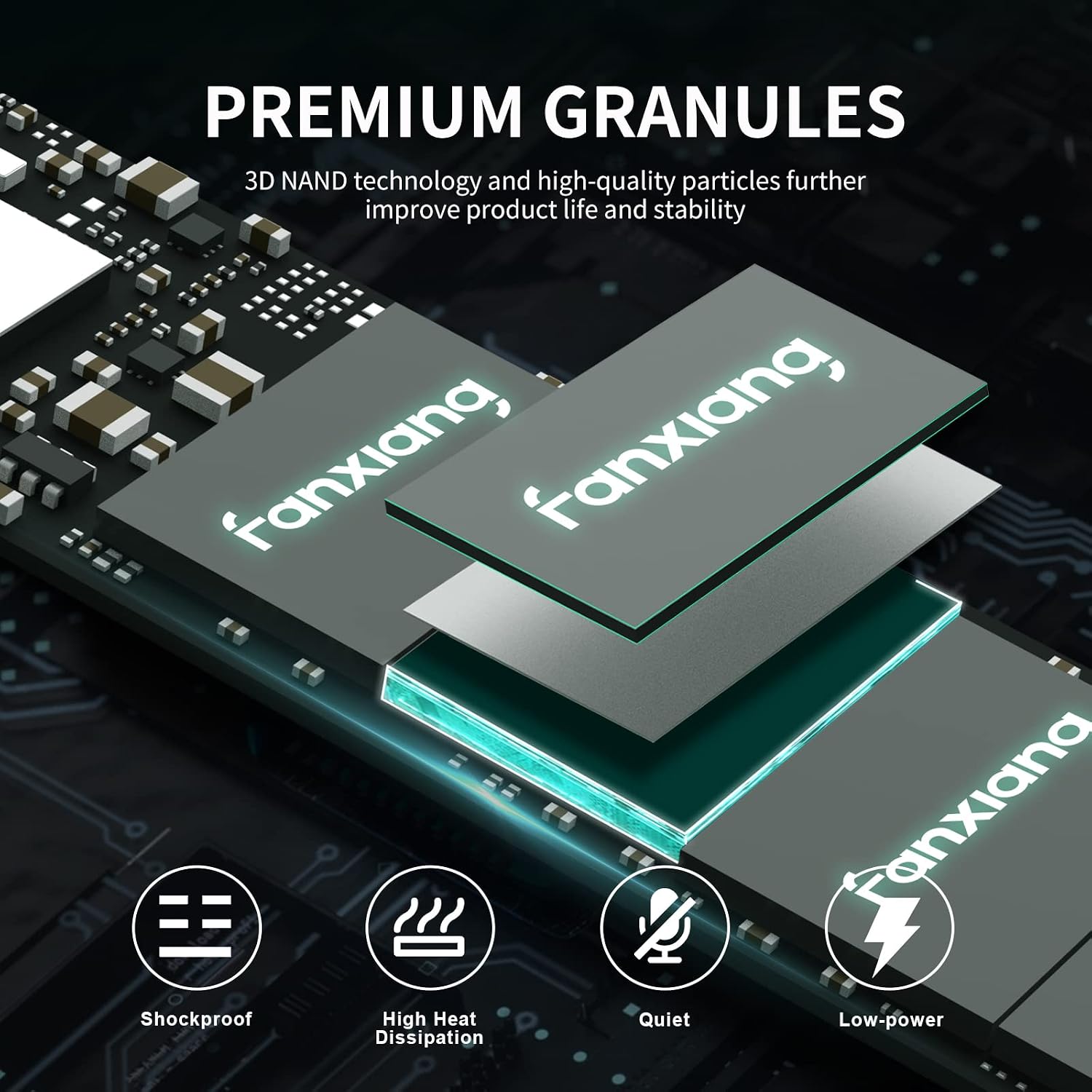
There’s no moving parts inside, which means better shock resistance and data integrity under typical laptop or desktop use. The graphite heat dissipation sticker aims to keep temperatures in check during heavy I/O bursts, which helps preserve performance consistency and potentially extends drive life. It’s also worth noting that the drive uses 3D NAND TLC with a high-quality mix of cells to support longevity and stability under typical workloads.
Compatibility and setup considerations
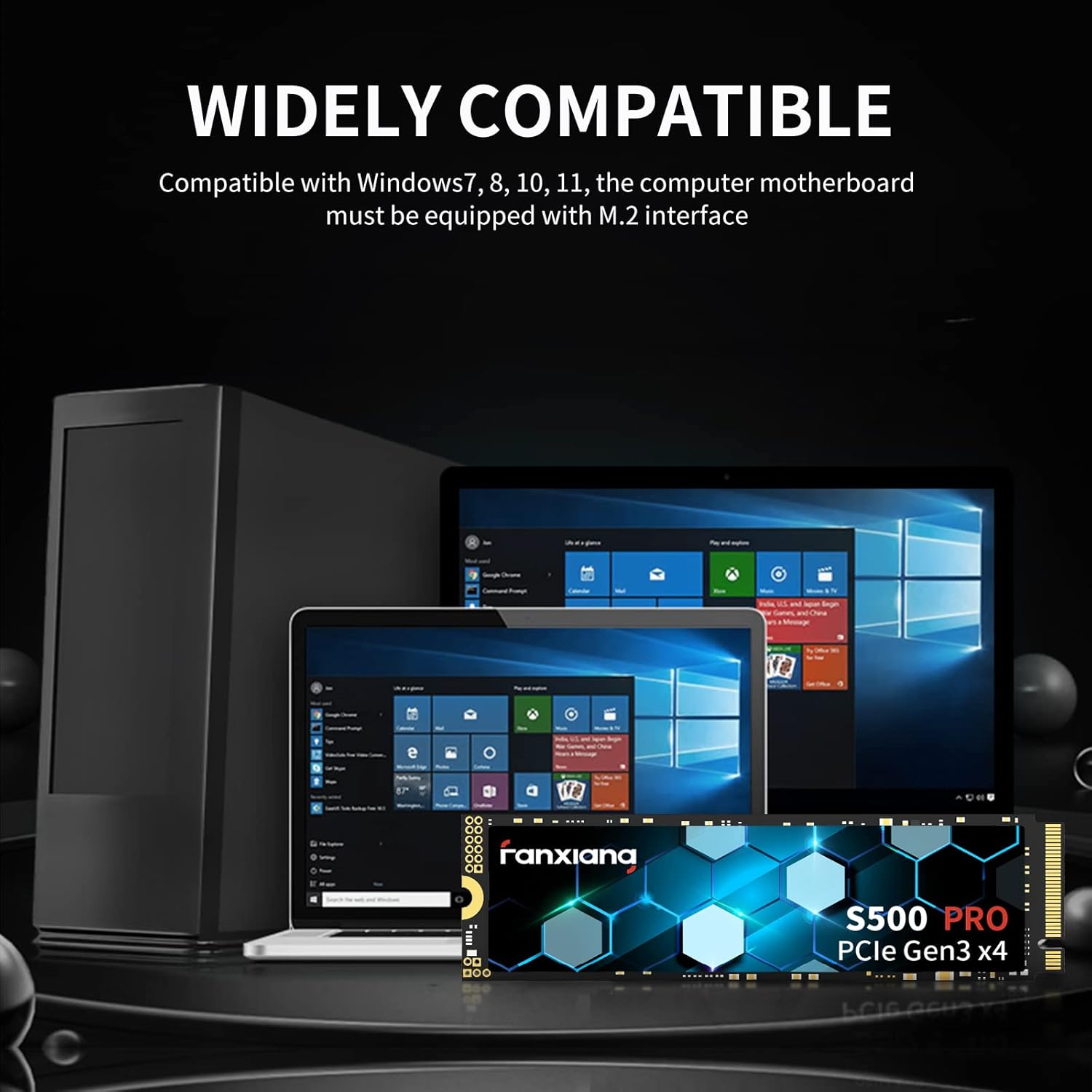
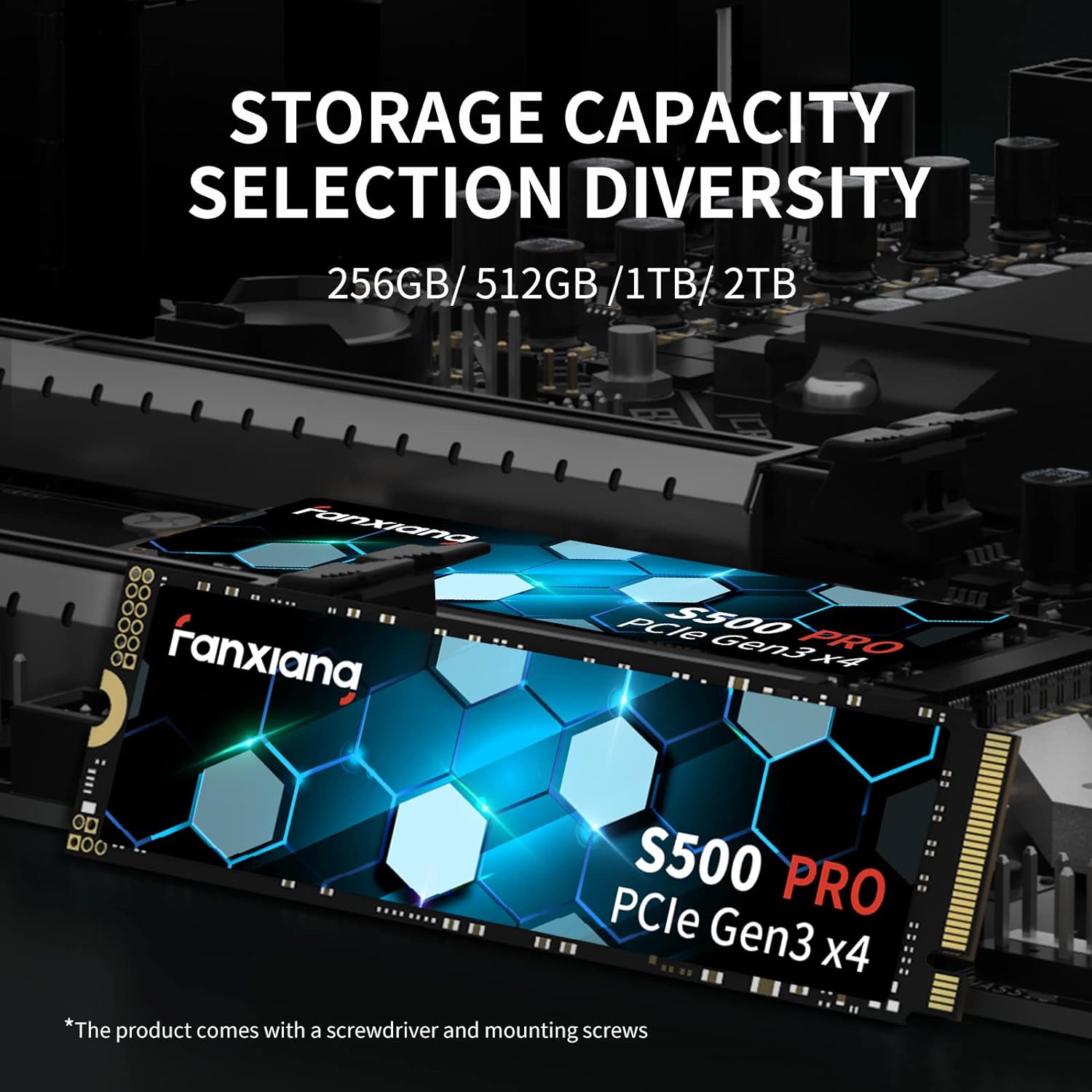
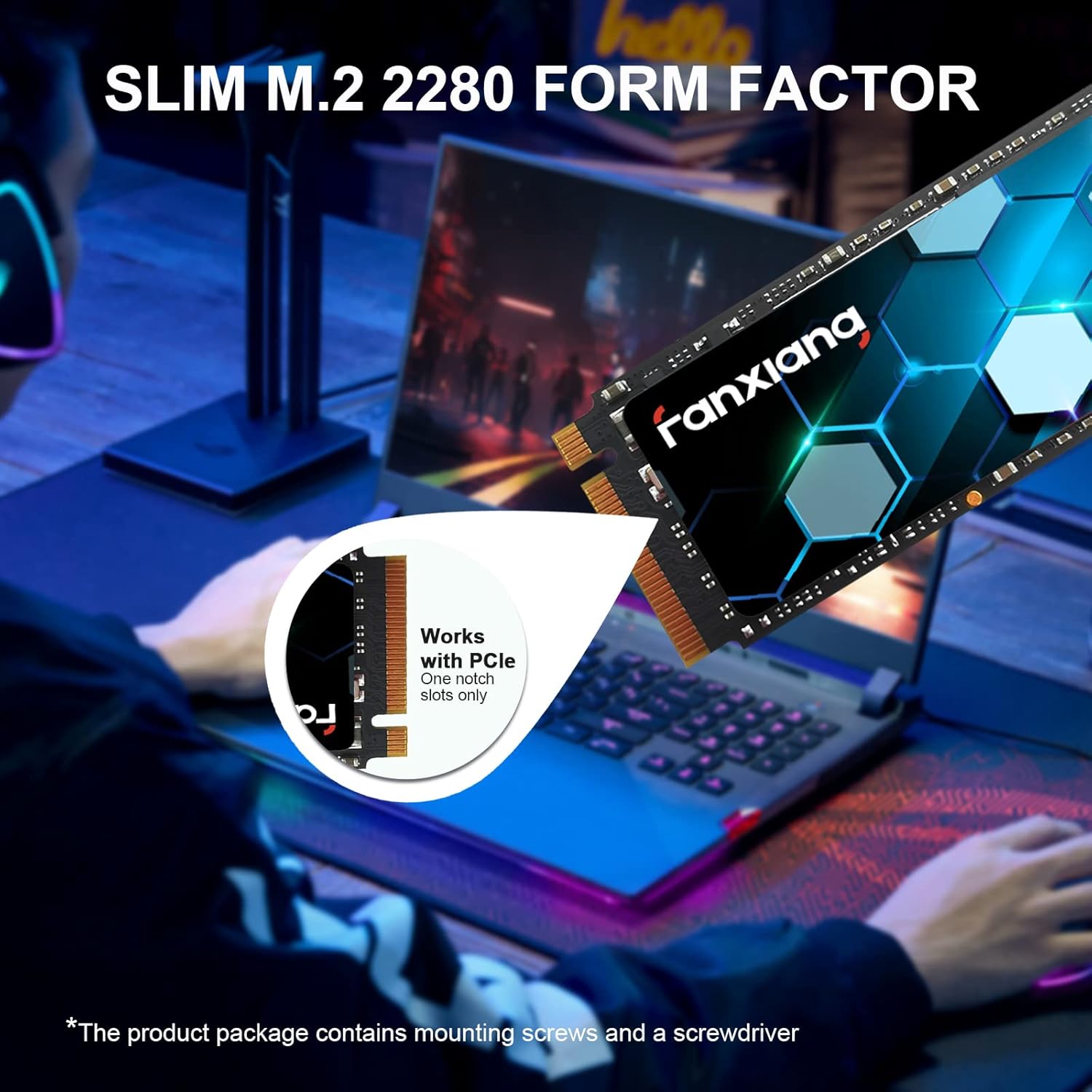
This drive is intended for systems with an M.2 slot and supports Windows 7 through 11 and macOS 10.9 and later. It’s a flexible upgrade for laptops, desktops, and all-in-one PCs that offer an M.2 PCIe slot. If your motherboard lacks the M.2 interface, this drive won’t fit or perform. Also, ensure you have the required mounting screws and a compatible screwdriver—these are included in the package.
Where it shines and where it might fall short
You’ll notice the most value if you’re upgrading an aging boot drive or filling a small-capacity NVMe slot in a mid-range system. For heavy sustained workloads or professional-grade, sustained-write tasks, the 512GB capacity could become a bottleneck sooner than a larger option, simply due to capacity constraints. If you’re prioritizing raw capacity over peak burst performance, you may want to weigh other options.
What to check before you buy
- Confirm your device has an M.2 PCIe slot and supports Gen3x4 for best compatibility.
- Consider your storage needs: 512GB fills up faster in modern setups if you store large media or many games locally.
- Look at TBW and write endurance figures in context with your typical daily workload, heavier users may approach limits quicker.
- Ensure your system’s BIOS/UEFI recognizes NVMe drives and that you’re prepared to enable AHCI/NVMe as needed.
How it compares to other upgrade approaches
If you value a compact, all-in-one upgrade with simple installation, this drive offers a straightforward performance boost without changing your system’s overall architecture. In contrast, larger capacity drives or PCIe Gen4 options may deliver higher sustained speeds and more headroom, but at a higher price and with potentially different heat profiles. For light-to-m moderate-use laptops or desktops seeking faster boots and snappy app launches, the S500 Pro provides a practical middle ground.
Practical usage example
Imagine installing the S500 Pro into an aging laptop. You’d likely notice quicker boot times, faster program launches, and smoother file transfers when working with medium-size projects. It won’t turn a low-end machine into a gaming mini PC, but for daily productivity and casual gaming, the upgrade tends to feel meaningful.
Decision and verdict
Is it worth it?
It depends on your needs. If you’re after a cost-conscious, easy-to-install upgrade that improves boot speed and everyday responsiveness on an M.2-equipped system, the Fanxiang S500 Pro is a reasonable option to consider. If you’re chasing large-file workloads or need maximum endurance for continuous heavy writes, you might prefer higher capacity or a model with stronger sustained performance.
FAQ
- How big is the cache and does it help everyday tasks? The drive uses intelligent SLC cache to accelerate reads/writes, which helps with bursts like booting and loading apps.
- Will this fit in my laptop? As long as your laptop has an M.2 PCIe slot and supports Gen3x4, it should fit, check the physical space and mounting screws are included.
- What about warranty and support? The product lists a 3-year quality assurance, with screws and a screwdriver included in the package.