

AULA S98 Pro Wireless Mechanical Keyboard with Screen & Knob
Product description
What this is
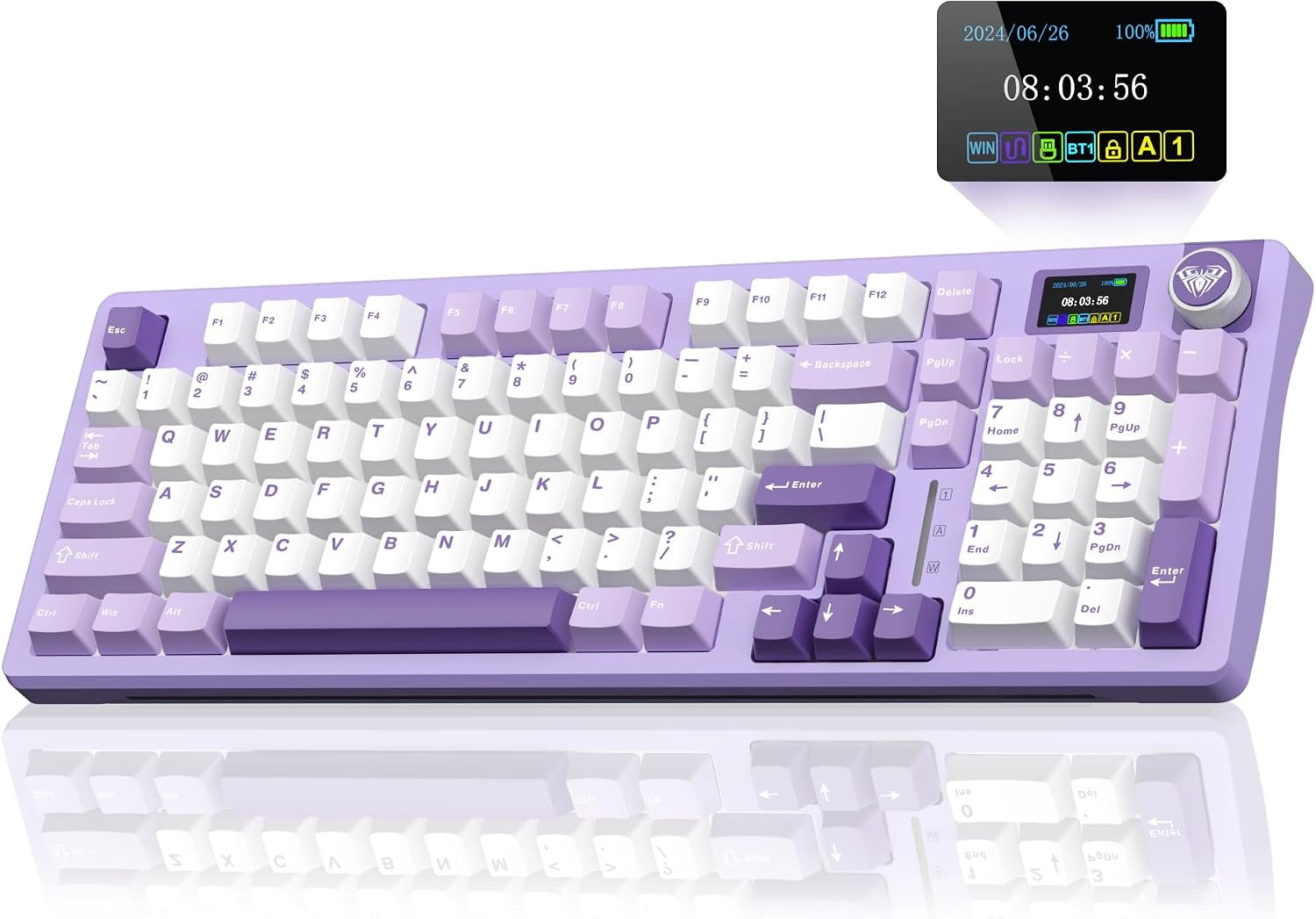
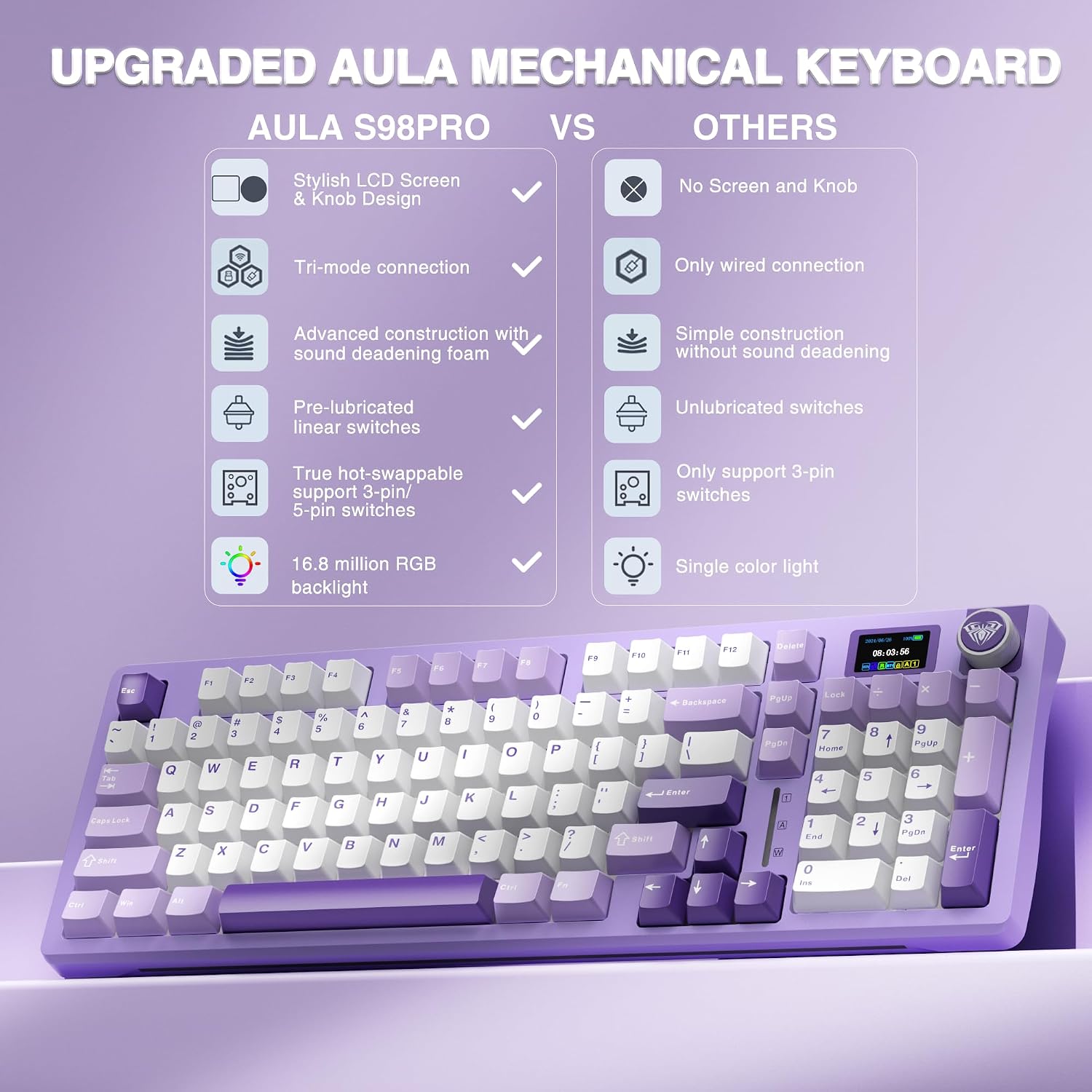
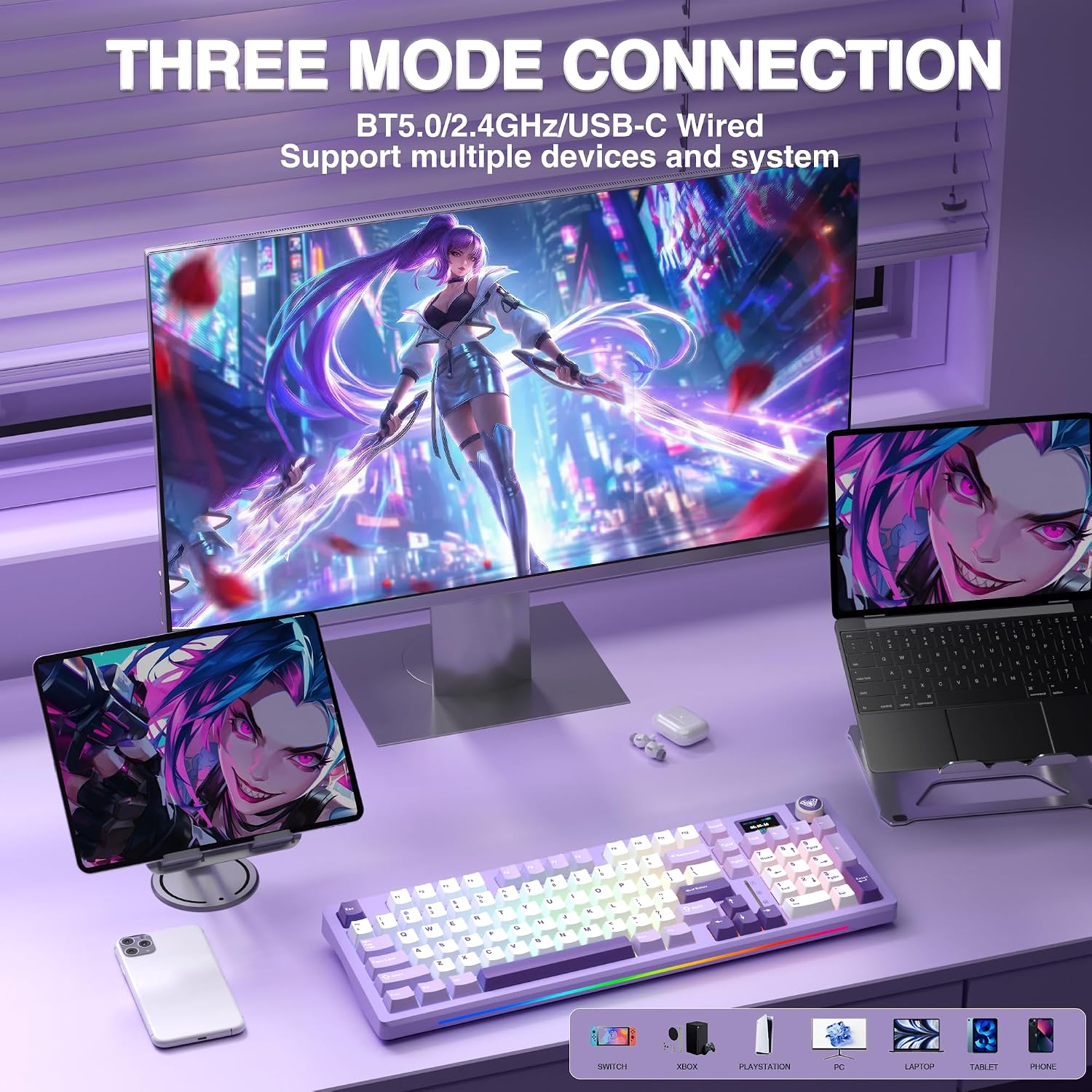
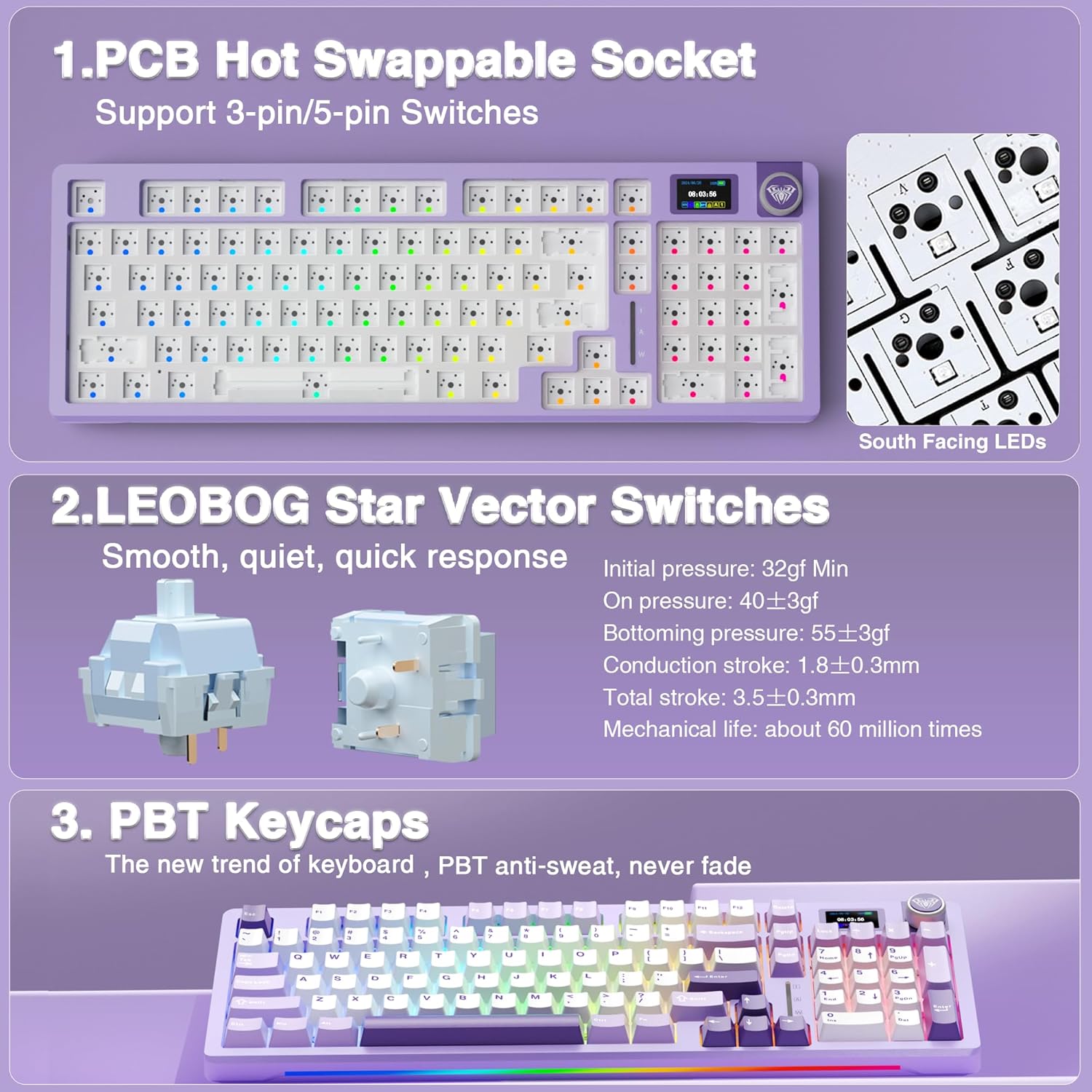
The AULA S98 Pro is a wireless mechanical keyboard built for people who want a little more from their setup: a screen, a multi-function knob, and tri-mode connectivity that spans Bluetooth 5.0, 2.4GHz wireless, and USB-C wired. It also features hot-swappable switches and pre-lubed stabilizers, which means you can customize the feel and sound without soldering. The keyboard includes PBT keycaps, a large battery, and an RGB backlight system with multiple effects for a more immersive gaming or productivity experience.
What matters most
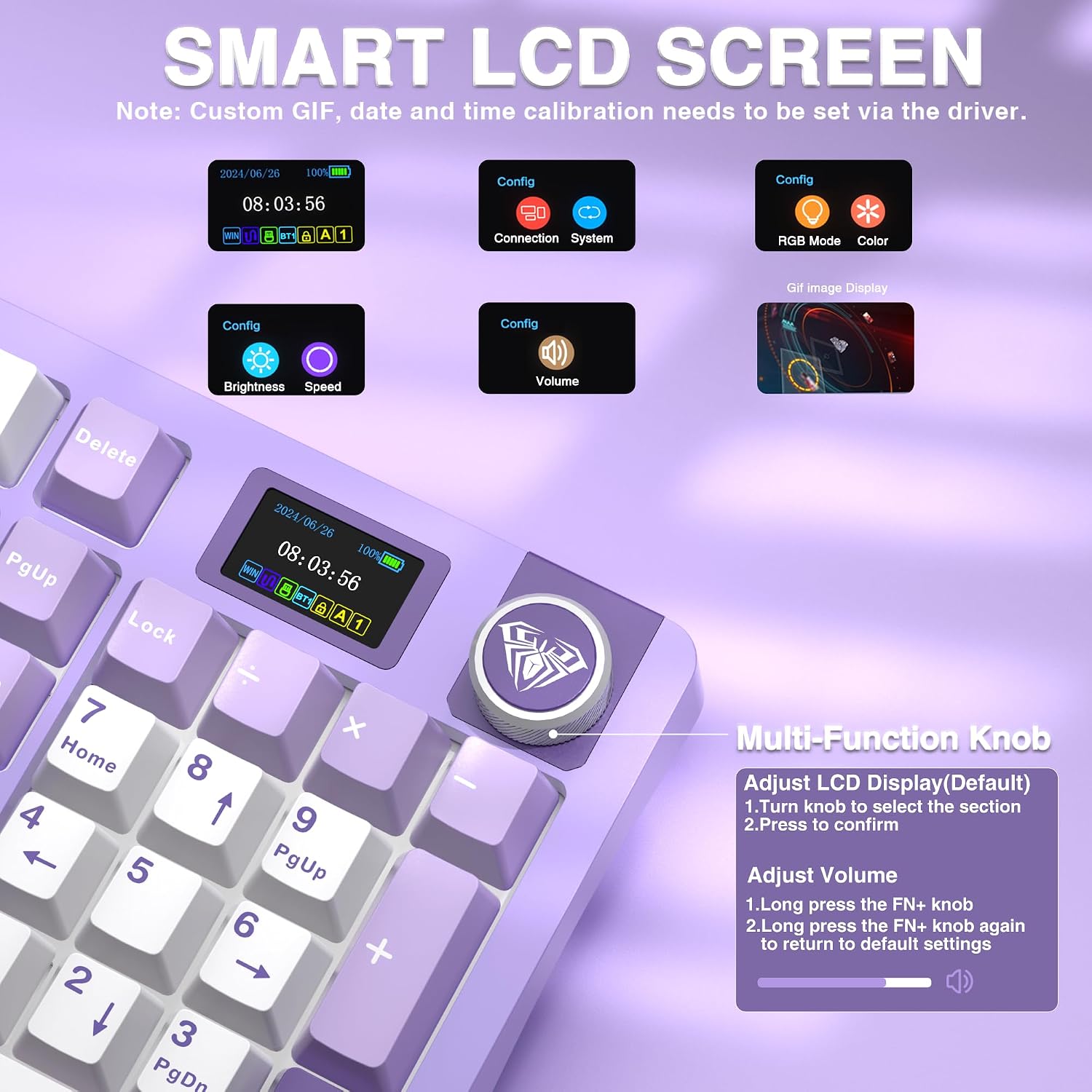
On paper, the standout ideas are the built-in LCD screen and the rotary knob, which aim to replace multiple peripherals with a single control surface. The tri-mode connectivity is attractive for mixed environments—PC, laptop, tablet, or console—so you don’t have to juggle dongles. The hot-swappable base makes it easier to experiment with different switches and keycaps, which can matter if you care about typing feel or sound.
Design and feel in use
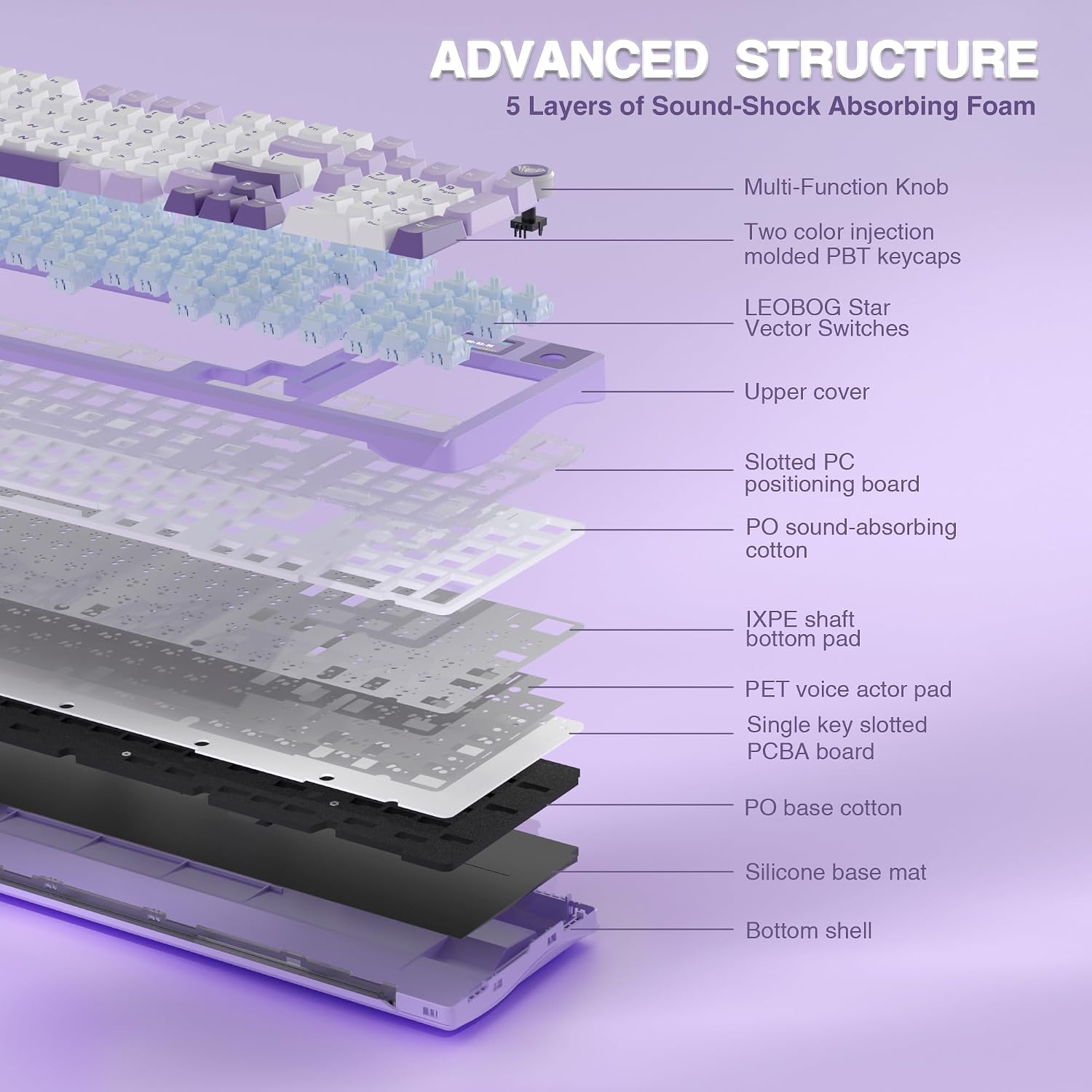
With pre-lubed stabilizers and switches, typing tends to feel smoother than a standard budget board, and the creamy mechanical sound is a notable character trait for some users. The five-layer sound-dampening structure helps reduce rattling and crosstalk, so you get a more stable typing sound. However, users should note that changing switches requires power off and may require the included tool for a clean swap.
Who it’s for
This keyboard fits gamers and multi-device users who value customization and a compact workflow without sacrificing a number pad. If you like visual feedback from your keyboard (the on-board screen) and you want a device that can pair with multiple platforms, the S98 Pro is a reasonable candidate. It’s also a sensible pick if you appreciate hot-swapping for experimenting with different switches and keycaps.
Who it isn’t for
If you crave a plug-and-play experience with a non-modular layout, or if you need extensive on-device software customization without Windows, you might find the driver-dependent features cumbersome. The screen and GIF-capability require wired mode for some image settings, and the on-board software is Windows-focused, which could be a hindrance for macOS or Linux users.
Practical use case
Imagine a home office setup where you game and code on the same desk. You can switch devices with a turn of the knob, adjust RGB and screen imagery on the fly, and swap switches to find a personal comfort level for long sessions. A realistic caveat is that the software to customize the screen image and some functions is Windows-only, so you may need a workaround if you’re on another OS.

What to check before you buy
- Confirm your primary workspace: will you rely on the screen for quick data (date/time, battery, mode) or prefer the tactile feel of a hot-swappable keyboard?
- Consider your ecosystem: if you’re heavily invested in Windows, the driver and wired mode features will be most accessible.
- Be prepared to manage a larger footprint on the desk due to the integrated screen and the removable switches, if space is tight.
- If you plan to customize, check the availability of compatible 3-pin or 5-pin switches and the included keycap puller.
How it compares to common alternatives
Compared with standard wireless boards, the S98 Pro leans toward a higher degree of customization and multi-device convenience. It’s less about absolute portability and more about a hybrid device that can serve as a central control hub for both work and play. If you’d rather avoid software dependency and plug in a simple, fixed-layout board, this may feel over-engineered. If you want a single board that can morph with your setup and a distinctive typing character, it’s closer to a mid-to-high tier category rather than entry-level.
Decision: Is it worth it?
Is it worth it if you prioritize a flexible multi-device workflow, a programmable RGB environment, and a modular switch setup for personalization? It’s worth considering if you’re comfortable with Windows-based customization and don’t mind a few trade-offs for the screen and knob experience. If your priority is a lightweight, plug-and-play board with broad compatibility and minimal software fuss, you may want to explore simpler options.
FAQ
- How does the tri-mode connection work on a desk with multiple devices? You can save up to five devices and switch among them with the multifunction knob.
- Do I need Windows to customize the screen and lighting? The on-screen customization is supported via a driver for Windows, and image/GIF features require wired mode for some setup steps.
- Are switches truly hot-swappable? Yes, the base is designed for hot-swapping 3-pin or 5-pin switches, with safety steps like powering off before swaps.
- What’s the feel of the keyboard like with pre-lubed stabilizers? The typing experience aims for smooth action and a creamy mechanical sound, though it might vary with the specific switches you install.