

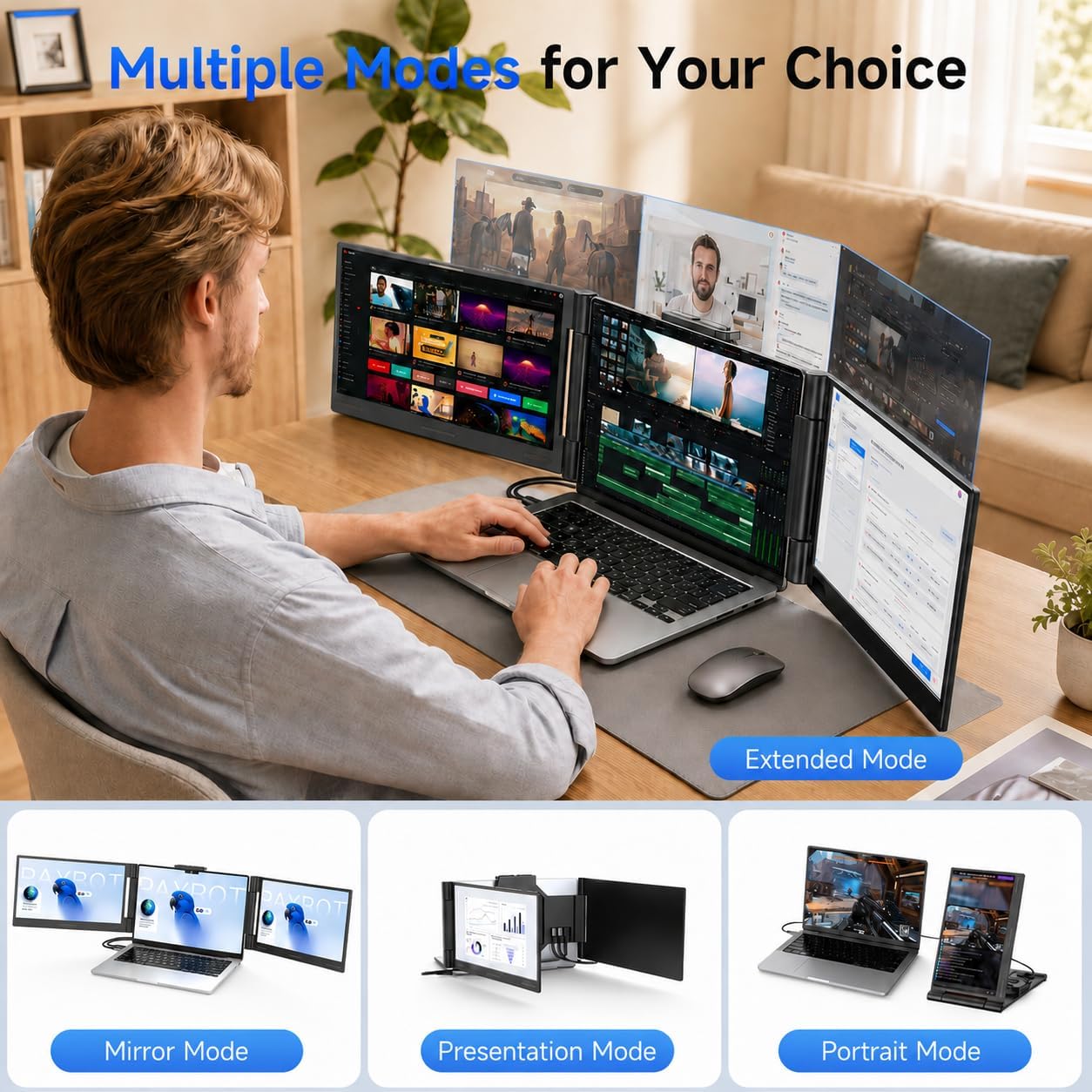
AOC 14" Laptop Screen Extender: Triple Portable Monitor for 13"–17.3" Laptops
Product description
What it is
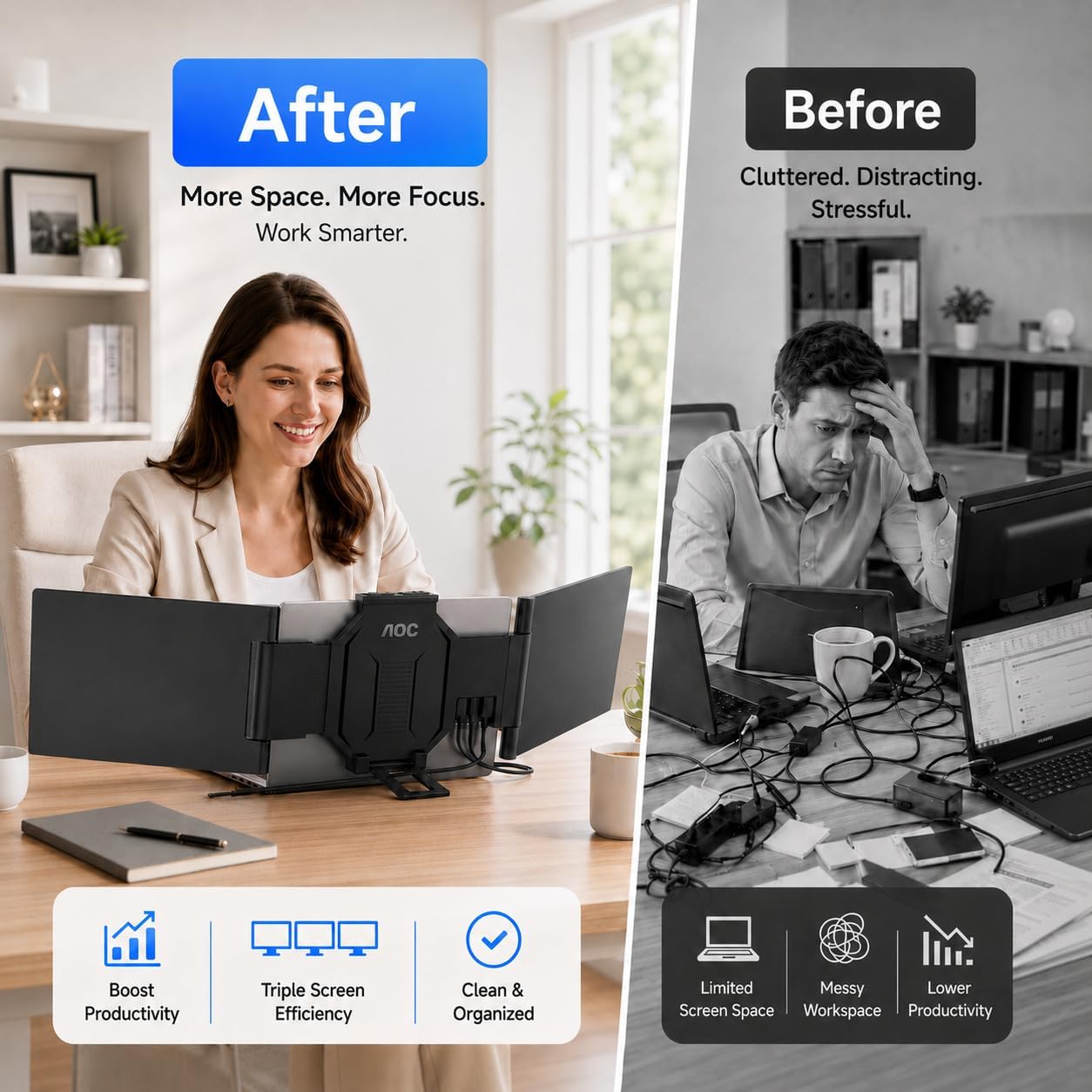
The AOC 14" Laptop Screen Extender is a compact, triple-monitor solution designed to transform a single laptop into a multi-screen workspace. It aims to boost productivity by reducing tab switching and enabling more screen real estate for complex workflows, coding sessions, data analysis, and creative projects.
What you get
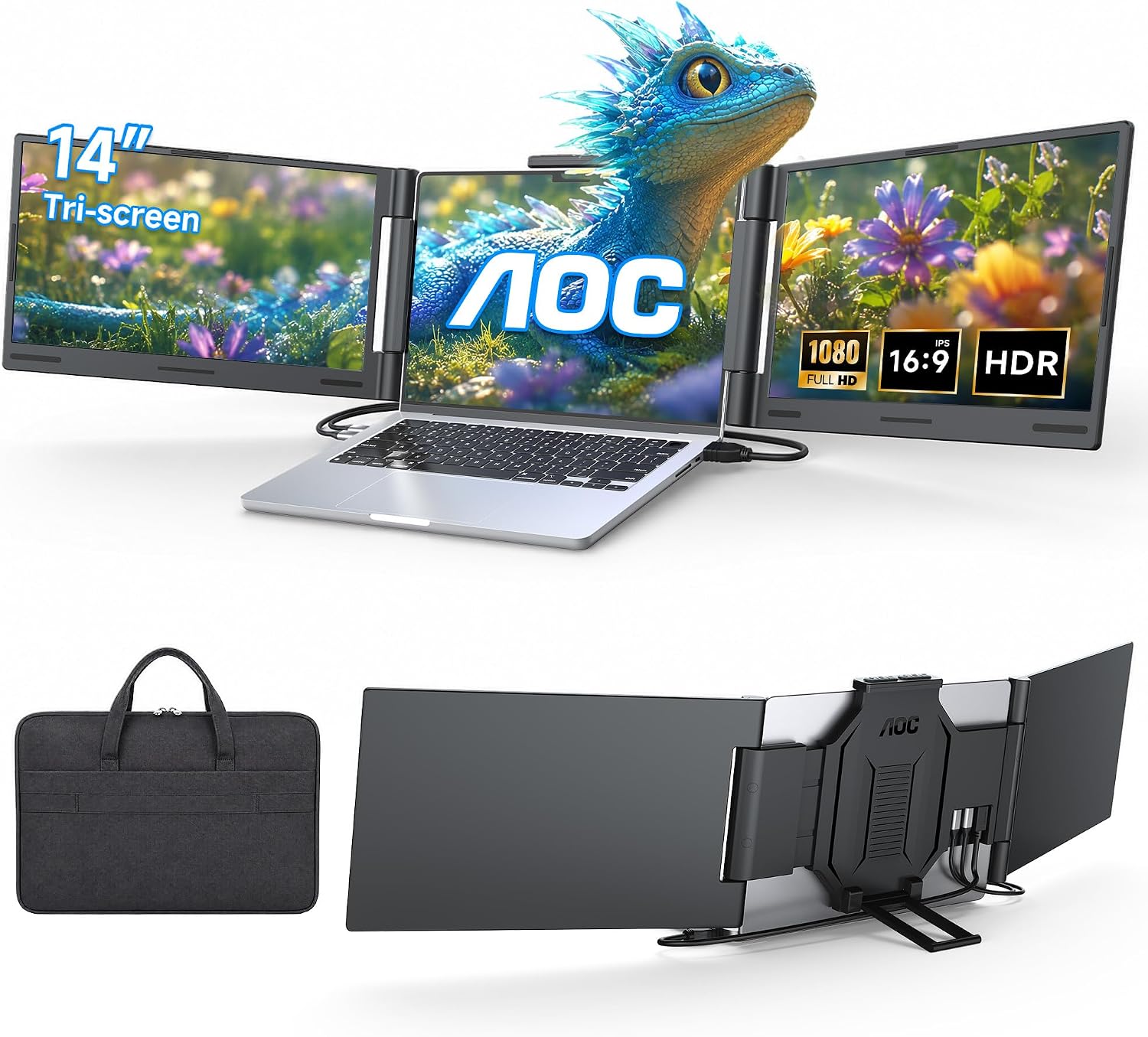
This setup emphasizes plug-and-play simplicity with HDMI/USB-C connectivity and includes two USB-C cables plus one HDMI cable to support a stable, driver-free connection for most laptops. It’s tailored for easy take-it-anywhere use, aided by a lightweight, ultra-portable form factor and a dedicated carrying case for on-the-go setups.
The upside you can expect
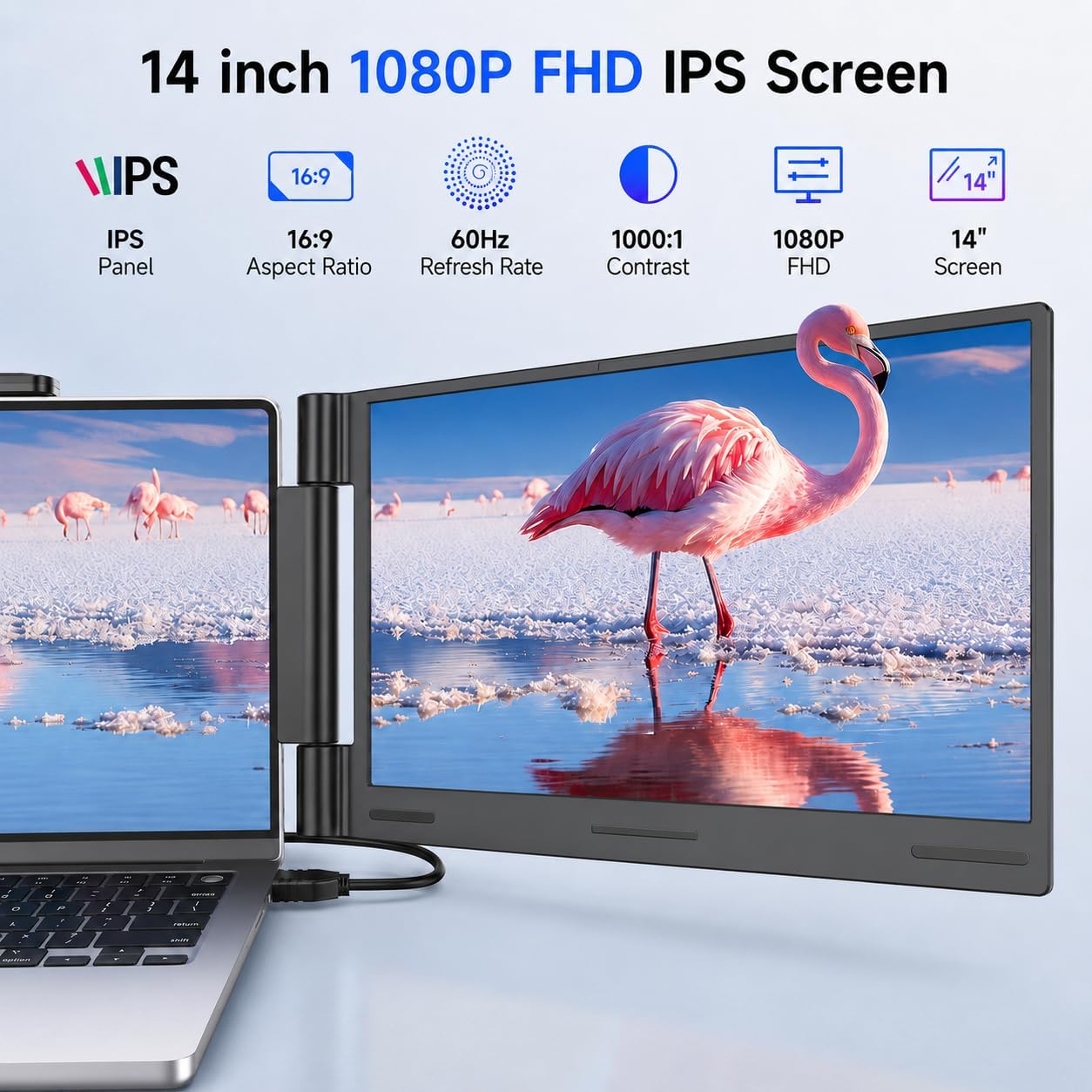
On paper, the 1080P FHD IPS display promises bright visuals, wide viewing angles, and solid color accuracy (100% sRGB). The triple-monitor approach can help you organize workflows—left to right for references, middle for main work, and right for chat, email, or monitoring tools. The driverless setup is appealing for quick gigs and travel where installing software isn’t ideal.
The limitations to consider
Not all systems are hands-off. For native M1/M2/M3 MacBooks, there’s a notable constraint: only a single external display is supported in driverless mode. A DisplayLink adapter is required to enable dual-screen extension on those base M-series models. This means if you rely on multiple external displays with newer Macs, you’ll need an additional accessory and a bit more setup.
Who it’s for
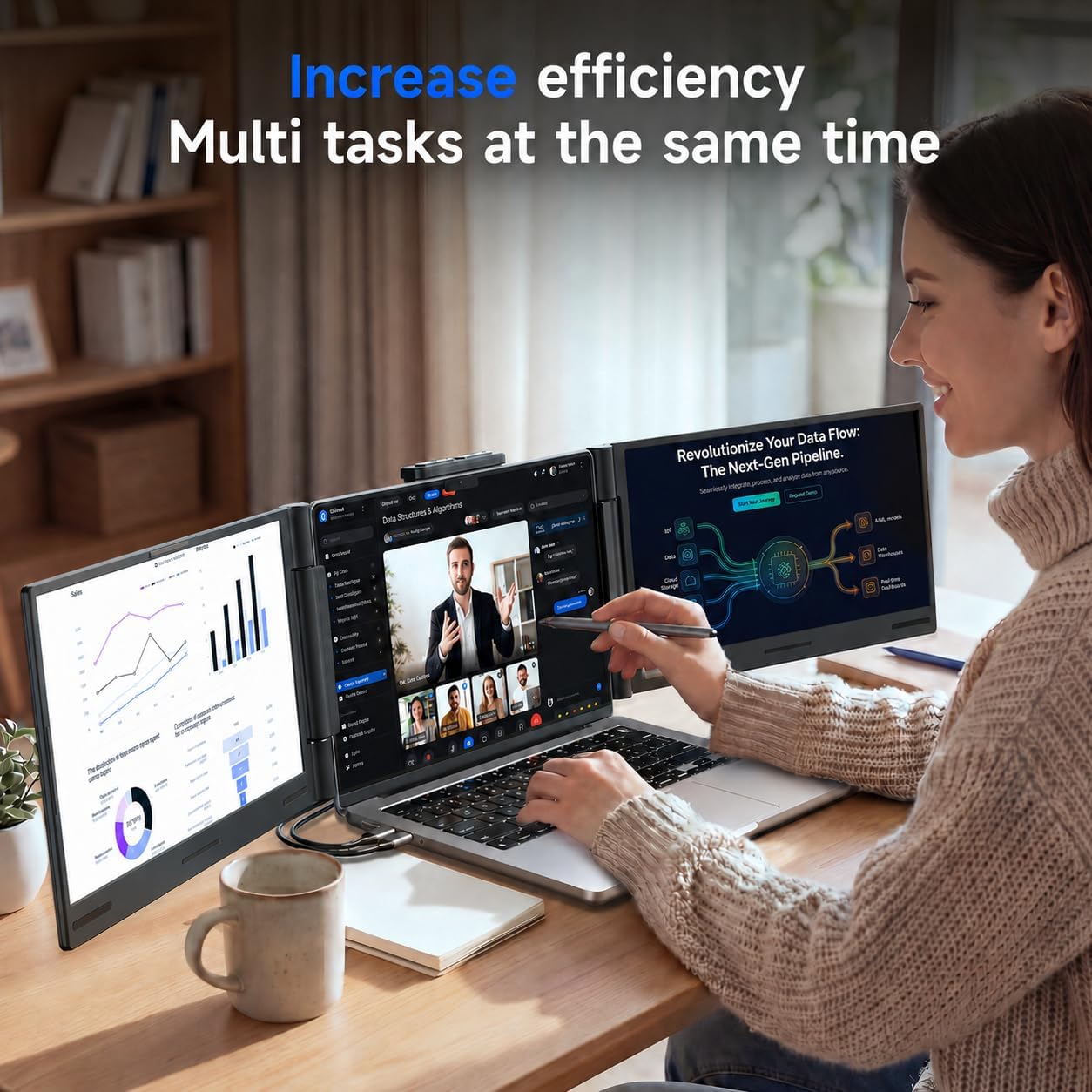
This extender suits professionals who juggle multiple data streams, developers who want more screen real estate without a bulky desktop, and creators who need quick multi-tasking for editing, previews, and references while traveling. It’s particularly convenient for remote workers or students who want a more productive workflow without heavy hardware upgrades.
Who it isn’t for
If you depend on MacBook models in driverless mode and need more than one external display without adapters, this may not be the seamless fit you hoped for. Also, if you expect premium color with future-proof 4K or HDR performance, the 1080P IPS panel won’t deliver that level of detail.
When it makes sense to buy
If you want immediate extra display space with straightforward setup and minimal software fuss, and you primarily run Windows, macOS, or Chrome OS with a single essential external monitor, this can be a practical upgrade. It’s a reasonable choice for travel-friendly productivity with a focus on efficiency rather than ultra-high-end visuals.
What to check before buying
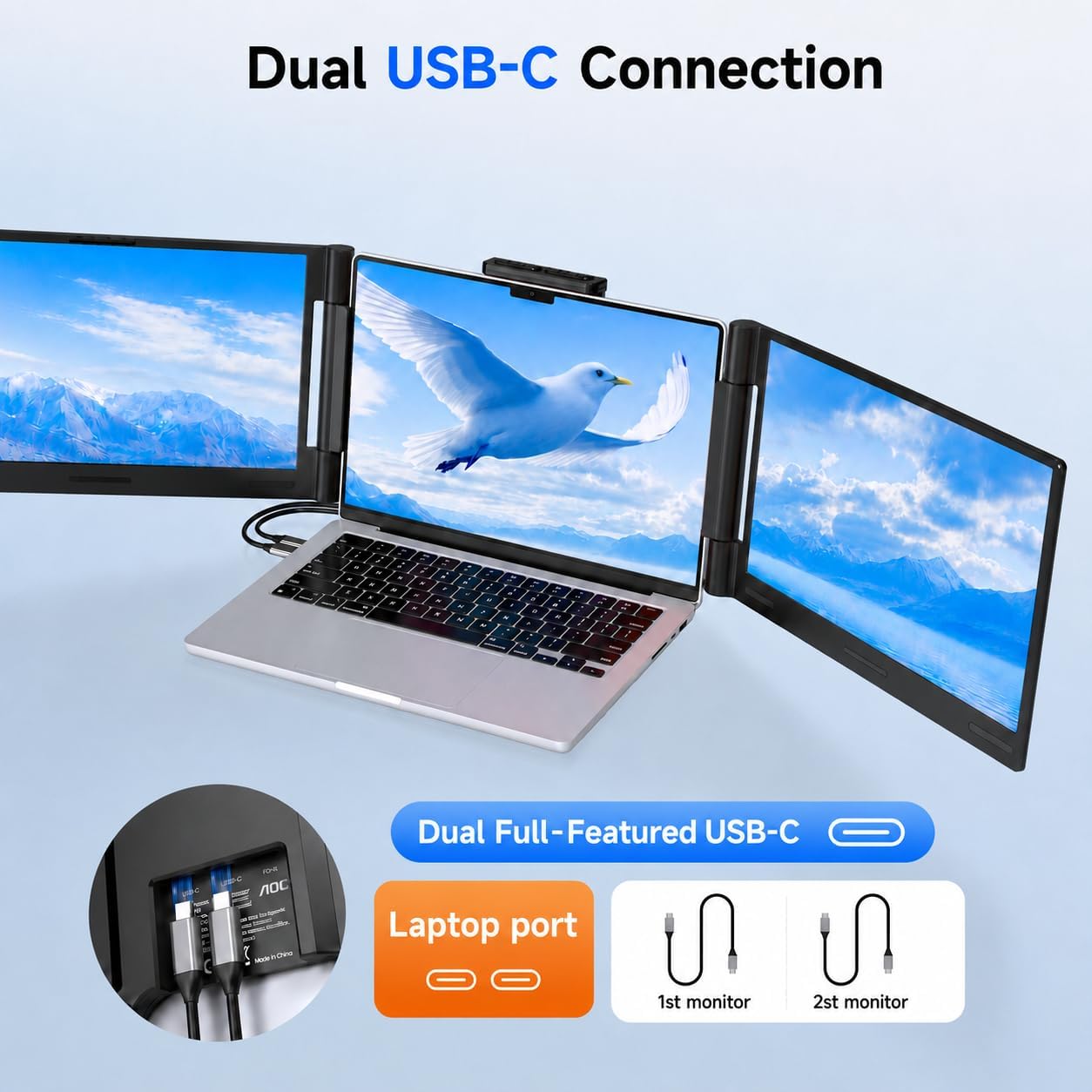
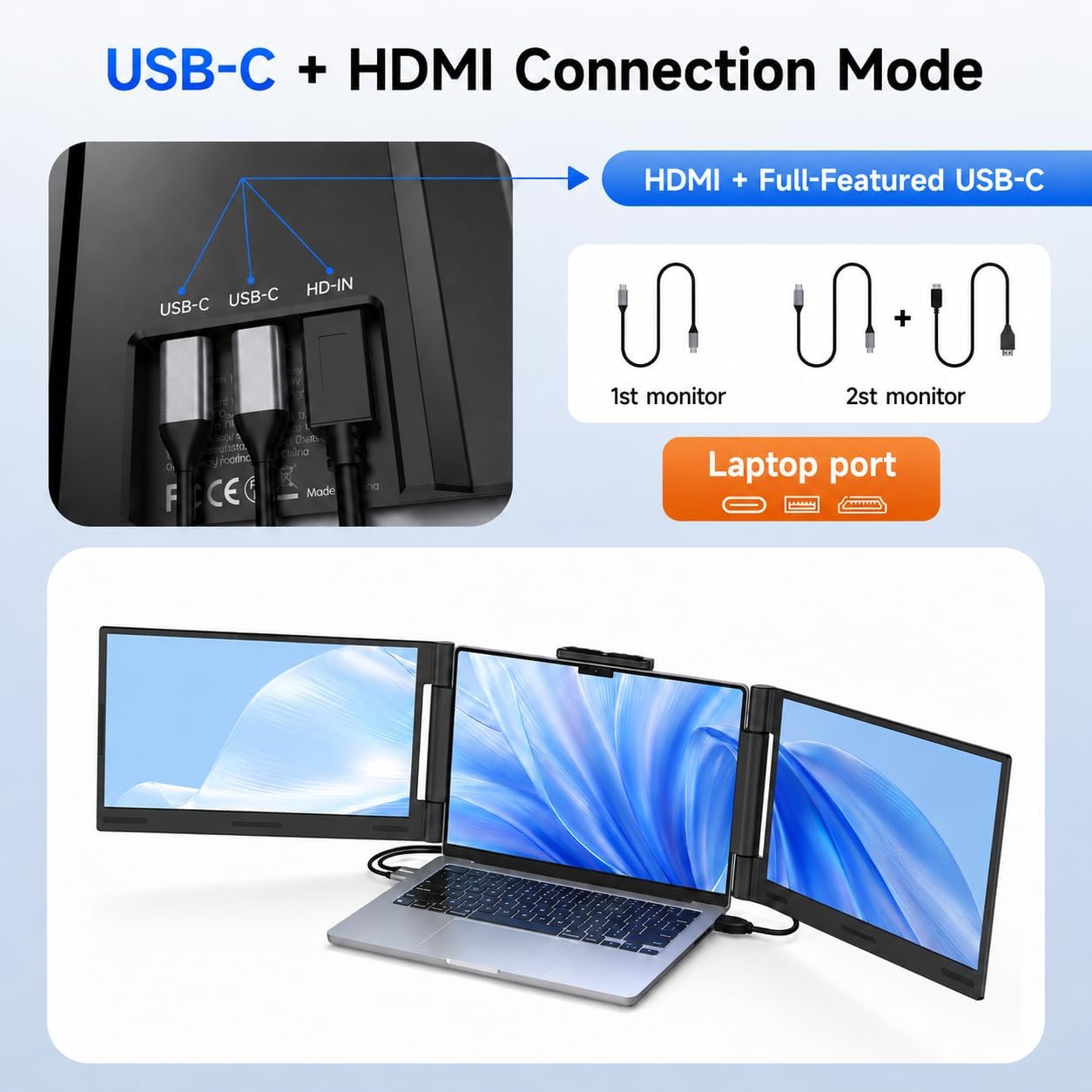
- Verify your laptop’s ports (HDMI and/or USB-C) support a plug-and-play display extension.
- If you’re using an M-series MacBook and need more than one external screen, plan for a DisplayLink solution.
- Consider how you’ll organize your workflow across three screens and whether your typical tasks align with a triple-monitor layout.
- Keep expectations realistic for 1080p output versus higher-resolution setups used for print or professional color grading.
Quick comparison context
If you’re weighing alternatives, a simple external monitor or a two-monitor dock can offer similar benefits but may require more space or a different cable setup. This triple-extender concept leans into portability and rapid deployment for on-the-go scenarios, trading top-tier resolution and future-proofing for convenience and travel-friendly design.
Practical use example
Imagine coding with a primary editor on the center screen, API docs on the left, and a live preview or messaging panel on the right. You can switch contexts quickly without constantly minimizing windows, which speeds up debugging and iteration during a client call on the go.