

LG 37G800A-B 37‑Inch Ultragear 4K Curved Gaming Monitor
Reviews
Price
Product description
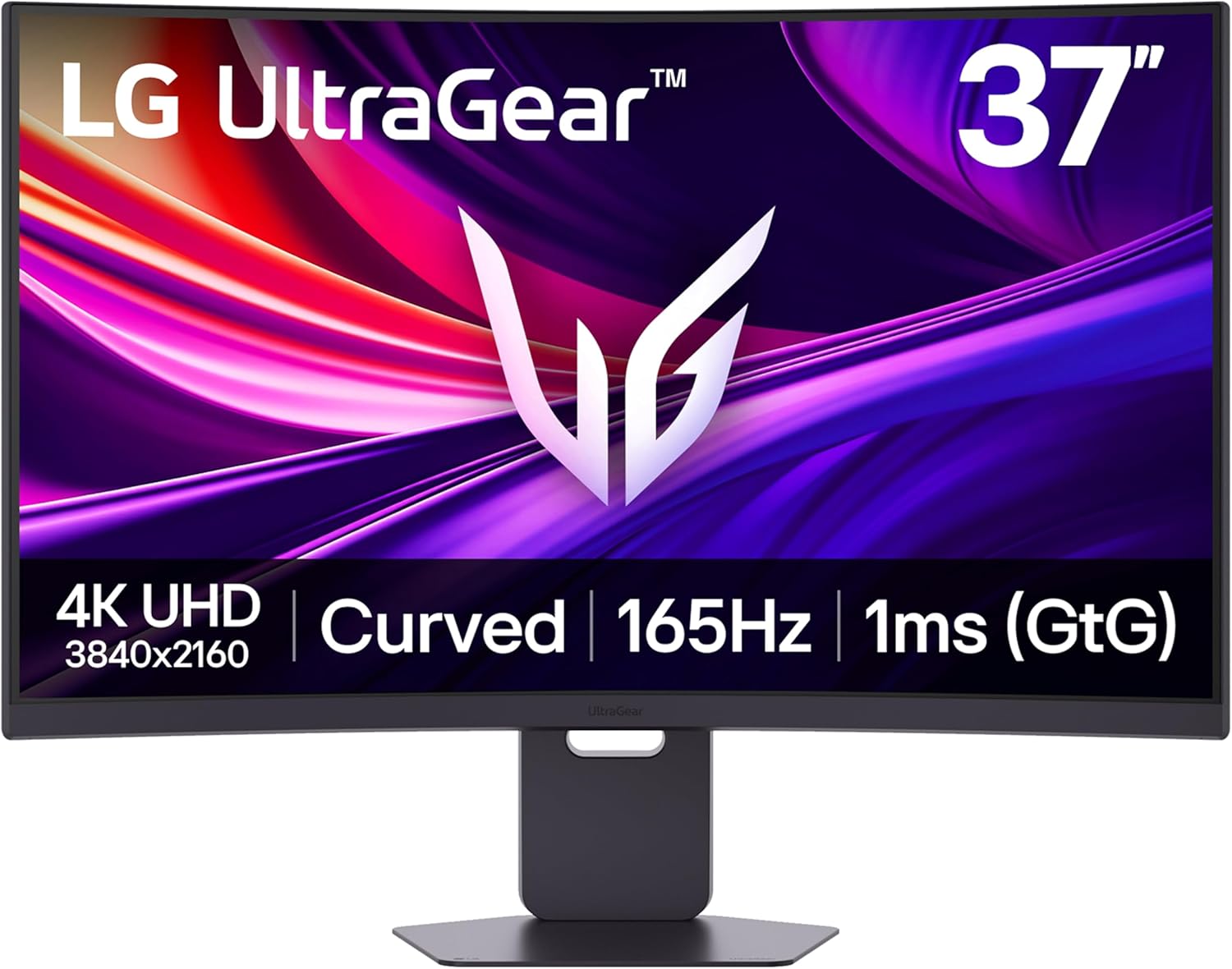
This 37-inch curved gaming monitor from LG’s UltraGear line combines 4K UHD clarity with high refresh performance to support competitive play and immersive single-player experiences. With a native 3840 x 2160 resolution and a 165 Hz refresh rate, it aims to deliver sharp visuals and smooth motion for gamers who want detailed imagery and fast response.
Key Points
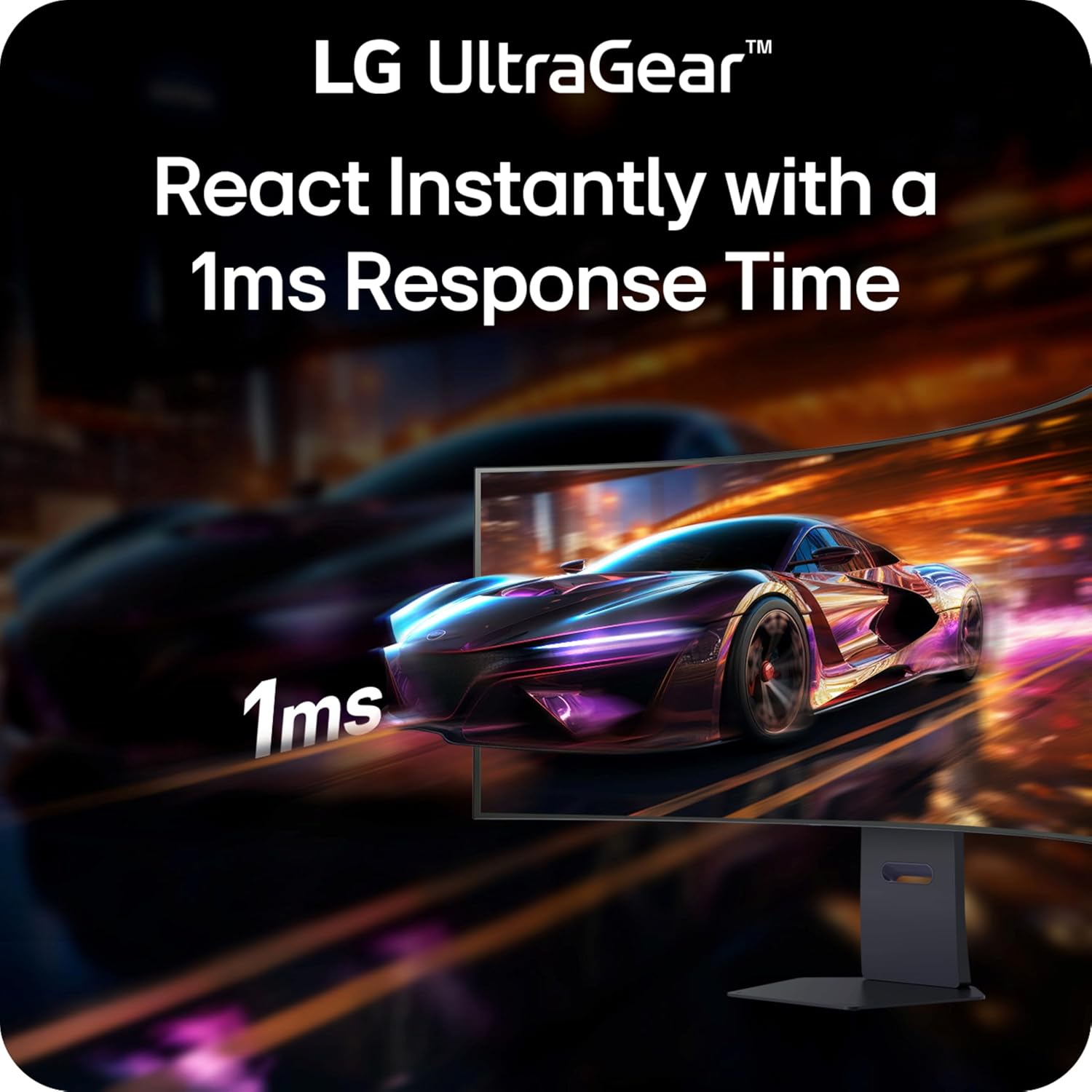
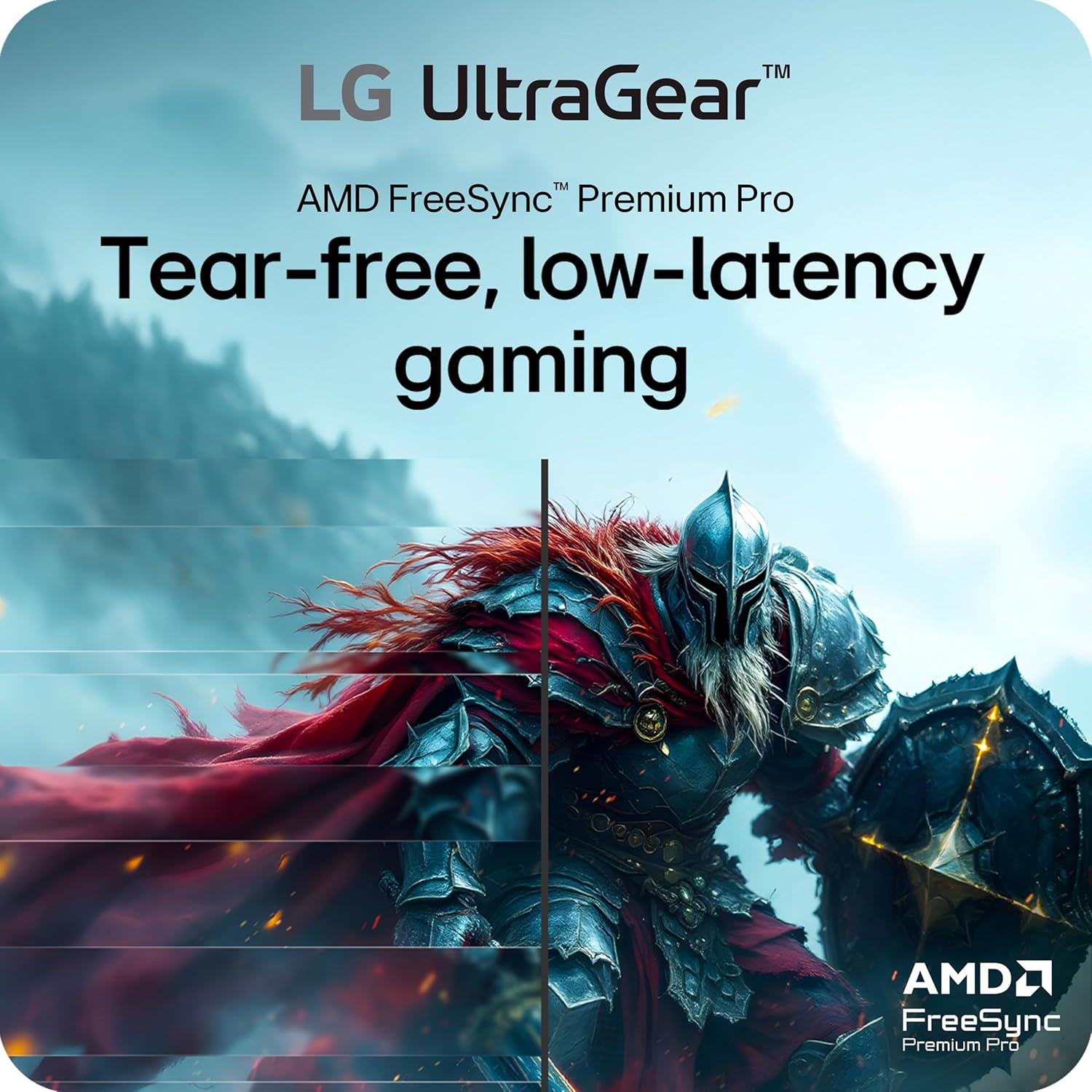
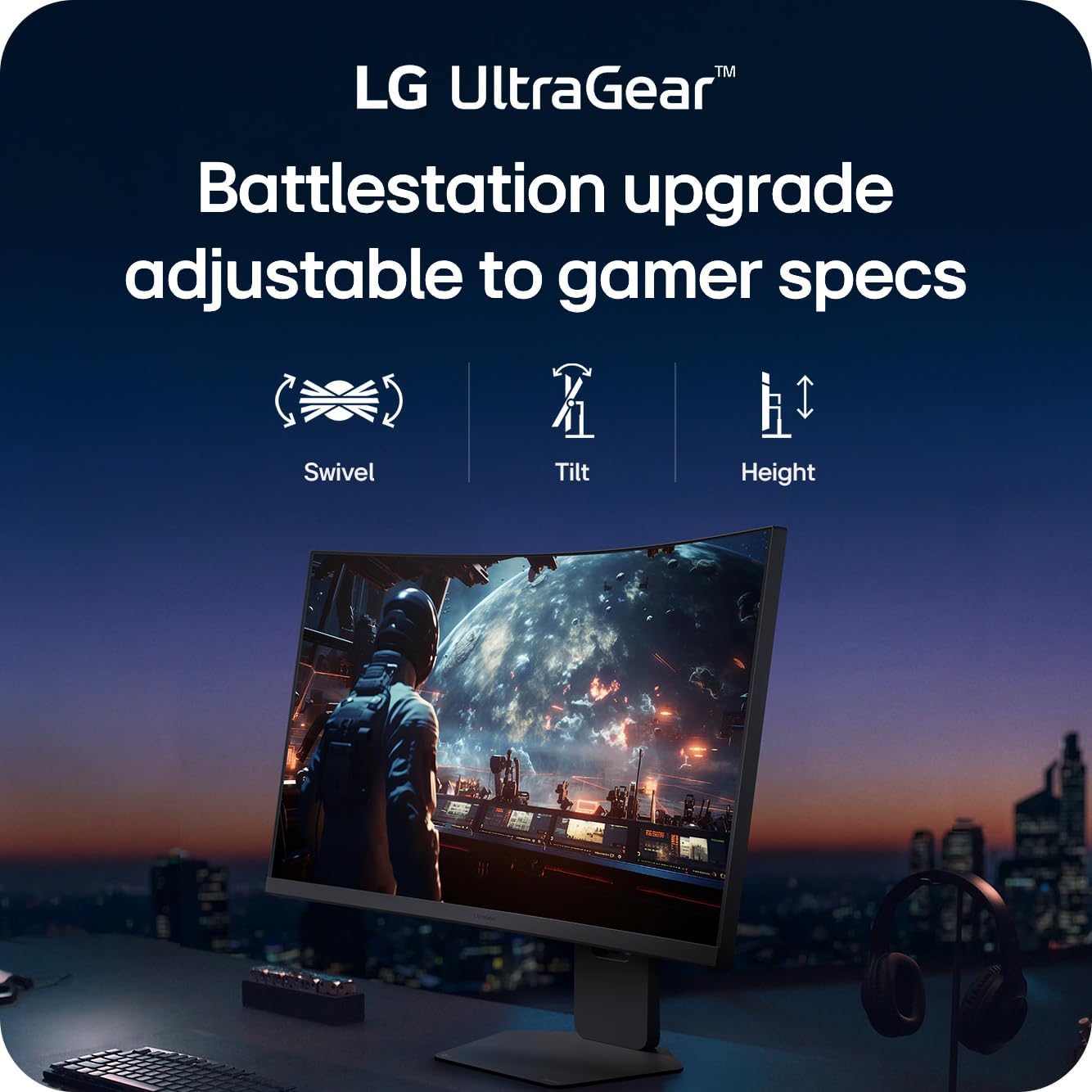
The display pairs a large 37-inch curved panel with DisplayHDR 600 certification to enhance contrast and color depth, which is useful for both cinematic content and visually intense games. It includes AMD FreeSync Premium Pro to reduce tearing and stutter during variable frame rate scenarios, and a 1 ms GtG response time to keep fast-moving scenes looking crisp. Ergonomics are addressed through a stand that allows tilt, height adjustment, and swivel for a comfortable viewing position during long sessions. Consider that the screen is relatively large and curved, so desk space and viewing distance should be taken into account.
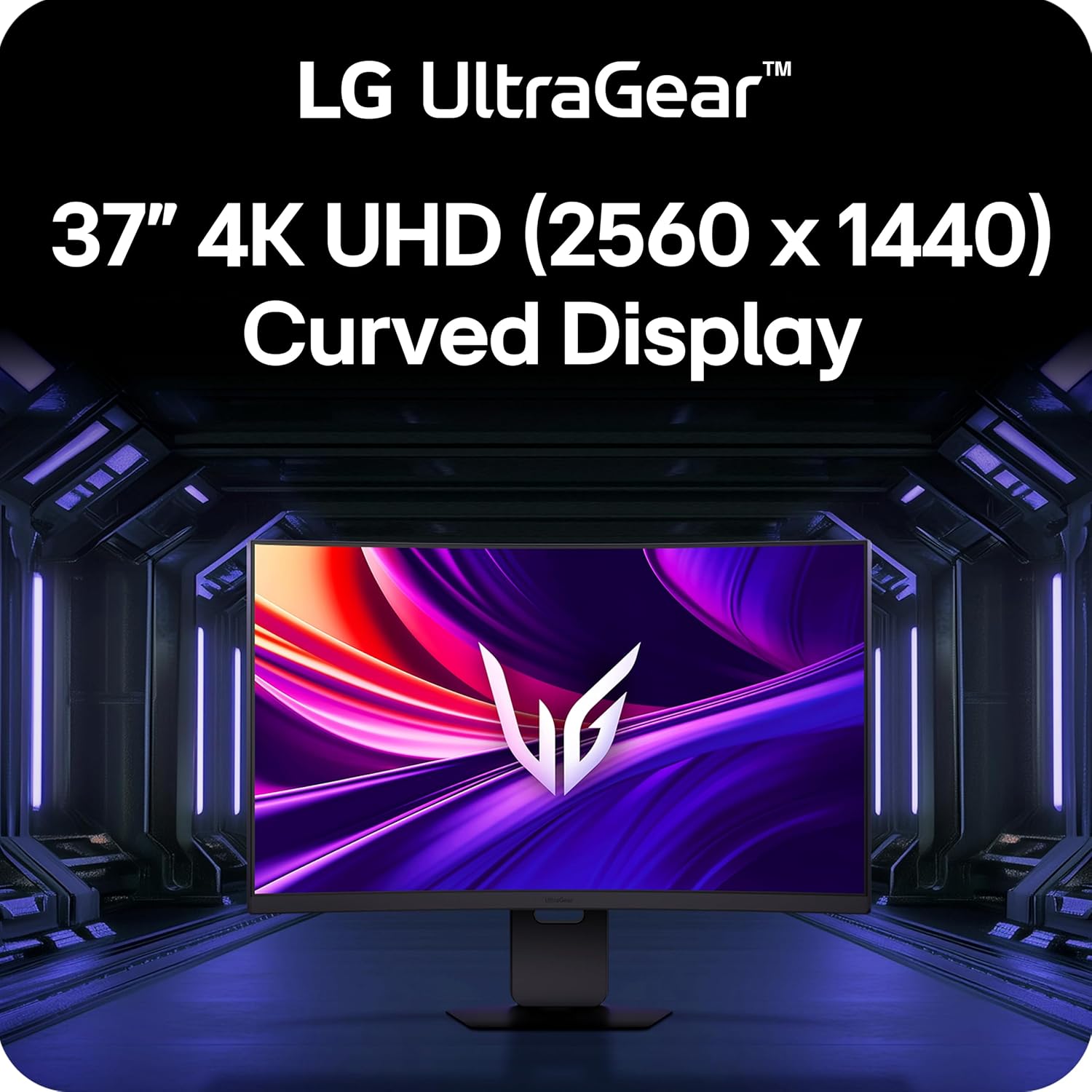
Technical Specifications
- Name: LG 37G800A-B UltraGear
- Resolution: 3840 x 2160 (4K UHD)
- Refresh rate: 165 Hz
- Response time: 1 ms (GtG)
- HDR: DisplayHDR 600
- Color coverage: up to 95% DCI-P3 (according to the manufacturer)
Advantages
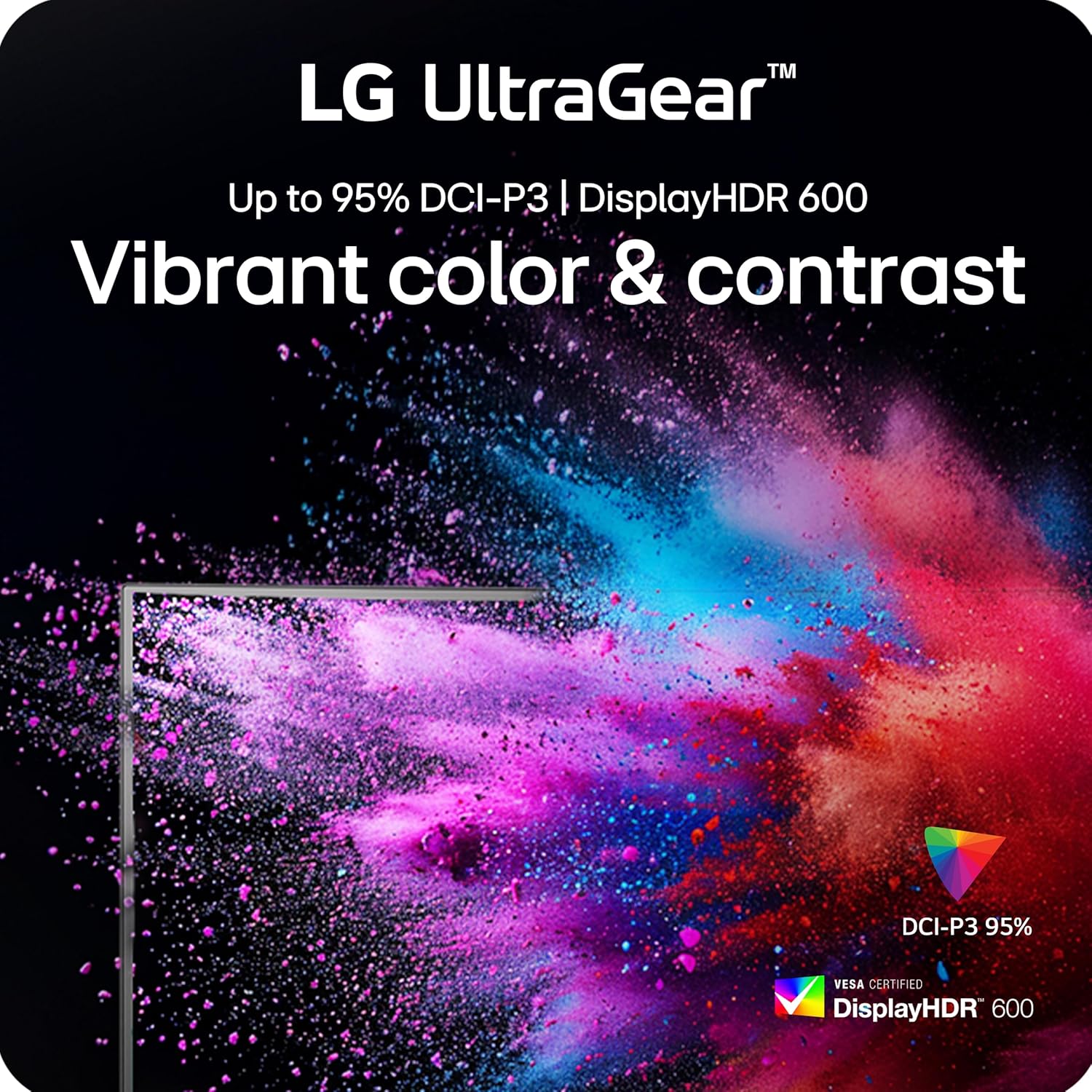
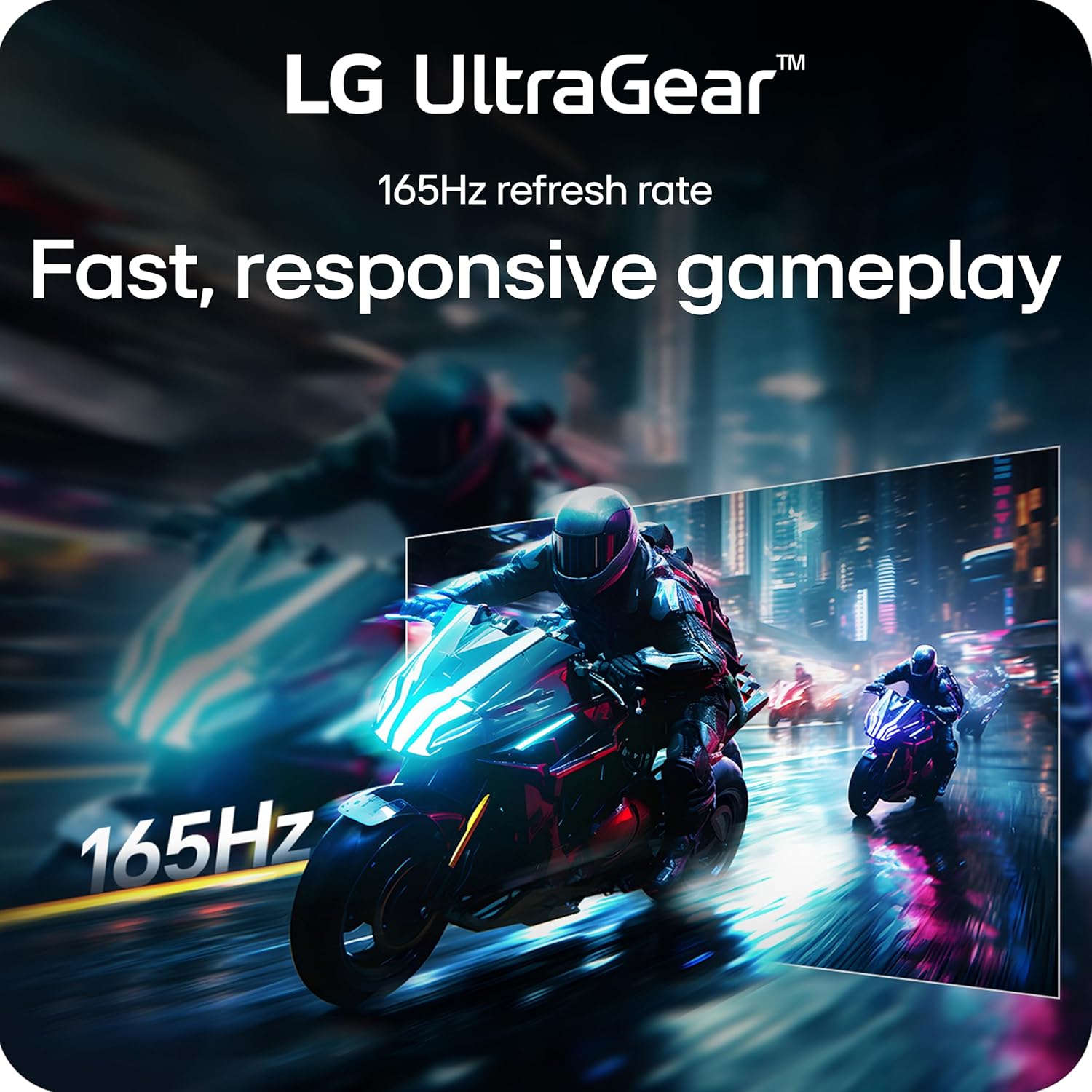
Because the panel supports wide color coverage and enhanced HDR brightness, darker scenes show more nuanced blacks while bright highlights retain detail. This balance helps in titles where visual fidelity and contrast matter, for example narrative-driven games or graphically intensive simulators. The combination of a high refresh rate and low response time reduces motion blur and makes tracking fast targets easier. Connectivity includes HDMI 2.1, DisplayPort, and USB Type-C, allowing flexible setups with modern consoles, high-end graphics cards, and compatible laptops.
Usage Recommendations
For competitive shooters and fast-paced genres, enable the low-latency features such as Dynamic Action Sync and FreeSync Premium Pro to minimize input lag and screen tearing. For single-player exploration or multimedia, turning on the DisplayHDR 600 and leaving color settings closer to native will preserve the broader gamut and contrast benefits. Position the curved monitor so your eyes are roughly centered with the curve to make the most of the immersive effect. Also, if you frequently switch devices, use the USB Type-C for a cleaner single-cable connection when supported.
Note on limitations: HDR performance depends on content and source capabilities, and peak HDR effect may vary according to system settings and lighting conditions.