


KYY Portable Monitor 15.6" 1080P: Slim, versatile screen extender with cover
Product description
What matters most
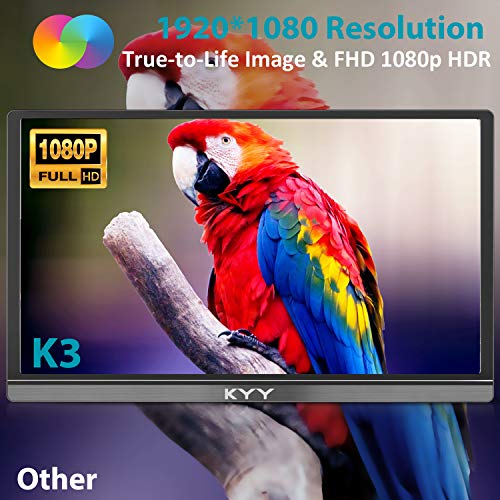
KYY’s 15.6-inch portable monitor offers a Full HD 1080p IPS panel with a wide 178° viewing angle. It’s built to serve as a compact screen extender for laptops, phones, or game consoles, turning on-the-go setups into dual-display experiences. The 1920x1080 resolution and HDR capability aim to deliver clearer colors and smoother playback for multimedia and light gaming. If you’re chasing a lightweight second screen that travels well, this model ticks a lot of practical boxes, though it’s fair to note it relies on external devices for power and content.
Design and build quality
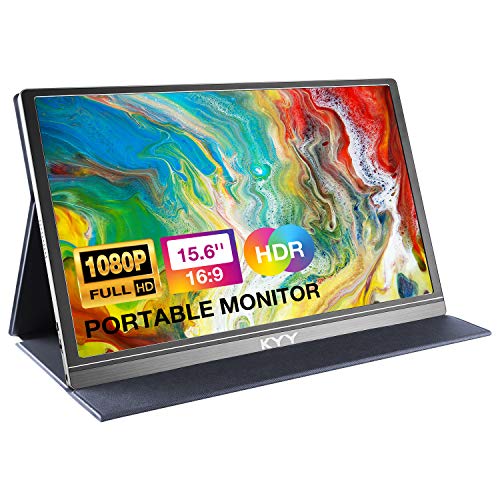
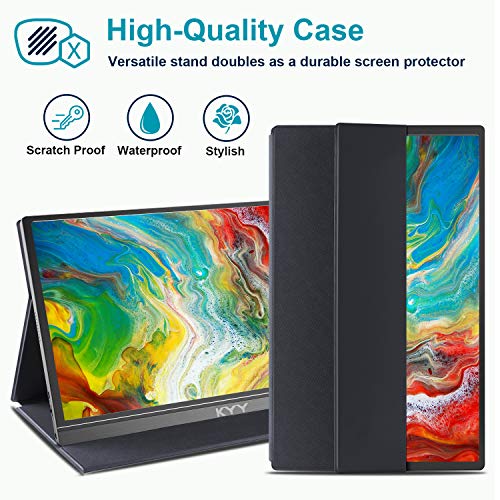
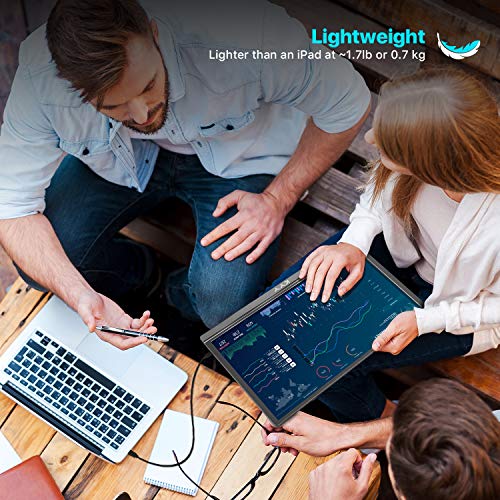
The monitor weighs about 1.7 lb and comes in a sleek, ultra-slim 0.3 inch profile. A durable PU leather smart cover doubles as a stand, protecting the panel when you’re on the move and offering two viewing angles. The cover’s frameless magnetic design keeps things tidy, which helps when you’re slipping it into a bag with other gear.
What you get and how it connects
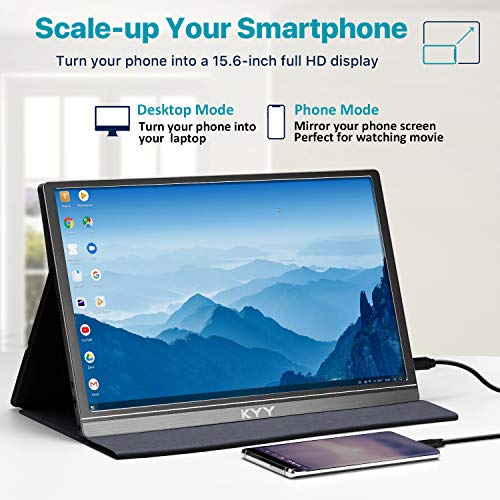
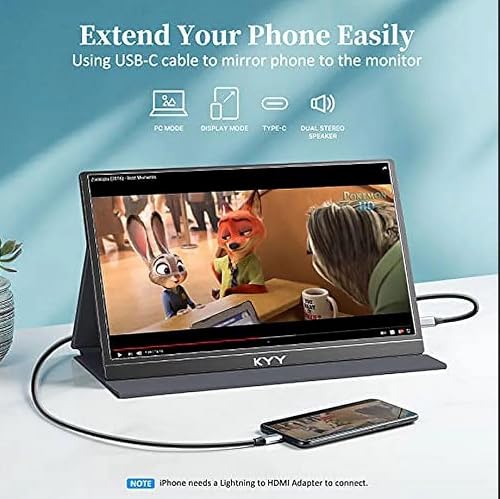
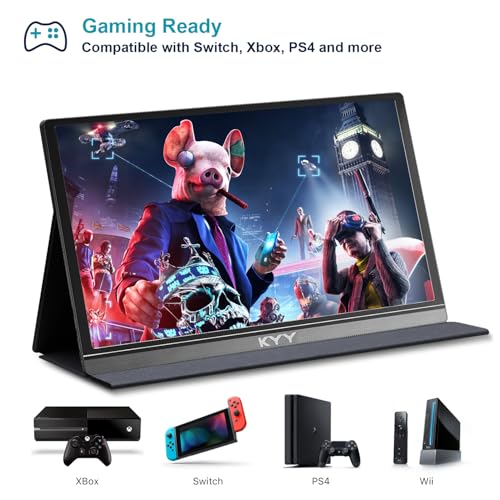
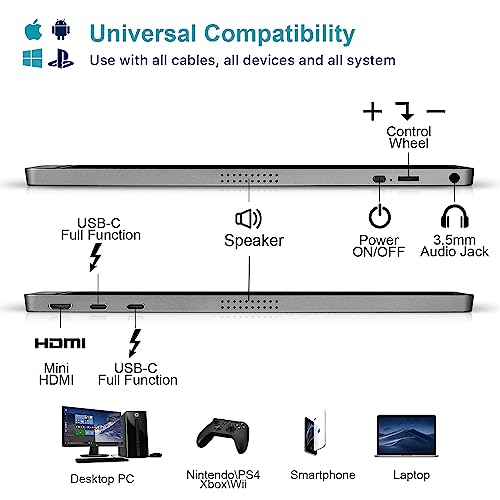
Connectivity focuses on simplicity: two full-function Type-C ports and a Mini-HDMI port. If your device supports Thunderbolt 3 or 3.1 USB-C, you can power and drive this display with a single cable—reducing cable clutter and setup time. In short, it’s designed for easy access to laptops, smartphones, PCs, PS4, XBOX, and similar devices, with a one-cable solution where compatible.
Where it shines in daily use
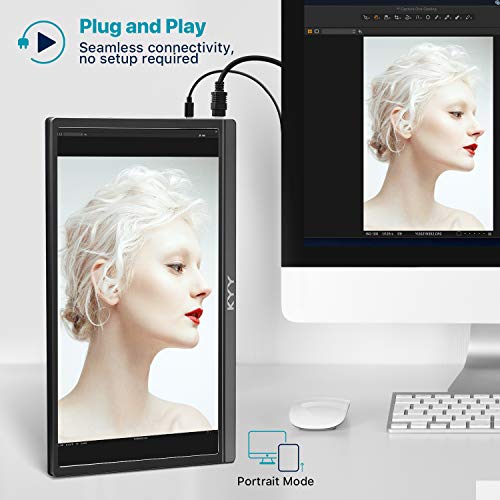
The screen supports both landscape and portrait modes, making it flexible for productivity, media viewing, or gaming. Built-in stereo speakers and a 3.5mm audio input add basic multimedia capabilities without relying on external speakers. The control wheel lets you adjust settings on the fly, which can make quick tweaks easier when you’re on the move.
Limitations to keep in mind
No driver installation is required, which is a plus, but be mindful that performance and color accuracy can depend on the host device and the content being viewed. It’s not stated to be a high-end gaming monitor, so don’t expect top-tier frame rates or calibration-grade color accuracy out of the box. If you prioritize color-critical work or high-refresh gaming, you may want to compare this against purpose-built displays.
Practical use case examples
For a student or remote worker, this monitor can extend a laptop screen for more screen real estate during classes or coding sessions. For travelers or digital nomads, it offers a lightweight second screen for presentations or streaming movies on the go. For casual gaming or media consumption, the built-in speakers and HDR-capable panel provide a modest multimedia experience without extra accessories.
What to review before you buy
Check your device compatibility: ensure your laptop or phone can output via Type-C with the One-Cable solution and confirm the Mini-HDMI path if you’re using another source. Consider whether you need portrait orientation for tasks like reading or coding, since the monitor supports both orientations. If blue-light exposure or eye comfort is a priority, the panel’s eye-care claim might be a relevant factor but is not a substitute for calibrated display hardware.
Practical comparison at a glance
Compared to simple external displays, this model emphasizes portability and quick setup. If you already have a multi-monitor desk setup at home or office, you’ll likely use this more as a travel companion than a primary workstation display. If you need a larger color-accurate panel for design work or competitive gaming, you may encounter limitations that make a higher-end option more appropriate.
Where it makes sense to buy
Purchase this when you want a lightweight, travel-friendly screen extender with an integrated cover, usable across laptops, mobile devices, and game consoles, and you value a straightforward, driver-free setup. It’s especially convenient if you often work or stream on the go and want to avoid extra cables and adapters.
Final thoughts
It’s a capable on-the-go companion for basic productivity, media, and casual gaming. It isn’t a perfect replacement for a primary monitor or a high-refresh, color-critical panel, but it fills a clear niche for portable dual-display setups. If your priorities align with light computing, travel-friendly design, and simple connectivity, this KYY model deserves consideration.
FAQ (quick answers)
- Q: Do I need drivers to use this monitor? A: No driver installation is required.
- Q: Can I use it with a phone via USB-C? A: If your phone supports video output over USB-C (and you have the right cable), you can use it as a second screen.
- Q: Does it come with a stand or cover for angled viewing? A: Yes, it includes a smart cover that doubles as a stand with two viewing angles.
- Q: Is it good for gaming? A: It supports casual gaming and multimedia, if you’re after high-end gaming performance, this may not meet those expectations.
Is it worth it?
Worth considering if you want a lightweight, versatile second screen with easy setup for travel, meetings, and media consumption. It may not be the best fit for color-critical work or hardcore gaming, but its portability and flexibility give it real appeal for on-the-go use cases.