

15.6" Laptop Screen Extender 1080P for Dual Screens
Reviews
Price
Product description
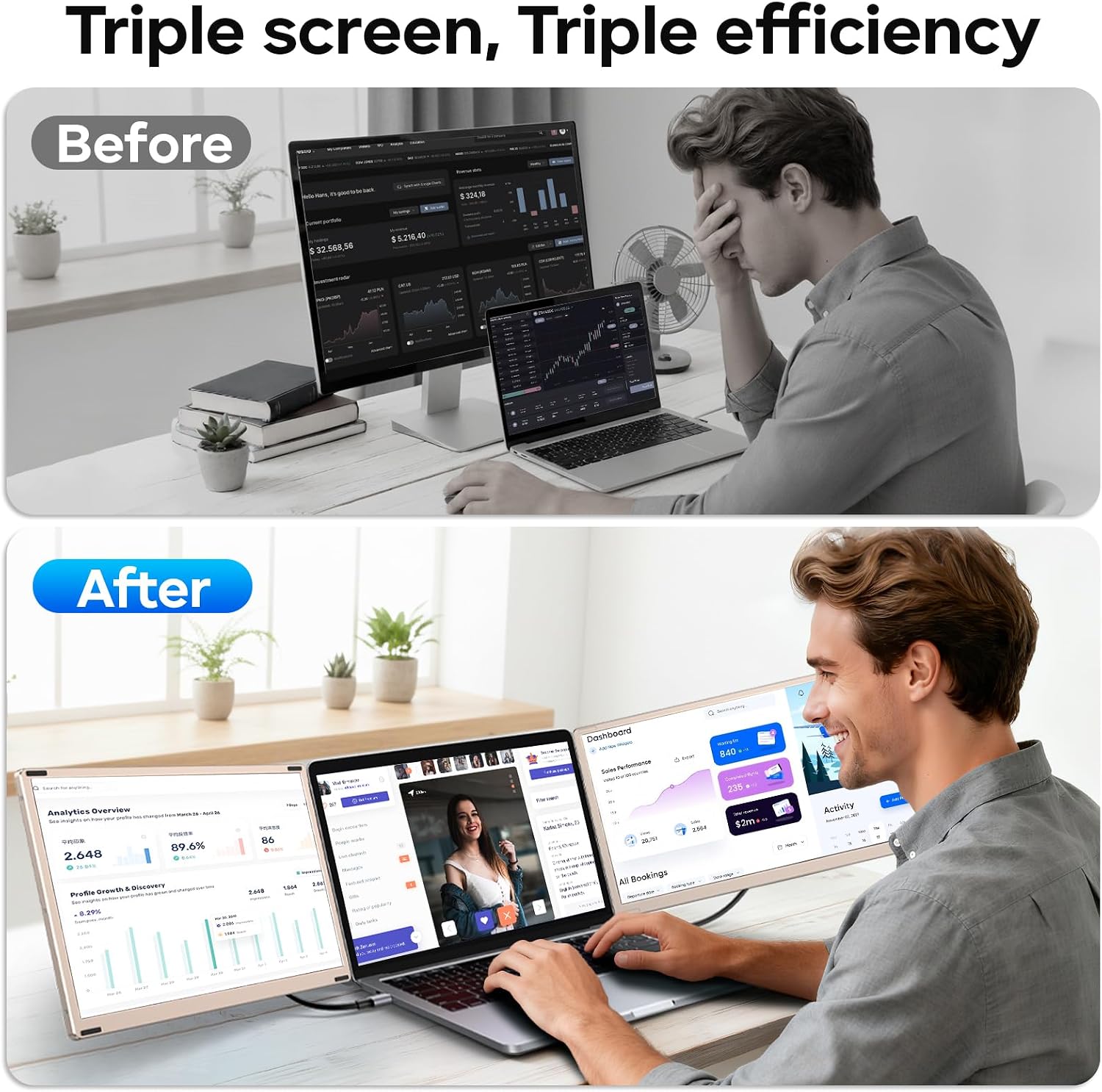
This portable 15.6-inch monitor extender from Redalf adds a third screen to your laptop for expanded multitasking and clearer workflows. Designed to clip to 13"-17.3" laptops, it offers a triple screen setup that helps keep code, spreadsheets, and reference material visible at once for faster task switching.
Key Points
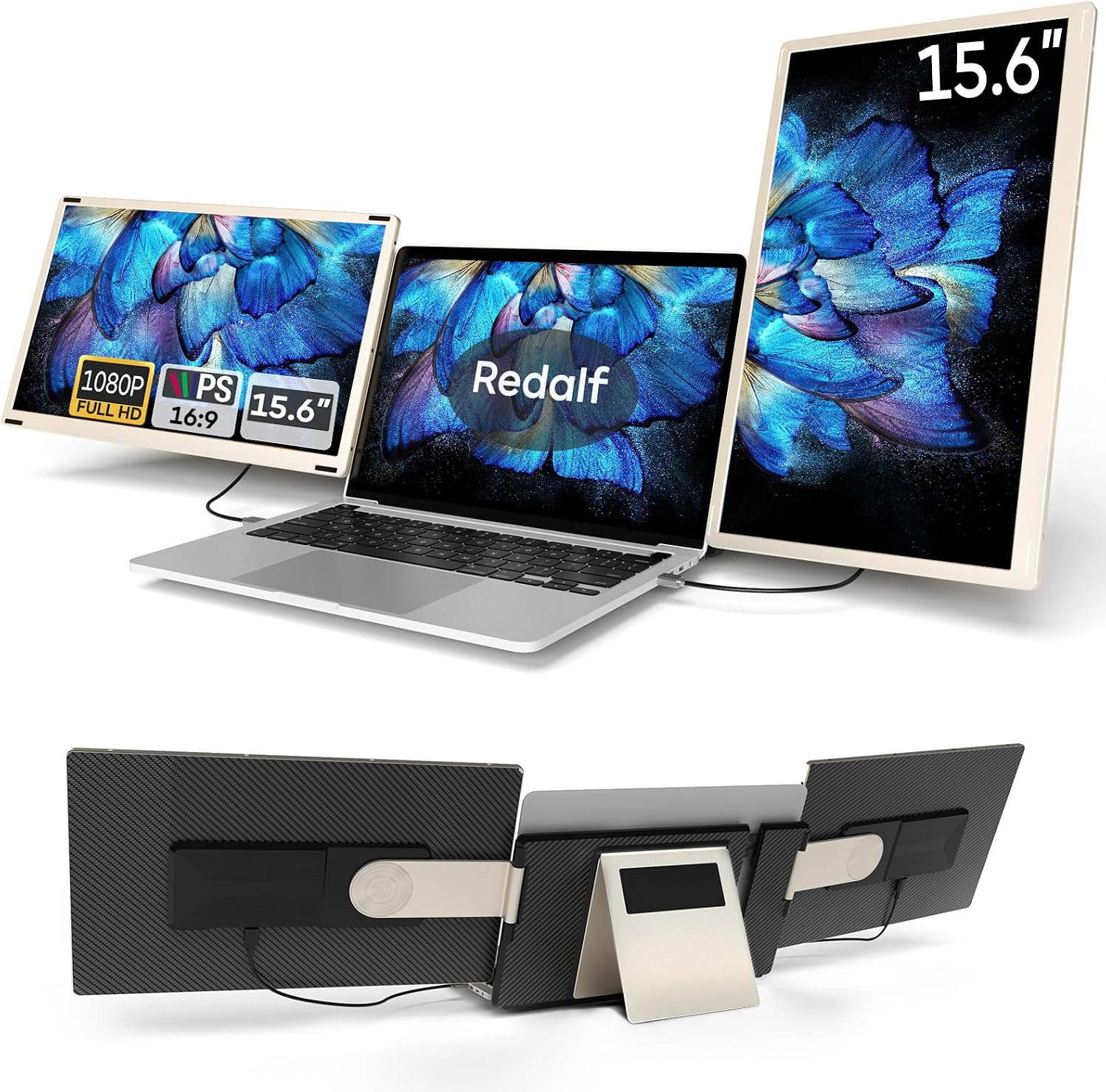
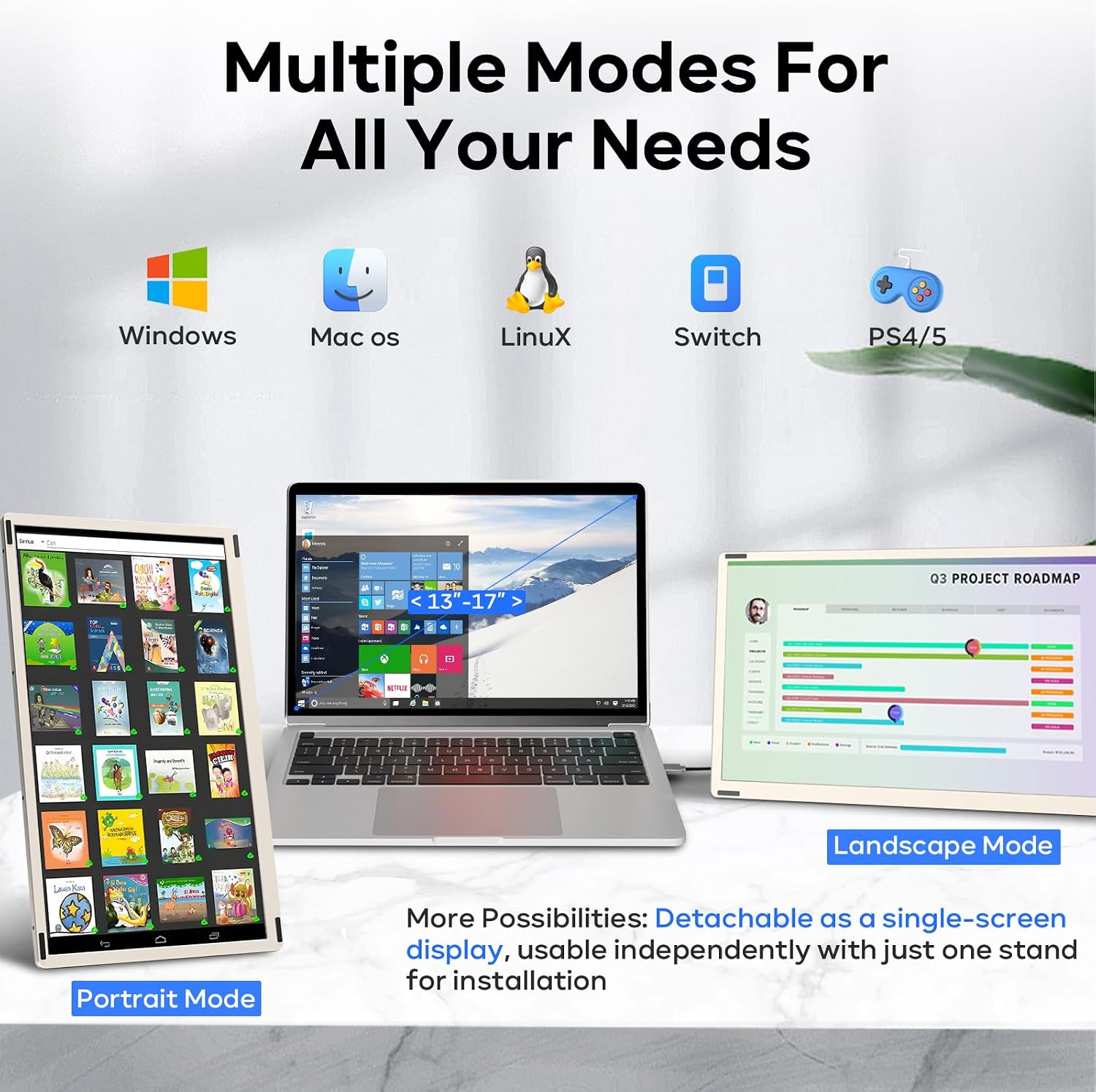
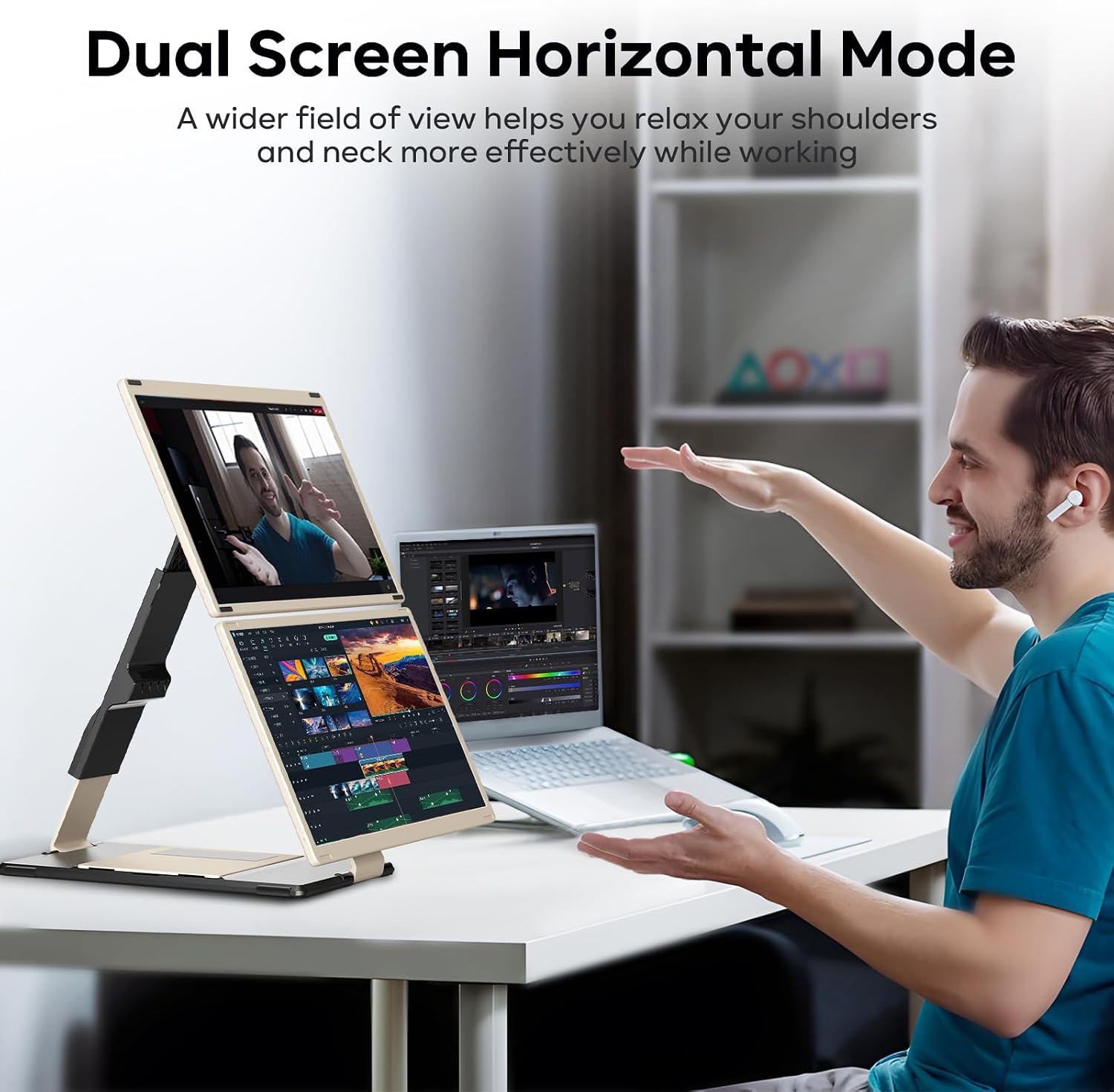
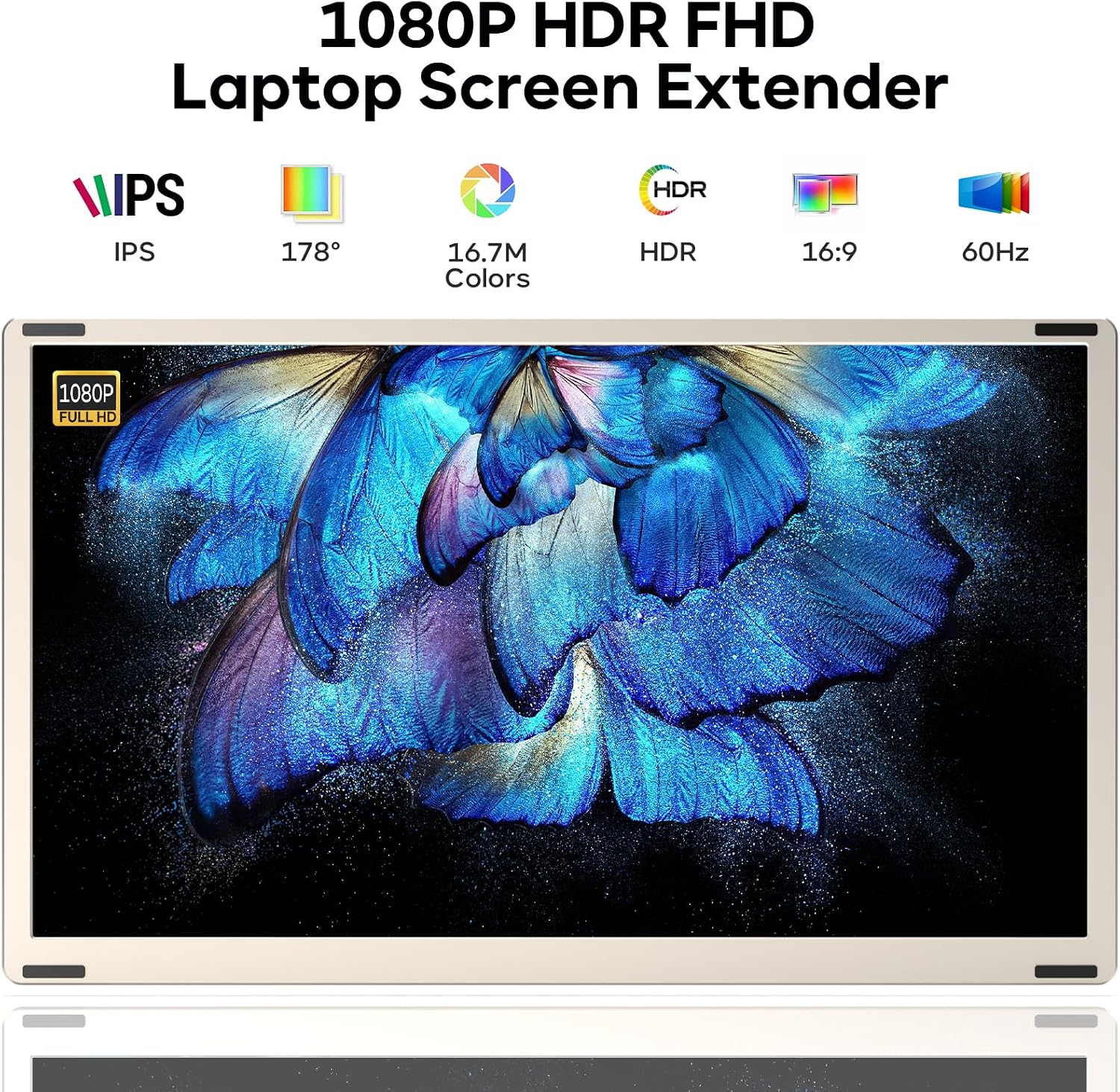
This extender uses a 15.6-inch FHD IPS panel to deliver brighter colors and wider viewing angles, making side-by-side windows easier to read during long work sessions. The stand adapts to landscape, portrait, and stacked layouts, and the detachable design lets you take a single 15.6-inch panel on the road, with one side weighing about 2.1 lbs. The unit includes built-in speakers and a low-blue-light, anti-glare coating to reduce flicker and help protect your eyes during extended use. For connectivity you can choose USB-C, USB-A, or HDMI options, and the device works without drivers for most setups using plug and play operation. 🖥️
Technical Specifications
- Name: Redalf Laptop Screen Extender, 15.6'' 1080P FHD
- Screen Size: 15.6 inches
- Resolution: 1920 x 1080 (1080P IPS)
- Rotation: 235° horizontal rotation, 90° vertical rotation
- Weight per side: 2.1 lbs (detachable single screen)
- Compatibility: Windows, Chrome, Android, Linux, Dex, Mac with Pro/Max chips (check manufacturer notes for chip compatibility)
- Connectivity: USB-C, USB-A, HDMI (HDMI may require additional USB-A to USB-C power cable)
Usage Recommendations
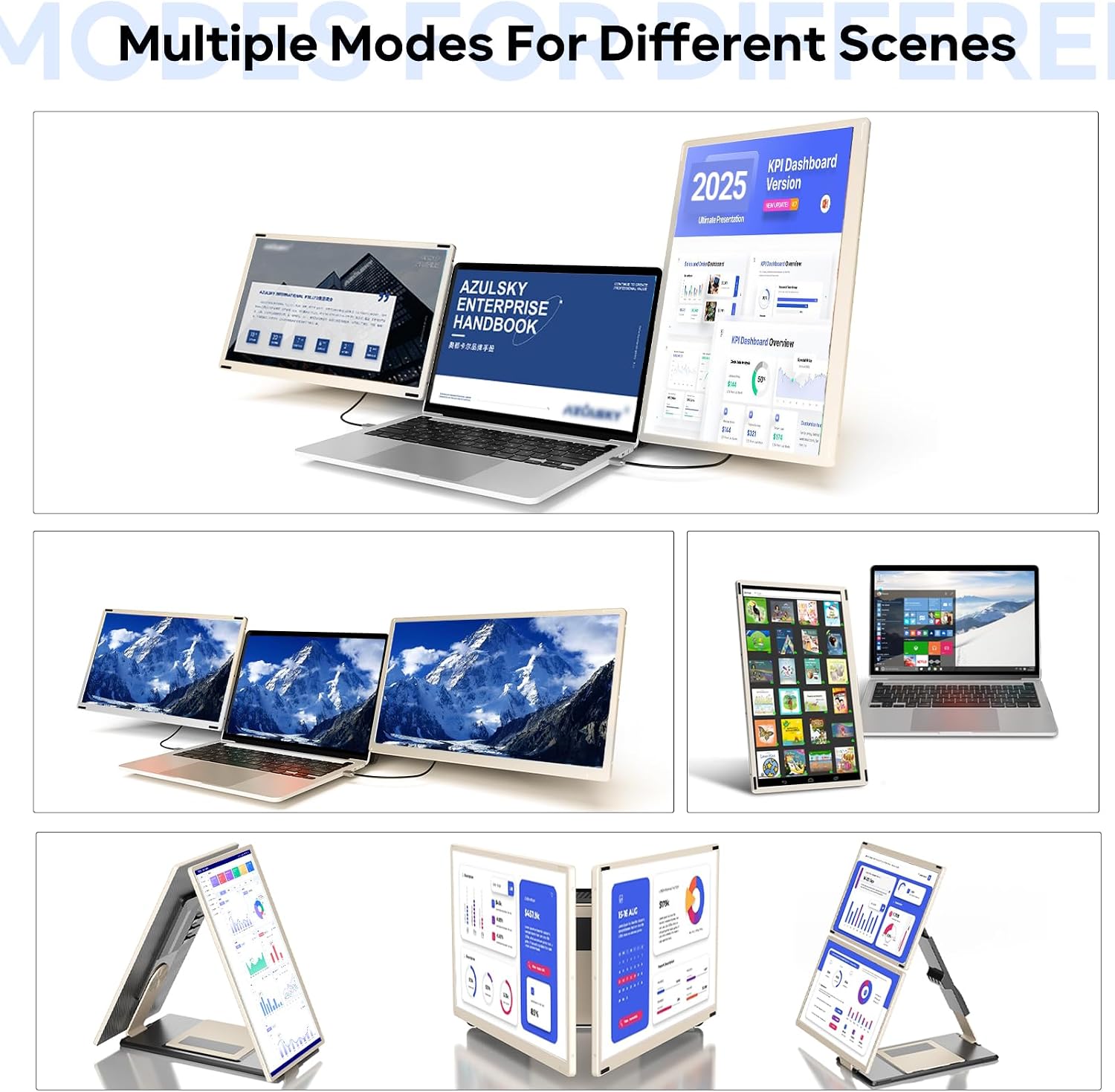
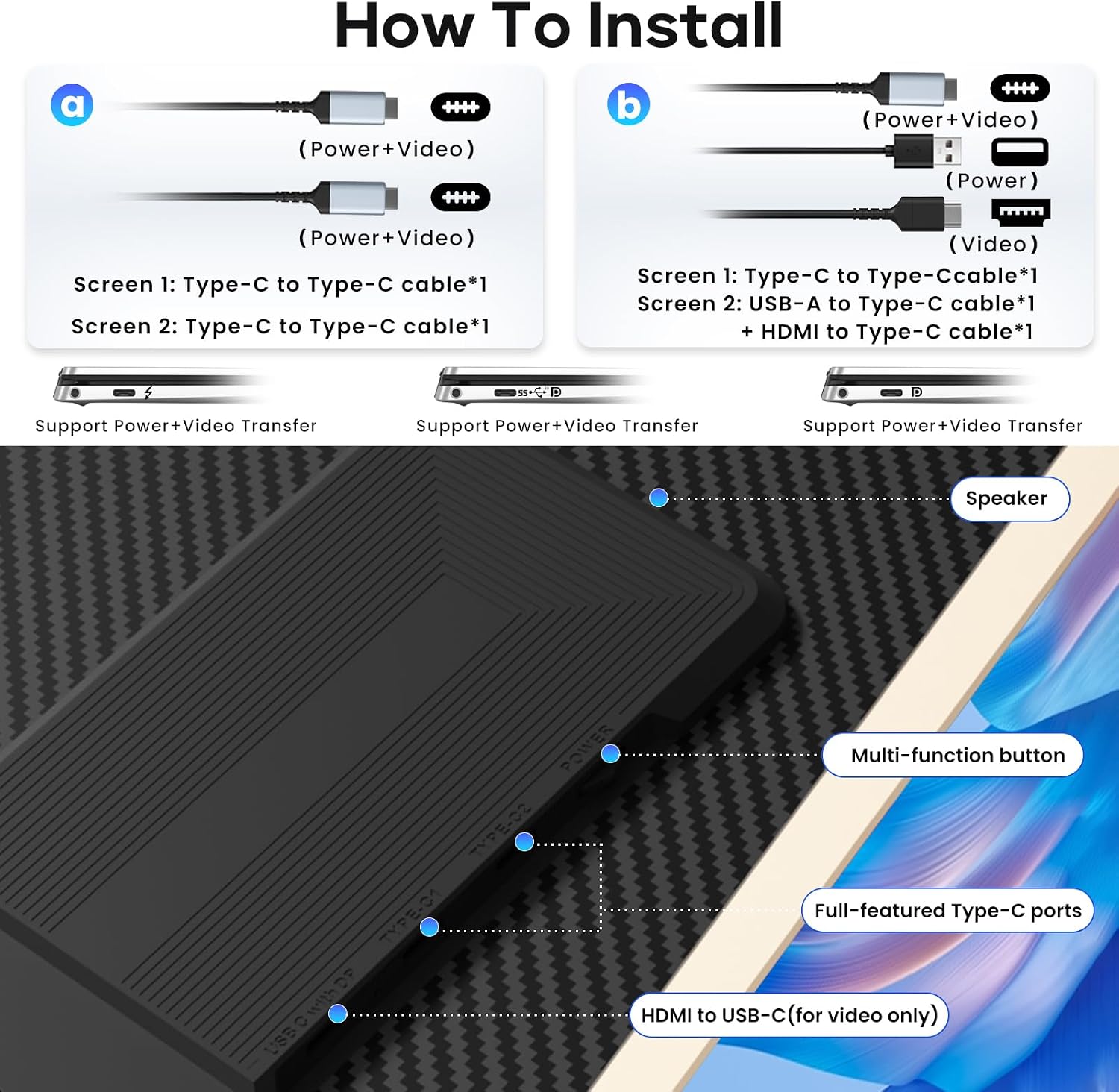
Position the extender to create a natural eye line across all three displays to reduce neck movement while you work. For presentations or collaborative sessions, separate the dual detachable screens to share content with colleagues. When using HDMI output, connect the additional USB-A to USB-C cable for power to the same extender panel to ensure stable operation. The plug and play design simplifies setup across operating systems but consider that some Mac chip configurations may have limited support according to the manufacturer, so check device compatibility before relying on Mac-specific features. ⚙️📎
Positive Aspects
The flexible stand and multi-orientation mounting offer a high degree of customization for mixed tasks like coding, spreadsheet management, and creative editing. The anti-glare, flicker-free panel helps reduce eye strain during long sessions. The detachable, travel-friendly halves make it practical to expand your workspace at home and then carry a single screen for meetings or remote work.